
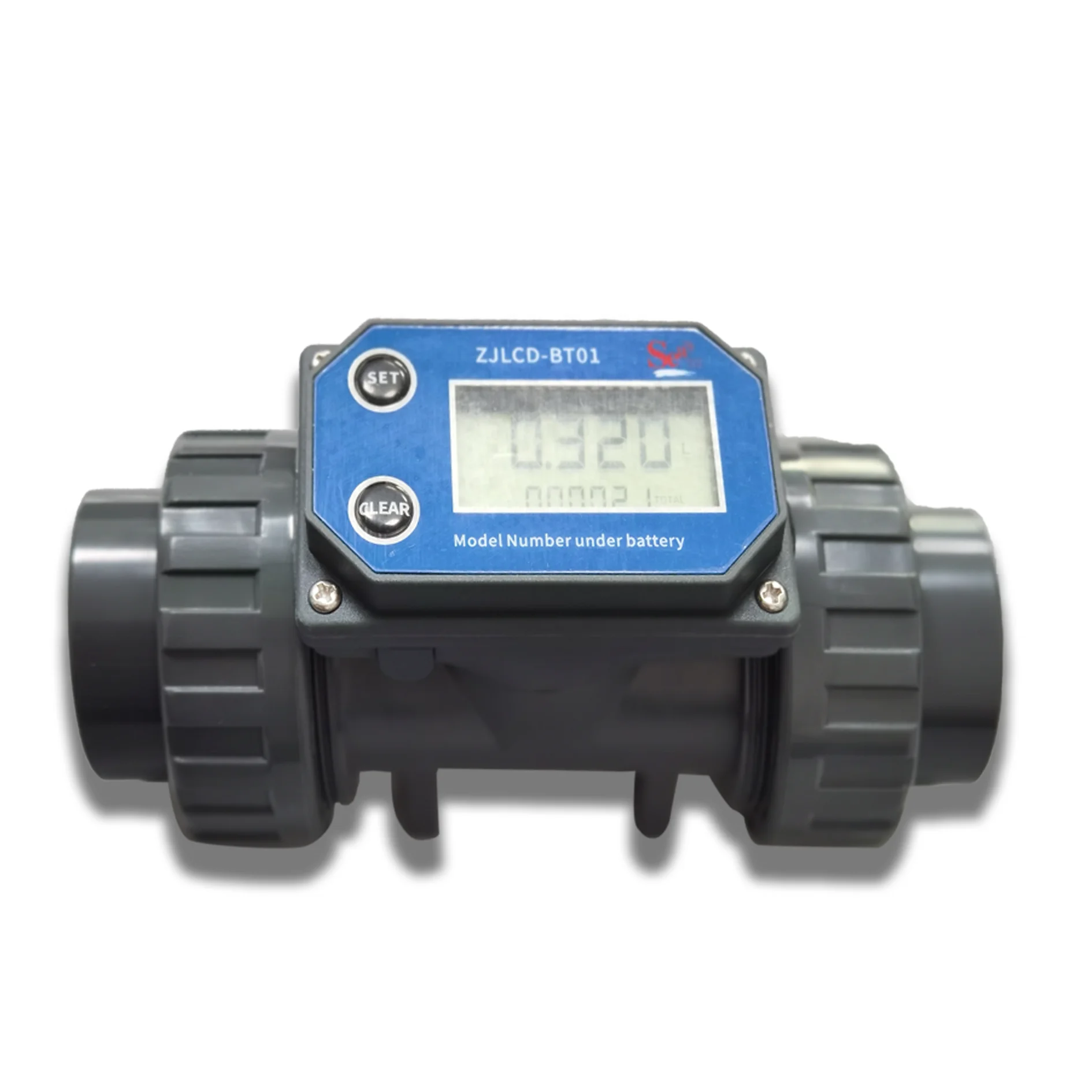
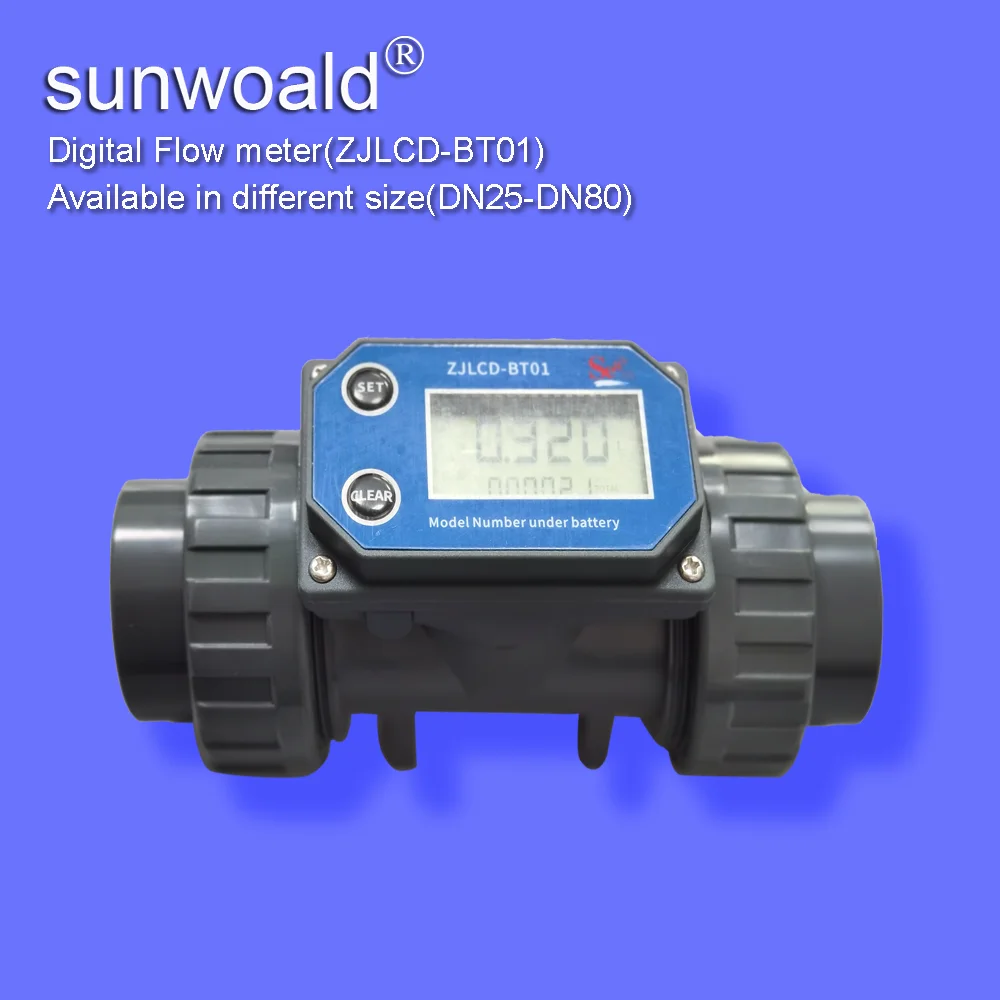
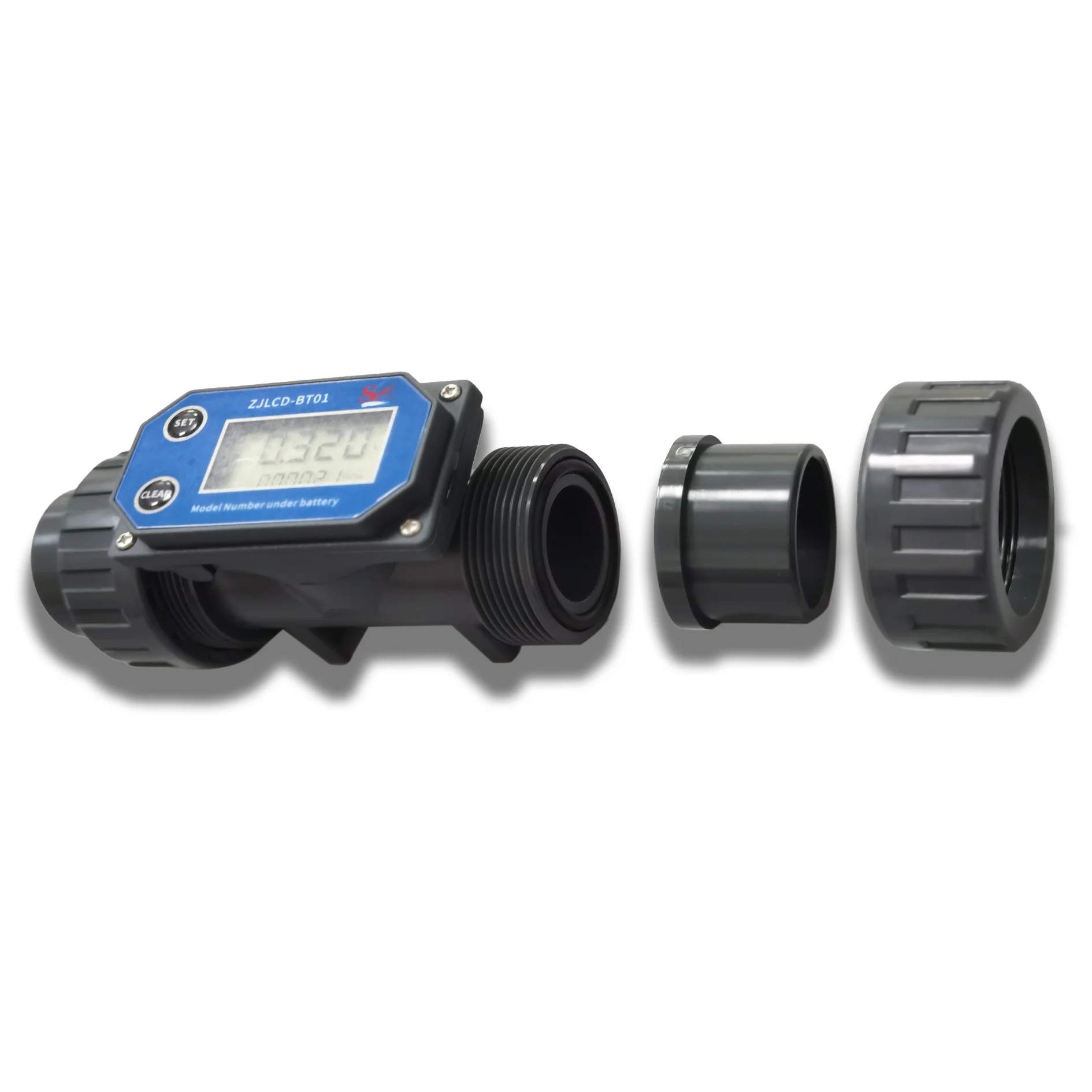
LCD digital flow meter with displayer in multi threading size DN25~DN80
- Category: >>>
- Supplier: Shenzhen Sunwoald Electronics Co. Ltd.
Share on (11000006057939):
Product Overview
Description
Summary
This product adopts an electronic display system. According to the turbine meter principle, it has the characteristics of complete work function and convenient operation. It can be widely used in swimming pools, chemical industries, large water purifiers, farmland irrigation, and other industries and commodities.
A. Technical parameter
Dielectric | Water or a liquid of similar concentration to water |
Entry and exit | 1" |
Measurement accuracy | ±2% |
Repeatability | ±0.5% |
Maximum working pressure | 20BAR |
Working voltage | 2.3-3.3V |
Standby time | One year |
Flow range | 10-120L/mins |
Single count | 0.00-99999 |
Total Cumulative | 0-999999999 |
Unit measurement | Litre/L, gallon/GAL, pint/PTS, quart/QTS |
Single measurement clearing | CLEAR |
B. Appearance description

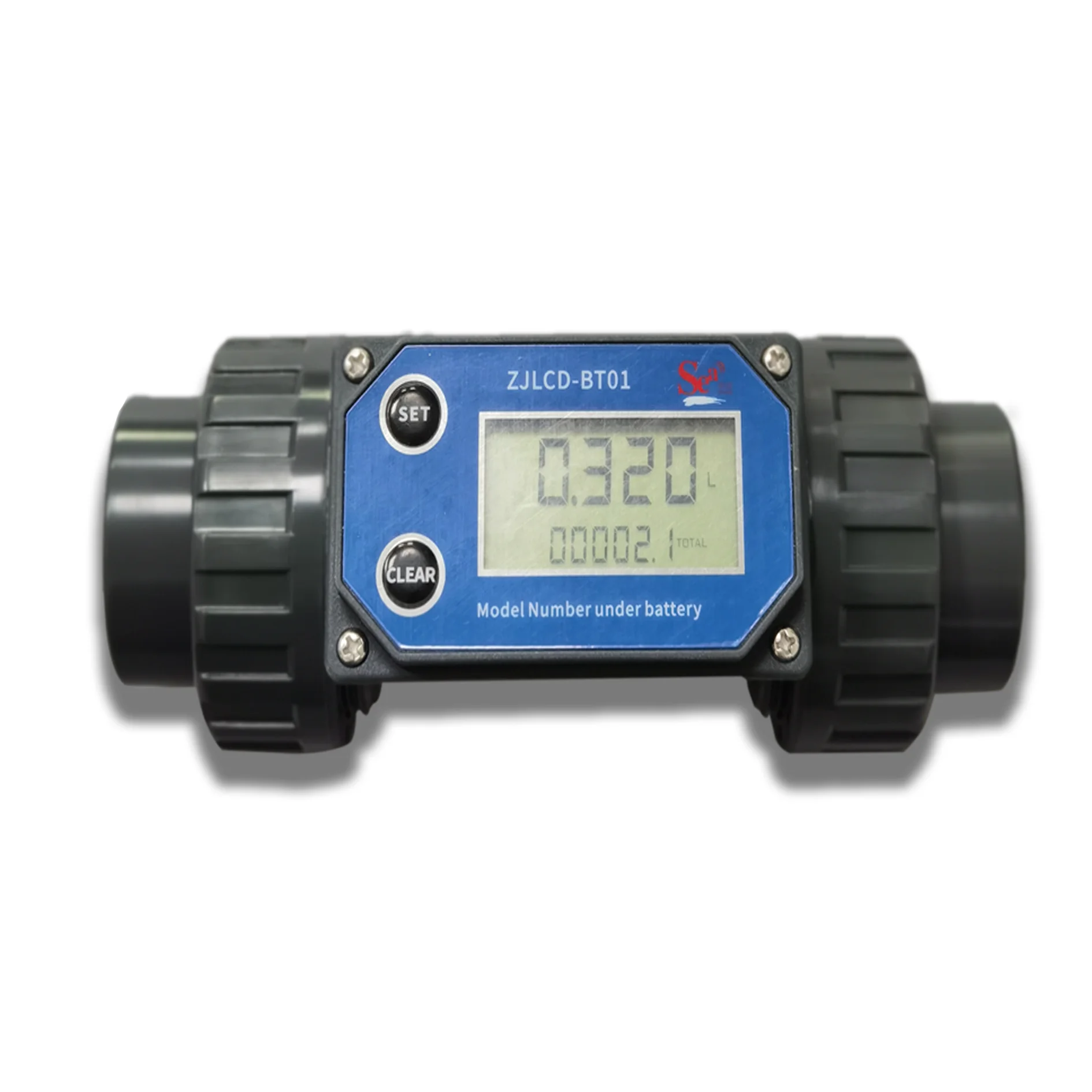
Picture 1:.key and display
C. Key description
SETUP key: Switching between flow rate and total accumulation display, setting coefficient CLEAR key: Clear single count and total cumulative count.
D. Operation description
1. Clear single count
In counting or standby mode, press the "clear" key, and the LCD will display on full screen (as shown in the figure below). Release the "clear" key to return to the standby interface, and the single count has been cleared;

Full-screen display
2. Total cumulative number of purges
In counting or standby mode, short press the "setup" key to switch to the total accumulation display (as shown in the figure below), long press the "clear" key (more than 5 seconds), and the LCD screen will be fully displayed, and the LCD screen will automatically return to the standby interface after 5 seconds, and the total accumulation has been cleared;

Total accumulation display interface Full-screen display
3. Display switching between flow rate and total accumulation
During counting or standby mode, briefly press the "setup" key to switch the display of flow rate and total accumulation (as shown in the figure below)


The lower row shows the total accumulation. The lower row shows the flow rate
4. Pulse setting
In counting or standby mode, long press the "setup" key (more than 5 seconds) to enter the coefficient setting interface (as shown in the figure below), the setting bit flashes, short press the "clear" key to modify the value of the flashing bit, short press the "setup" key to switch the flashing bit, long press the "setup" key after setting or wait for 30 seconds to exit the coefficient setting and save the setting value; The current value is 1000, which means that 1000 pulses correspond to1L.
Pulse setting interface
5. Set the unit
In counting or standby mode, long press the "setup" + "clear" key (more than 5 seconds) to enter the unit setting interface. At this time, short press the "clear" key to switch units (as shown in the figure below). After setting, long press the "setup" key or wait for 30 seconds to exit the coefficient setting and save the setting;
6. In counting or standby mode, long press "setup" + "clear" key (less than 5 seconds), and pulse and total accumulation are displayed, as shown in the following figure;

Pulse and total accumulation interface
E. Maintenance and service
When the battery voltage is too low, a battery sign appears on the LCD display screen to remind the user that the battery needs to be replaced. If the battery life is too short, the flowmeter will be damaged due to battery leakage during operation. The designed standby life of this flowmeter i about 2 years, but it is recommended that the customer change the battery every year. It is recommended that the customer check the battery electrode once a year and remove it in time if there is corrosion. If the flowmeter is not used for a long time, take out the battery.
We Recommend







New Arrivals
New products from manufacturers at wholesale prices






