
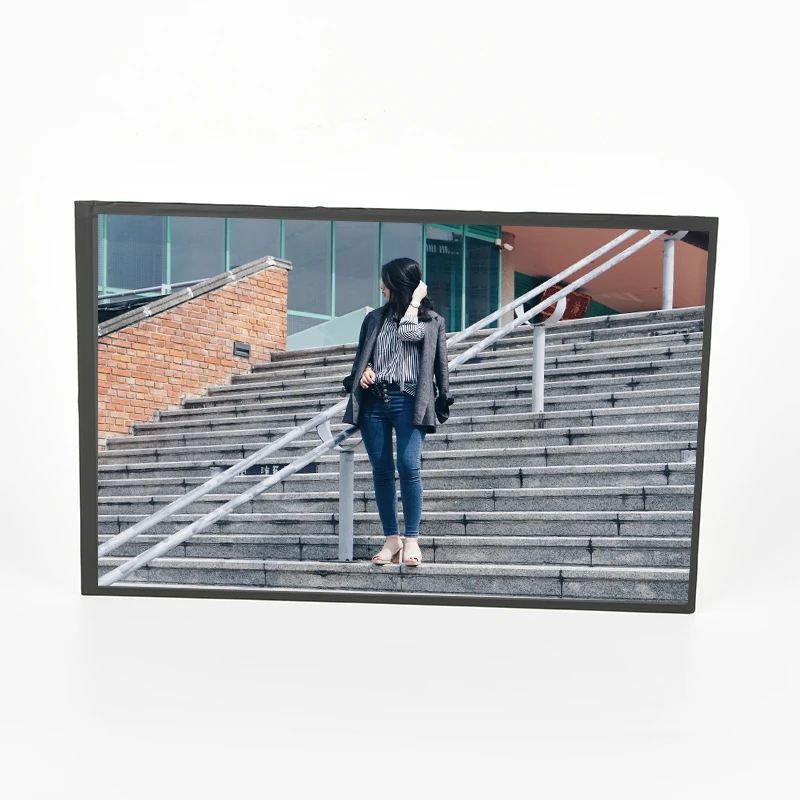
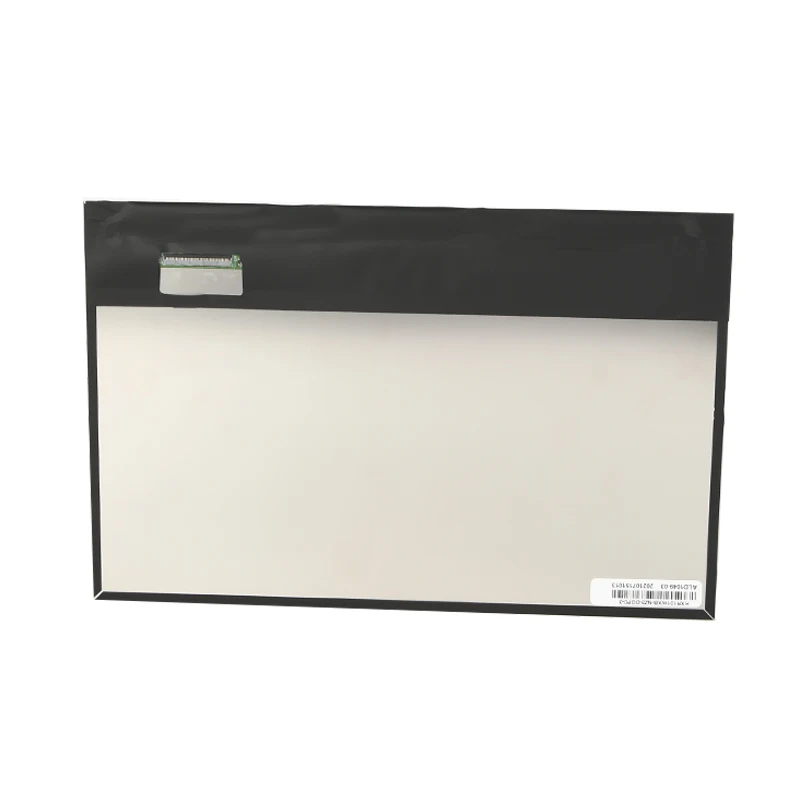
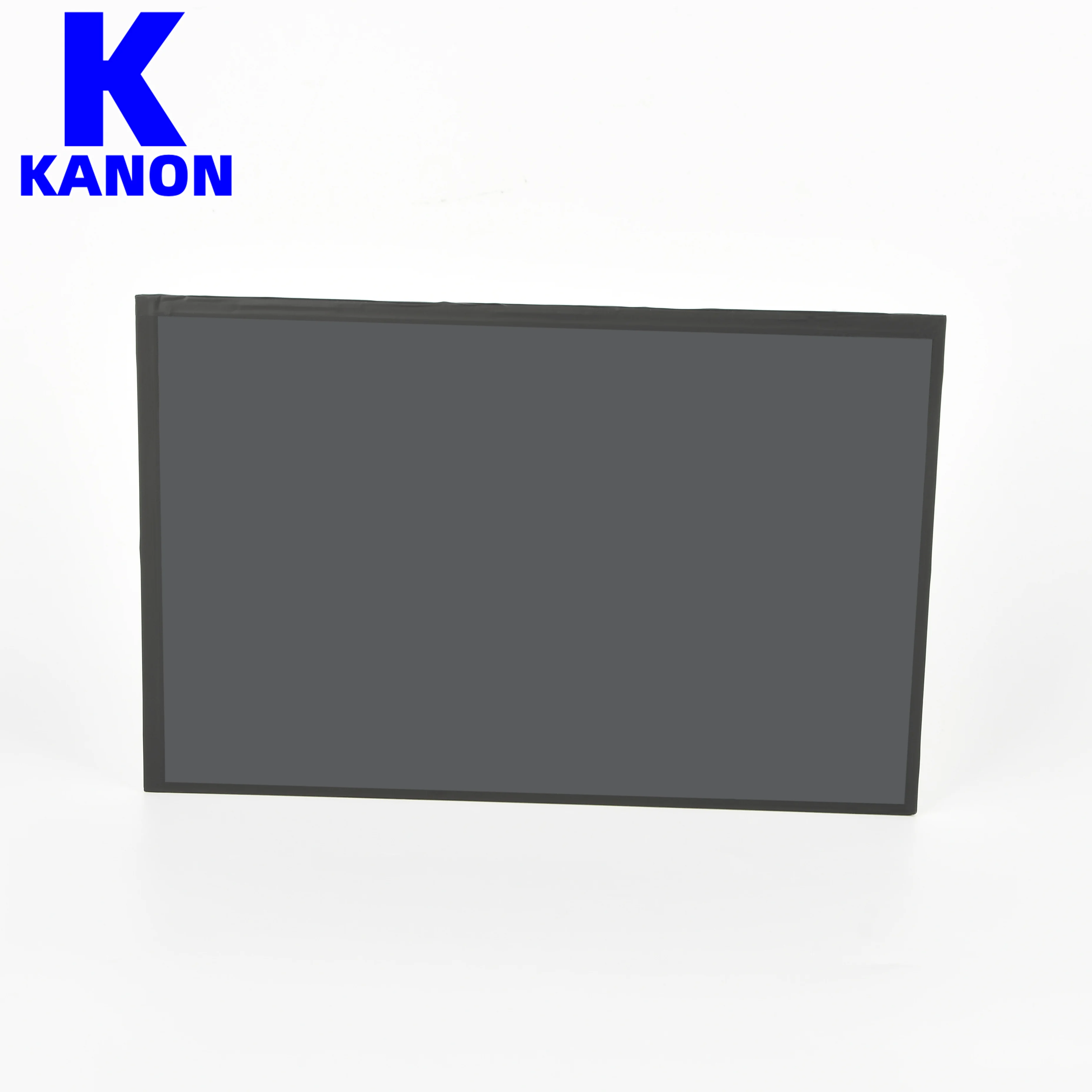
BOE QV101WUB N80 10.1 inch 1920x1200 500 nit 7S7P WLED LVDS 228.3(W)x149.05(H)x2.5(D) mm 45 pin LCD module LCD Display LCD
- Category: >>>
- Supplier: Shenzhen Kanon Photoelectric Co. Ltd.
Share on (11000008106710):
Product Overview
Description

USING LCD MODULES
1、 LIQUID CRYSTAL DISPLAY MODULES LCD is composed of glass and polarizer. Pay attention to the following items when
handling.
(1) Please keep the temperature within specified range for use and storage. Polarization degradation,
bubble generation or polarizer peel-off may occur with high temperature and high humidity.
(2) Do not touch, push or rub the exposed polarizers with anything harder than a HB pencil lead
(glass, tweezers, etc).
(3) N-hexane is recommended for cleaning the adhesives used to attach front/rear polarizers and
reflectors made of organic substances, which will be damaged by chemicals such as acetone,
toluene, toluene, ethanol and isopropyl alcohol.
(4) When the display surface becomes dusty, wipe gently with absorbent cotton or other soft material
like chamois soaked in petroleum ether. Do not scrub hard to avoid damaging the display surface.
(5) Wipe off saliva or water drops immediately, contact with water over a long period of time may
cause deformation or color fading.
(6) Avoid contacting oil and fats.
(7) Condensation on the surface and contact with terminals due to cold will damage, stain or
polarizers. After products are tested at low temperature they must be warmed up in a container
before coming is contacting with room temperature air.
(8) Do not put or attach anything on the display area to avoid leaving marks on.
(9) Do not touch the display with bare hands. This will stain the display area and degrade insulation
between terminals (some cosmetics are determinate to the polarizers).
(10)As glass is fragile, it tends to become or chipped during handling especially on the edges. Please
avoid dropping or jarring
2、 INSTALLING LCD MODULE
Attend to the following items when installing the LCM.
(1) Cover the surface with a transparent protective plate to protect the polarizer and LC cell.
(2) When assembling the LCM into other equipment, the spacer to the bit between the LCM and the
fitting plate should have enough height to avoid causing stress to the module surface, refer to the
individual specifications for measurements. The measurement tolerance should be ±0.1mm.
(1) Cover the surface with a transparent protective plate to protect the polarizer and LC cell.
(2) When assembling the LCM into other equipment, the spacer to the bit between the LCM and the
fitting plate should have enough height to avoid causing stress to the module surface, refer to the
individual specifications for measurements. The measurement tolerance should be ±0.1mm.
3、PRECAUTION FOR SOLDERING TO THE LCM
(1) Observe the following when soldering lead wire, connector cable and etc. to the LCM.
-Soldering iron temperature: 280 ±10°C.
-Soldering time: 3-4 sec.
-Solder: eutectic solder.
If soldering flux is used, be sure to remove any remaining flux after finishing to soldering
operation. (This does not apply in the case of a non-halogen type of flux.) It is recommended that you
protect the LCD surface with a cover during soldering the prevent any damage due to flux spatters.
(2) When soldering the electroluminescent panel and PC board, the panel and board should not be
detached more than three times. This maximum number is determined by the temperature and
time conditions mentioned above, though there may be some variance depending on the
temperature of the soldering iron.
(3) When removing the electroluminescent panel from the PC board, be sure the solder has completely melted, otherwise the soldered pad on the PC board could be damaged.
-Soldering iron temperature: 280 ±10°C.
-Soldering time: 3-4 sec.
-Solder: eutectic solder.
If soldering flux is used, be sure to remove any remaining flux after finishing to soldering
operation. (This does not apply in the case of a non-halogen type of flux.) It is recommended that you
protect the LCD surface with a cover during soldering the prevent any damage due to flux spatters.
(2) When soldering the electroluminescent panel and PC board, the panel and board should not be
detached more than three times. This maximum number is determined by the temperature and
time conditions mentioned above, though there may be some variance depending on the
temperature of the soldering iron.
(3) When removing the electroluminescent panel from the PC board, be sure the solder has completely melted, otherwise the soldered pad on the PC board could be damaged.
4、PRECAUTIONS FOR OPERATION
(1) Viewing angle varies with the change of liquid crystal driving voltage (Vo). Adjust Vo to show the
best contrast.
(2) Driving the LCD in the voltage above the limit will shorten its lifetime.
(3) Response time is greatly delayed at temperature below the operating temperature range. However,
this does not mean the LCD will be out of the order. It will recover when it returns to the
specified temperature range.
(4) If the display area is pushed hard during operation, the display will become abnormal. However,
it will return to normal if it is turned off and then on.
(5) Condensation on terminals can cause an electrochemical reaction disrupting the terminal circuit.
Therefore, it must be used under the relative condition of 40°C, 50% RH.
(6) When turning the power on, input each signal after the positive/negative voltage becomes stable.
(1) Viewing angle varies with the change of liquid crystal driving voltage (Vo). Adjust Vo to show the
best contrast.
(2) Driving the LCD in the voltage above the limit will shorten its lifetime.
(3) Response time is greatly delayed at temperature below the operating temperature range. However,
this does not mean the LCD will be out of the order. It will recover when it returns to the
specified temperature range.
(4) If the display area is pushed hard during operation, the display will become abnormal. However,
it will return to normal if it is turned off and then on.
(5) Condensation on terminals can cause an electrochemical reaction disrupting the terminal circuit.
Therefore, it must be used under the relative condition of 40°C, 50% RH.
(6) When turning the power on, input each signal after the positive/negative voltage becomes stable.


Copy the information:
Email:admin@szkngd.cn
Tel:+86 13684946095
FB:tanqingjia
Tel:+86 13684946095
FB:tanqingjia


Size | Part No. | Resolution | Brightnesscd/㎡ | Temperature ℃ | Interfac(Optional) | |||||
4.3--5inch | ||||||||||
4.3 inch | KN043NA-01F | 480*272 | 300~1000 | -20~70 | RGB | |||||
4.3 inch | KN4300J40R27-V03 | 800*480 | 300~1000 | -20~70 | RGB | |||||
5 inch | ZE050NA-01U | 800*480 | 300~1000 | -20~70 | RGB | |||||
5 inch | KNAT050IA-01 | 800*480 | 300~1000 | -20~70 | RGB | |||||
5 inch | KN050IA-03G | 800*480 | 300~1000 | -20~70 | RGB | |||||
5 inch | KN050IA-02G | 480*272 | 300~1000 | -20~70 | RGB | |||||
5 inch | F050A04-601 | 800*480 | 300~1000 | -20~70 | RGB | |||||
5.1--10inch | ||||||||||
7 inch | AT070TN94-01 | 800*480 | 300~1000 | -20~70 | RGB | |||||
7 inch | KNAT070NA-01 | 800*480 | 300~1000 | -20~70 | RGB | |||||
7 inch | HSD070BPW1-A | 1024*600 | 300~1000 | -20~70 | RGB Vertical Stripe | |||||
7 inch | AT070TN92 | 800*480 | 300~1000 | -20~70 | Ditigl/RGB | |||||
7 inch | KNAT070IA-01 | 800*480 | 300~1000 | -20~70 | Ditigl/RGB | |||||
7 inch | AT070TN83V.1 | 800*480 | 300~1000 | -20~70 | RGB | |||||
7 inch | KN070IA-03 | 1024*600 | 300~1000 | -20~70 | RGB | |||||
7 inch | AT070TN94 | 800*480 | 300~1000 | -20~70 | RGB | |||||
7 inch | HJ070NA-13B | 800*480 | 300~1000 | -20~70 | RGB | |||||
7 inch | G070Y2-L01 | 800*480 | 300~1000 | -20~70 | RGB vertical stripe | |||||
7 inch | KN070NA-074 | 800*480 | 300~1000 | -20~70 | Ditigl/RGB | |||||
8 inch | HE080IA-01D TP | 1024*768 | 300~1000 | -20~70 | RGB-stripe | |||||
8 inch | HE080IA-01D | 1024*768 | 300~1000 | -20~70 | Digital | |||||
8 inch | DD080IA-20A | 1280*720 | 300~1000 | -20~70 | Digital | |||||
8 inch | EE080NA-06A | 800*600 | 300~1000 | -20~70 | Digital | |||||
8 inch | ZJ080NA-08A | 1024*600 | 300~1000 | -20~70 | RGB | |||||
8 inch | KN080IA-01D | 1024*768 | 300~1000 | -20~70 | Digital | |||||
8 inch | NJ080IA-10D | 1024*600 | 300~1000 | -20~70 | LVDS | |||||
8 inch | AT080TN64 | 800*480 | 300~1000 | -20~70 | Digital | |||||
8.9 inch | MONO YG2111A0 | 5488*3400 | 300~1000 | -20~70 | EDP | |||||
8 inch | EJ080NA-05B | 800*600 | 300~1000 | -20~70 | Digital | |||||
9 inch | KN090TN12V.1 | 800*480 | 300~1000 | -20~70 | Digital | |||||
9 inch | AT090TN92V-V.1 | 800*480 | 300~1000 | -20~70 | Digital | |||||
9 inch | KN090IPS-36A | 1024*600 | 300~1000 | -20~70 | LVDS | |||||
9 inch | AT090TN12 | 800*480 | 300~1000 | -20~70 | Digital | |||||
9.1 inch | MONO YG2110A0 | 4098 x 2560 | 300~1000 | -20~70 | EDP | |||||
10.1--15.6inch | ||||||||||
10.1 inch | EE101IA-01 TP | 1280*800 | 300~1000 | RGB-stripe | ||||||
10.1 inch | MONO YI2113A0 | 7680*4320 | 300~1000 | -20~70 | EDP1.2 | |||||
10.1 inch | EE101IA-01D | 1280*800 | 300~1000 | -20~70 | LVDS | |||||
10.1 inch | EJ101IA-01D | 1280*800 | 300~1000 | -20~70 | LVDS | |||||
10.1 inch | KN101IA-047D | 1280*800 | 300~1000 | -20~70 | LVDS | |||||
10.1 inch | KN101IA-048D | 1280*800 | 500 | -20~70 | LVDS | |||||
10.1 inch | G101AGE-L01 | 1280*800 | 300~1000 | -20~70 | RGB | |||||
10.1 inch | KN101IA-01D | 1280*800 | 300~1000 | -20~70 | LVDS | |||||
10.1 inch | K101-IM2QA01-L | 800*1280 | 300~1000 | -20~70 | MIPI | |||||
10.1 inch | KN101IA-02D | 1024*600 | 300~1000 | -20~70 | LVDS | |||||
10.1 inch | DD101WUM-N20 | 1920*1200 | 300~1000 | -20~70 | LVDS | |||||
10.1 inch | KN101SHL60AE-E5 | 1024*600 | 300~1000 | -20~70 | LVDS | |||||
10.1 inch | P101JEA-3Z1 | 1920*1200 | 300~1000 | -20~70 | MIPI | |||||
10.1 inch | DJ080IA-10A | 1024*600 | 300~1000 | -20~70 | LVDS | |||||
10.1 inch | KN101IA-01G | 1280*800 | 300~1000 | -20~70 | LVDS | |||||
10.1 inch | EE101IA-11D | 1280*800 | 300~1000 | -20~70 | LVDS | |||||
10.1 inch | KN101WUB-80 | 1920*1200 | 300~1000 | -20~70 | LVDS | |||||
10.1 inch | KN101NA-01F | 1280*800 | 300~1000 | -20~70 | HMI/VGA | |||||
10.1 inch | G101AGE-L01LVDS | 1024*600 | 300~1000 | -20~70 | LVDS | |||||
10.2 inch | AT102TN03V.8 | 800*480 | 300~1000 | -20~70 | RGB-stripe | |||||
10.3 inch | JJ1031A-12A | 1920*720 | 300~1000 | -20~70 | LVDS | |||||
10.4 inch | KN104IA-03D | 1024*768 | 300~1000 | -20~70 | LVDS | |||||
10.4 inch | HSD104IXN1-A00 | 1024*768 | 300~1000 | -20~70 | LVDS | |||||
10.4 inch | N104IWS3016001-600 | 1024*768 | 300~1000 | -20~70 | LVDS | |||||
10.4 inch | JCC104IPS-39A | 960*1280 | 300~1000 | -20~70 | RGB | |||||
10.4 inch | ZE104IA-03D | 1024*768 | 300~1000 | -20~70 | LVDS | |||||
12.1 inch | HSD121KXN1-A10 | 1024*768 | 300~1000 | -20~70 | LVDS | |||||
12.1 inch | G121ICE-L02 | 1280*800 | 300~1000 | -20~70 | LVDS | |||||
12.1 inch | EV121XOM-N10 | 1024*768 | 300~1000 | -20~70 | LVDS | |||||
12.1 inch | G121AGE-L03 | 800*600 | 300~1000 | -20~70 | LVDS | |||||
12.1 inch | SD121KXN1-A10 | 1024*768 | 300~1000 | -20~70 | LVDS | |||||
12.1 inch | EV121XOM-N10 | 1024*768 | 300~1000 | -20~70 | LVDS | |||||
15.6 inch | G156HCE-L01 | 1920*1080 | 300~1000 | -20~70 | LVDS | |||||
15.6 inch | KN156LH3601-B | 1920*1080 | 300~1000 | -20~70 | EDP | |||||
We Recommend







New Arrivals
New products from manufacturers at wholesale prices






