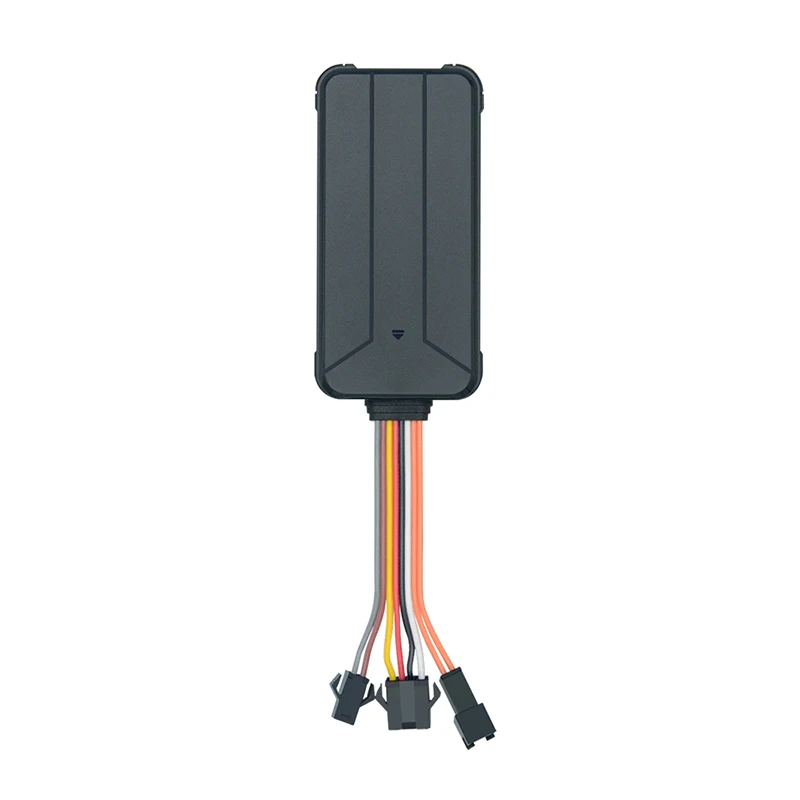
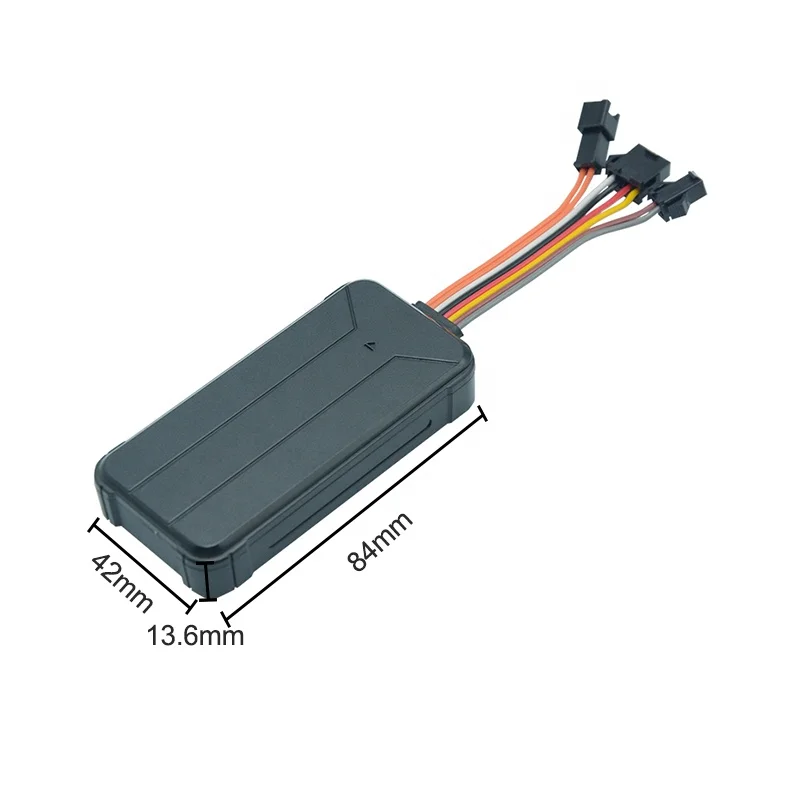
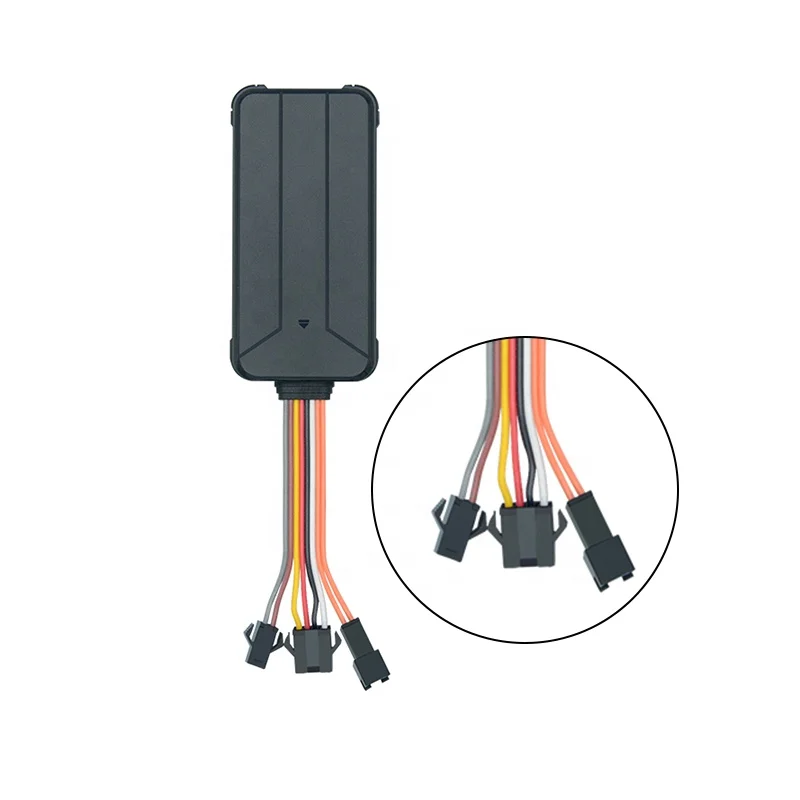
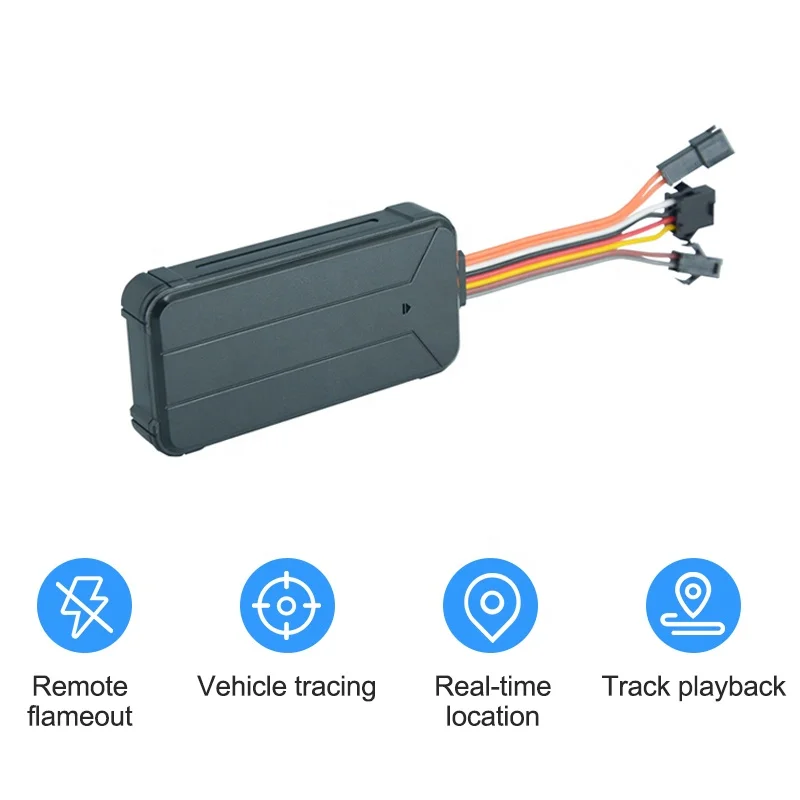
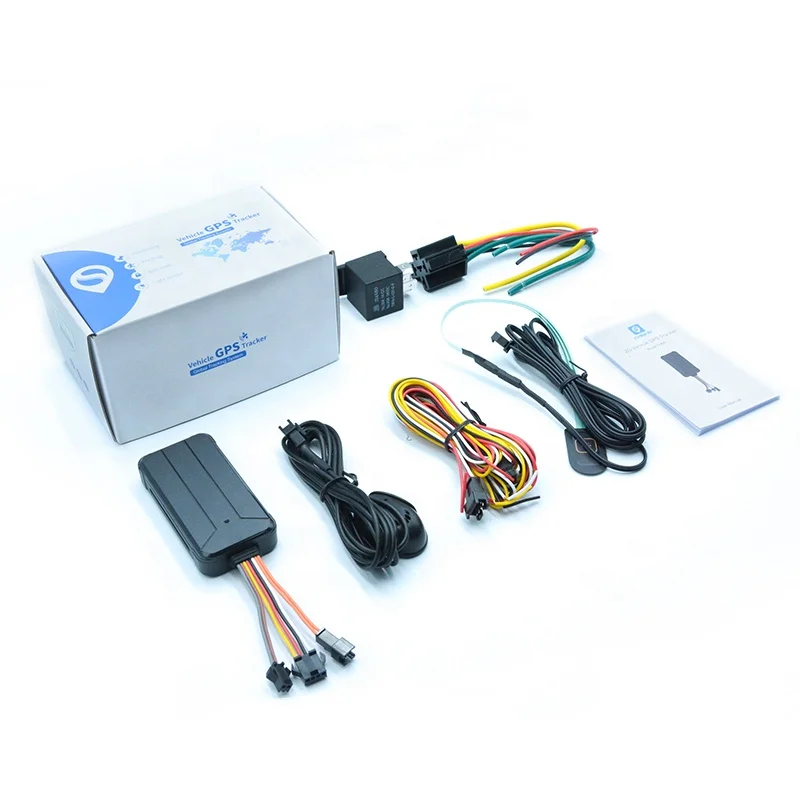
Locatin finder car gps tracker S06A with google map
Product Description
Alarm management
When any kinds of alarms happened, device will send alarm SMS&CALL SOS numbers.
1. Vibration Alarm When ACC is off and some vibration happened, device will alarm.
2. Cut-off alarm When external power is cut, device will alarm.
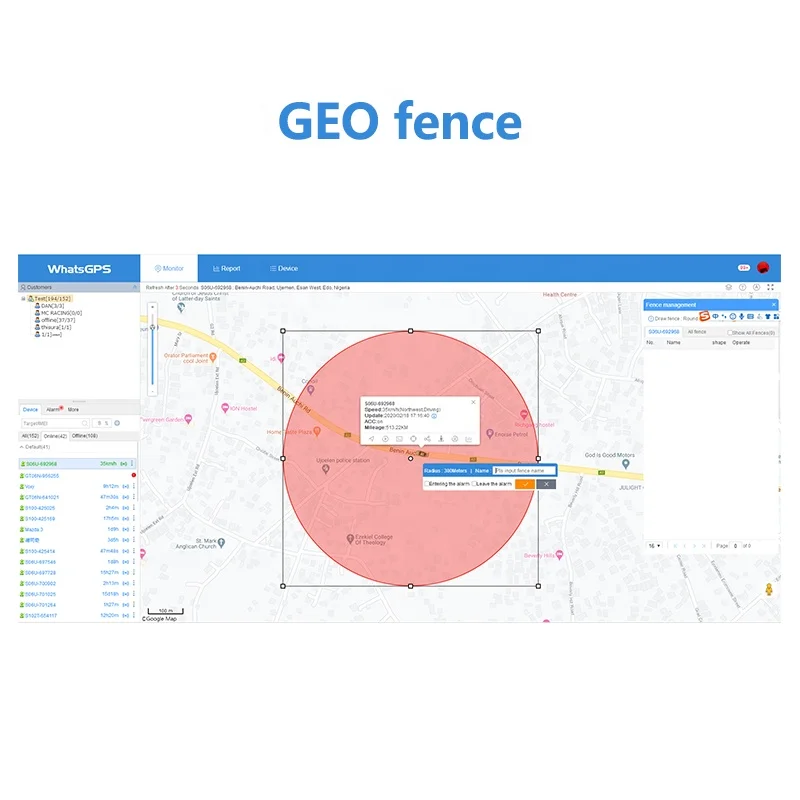
3. Geo-fence alarm After setting geo-fence range, if the device comes in & out the range, it will alarm.
4. Low-power alarm When external power is cut, device will keep working with its backup battery andwhen its battery is too low, device will alarm.
5. Movement alarm When ACC is off, if the vehicle is moved, device will alarm.
Accessories :
Power cable/Relay/Microphone/SOS alarm Button
Software & APP
Itrack Tracking System is the world's leading GPS monitoring and management system, providing professional location services to users in more than 200 countries around the world. The main functions are: Monitoring, real-time tracking, playback, positive and negative sensing, fuel, temperature, photo monitoring, RMS, UBI and so on. Please search itrack on appstore or googleplay to download it. Welcome to test our playform, you will surprise to find something special!
Platform:www.itrack.top
You could download itrack app by searching gps itrack (For both IOS AND Android)Basic Information
You can contact our sales to get one user account for free to try.
Precautions
Getting Started
Installing the SIM card Important:
1 A SIM card is required in order to use cellular services whenconnecting to GSM networks.
2 Keep the SIM card GPRS availability
3 Note down the SIM card phone numbers which is device contacting numbers. Open the side plug, install the SIM card in the right direction, turn on the device.
Setting up and activating the deviceTo set up and activating the device, you should send SMS to device numbers by mobile phone, Setting server SMS: SERVER,1,a.whatsgps.com,6801,0#
The meaning of the three kinds of lights on the device
1.Red LED -Power status
Slow flashing
Normal working (backup battery)
Solid bright
Normal working (external power supplying)
Off
Power off
2.Green LED -GSM status
Quick flashing
GSM initialization
Quick flashing
Normal working with GSM network
Off
No GSM signal
3.Blue LED -GPS status
Quick flashing
Searching GPS signal
Slow flashing
Normal working with GPS fixed
Off
No GPS fixed
Company Information
Our Services
FAQ
1. Why the GPS tracker device is off-line?
Maybe 3 reasons: i.e. device power off or outage; weak or none signal;SIM card debts or GPRS service overdue.
2. How can you handle with Question 1?
Firstly use your phone call the number of SIM card, then check the voltage and current data whether beyond the specified range or switch off the circuit; Take off the environment of closed or the mental objects; Call the operator of SIM card to assure the card is debts or GPRS overdue and pay the fee or update GPRS.
3. Why you can not monitor?
Because you didn't set up the specific number and open the caller display of you SIM card. The latter will affect the former and lead to monitor failure.