
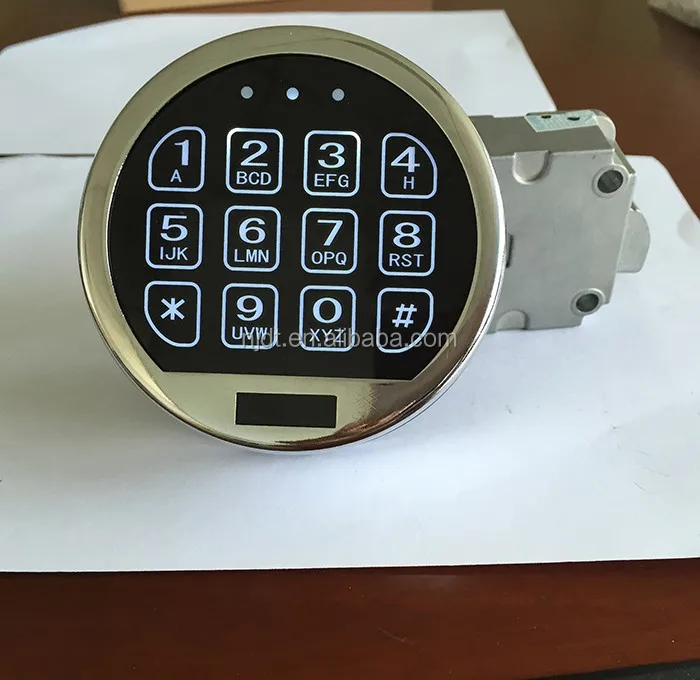
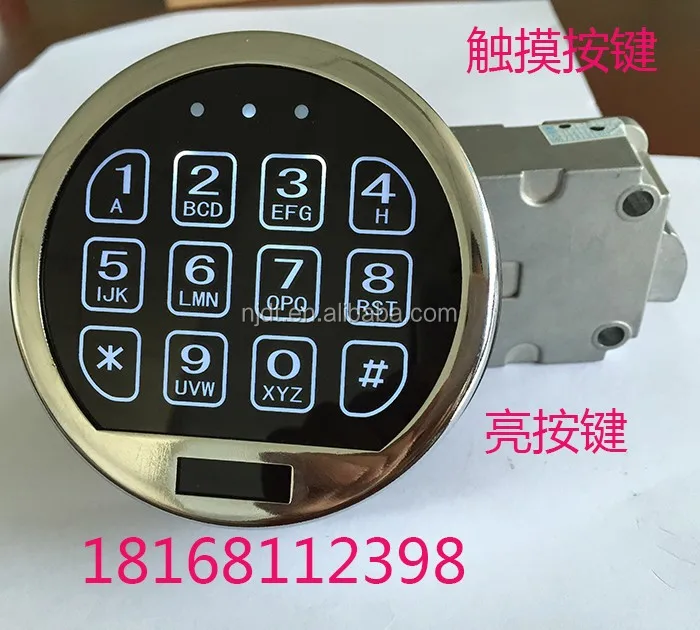
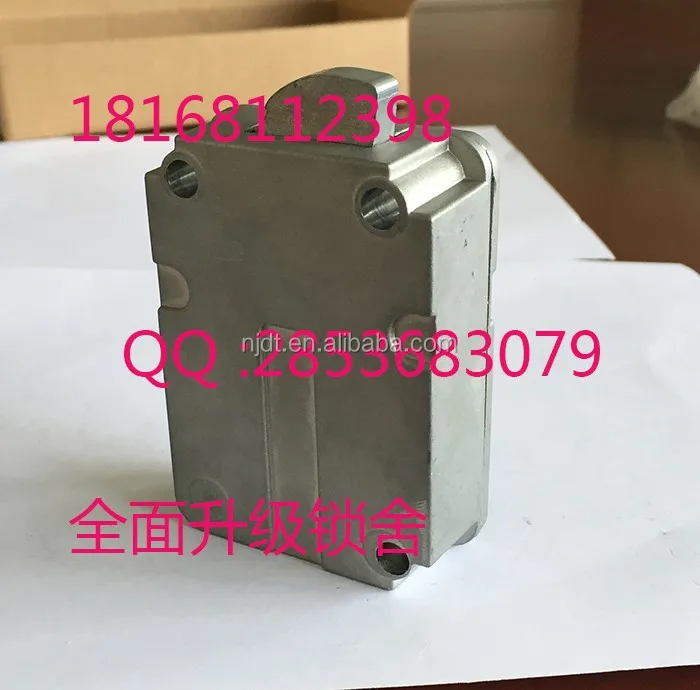
digital electronic lock
- Category: >>>
- Supplier: Nanjing Kehong Electronic Commerce Co. Ltd.
Share on (1537405264):
Product Overview
Description
Product Description
digital electronic lock
Electronic lock instruction for use
A, there are two kinds of the combination lock unlock method
1, the keyboard input the lock:
Managed code and user code two password (for 1-8 bits), leaving the factory code of 1234 and 12345678 respectively
2,emergency unlock: 88888888
Second, the management code and user code modifications
1, change management code (please bear in mind that the administrator password) : want to modify the administrator password, use the administrator password to open the door first, in the open state changes (when modify the administrator password, the user password password back to the factory at the same time, 12345678). Input management code (1-8 digit key), press "#" key, the green light, press "*" button during the green light, panel yellow lights (more than 8 seconds without any input, retreat to modify the pattern, to enter standby mode), enter a state of change the password, enter the new password according to "*" to confirm. After hearing "drops drops," yellow lights show management code modify success; Hear "drops drops", modify the failure, please try again.
2, modify the user code: want to modify the user password, use the user password to open the first door, in the open state changes (when modify the user password, administrator password is not changed). Enter the user code (1-8 digit key), press "#" key, the green light, press "*" button during the green light, panel yellow lights (more than 8 seconds without any input, retreat to modify the pattern, to enter standby mode), enter the new password, press "*" to confirm. Hear "drops drops", yellow lights that modify success; Hear "drops drops", modify the failure, please try again.
A, modify the emergency password: enter the right management code on the front panel or the user code, press "#" key, the green light, into the open state, press "*" button during the green light, yellow lights, panel in 8 seconds through the keyboard input the new password, press "*" to confirm. Hear "drops drops", yellow lights show management code modify success; Hear drops drops, yellow lights code change management failure, please try again.
Four, open the door
1, lock keyboard input: input management code or user code, press "#" key, the green light, turned the handle to open the door. If input the wrong password 4 times in a row, the keyboard lock, after 60 seconds back to normal state.
2, emergency password lock: press "# #", after the yellow light, through the keyboard input "88888888" (with article 3 of this code can be changed, modified way, cannot leak, otherwise no one can use this method to recover a password after playing), press "#" unlock after hearing "drops", green light, turned the handle to open the door, lock lock automatically closed after 5 seconds, the green light. Drops drops "hear" the green light is not bright, unlock failed, please try again. If input the wrong password 4 times in a row, the keyboard lock, after 60 seconds back to normal state.
Five, the undervoltage indication
When the electronic lock is in a state of the lock, if the red indicator on the panel, the battery voltage is low, please replace a new battery, to ensure that the electronic lock can work normally.
Power Supply | One 9V Alkaline battery |
Power Supply Range | DC 4.5V ~ 12V |
Password Length | 6 digits |
Standby Current | <15uA |
Active Current | <20mA |
Battery Low Voltage | 5.2±0.2V |
Operating Humidity (Max.) | 90% |
We Recommend







New Arrivals
New products from manufacturers at wholesale prices






