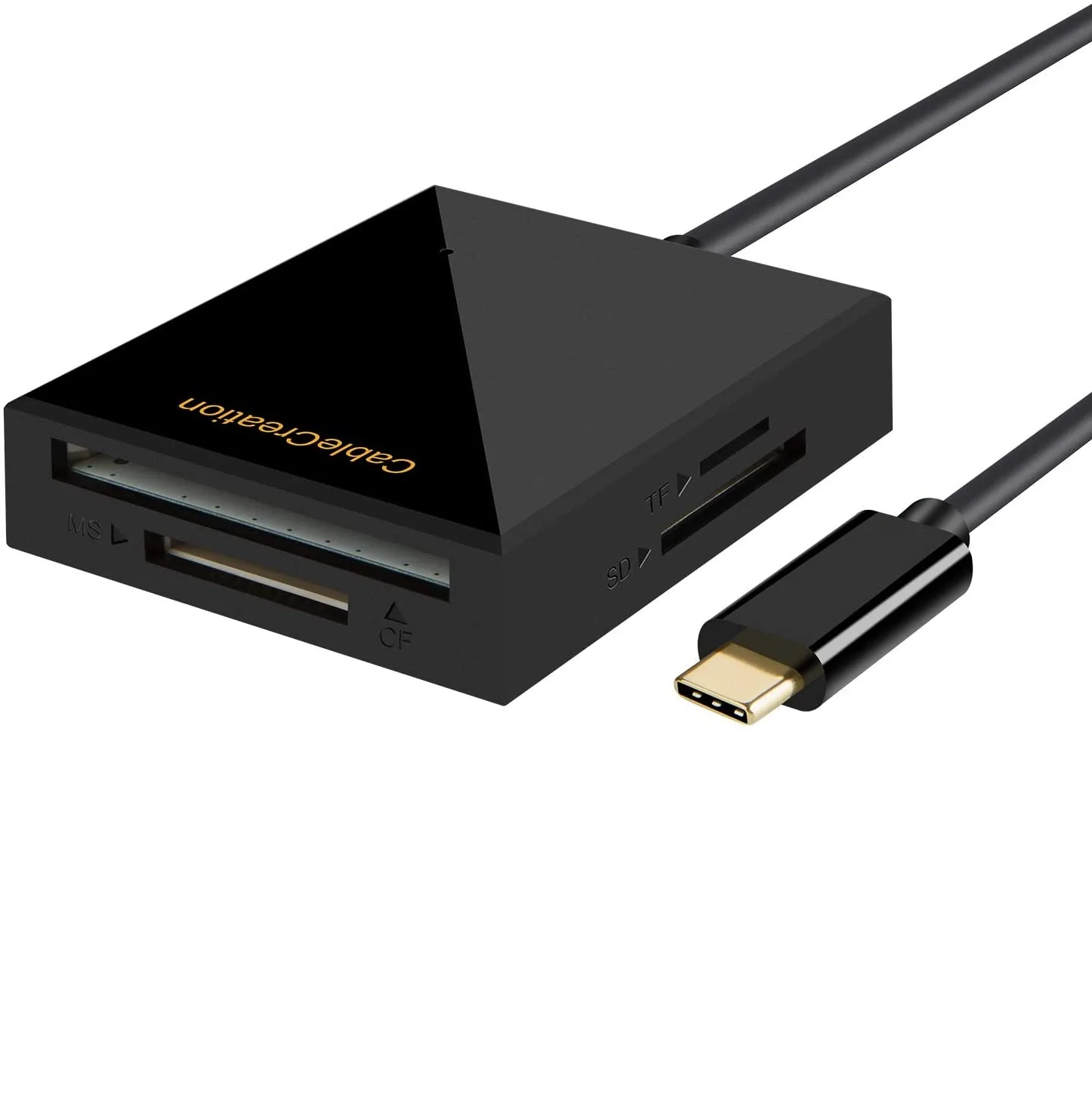
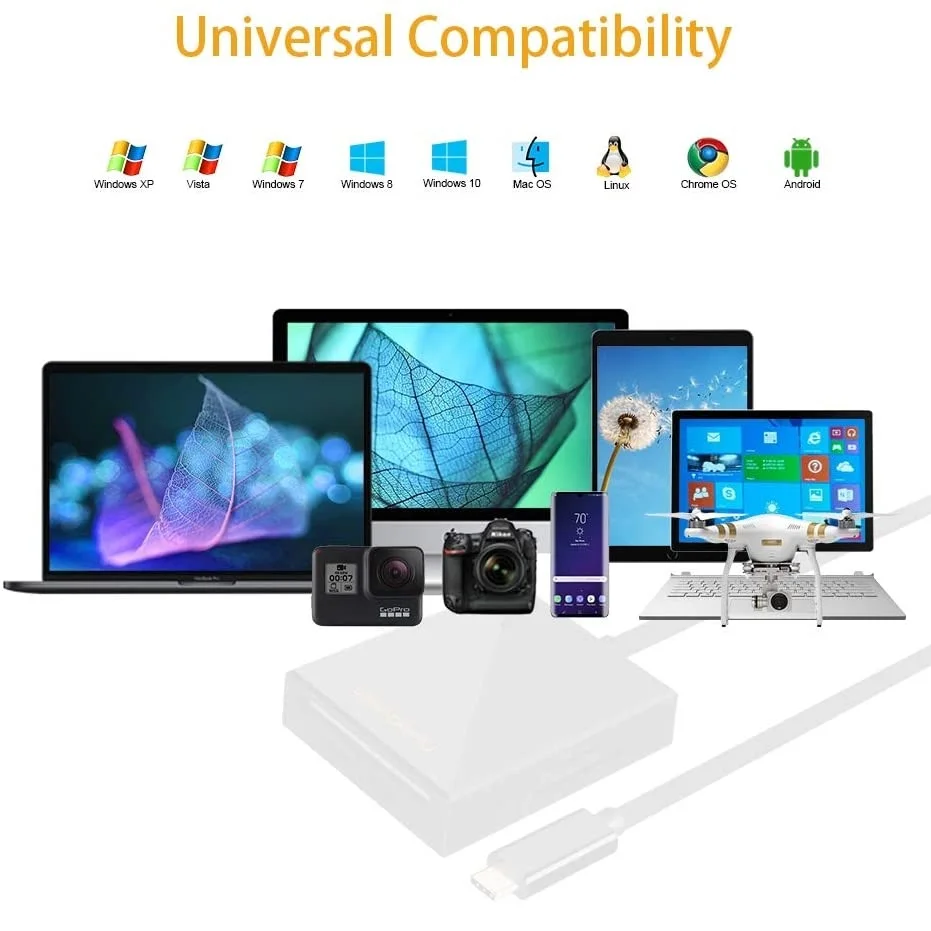
USB 3.0 Type C HUB TF/SD Card Reader USB C PD USB C 5Gbps Data 4 in 1 Aluminum Type C Adapter For Mobile Phone/laptop
- Category: >>>
- Supplier: Wanka Technology Limited
Share on (1600097138692):
Product Overview
Description
Product Show
Product Paramenters

Length(cm) | Wide(cm) | High(cm) | Gross weight(kg) |
24 | 16 | 1.54 | 0.062 |
Company Profile


Transport

FAQ

Q: I have a laptop / smartphone with USB C female port, is this cable compatible with it? Looks has the same interface though.
A: Not all the USB C laptop / smartphone is Compatible with this cable. This cable require laptop /desktop /tablet / smartphone must support DP ALT mode(display output) or Thunderbolt 3. We listing some popular device models on up area of Q&A.
Q: Can I use this cable to enabl my macbook pro to TV?
A: Yes, It is prefect compatible with macbook Pro.You can use it to enable your laptop/ smartphone to TV / monitors / projector. Please make sure chosen “HDMI” as input source when you use for TV/ Projector.
Q: How do I switch mirror mode to extend mode?
A: For macOs system: please go to Top left corner Apple icon-->System Preferences-->Displays-->Mirror or Extend Displays; For Windows system: Please press Windows key + P combination command-->choose Duplicate or Extend.
Q: Why do I can not get sound when use this cable? Is it plug and play cable?
A: A: Yes, this is a plug and play cable. Sometimes the device's audio settings do not allow the an external device as a sound output preference. In this case, you can chosen manual setting to get audio output.
--For MacOS, Please go to Apple icon-->System Preferences-->Sound-->Output, choose your TV as the sound output.
--For Windows 10, please click right bottom of your sound emailicon-->choose your TV as the sound output.
--For Sony TV, if you are running MacOS, you probably need to go to Launchpad-->Other-->Audio MIDI Setup-->DisplayPort-->Output-->Please choose 2 ch 16-bit integer.
Q: The cable is stop work when my laptop / smartphone go to sleep mode, is it normal?
A: Yes this is This is a normal phenomenon. This cable is only design to transfer video signal, it is not allow to awake your host devise’s screen. Please keep the screen awake during use.
Q: I checked the tech specs of my Windows laptop and it is Compatible, all the setting is correct, the cable still not work. Is there any thing I need do?
A: Please unplugged this cable ,update the BIOS and graphic card driver from laptop official website, restart your laptop and wait about 4 minutes then re-plug it to try again.
We Recommend



New Arrivals
New products from manufacturers at wholesale prices