1. What is the package included?
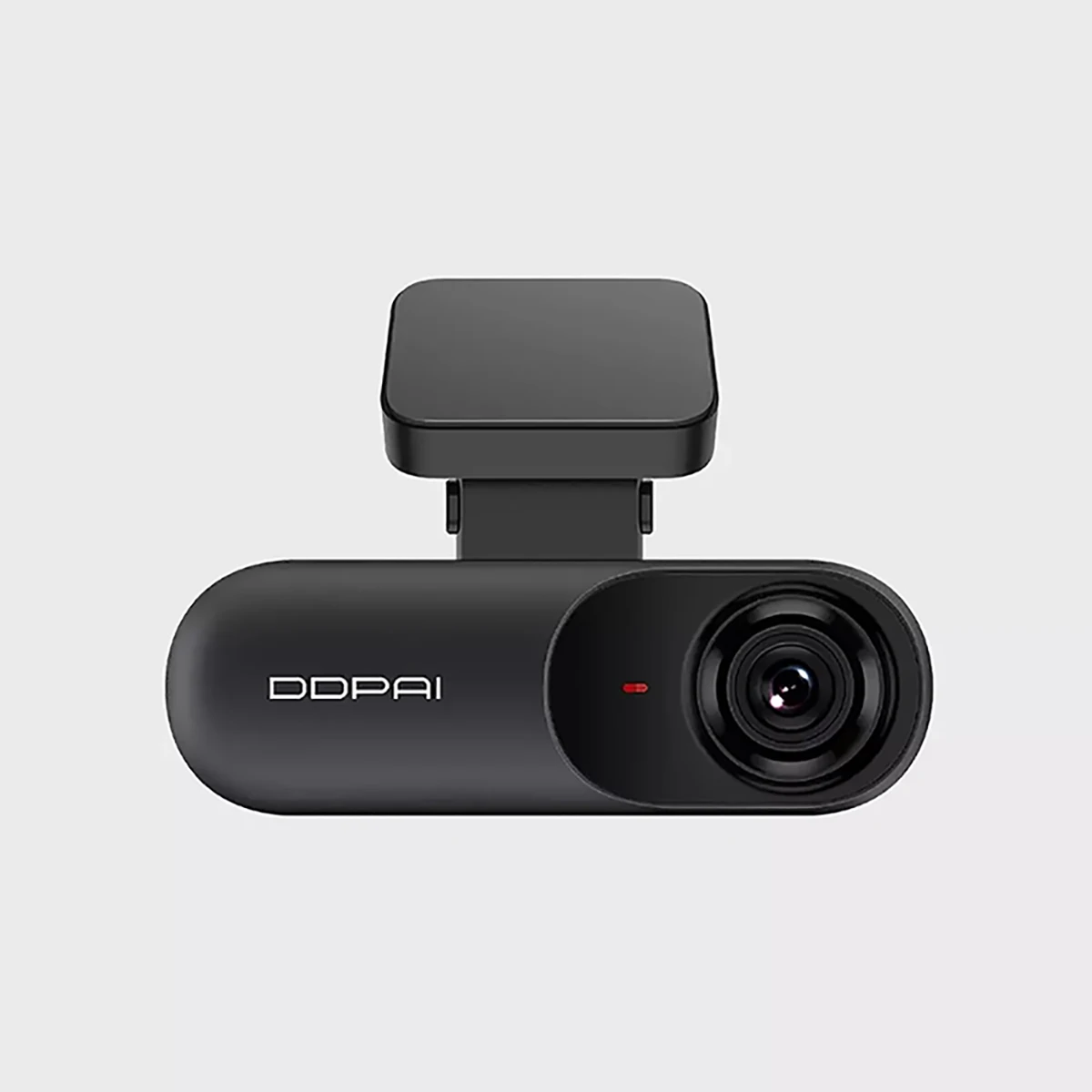
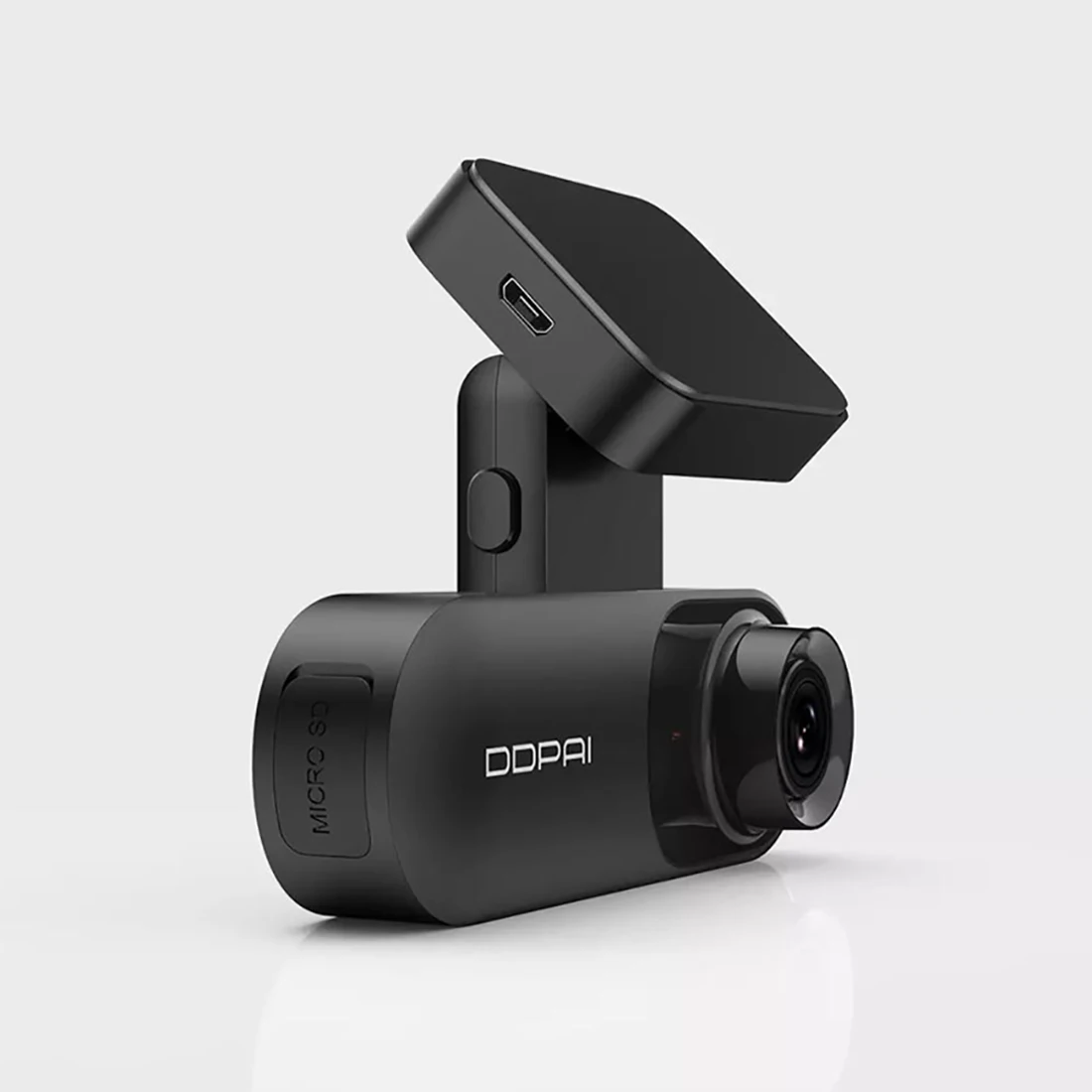
Packed with car camera, USB car charger, shoot button, 3.5m charging cable, 3M replacement sticker, 3M sticker for control button, plastic crowbar and a user manual.
2. What is the video specification?
DDPAI smart dash cam supports recording 1600p or 1440p videos. You can adjust it by DDPAI app.
3. Which DDPAI memory card does it support?
The DDPAI mini 3 with 32g eMMC storage, no support to expand TF card.
4. Do I have to manually turn the dash cam on and off?
You don't need to turn it on or off manually, the camera will start recording when the car is started. And turn off when the car stops.
5. How to know the working status of the dash camera?
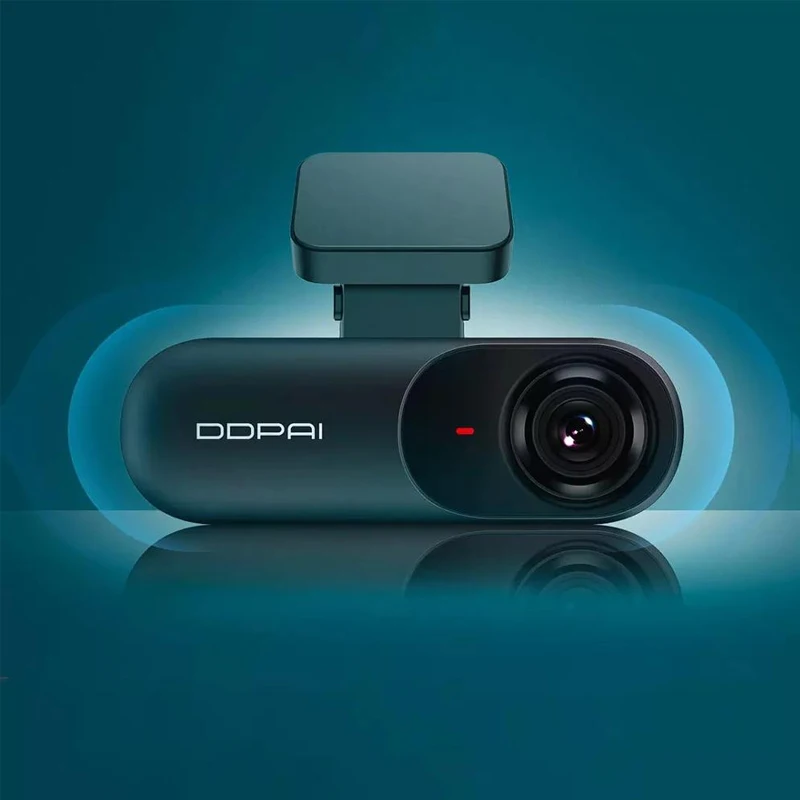
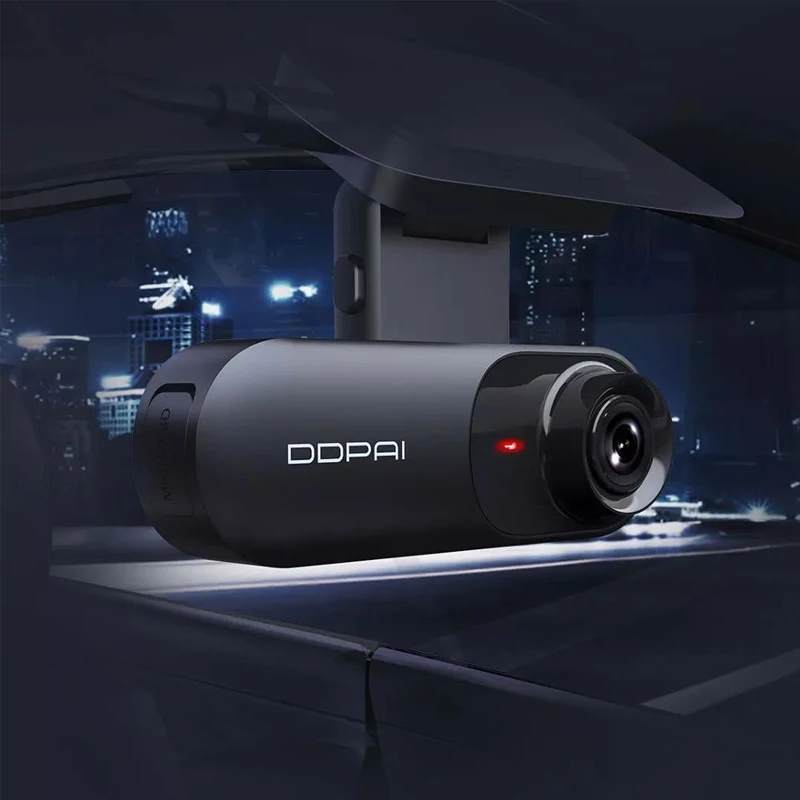
Check the status indicator on the side of the dash camera. If the light is flashing red, the dash cam is recording normally; If the indicator light turns blue light, it means the camera is entering parking monitoring.
6. What is emergency video?
When the G-sensor is on and motion or impact is detected, the dash camera locks that associated video. These recordings (5 clips maximum) will not be replaced by the most recent loop recording.
7. What is Parking Mode?
When the dash camera goes into standby for more than 15 minutes, the DDPAI dash camera goes into Parking mode, in this mode, you can select normal recording (30 frames per second) or time-lapse recording ( 1 frame per second).
8. Does DDPAI Dashcam use a battery?
No, this dash cam comes with a capacitor.
9. Does DDPAI support firmware update?
Yes you can update the firmware of your DDPAI smart dash cam. Download the update package by DDPAI app, and push it to the dash cam by connecting to the Wi-Fi. The next time the dash cam starts up, it starts updating automatically.
10. Why does this indicate that I cannot connect to the Internet even though I am using DDPAI WIFI?
DDPAI Free Wi-Fi Camera can only be used for DDPAI app and you cannot use Wi-Fi for other apps.