
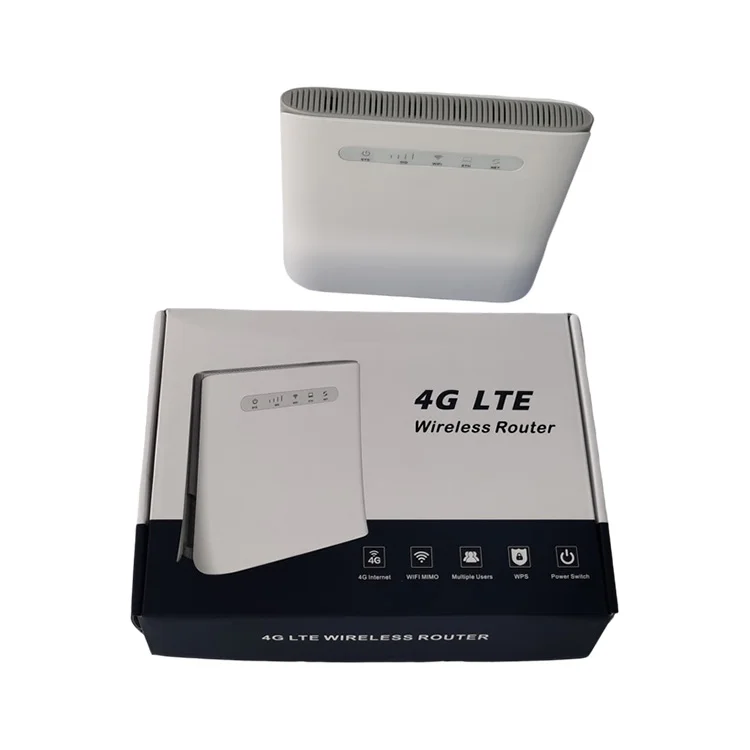
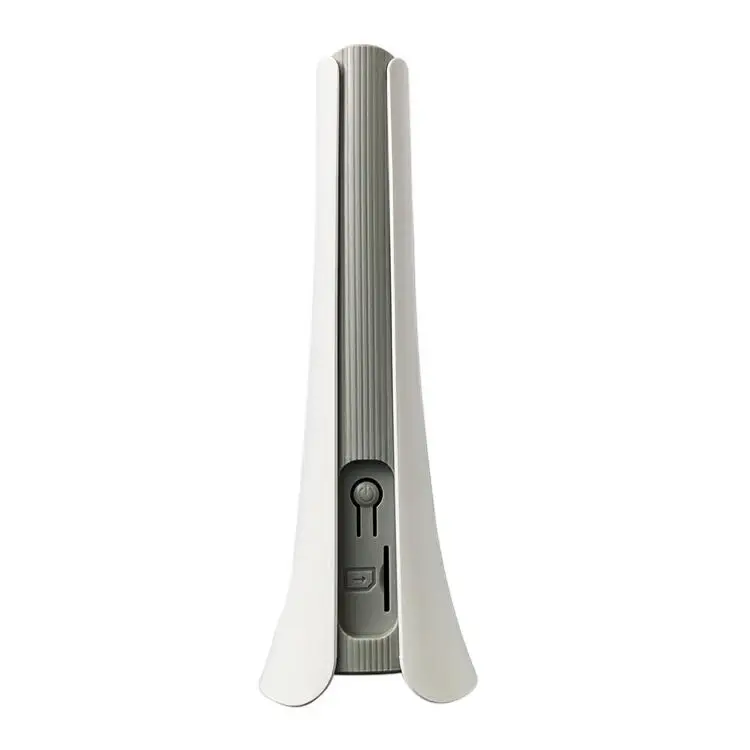
Multi language support TR069 wifi router fxs port
- Category: >>>
- Supplier: Shenzhen Junhaoyue Technology Co. Ltd.
Share on (1600215397135):
Product Overview
Description
Product Description
Description | Multi language support TR069 wifi router fxs port |
Item no. | XHX-100 |
Application Scenarios | Home,Office,IoT,Security |
Concurrent Clients | 50 |
CPU | 7820 |
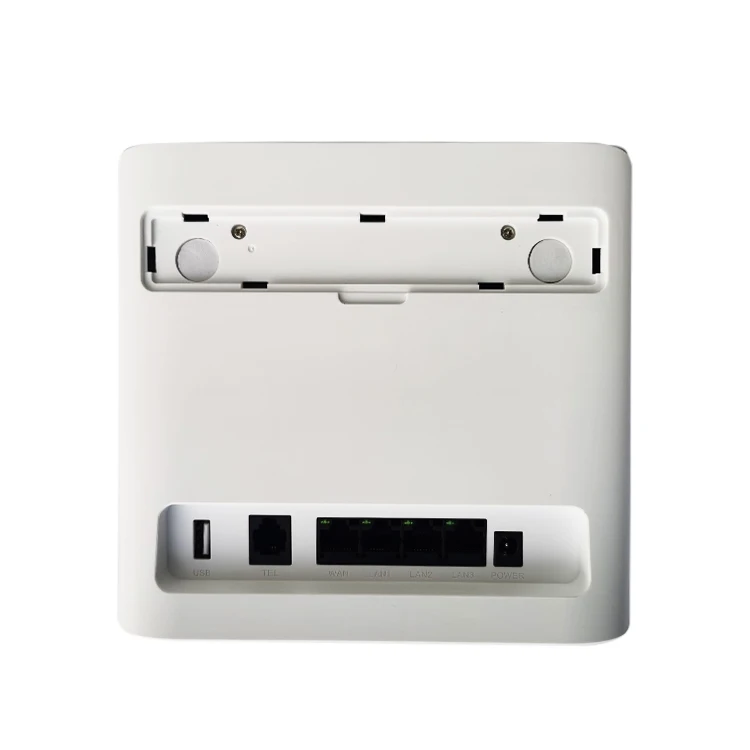
Interface | 4*10/100Mbps RJ45, 1*RJ11,1*Micro USB |
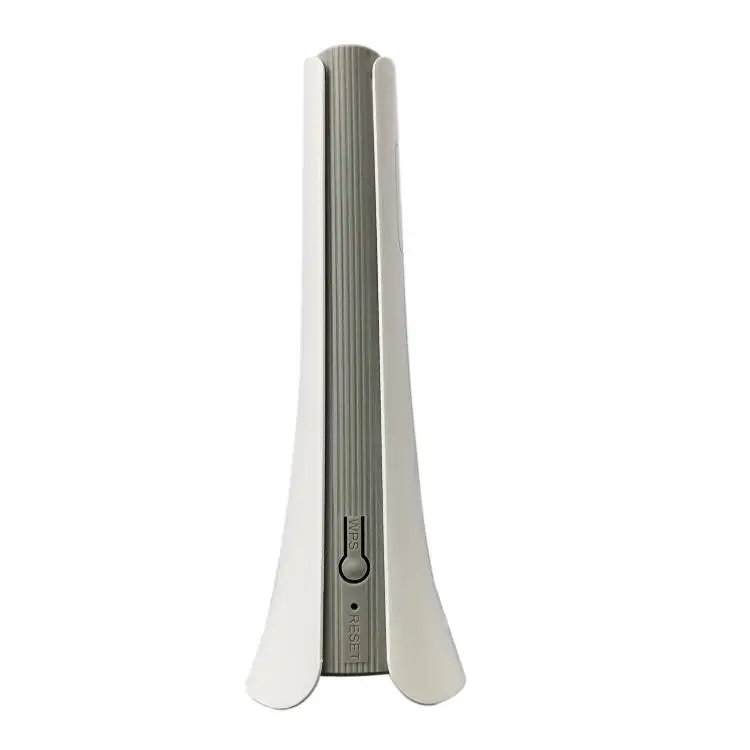
Button | Reset,WPS,Power |
Power Suppply | AC 100-240V AC; DC 12V /1A |
Flash/Memory | 8MB |
SIM Card | 1.8V/3.0V USIM 2FF |
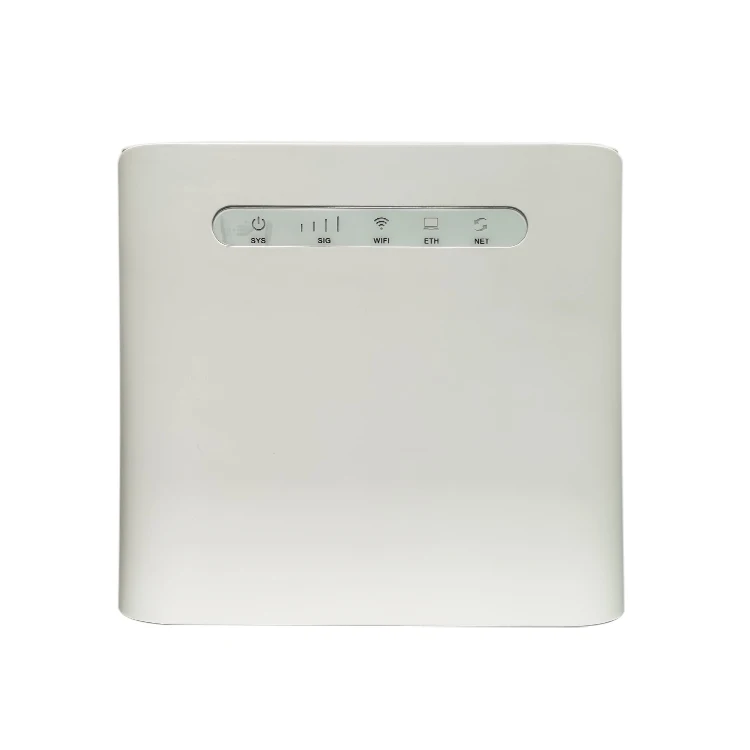
LED | PWR,WiFi,Internet,Interface,Signal Strength LED |
Dimensions | 155mm*175mm*54mm |
Antennas | 2.4G+5.8G : 2T2R 4G:2T2R |
Antenna Gain | 2~3dBi |
Frequency | 802.11b/g/n: 2.4~2.4835GHz |
802.11a/n/ac: 5.150~5.350GHz | |
Radio Rate | 2.4G: Up to 300Mbps |
5.8G: Up to 867Mbps | |
IPV4 | Support |
Wireless Security | WPA-PSK/WPA2-PSK,WPA/WPA2 |
Receiver Sensitivity | 3GPP standard |
4G Module | LTE CAT 4 |
Max Speed | 802.11b: 11Mbps 802.11g: 54Mbps 802.11n: 300Mbps 802.11ac: 1167Mbps |
Firewall | IP/MAC/URL Filtering/Access Control/SYN Flood |
SMS | Inbox,Outbox,Draftbox, dispaly the number of read/unread SMS |
Call Setting | CS/VOLTE,FSK/DTMF,Emergency Call |
VPN | PPTP, L2TP VPN |
Maintenance | TR069, Upgrade online |
Mode | 4G Router/AP/Router |
WiFi Setting | Wireless Setting, Channel bandwidth Setting, WPS |
Status | CPU Status, Interface Status, 4G Status, Client List, Internet Status |
Network | LAN WAN DHCP APN |
Traffic assistant | Statistics and display the usage of traffic in 4G mode |
Operating Environment | Operating Temperature:Normal: 0°C to +45°C; Operating Humidity: -20° C to +70° C Operating Humidity: 5%~ 95% Storage Humidity: 5%~ 95% |
Dimension | Device: 155*175*54mm; |
Pack Box: 250*180*60mm; | |
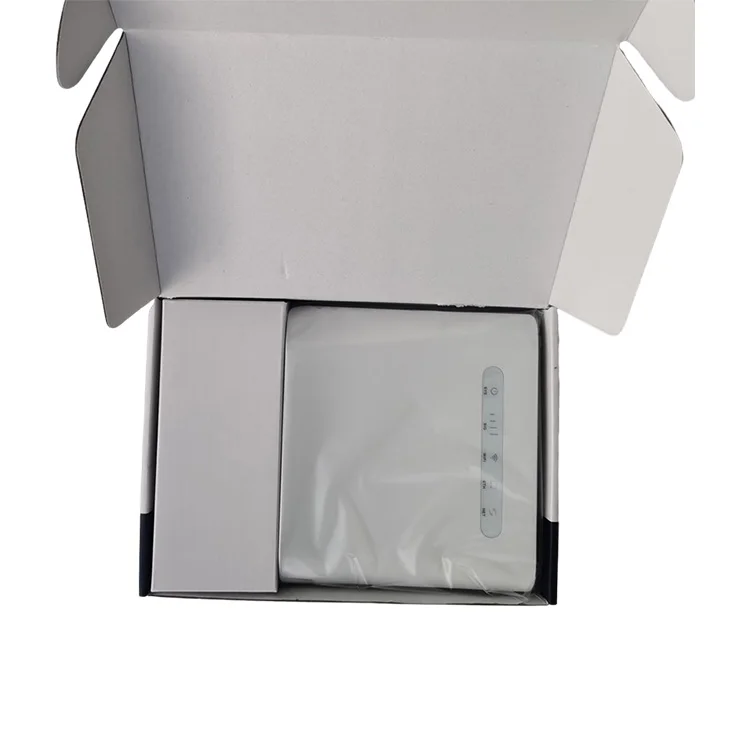
Package | Device*1, Adapter*1, User manual*1, Antenna*2pc(optional), Ethernet cable*1pc; |
We can make different frequencies according to different customers from different countries, so contact with us for more information if you have any queries!
Packaging & Shipping
Each pc with device*1pc, adapter*1pc, user manual*1pc, ethernet cable*1pc into pp bag, pp bag into color box, 20pcs/ctn. Outside antennas subject to customer's requirement as most of customers needn't it. Samples often delivered by courier such as DHL, Fedex, UPS, TNT etc., small orders often delivered by air or sea, formal orders often delivered by containers.


Our Services
1. Your inquiry will be replied professionally within 24hours;
2. Sample test order accepted;
3. Logo printing, gift box, label, manual and software design order make;
4. OEM/ODM orders are highly welcome;
5. Small order accepted for market research;
6. Monthly output over 60,000 pcs guarantee your delivery on time;
7. Some models has ready stock for retailer customer;
8. Rich experience engineer support on software&hardware;
9. Payment accept T/T, Western Union and Moneygram;
10. 1 year warranty;
11. Best service after sales;
Company Information
Shenzhen Junhaoyue Technology Co., Ltd. is a high-tech company, professional in fixed wireless terminal 4g, fixed wireless terminal 3g, fixed wireless terminals and fixed wireless phone developing and manufacturing. With the development of communication technology, we involved in wifi router, 4g wifi router, 4g outdoor router and wifi 6 router developing from 2018 and have made many popular models ever since then. Our new product such as 4g dual sim router have been ready in the market also. Our products sold to Mexico, French, Greece, Netherlands, Nigeria, Angola, Argentina, Chile, Brazil, Australia, USA etc. We take credit and quality as our business principle and we sincerely hope to establish long-term cooperative relationships with customers all over the world! Warmly welcome to negotiate with us if you have any requirements!


FAQ
Q: After the 4G card is plugged in, the 4G light of the 4G router is not lit, which causes the Internet
to be unavailable?
A: In one case, the 4G card is not inserted properly. You should cut off the power of the 4G router
and re-insert the card. In another case, the 4G card is not activated, and the card insert shall be
used after activation according to the card manual.
Q: 4G router works normally, the 4G light is on, and the mobile phone is connected to 4G router
Wi-Fi but cannot access the Internet?
A: Enter the routing setting page (the default is 172.16.0.1, the username and password are both
admin), check the status---whether the WAN port obtains the IP address. If it is not obtained, it
is recommended to reset the 4G router reset. Identify the Internet through the APN setting,
insert the 4G card into the mobile phone, view the APN information on the mobile phone, and
enter the 4G router setting page---network setting---APN setting to fill the APN information of
the mobile phone to 4G Router APN settings.
Q: 4G router WAN port address is normal, 4G lights are normal, mobile phones cannot connect to
Wi-Fi?
A: Each 4G card has a data plan. In this case, please check your data plan and recharge in time.
Key words: 4g router module with voice, wifi 4g router with calling, 4g volte router with rj11, 4g wifi router rj11, 4g router wifi rj11, 4g router voice call, 4g sim router with rj11 port, 4g sim router with voice call, wifi router fxs port
We Recommend







New Arrivals
New products from manufacturers at wholesale prices






