
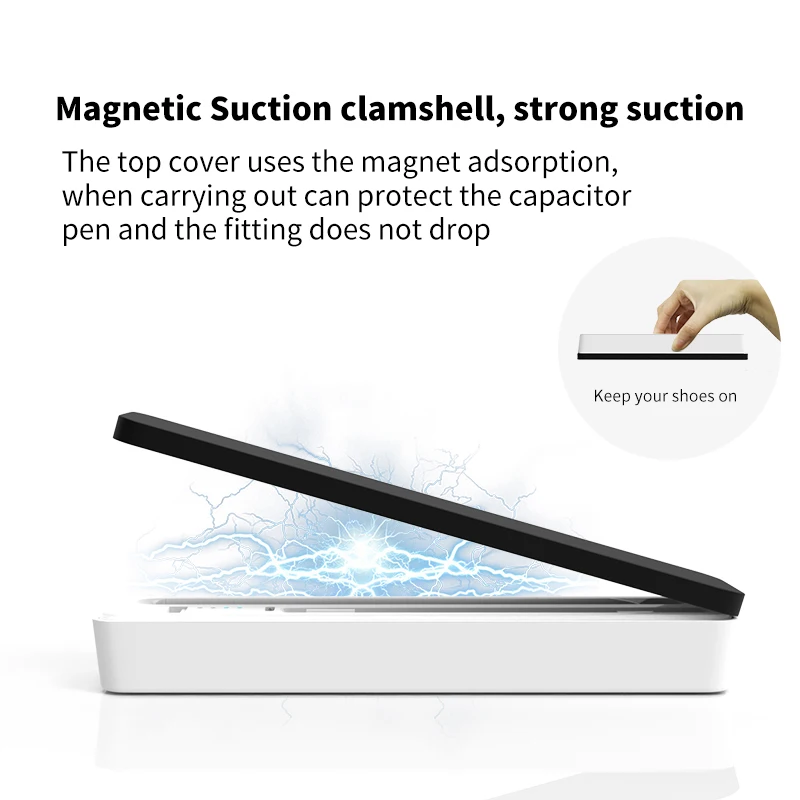
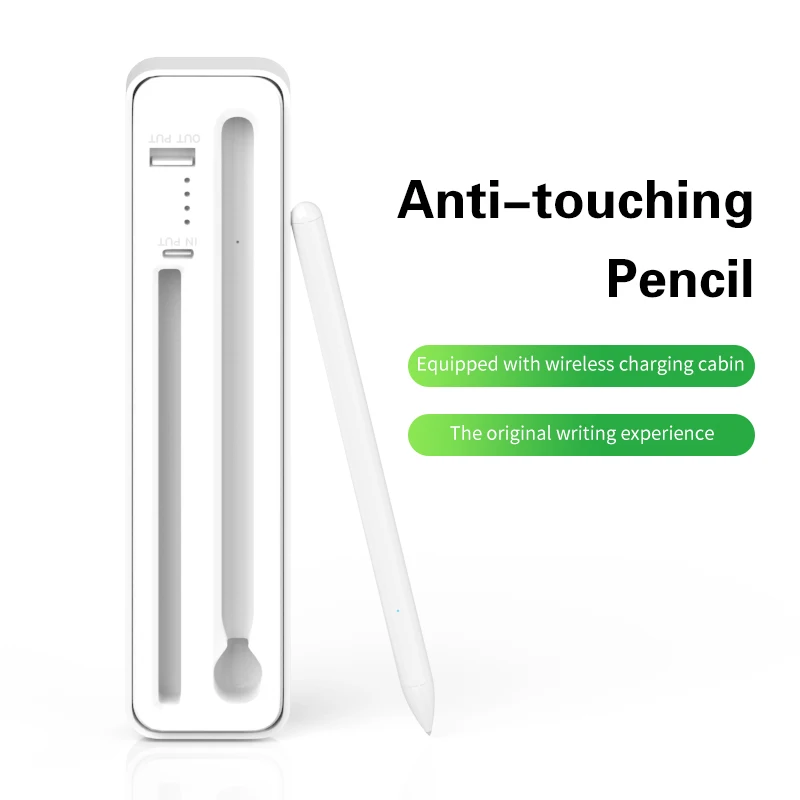
High quality Wireless Charging Active Stylus Pen with Charging Case for iPad
- Category: >>>
- Supplier: Shenzhen Minplx Technology Co. Limited
Share on (1600250039797):
Product Overview
Description
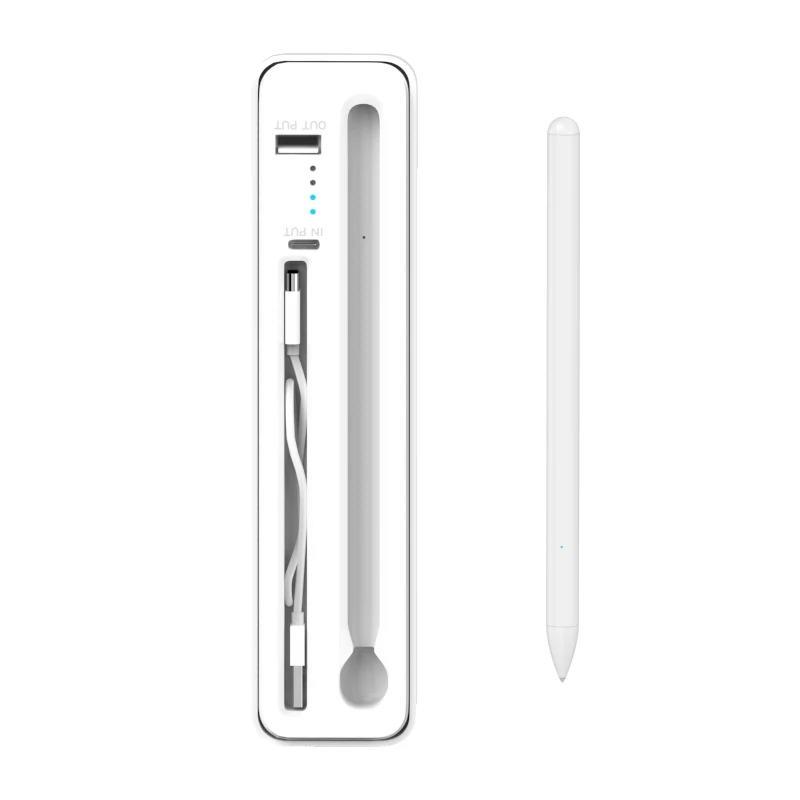
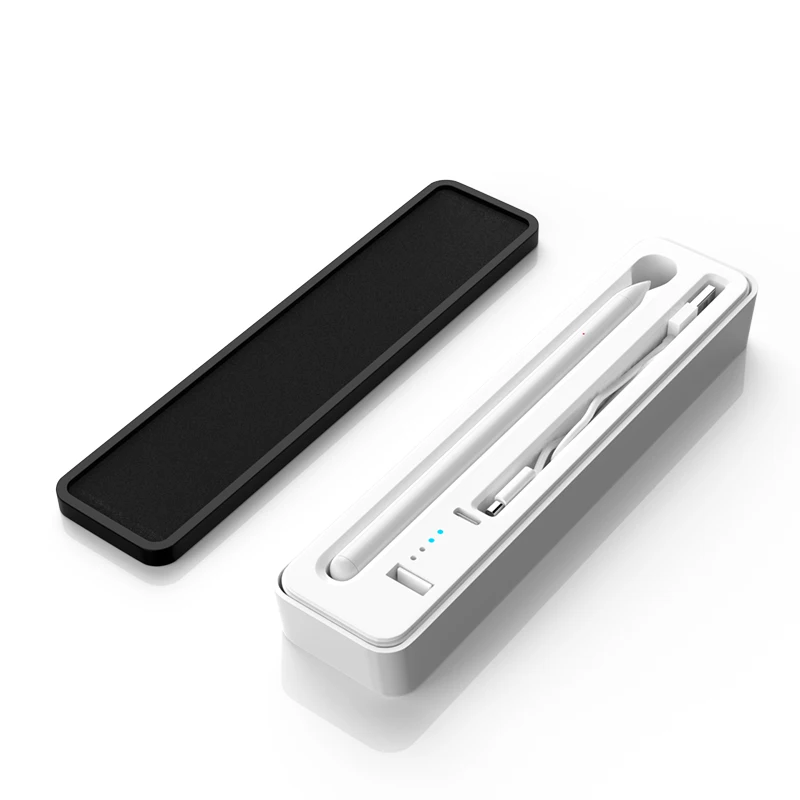
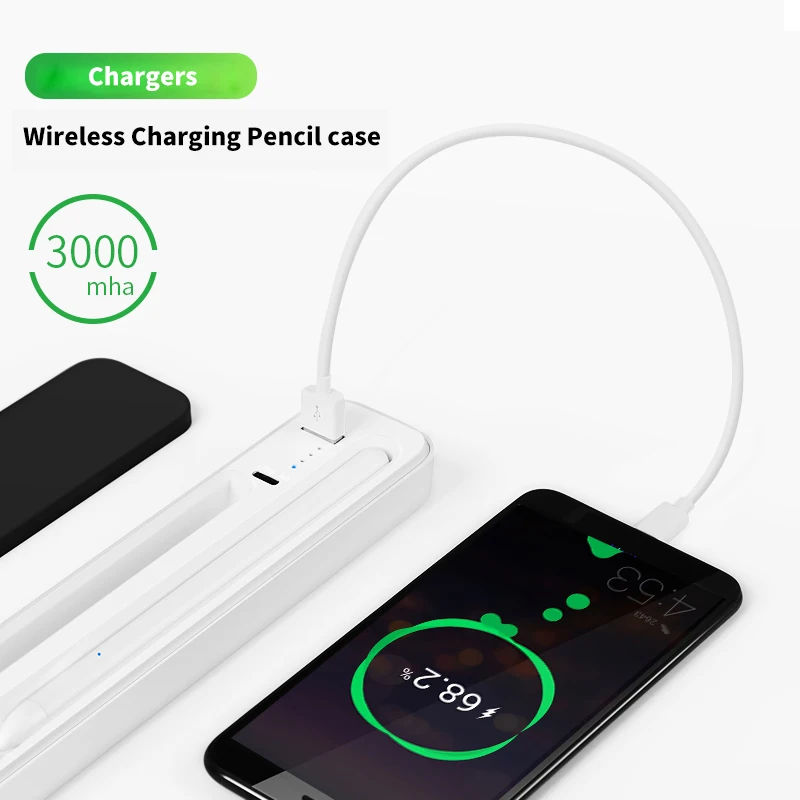
High quality Wireless Charging Active Stylus Pen with Charging Case for iPad
Product Description
| Product Specification | |||||
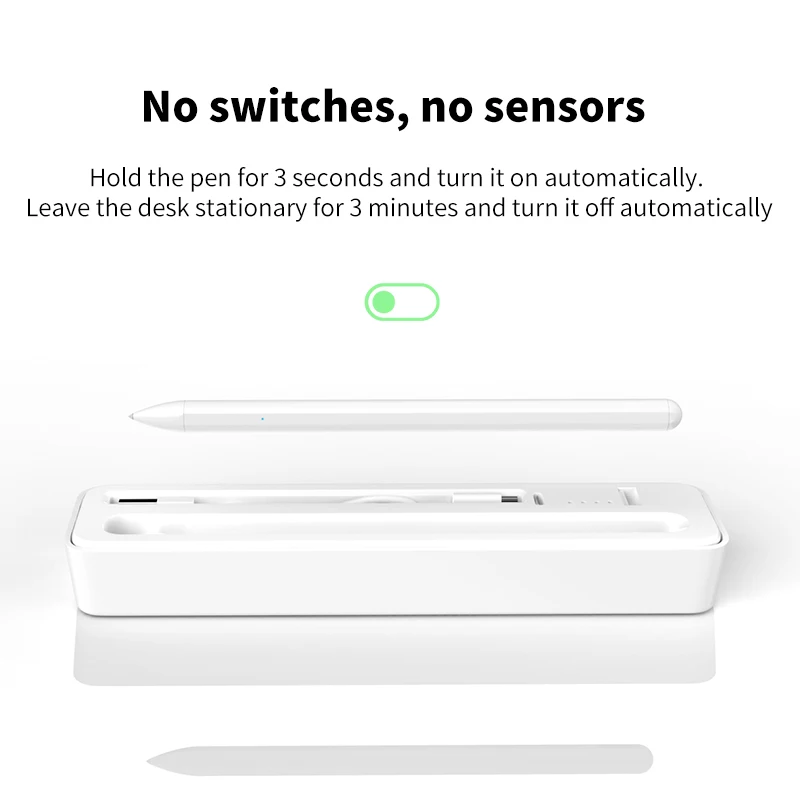
| Name | Wireless charging compartment anti-mistouch capacitive pen | Model | W02 | Sleep time | Stand for 10 minutes and automatically shut down |
| Color | white | Size | 8.9mm*166mm | Accessories | Charging compartment + manual |
| Charging time/ast charging | 90 Minutes/No | Battery | 45Mah | Battery life | ≤4.5H |
| Switch | No/write with pen | Material/surface technology | One-piece injection molding pen body (original process) Matte UV paint | Weight | 11g |
| Pen tip writing distance | 10KM) | Nib replacement | Spiral pen tip, turn it out to the left, turn it tightly to the right | Adsorption / tilt function | Yes/No |
| Compatible | Applicable to 2018 or all iPad versions after 2018 iPad pro (third generation, 11 inches & 12.9 inches), A1876/A1895 A1934/A1979 A1980/A1983 A2013/A2014 iPad Air (third generation), A2152, A2123, A2153, A2154 iPad (6th generation, The seventh generation), A1893, A1954, A2197, A2198, A2200 iPad mini (fifth generation), A2133, A2124, A2126, A2125 2020 new ipad pro 11 inch A2228 A2231 ipad peo 12.9 inch A2229 A2233 | ||||
| Troubleshooting | 1, ios version cannot be lower than 12.2; 2. Open the settings-memo, and turn off the Apple pencil doodle only function; 3. Open Settings-Bluetooth, turn off Bluetooth to disconnect the Apple pencil. 4. When the power of the device is exhausted, it takes about 30 minutes for some models to charge for the first time before they start to light up; 5. The disconnection occurs after a period of use, it is recommended to try to replace the pen tip to solve the disconnection problem; | ||||


We Recommend







New Arrivals
New products from manufacturers at wholesale prices






