
Fanvil X2C/X2CP/X2P Call Center IP Phone with 2 SIP VoIP Products Sip phone
- Category: >>>
- Supplier: Shenzhen TYH Technology Co. Ltd.
Share on (1600281148664):
Product Overview
Description
Related Product
Product Description
X2C/X2CP/X2P Call Center IP Phone with 2 SIP VoIP Products Sip phone
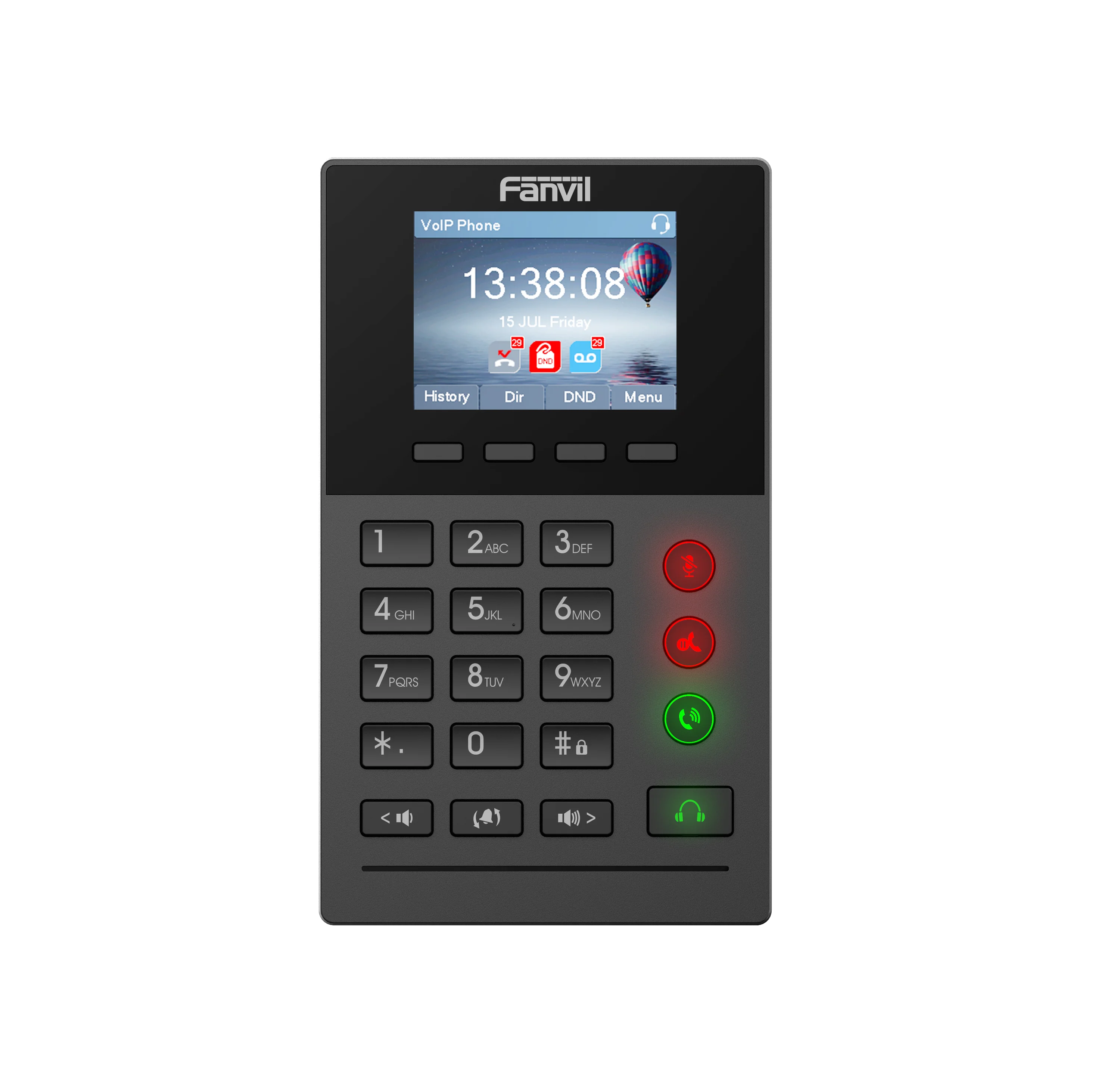
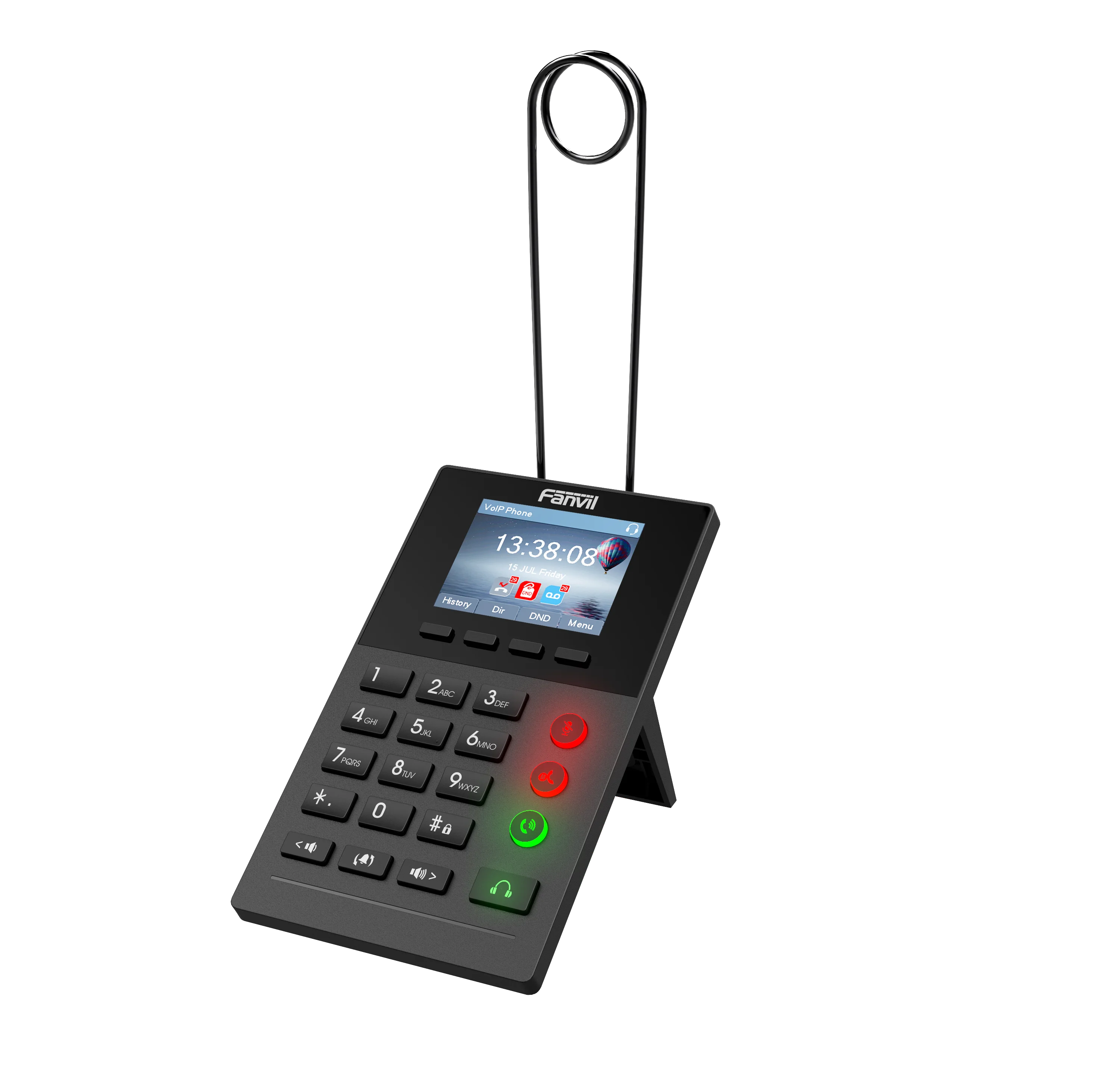
The new LED button status display design, intuitive to see the current state of the phone. X2 is the most economic choice for SMB office and enterprise supervisors.
X2P inherits all features from enterprise phones, such as HD voice in handset, headset, and full-duplex speakerphone modes, PoE, Fast/Gigabit Ethernet, QoS, secure transmission, auto-provisioning, and more.
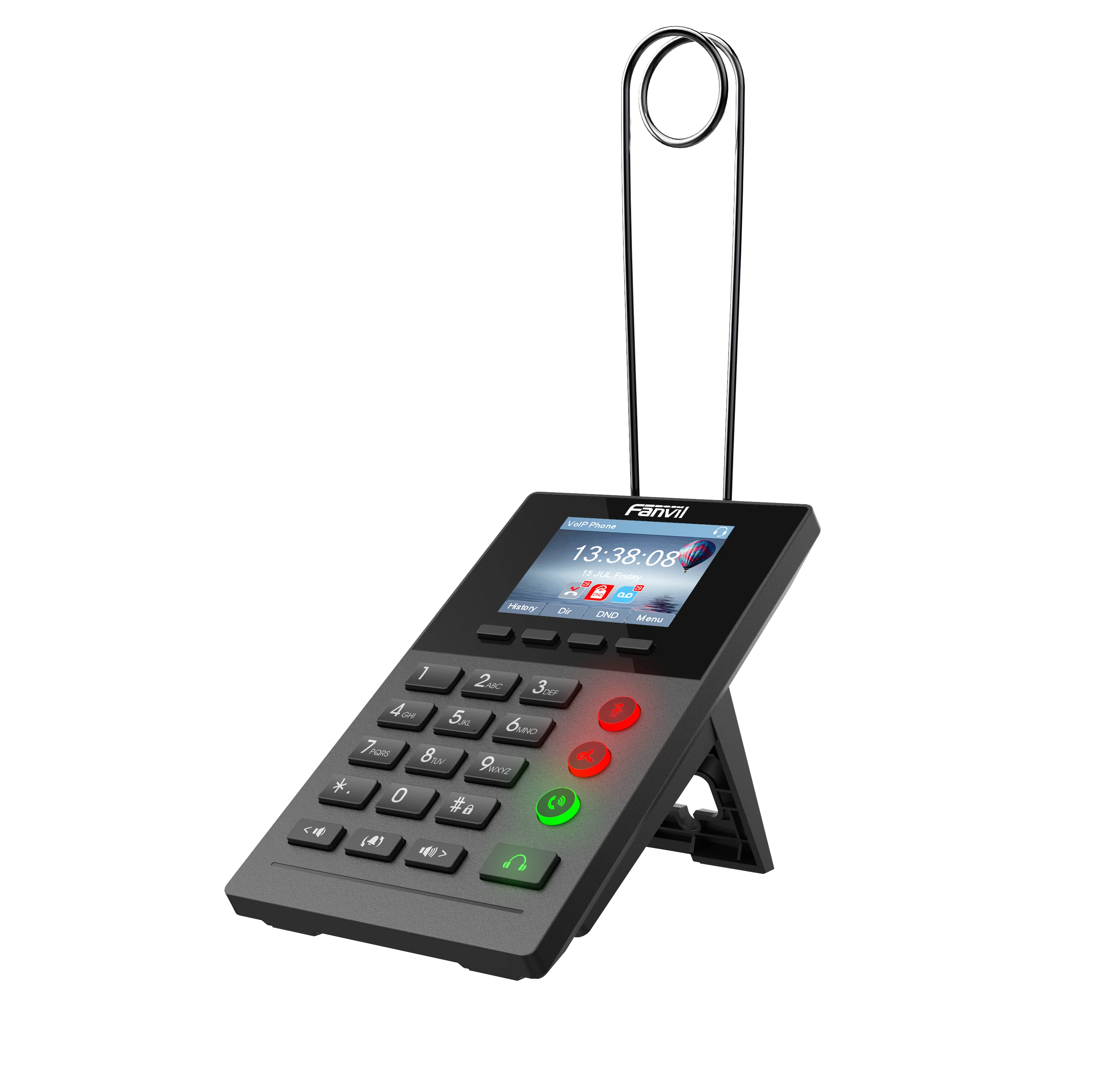
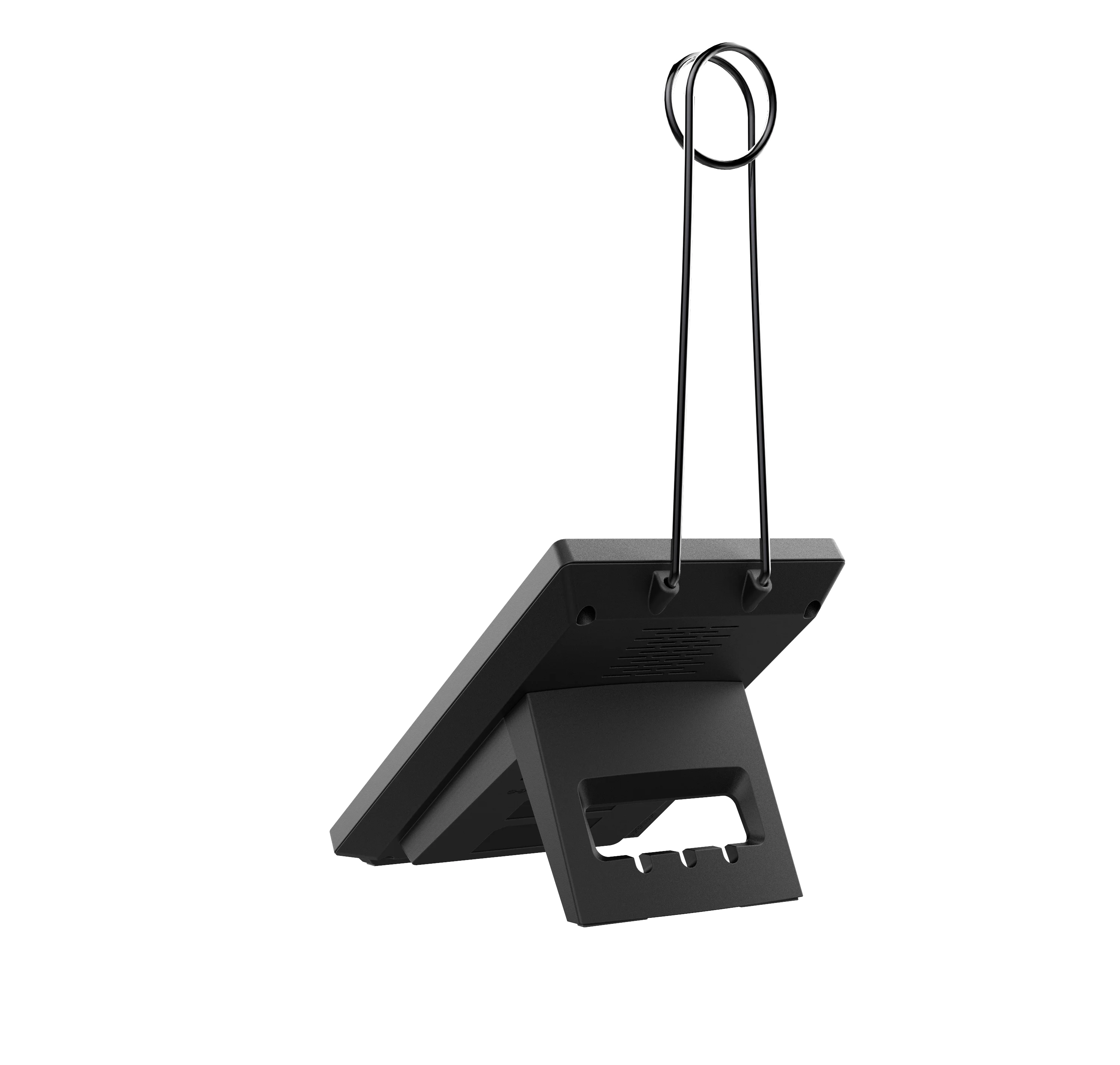
X2 is a efficient office productivity appliance for call center. X2’s foot plate provides users the flexibility to change DSS key
definition. Meanwhile, with its convenient design of the foot plate, it can support both feet to answer or hang up the phone, it will provide higher efficiency for call center users.”
definition. Meanwhile, with its convenient design of the foot plate, it can support both feet to answer or hang up the phone, it will provide higher efficiency for call center users.”
Features
□√ Professional IP phone customized for call center
□√ 2 SIP Lines, 3-way conference
□√ 2.8” (320x240) color-screen (Only X2P)
□√ 128x48 black-and-white backlit display (X2C/X2CP)
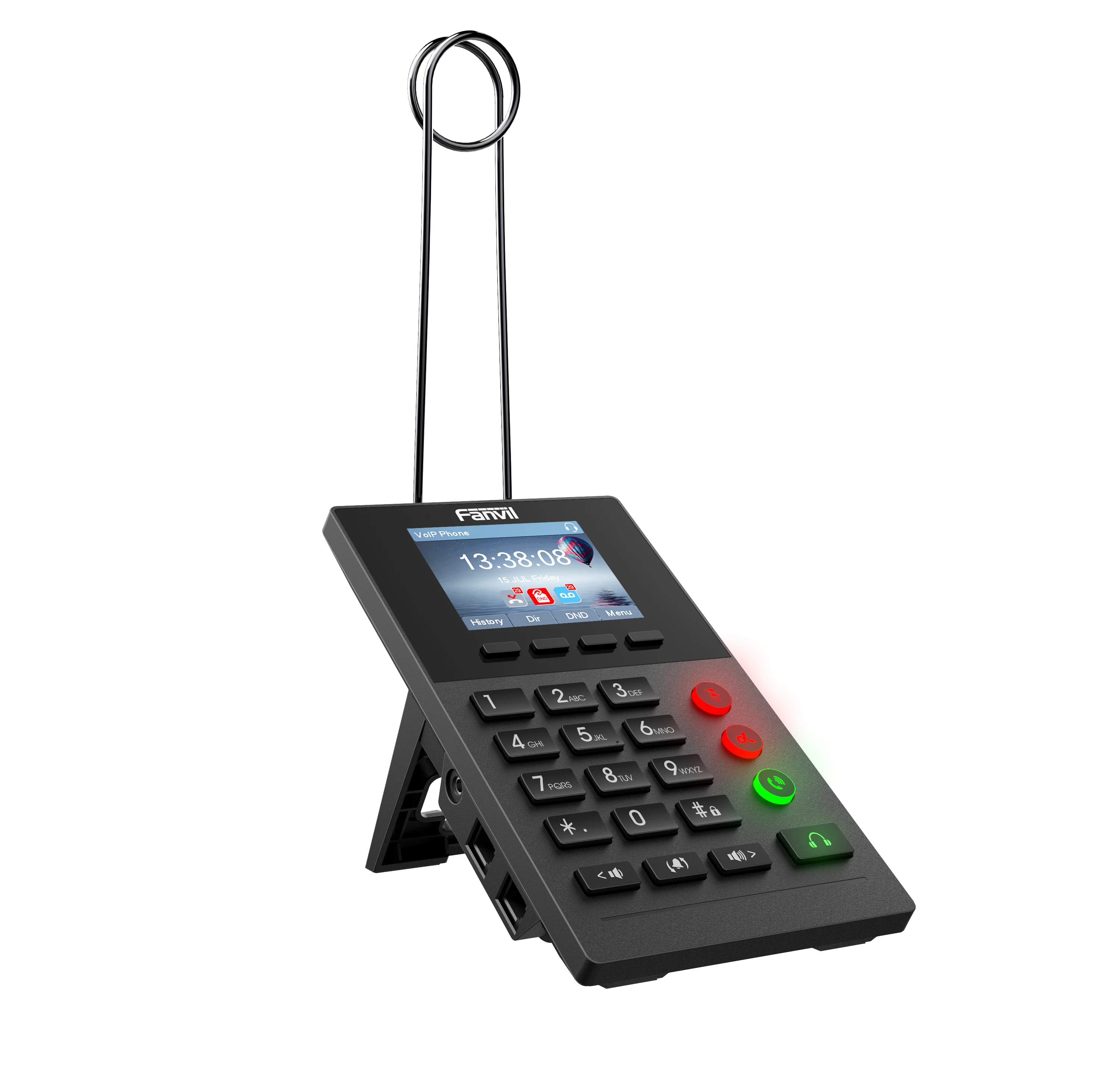
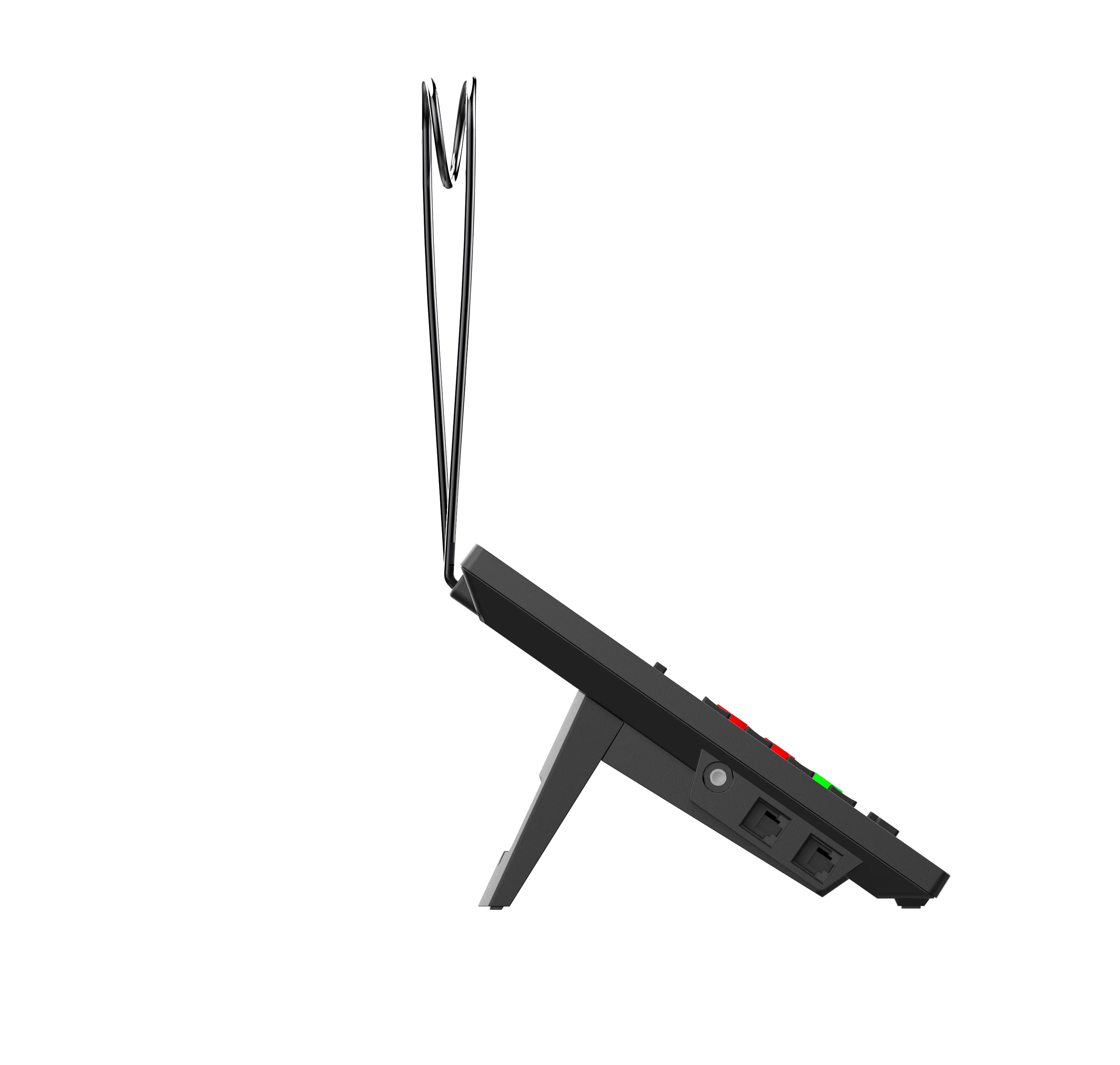
□√ Support call center headset (RJ9 port, 3.5mm port)
□√ Electronic Hook Switch (EHS) support for wireless headset
□√ LED function Keys for Mute/Hold/Call Forwarding/Headset
□√ Support off-hook/on-hook by pedal switch
□√ Support LDAP, XML Phonebook
□√ 10/100Mbps Ethernet, PoE integrated (X2CP/X2P)
□√ Compatible with major platforms: Asterisk, Broadsoft, 3CX, Metaswitch,
Elastix, Avaya etc.
□√ 2 SIP Lines, 3-way conference
□√ 2.8” (320x240) color-screen (Only X2P)
□√ 128x48 black-and-white backlit display (X2C/X2CP)
□√ Support call center headset (RJ9 port, 3.5mm port)
□√ Electronic Hook Switch (EHS) support for wireless headset
□√ LED function Keys for Mute/Hold/Call Forwarding/Headset
□√ Support off-hook/on-hook by pedal switch
□√ Support LDAP, XML Phonebook
□√ 10/100Mbps Ethernet, PoE integrated (X2CP/X2P)
□√ Compatible with major platforms: Asterisk, Broadsoft, 3CX, Metaswitch,
Elastix, Avaya etc.


Generic l 2 SIP Lines l HD Voice l PoE Enabled l Headset mode l Optional External Power Supply | ||||||||
Phone Features l Local Phonebook (500 entries) l Remote Phonebook (XML/LDAP, 500 entries) l Call logs (In/out/missed, 600 entries) l Black/White List Call Filtering l Screen saver(Only X2P) l Voice Message Waiting Indication (VMWI) l Programmable Soft keys l Network Time Synchronization l Support Plantronics wireless headset (Through Plantronics APD-80 EHS Cable) l Support Jabra wireless headset (Through Fanvil EHS20 EHS Cable) l Support Recording (Through Server Recording ) l Action URL / Active URI l uaCSTA | ||||||||
Call Features l Call out / Answer / Reject l Mute / Unmute (Microphone) l Call Hold / Resume l Call Waiting l Intercom l Caller ID Display l Anonymous Call (Hide Caller ID) l Call Forwarding (Always/Busy/No Answer) l Call Transfer (Attended/Unattended) l Call Parking/Pick-up (Depending on server) l Redial l Do-Not-Disturb l Auto-Answering l Voice Message (On server) l 3-way Conference l Hot Line l Hot desking | ||||||||
Audio l Wideband ADC/DAC 16KHz Sampling l Narrowband Codec: G.711a/u, G.723.1, G.726-32K, G.729AB l Wideband Codec: G.722 l Full-duplex Acoustic Echo Canceller (AEC) l Voice Activity Detection (VAD) / Comfort Noise Generation (CNG) / Background Noise Estimation (BNE) / Noise Reduction (NR) l Packet Loss Concealment (PLC) l Dynamic Adaptive Jitter Buffer up to 300ms l DTMF: In-band, Out-of-Band – DTMF-Relay(RFC2833) / SIP INFO | ||||||||
Networking l Physical: 10/100Mbps Ethernet, dual bridged port for PC bypass l IP Configuration: Static / DHCP / PPPoE l Network Access Control: 802.1x l VPN: L2TP / OpenVPN l VLAN l LLDP l QoS l RTCP-XR(RFC3611), VQ-RTCPXR(RFC6035) | ||||||||
Protocols l SIP2.0 over UDP/TCP/TLS l RTP/RTCP/SRTP l STUN l DHCP l LLDP l PPPoE l 802.1x l L2TP l OpenVPN l SNTP l FTP/TFTP l HTTP/HTTPS l TR-069 | ||||||||
Installation
1.Use PoE or external Power Adapter
X2P, called as ‘the device’ hereafter, supports two power supply modes, power supply from external power adapter and X2P supports 802.3af Class 1 Power over Ethernet (PoE) complied switch (PoE not applies to X2).
PoE power supply saves the space and cost of providing the device additional power outlet. With a PoE switch, the device can be powered through a single Ethernet cable which is also used for data transmission. By attaching UPS system to PoE switch, the device can keep working at power outage just like traditional PSTN telephone which is powered by the telephone line.
2.Installation


Phone User Interface
1. Keypad

2. Using Headphone
To use headphone, By pressing this button once, user can turn on the audio channel of headset, ser can dial the number before or after headphone turned on.
3. Using foot pedal
By pressing foot pedal once, user can turn off hook or hang up of Call.
4. Screen User Interface


5. Web Portal
User can also use the device’s web portal to manage or operate the device. User should open the device’s web portal page by entering the device’s IP address in a browser. To get the device IP address, user could press the soft-menu button [Menu] -> [Status].


Company Information

About Our Company
SKYLINE INTERNATIONAL COMMUNICATION Co., Ltd. was founded in 2002.We have 200+ employees,15 departments and more than 10 production lines. More than 200 companies have established business with us, and they are from 40 different countries. Our company is a manufacturer of VoIP Gateways, GSM VoIP gateways, with well equipped testing equipment and strong technical force. With a wide range, good quality, reasonable prices and stylish designs, our products are extensively used in communication industry and other industries.Our products are widely recognized and trusted by users and can meet continuously developing economic and social needs. We welcome new and old customers from all walks of life to contact us for future business relationships and achieving mutual success!


China Skyline Attend ACC 2017 Attending ITW 2018 as Prime Sponsor

Contact us
Rokki Luo (Customer Manager)
Question&Inquiry, please contact us. Our professional sales team will address your questions quickly.
WhatsApp/Telegram:+8613510801271
Skype:live:f07f61bce2b629f4
Wechat:woaixuexi7771
WhatsApp/Telegram:+8613510801271
Skype:live:f07f61bce2b629f4
Wechat:woaixuexi7771
We Recommend







New Arrivals
New products from manufacturers at wholesale prices






