
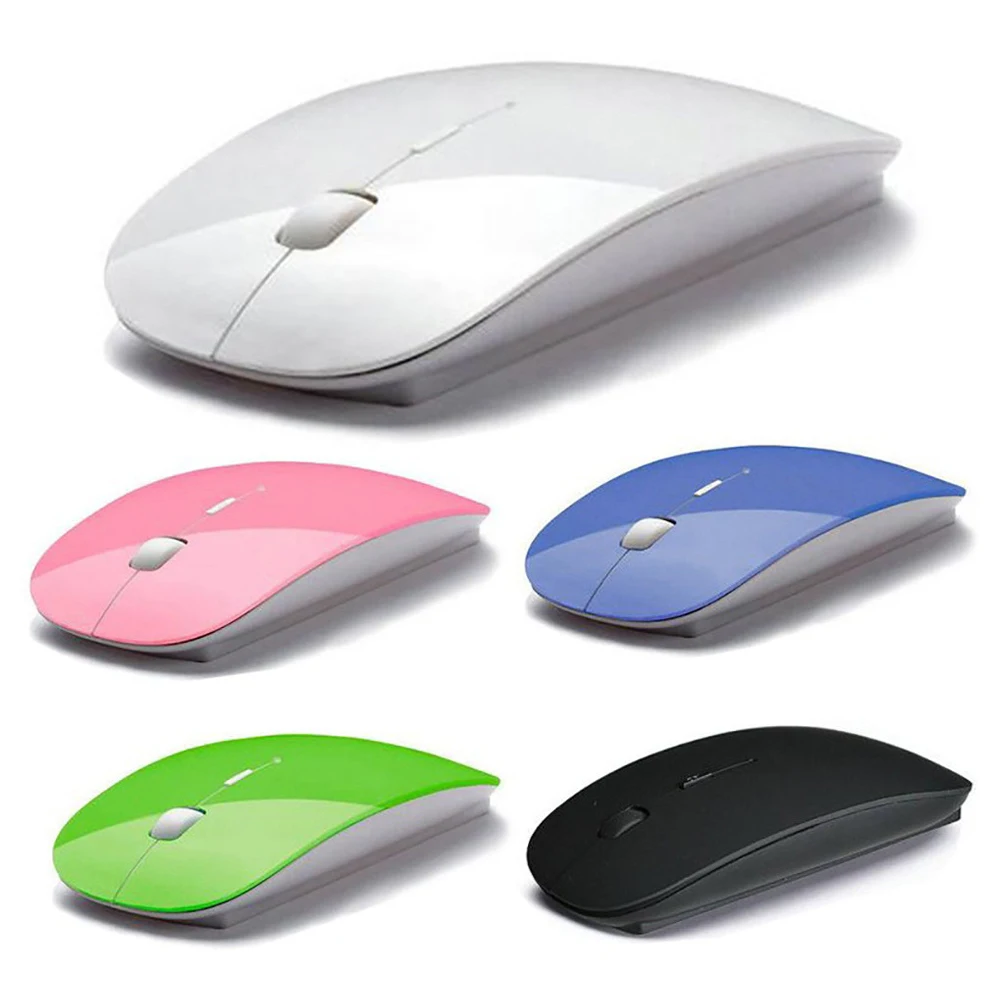

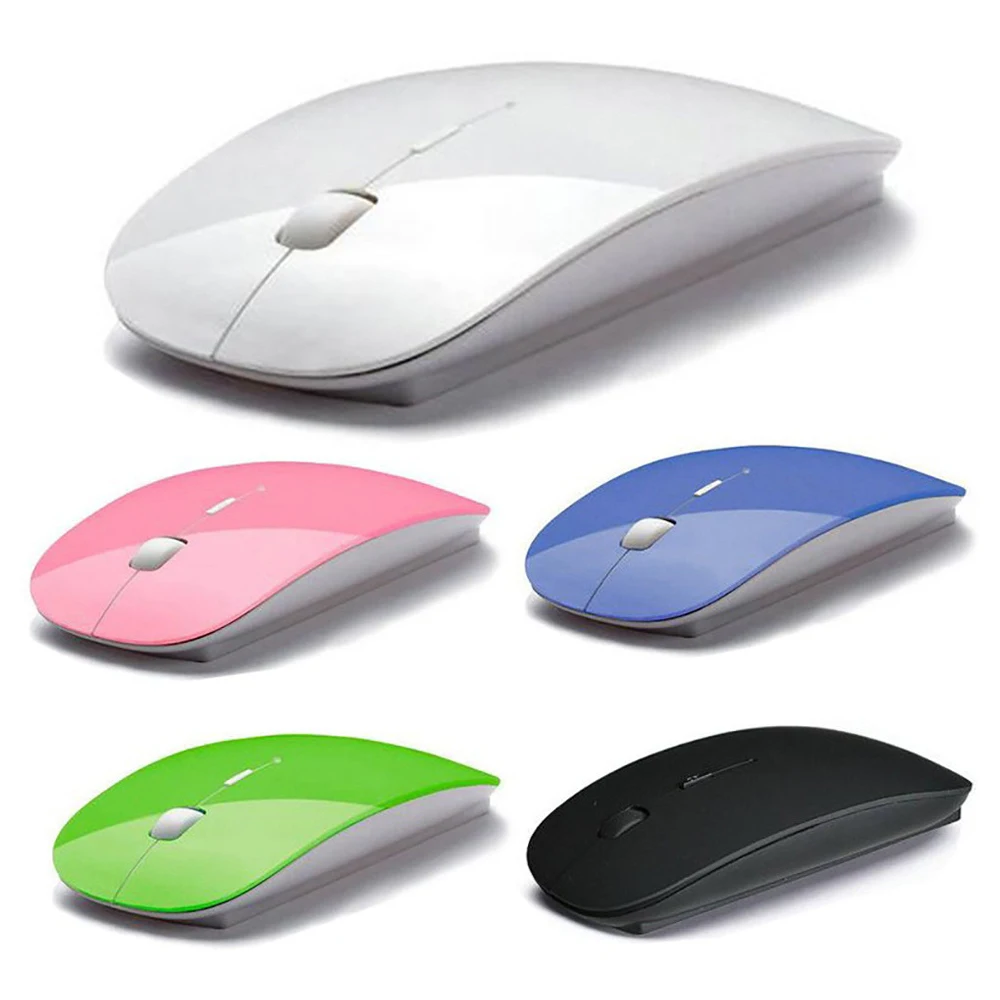
2.4Ghz Ultra thin Dual Mode 2 In 1 Cordless BT 5.0 Mouse 1600 DPI Ergonomic Colorful Portable Optical Mice laptop Wireless mouse
- Category: Mouse >>>
- Supplier: Shenzhen Chenxin Technology Co. Ltd.
Share on (1600375283306):
Product Overview
Description
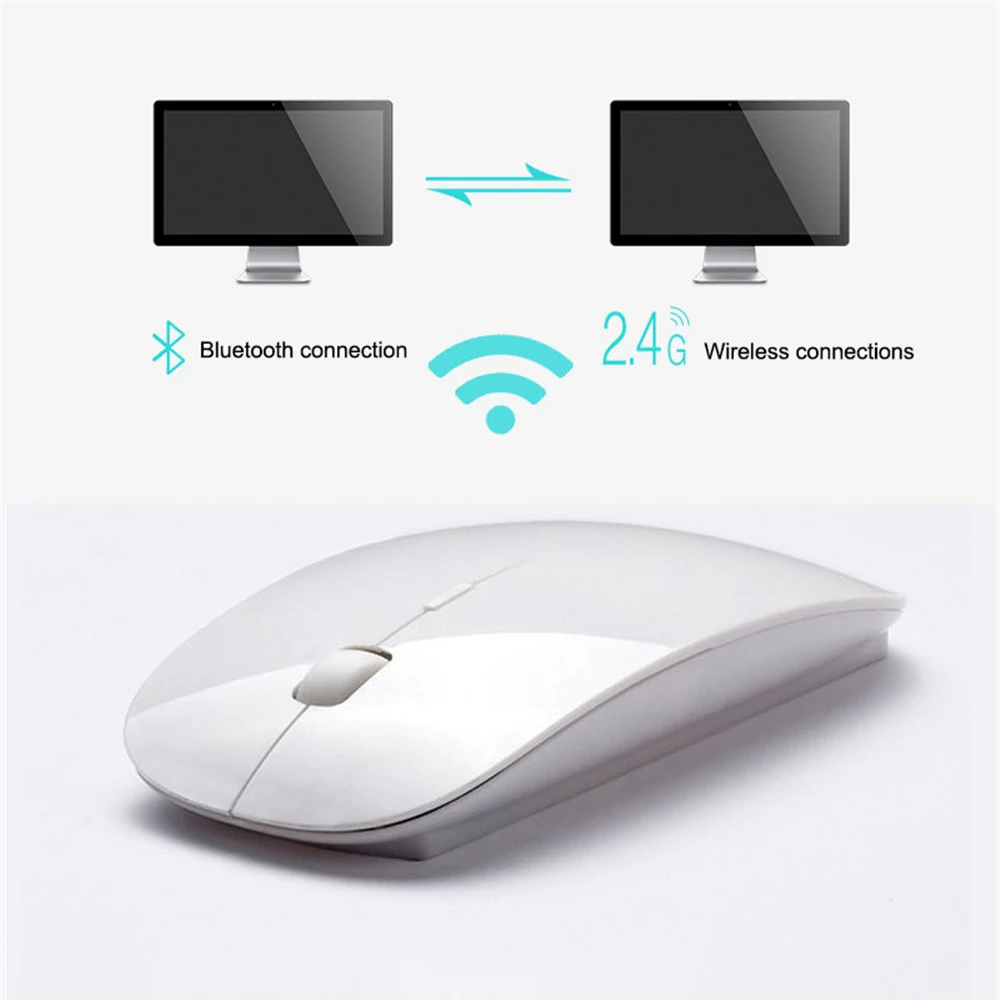
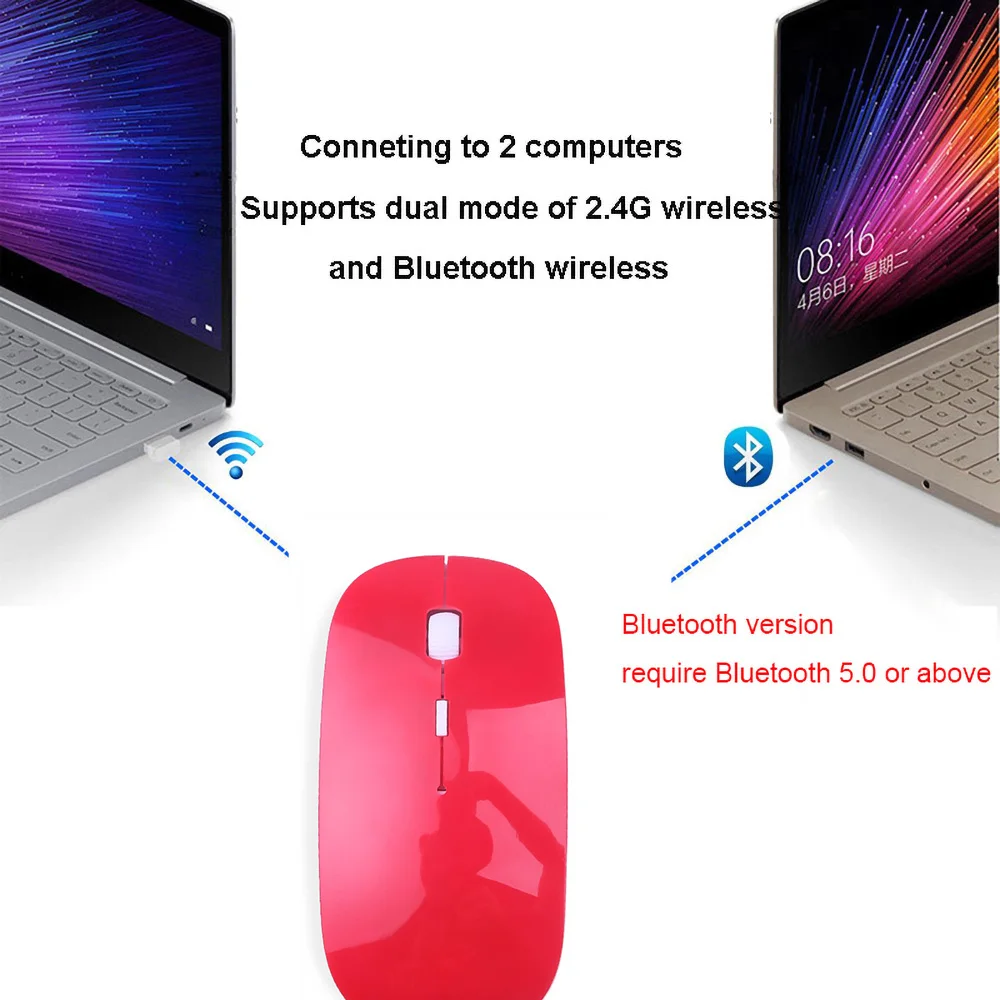
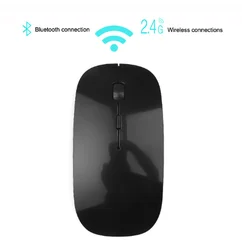
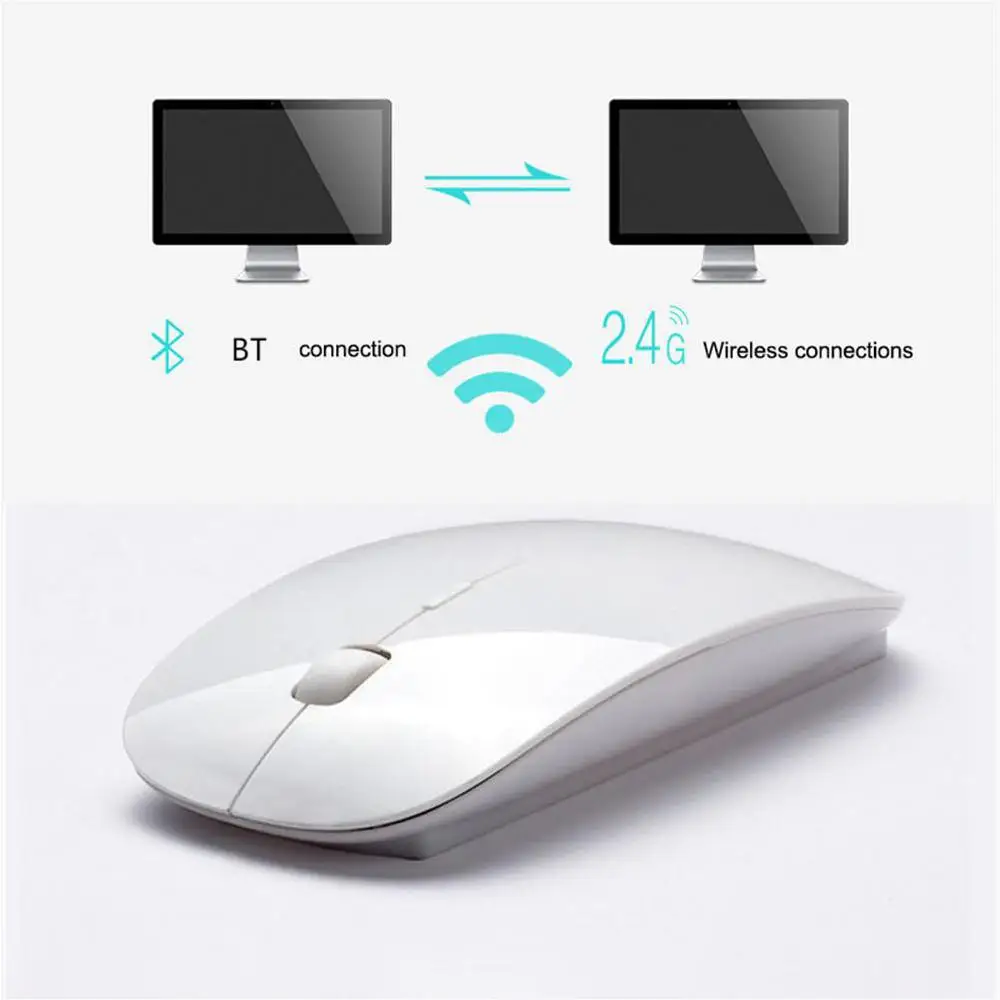
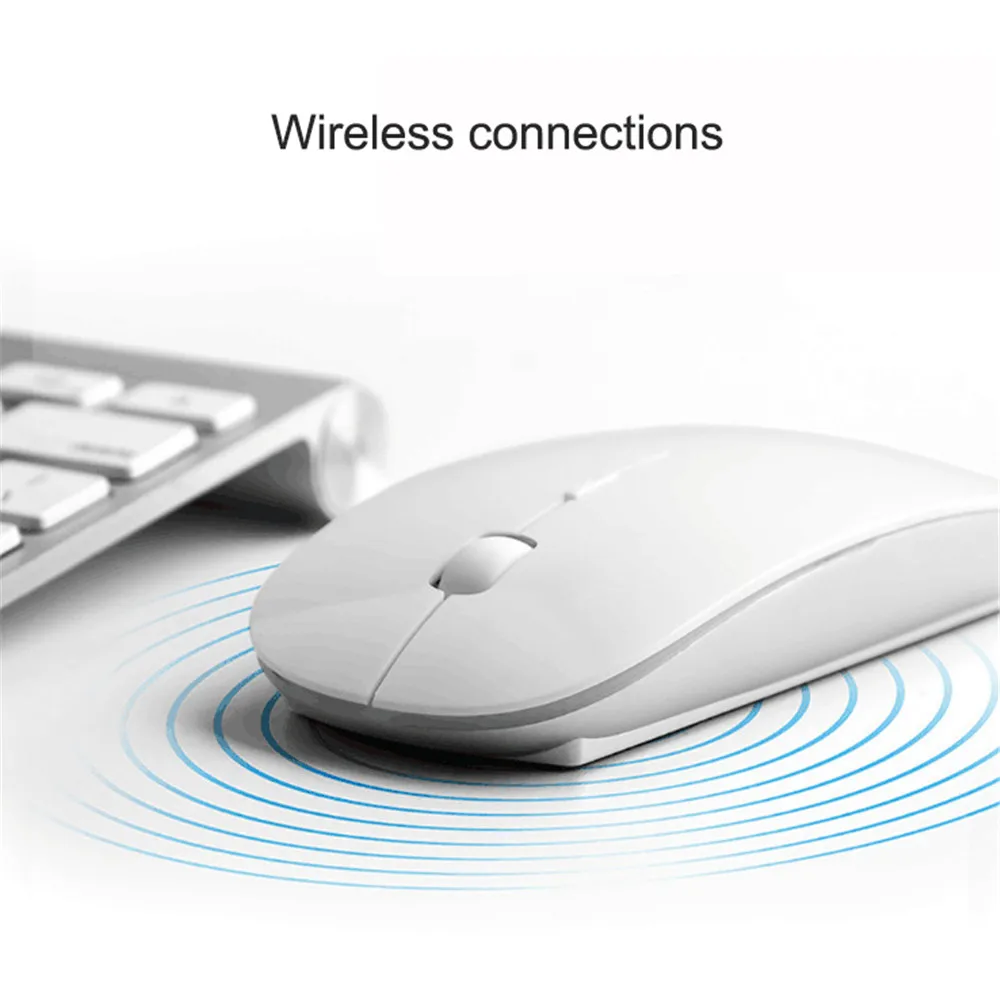
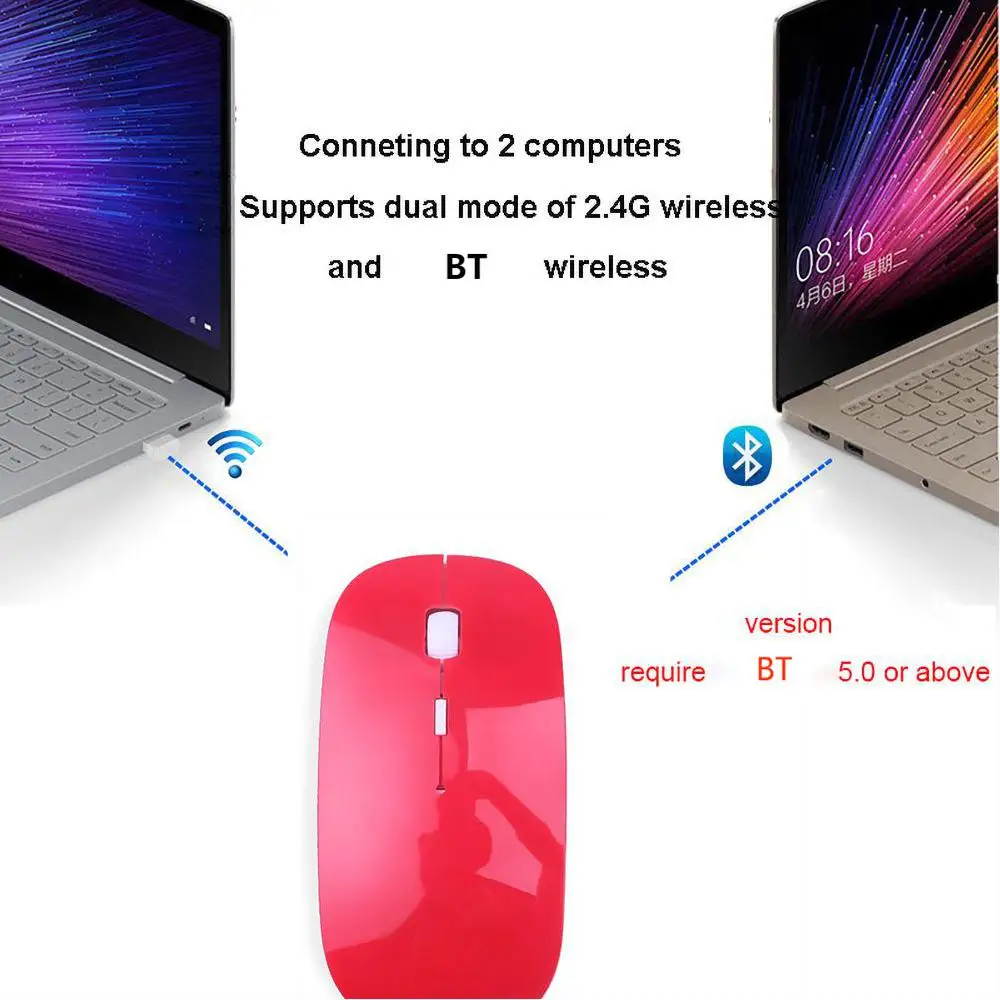
2.4Ghz + BT Dual Mode 2 In 1 Wireless Mouse
pplicable systems:
In BT mode: Windows ( windows XP / Vista / 7 / 8 / server 2003 / 2000 etc) Compatible with BT 5.0 or above only. now
BT 5.0 is newest version, which is much faster and steady. please update your device version if not BT 5.0. Android
(Android 4.3 above)
In 2.4G mode: suitable for desktop computers, notebook computers, smart TV with USB interface, etc
How To use it?
For USB 2.4G Mode:
1. Plug the USB receiver to the computer,
2. Insert batteries to the mouse (if there is a BT device connected to it, turn it off. Then you can use the USB receiver
to connect to the device.)
For BT 5.0 Mode(mouse and device are kept within 30CM):
1. Open Your computer's BT search
2. Press three buttons(Left, Middle, Right) at the same time without letting go
3. Insert the battery
4. Tap BT connection
5. Release the three buttons
Switch between BT 5.0 and 2.4G (mouse and device are kept within 30CM)
1. If the same device is connected to BT, plug in the USB receiver to connect to 2.4G by default. Unplug the USB receiver
to automatically switch the BT connection.
2. Switching BT connection between multiple devices can be realized by pressing and holding the three buttons on the left,
middle and right of the mouse.
Package Contents:
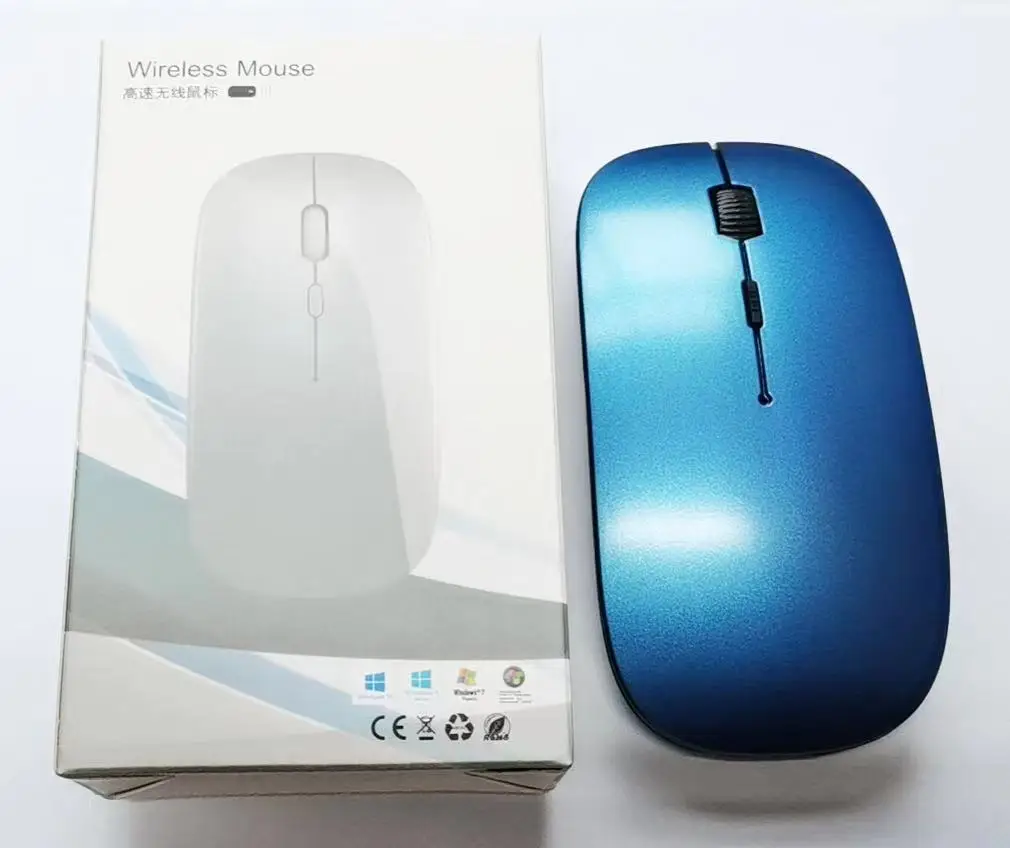
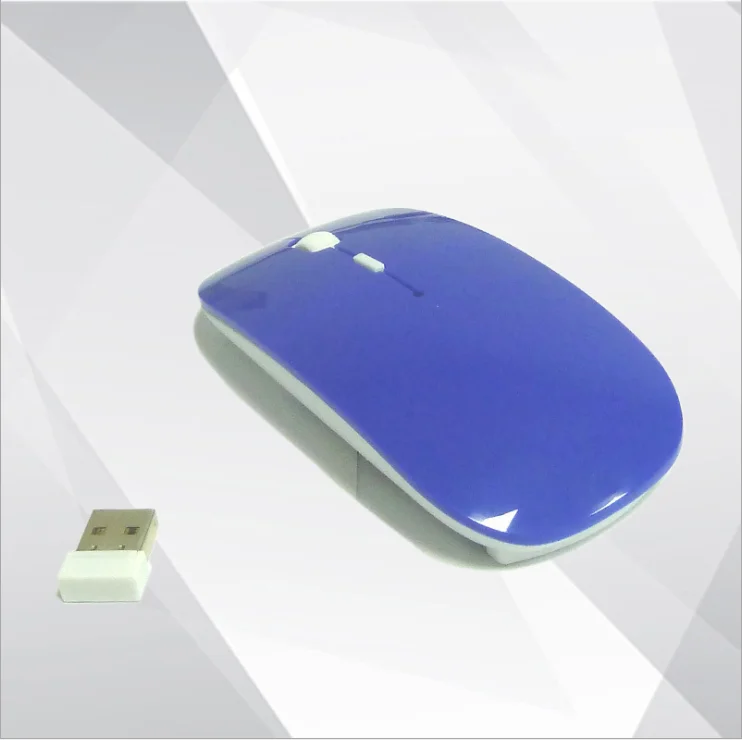
1 x Wireless Mouse (Without Battery)
1 x USB Receiver
In BT mode: Windows ( windows XP / Vista / 7 / 8 / server 2003 / 2000 etc) Compatible with BT 5.0 or above only. now
BT 5.0 is newest version, which is much faster and steady. please update your device version if not BT 5.0. Android
(Android 4.3 above)
In 2.4G mode: suitable for desktop computers, notebook computers, smart TV with USB interface, etc
How To use it?
For USB 2.4G Mode:
1. Plug the USB receiver to the computer,
2. Insert batteries to the mouse (if there is a BT device connected to it, turn it off. Then you can use the USB receiver
to connect to the device.)
For BT 5.0 Mode(mouse and device are kept within 30CM):
1. Open Your computer's BT search
2. Press three buttons(Left, Middle, Right) at the same time without letting go
3. Insert the battery
4. Tap BT connection
5. Release the three buttons
Switch between BT 5.0 and 2.4G (mouse and device are kept within 30CM)
1. If the same device is connected to BT, plug in the USB receiver to connect to 2.4G by default. Unplug the USB receiver
to automatically switch the BT connection.
2. Switching BT connection between multiple devices can be realized by pressing and holding the three buttons on the left,
middle and right of the mouse.
Package Contents:
1 x Wireless Mouse (Without Battery)
1 x USB Receiver
We Recommend


New Arrivals
New products from manufacturers at wholesale prices







