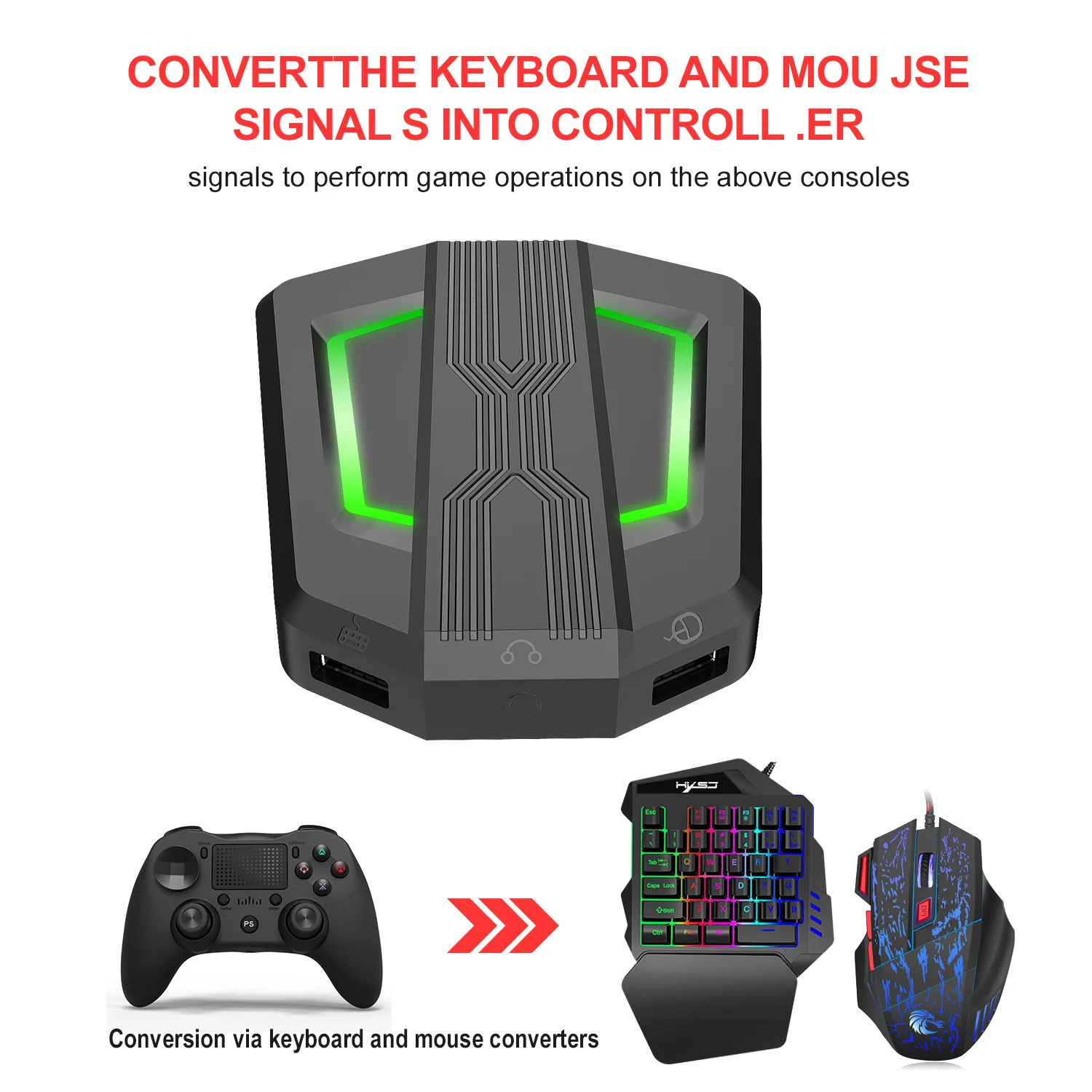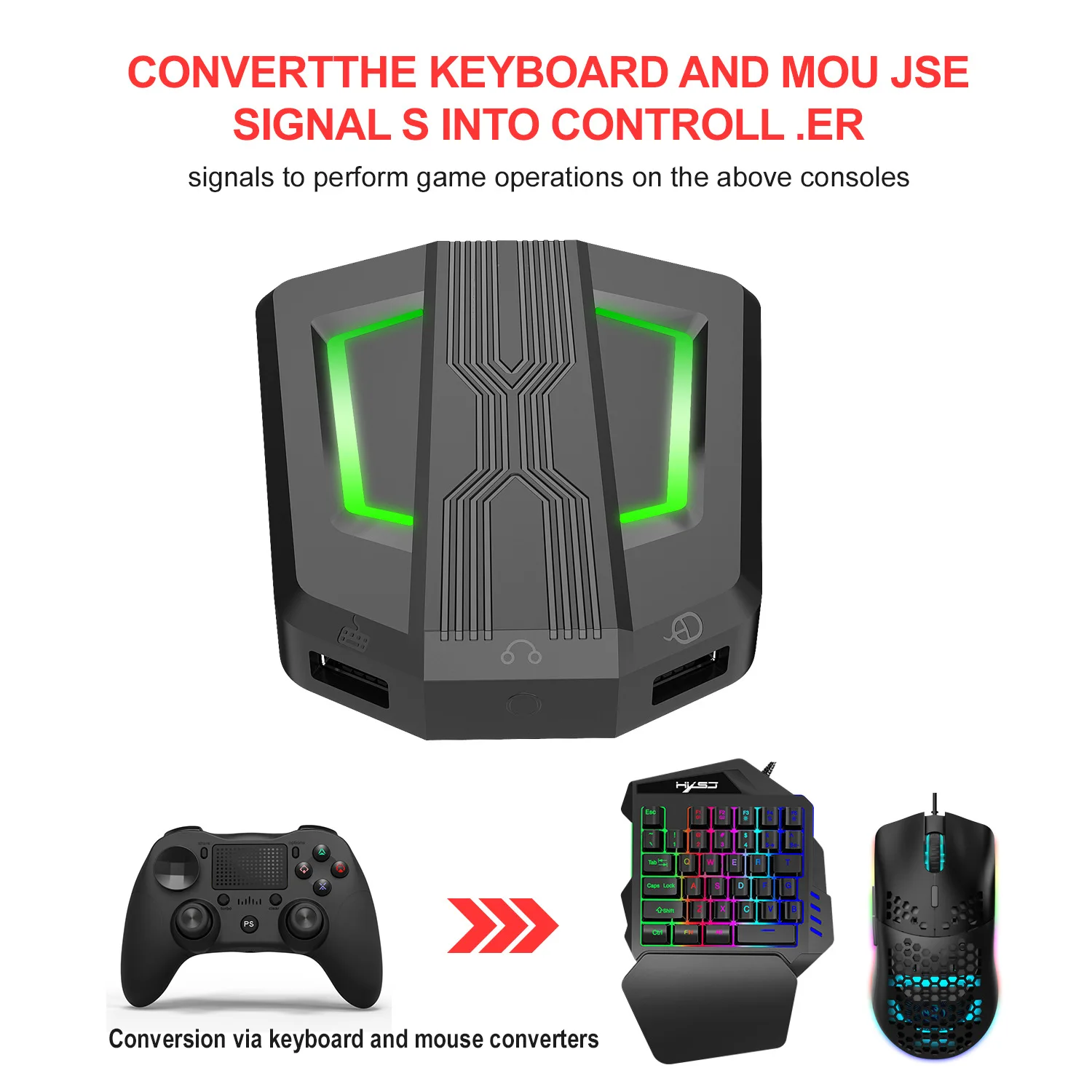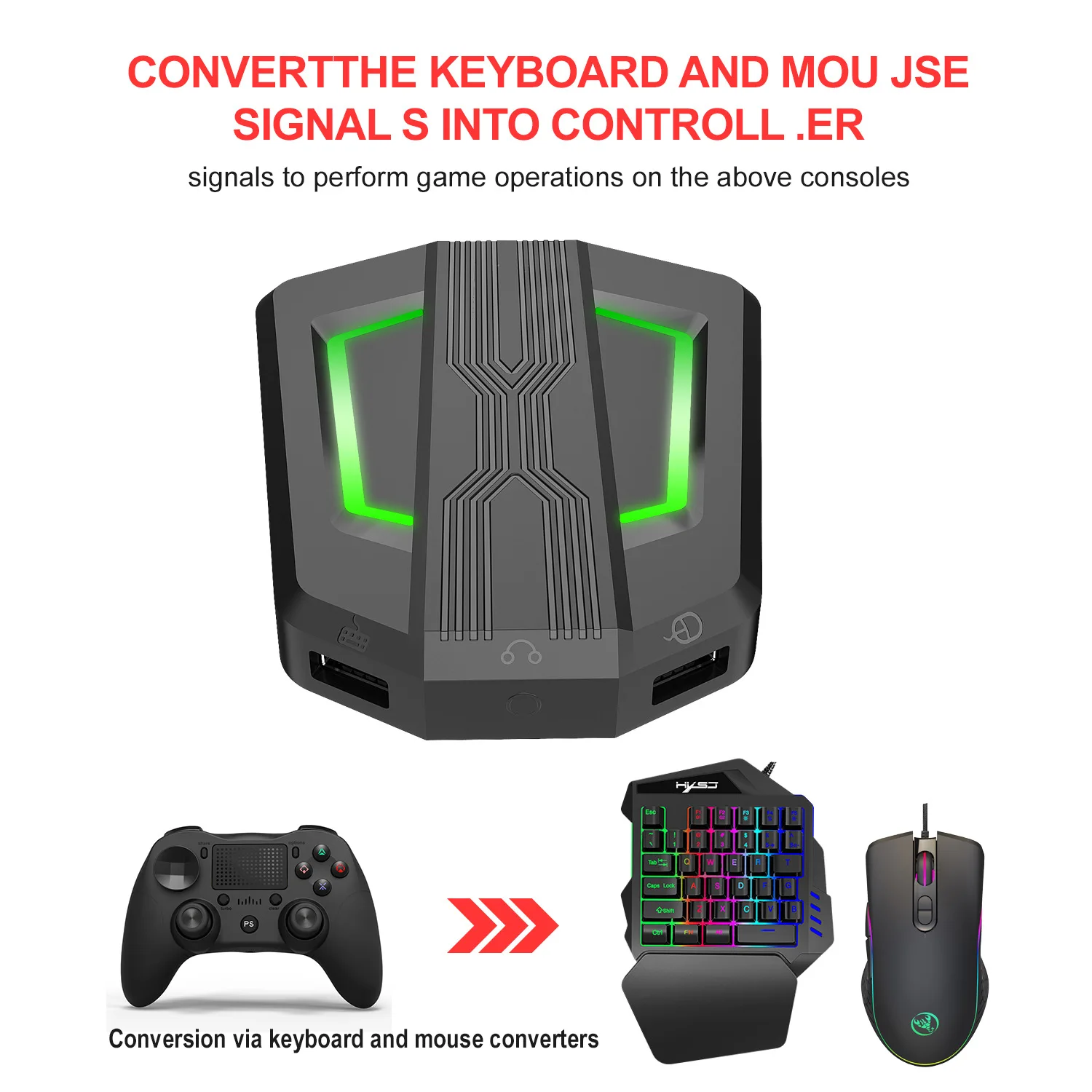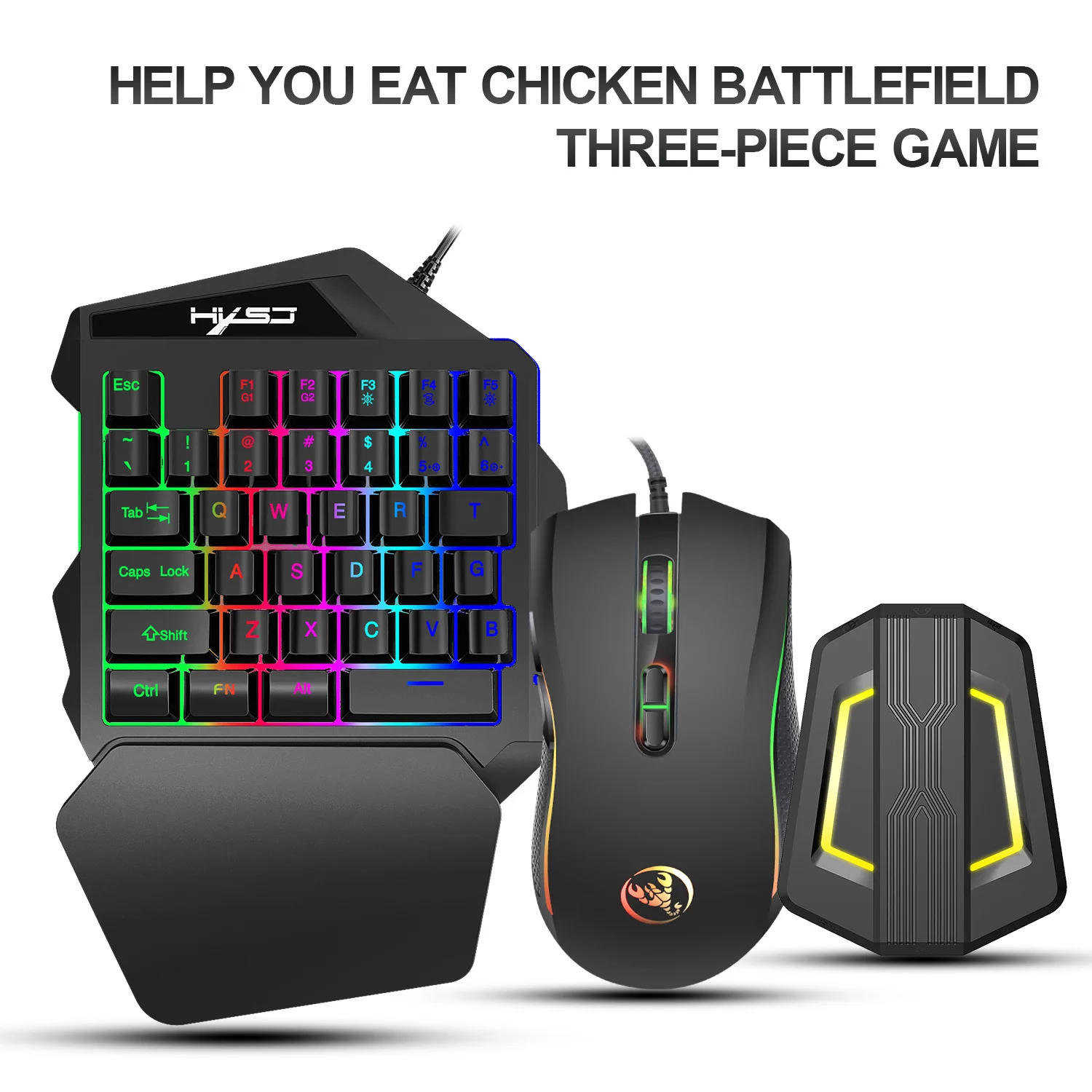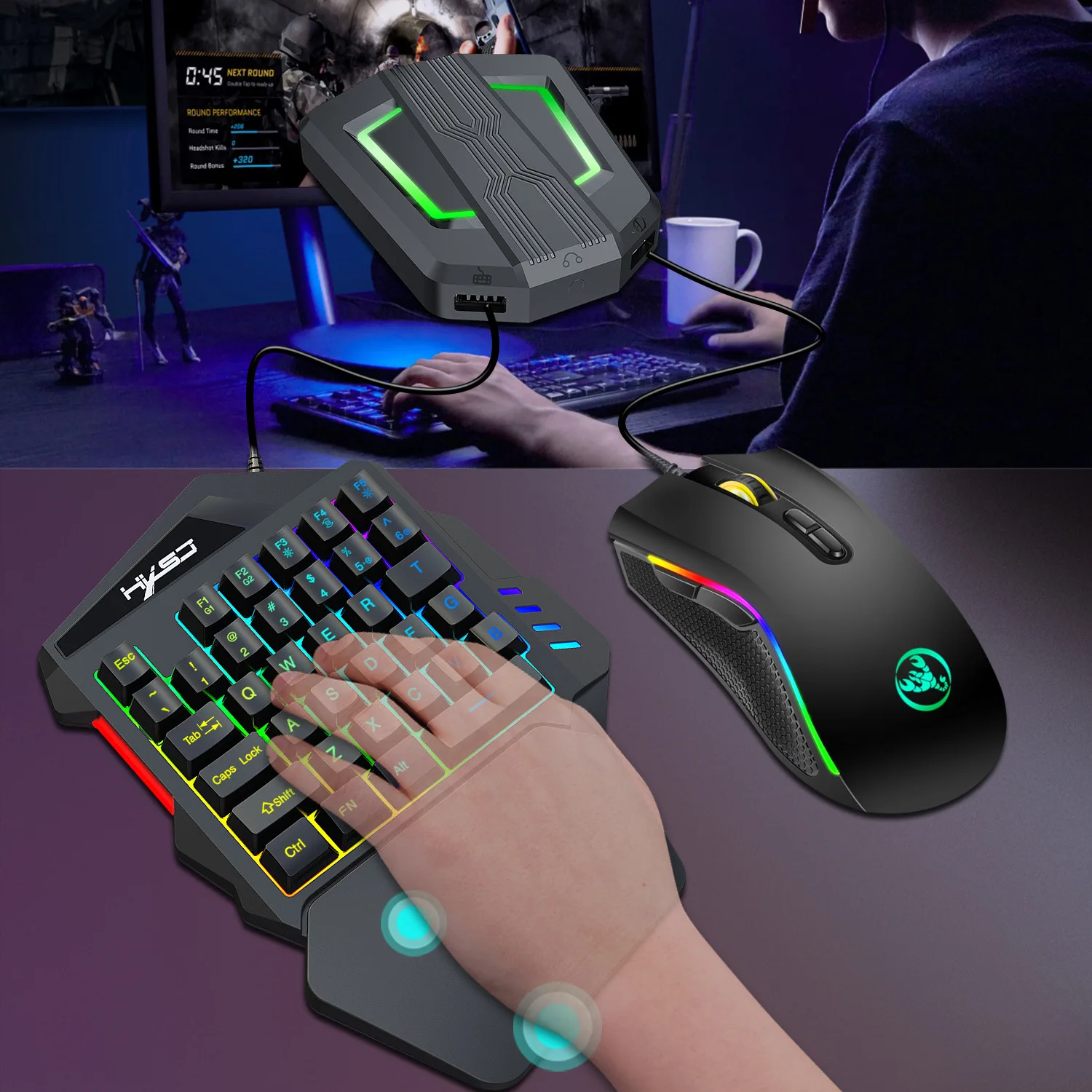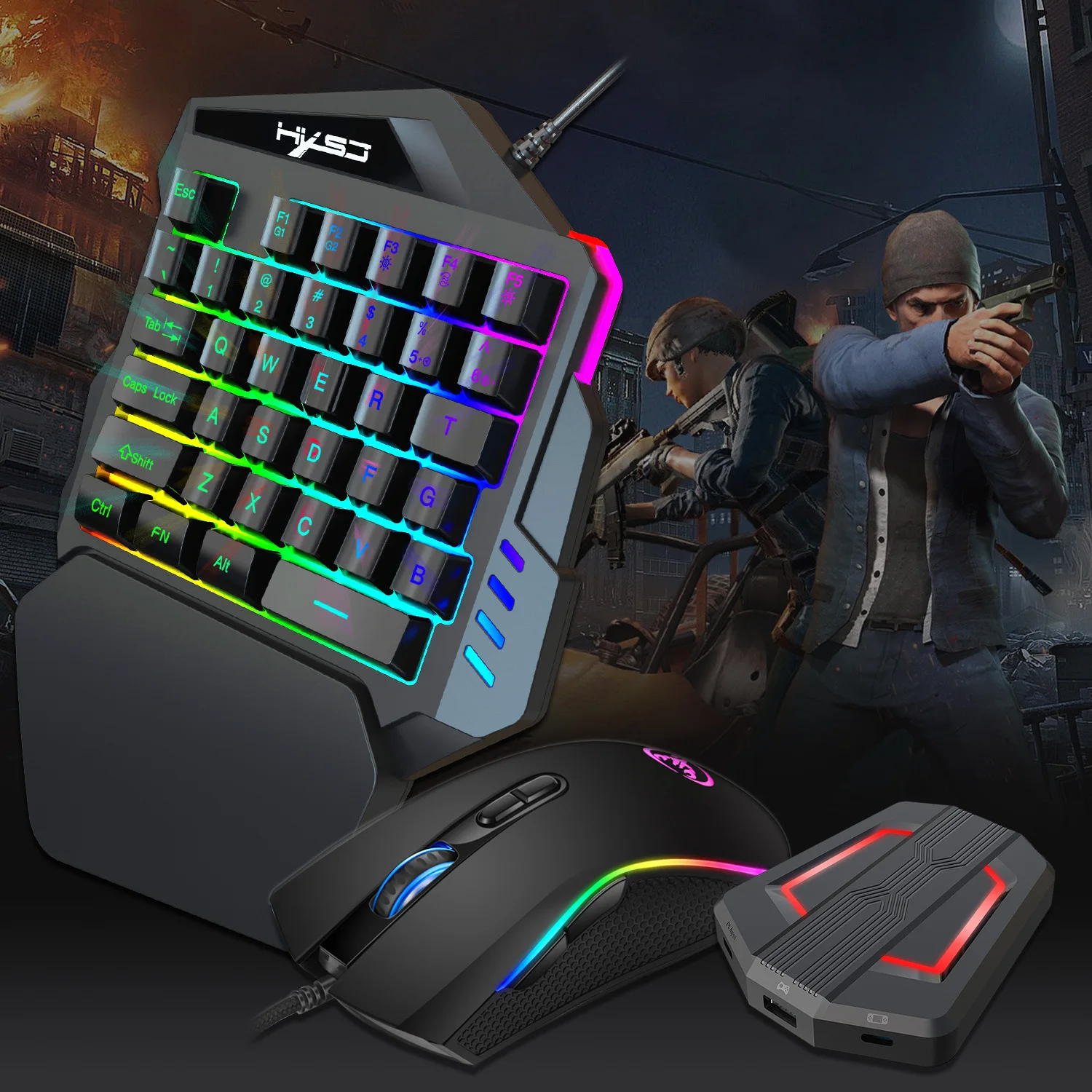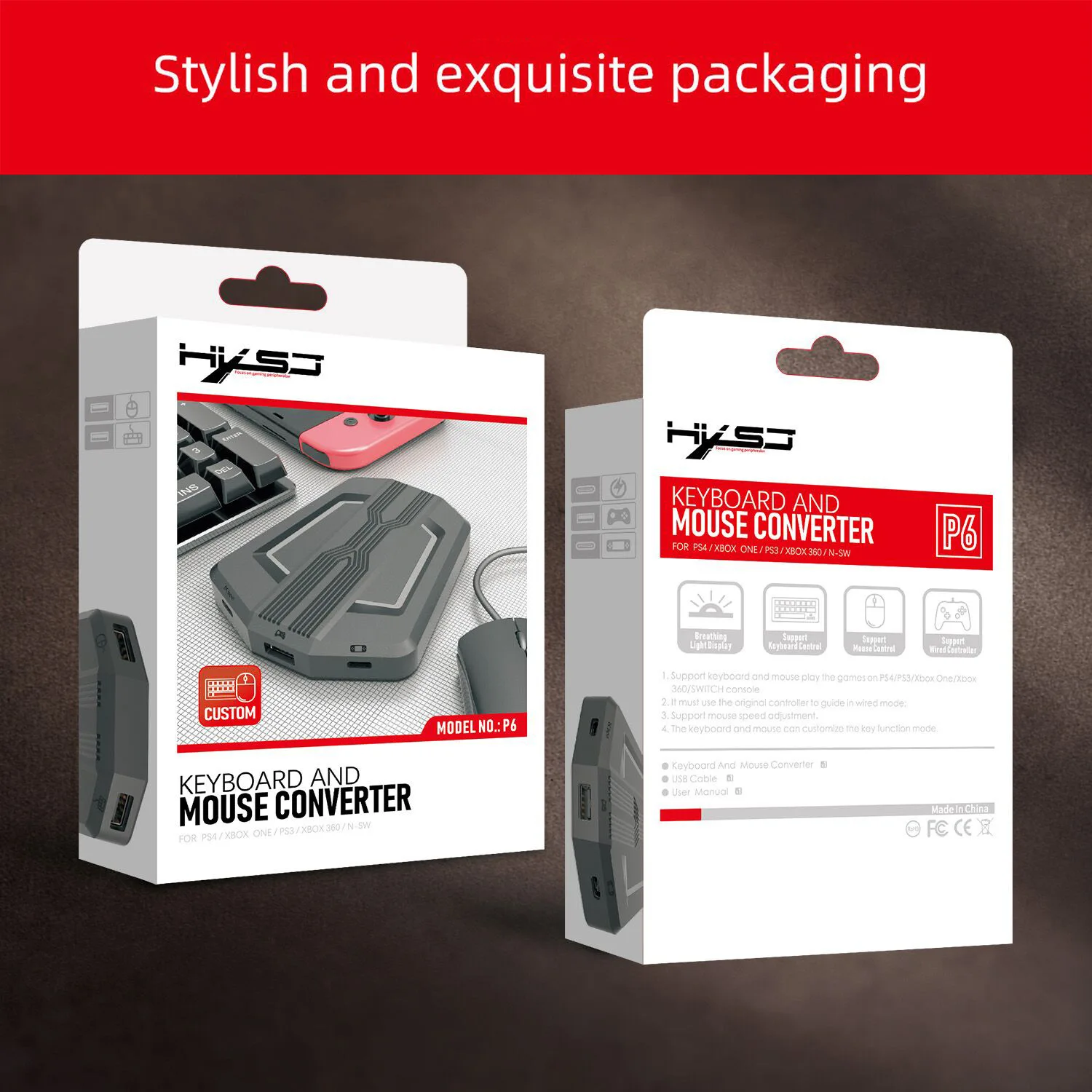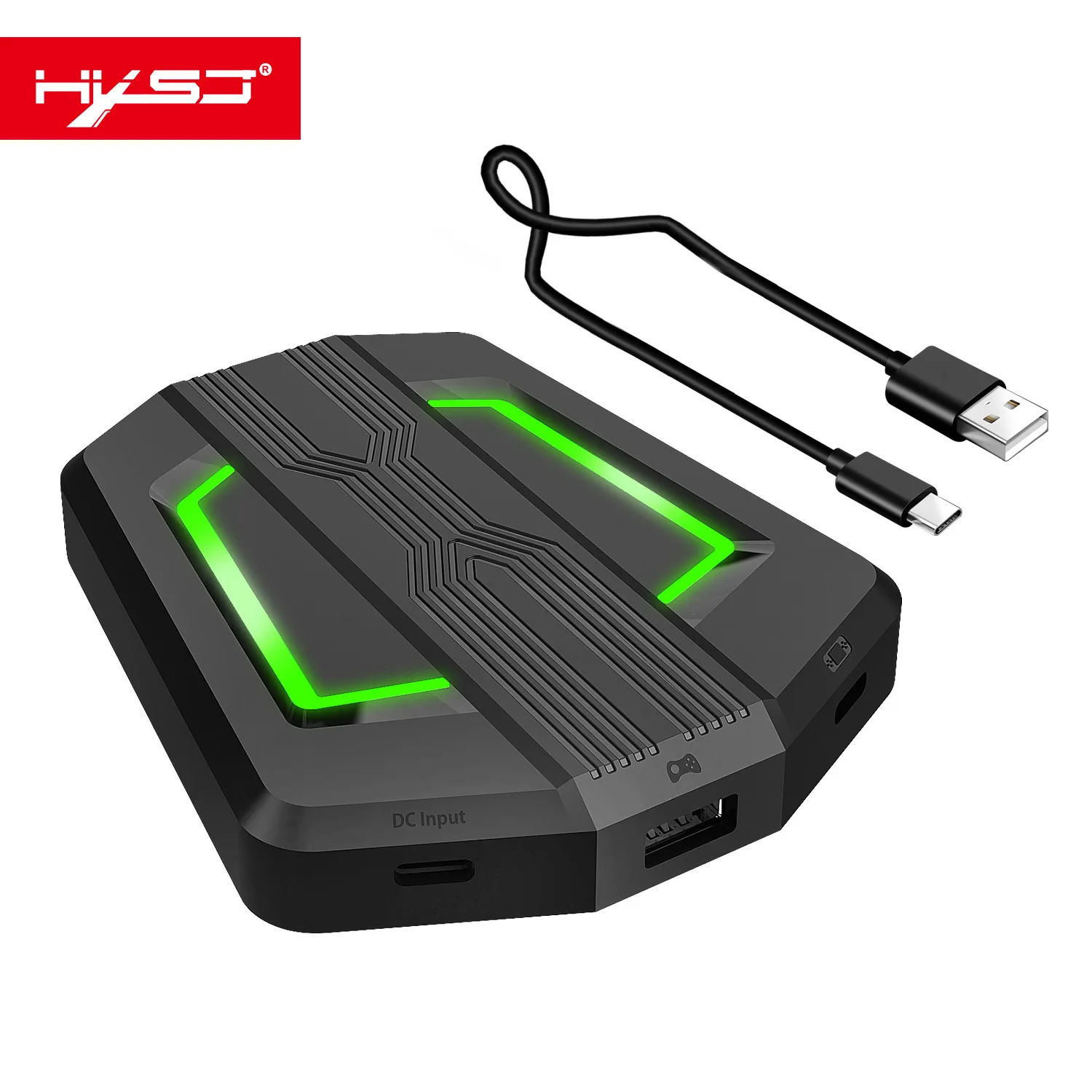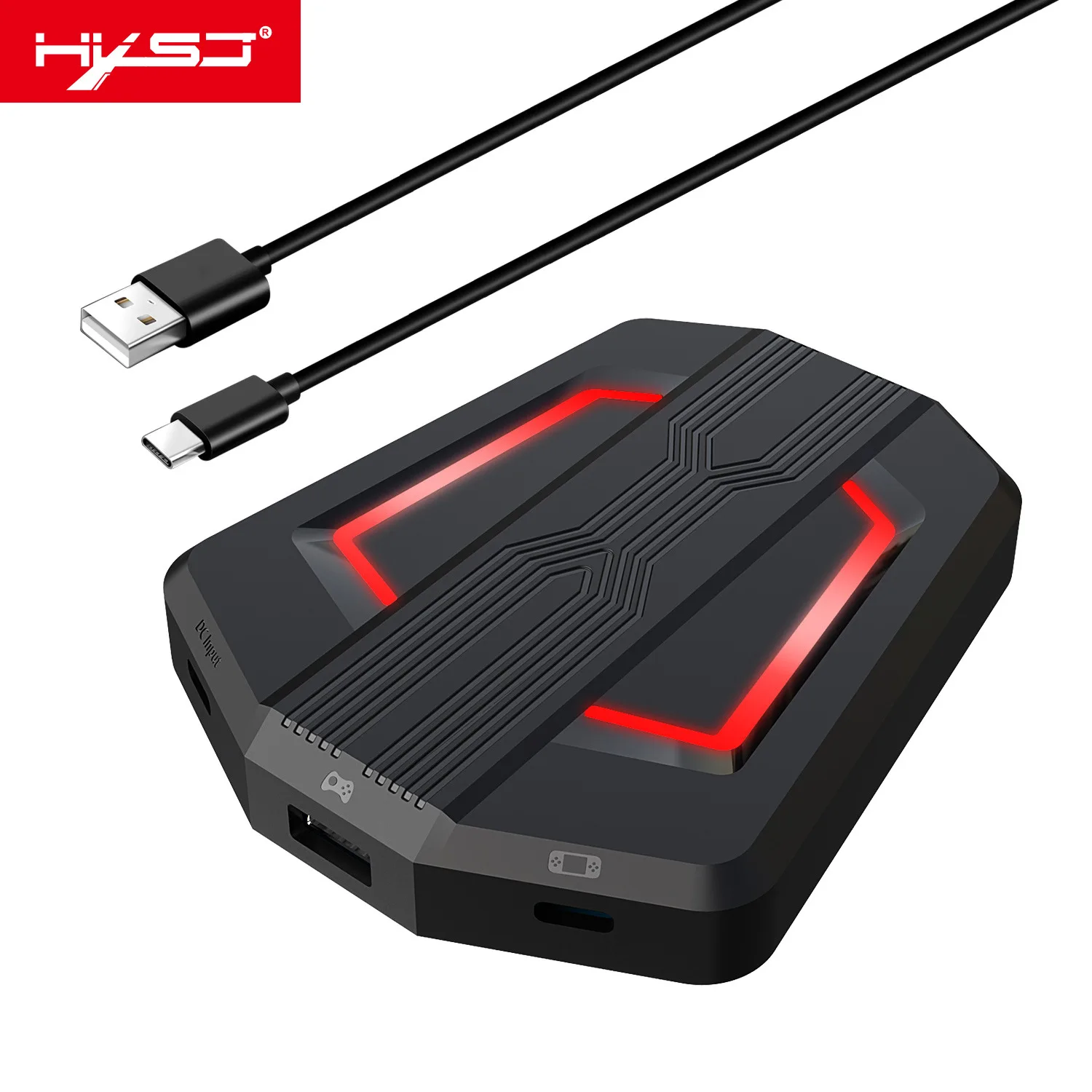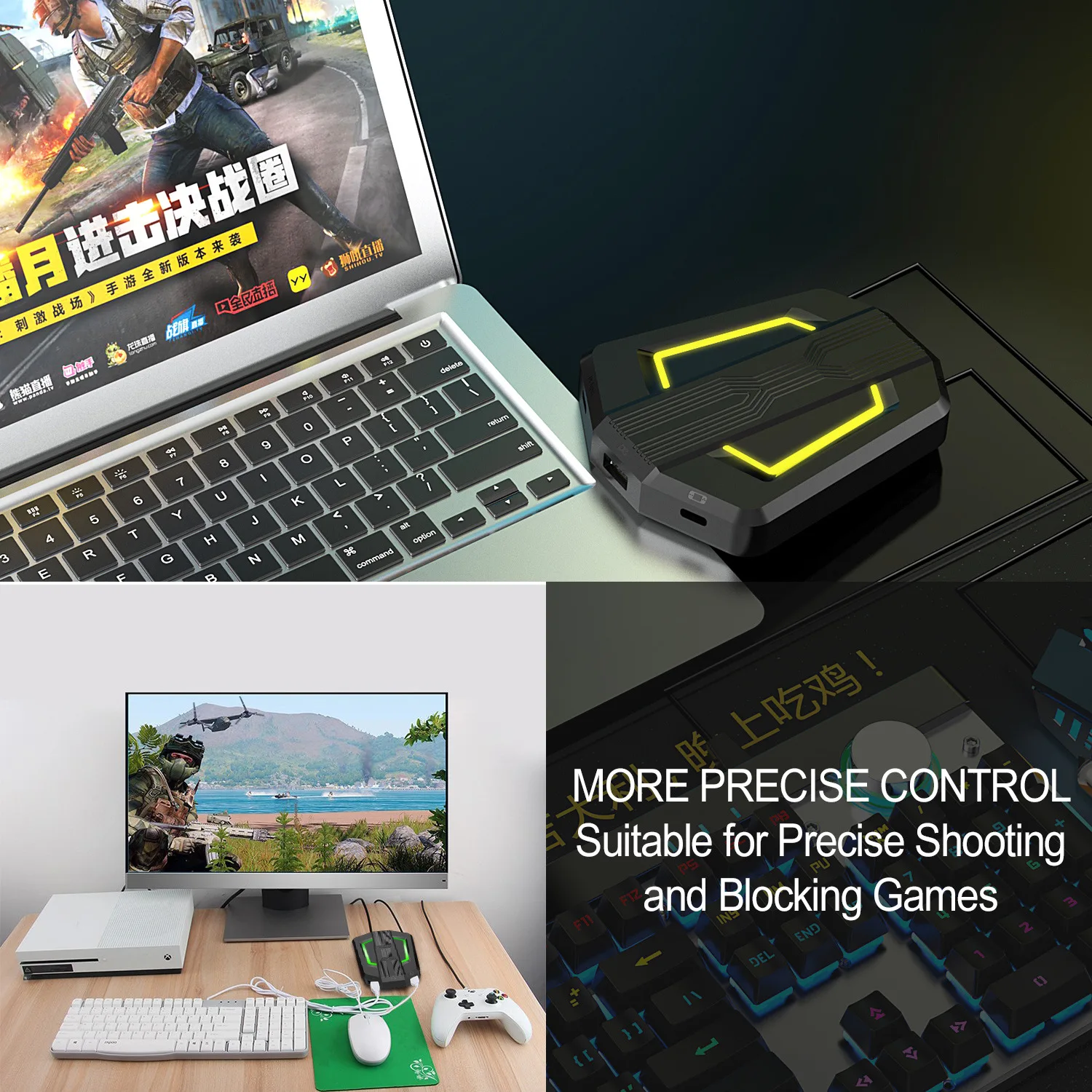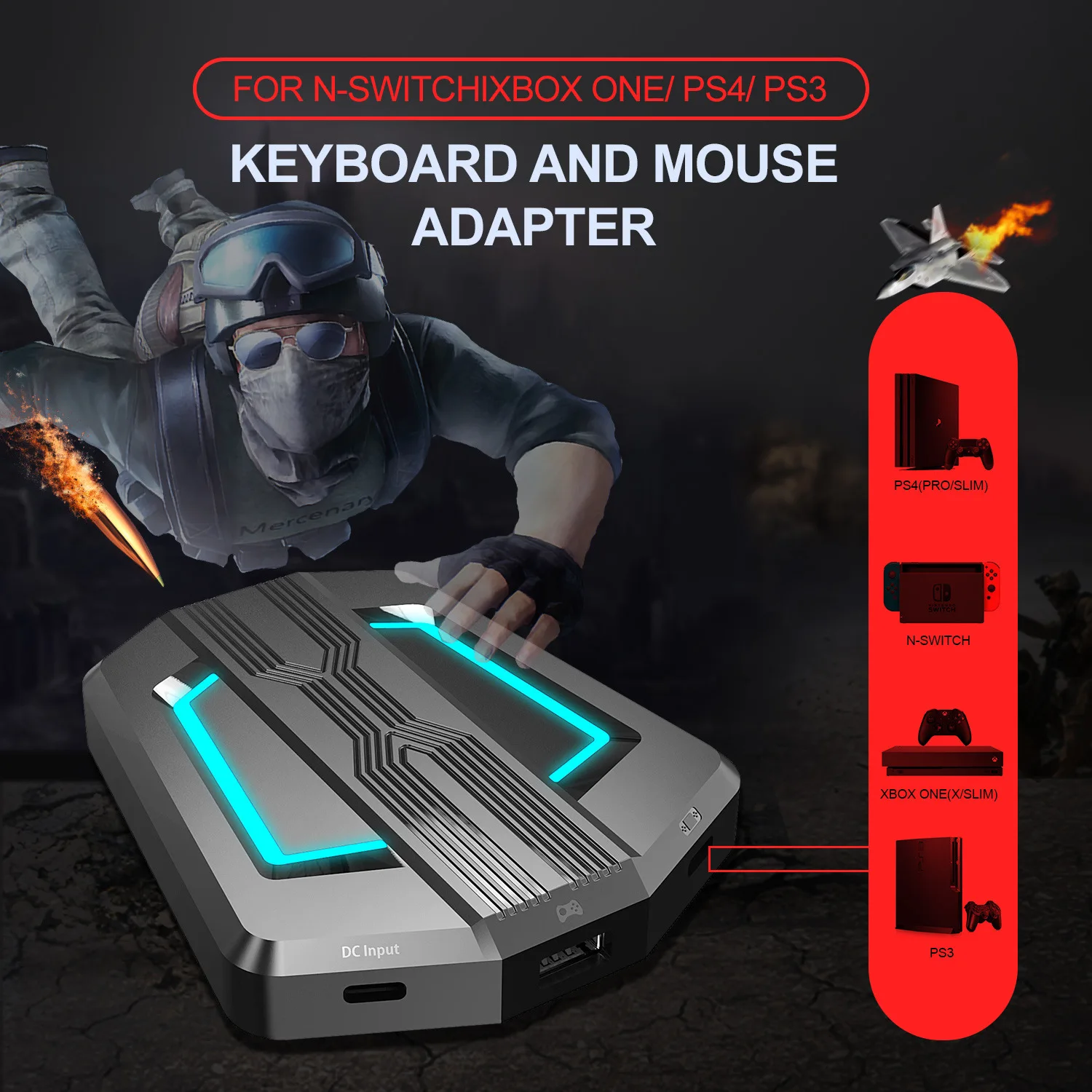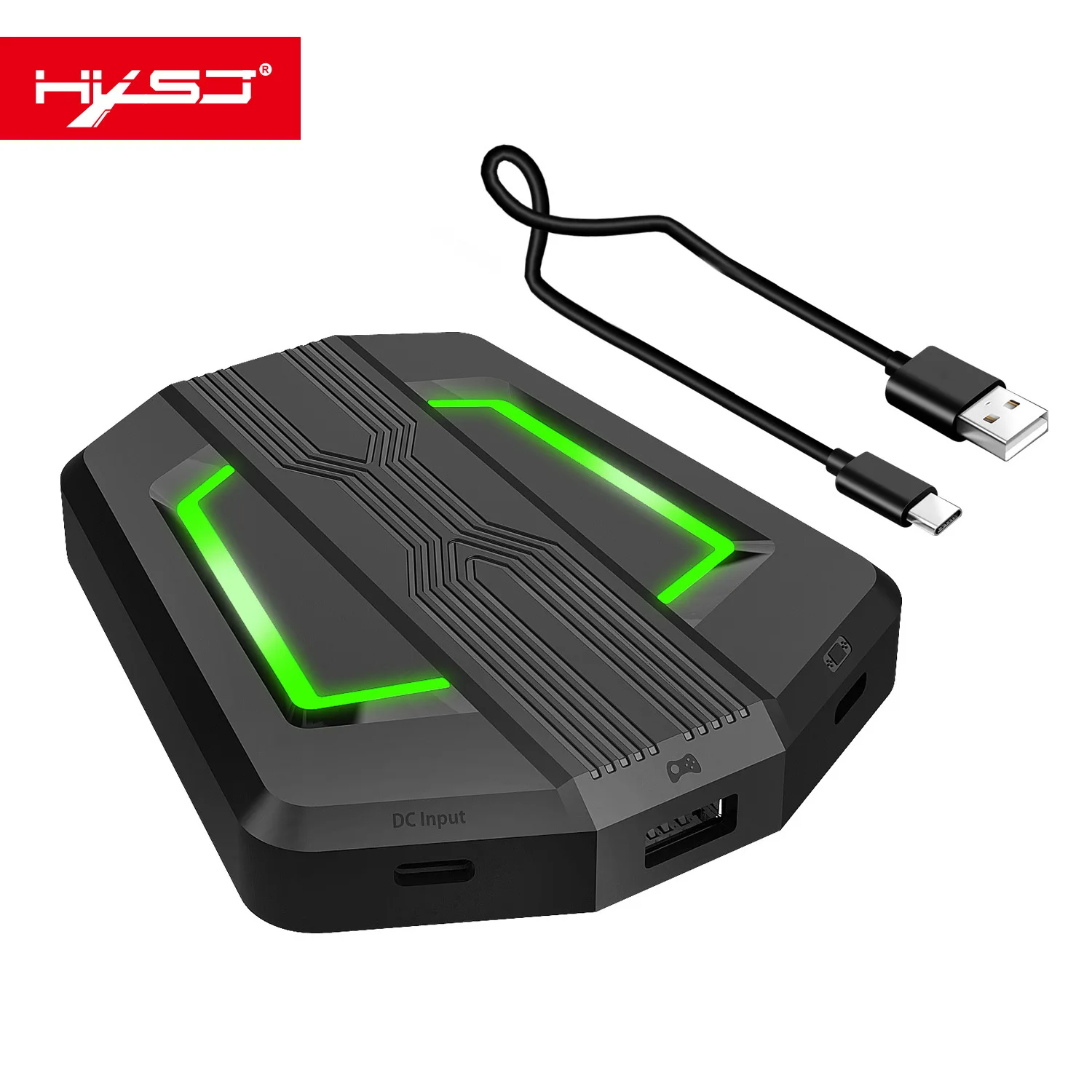
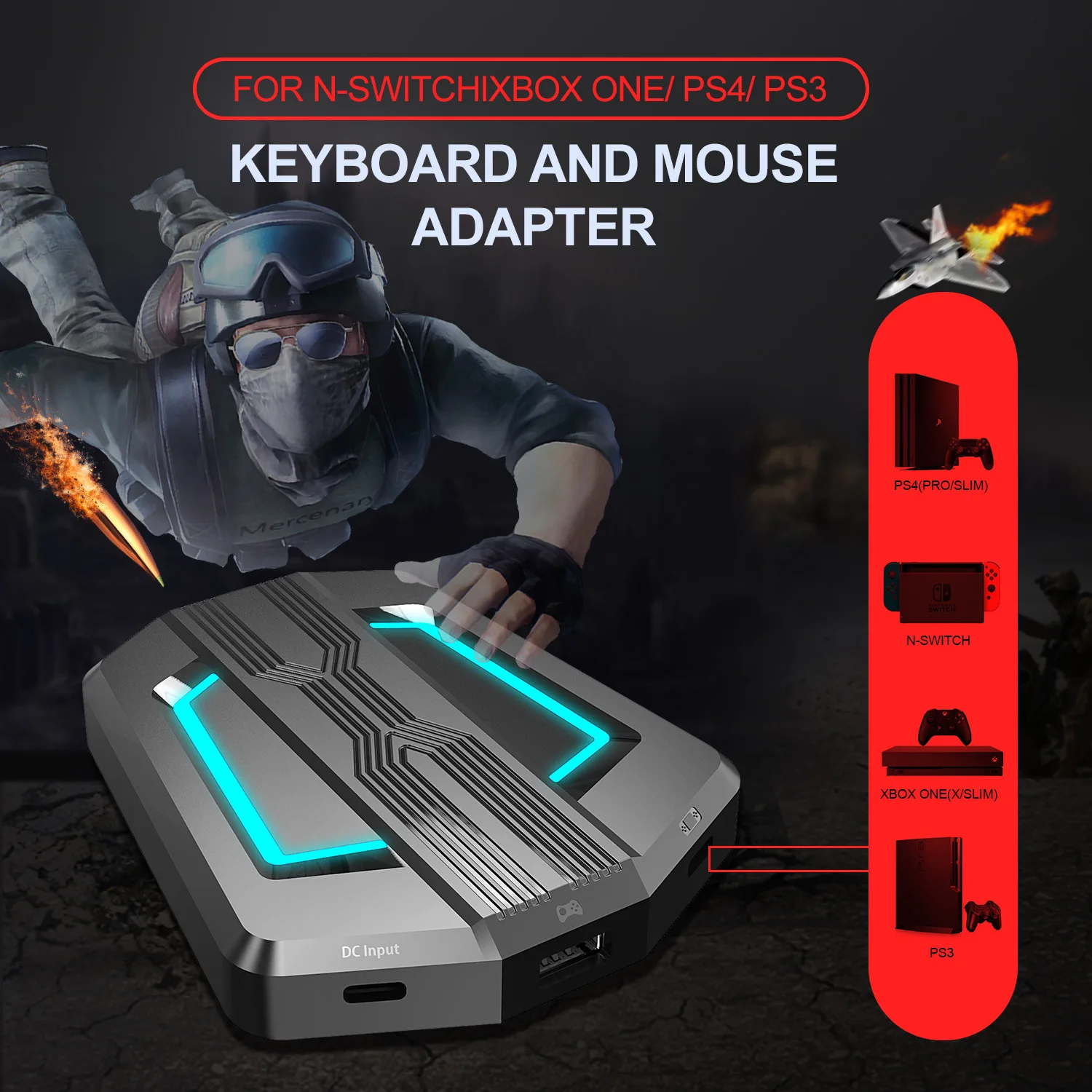
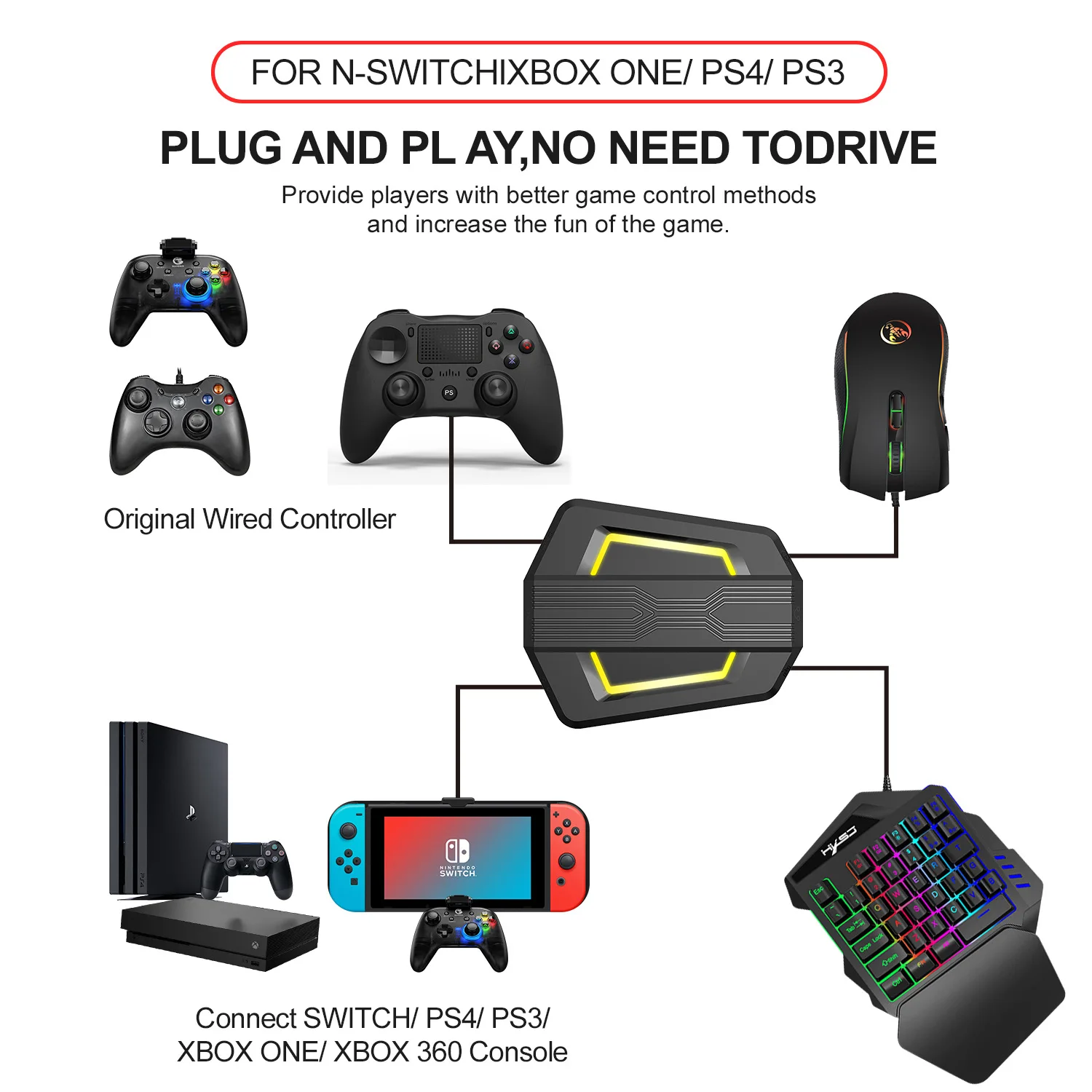
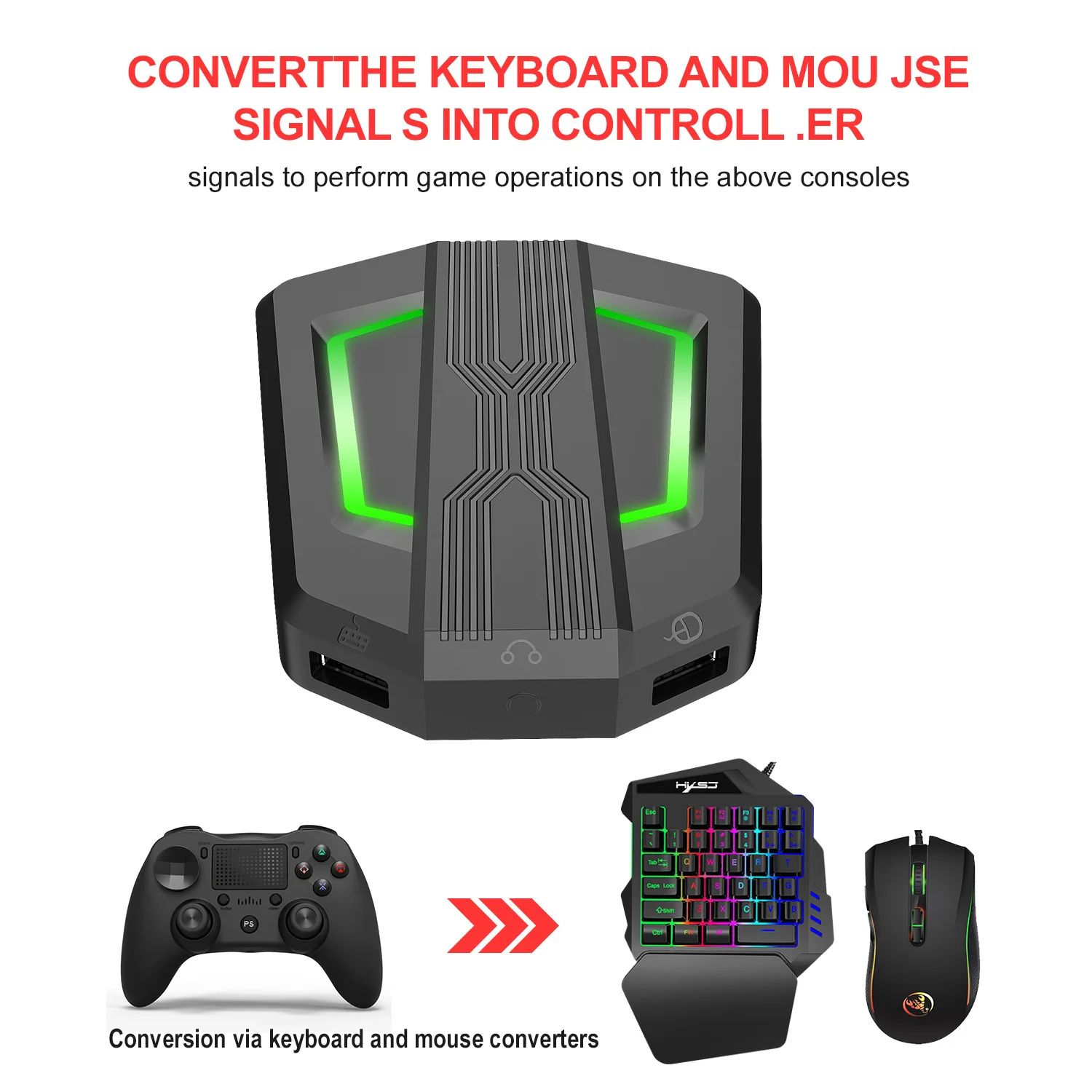
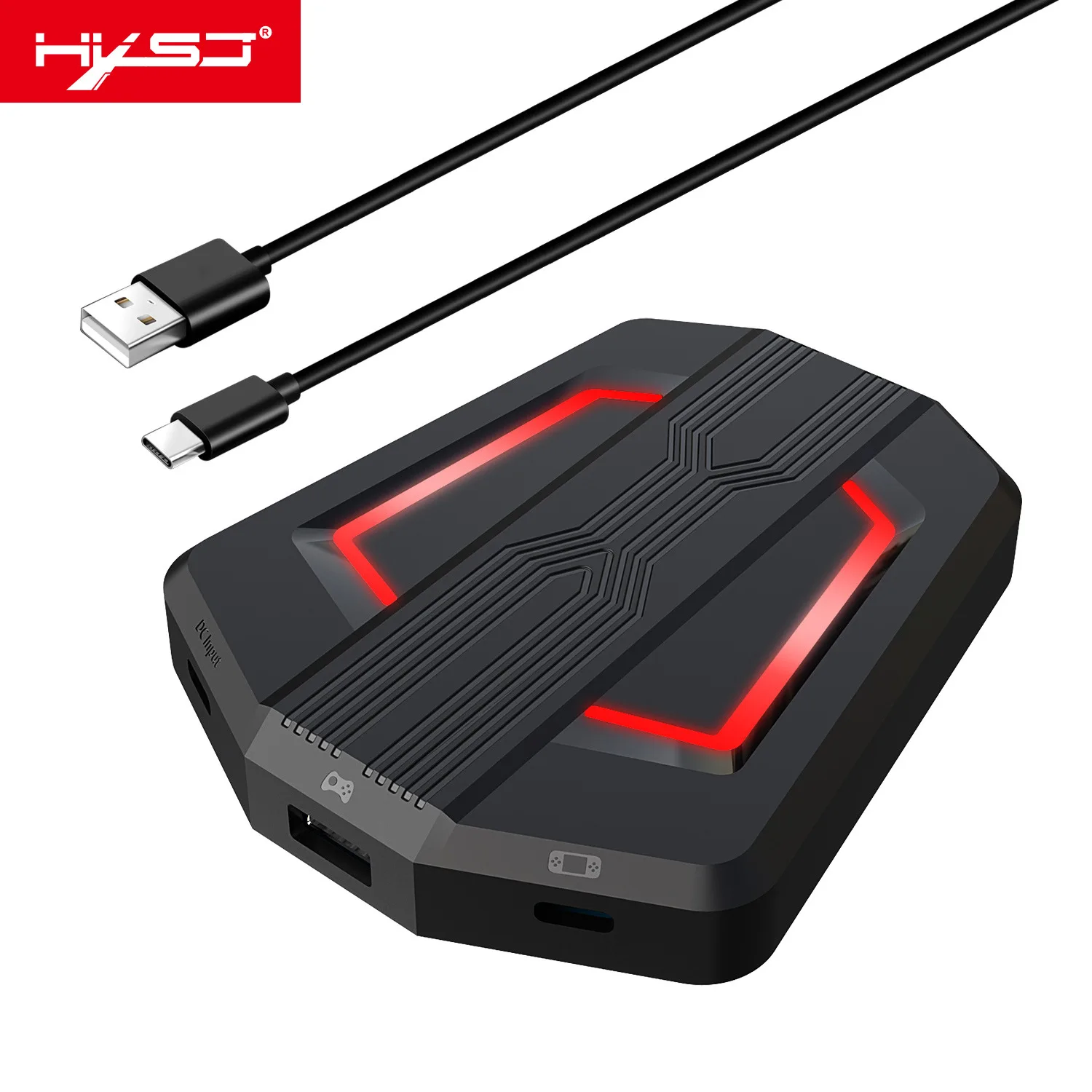
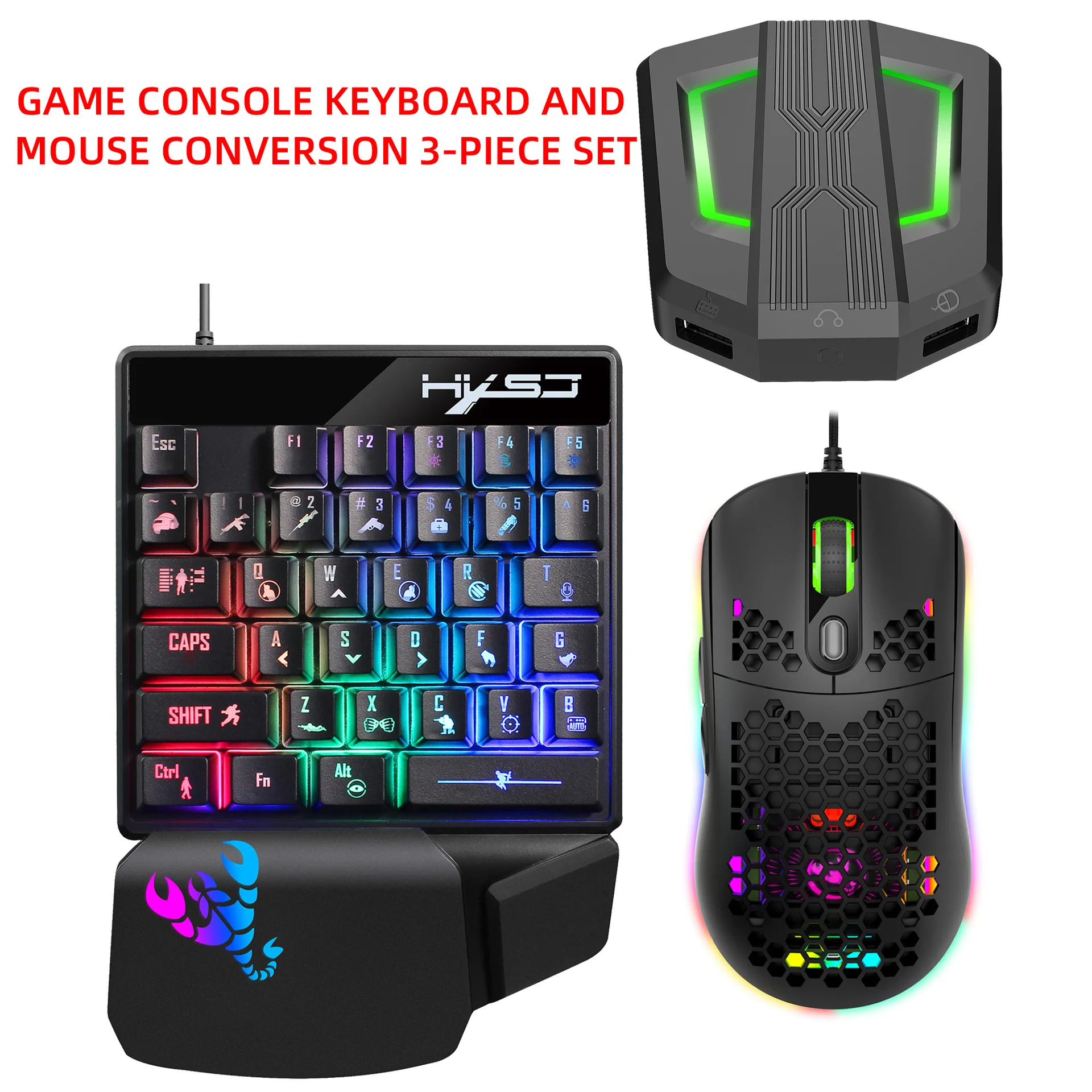
HXSJ P6 Keyboard Mouse Converter Adapter Mouse Keyboard Controller Compatible with PS4/PS3/Xbox One/Xbox 360/N Switch

Share on (1600435008504):


Price:

Quantity:


Product Overview

Description


Parameter


Product Name


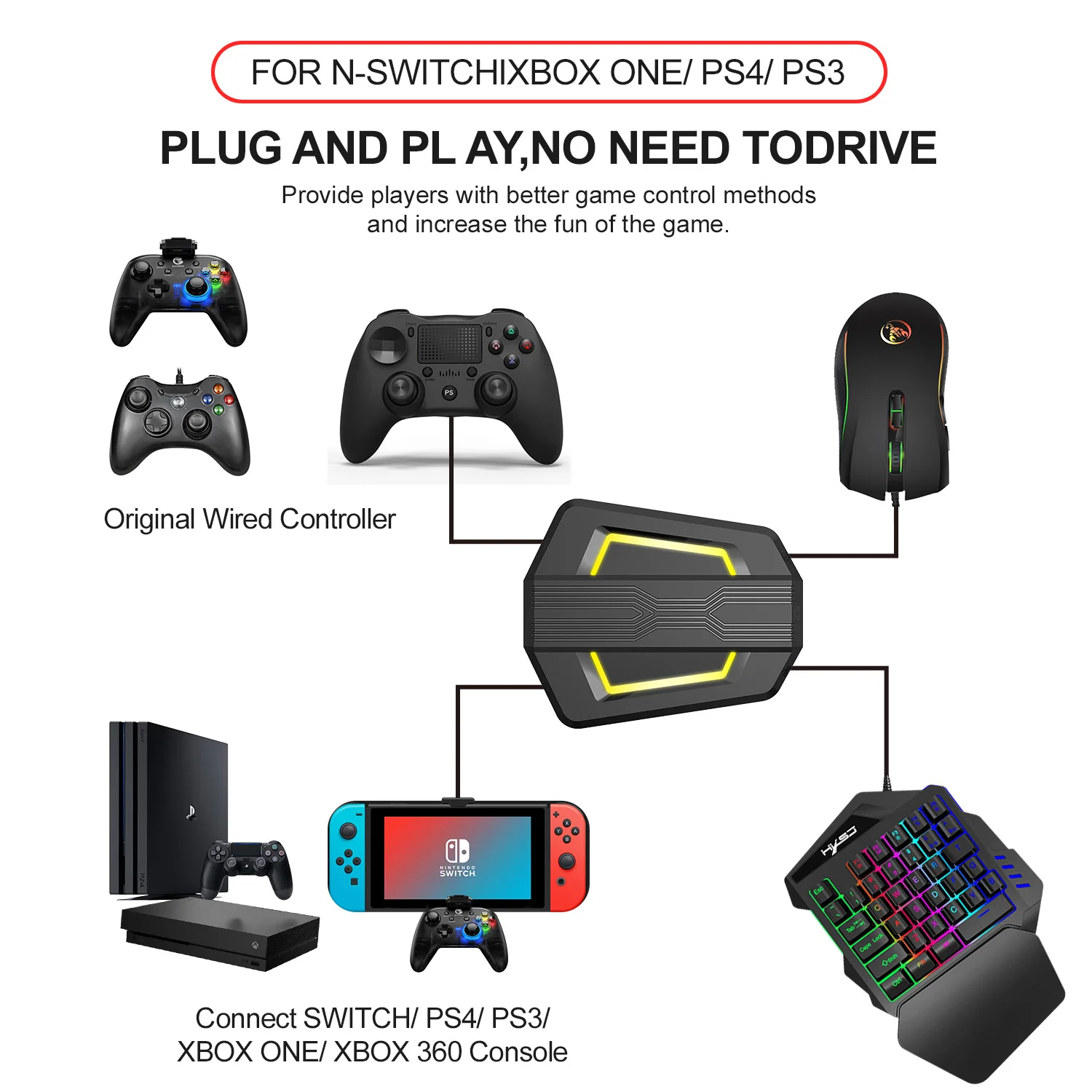
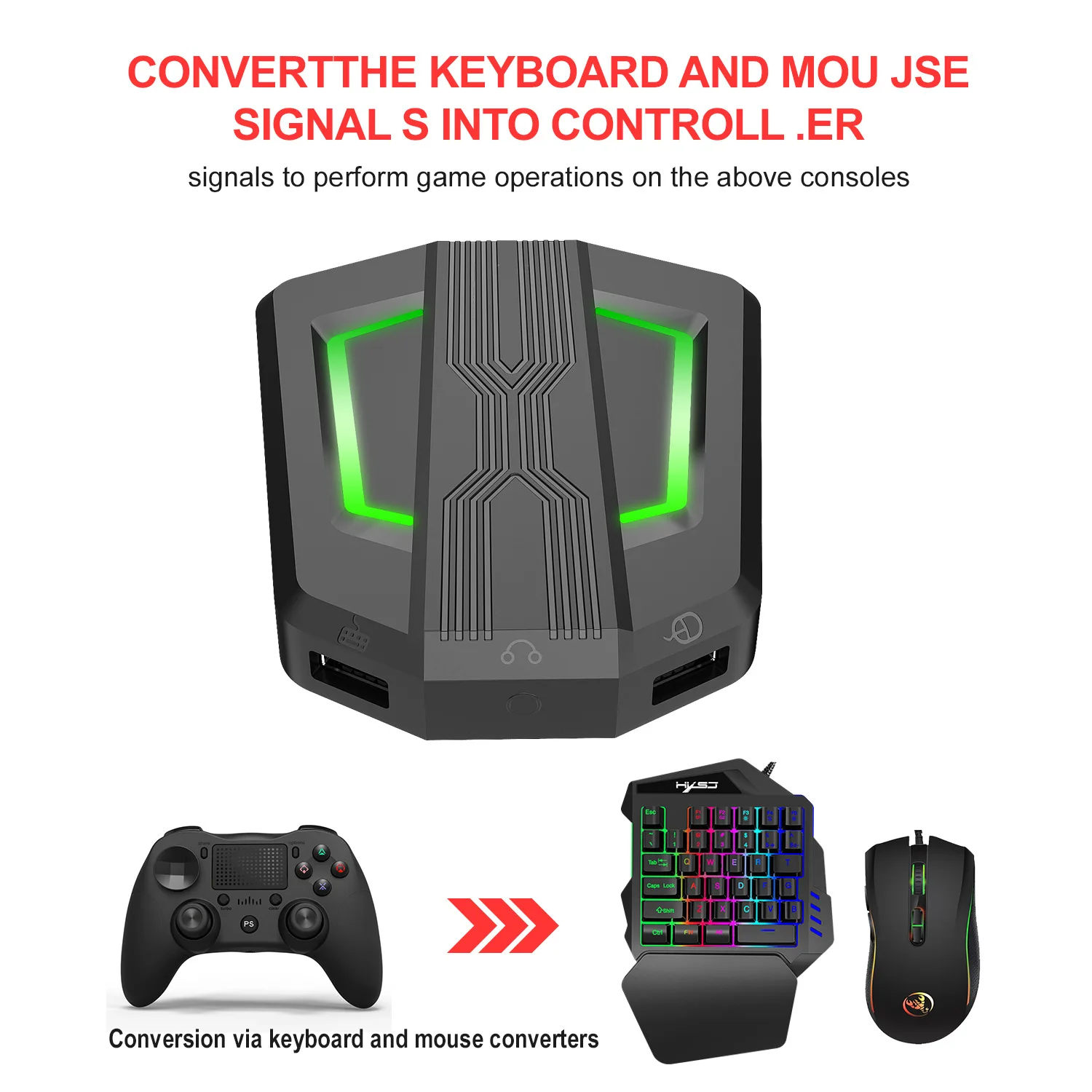
P6 Gaming Keyboard and Mouse Adapter for PS4/Xbox One/Xbox360/PS/Nintendo Switch, RGB Gaming Combo for Game Consoles
Applicable Model P5 Eating Chicken Converter
Description


  • Precautions for using various game consoles:
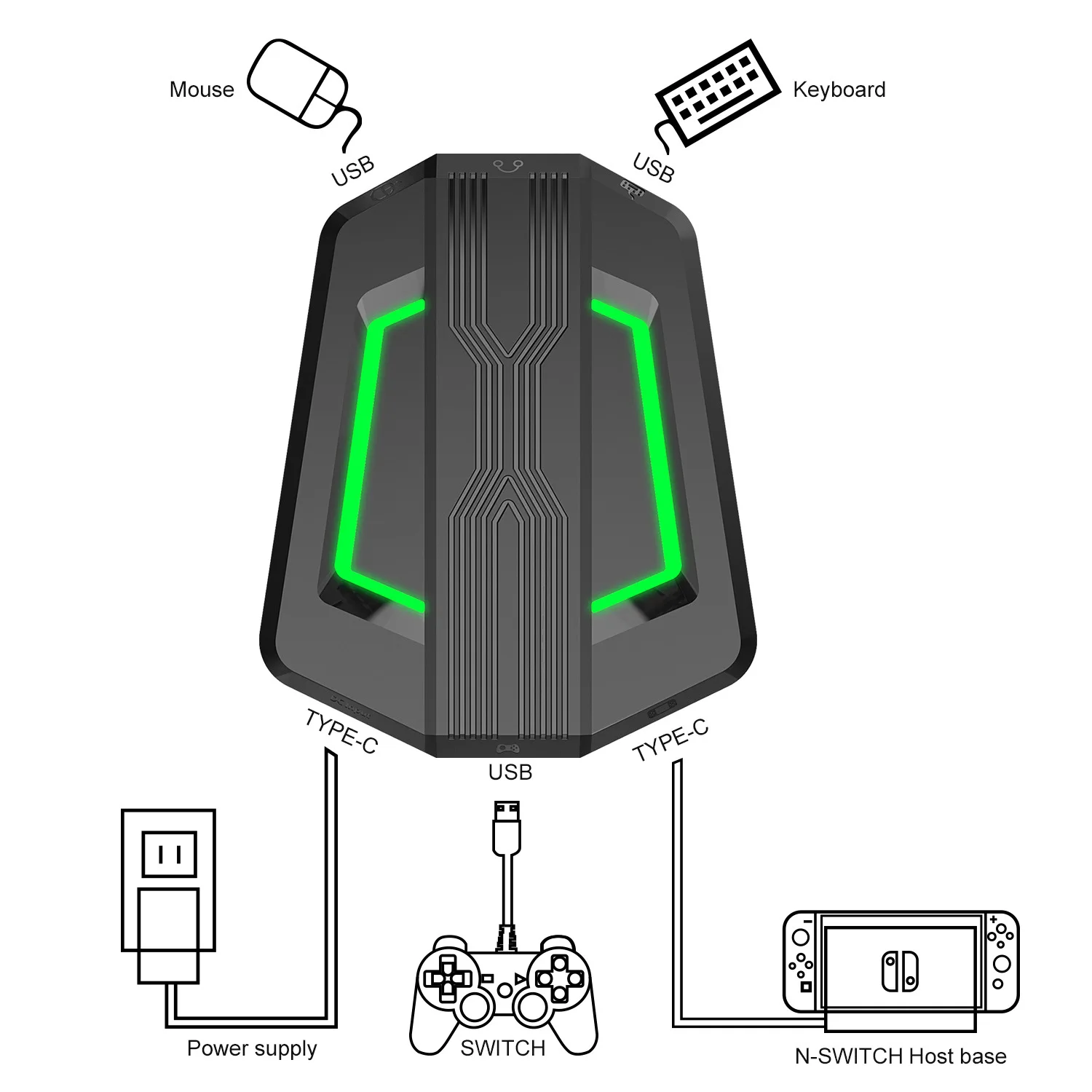
    1:N-SWITCH Keyboard and Mouse Connection Diagram
    NOTE:
    1When using this product,the SWITCH console can use normally without connect the original controller. Only when the keys need to be modi ed,then it will need an original controller to guide .(The controller should be turned O before using this product.)
    2An external device needs to be connected to a power source if the current is greater than 650mA.
    2:PS4 Keyboard And Mouse Connection Diagram
    NOTE:
    1When using this product on PS4 console, please note that the original controller need turn 0.After plug the cable to connect the mouse and keyboard converter, the orange light on the controller is on then you need to press the PS button to connect and guide successfully.(Don't disconnect the controller while using the mouse and keyboard converter, otherwise it cannot be used.)
    2An external device needs to be connected to a power source if the current is greater than 650mA.
    3:PS3 Keyboard And Mouse Connection Diagram
    NOTE:
    1When using this product on PS3 console, please note that the original controller need turn 0.After plug the cable to connect the mouse and keyboard converter, the controller indicator ashes 1-4 then you need to press the PS button to connect and guide successfully.(Don't disconnect the controller while using the mouse and keyboard converter, otherwise it cannot be used.)
    2An external device needs to be connected to a power source if the current is greater than 650mA.
    4:Xbox One Keyboard And Mouse Connection Diagram
    NOTE:
    1When using this keyboard and mouse convterter on XBOX ONE console , PLEASE DO NOT disconnect the controller.Otherwise it can't be used. (The controller should be turnedo before using this product.)
    2An external device needs to be connected to a power source if the current is greater than 650mA.
    5:Xbox 360 Keyboard And Mouse Connection Diagram
    NOTE:
    1When using this keyboard and mouse convterter on XBOX 360 console , PLEASE DO NOT disconnect the controller.Otherwise it can't be used. (The controller should be turnedo before using this product.)
    2An external device needs to be connected to a power source if the current is greater than 650mA.

    6:Set Keyboard And Mouse Functions
    1)Press the keyboard ESC + SPACE (space bar) at the same time to enter the function mode of setting the keyboard and mouse buttons (LED blue light)
    2)Press and hold the function button you want to set on the original controller, then press the button on the keyboard or mouse you want to set, and release the button on the original controller and the button on the keyboard or mouse.
    3)After the setting is completed, press ESC + SPACE on the keyboard to save the current setting and exit the setting mode.
    4)For example: press ESC + SPACE (space bar) to enter the setting mode,press and hold the original SWITCH controller A key, and then press the keyboard F key to release the original SWITCH controller A key. The function of the controller A key.
    7:Note On Keyboard And Mouse Setting Functions
    1)During the setting process, if you do not hold down the original controller function key or joystick to the end, the original set function of the keyboard or mouse will be cleared
    2)When setting the functions of the original joystick left and right to the keyboard, the direction of the joystick must be pushed to the end, and only the four directions of the joystick up, down,
    3)left, and right can be set.
    4)For the setting of the mouse, when the original joystick direction must be pushed to the end, the mouse slides in the corresponding direction, and the mouse only supports the corresponding function of the left and right joystick directions.
    5)Original controller cross key supports 8 directions setting
    8:Mouse Speed Adjustment
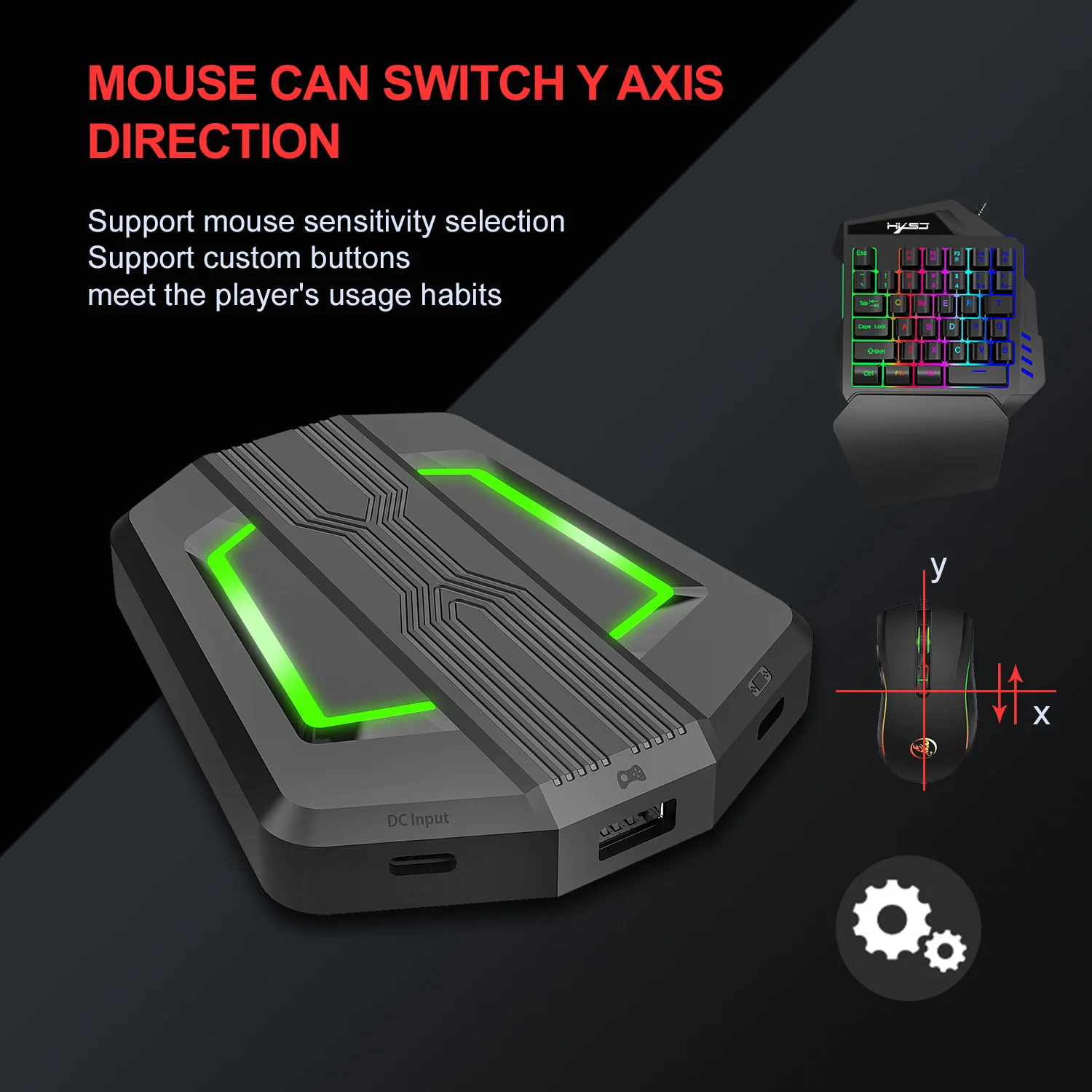
    1)The product supports mouse movement speed adjustment, the default is the third gear.
    2)Shaft speed adjustment: ESC + CAPSLOCK +A/ S/D/F / G
    4,Mouse Y Axis Direction Switch
    The control of the Y axis of some games is opposite to the set value.The game operator can adjust the Y axis direction of the mouse according to his needs by pressing ESC + R.
    9:Function Switching Instructions
    1)Enter setting mode: ESC + SPACE
    2)Enter setting mode: ESC + SPACE
    3)Default page 1: SC+ CTRL + Q
    4)Exit setting mode: ESC + SPACE
    5)Mouse speed switch: ESC + CAPSLOCK +A/ S/D/ F /G
    6)Y axis plus reverse: ESC+ R
    7)Page area selection: ESC+ TAB+Q /W / E/ R/ T
    8)Key value restore default: SC + CTRL + ALT (long press for 3 seconds)

    10:Upgrade Instructions
    (you cannot upgrade at will without the correct upgrade program)
    1)On a Windows computer, open the upgrade software. When the
    2)converter does not enter the upgrade mode, "Update rmware" is light gray.
    3)Connect the converter to the computer through the USB data cable. At this time, the converter's white LED is on, plug in the keyboard and the red LED is on. Press the keyboard SC+ CTRL + ALT + SPACE and hold it for 3s. At this time, the“Update rmware "Is black, click the button"Update rmware "to update the converter rmware.
    4)The OK window pops up and displays "Update Success" , indicating that the upgrade is complete. Click OK.
    11:SETTING INSTRUCTIONS
    1)The conversion box is connected to the console and not connected to the external devices, and is displayed as a white light.
    2)Insert the original controller to guide and display the yellow light,insert the rst device to light red, then insert another device to turn on the green light, successfully turn yellow, and then the color of the breathing light will turn yellow, green, purple and pink (circulation).
    3)Each color breathes 4 times to change one color.Press the set key function to light up blue.


MOQ MOQ: 10pcs,Support Mixed Batch Orders
First time sample order and mix order is acceptable
Larger quantity please contact sales for discount
Package 1.Inner packaging: Default OPP bag /piece or customize
2.Outer packaging: export carton
Lead Time 1-5 day(s) after payment received
Shipping Method DHL,FedEx,ARAMEX,UPS,ePacket, or by air/sea
Quality Control

We have professional QC team; Each product is through strict test

with inspection machine and inspection before shipment

OEM/ODM

Custom logo, pattern, outer packaging.welcome sending us your

artwork, sample, picture

Payment T/T, Credit Rard, Western Union,Paypal
Service

All questions response in 7 hours.

Latest information will be updated to you.


Product Description


Shipping:


1. UPS / DHL / EMS / FEDEX / TNT and so on express (door to door).


2. For Air Shipment, Please choose your favorite, shipping method according your detail requirement


3. The shipping discount is different in different seasons and depend different weight, we will choose the cheapest and safest way according your detail quantities


4. Normally, it will take around 3-7days from China to destination country. Please note that some remote place will need 1-3 days more.


About samples


We can provide samples from our stock and do fast delivery to your door . For any detail information about the sample or any specific requirements of the sample, please contact us via email,telephone,or online skype,trade manager.


Payment terms:


We accept T/T,Western union,Paypal


After services:


If it is the sample or only few pcs accessories (the fee is less or around shipping fee) are damaged, please send us some pictures and video about it need to confirm your problem, and then we will send you free new goods instead free.


FAQ:


Q1: Can I get a sample to test the quality before the bulk order?
A1: It's okay that we provide sample. The sample cost will be refunded in your following official order by negotiation.

Q2: Can I design my idea product here?
A2: OEM & ODM will be warmly welcome! We could produce upon your design.

Q3: Can I customize the package of the product?
A3: Of course you can, just contact our salesman to express your opinion, we will do our best to meet your needs.

Q4: Are you a factory or trading company?
A4: We are a manufacturer and trading company with 5 years' experience. We sell our products at home and abroad.

Q5: What's your shipping method?
A5: Usually we ship cargo via Fedex, DHL, EMS, UPS and so on. If the volume is big, we can ship by sea. We cooperate with shipping company who can provide the best shipping rate.

Q6: What is your date of delivery?
A6: Normally we have large stock so that we can ship the cargo promptly. If your order is large quantity, the lead time is about 7-10 days.

Q7: What is your payment term?
A7: Alibaba Trade Assurance, Alibaba Secure Payment, Paypal, T/T, Western Union, Money Gram and cash.


0.1989 s.