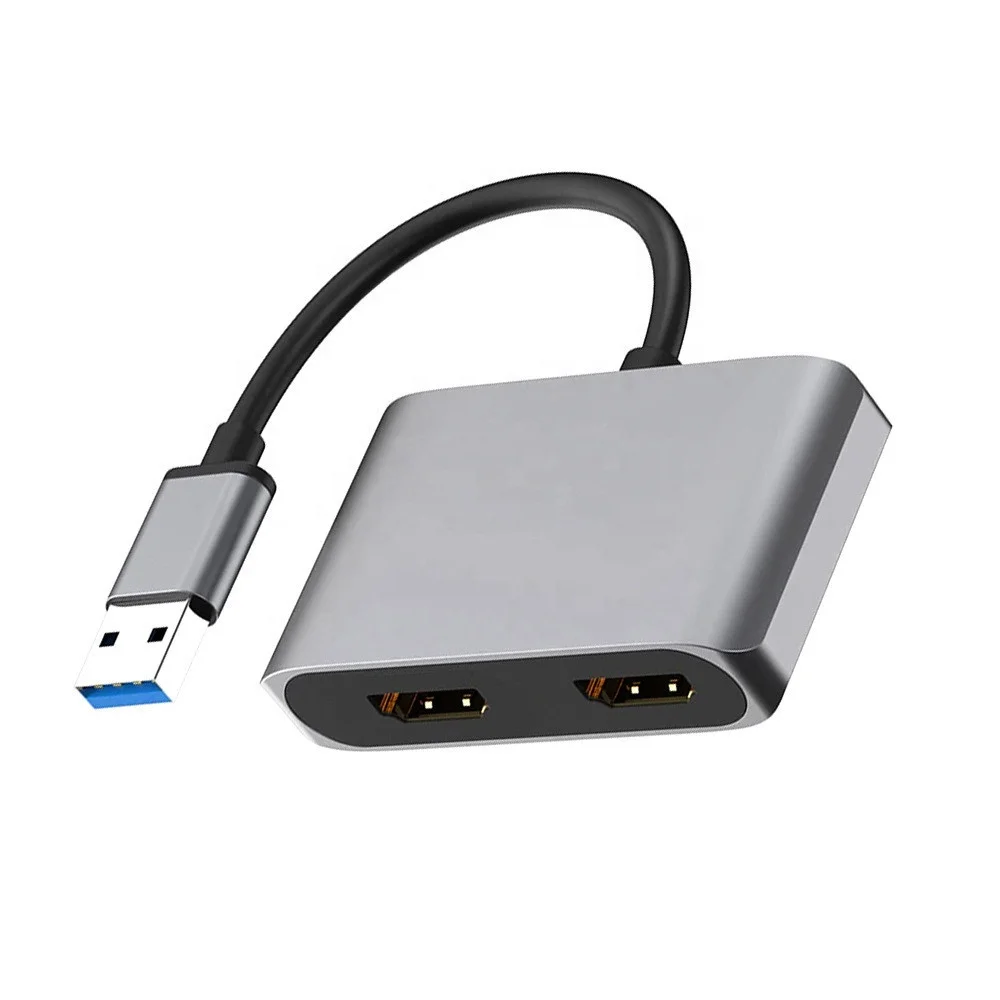
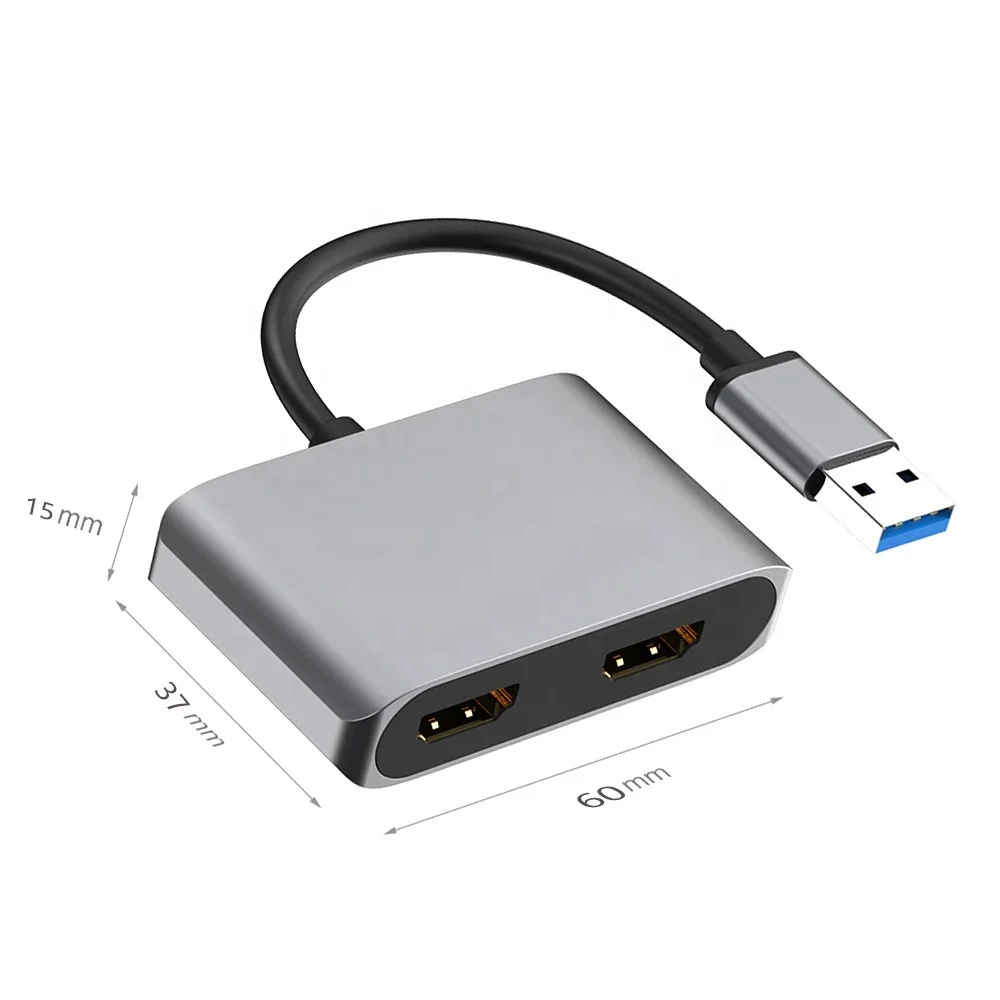
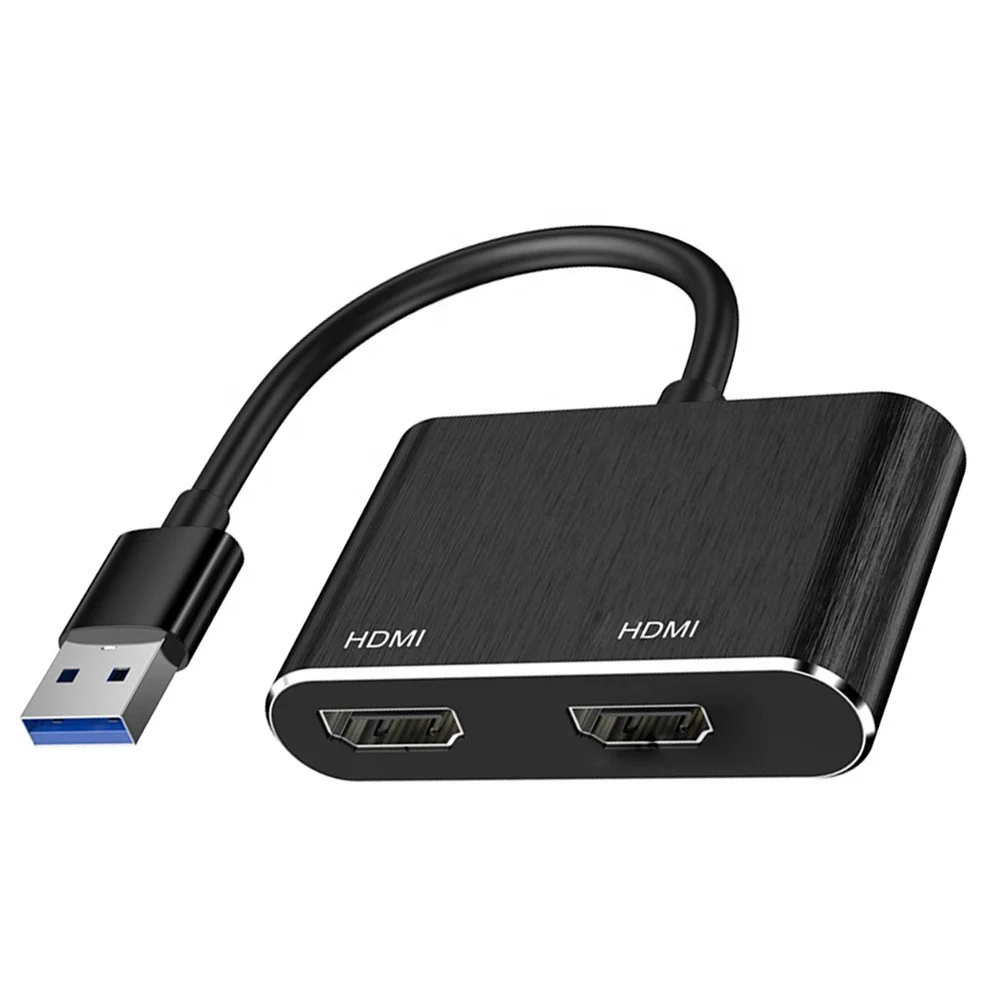
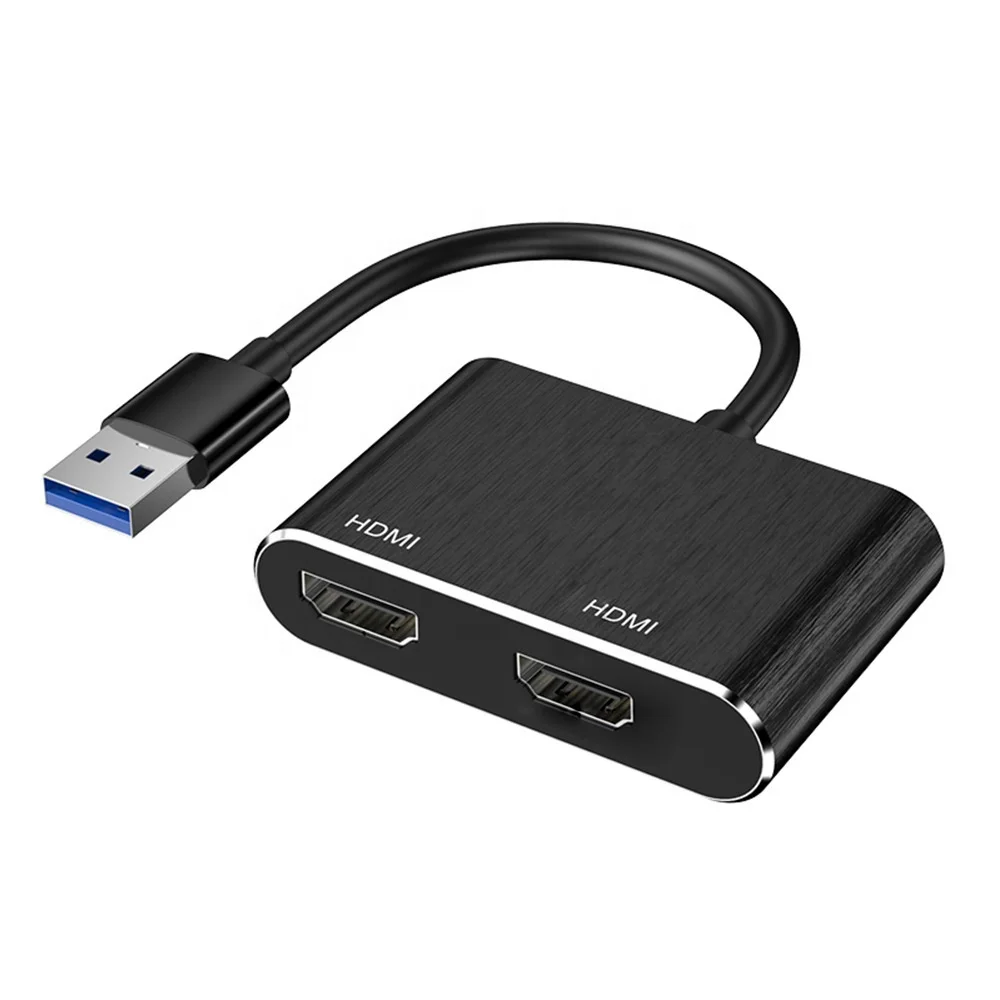
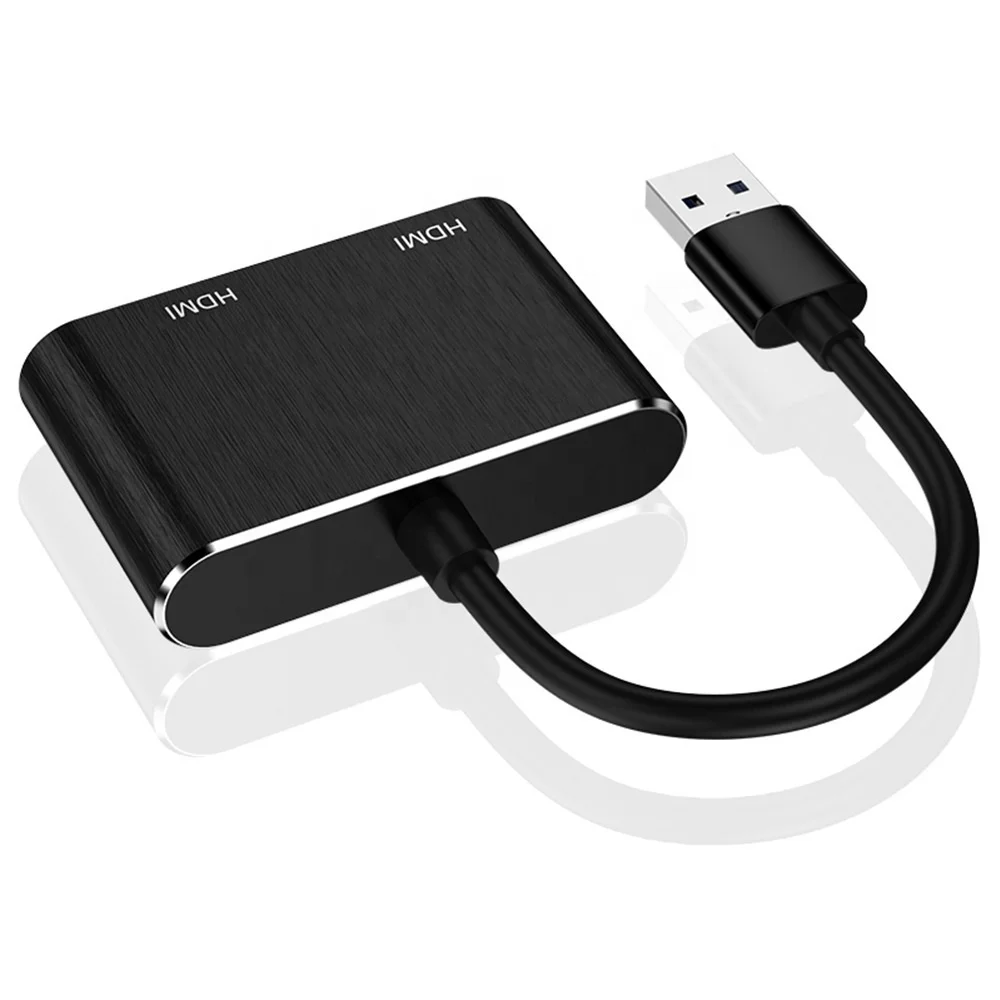
USB 3.0 to Dual HDMI Adapter External Video & Graphics Card USB Type A to HDMI Dual Monitor Display Adapter
- Category: >>>
- Supplier: Shenzhen Esamconn Electronics Co. Ltd.
Share on (1600435977032):
Product Overview
Description
Product Description:
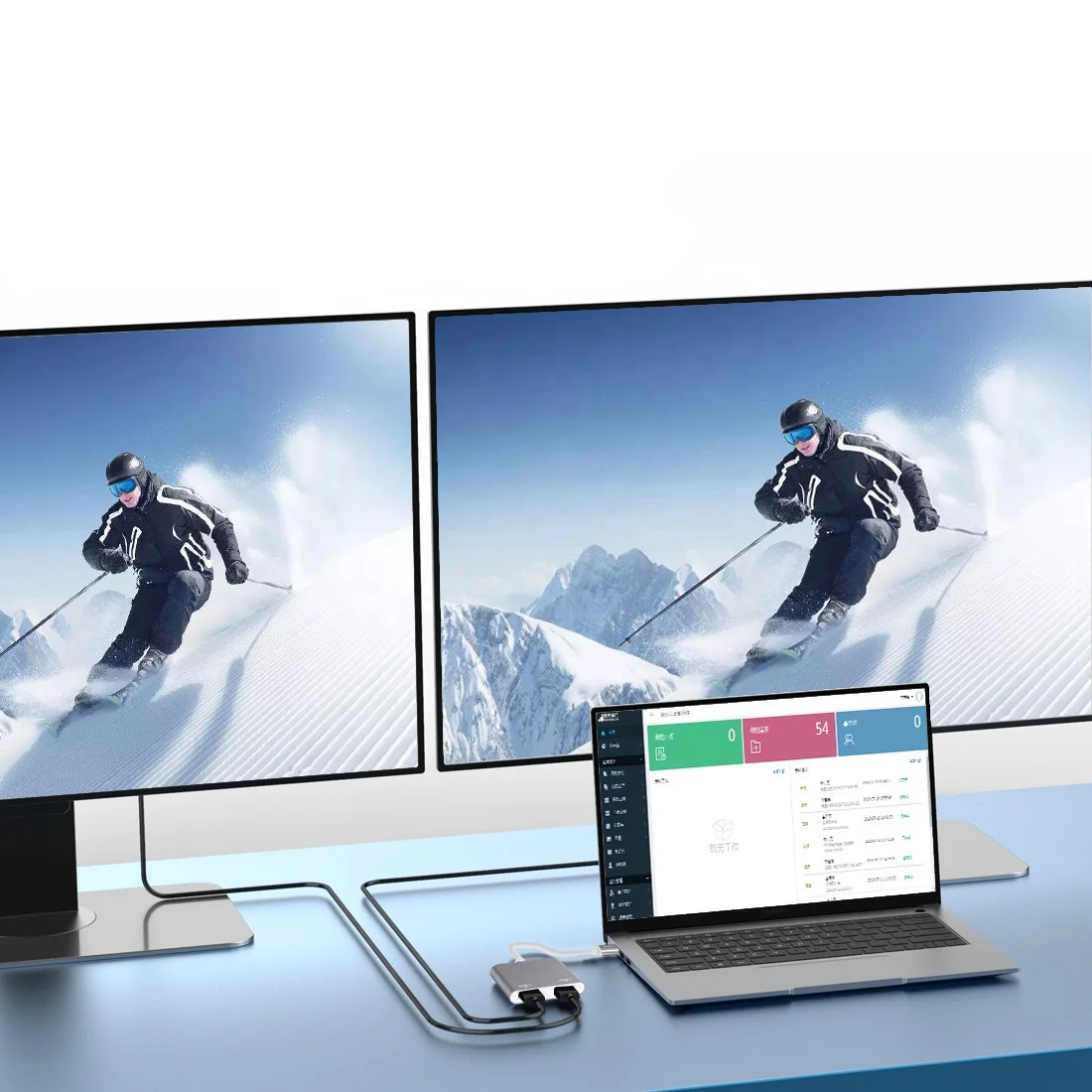
The adapter can obtain high-definition audio and video images through the USB interface of the computer, and output two different images at the same time. It is used in data comparison, effect monitoring and other fields.
Features :
Support Windows 7/8/8.1/10, XP (32bit), Vista (32bit) Mac OS,
Support 1 USB input interface
Support 1 channel of 3.5mm stereo output
Support 2 HDMI output interfaces
Output resolution up to 1920* 1080p@60Hz
Support USB3.0 and USB2.0 interfaces
Use steps :
1 connect the USB port of the adapter to the USB port of the computer
2 use two HDMI cables to connect the "outb" and "outa" of the adapter to your monitor, TV or projector.
3 connect headphones or audio system to adapter 3.5mm jack
4 download and install the correct driver for the operating system and version
(driver download address: https://www.displaylink.com/downloads )
5 restart the computer after the driver is installed
Notes :
The DisplayLink software driver is loaded into the operating system of build R51 (released in June 2016). All using OS build R51 or higher can be used with DisplayLink docking station and adapter without installing additional drivers.
This product supports Windows XP (64bit) and Vista (64bit) systems
After using 3.5mm stereo output, outa and uitb will have no sound
The output HDMI cable shall not exceed 5 meters, and the standard cable shall be used
Package :
1 x USB to HDMI adapter
1 x manual
Our Services:
We are capable design, production, strict quality control system and satisfactory after-sale service. With advanced technology, rich experience and active attitude, we serve customers all over the world, gain satisfactory feedbacks and enjoy a good reputation for our high-quality products, exquisite techniques, user-friendly and prompt delivery as well as best OEM service. Most importantly, we are eliminating costs associated with traders
We Recommend
New Arrivals
New products from manufacturers at wholesale prices