
Security Camera DIY Matecam 8MP WIFI P2P Video Camera Real 4K Mini Camera Module
- Category: >>>
- Supplier: Shenzhen Wonderlong Technology Co. Ltd.
Share on (1600447394129):
Product Overview
Description
Product Description


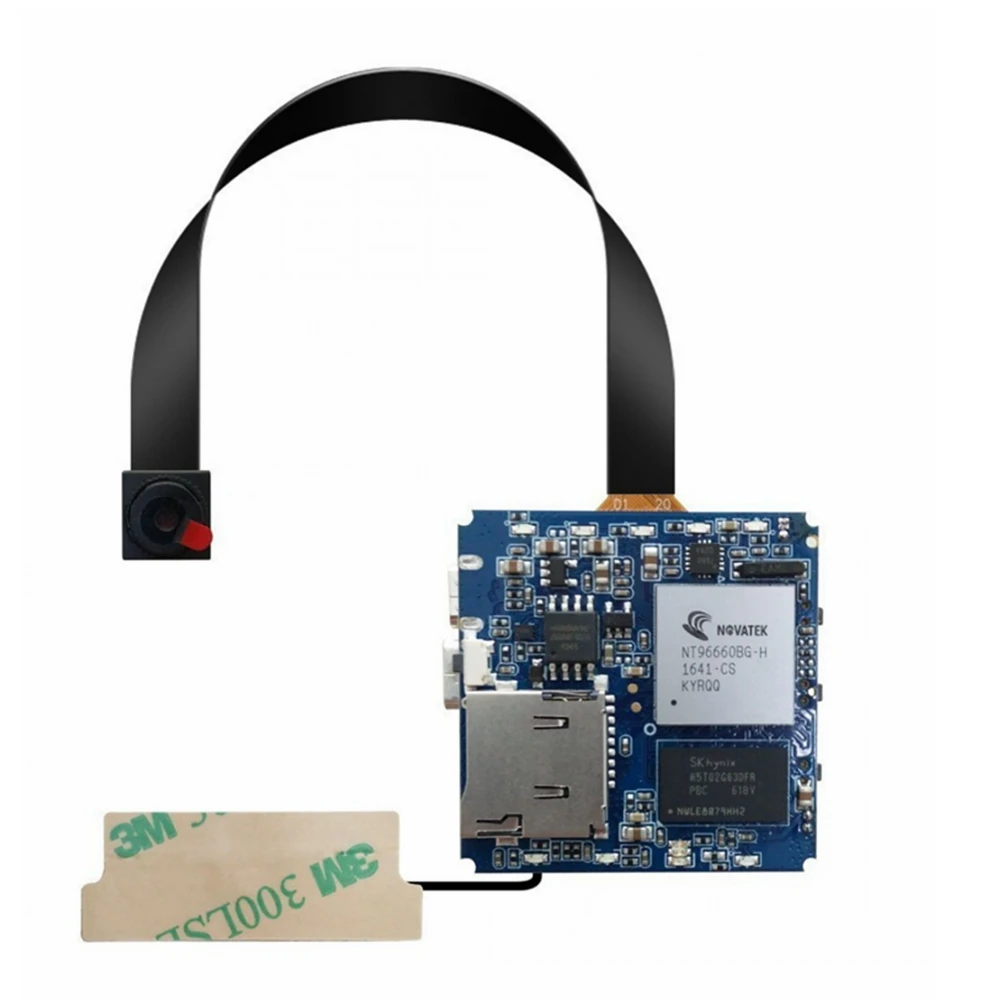
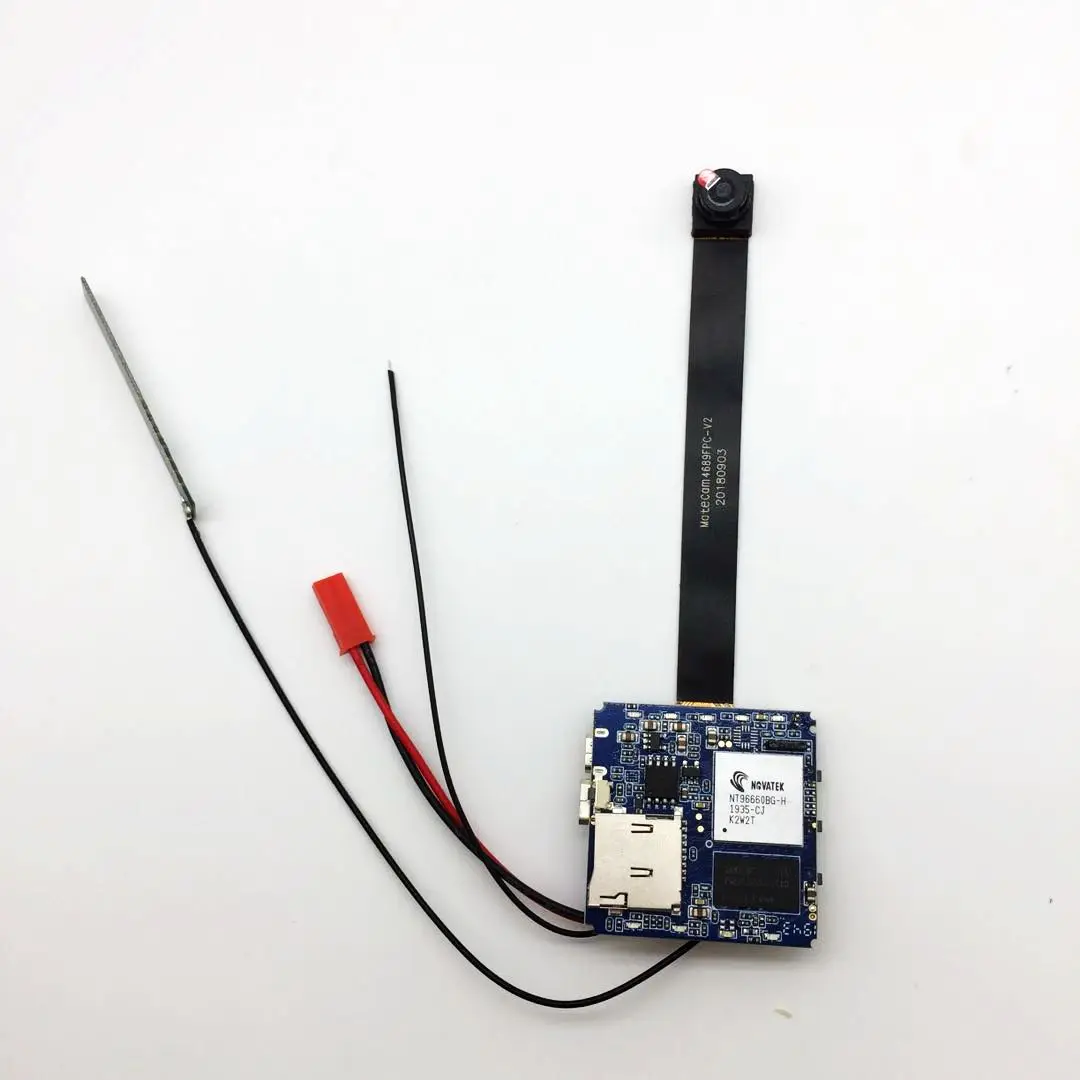
Chipset | NOVATEK NT96660 | |
Image Sensor | 8MP 1/2.3'' OV4689 CMOS | |
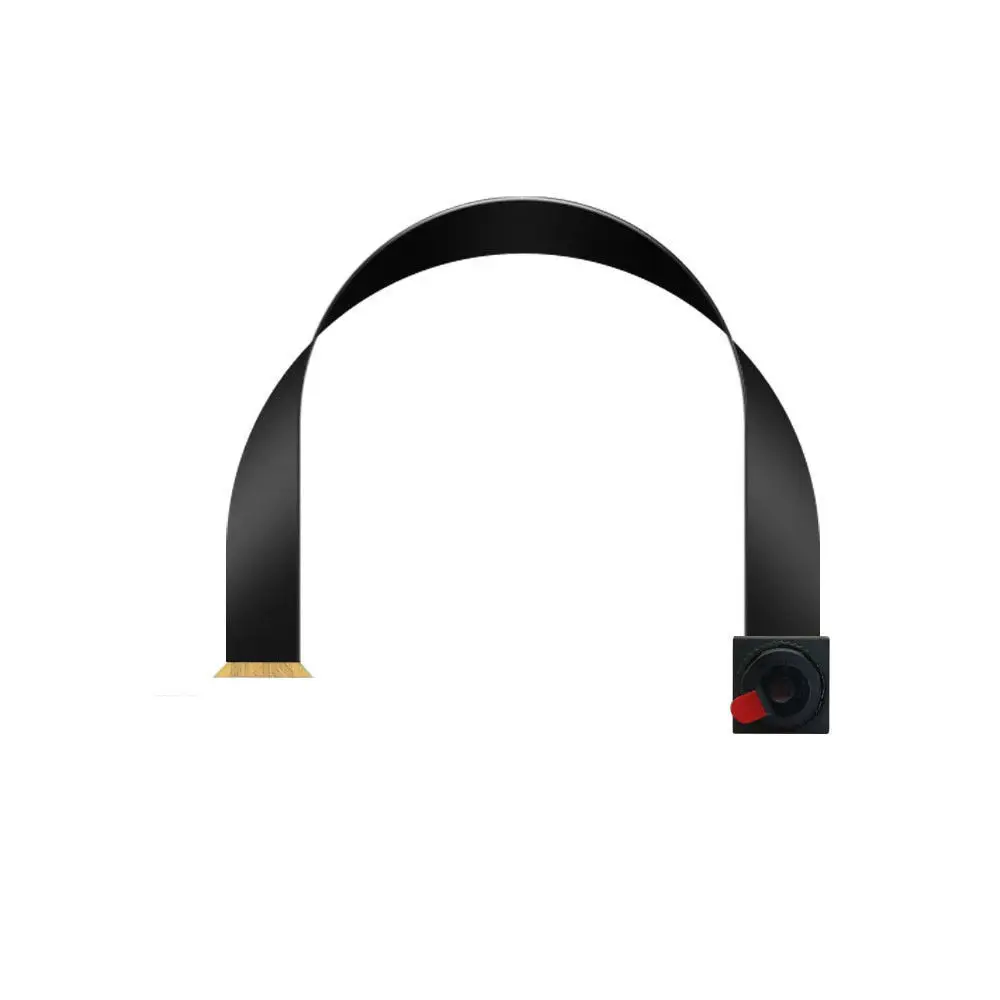
Lens | 7 Glass, F=2.0, 80° Wide Angle lens | |
Video Resolution | 4K-HI 2160p (HI = Horizontally Interpolated from 2880*2160p) 2.7K (2704*1520p 30FPS) 2K (2560*1440p 30FPS) Full HD (1920*1080p 60FPS) HD (1280*720p) 120FPS VGA (640*480p) 240FPS | |
Image Resolution | 16MP/15MP/12MP/8MP/5MP - JPG | |
Video Format | MOV/MP4 - H.264 with AAC sound | |
Video FPS | 10/15/20/24/25/30/48/50/60/120/240FPS | |
FOV | Middle | |
Extra features | Wi-Fi, Gyro Stabilization, Motion Detect, G-Sensor, Power Safe Mode, Remote control (optional) | |
Memory | External: Micro SD card (SD, SDHC, SDXC) up to 128GB | |
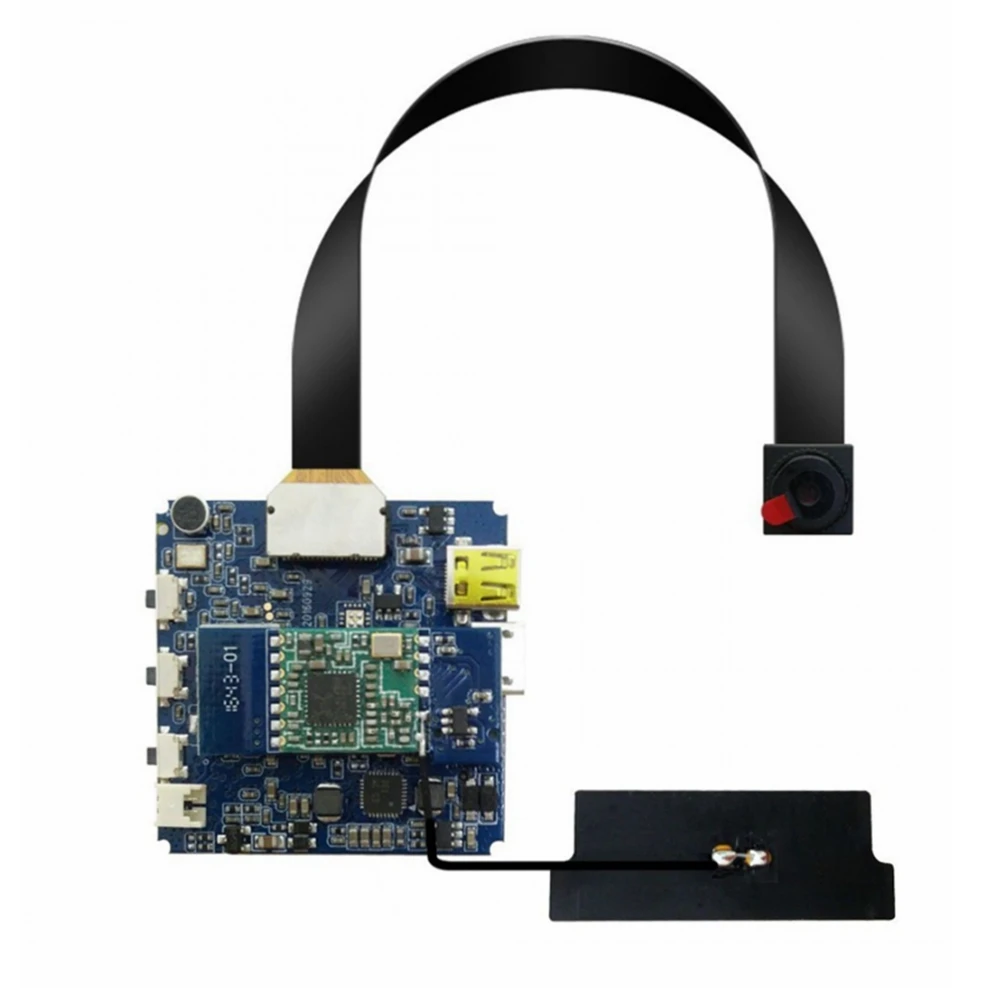
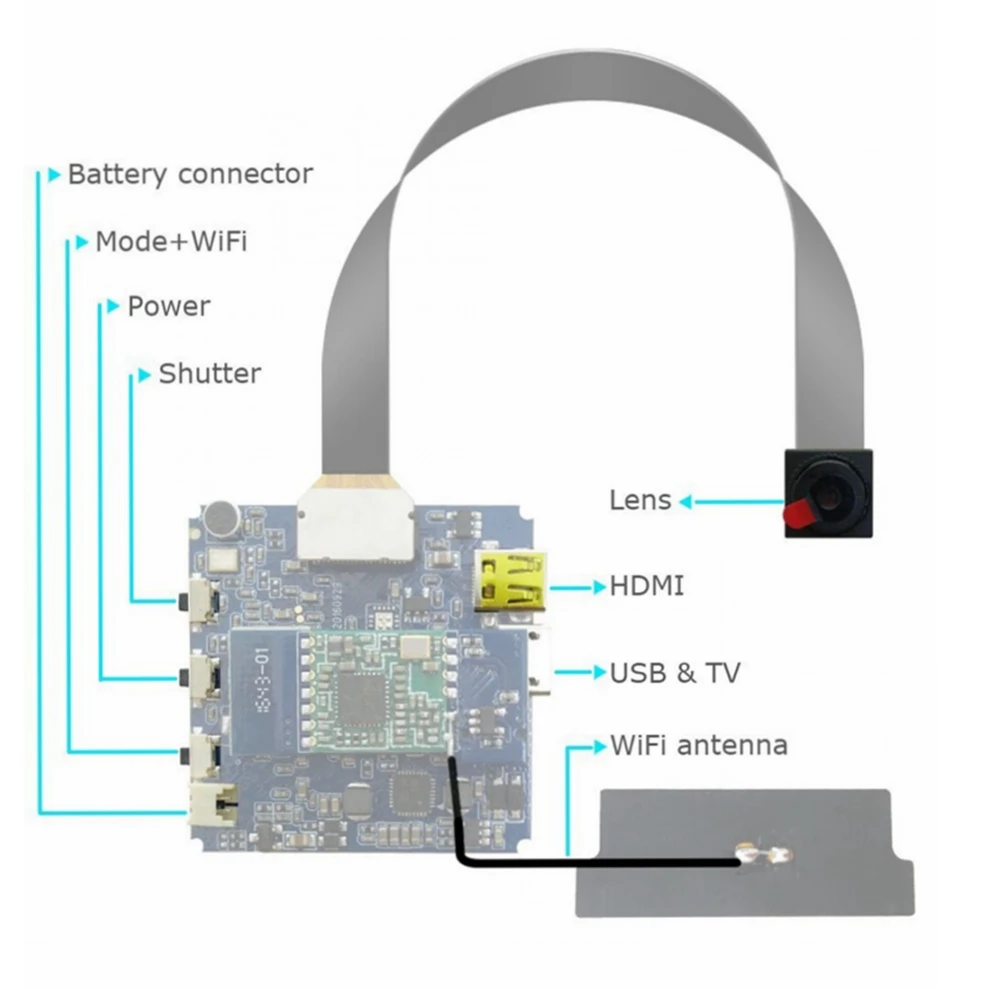
Connections | USB2.0 / Wi-Fi / Micro HDMI (HDMI-D) / Remote control (optional)/ TV Out | |
LED Indicator | 9 LEDs mode | |
Battery | not included battery, if need removable battery, please contact us to add cost extra. | |
Operating system | WinXP, Win7, Win10, Mac OS | |
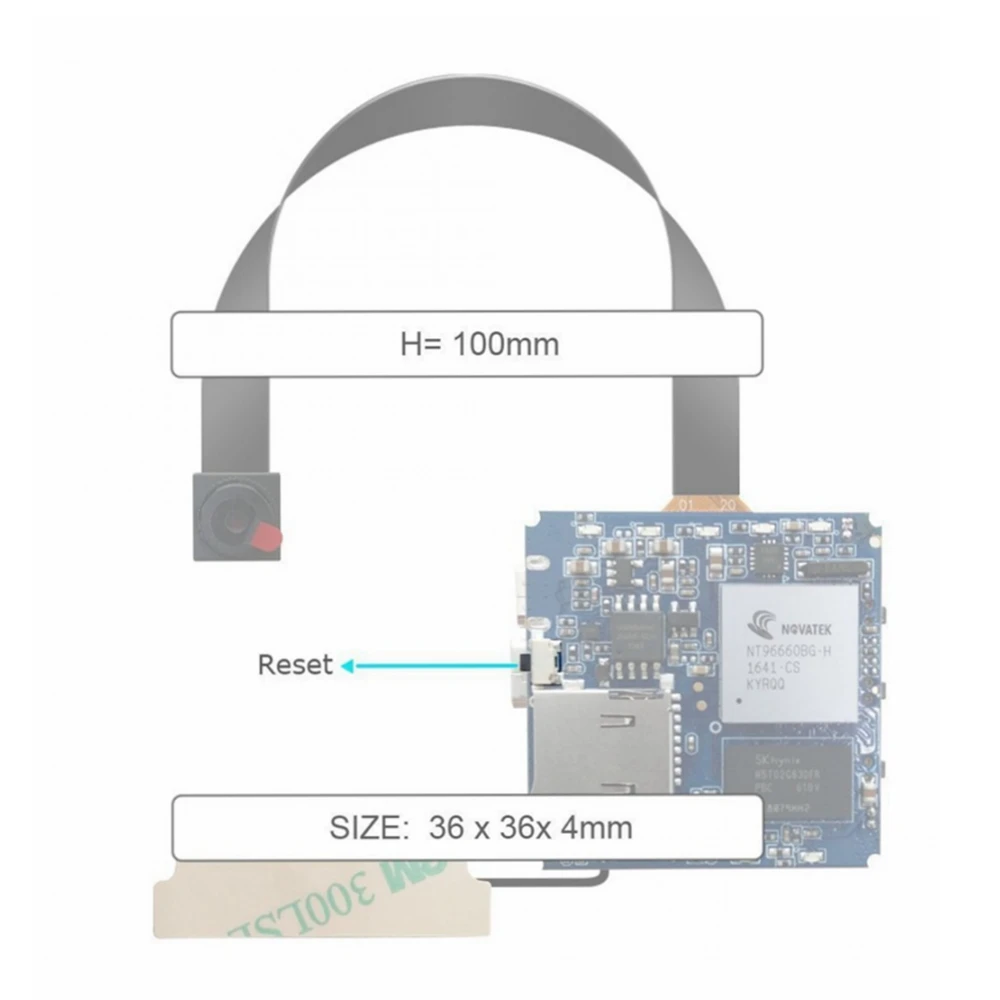
Operate Details 1. Insert the Micro SD card into the camera Use a micro SD card (SD, SDHC or SDXC) formatted FAT32, or format it in-camera (see below). A class 10 or faster card is recommended. If a slower card is used, it might work or it might cause video quality problems. A large capacity card, up to 128GB, will allow longer record times. When there is no memory card or the memory card is full, the current mode LED will flash fast. 2. Turn on the camera Press the Power button for 3-5 seconds. If the camera was already on, this will turn it off. The camera does a quick self-check and the LED lights will light up in sequence to make sure everything is operational. The camera state and LED will be in stand-by 2K mode. 3. Format Micro SD card CAUTION – Formatting the SD card will delete all files on the SD card. Turn the camera on. In stand-by mode, press the Shutter button for 10 seconds. The Micro SD card will be FAT32 formatted. The LED flash one time to indicate formatting is occurring. It takes about 5 seconds to format a large card. Reset note: If there is something wrong while operating the camera, please use a pin or other tool smaller than 1 mm diameter to reset the camera and the system will be reset automatically. Function selection Turn the camera on (1080p 60FPS default). Each press of the Mode button will cycle to the next mode (7 modes) indicated by a blue LED. The modes are: 2K → 1080p → 720p → VGA → Photo → Motion Detection → 4K → 2.7K. When the desired resolution is selected, you can press the Shutter button to start recording. Motion detection function will start automatically. Notes: 1. This product is a precision device, please do not drop , break, splash it with liquid, or disassemble it. 2. During battery charging, if the camera overheats, emits smoke or has a peculiar odor, stop charging immediately and disconnect the camera. 3. Keep the camera away from very young children. They might put this small camera in their mouth, which could be hazardous. 4. Choose a micro SD card that has good performance. Brand-name cards often have better performance than un-branded cards. 5. Do not dispose of this camera or batteries in household garbage. Disposal should be at a waste collection point to recycle this camera or its batteries. | ||
Related Products
Company Introduction
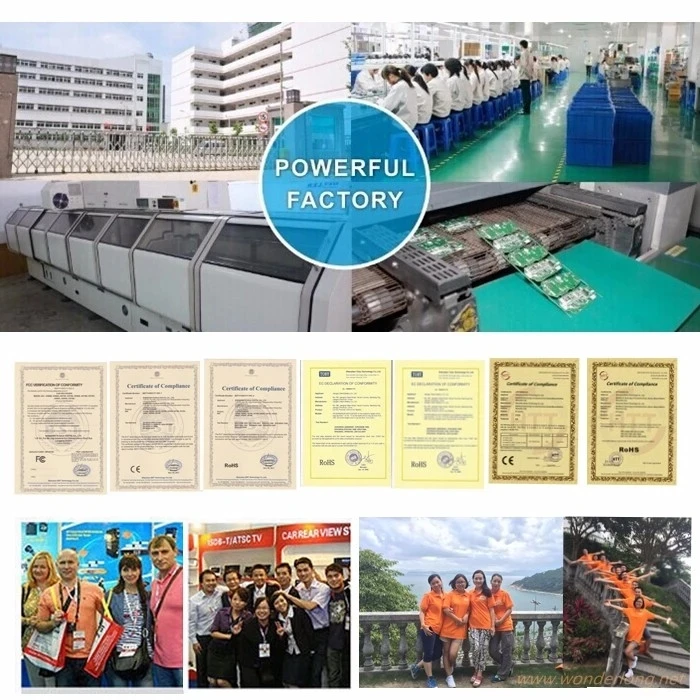
Shenzhen Wonderlong Technology Co. LTD was founded in 2008, as an integrated technology electronics corporation, which is engaged in the development, design,mould making, production .
The main products are mini dv camera ,Endoscope camera,Car DVR ,Security camera, as well as other related electronic products .
Since our establishment, we have been sticking to the concept of "People-Oriented, Technology Innovation and Customer First". For excellent quality, efficient service and good prestige, we have won the trust and praise of our old and new customers at home and abroad.
We will still keep on making unremitting efforts to speed up the development and promotion of high-tech new products.
The main products are mini dv camera ,Endoscope camera,Car DVR ,Security camera, as well as other related electronic products .
Since our establishment, we have been sticking to the concept of "People-Oriented, Technology Innovation and Customer First". For excellent quality, efficient service and good prestige, we have won the trust and praise of our old and new customers at home and abroad.
We will still keep on making unremitting efforts to speed up the development and promotion of high-tech new products.
Payment

FAQ
Why Choose Us?
1.We respond you within 12 hours.
2.OEM/ODM available.
1)Silk Print logo on the camera;
2)Customized Camera Housing;
3)Customized Color Box
4)Any your idea on camera we can help you design and put it into production
5)Free charge for 1000pcs order.
3.High quality, fashion designs,manufactured price,fast lead time.
4.After-Sale Service :
1)All products will have been strictly Quality test 3 times before packing.
2)All products will be well packed before shipping;
3)1 years warranty;
4)Fast RAM service,or new products with whole new package for repaired items
5.Fast Delivery.
Sample order in 1 working day, and 3~7 working days for bulk production;
OEM: 15-20 working days.
6.Payment
You can pay for the order via L/C,or T/T,Western Union,Paypal in advance.
7.Shipping
By express DHL,UPS,TNT,Fedex,EMS,China Air Post.HK Post,by air,by sea;
Collect via your own express account is available .
1.We respond you within 12 hours.
2.OEM/ODM available.
1)Silk Print logo on the camera;
2)Customized Camera Housing;
3)Customized Color Box
4)Any your idea on camera we can help you design and put it into production
5)Free charge for 1000pcs order.
3.High quality, fashion designs,manufactured price,fast lead time.
4.After-Sale Service :
1)All products will have been strictly Quality test 3 times before packing.
2)All products will be well packed before shipping;
3)1 years warranty;
4)Fast RAM service,or new products with whole new package for repaired items
5.Fast Delivery.
Sample order in 1 working day, and 3~7 working days for bulk production;
OEM: 15-20 working days.
6.Payment
You can pay for the order via L/C,or T/T,Western Union,Paypal in advance.
7.Shipping
By express DHL,UPS,TNT,Fedex,EMS,China Air Post.HK Post,by air,by sea;
Collect via your own express account is available .
We Recommend







New Arrivals
New products from manufacturers at wholesale prices






