
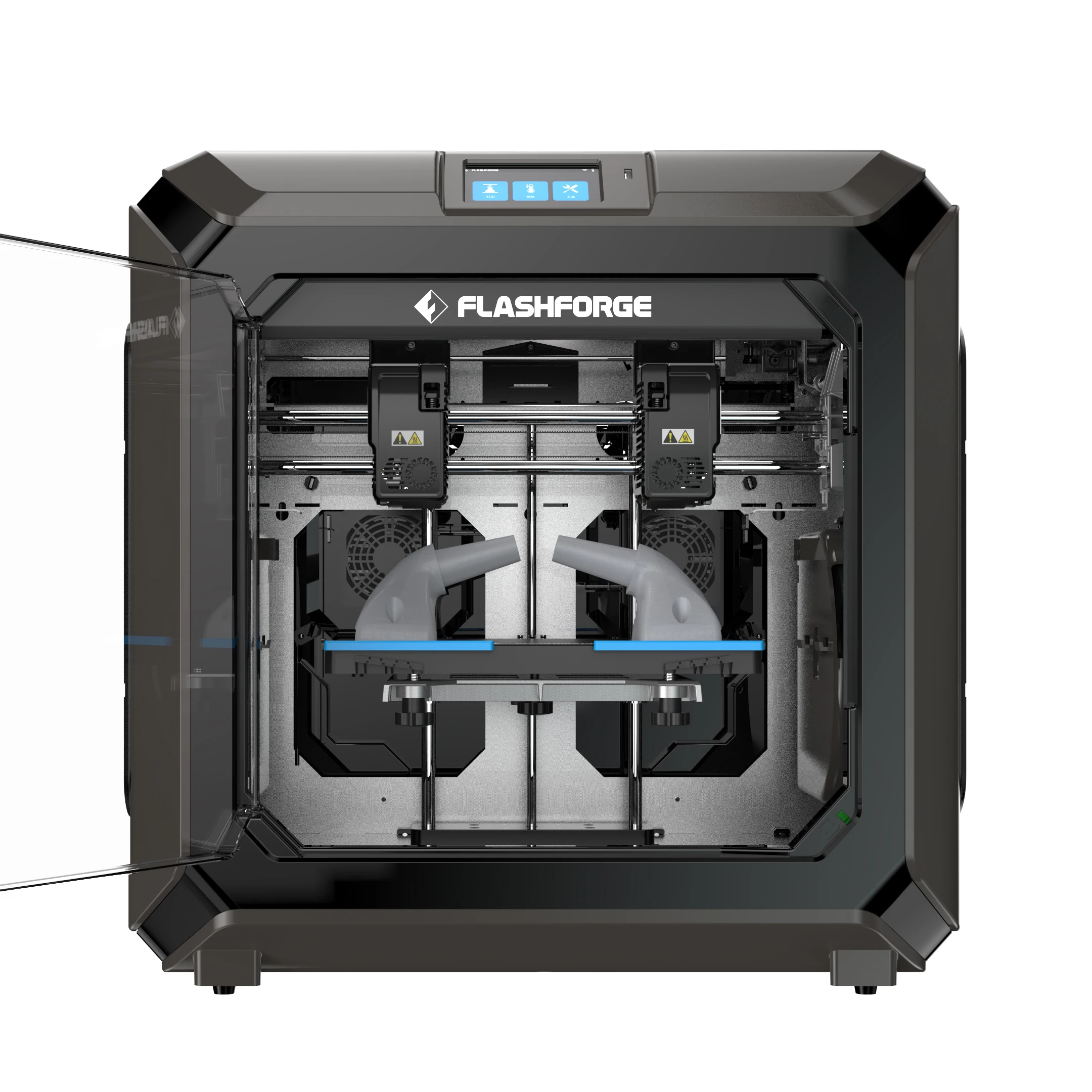
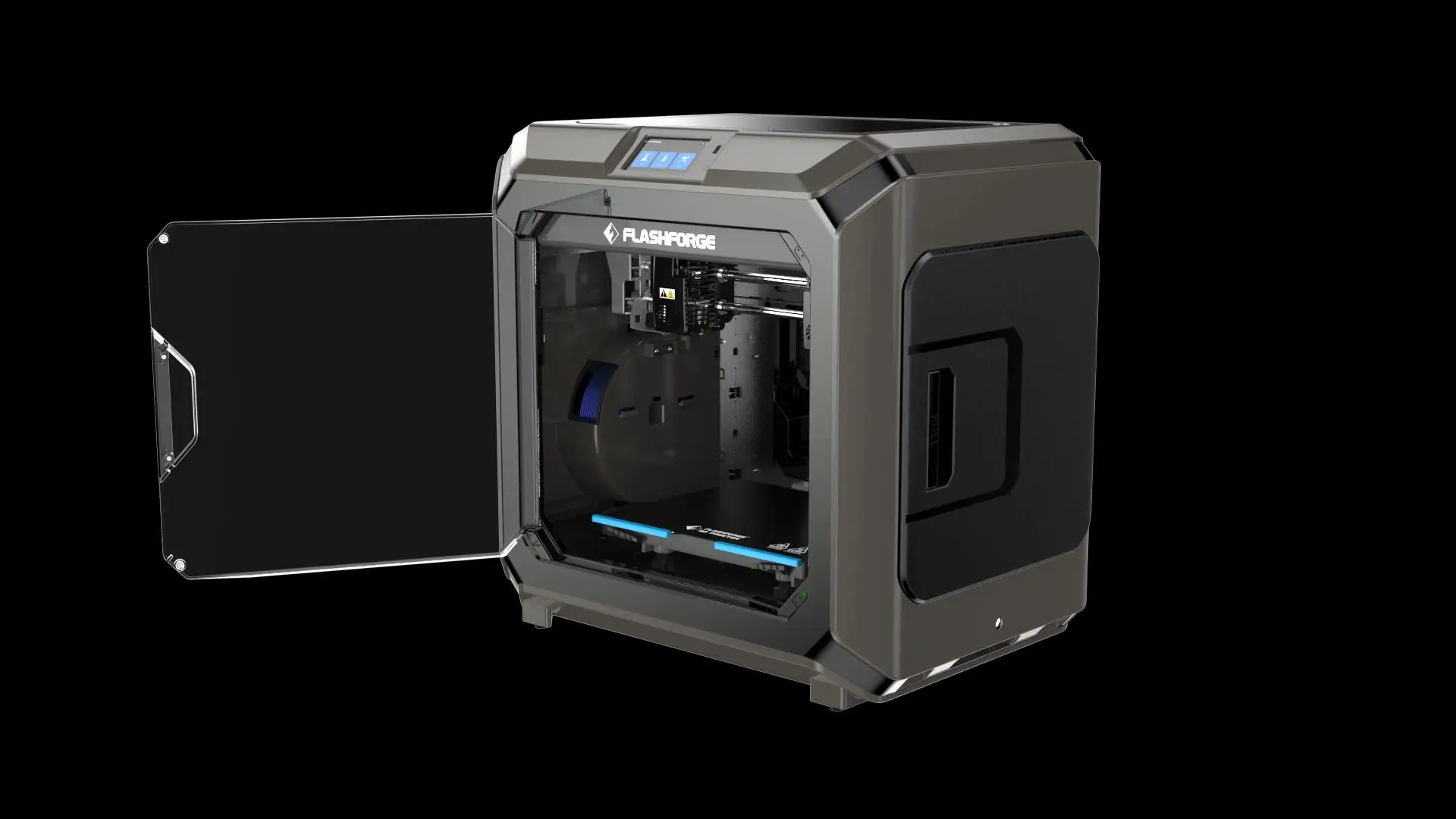
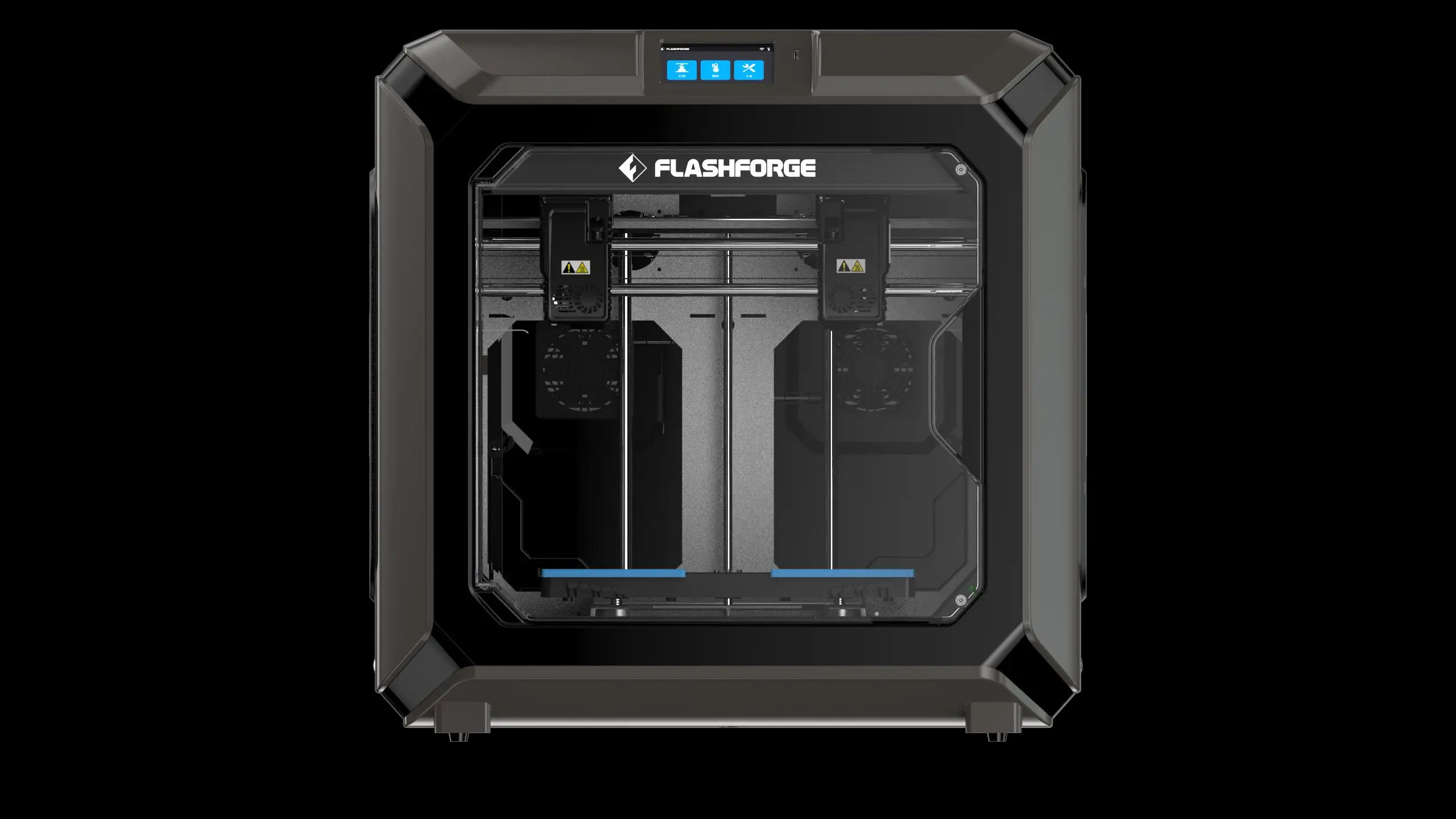
Flashforge Creator 3 Pro Large Industrial Idex Dual Color 3d Printer
- Category: >>>
- Supplier: Zhejiang Flashforge 3d Technology Co. Ltd.
Share on (1600456554131):
Product Overview
Description
Product Overviews
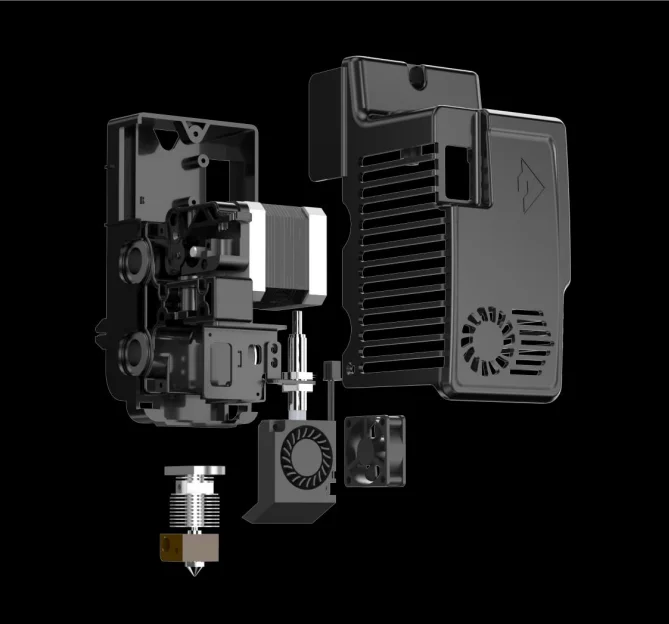
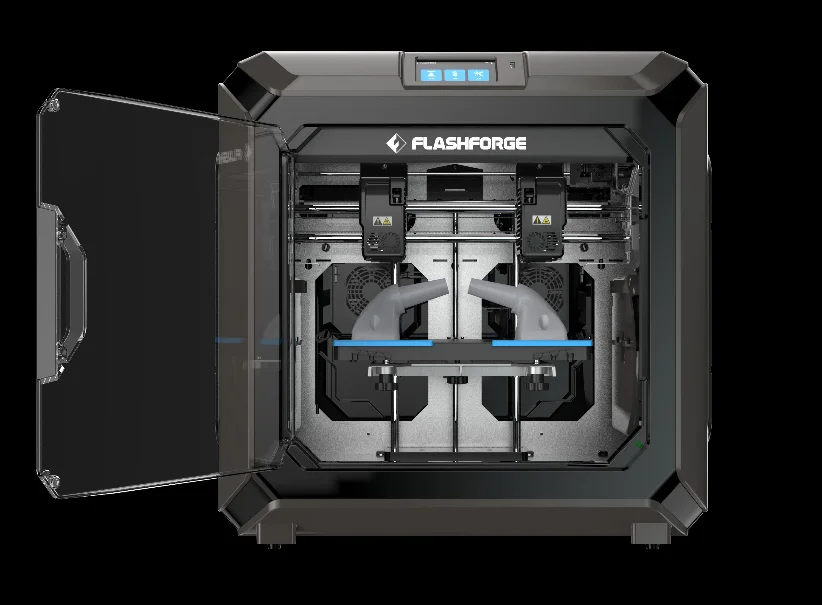
Independent Dual Extruders
Bi-material and bi-colour printing can completely reimagine possibilities of producing models and designs
Removable and Flexible Build Plate
The build plate can bend over hundreds of hours of removal and still remain in pristine shape.
Filament testing
Automatically stop printing if testing filament feeding feels abnormal, this ensures a higher printing success rate
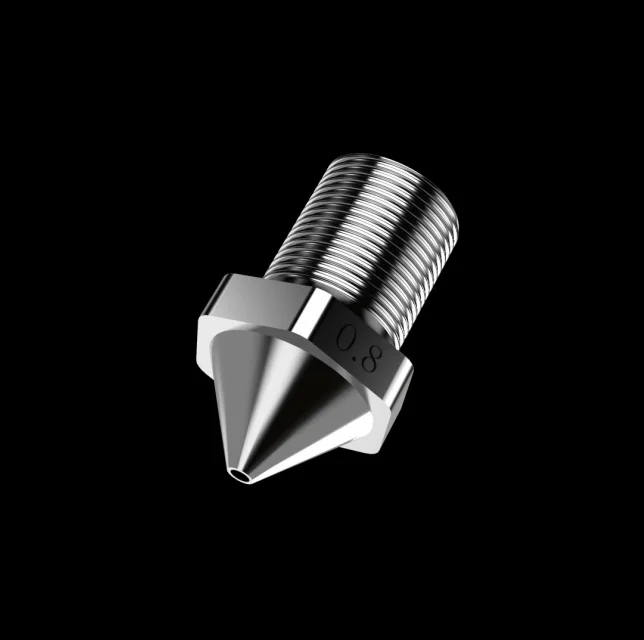
Easy to remove nozzles
Simply screw the nozzle out to change or clean, no extra steps necessary
Explore Beyond Material Limitations
The hot-end is capable of reaching up to 320°C support engineering-grade PETG, Nylon, PA, PC...


Product Application

Company Information


FAQ
| Q1. Why should I buy from you? |
A1. We are the first R&D focused 3d equipment manufacturer in China, who specialized in FDM, DLP, LCD, Waxjet technology 3d printer and various filaments resins ( International certificated ).
Provide one-stop service: 3D printer + Consumables + Software.
Q2. Are you factory?
A2. Yes, Flashforge factory located in Zhejiang Jinhua City, the R&D Center located in Hong Zhou city,China.
Q3. Do all products have a warranty?
A3. Yes, all kinds of our products have 1 years warranty.
Q4. What is the payment terms?
A4. T/T, Paypal, Alipay, etc.
Q5. Can we design packaging?
A5. Yes, the packaging and logo all support customerize.
Q6. Can we customize the product?
A6. Yes, OEM&ODM is welcome.
Q7. When printer have small problems, what can you support?
A7. We have a rich-experience after-sale team, when your printer in trouble, they can provide you professional solution by video or mail.if need to replace spare parts of printer, we can provide you video guide.
Q8. Filament not extruding properly?
A8: Check the type of filament you're working with and set the proper extruder temperature based on the filament type and heated build platform if applicable; trial and error. Rule of thumb is to set the extruder temperature to the highest temperature for the specific filament, then decrease the temperature by 5°C until properly extruded. Please note this will vary with each 3D printer.
Q8. Filament not extruding properly?
A8: Check the type of filament you're working with and set the proper extruder temperature based on the filament type and heated build platform if applicable; trial and error. Rule of thumb is to set the extruder temperature to the highest temperature for the specific filament, then decrease the temperature by 5°C until properly extruded. Please note this will vary with each 3D printer.
For dealer cooperation, welcome to send us inquiry now to get more information, tks!
We Recommend







New Arrivals
New products from manufacturers at wholesale prices






