

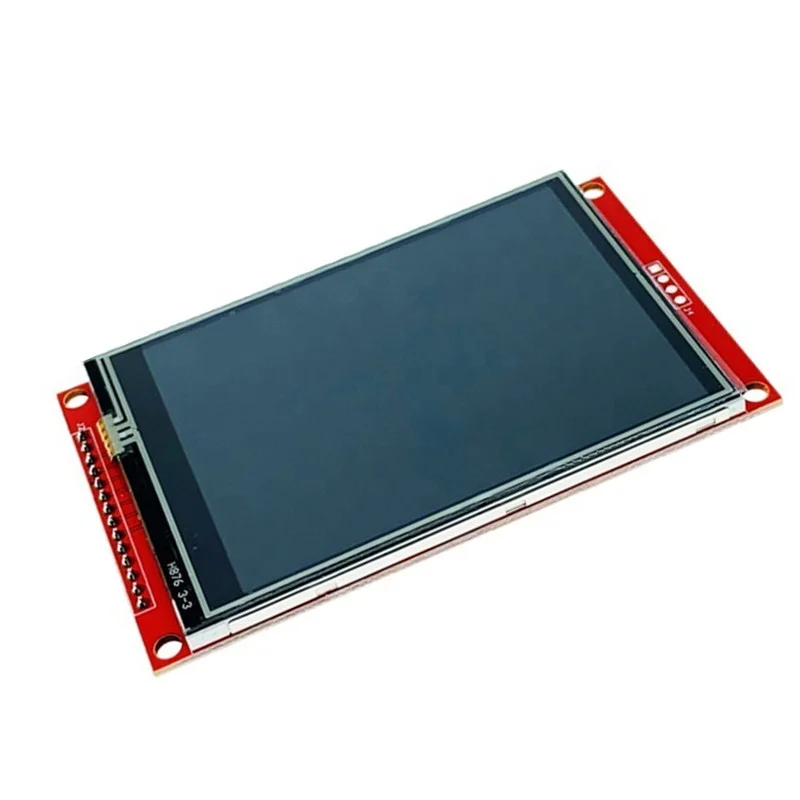
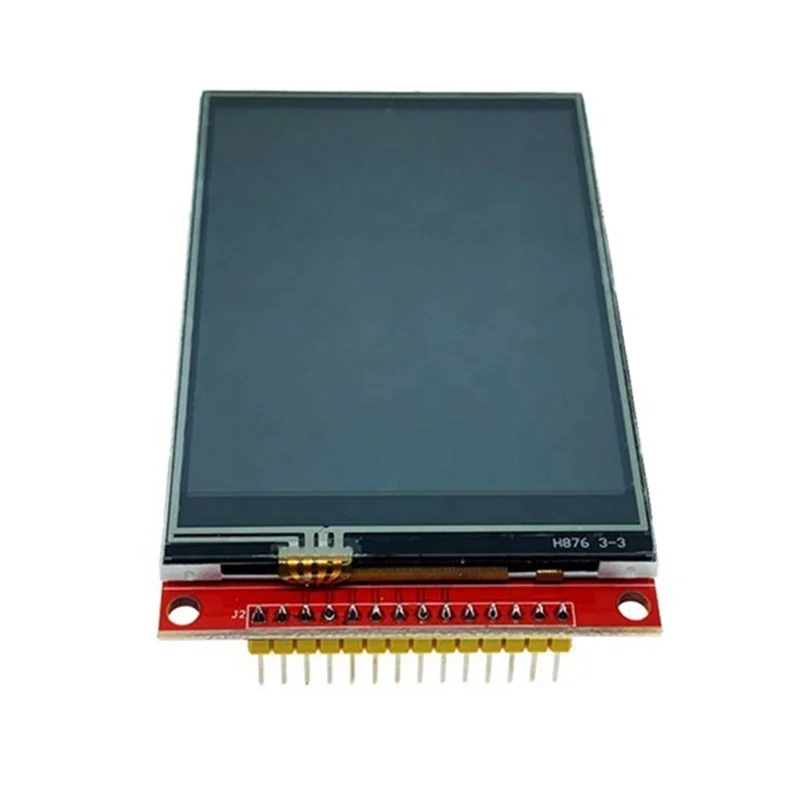
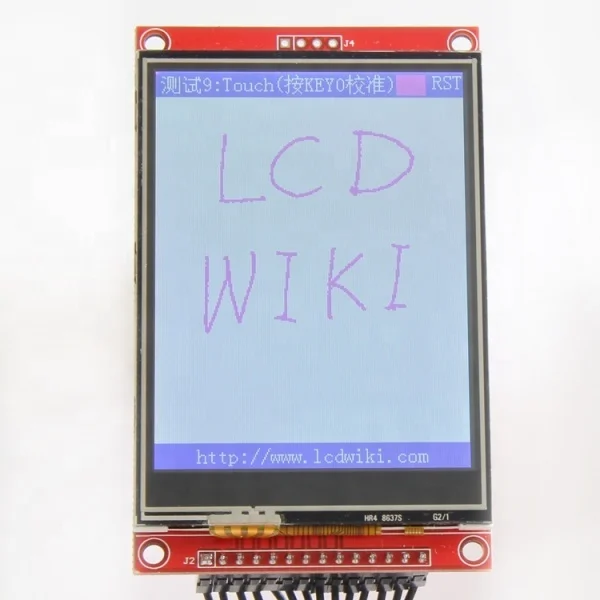
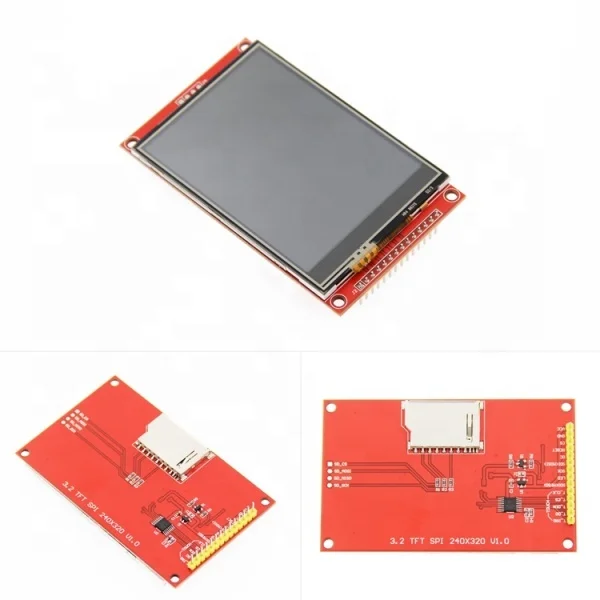
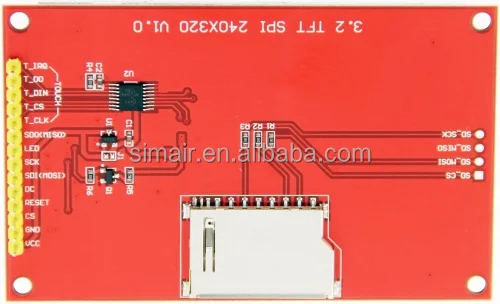
3.2 inch SPI Serial Port TFT LCD Display Module ILI9341 driver LCD Touch Screen 240*320
- Category: >>>
- Supplier: Wuxi Siminuo Technology Co. Ltd.
Share on (1600458336983):
Product Overview
Description
Product Description

Product Picture


Product Description
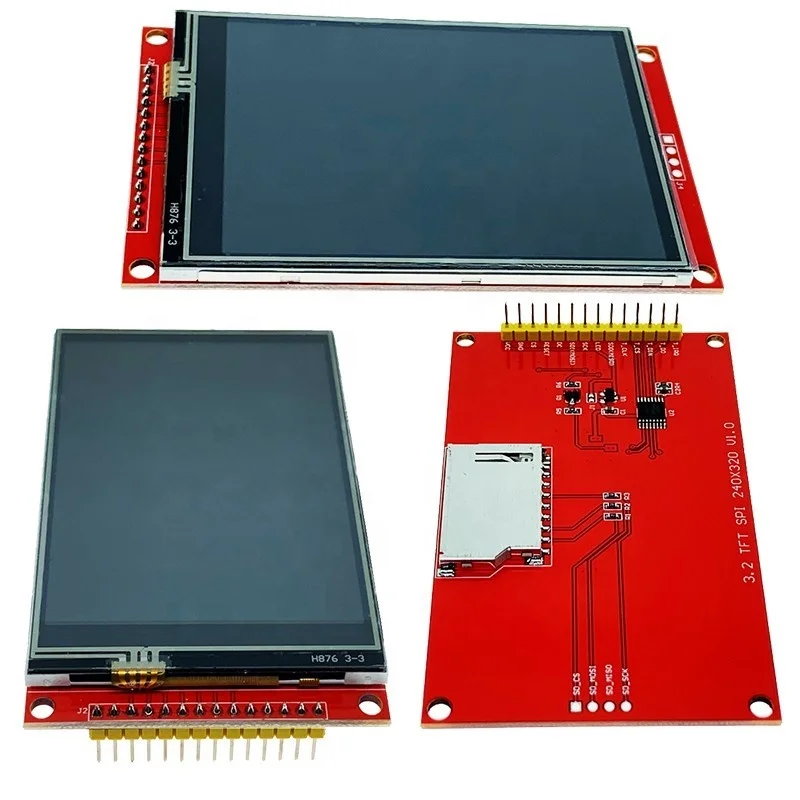
- 3.2-inch color screen,support 65K color display,display rich colors
- 320X240 resolution, optional touch function
- Using the SPI serial bus, it only takes a few IOs to illuminate the display
- Easy to expand the experiment with SD card slot
- Provide a rich sample program
- Military-grade process standards, long-term stable work
- Provide underlying driver technical support
Product Parameters
| Name | Parameter |
| Display Color | RGB 65K color |
| SKU | have touch screen: MSP3218 |
| have no touch screen: MSP3217 | |
| Screen Size | 3.2(inch) |
| Type | TFT |
| Driver IC | ILI9341 |
| Resolution | 320*240 (Pixel) |
| Module Interface | 4-wire SPI interface |
| Active Area (AA area) | 48.6x64.8(mm) |
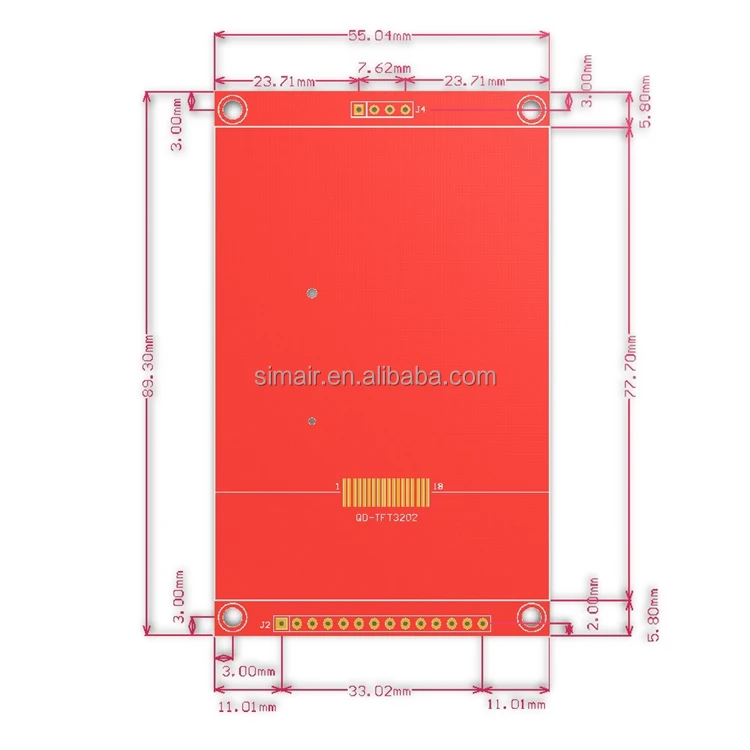
| Module PCB Size | 55.04x89.3(mm) |
| Operating Temperature | -20℃~60℃ |
| Storage Temperature | -30℃~70℃ |
| VCC power voltage | 3.3V~5V |
| Logic IO port voltage | 3.3V(TTL) |
| Power Consumption | TBD |
| Rough Weight(Package containing) | No touch: 41(g) / With touch: 52(g) |
Product Size
 Interface Definition

| Number | Pin Label | Description |
| 1 | VCC | 5V/3.3V power input |
| 2 | GND | Ground |
| 3 | CS | LCD chip select signal, low level enable |
| 4 | RESET | LCD reset signal, low level reset |
| 5 | DC/RS | LCD register / data selection signal, high level: register, low level: data |
| 6 | SDI(MOSI) | SPI bus write data signal |
| 7 | SCK | SPI bus clock signal |
| 8 | LED | Backlight control, high level lighting, if not controlled, connect 3.3V always bright |
| 9 | SDO(MISO) | SPI bus read data signal, if you do not need to the read function, you can not connect it |
| (The following is the touch screen signal line wiring, if you do not need to touch function or the module itself does not have touch function, you can not connect them) | ||
| 10 | T_CLK | Touch SPI bus clock signal |
| 11 | T_CS | Touch screen chip select signal, low level enable |
| 12 | T_DIN | Touch SPI bus input |
| 13 | T_DO | Touch SPI bus output |
| 14 | T_IRQ | Touch screen interrupt signal, low level when touch is detected |
Connect to Arduino

Arduino UNO direct insertion picture

Arduino Mega2560 direct insertion picture
How to use on Arduino
- Step 1: Download the test program
- Download the Arduino test program from the Program Download column
- For a description of the relevant test procedures, please refer to the test program documentation in the package
- Step 2: Connect the Arduino development board
- Plug the module directly into the Arduino development board ( Do not plug in?)
- After the module is plugged in, power on the Arduino board
- Step 3: Copy the dependent library
- Make sure the Arduino IDE is installed on your computer (if it is not installed: Arduino IDE download URL)
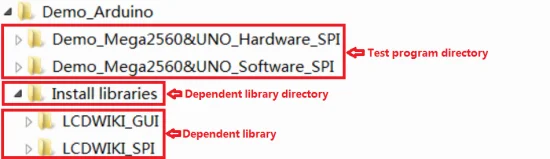
- After installing the Arduino IDE, you need to copy the dependent library to the Arduino project directory as follows:
- (1) Decompress the downloaded test package
- (2) Copy the dependent libraries in the Install libraries directory in the package (shown below) to the libraries folder
- of the Arduino project directory ( Don't know the Arduino project directory?)
- Step 4: Compile and download the program to the development board
- Open the sample in the Example directory of the package to test, compile and download( Don't know how to compile and download?)
- Step 5: Observe the running of the program
- After the program is downloaded, run it directly and observe the running status. If it can be displayed normally, the program runs
- successfully, as shown in the following figure (take the colligate_test test program as an example):
Company Information

Production process

Shipment and payment

FAQ


We Recommend
New Arrivals
New products from manufacturers at wholesale prices







