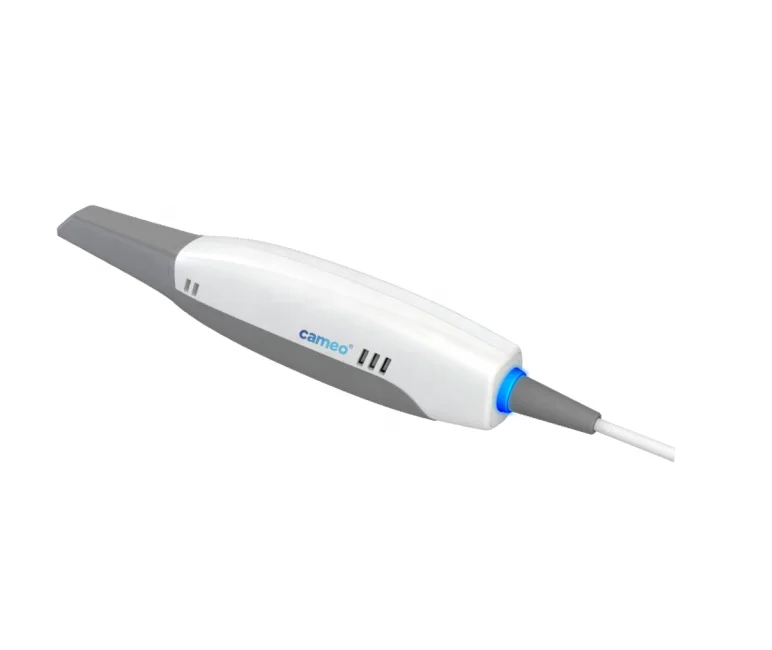
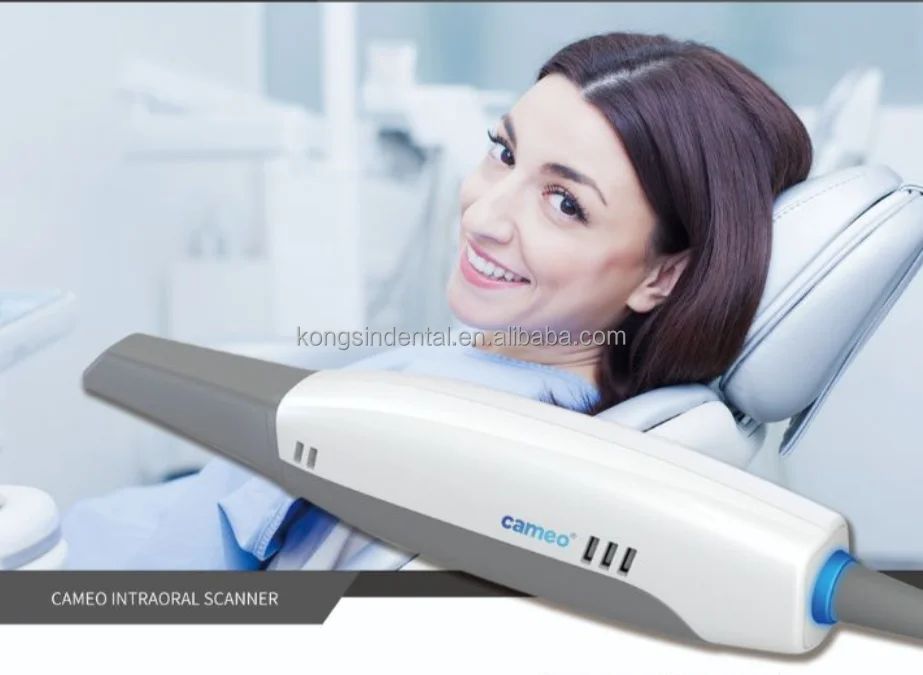
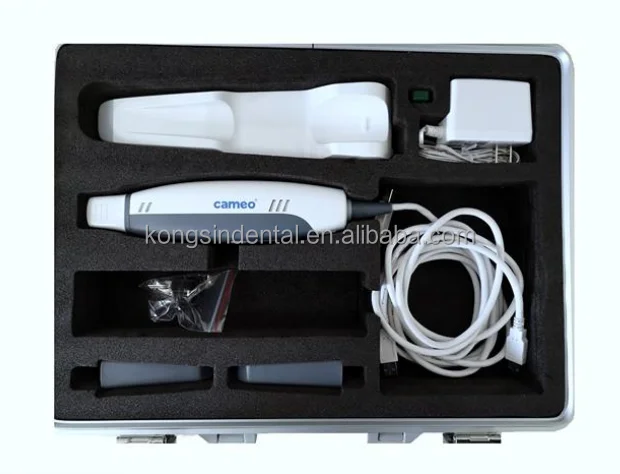
Cameo 3D Digital Dentistry Intraoral Dental Scanner
- Category: >>>
- Supplier: Zhengzhou Kongsin Medical Equipment Co. Ltd
Share on (1600459548698):
Product Overview
Description
Product Description
Cameo 3D Digital Dentistry Intraoral Dental Scanner
I.Environmental Requirements
1.Computer requirements
--Windows 10 Professional (64-bit) , Intel Core i7-8700 or higher
--NVIDIA GTX 1070 6GB DDR3 or higher (supporting NVIDIA CUDA);
--More than 3 Type-A USB 3.0 (or higher) ports
---1 TB SATA Hard Drive (7200 RPM, 6.0 Gb/s) or higher
2.Operating and storage requirements
--Operating temperature: 10~40°C
--Storage/Transport temperature: -25°C~60°C
--Operating altitude: < 3000 M
--Storage/Transport/Relative humidity: 30%~75%
--MTBF: 14,600 hrs (except DMD/LED)
--Air pressure: 700 hPa~1060 hPa
II. Intraoral scanner Installation
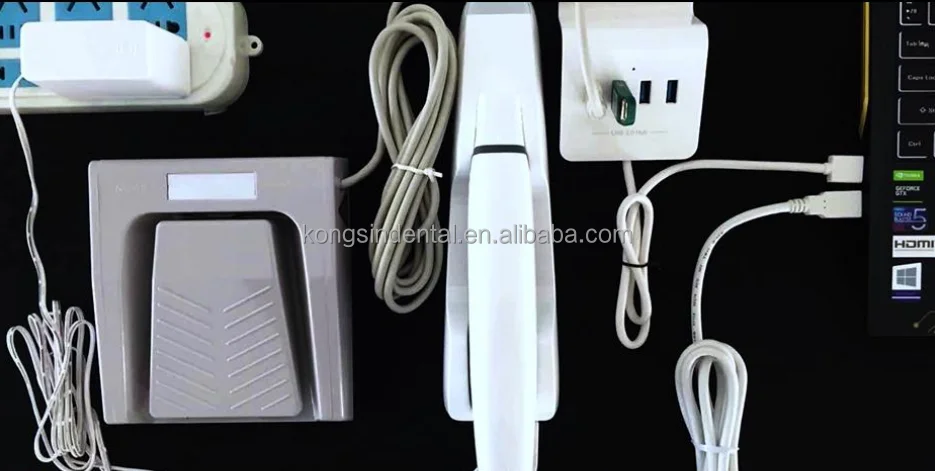
1.Connect scanner, USB data cable, power cord and USB extension Insert the scanner data line, USB data line and power line into the cable and the corresponding interface (3.0 interface) of the computer.
2. Install software Follow the steps below to complete the installation of software programs:
3. (1)Insert the supplied 2-in-1 USB dongle into the USB port of your computer .
(2)Find the file named IntraoralScanX.X.X.X.exe and run it as administrator.
(3)The IntraoralScan InstallShield Wizard window appears to start the installation.
(4)Specify a language from the drop-down list.
(5)Click OK.
(6)Follow the on-screen instructions to complete the installation. When done,three shortcut icons,, , and will appear on your desktop for quick acess
4. Calibrating the Scanner In order to ensure the scanning accuracy of Cameo Intraoralscan, calibration should be carried out regularly. The calibration period is once a week.
(1)Connect the Calibrator As shown in the figure, slide the calibrator gently to the front end of the scanner and connect the calibrator with the computer using the USB3.0 cable provided
(2)Check connection After the scanner is connected and powered on, check whether the camera driver run automatically. Check whether there is “Imaging devices-> Allied Vision USB3 Vision Device” in the “Device Manager” , the presence means the camera driver has been installed successfully.
(3)Operating process Double-click the shortcut icon of Intraoral-Calibration.
(4)Activate machine When the scanner is first used, it must be connected to the internet and activated successfully. Double-click the IntraoralScan icon on the desktop, open the order system.
(5)Accuracy Checking Accuracy Checking is used to check the accuracy validity of existing calibration result of the scanner. It is recommended that the accuracy checking is carried out every time after the calibration is completed
Connect the scanner and calibrator correctly, click “Start” button to 15
proceed the accuracy measurement, continue the next step according to the testing result.


Related Products


Our Product List
Company Information


Factory&Warehouse

Packaging & Shipping

FAQ
Q1: How to buy your products?
You can place order to our company directly on alibaba, or contact our salesperson for help, they will confirm order details like product configuration, shipping matters etc with you, and give you guidance for all process from purchase to arrival of your goods.
Q2: What's the payment term?
We accept payment by T/T Bank Transfer, Alibaba Trade Assurance Service, Western Union, Money Gram, Paypal, Cash etc.
Q3: What's the delivery time and shipping method?
Delivery time is upon to your ordered product and quantity, generally our lead time is within 1 week, if have stock we can ship immediately.
We have long-term cooperated forwarder for worldwide shipping, we can deliver your products by express, air freight or sea freight , different shipping way the cost and time is different, we will recommend you the most reasonable shipping way according to your order list.
Q4: What's your after-sale service?
We provide one year warranty for most of our products (consumables exception).
If there is any fault for our products, we have well-trained and passionate after-sale engineers to help you, within warranty period we will repair and change the fault parts for free; after warranty we still provide lifetime technical support, if spare parts needed just charged at cost price.
Q5: How do we secure transactions?
We Kongsin Dental is a professional medical company owned a lot of government certificates, and also Alibaba verified us as Premium Supplier there.
Our company is aiming to serve more and more customers in the world, providing you good quality medical products, and more safe payment ways like through Alibaba Trade Assurance. All transactions between you and us is 100% guaranteed, you will enjoy our whole-hearted service all the time.
Buy Feedback


Contact us
Contact Us:
Email: export /at/ kongsindental.com
Mob/Wechat/WhatsApp: +86 158 3818 8498
We Recommend
New Arrivals
New products from manufacturers at wholesale prices







