
Wireless Presentation Teaching Pointer Pen with Green Light 2.4GHz USB Remote Control for PPT Presentation
- Category: Laser Pointers >>>
- Supplier: Shenzhen Tencenta Electronic Co. Ltd.
Share on (1600460725242):
Product Overview
Description
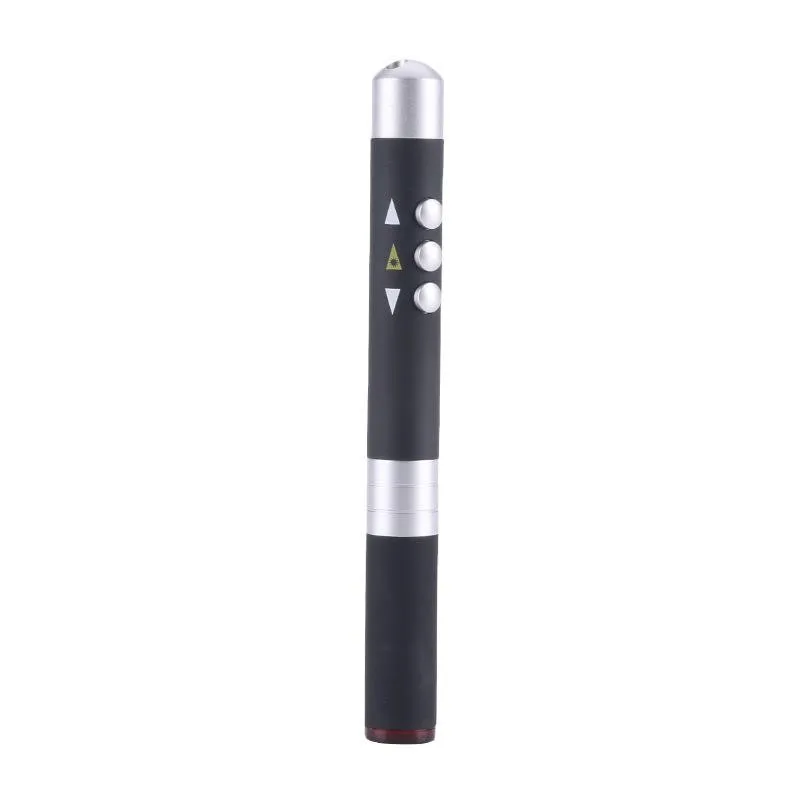
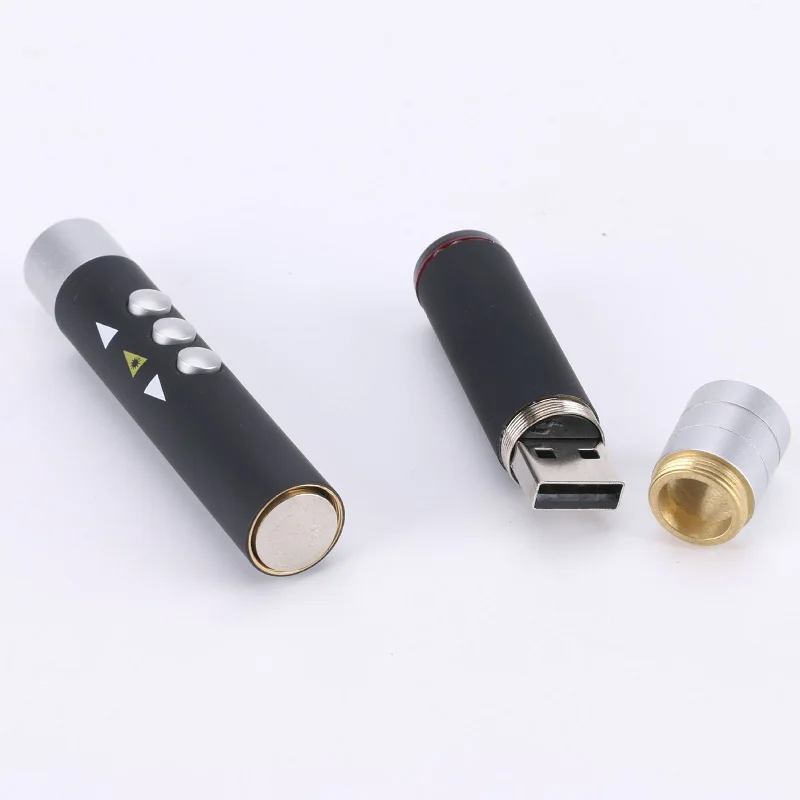
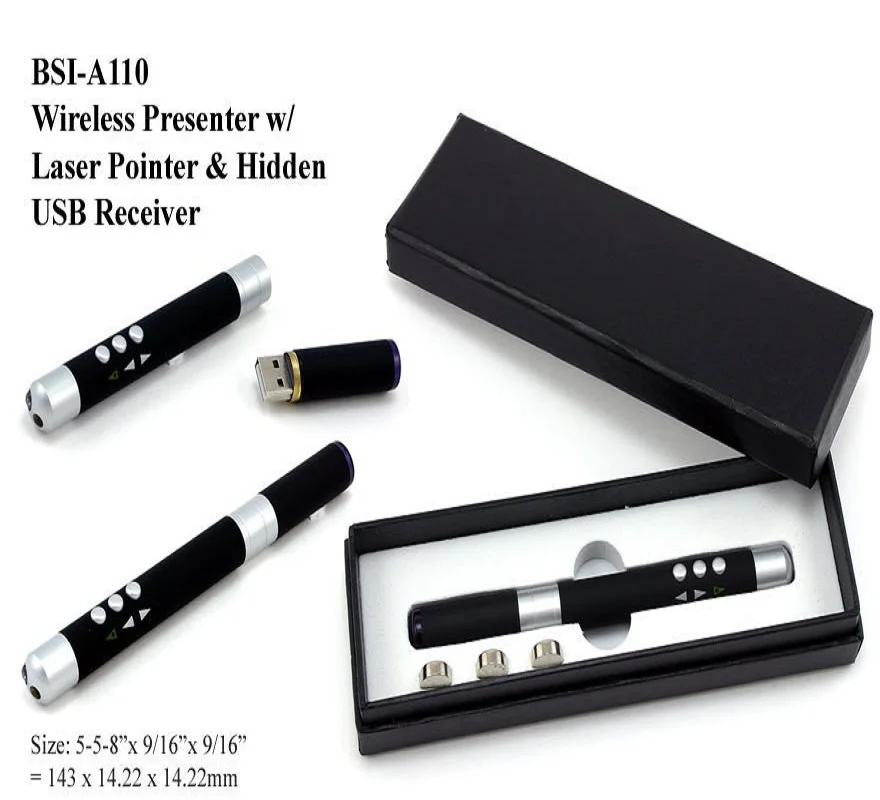
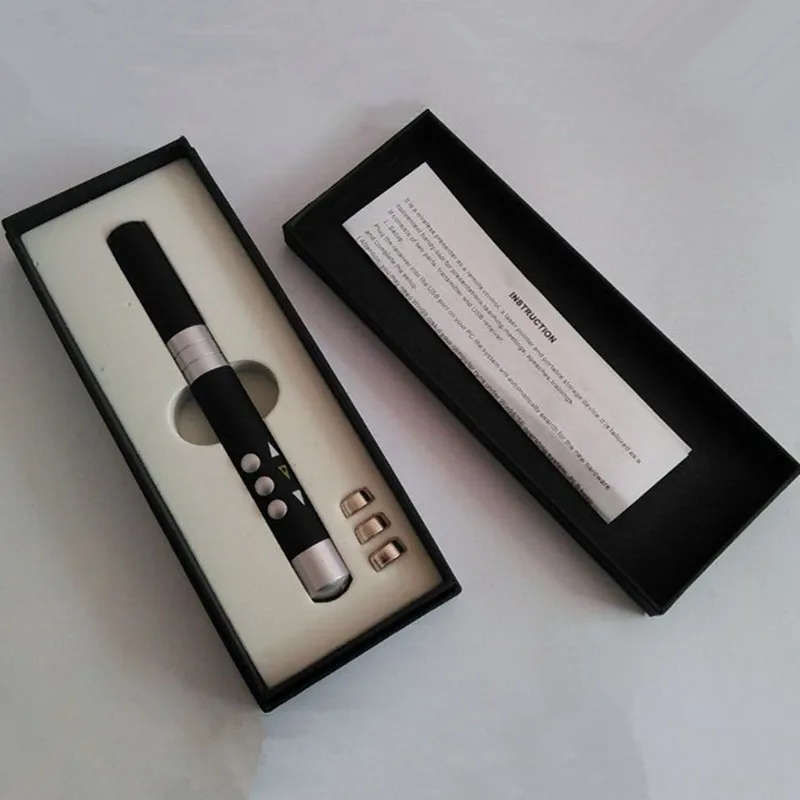
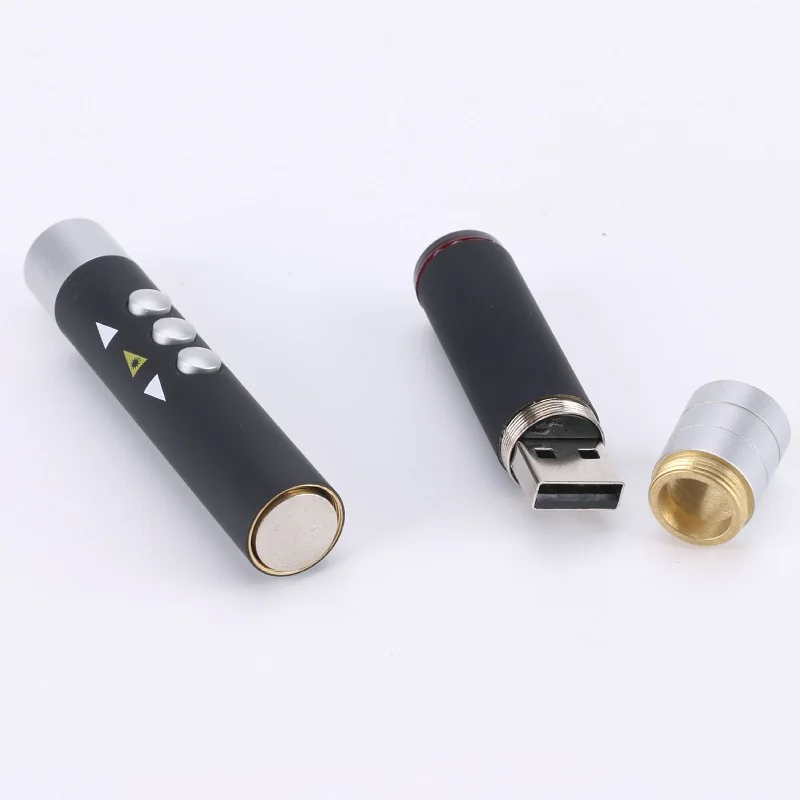
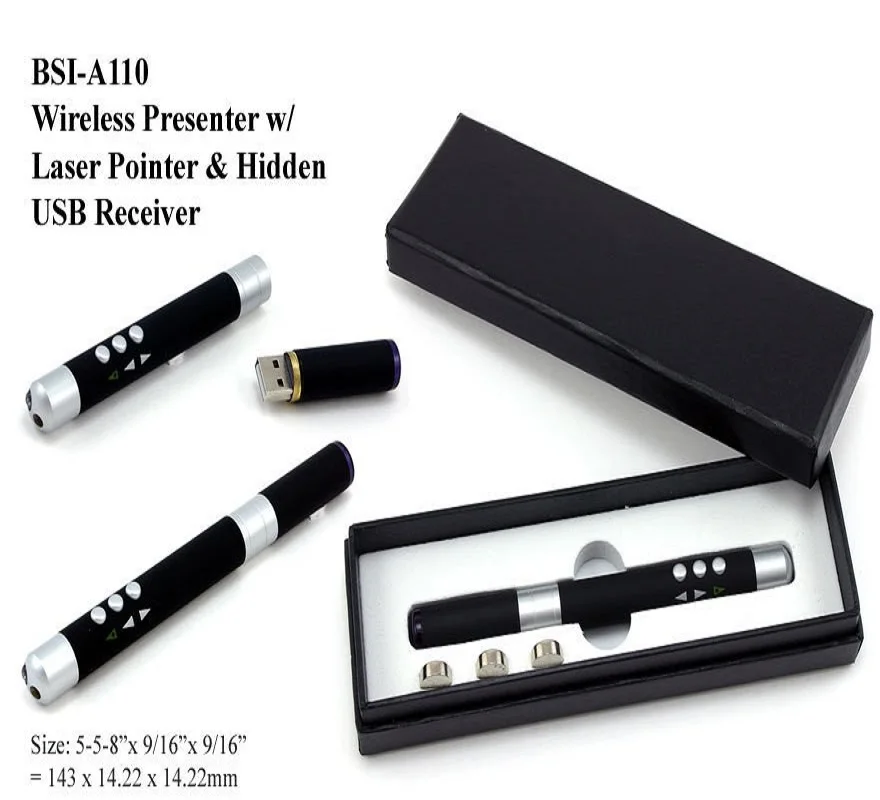
1. Basic description The remote control pen is composed of a transmitter and a USB receiver. It adopts an integrated design. The laser remote control pen and the receiver are cleverly combined into one, which is convenient to carry. The product has the characteristics of light weight, small size and comfortable hand feeling.
The USB receiver uses computer USB technology, plug and play, and does not require any driver for installation.
The transmitter has a built-in laser pen with three function keys: laser button, page up key, and page down key. It is widely used in product demonstrations, electronic teaching, and multimedia playback in conjunction with PCs or laptops and projectors. The ideal presentation tool for control and academic conferences, etc.
The integrated remote control pen adopts RF radio technology, with a control distance of up to 10 meters, without any direction restrictions, and can be controlled by penetrating obstacles, so that you can flexibly and freely turn pages and demonstrate freely of electronic documents.
2. Applicable operating system
Applicable to all Windows operating systems (Windows98 / 2000 / 2003 / XP / Vista, Win7 only needs to install the universal USB driver), Linux, Unix, MAC OS, support USB plug and play.
3. Product Description
Remote control technology: infrared remote control technology (requires a certain angle for remote control operation)
Remote control distance: more than 15m
Laser range: more than 200m
Wavelength: 650nm Power: <1mW
Material: metal material
Specification: 14*1.5CM
Battery: three button batteries
Receiver: All-in-one, can load various capacities of memory on demand
Computer interface: USB interface, plug and play, no special driver required
Applicable to various systems of WINDOWS98/2000/ME/XP
Function: wireless remote control up/down page "remote control technology: infrared remote control technology (requires a certain angle remote control operation)
4. How to use
1. Insert the USB plug of the receiver into the USB jack of the computer, and the computer will automatically find the new hardware to complete the installation (Note: Windows98/SE operating system requires Win98 CD);
2. Please do not put obstacles at 45 degrees in front of the receiver, so as not to affect the receiving effect;
3. The button of the laser remote control pen is the laser pen function, press and hold to emit a red laser (note: the laser is harmful to the eyes, please do not irradiate it in the eyes)
4. The middle button of the laser remote control pen is the page-up function, which is equivalent to the PgUp function of the keyboard;
5. The third button of the laser remote control pen is the page down function, which is equivalent to the PgDn function of the keyboard;
6. Each time the page turning key of the remote control pen is pressed, the receiver will flash once. 


We Recommend


New Arrivals
New products from manufacturers at wholesale prices







