
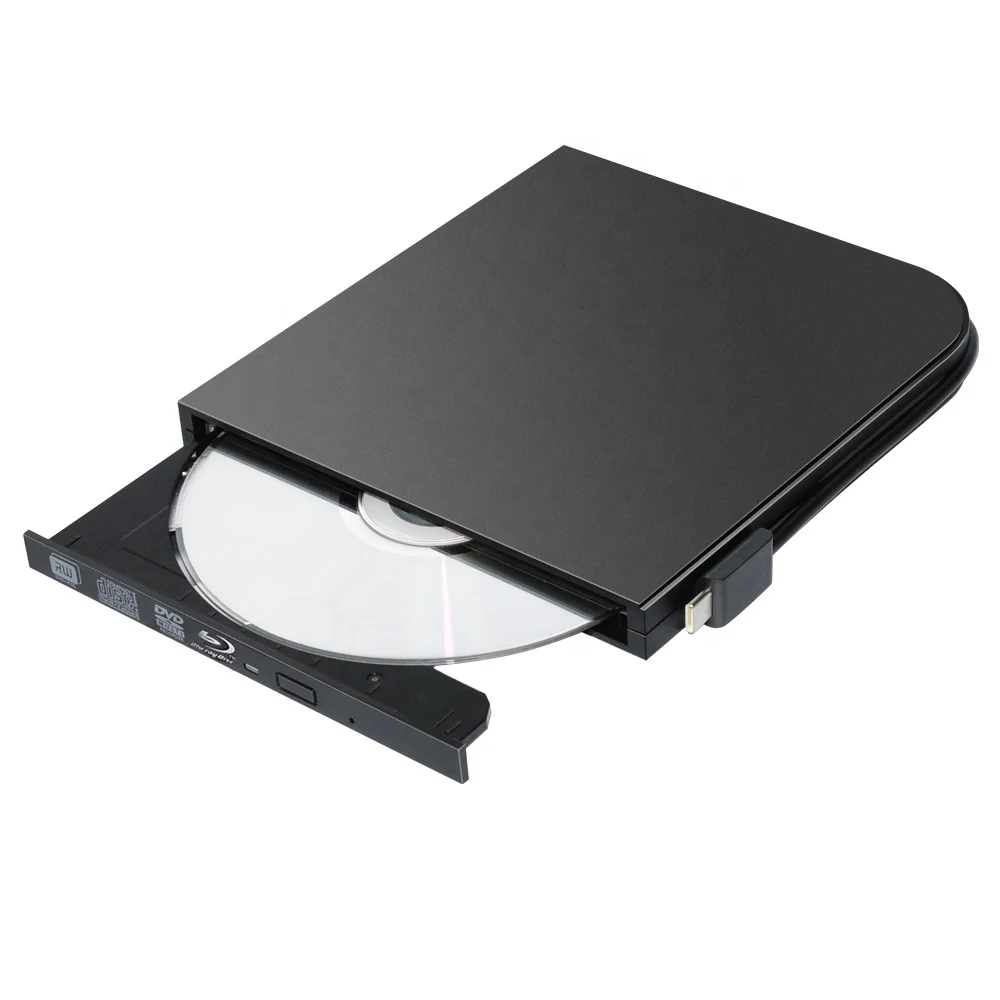
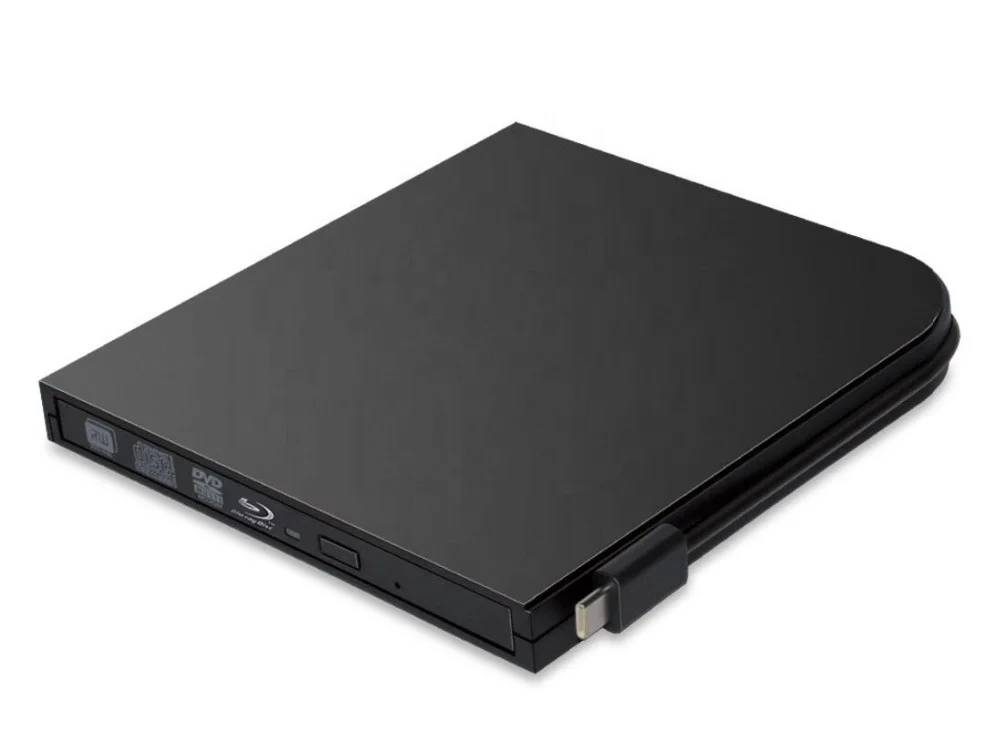
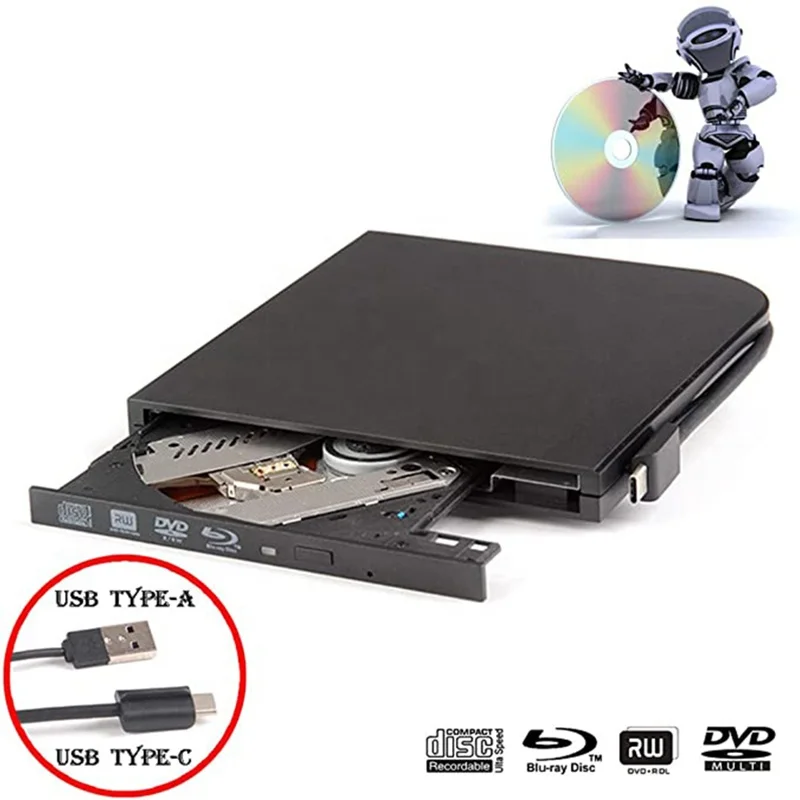
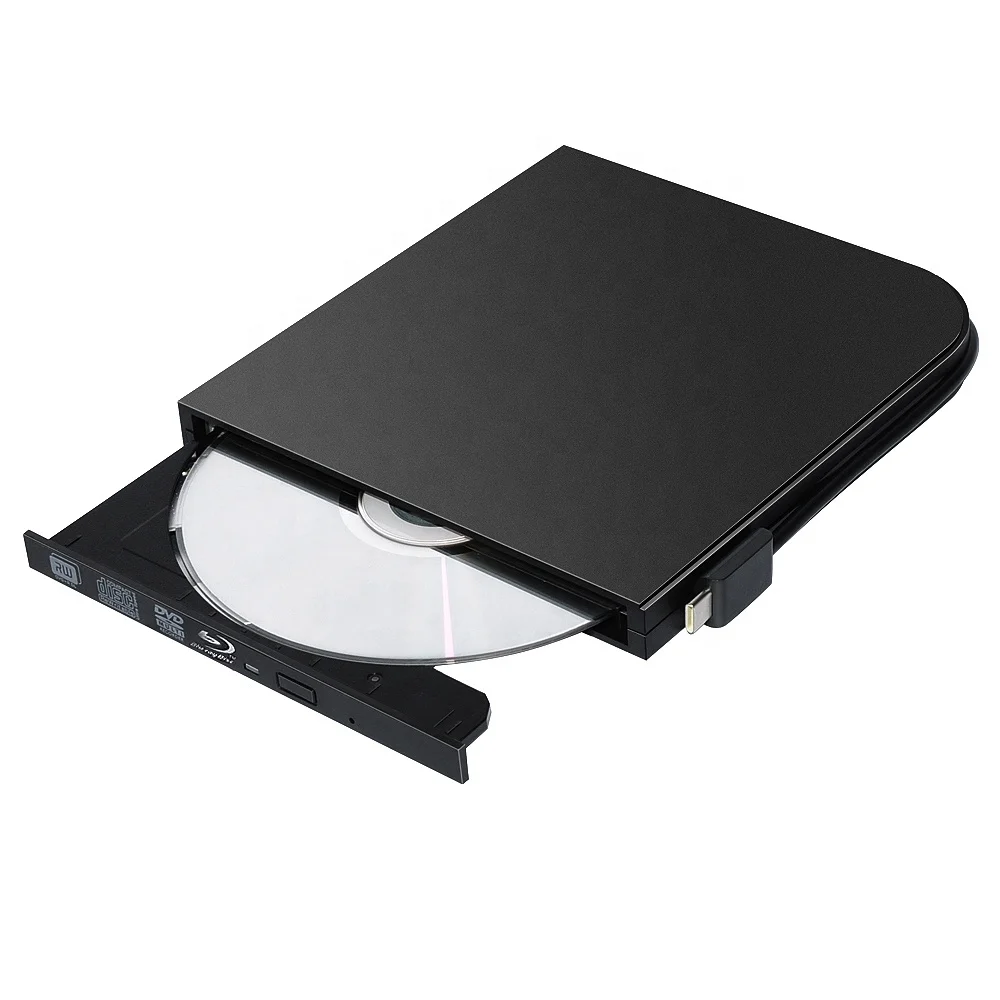
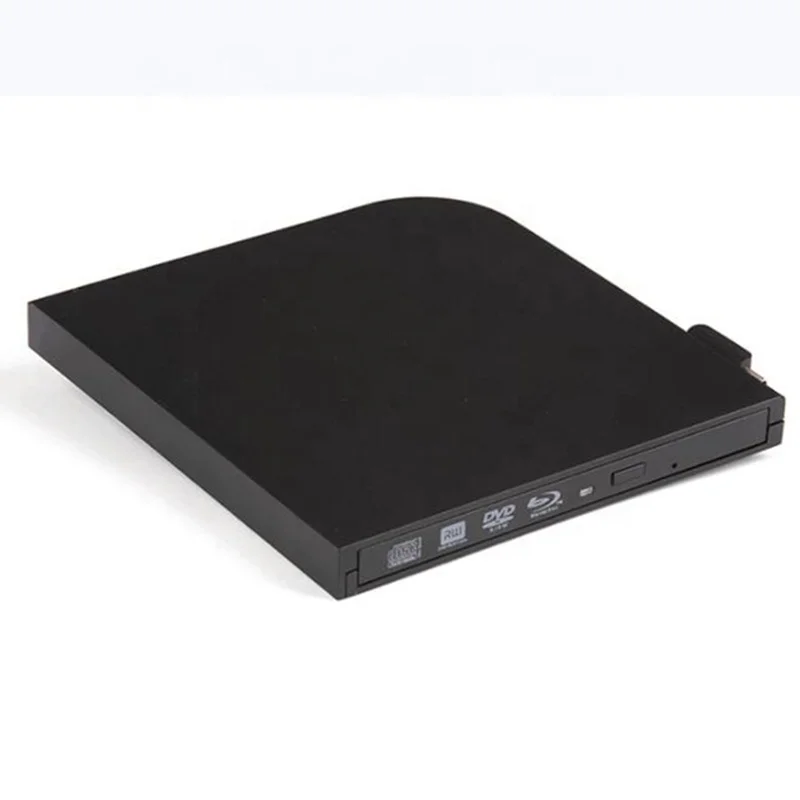
Blu Ray Drive Slim Type C USB 3.0 Bluray Burner BD RE CD/DVD RW Writer Play Blu ray Disc For Laptop Notebook PC HP ACER
- Category: Optical Drives >>>
- Supplier: Shenzhen Shixin Trading Co. Ltd.
Share on (1600469411148):
Product Overview
Description
USB 3.0 External CD Player Blu-ray Portable DVD Drive DVD RW CD Writer Type-c Reader Optical Drives For Laptop PC Windows 10
| Product Description |
Name: External Blu-ray Drive
Interface type: USB-C + TYPE-C
According to the installation method: no drive type (Except Windows 10)
Error correction function: Yes
Disc specifications: 12CM, 8CM
Dimensions: length 15.2CM / width 14.5CM / height 1.6CM
Read speed: maximum CD read speed 24X, maximum DVD read speed 8X
Burn speed: maximum CD burning speed 24X, maximum DVD burning speed 8X
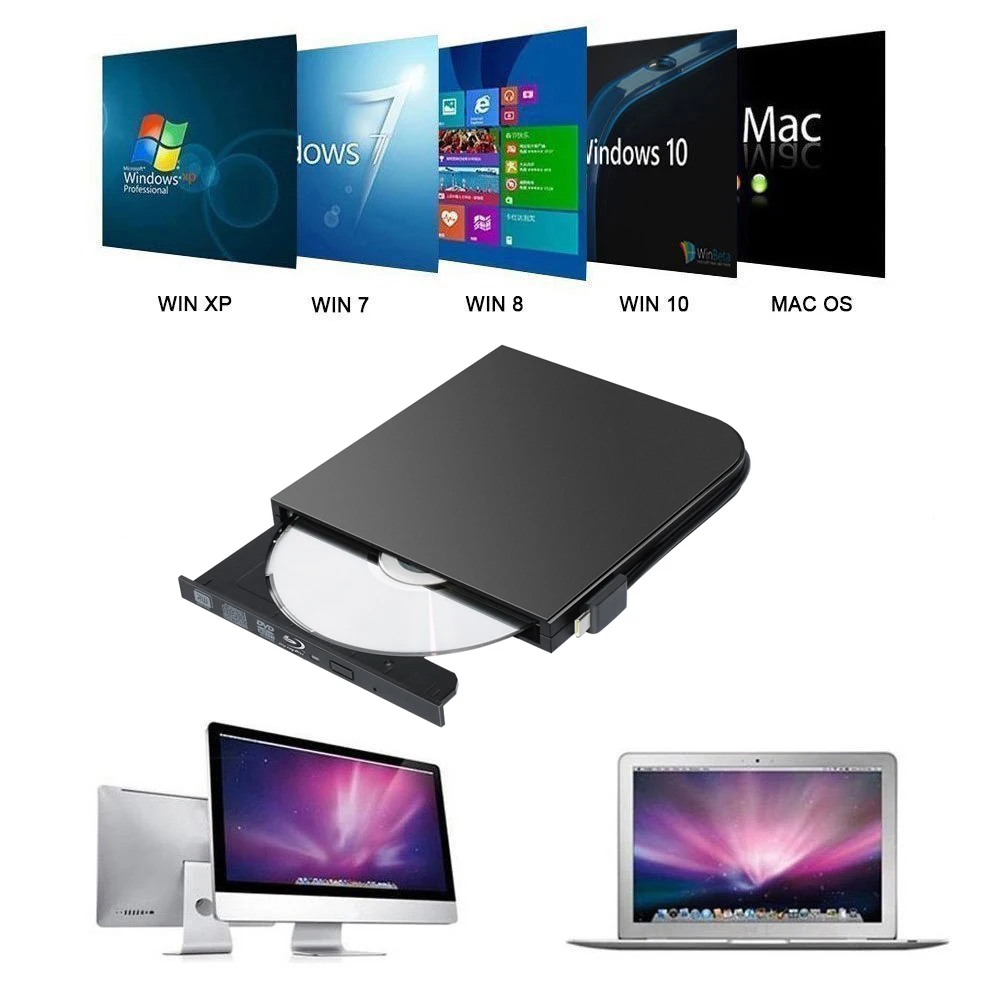
Support operating system: WIN98/ME/2000/XP, VISATA, WIN7, WIN8, MAC OS8.6 or above
Function parameters: BD-ROM
Please check to see if this product supports the DVD/CD/BD-ROM format you want:
Read speed: (readable DVD-RAM)
DVD-R: 8X; DVD-RW: 6X; DVD+R: 8X; DVD+RW: 6X; CD-RW: 16X; CD-ROM: 24X
Write speed: DVD-R: 8X;DVD-RW: 4X;DVD+R: 8X;DVD+RW: 4X;DVD+DL(D9): 4X ; DVD-DL(D9): 4X ; CD-R: 24X ; CD-RW : 16X
Burn parameters:
6X Blu-ray BD-R: 4X; BD-RDL BD-RE BD-REDL: 2X; DVD-R: 8x; DVD+R: 8x; DVD-RW: 6x; DVD+RW: 8x; DVD-RAM: 5X; DVD+R DL 2.4 X; DVD-R DL: 2X; CD-R: 16x; CD-RW: 10x
Notes:
Connect your device to the direct USB port on your computer. If you connect it to a USB hub or extension, you may not be able to recognize the drive or read the CD/DVD.
For desktops, connect the device to the motherboard's USB port for normal use.
Before using a CD-ROM drive, make sure your computer has a "media player".
This driver is not fully compatible with Windows 10 system computers due to compatibility issues between Windows 10 itself and external hardware. It is recommended to install the VLC Media Player to play DVDs and CDs.
This blu ray writer/burner could NOT be used in the tablets, like Surface Series(Due to low voltage condition in some tablets).
Player software on your computer must support Blu-ray format (e.g. PowerDVD), when playing Blu-ray discs. (Player software is NOT included)


Our Services
We Recommend




New Arrivals
New products from manufacturers at wholesale prices







