
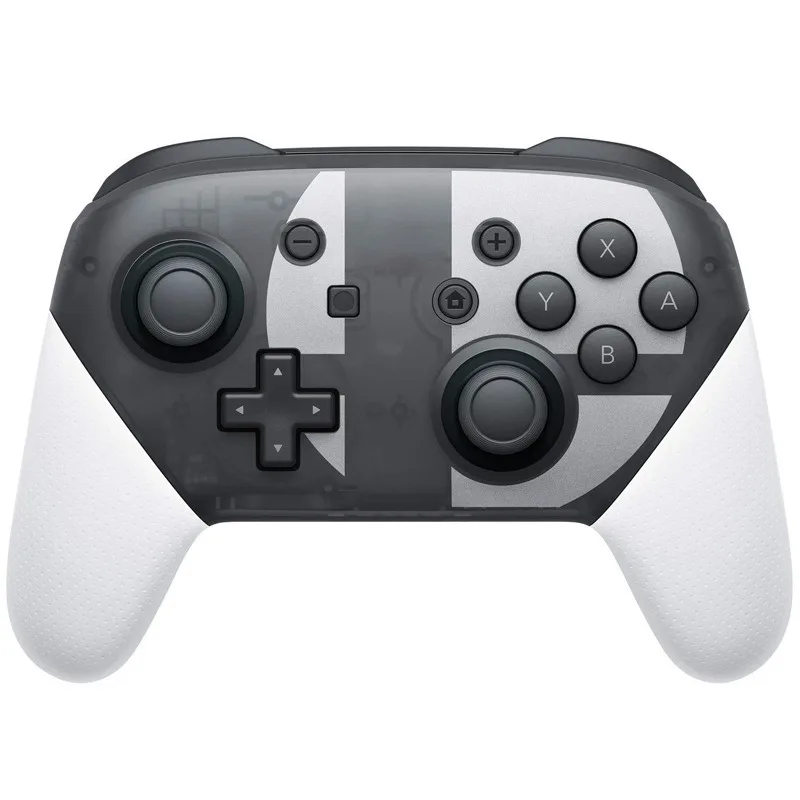
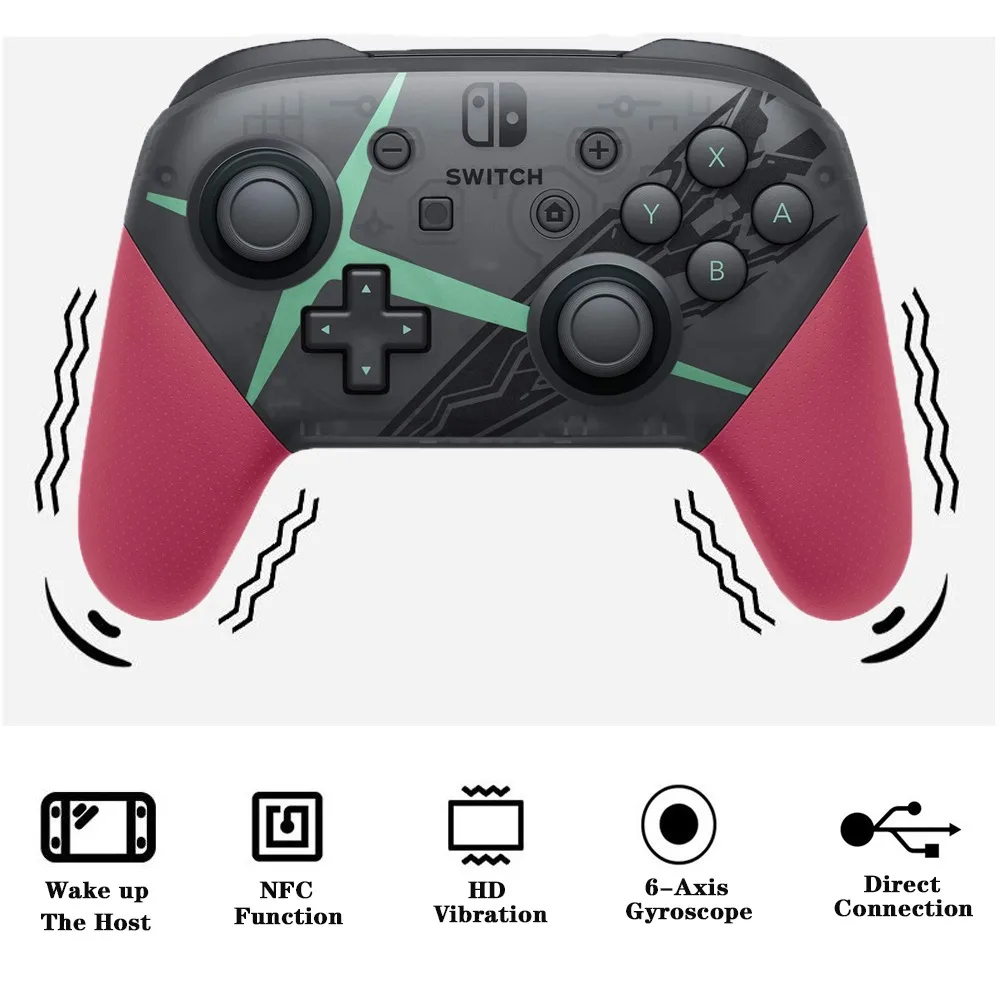
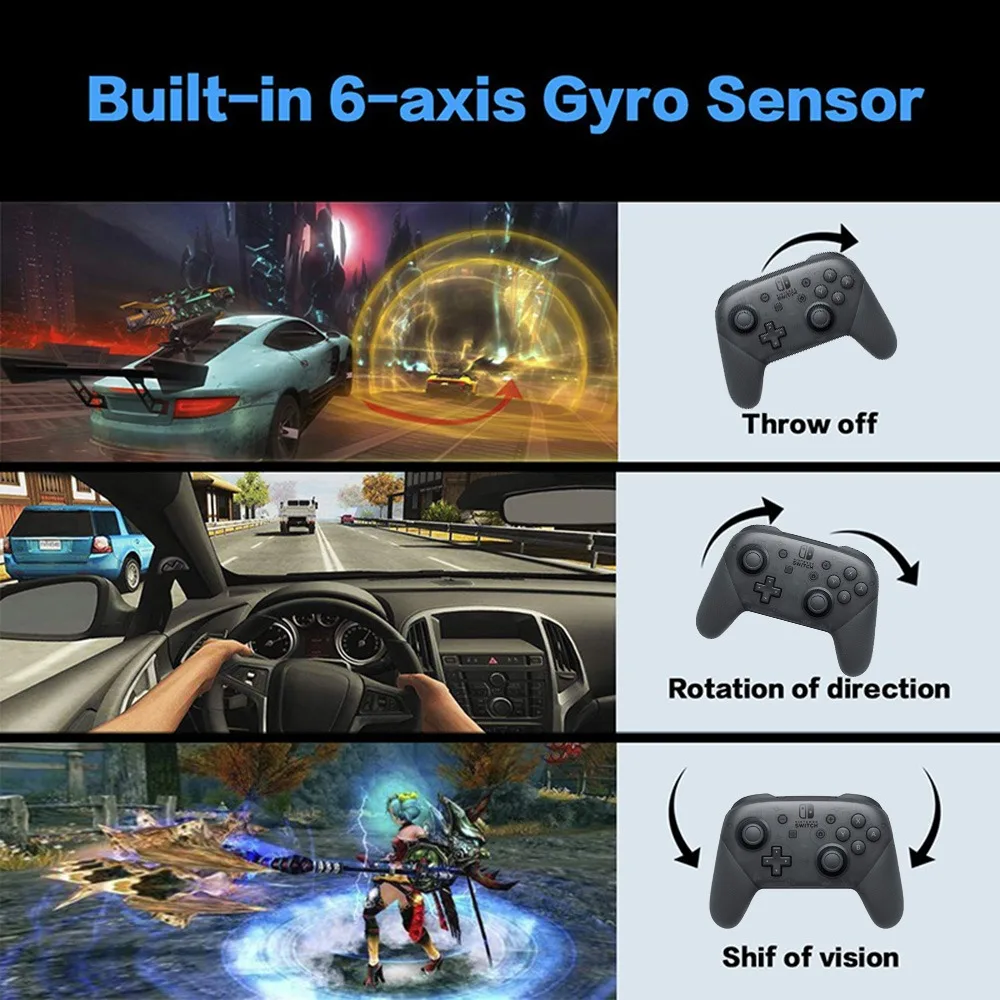
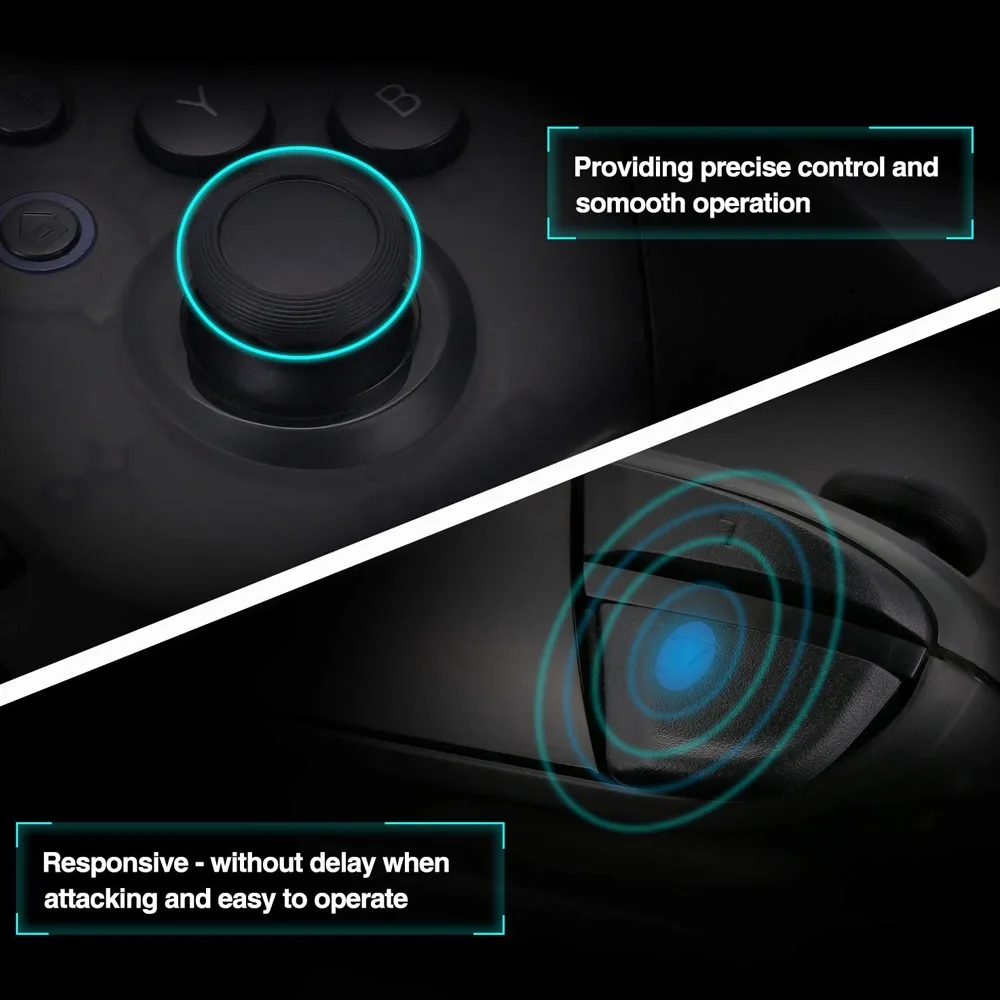
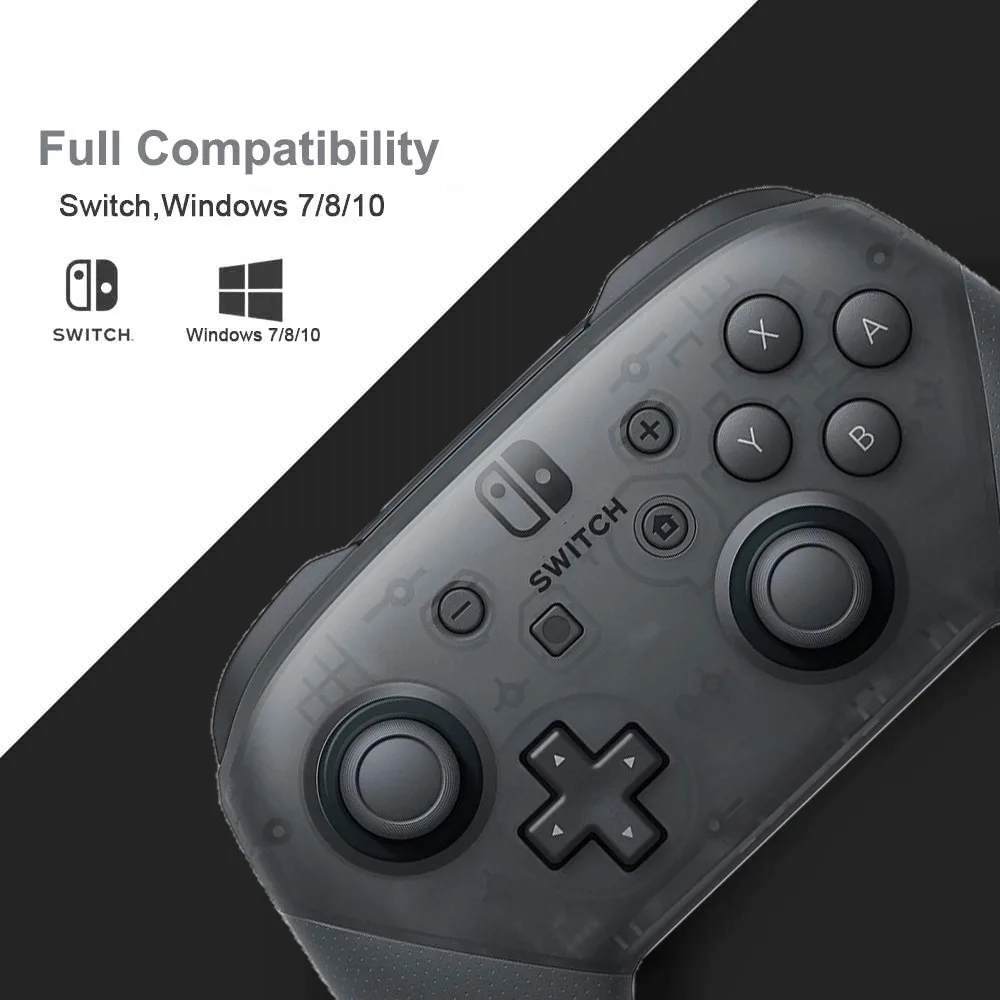
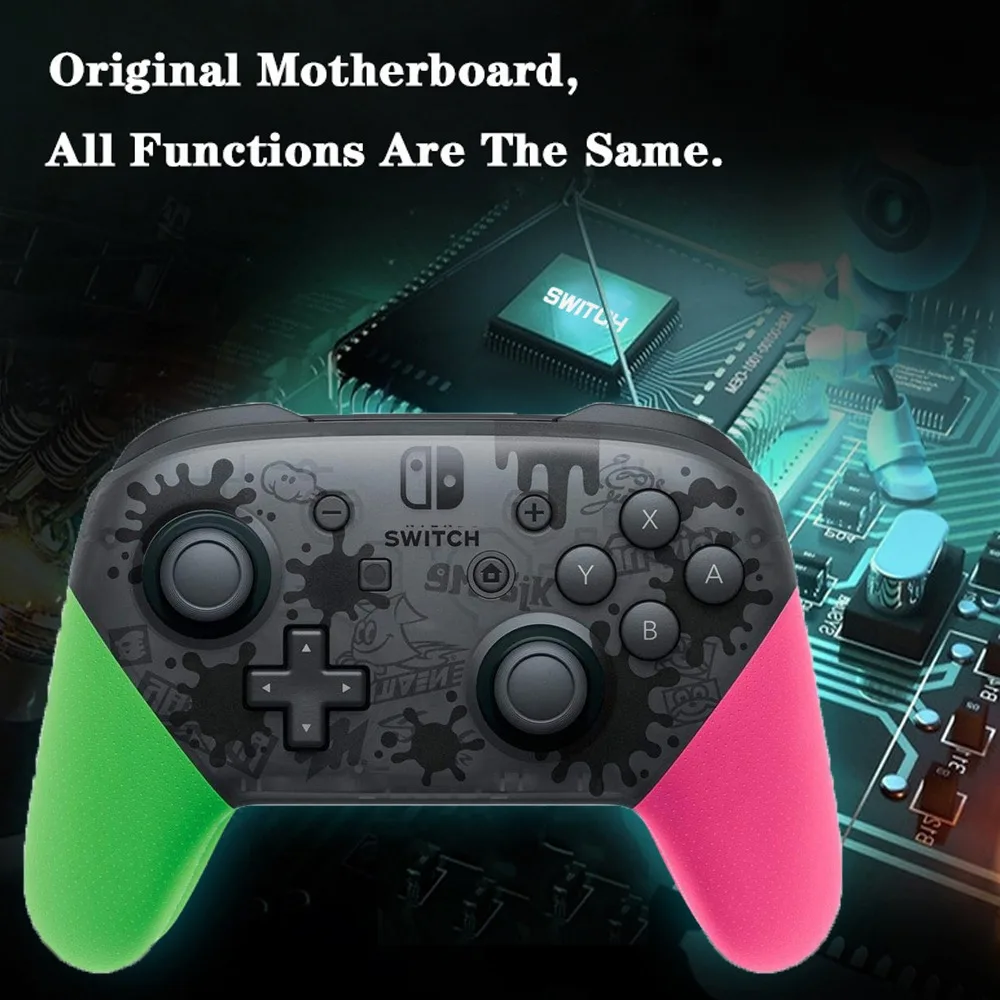

Switch Console Joystick Wireless gamepad controller bt controller gamepad wireless gamepad for android phone controller
- Category: >>>
- Supplier: Guangzhou Tianshili Import And Export Co. Ltd.
Share on (1600477723402):
Product Overview
Description
Switch Console Joystick Wireless gamepad controller bt controller gamepad wireless gamepad for android phone controller

Notice:
Notice:
1.This is a 3rd party Product.
2.N-Switch Pro controller did not with NFC and Wake Up function.
3.Support wireless and wired for Nintendo Switch console and Wired for PC Operation instructions for N-Switch blue-tooth controller
5. controller test
* System setting-> Controllers and Sensors->Test Input Devices
*3D test: System setting-> Controllers and Sensors->Calibrate Control Sticks
Notice:
1.This is a 3rd party Product.
2.N-Switch Pro controller did not with NFC and Wake Up function.
3.Support wireless and wired for Nintendo Switch console and Wired for PC Operation instructions for N-Switch blue-tooth controller
Features:
1. Setting of controller
* to connect Blue-tooth controller, the Controller Connection (Blue-tooth) option of the console is On, or turn off Flight Mode;
* on the main page, select controllers-> Change Grip/Order and leave the console in the search blue-tooth device state. (this operation is not required for callback)
* note: if the console has difficulty matching Controllers, it may be that the console is connected to too many blue-tooth devices and needs to manually remove the System setting-> Controllers and sensor-> Disconnect Controllers.
1. Setting of controller
* to connect Blue-tooth controller, the Controller Connection (Blue-tooth) option of the console is On, or turn off Flight Mode;
* on the main page, select controllers-> Change Grip/Order and leave the console in the search blue-tooth device state. (this operation is not required for callback)
* note: if the console has difficulty matching Controllers, it may be that the console is connected to too many blue-tooth devices and needs to manually remove the System setting-> Controllers and sensor-> Disconnect Controllers.
2. controller matching console
* when the controller is turned off, hold down the small button next to TYPE USB for 3 seconds to enter the code matching state.The 4 leds are in the state of fast flowing water light, and the channel indicator light corresponding to the successful connection is always on. No synchronization within 1 minute will automatically sleep
* if the blue-tooth connection is successful, the corresponding channel indicates that the LED is always on (Switch console assignment)
3. Connect the controller back to the console
* when the controller is turned off, press any key to wake up the controller. When the controller is awakened, it will
automatically connect to the console with which it is paired, and sleep automatically if the connection fails in 6 seconds.
* after the controller is connected successfully, the controller will not operate and will enter the sleep state according to the sleep setting of the console system. The console screen will close and the controller will automatically sleep
4. Low voltage alarm
* if the lithium battery voltage is lower than 3.55v ± 0.1v, the current channel light flash indicates the voltage is low;
* if the lithium battery voltage is lower than 3.45v ± 0.1v, it will sleep automatically;
* when the controller is turned off, hold down the small button next to TYPE USB for 3 seconds to enter the code matching state.The 4 leds are in the state of fast flowing water light, and the channel indicator light corresponding to the successful connection is always on. No synchronization within 1 minute will automatically sleep
* if the blue-tooth connection is successful, the corresponding channel indicates that the LED is always on (Switch console assignment)
3. Connect the controller back to the console
* when the controller is turned off, press any key to wake up the controller. When the controller is awakened, it will
automatically connect to the console with which it is paired, and sleep automatically if the connection fails in 6 seconds.
* after the controller is connected successfully, the controller will not operate and will enter the sleep state according to the sleep setting of the console system. The console screen will close and the controller will automatically sleep
4. Low voltage alarm
* if the lithium battery voltage is lower than 3.55v ± 0.1v, the current channel light flash indicates the voltage is low;
* if the lithium battery voltage is lower than 3.45v ± 0.1v, it will sleep automatically;
5. controller test
* System setting-> Controllers and Sensors->Test Input Devices
*3D test: System setting-> Controllers and Sensors->Calibrate Control Sticks
6. RESET test
* press the small button next to TYPE USB to close the controller;
* press the small button next to TYPE USB to close the controller;
Production specifications: | ||||||||
Materials: | ABS Plastic | |||||||
Color: | Black,White,Red, Pink&Green | |||||||
Battery: | Li-ion Battery | |||||||
Blue-tooth version: | 2.1+EDR | |||||||
Battery Capacity: | 600mah | |||||||
Charging port: | Type-C | |||||||
Working time: | Approx 6h (fully charged) | |||||||
Charging timeTime: | Approx 2-3h | |||||||
Package includes: | Controller x1, charging cable x1, instruction x1 | |||||||
HOT SALES !!
GAM10003-12
TRIANGLE FLOOR ATMOSPHERE LIGHT
GAM10005-5
CYLINDRICAL FLOOR LAMP
GAM10001
RGB HEADSET BRACKET
WIRELESS GAMING HEADSET
GAM10017
SMART BULB A60
TMK10002
PORTABLE AMBIENT LIGHT
GAM10004
ABOUT US
Guangzhou Tianshili Import And Export Co.Ltd is well know to assist buyers from different continents to purchase and consolidate
it’s cargo for more than 16 years. Our mission is to deliver a qualitative one stop solution for buyers that dons not want to deal
with innomerous suppliers. Rest assure we have a long history doing business in Mainland China and long lasting relationship with
our suppliers. This way we can maximize efficiency, deliver a satisfactory service and stable quality products to our clients.
it’s cargo for more than 16 years. Our mission is to deliver a qualitative one stop solution for buyers that dons not want to deal
with innomerous suppliers. Rest assure we have a long history doing business in Mainland China and long lasting relationship with
our suppliers. This way we can maximize efficiency, deliver a satisfactory service and stable quality products to our clients.


FAQ
Q1: Can you customize products accordingly to customers’ requirements?
Tsl: Yes, we offer OEM services. We can help with customizing packaging, manual and logos as you need.
Q2: Do you offer warranty on your products?
Tsl: Yes, we offer 1 year warranty
Q3: Do you have MOQ for your products?
Tsl: Yes, if ready-to-ship products, we accept small MOQ even 1PCS. But most products, we run production based on customers needs
we have MOQ between 1000 PCS to 5000PCS depending on the complexity of the customization.
Q4: What is the policy for defective products?
Tsl: Normally we ask our customers to send videos and photos of the defectives and we replace them in the next order. But we can assist buyers if they have other ways to manage the defects.
Q5: What is your defect rate?
Tsl: Yes, we offer OEM services. We can help with customizing packaging, manual and logos as you need.
Q2: Do you offer warranty on your products?
Tsl: Yes, we offer 1 year warranty
Q3: Do you have MOQ for your products?
Tsl: Yes, if ready-to-ship products, we accept small MOQ even 1PCS. But most products, we run production based on customers needs
we have MOQ between 1000 PCS to 5000PCS depending on the complexity of the customization.
Q4: What is the policy for defective products?
Tsl: Normally we ask our customers to send videos and photos of the defectives and we replace them in the next order. But we can assist buyers if they have other ways to manage the defects.
Q5: What is your defect rate?
Tsl:0.5%
We Recommend







New Arrivals
New products from manufacturers at wholesale prices






