
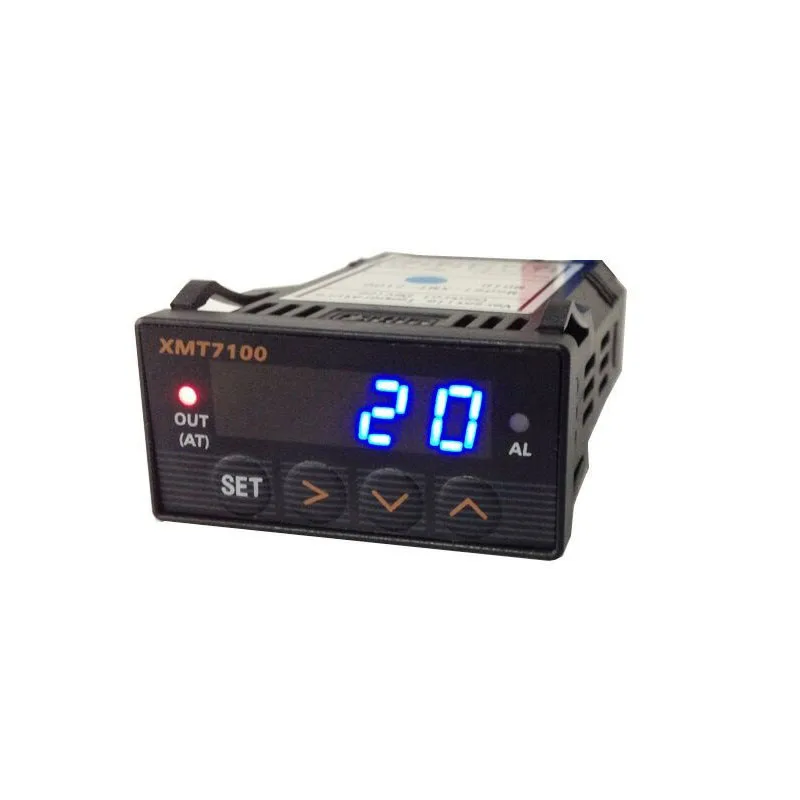
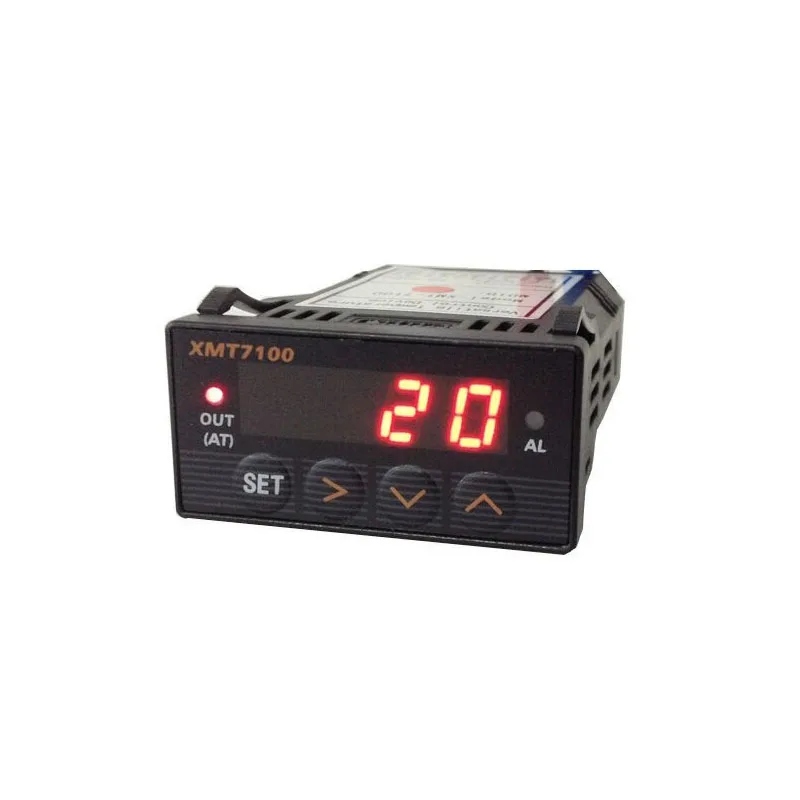
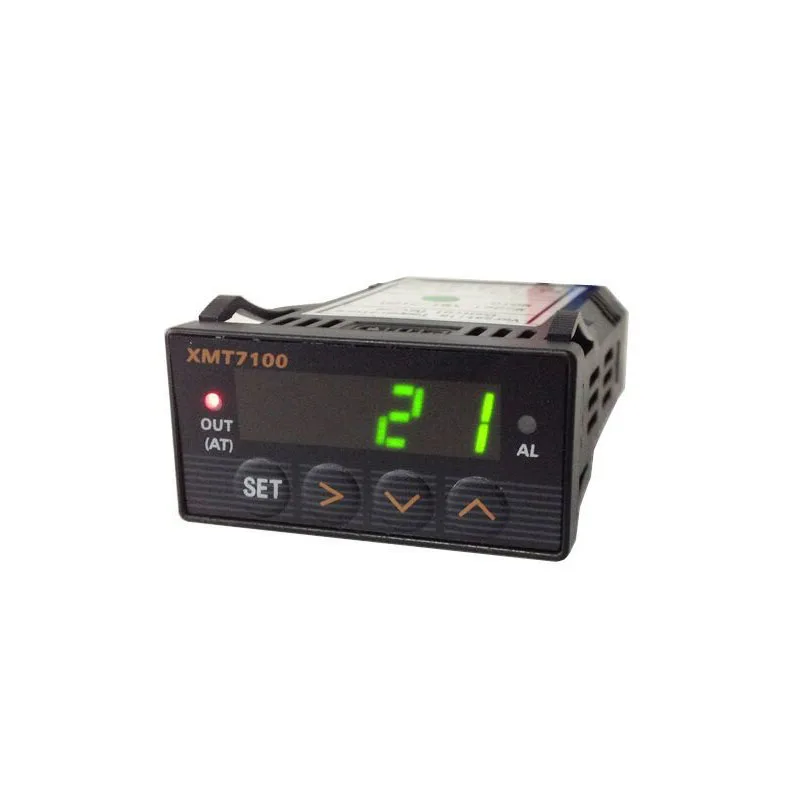
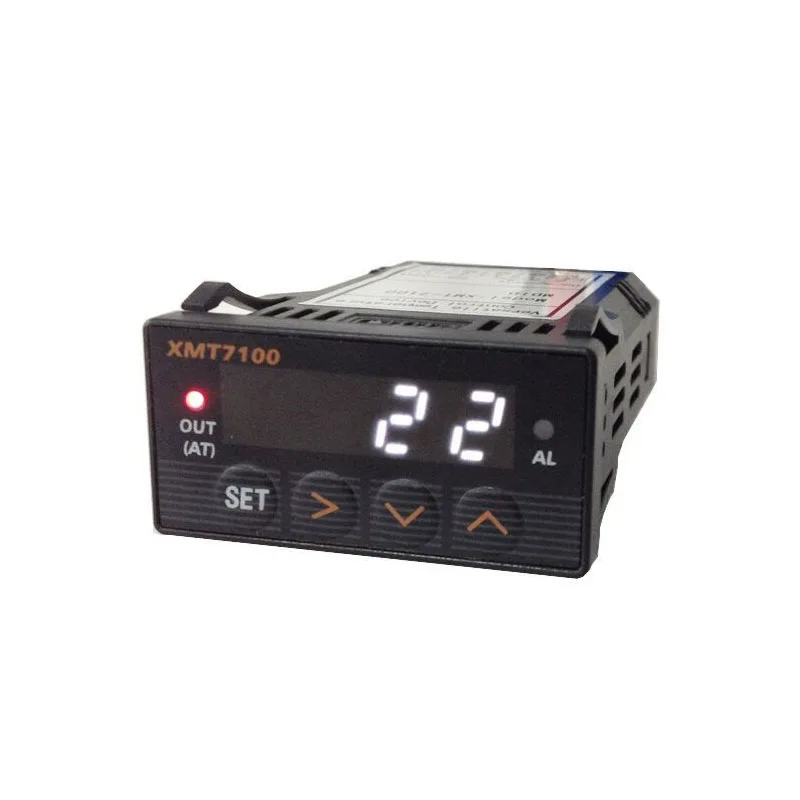
XMT7100 intelligent PID temperature controller thermostat alarm SSR
- Category: >>>
- Supplier: Shanghai Teshi Machinery Equipment Co. Ltd.
Share on (1600508359073):
Product Overview
Description
Product Description
1. Product Highlights
Thermocouple: T, R, J, B, S, K, E, Wre3-Wre25.
Thermo Resistor: Pt100, Cu50.
1 Relay output, 1 SSR controlled output.
Time proportional PID controlled output to either Relay or SSR
Three built-in algorithms that fit most control objects and various applications.
Temperature can be set to display in either Fahrenheit or Celsius degrees
2. Specifications
Supply voltage: 18-265V AC or DC
Power consumption: < 2 Watts.
Sampling speed: 4/sec.
SSR activated voltage: open circuit: 10V; short circuit: 40mA.
Accuracy: 0.2% of full scale.
LED Display: Red, 0.28 inch
Out of range indication: “EEEE”.
Ambient temperature requirements: 0 to 50 C (32 to 122 F)
Humidity requirement: < 85% RH.
Relay Contact: 220VAC, 3A.
Controller dimensions: 48 x 24 x 75 (mm).
Opening for installation: 44 x 20 (mm)
Thermocouple: T, R, J, B, S, K, E, Wre3-Wre25.
Thermo Resistor: Pt100, Cu50.
1 Relay output, 1 SSR controlled output.
Time proportional PID controlled output to either Relay or SSR
Three built-in algorithms that fit most control objects and various applications.
Temperature can be set to display in either Fahrenheit or Celsius degrees
2. Specifications
Supply voltage: 18-265V AC or DC
Power consumption: < 2 Watts.
Sampling speed: 4/sec.
SSR activated voltage: open circuit: 10V; short circuit: 40mA.
Accuracy: 0.2% of full scale.
LED Display: Red, 0.28 inch
Out of range indication: “EEEE”.
Ambient temperature requirements: 0 to 50 C (32 to 122 F)
Humidity requirement: < 85% RH.
Relay Contact: 220VAC, 3A.
Controller dimensions: 48 x 24 x 75 (mm).
Opening for installation: 44 x 20 (mm)

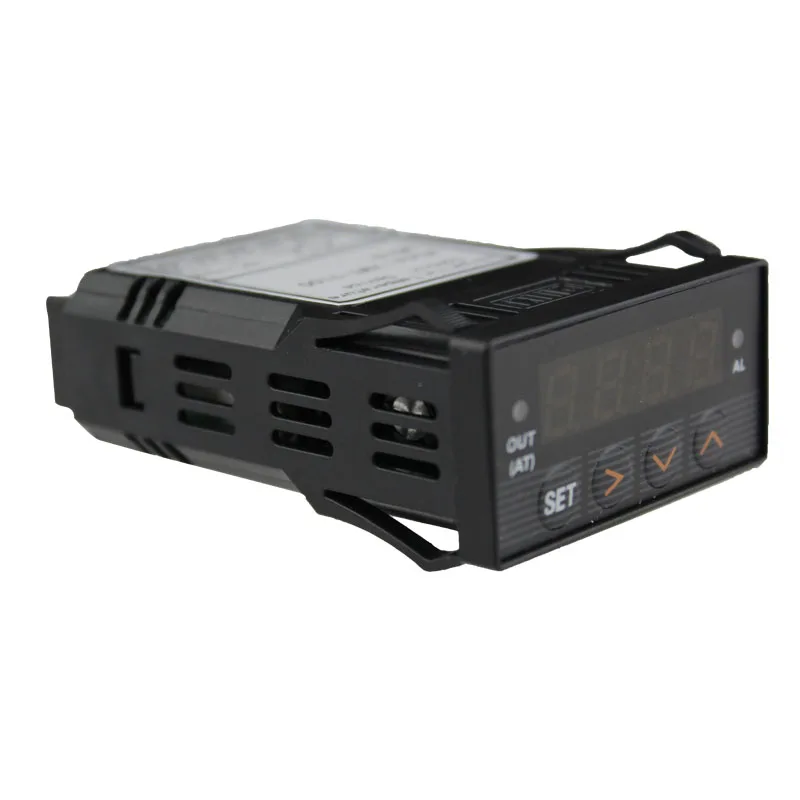
Panel Illustration and Description
产品性能介绍说明
1 -- AL, Relay J1 Indicator.
2 -- Select next parameter / value increment.
3 -- Selection previous parameter / value decrement.
4 -- Digit select / Auto tuning.
5 -- Setting / Confirm.6 -- Output, controlled output indicator. (AT) Blinking during auto-tuning process.
7 – Temperature reading, degrees F or degrees C (as chosen)
2 -- Select next parameter / value increment.
3 -- Selection previous parameter / value decrement.
4 -- Digit select / Auto tuning.
5 -- Setting / Confirm.6 -- Output, controlled output indicator. (AT) Blinking during auto-tuning process.
7 – Temperature reading, degrees F or degrees C (as chosen)

Details Images
Auto-Tuning
By simply pressing a single button, the built-in artificial intelligent is activated to automatically
calculate and set parameters ( P, I, d, SF, Bb, Ot ) that fit the condition to be controlled.
calculate and set parameters ( P, I, d, SF, Bb, Ot ) that fit the condition to be controlled.


1. a) How to start and stop the auto-tuning process:
2. To activate auto-tuning, press and hold (>) until “AT” indicator blinks, which
indicates autotuning
is in progress. When auto-tuning finishes, the “AT” indicator light turns off. Now
newly
calculated PID parameters are stored in memory and will be used by the controller.
1. To EXIT during the auto-tuning process, press and hold (>) until “AT” indicator
turns off.
The previously entered PID parameters values are used by the controller
2. To activate auto-tuning, press and hold (>) until “AT” indicator blinks, which
indicates autotuning
is in progress. When auto-tuning finishes, the “AT” indicator light turns off. Now
newly
calculated PID parameters are stored in memory and will be used by the controller.
1. To EXIT during the auto-tuning process, press and hold (>) until “AT” indicator
turns off.
The previously entered PID parameters values are used by the controller
Parameter Setting
1. a) Press (SET) to enter setting mode.
2. b) Press (>), (v) and/or (^) to enter and select parameters.
3. c) Press (SET) again to confirm entry or selection.
i.) To enter initialization parameter setting mode press (SET), then enter code “0089”,
press
(SET) again
2. b) Press (>), (v) and/or (^) to enter and select parameters.
3. c) Press (SET) again to confirm entry or selection.
i.) To enter initialization parameter setting mode press (SET), then enter code “0089”,
press
(SET) again
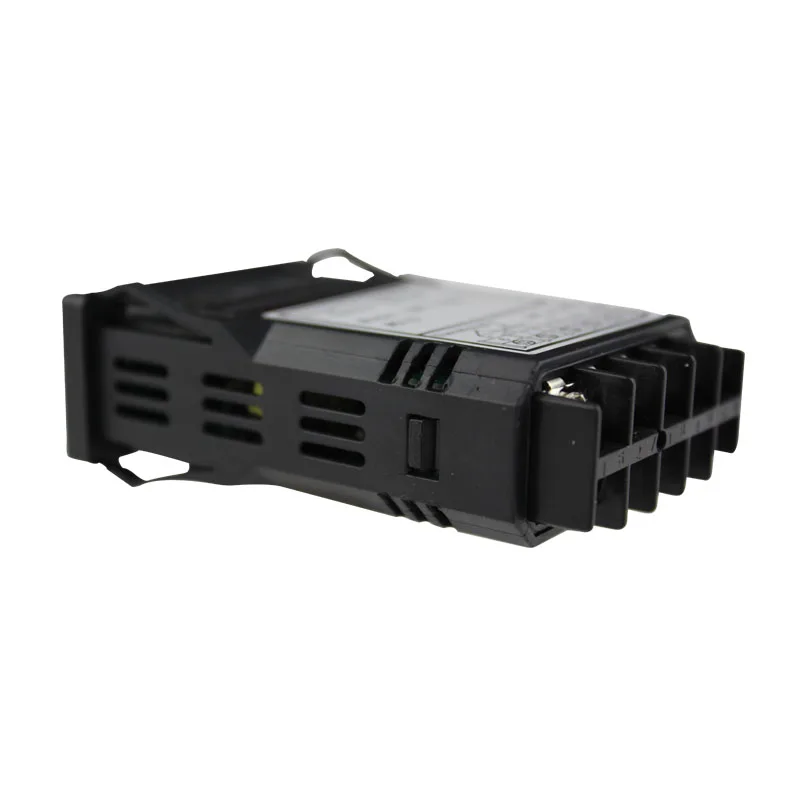
Connection Terminals (back view).
Note that the polarity of power at terminals 1 and 2 does not matter.
Note that the polarity of power at terminals 1 and 2 does not matter.

We Recommend







New Arrivals
New products from manufacturers at wholesale prices






