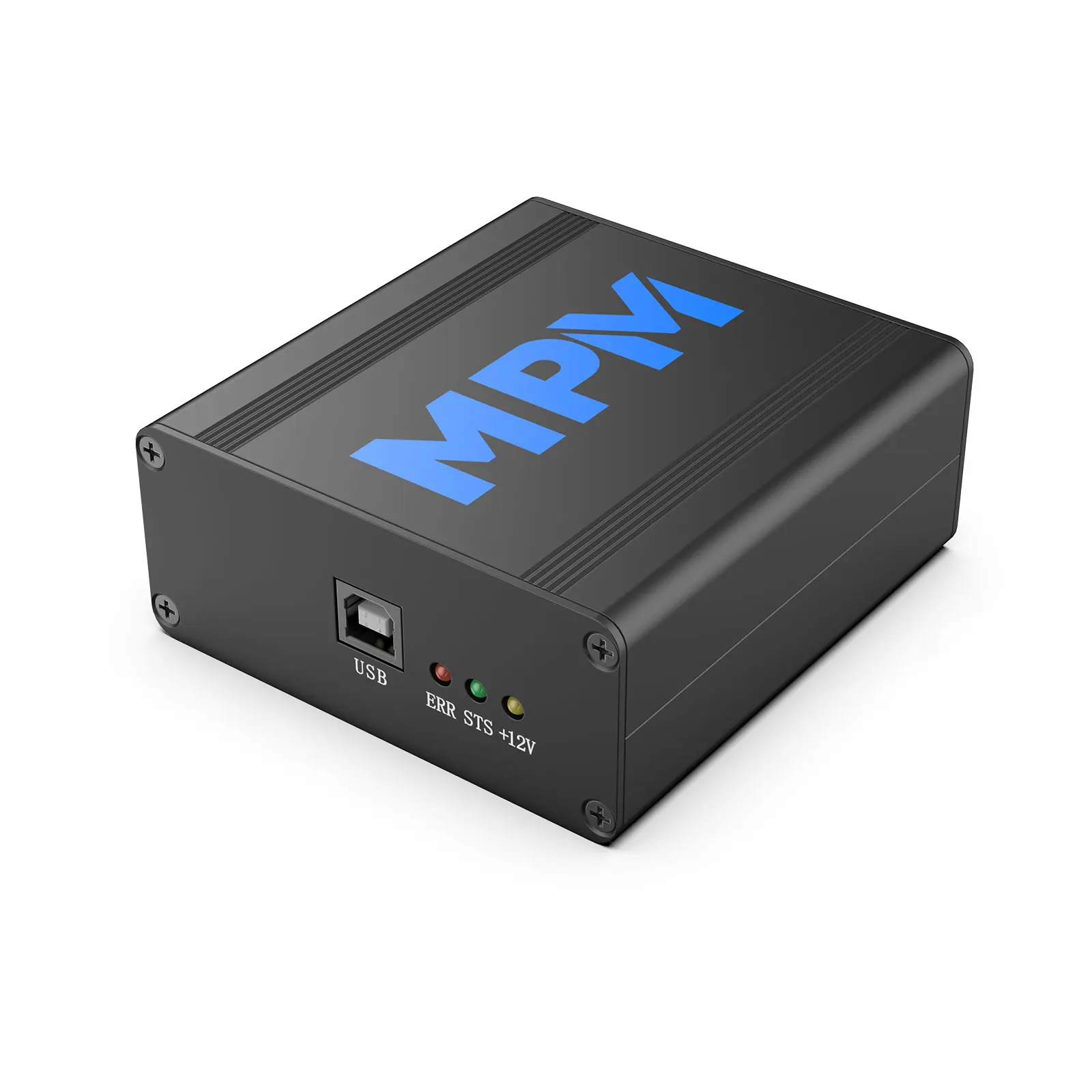
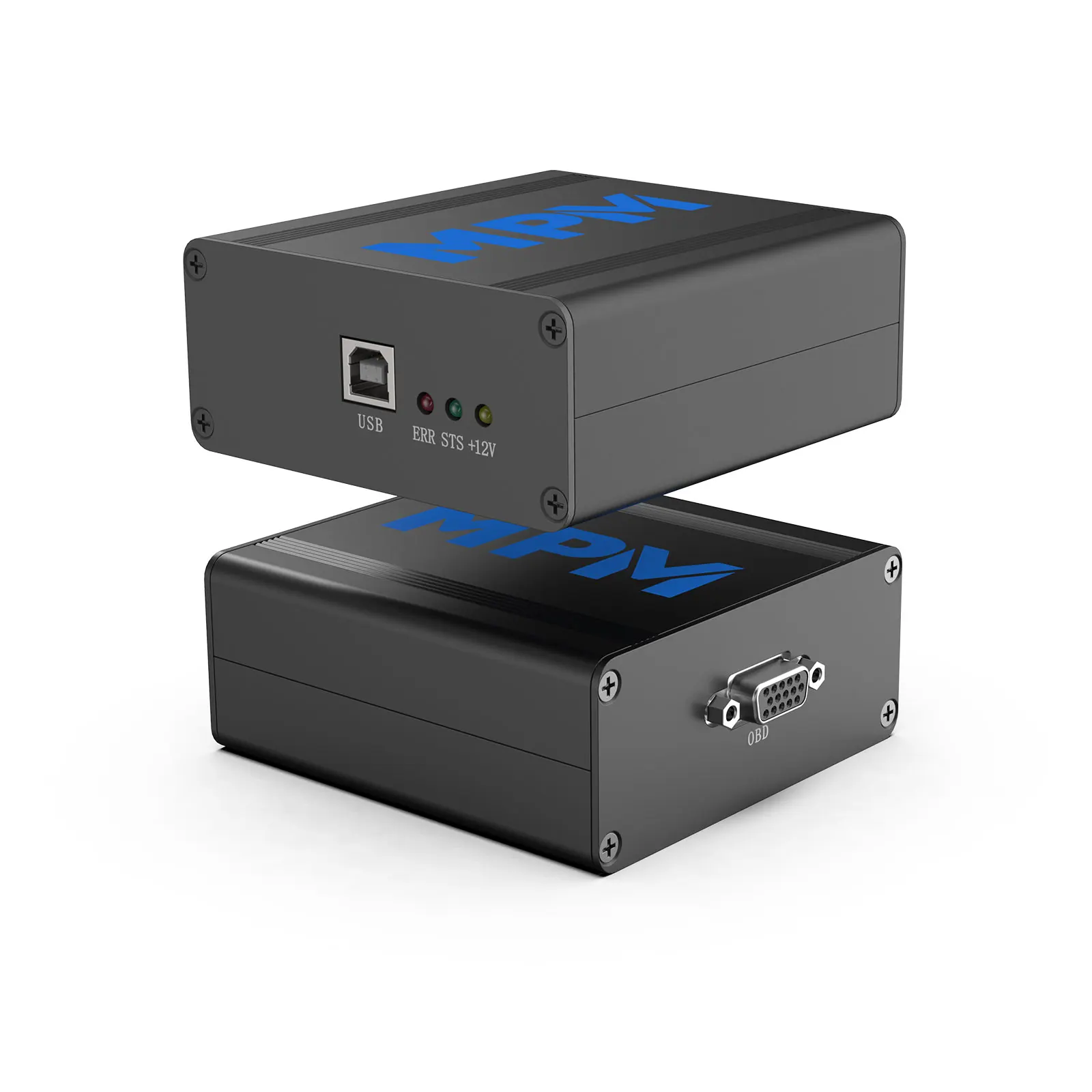
SE160 PCMtuner MPM Auto Diagnosis Scanner For American Cars MPM ECU TCU Chip Tuning Tool with VCM Suite from PCMTuner
- Category: >>>
- Supplier: Shenzhen Keshiou Technology Co. Ltd.
Share on (1600512473639):
Product Overview
Description
Products Description
Highlights:
1. Best for American Car ECUs: Buick, Cadillac Chevrolet Chrysler Dongle Ford Hummer Jeep Opel Saab
2. Have all GM protocols, OBD read ECM and TCM. All work in OBD, no need damaos for GM cars.
3. No Token, No Credit, No Annual fee, No subscription, No recharge, one-key update
4. Support American 4, 6, 8, 10 speed and support tuner like road Scan.
5. Supports all hptuner functions just no token, does not need any credit when you write edits file back.
6. Don't need any WinOLS, pcmtuner manage it, you can direct edit what you want, like speed, injection, spark angle etc.
Warm Notice:
1. Best for American Car ECUs: Buick, Cadillac Chevrolet Chrysler Dongle Ford Hummer Jeep Opel Saab
2. Have all GM protocols, OBD read ECM and TCM. All work in OBD, no need damaos for GM cars.
3. No Token, No Credit, No Annual fee, No subscription, No recharge, one-key update
4. Support American 4, 6, 8, 10 speed and support tuner like road Scan.
5. Supports all hptuner functions just no token, does not need any credit when you write edits file back.
6. Don't need any WinOLS, pcmtuner manage it, you can direct edit what you want, like speed, injection, spark angle etc.
Warm Notice:
To benefit our loyal customers, we will offer MPM at $270 only free shipping if you bought PCMtuner before.

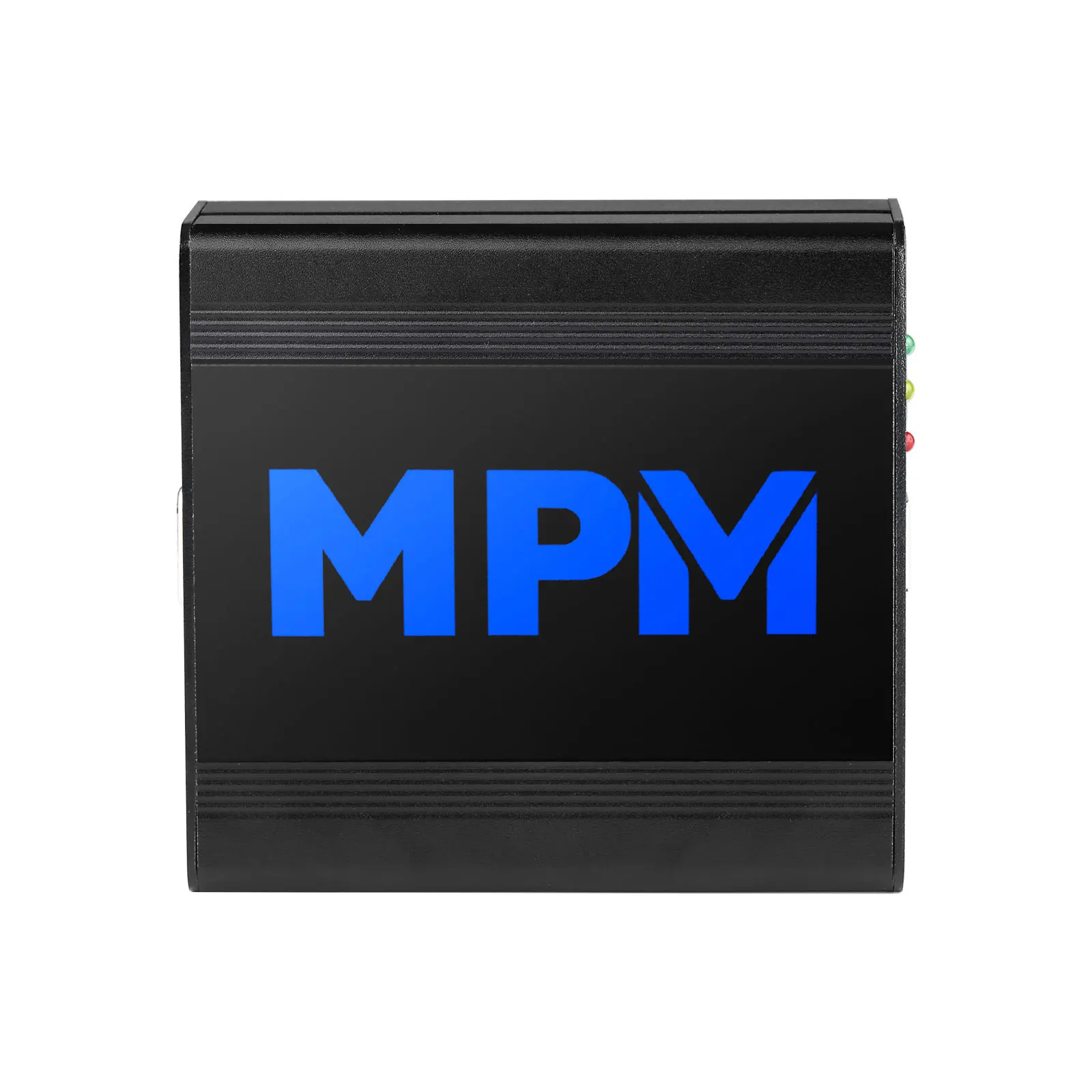
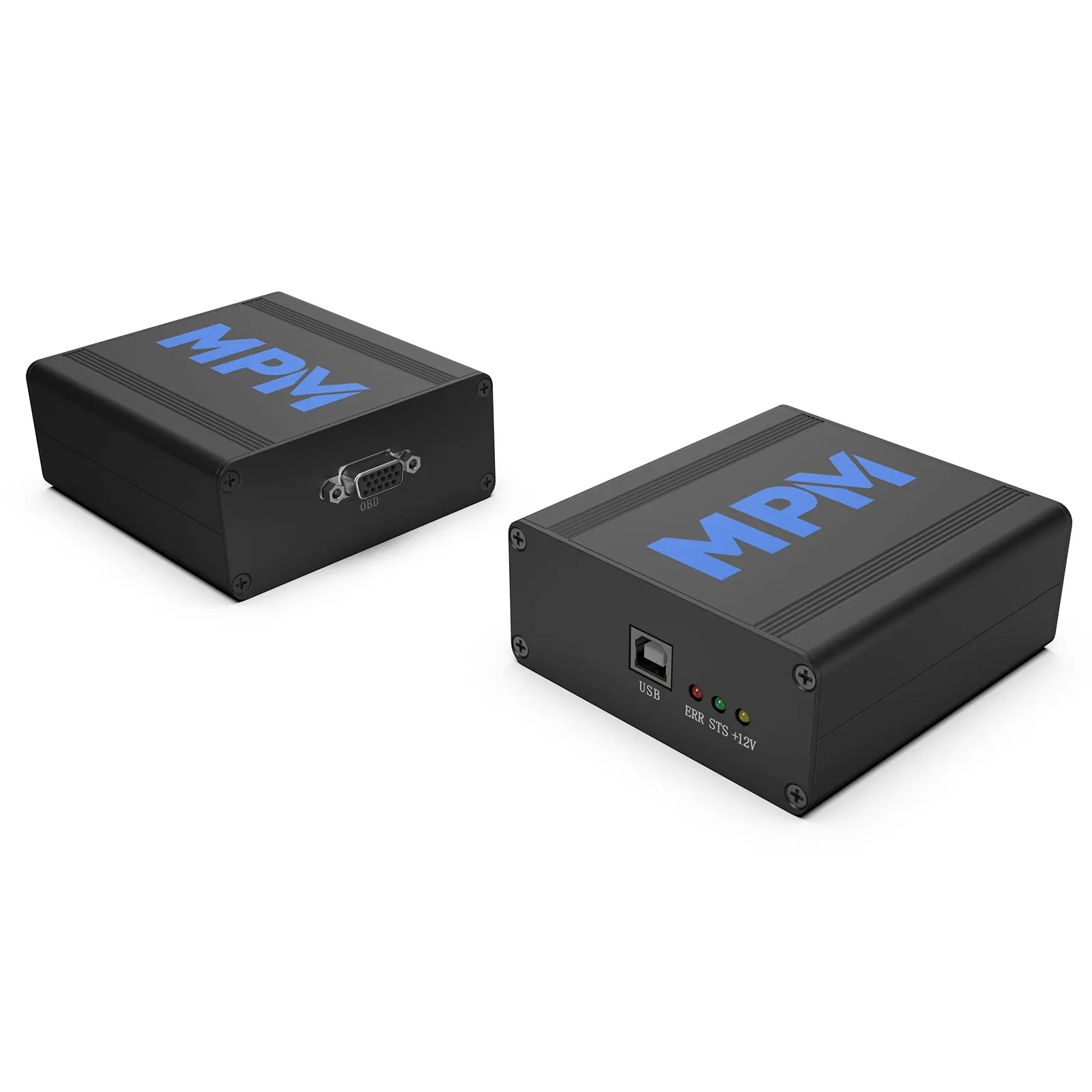
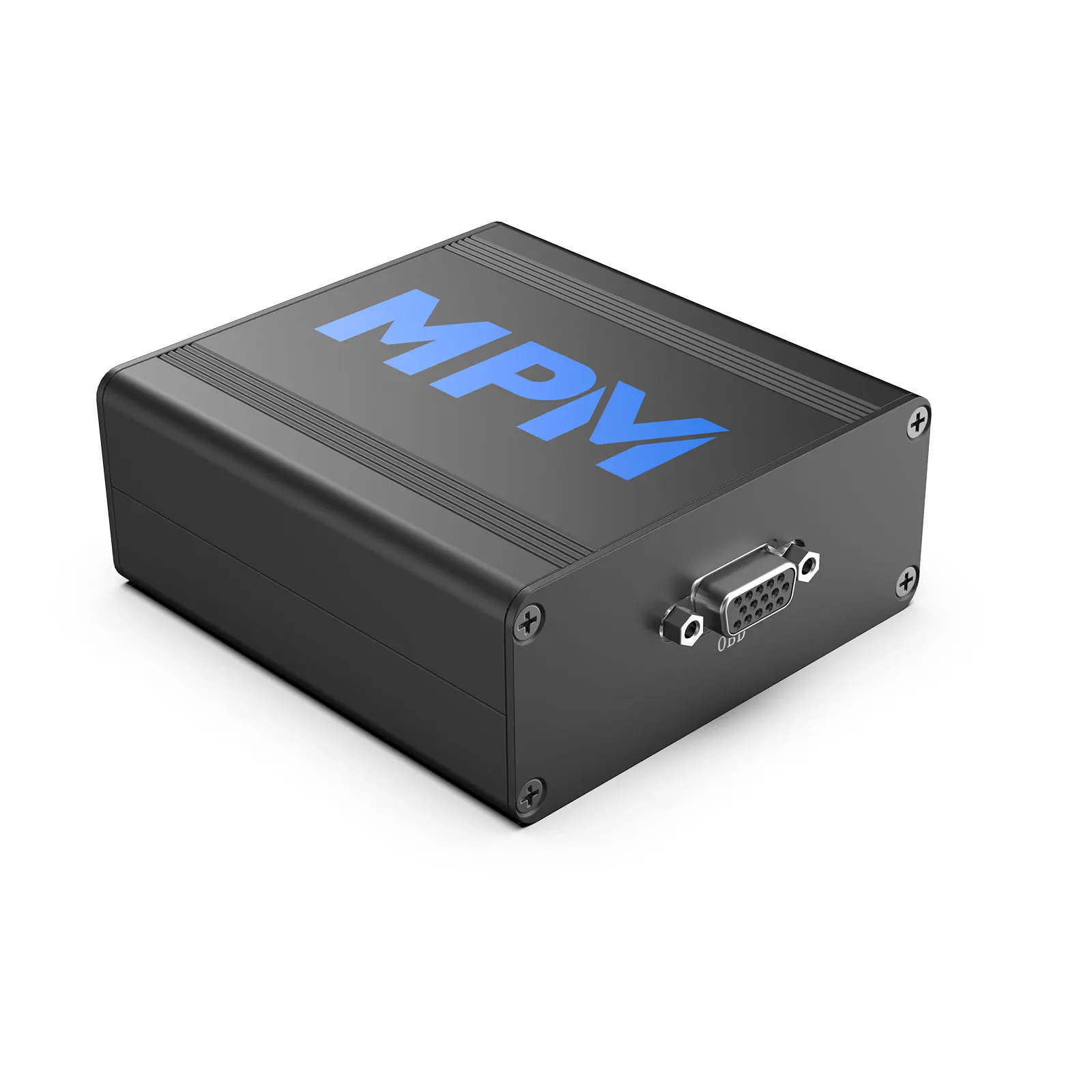
MPM equipment is an ECU-TCU integrated equipment used for the recording and debugging of American cars, and it supports general motors: Cadillac, Chevrolet, Buick, Ford, Dodge and other American models.
It also can be used to record the engine data log for Japanese and German models and extract the data stream, so that the tuners can better get the engine and gearbox data and achieve better tuning.
It also can be used to record the engine data log for Japanese and German models and extract the data stream, so that the tuners can better get the engine and gearbox data and achieve better tuning.
1. Support all GM protocols, OBD read ECM and TCM. All work in OBD, no need damaos for GM cars.
2. With VCM Suite for the most comprehensive scanning, logging and calibration tools on the market.
3. No Token, No Annual fee, No Subscription.
2. With VCM Suite for the most comprehensive scanning, logging and calibration tools on the market.
3. No Token, No Annual fee, No Subscription.
Details Images

Product Features:
No credits, no deduction, no recharge, no annual fee, no monthly fee, one-time purchase, data log and program editing , ECU and TCU read function.
Supported Models:
Buick, Cadillac, Chevrolet, Corvette, Chrysler, Dodge, Daewoo, Ford, Hummer, JEEP, OPEL, Saab, etc.
Supported Gearbox:
American car 4 6 8 10
No credits, no deduction, no recharge, no annual fee, no monthly fee, one-time purchase, data log and program editing , ECU and TCU read function.
Supported Models:
Buick, Cadillac, Chevrolet, Corvette, Chrysler, Dodge, Daewoo, Ford, Hummer, JEEP, OPEL, Saab, etc.
Supported Gearbox:
American car 4 6 8 10

VCM Editor: SCAN, LOG, DIAGNOSE. Adjust a multitude of parameters such as spark, fuel, RPM limits, fan temps and speeds,transmission shift points and pressures, exhaust valve control, speedometer settings and many more. Then, write these changes back to the vehicle's various control modules. with calibrations loaded.
VCM Scanner: READ, EDIT, WRITE. The most feature rich scan tool on the market. View, chart, and log diagnostic data in real time through the vehicle’s OBDII port. View vehicle Diagnostic Trouble Codes (DTC’s), configure fans, closed loop, gear select, timing,air fuel ratio and more in real time.
VCM Scanner: READ, EDIT, WRITE. The most feature rich scan tool on the market. View, chart, and log diagnostic data in real time through the vehicle’s OBDII port. View vehicle Diagnostic Trouble Codes (DTC’s), configure fans, closed loop, gear select, timing,air fuel ratio and more in real time.
VCM Scanner Technical Specifications: | VCM EDITOR Technical Specifications: |
Powerful User Interface Fastest most feature rich OBD scanning tool on the market | Faster read time of most VCM/PCMs. |
Variable Logging/Playback speeds or user controlled using the chart display | Faster write most VCM/PCMs in 30 seconds. |
Export feature allows you to view/modify your file via Microsoft Excel (.CSV) | Automated VCM/PCM recovery protection (not supported on all vehicles) |
Customizable histograms | Seamless recovery after complete power down and communications break(exception for rewrite entire) |
Histogram user defined filters | Obtain the VCM/PCMs calibration information and ID numbers |
Histogram cell count filter | Calibration reflash (not supported on all vehicles) |
Printable histograms | Full reflash |
Customizable gauge display | VIN block reflash / change (not supported on all vehicles) |
Customizable chart | Explorer style navigation |
Separate gauge and chart displays | Tab style navigation (tree optional) |
Sensor based configuration support | Undockable explorer navigator window |
Installs with default histograms loaded | Customizable favorites list which allows you to jump to frequently changed parameters (Example) |
Installs in ready-to-scan configuration | Countless editable parameters |
Installs with additional histograms | Open multiple tables at once |
User defined PIDs with complex function support (Example) | Save/Print/Load individual Tables |
MPIDS (Memory PIDs / Manufacturer Specific Parameters) supported | Individually save tables/maps to txt format |
View and clear DTCs in just seconds (not supported on all vehicles) | Table smoothing |
View readiness test status (not supported on all vehicles) | Table vertical and horizontal specific smoothing |
Change histogram while scanning | Table interpolating |
Change charts while scanning | 2D Graph click and drag editing |
Change gauges while scanning | 3D Graph click and drag editing |
Change unit value while scanning | Simple +/- key cell adjustments |
Change config files while scanning | 1 click copy/paste of tables |
Copy/Paste special between VCM Scanner and VCM Editor | Right click copy/paste/undo |
User inputted markers and comments | Right click unit adjustments |
Log comment section to give commentary for future viewing | Compare files with different OS ID’s |
VCM Controls for multiple vehicle manufactures | Tree style compare logs |
Case Learn Feature | Easy to use color system when in compare mode |
Calibration Details section to list vehicle details | |
Tree style Change log | |
Tree style History log | |
Change log and History log parameter hyperlinks |
Package list

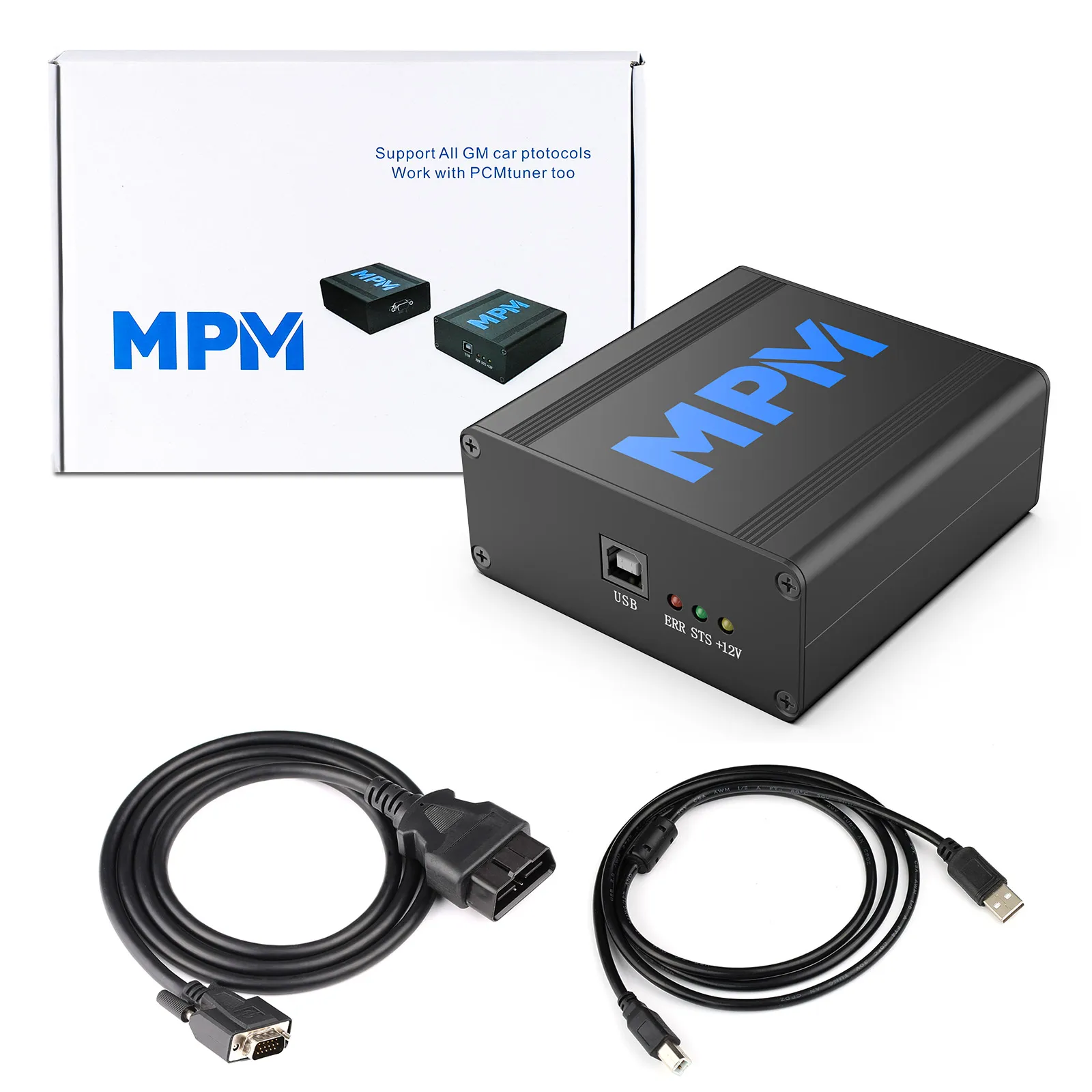
Package including:
- 1pc x MPM Host
- 1pc x USB Cable
- 1pc x OBD Cable
- 1pc x MPM Host
- 1pc x USB Cable
- 1pc x OBD Cable
Recommend Products
Company Profile
Who We Are?
KOLSOL is an obd2 and key tool online shop for more than ten years exporter featuring professional obd tools and key tools for Do-It-Yourself and professional automotive mechanics with wholesale price. KOLSOL ship its tools all over the world. KOLSOL ever-lasting promise is "Top Quality, Good Service, Competitive Price".
Why Shop at KOLSOL?
*A Vast Selection of OBD2 and Key Tools for Multi-Brands
*A Vast Selection of OBD2 and Key Tools for Multi-Brands
*Top Quality with Reasonable Price
*Customer Service & Professional Technical Support
* Fast Delivery Around the World
* KOLSOL not Refuse Improve and Perfect
* KOLSOL not Refuse Improve and Perfect
Certifications

FAQ
Q1.When will you arrange the shipment?
A2.Within 7 working days after payment received.
Q2.What payment method is available?
A3.Bring the convenience to customers, Paypal / Western Union / T/T / Money Gram / Credit Card/ Alibaba Trade Assurance / Cash/ Escrow.
Q3.What is your guarantee?
A4.We have one year guarantee,once received the goods,please spend your precious time and give us your
precious feedback,If anything,please contact salesman and they will give you solution soon.
precious feedback,If anything,please contact salesman and they will give you solution soon.

We Recommend







New Arrivals
New products from manufacturers at wholesale prices