
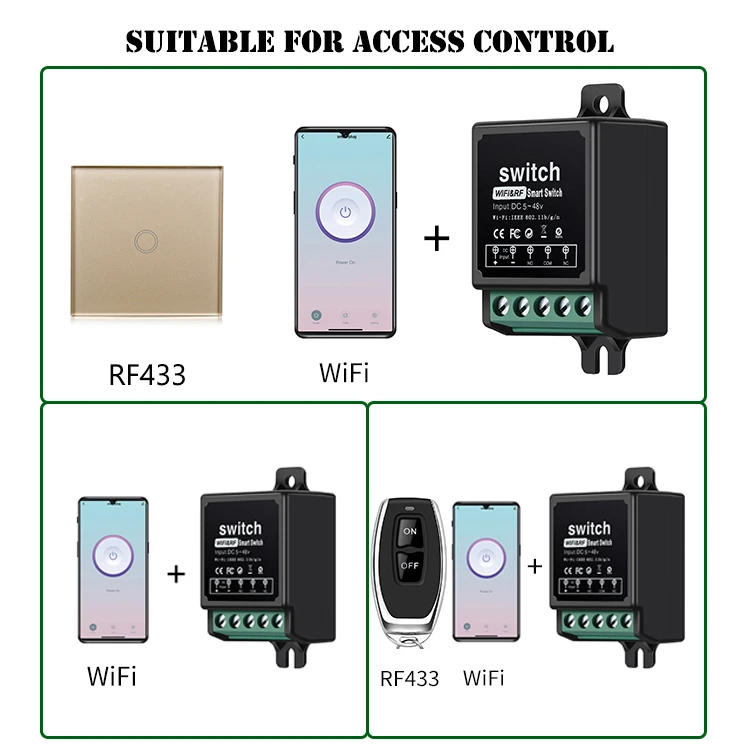
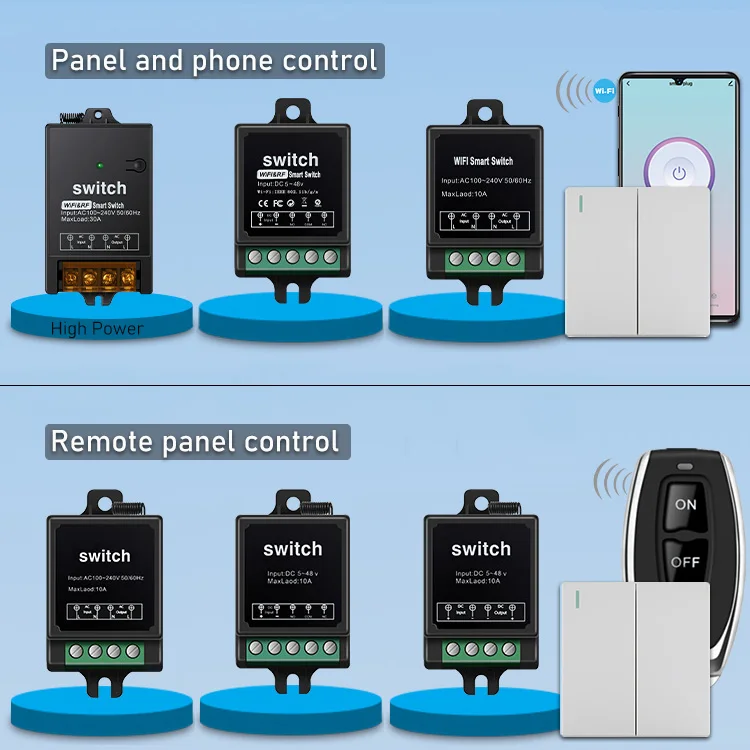
home automation system smart solution interruttore wifi door smart home system rf wireless remote control tuya wifi smart switch
- Category: Remote Control Switches >>>
- Supplier: Shenzhen Geili Technology Co. Ltd.
Share on (1600516119582):
Product Overview
Description
Product Paramenters
Key word | rf + wifi switch | Working voltage | DC 5V 6V 9V 12V 24V 36V 48V | ||
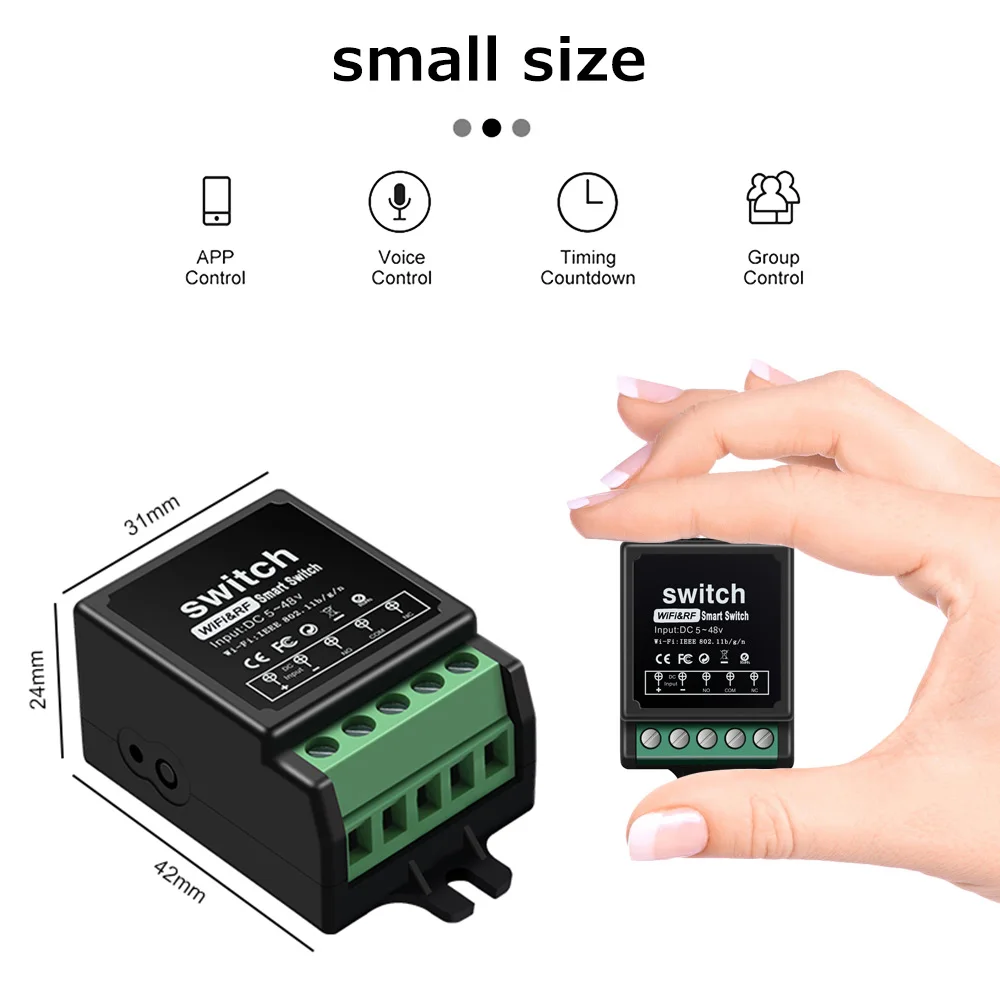
Product Size | 42*31*24mm | Current | 10A | ||
APP | smart life | RF working frequency | 433Mhz | ||
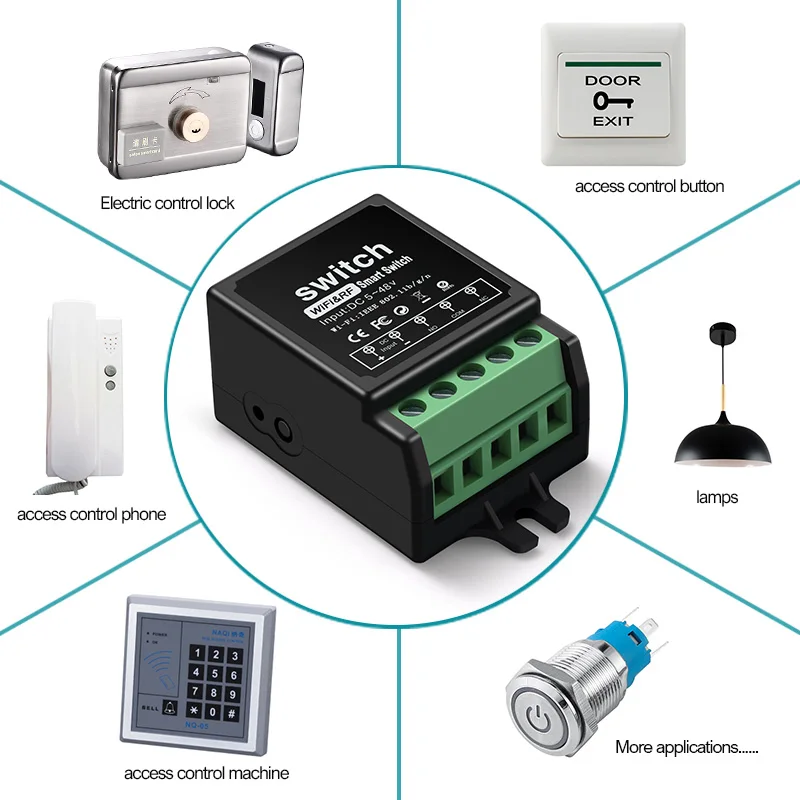
RF mode of operation | self-lock interlock Inching Manual on/off | Scope of application | door access lamps motors etc. | ||
voltage | 5v | 6v | 9v | 12v | 24v | 36v | 48v |
Load power | 50W | 60W | 90W | 120W | 240W | 360W | 480W |
Details Images


product mix


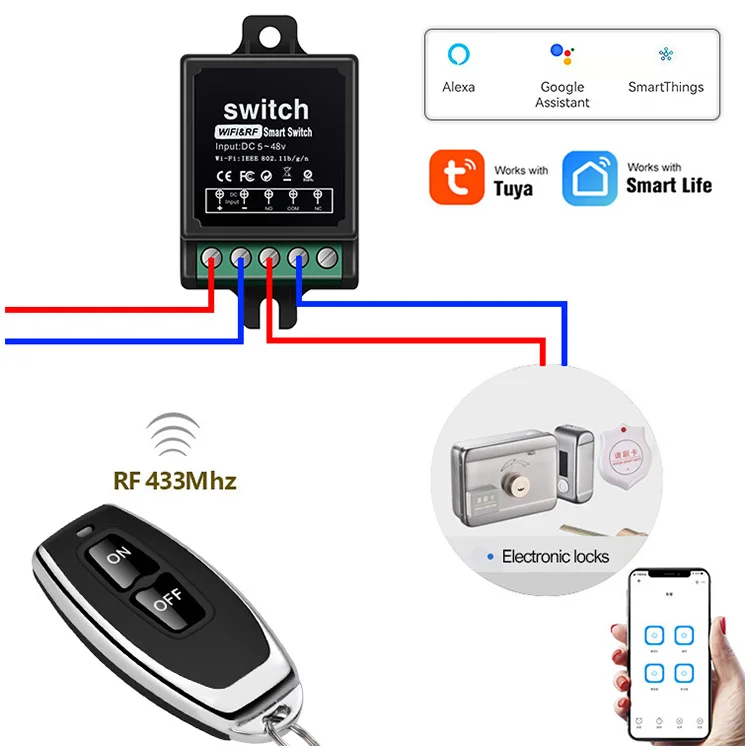
Wiring Instructions


Introduction to working mode:
Self-locking mode: control with a button, press once to turn on, press again to turn off, it is called self-locking.
Interlock mode: When the remote control has two buttons, one button is on and the other button is off, which is called interlocking. Inching mode:Use a key control, press and hold the remote control button, the relay is closed; release the remote control button, the relay is disconnected; it is called inching mode.
Manual switch: no remote control required, press the learning button on the receiver to control on and off, press once to open, then press to close.
Pairing Method:
Inching mode:controller is powered on,press the learn button 2 times in a row,indicator light is on,then press the ON or OFF button on the remote control panel,the indicator light turns off after flashing 3 times,indicates pairing is complete. self-locking mode:controller is powered on,press the learn button 3 times in a row,indicator light is on,then press the ON or OFF key on the remote control panel,the indicator light flashes 3 times and then goes out,indicates pairing is complete. Interlocking Mode:controller is powered on,press the learn button 4 times in a row,indicator light is on,press the ON button of the remote control,the indicator light flashes 3 times and then stays on,press the OFF key again,the indicator light flashes 3 times and then goes out,indicates successful pairing.
Clear code:controller is powered on,press the learn button 8 times in a row,the indicator light flashes first, then goes
off,indicates that the clear encoding is successful.
off,indicates that the clear encoding is successful.
Notice:Each controller can be paired with up to 10 buttons,Each button can only correspond to one state,If you have already matched the code, you need to clear the code first, and then re-code.

We Recommend


New Arrivals
New products from manufacturers at wholesale prices







