
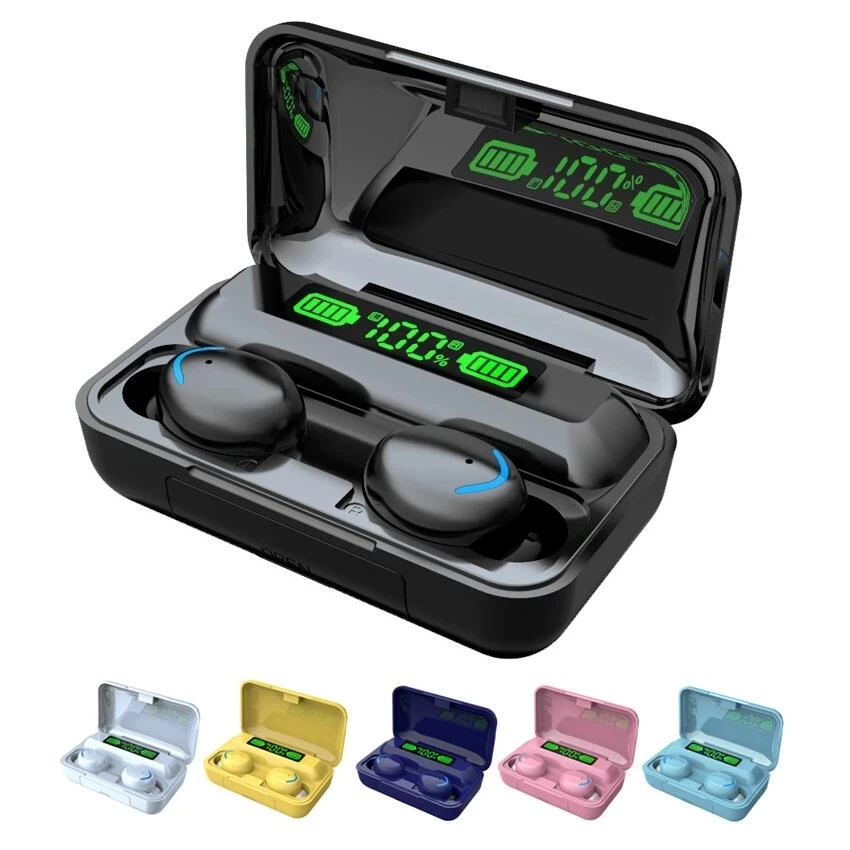

F9 TWS Wireless Headphones Earphones F9 5 Sports Earbuds Headset With For V5.0 BT Phones Xiaomi Samsung Huawei Iphone OPPO
- Category: >>>
- Supplier: Yiwu Sunshine Accessories Co. Ltd.
Share on (1600520146651):
Product Overview
Description
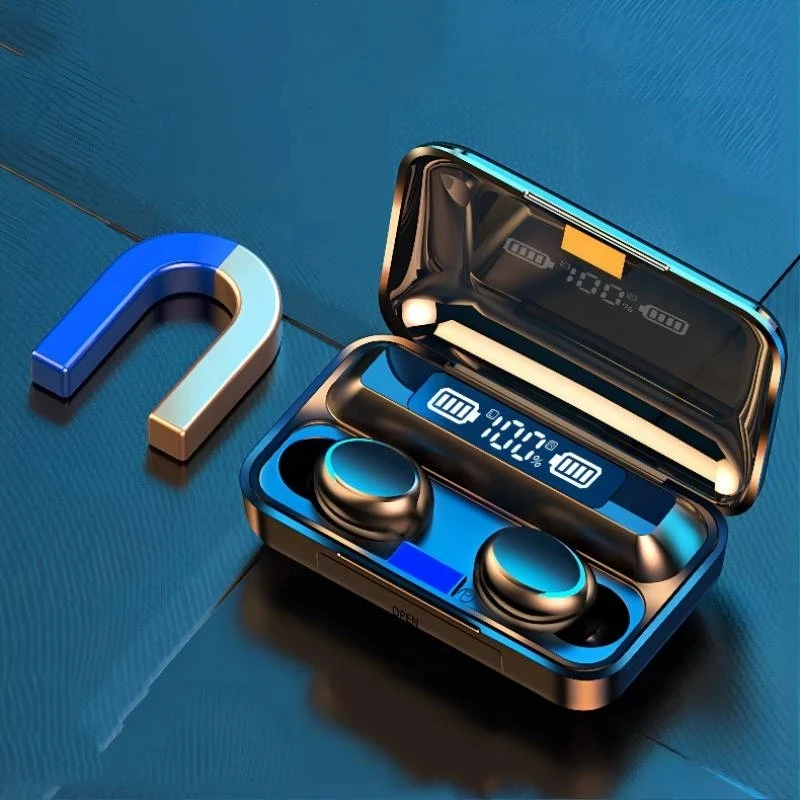
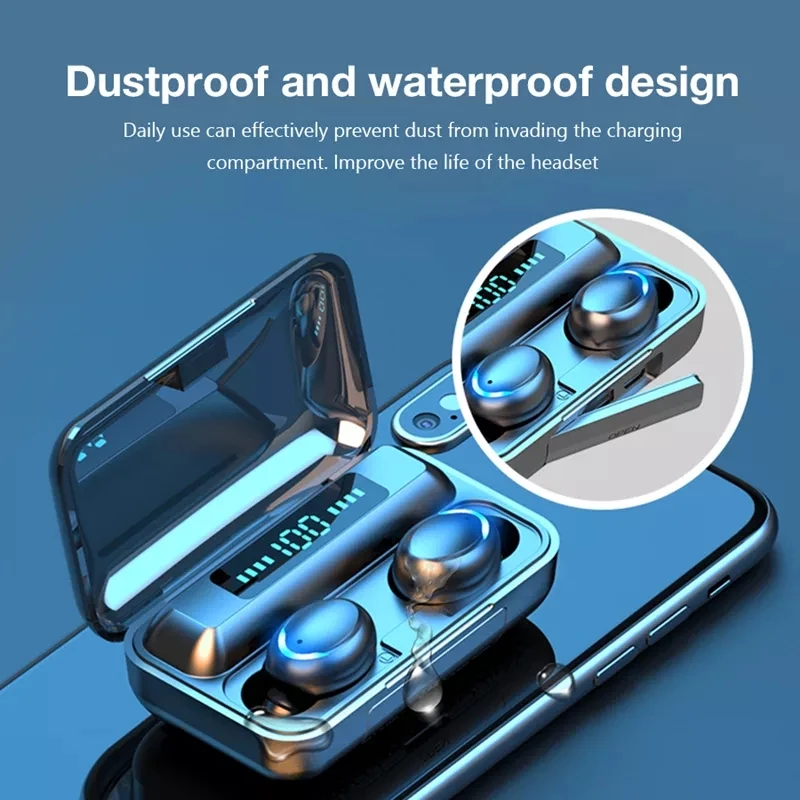
F9 TWS Wireless Headphones Earphones F9-5 Sports Earbuds Headset With For V5.0 BT Phones Xiaomi Samsung Huawei Iphone OPPO
Material:ABS
Performance:TWS BT headset
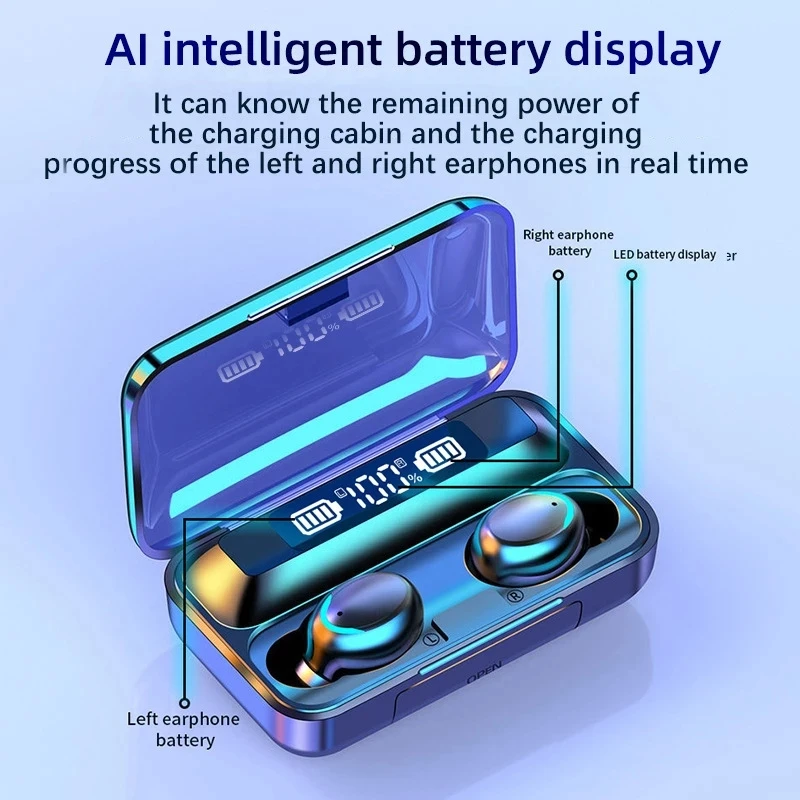
Features:LEDPower digital display+Mobile phone charging power supply
Applicable Model:Suitable for all mobile phones and smart devices with BT function
BT version:5.1+EDR
Protocol mode:A2DP,AVRCP,HSP,HFP
Tone:English
Effective distance:10Rice(Accessibility)
Binaural pairing mode:Automatic pairing after startup
Horn diameter:8mm
Impedance:32Ω
Sensitivity:42db
Distorence:5%
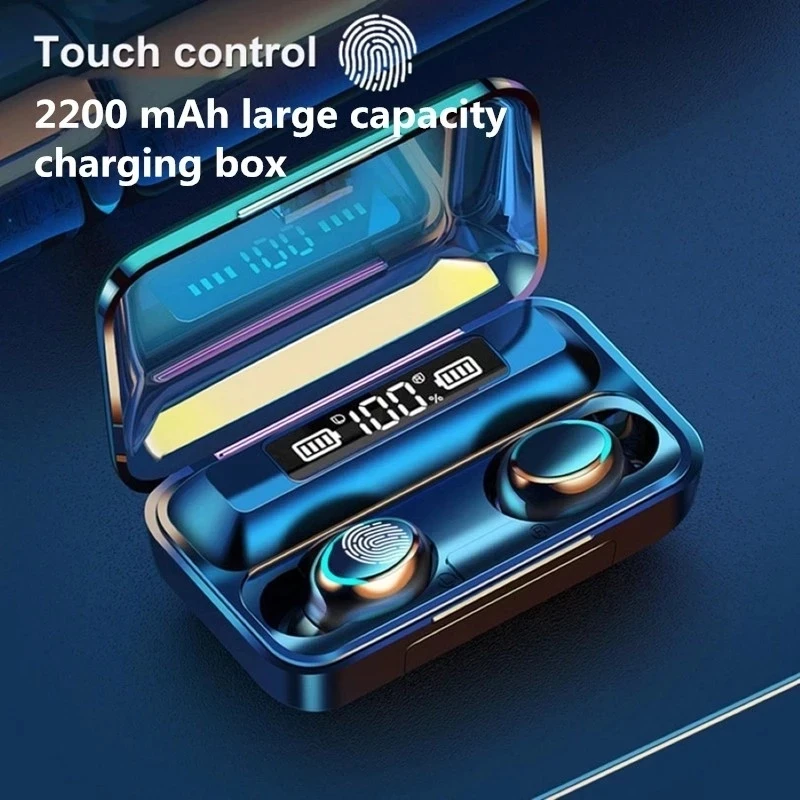
Battery capacity:Headphones50mah,1200mah(The instruction box does not write the charging bin capacity.)
Headset usage time:3-5Hours(Depending on the volume)
Headset Charging Time:1Hours
Battery compartment charging interface:Micro-USB
USBOutput:5V 1A
Key function:Suspended/Play,Answer/Hang up,On/Lower switch(According to the music mode,Press the power key twice)
Single ear weight:4G
Product size:Headphones17*30*21mm;Battery box80*46*30mm
Gross weight:110g
Color box size:110*93*46mm
Packing list:
1:BT headset*2
2:Charging bin*1
3:Data line*1
4: English manual*1
5: Ear risk*4
6: Color box*1
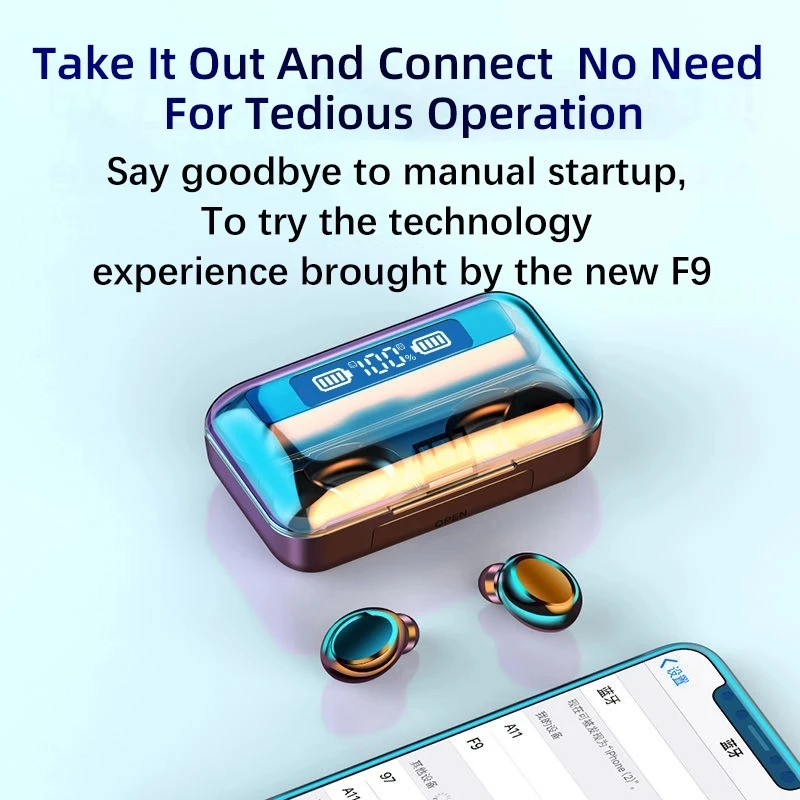
How to pair headphones:
1. Put the headset back into the charging box, delete the headset connection record in the BT of the mobile phone, and then turn off the BT of the mobile phone.
2. Take the headset out of the charging box.
3. Wait for about 5 seconds (you will be prompted to find a slave, and there will be a prompt for left and right channels if the pairing is successful).
4. After successful pairing, the red and blue lights of the left headset flash each other, and the right headset does not flash. At this time, you can turn on the BT connection of the mobile phone.
PS: if it is not successful, please repeat 1-4 operations and try several more times. As long as the connection is successful, it will be automatically connected every time in the future. Don't worry.


We Recommend







New Arrivals
New products from manufacturers at wholesale prices






