
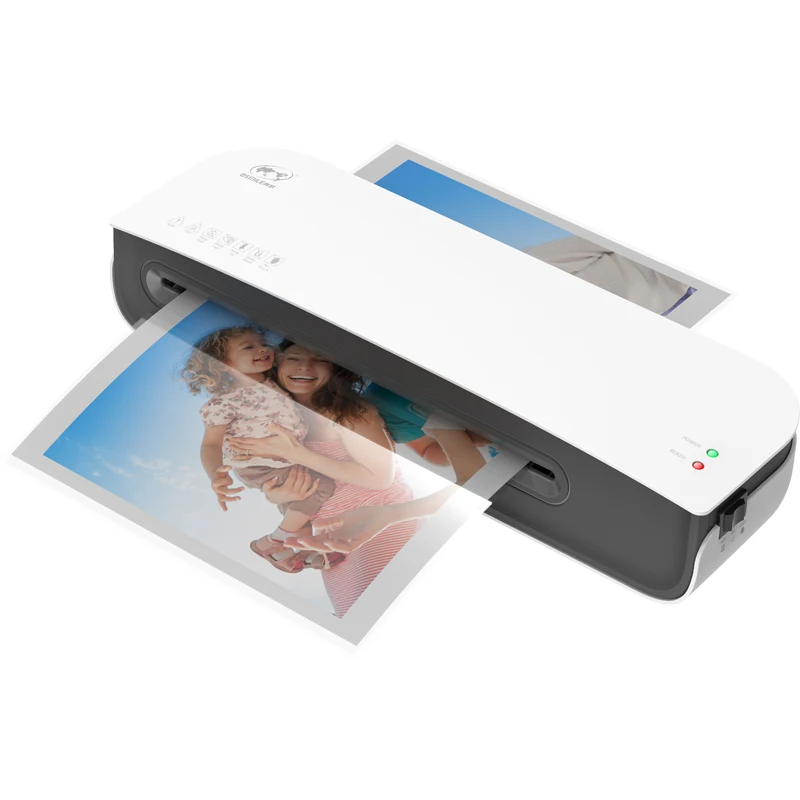
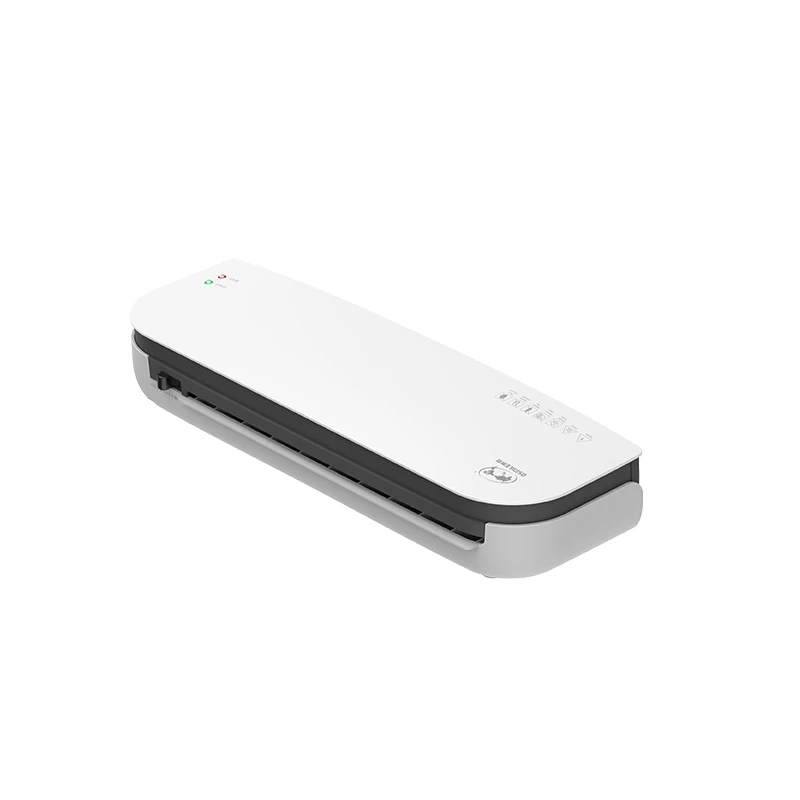
SL289 portable Laminator Machine for office/school laminator Hot and cold laminating for different usage
- Category: Laminator >>>
- Supplier: Guanyu International Supply Chain (shenzhen) Co. Ltd.
Share on (1600523900586):
Product Overview
Description
Product Description
Product Name | laminator |
Material | Plastic |
Function | For plastic photos&file |
Package | Color box |

Product performance description
Hot and cold laminating for different usage
Rollers:\t\t\t2 Roller (hot shoe)
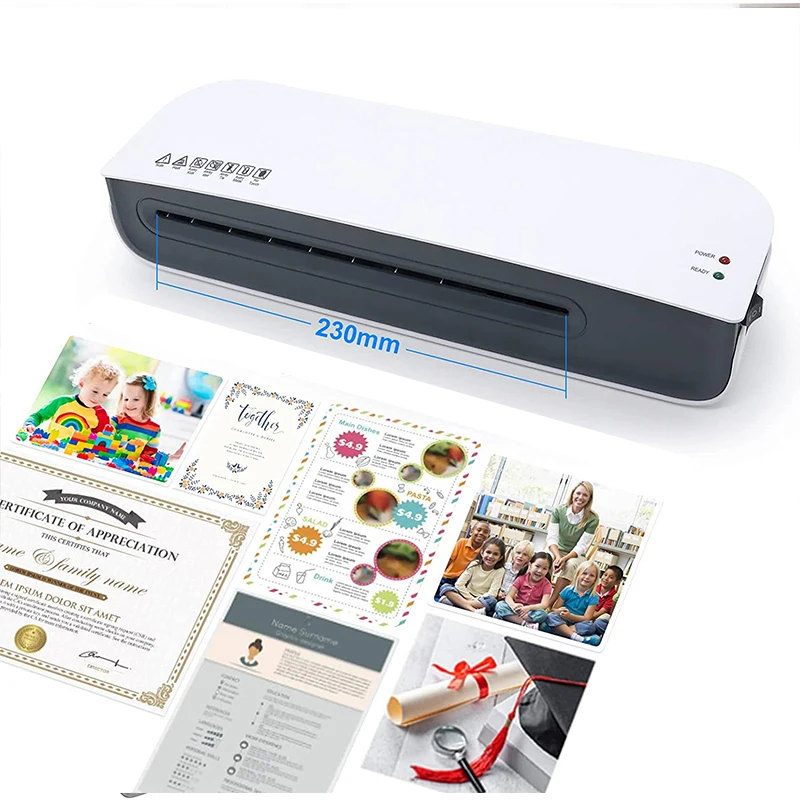
Entry width:\t\t230mm
Min pouch thickness:\t160(2x80) micron
Max pouch thickness:\t250 (2x125) micron
Min pouch size:\t\tCredit card size (54x86mm)
Max pouch size:\t\tA4 size
Max lamination thickness:\t0.5mm
Laminating speed:\t280mm / min
Warm-up:\t\t2-4minutes
Power consumption:\t260W
Input:\t\t\t220-240VAC / 50Hz
Japan, USA, Taiwan 100-120VAC / 50-60Hz
Dimensions:\t\t357X118X70mm (LxDxH)
Rollers:\t\t\t2 Roller (hot shoe)
Entry width:\t\t230mm
Min pouch thickness:\t160(2x80) micron
Max pouch thickness:\t250 (2x125) micron
Min pouch size:\t\tCredit card size (54x86mm)
Max pouch size:\t\tA4 size
Max lamination thickness:\t0.5mm
Laminating speed:\t280mm / min
Warm-up:\t\t2-4minutes
Power consumption:\t260W
Input:\t\t\t220-240VAC / 50Hz
Japan, USA, Taiwan 100-120VAC / 50-60Hz
Dimensions:\t\t357X118X70mm (LxDxH)
Product Usage
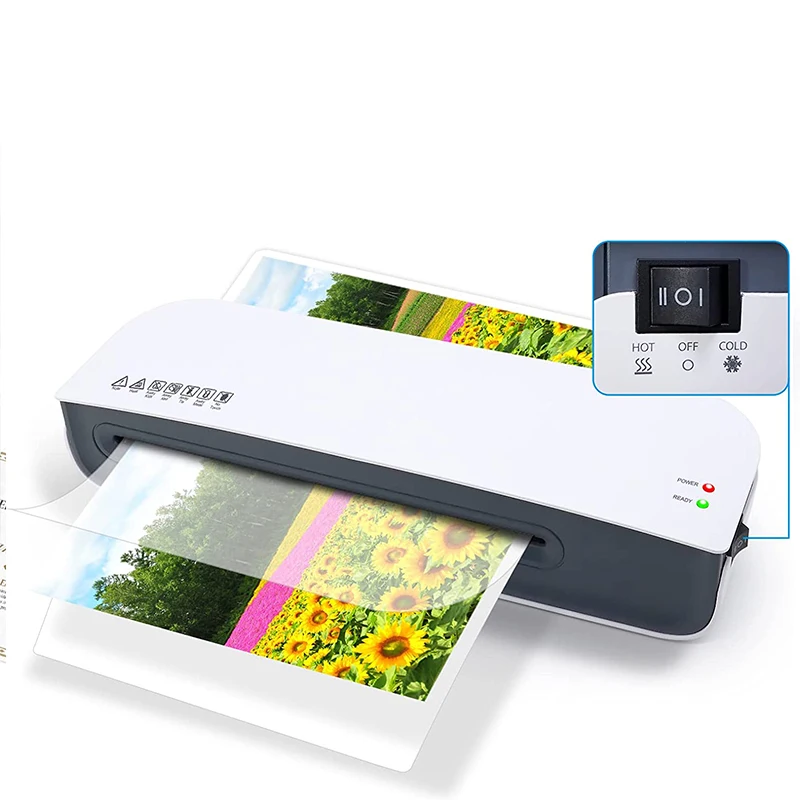
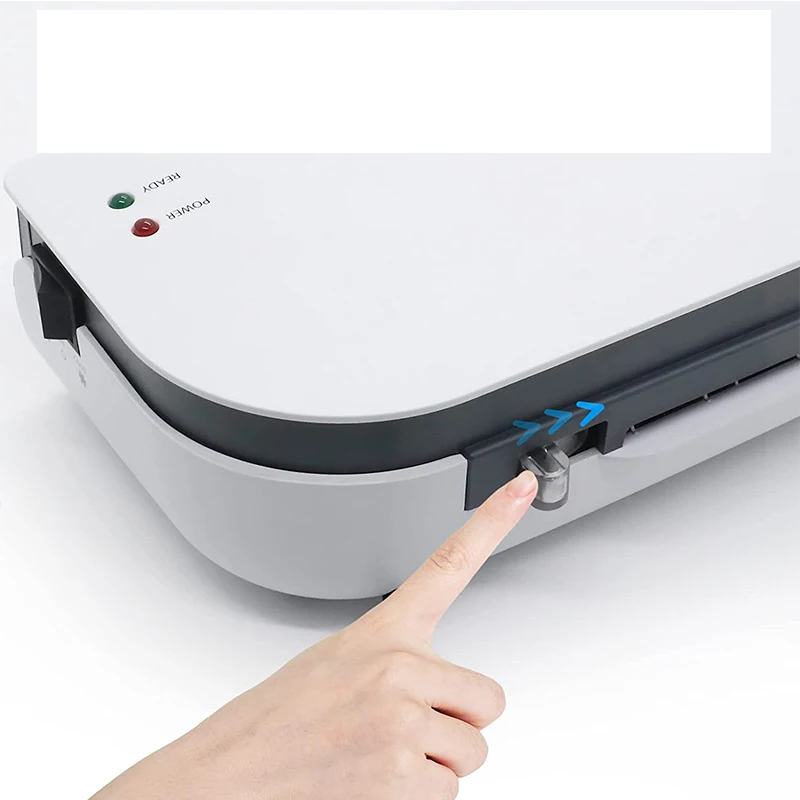
SL289 is operated by a rocker switch, located at the right hand side of the appliance.
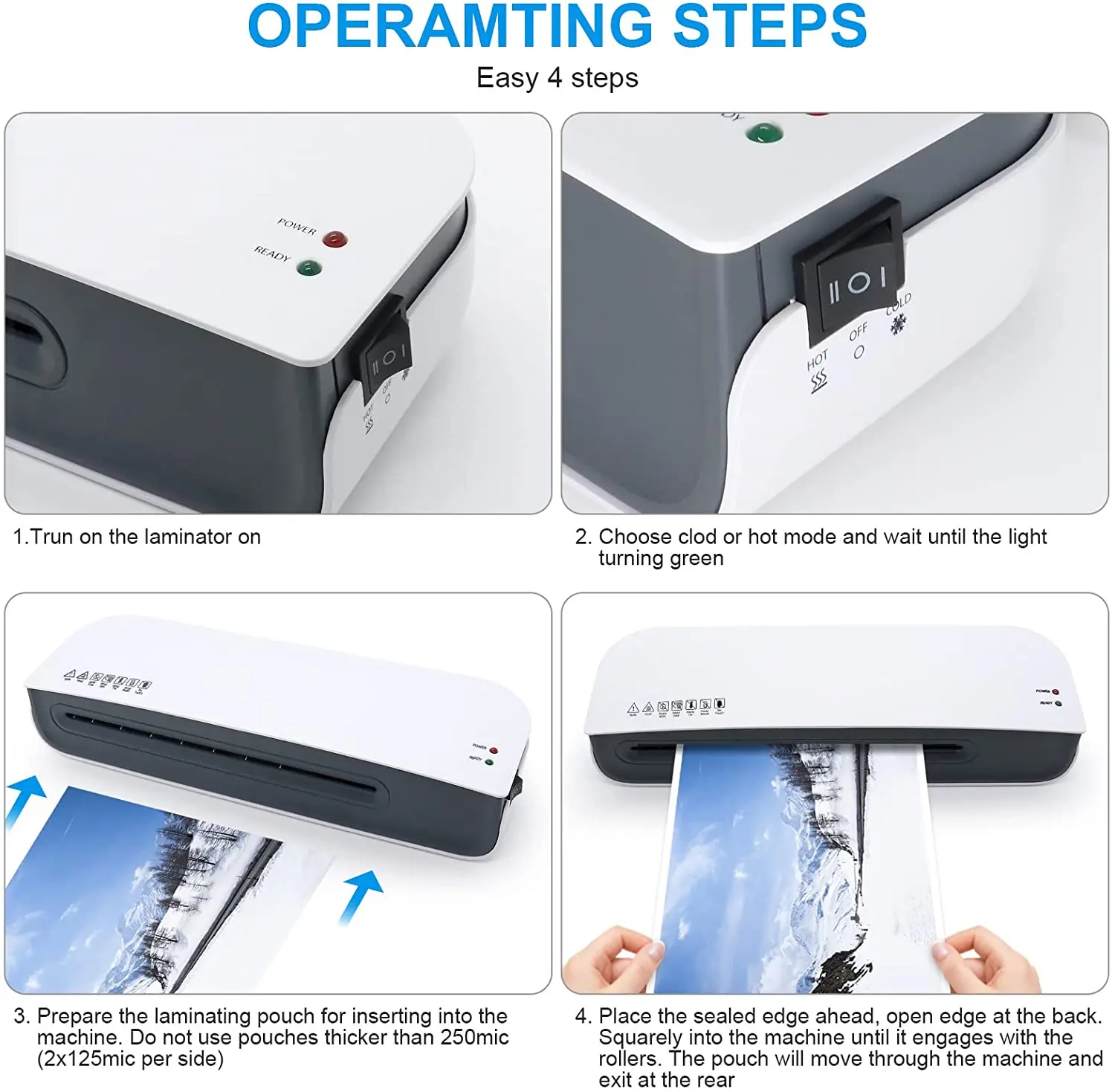
1.Plug the machines cable into a convenient 13 Amp domestic supply outlet.
2.For COLD laminating, select the COLD setting , the Green ready light
will come on straight away and COLD laminating can begin, (please note
you will need special Cold Laminating Pouches).
3.For HOT laminating, select the Hot setting, Hot laminating can begin when the Green “Ready” light comes on (Allow approx 2-4 minutes heat up time). If choosing COLD laminating after you have been Hot Laminating the machine must be allowed to cool to room temperature again
4.Prepare the laminating pouch for inserting into the machine. See How to load a laminating pouch below Do not use pouches thicker than 250mic (2x125mic per side)
5.When the machine has reached operating temperature, you may insert the pouch (sealed edge first) squarely into the machine until it engages with the rollers. Never insert a pouch open edge first into the machine.
6.The pouch will move through the machine and exit at the rear.
7.During the process the READY light may go out as heat is absorbed by the laminating pouch. This is normal.
8.Turn the laminator to OFF (O) after use.
9.Remove the plug from the power supply.
1.Plug the machines cable into a convenient 13 Amp domestic supply outlet.
2.For COLD laminating, select the COLD setting , the Green ready light
will come on straight away and COLD laminating can begin, (please note
you will need special Cold Laminating Pouches).
3.For HOT laminating, select the Hot setting, Hot laminating can begin when the Green “Ready” light comes on (Allow approx 2-4 minutes heat up time). If choosing COLD laminating after you have been Hot Laminating the machine must be allowed to cool to room temperature again
4.Prepare the laminating pouch for inserting into the machine. See How to load a laminating pouch below Do not use pouches thicker than 250mic (2x125mic per side)
5.When the machine has reached operating temperature, you may insert the pouch (sealed edge first) squarely into the machine until it engages with the rollers. Never insert a pouch open edge first into the machine.
6.The pouch will move through the machine and exit at the rear.
7.During the process the READY light may go out as heat is absorbed by the laminating pouch. This is normal.
8.Turn the laminator to OFF (O) after use.
9.Remove the plug from the power supply.
Packing&Shipping

We Recommend


New Arrivals
New products from manufacturers at wholesale prices







