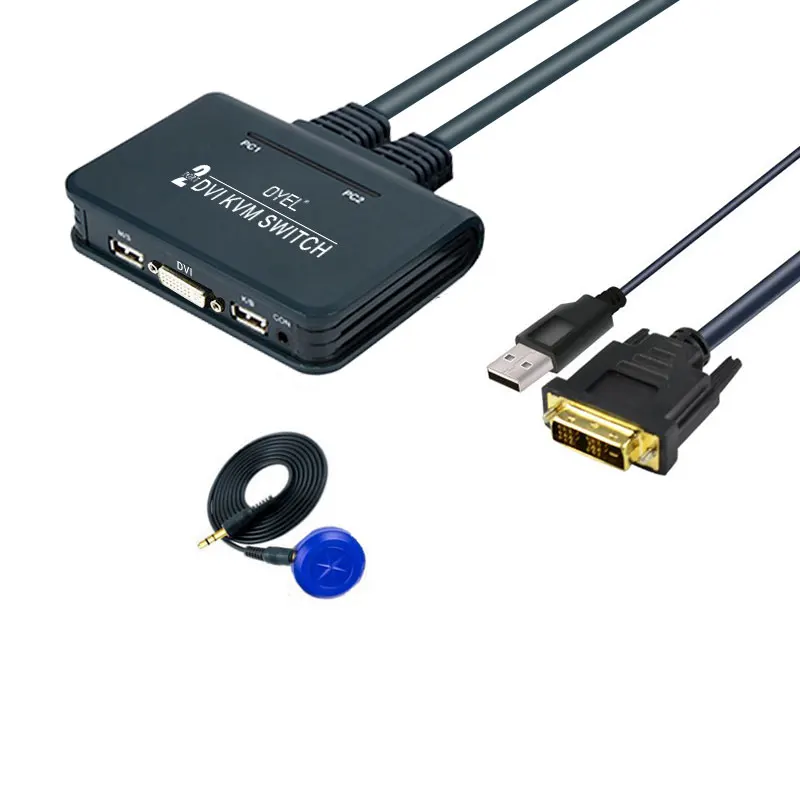
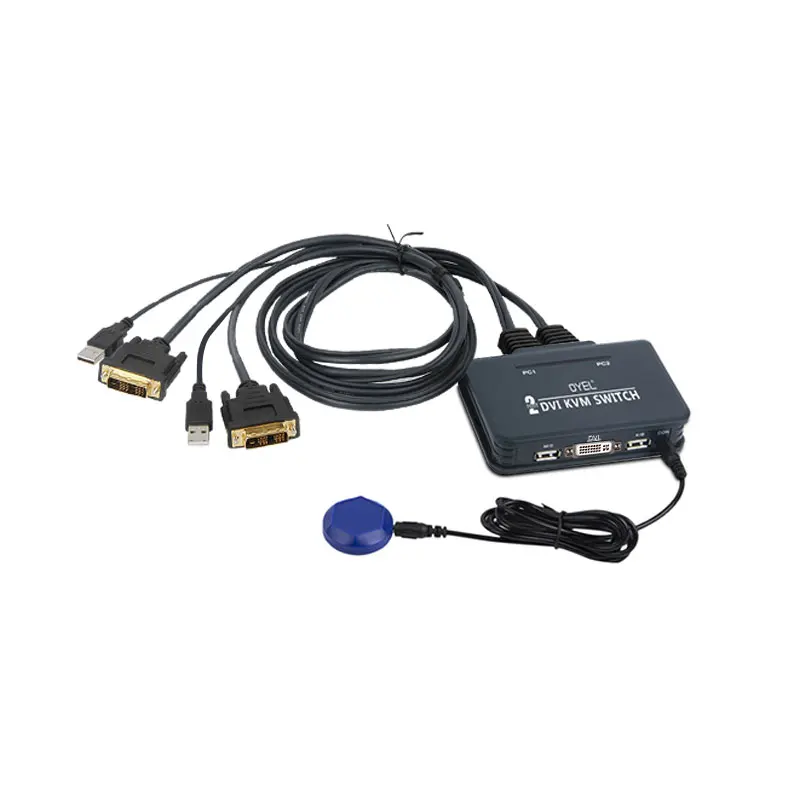
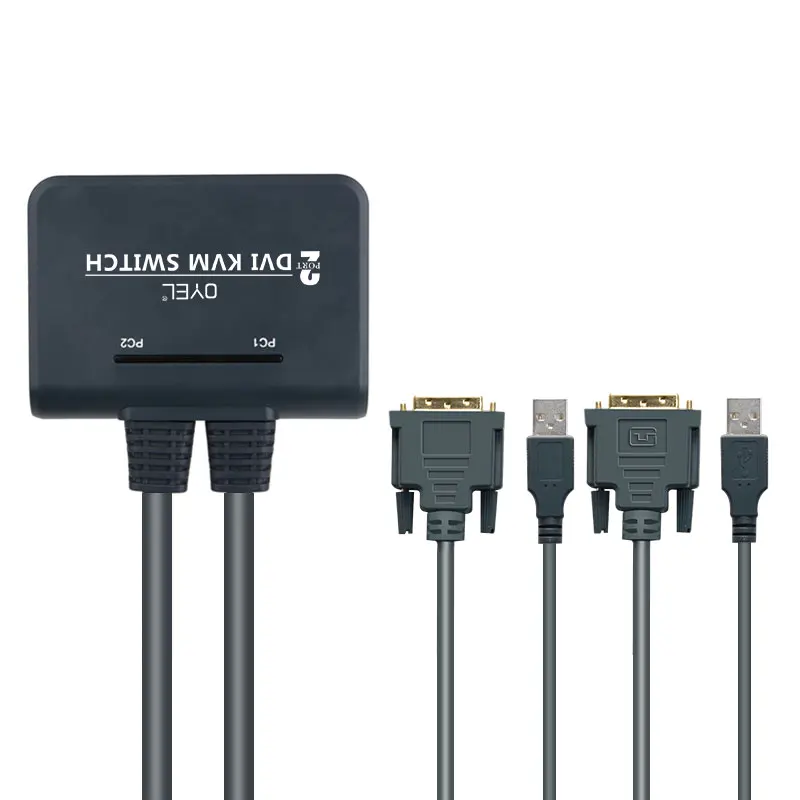
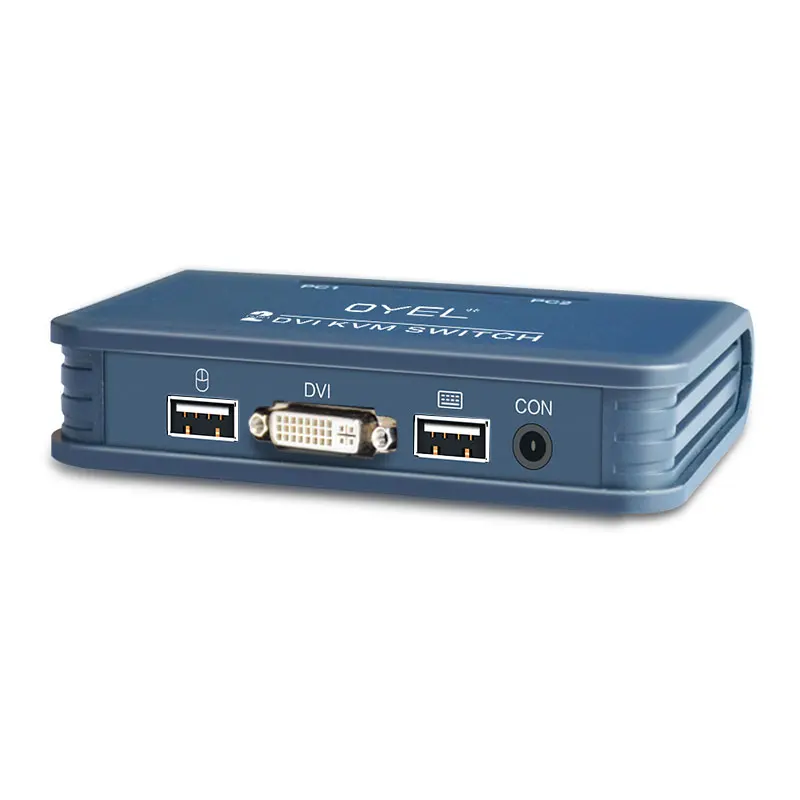
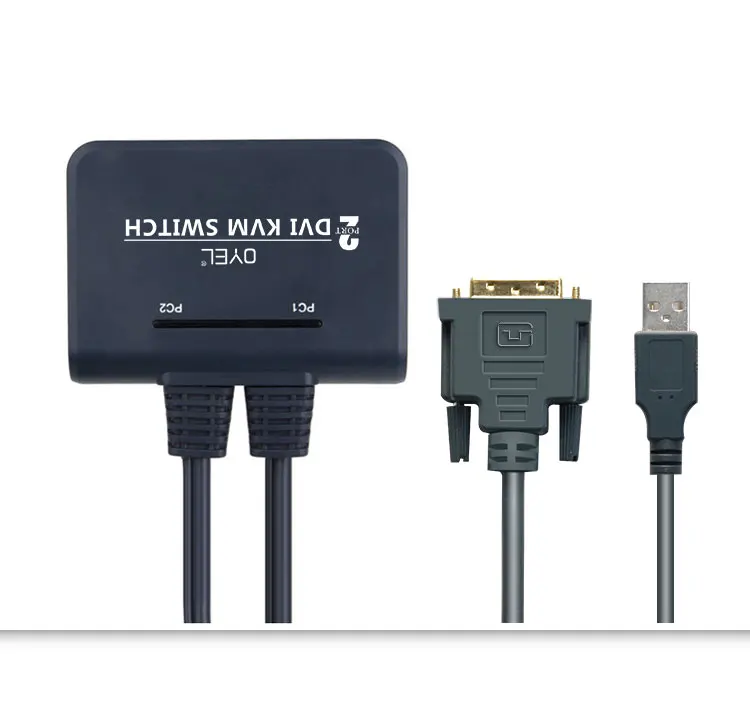
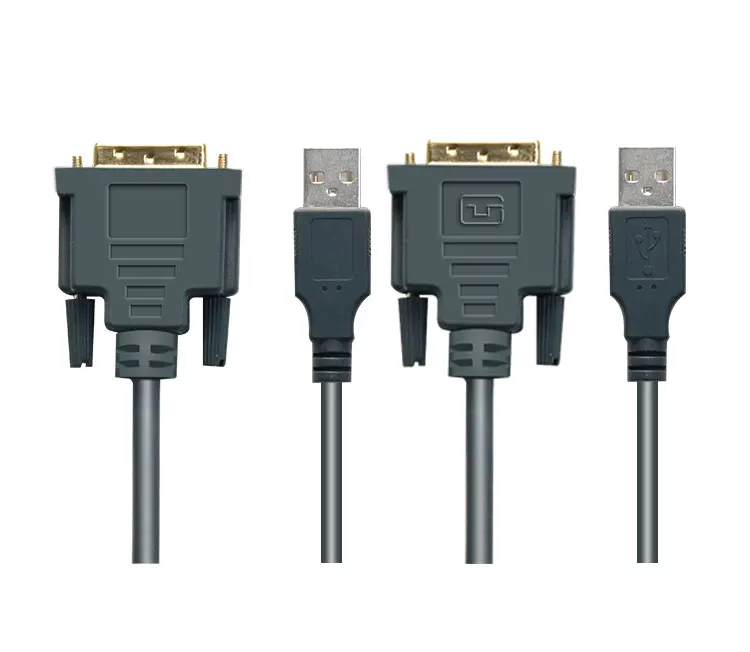
Wholesale factory manufacturer DVI kvm switch high quality HD KVM switch with audio
- Category: >>>
- Supplier: Shenzhen Lianhongtai Electronics Co. Ltd.
Share on (1600530659591):
Product Overview
Description
Product Description
With this product you can control multi PCs through one mouse, keyboard and monitor. Widely used in the office, teaching, entertainment, military, information platform and so on. I will save your time, money, device and energy, improve your working efficiency, a good assistant your work and life.
1.Product Features
1)Exquisite appearance, easy installation
2)Support Windows X, Apple,MAC Linux, Netware, Unix operating system and so on
3)Support different kinds of Digital Visual Recorder (DVR)
4)Support different kinds of mouse and keyboard
5)Support audio input and output, both the earphone and microphone and so on.
6)LED indicator or screen indicates the current PC status
7)With PC auto scan function, the scan interval can be set by user.
8)Different kinds of switch mode: Hotkeys on the keyboard, or connected button
2. Parameters List
P/N | EL-21UHC | EL-21UHB | EL-21UDC | EL-UDB |
Input Interface | HDMI+USB | HDMI+USB | DVI+USB | DVI+USB |
Input Ports | 2 | 2 | 2 | 2 |
Output Console | USB-AF*2 HDMI | USB-AF*2 HDMI + Button | USB-AF*2 DVI | USB-AF*2 DVI + Button |
HDMI Resolution | 4KX2K@30Hz | 4KX2K@30Hz | 4KX2K@30Hz | 4KX2K@30Hz |
Switch Mode | Hotkeys | Button, Hotkeys | Hotkeys | Button, Hotkeys |
Hotkey | Scroll Lock or Caps Lock or Num Lock | Scroll Lock or Caps Lock or Num Lock | Scroll Lock or Caps Lock or Num Lock | Scroll Lock or Caps Lock or Num Lock |
Switch Mode 1 | Hotkey,Hotkey, Number,Enter | Hotkey,Hotkey, Number,Enter | Hotkey,Hotkey, Number,Enter | Hotkey,Hotkey, Number,Enter |
Switch Mode 2 | Hotkey,Hotkey, Arrow,Enter | Hotkey,Hotkey, Arrow,Enter | Hotkey,Hotkey, Arrow,Enter | Hotkey,Hotkey, Arrow,Enter |
Switch Mode 3 | Ctrl,Ctrl or Shift,shift or Alt,Alt | Ctrl,Ctrl or Shift,shift or Alt,Alt | Ctrl,Ctrl or Shift,shift or Alt,Alt | Ctrl,Ctrl or Shift,shift or Alt,Alt |
Ctrl Hotkey Open/Shut | Hotkey,Hotkey, C,L,Enter | Hotkey,Hotkey, C,L,Enter | Hotkey,Hotkey, C,L,Enter | Hotkey,Hotkey, C,L,Enter |
Shift Hotkey Open/Shut | Hotkey,Hotkey, S,T,Enter | Hotkey,Hotkey, S,T,Enter | Hotkey,Hotkey, S,T,Enter | Hotkey,Hotkey, S,T,Enter |
Alt Hotkey Open/Shut | Hotkey,Hotkey, A,T,Enter | Hotkey,Hotkey, A,T,Enter | Hotkey,Hotkey, A,T,Enter | Hotkey,Hotkey, A,T,Enter |
6. FAQs
1) Keyboard hotkeys can not make the switch
Answer: Re-plug the keyboard.
Reboot the KVM switch.
2) The mouse and keyboard does not work normally
Answer: Wait 1-5 seconds for the operating system to recognize the device
Switch to another PC, then switch back
Re-plug the mouse
Reboot the KVM switch


Company Information

We Recommend







New Arrivals
New products from manufacturers at wholesale prices