
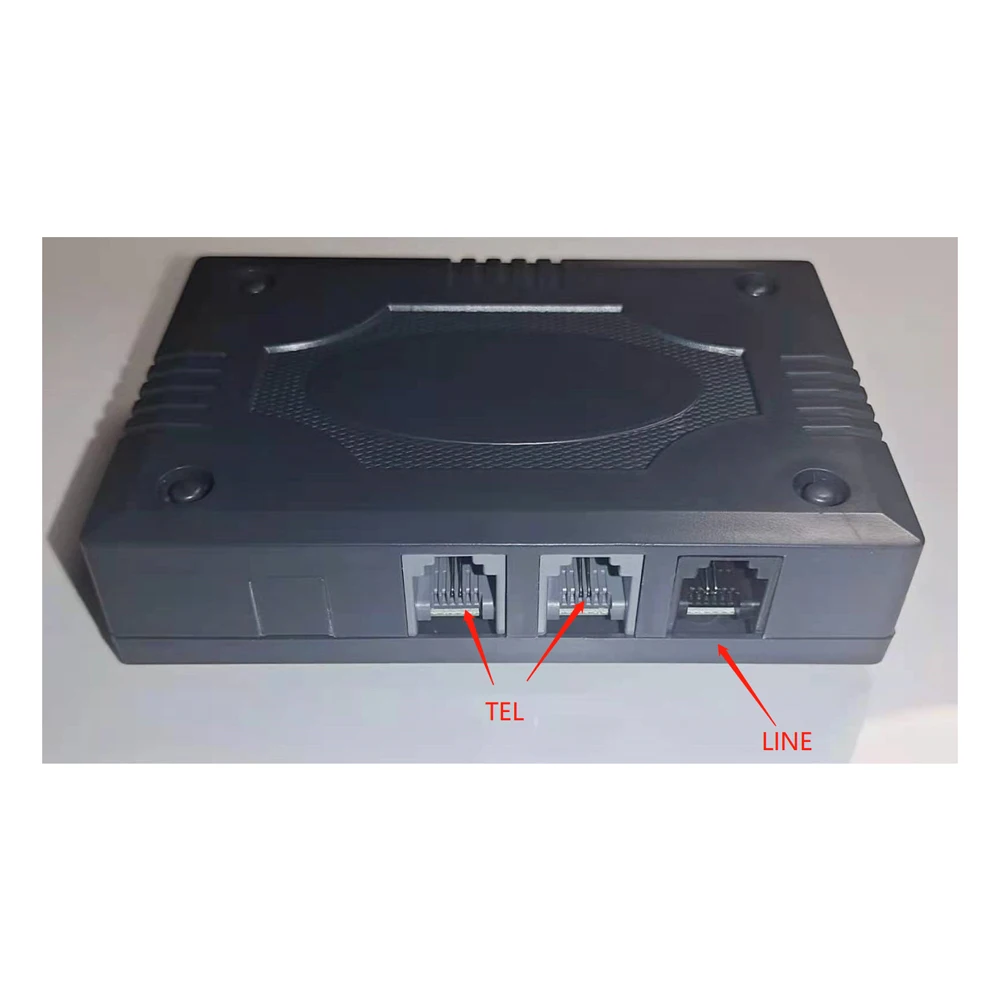
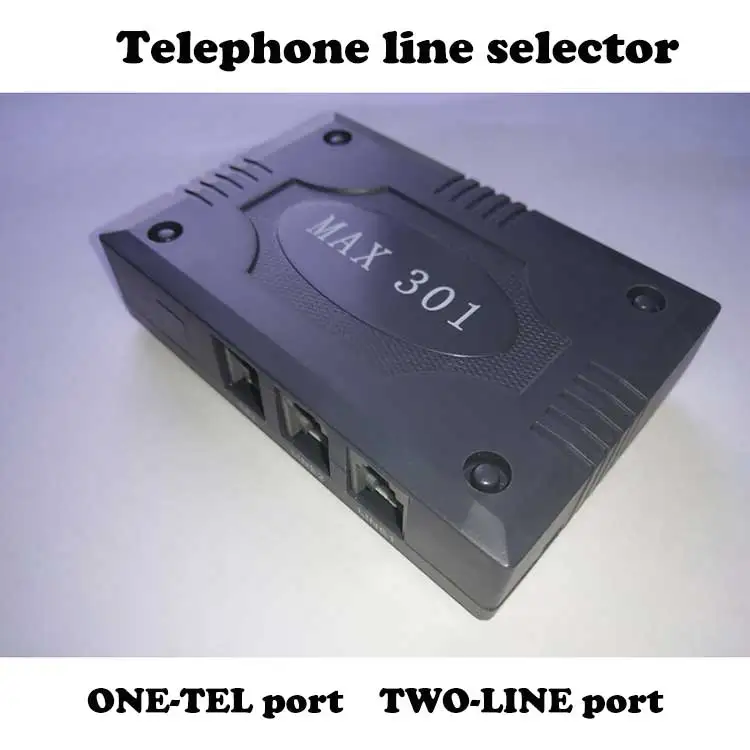
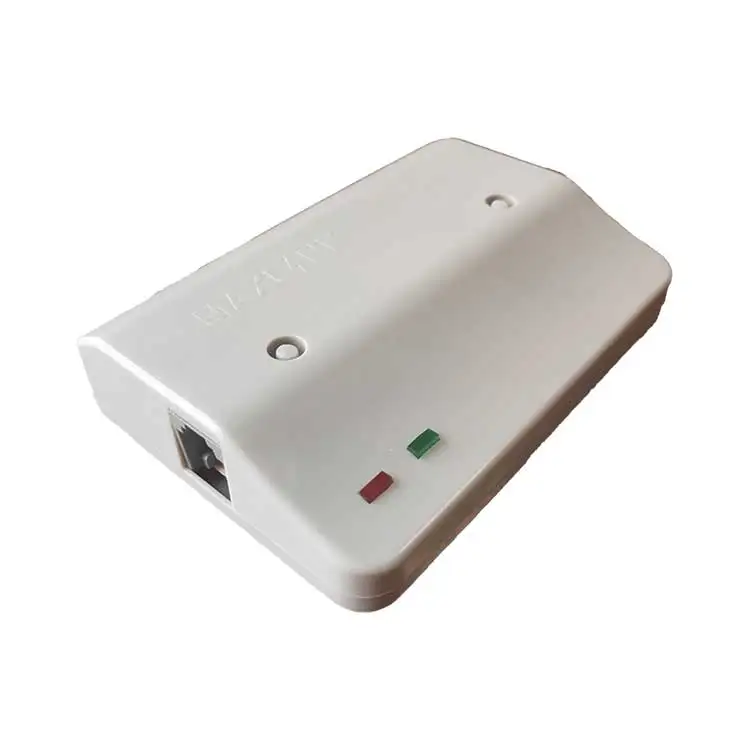
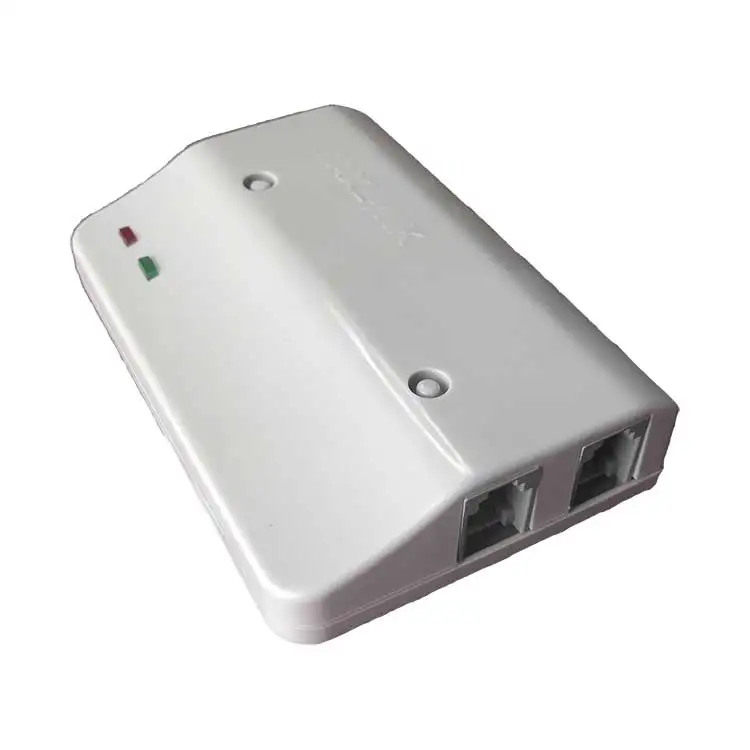
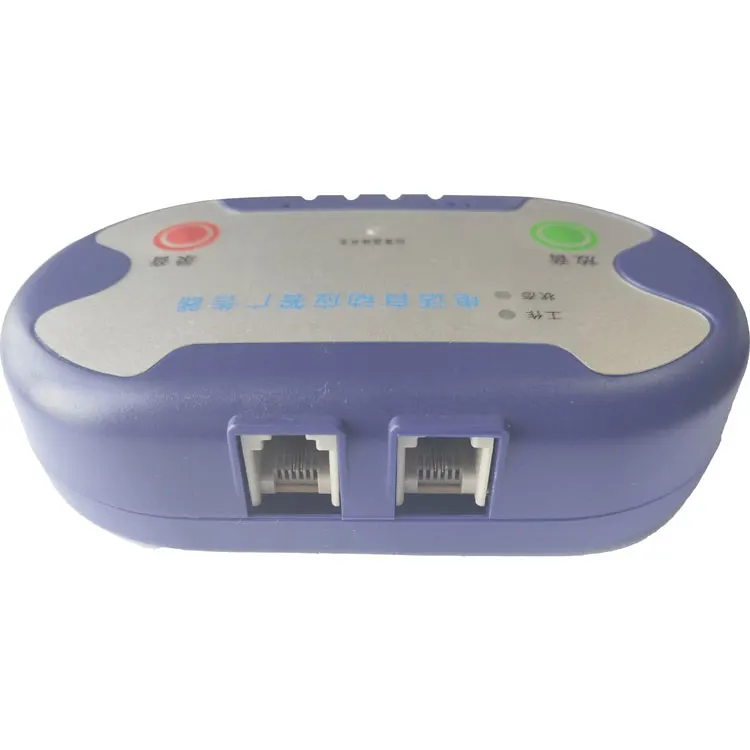
Proolin smart hotline dialer with 1 PSTN and 2 Telephone RJ11 port
- Category: Fixed Wireless Terminals >>>
- Supplier: Shenzhen Pulianxun Electronic Firm
Share on (1600533206587):
Product Overview
Description
Product Description
IP Dailer:
The installation: External ports connect to 0 (a single port), and 1 or 2 ports connect to the external lines of the telephone or PBX switch
Settings: 1: single call (17909,17969,196,17951,968200,96435, etc.) ***(beep, enter Settings) *1937 (beep, initialization) *801*17909 wait for calling number *# (beep)
2: setting the secondary calling number (after the access number of 17908 is played, you need to wait for the voice prompt to dial the calling number) *** (beep, enter Settings) *1937 (beep, initialization) *801*17908**# (beep, set to 2 calls)
3: Add # in the middle of the three-time calling number (for example, after Shanghai 200 is bound, you need to dial # and then check the voice to dial the peer number). *** (beep, enter Settings) *1937 (beep, initialization) *899*200*#** (beep, set three times calling) Add *281*# if you need to enable local calls as well.
4:17908 or 200 and other card class Settings *** (beep, enter Settings) *1937 (beep, initialization) *809*200*1 Card number # password #*# Add *281*# if local phone startup is required (beep)
Other Settings: Outgoing setting: *01+ outgoing number *# Remote setting: Enter #*9(du, enter the remote setting state, and then set according to the above instructions)
|


Company Information


We Recommend


New Arrivals
New products from manufacturers at wholesale prices







