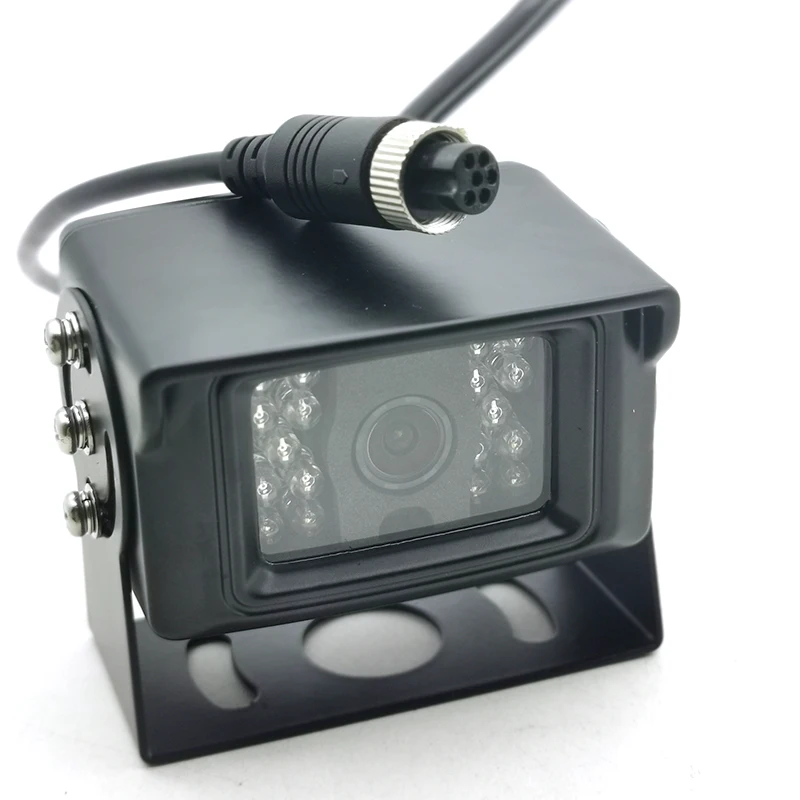
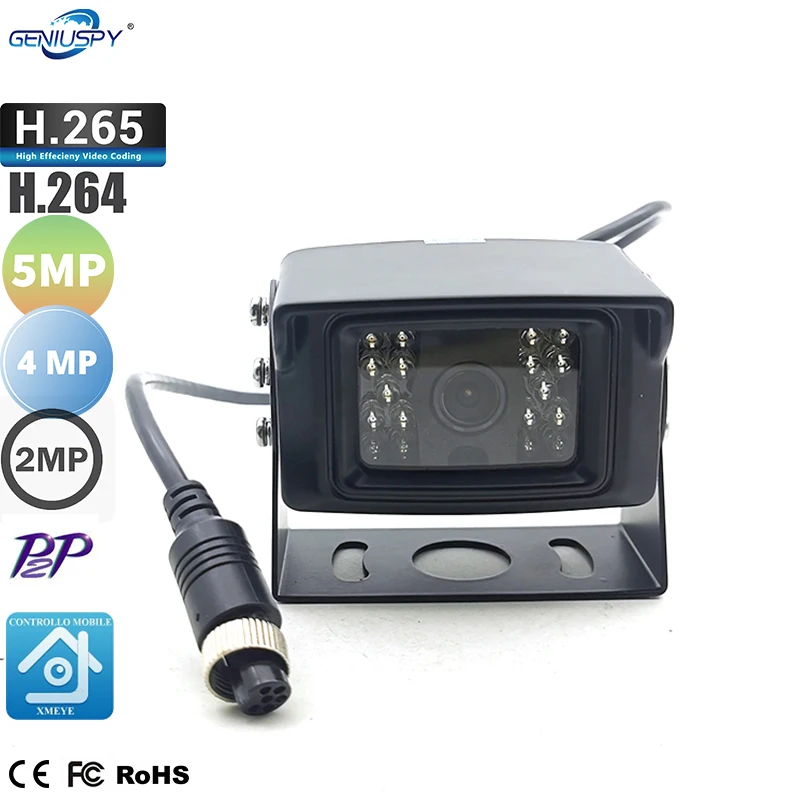
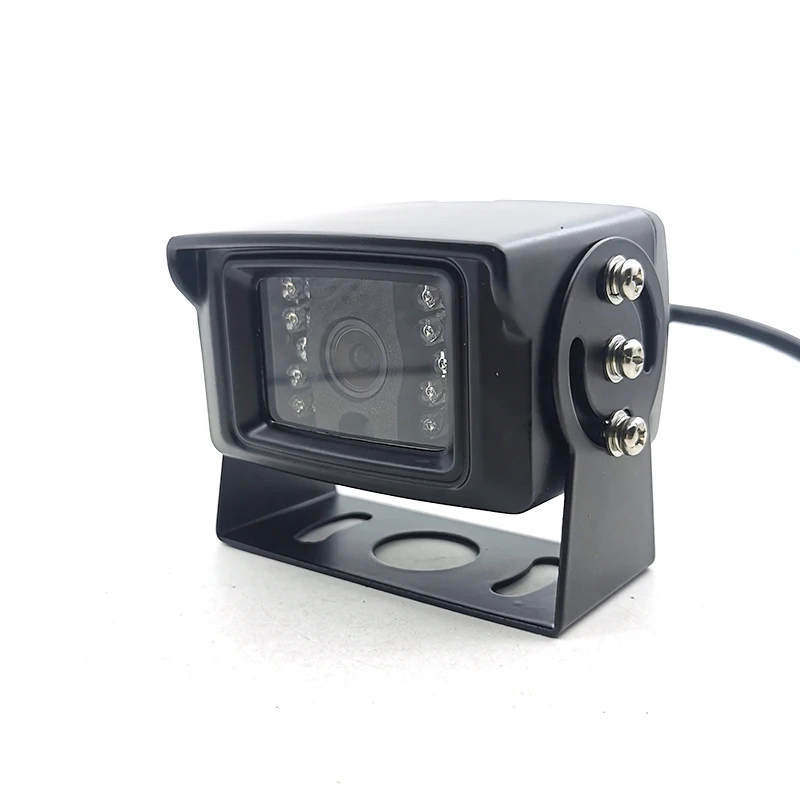
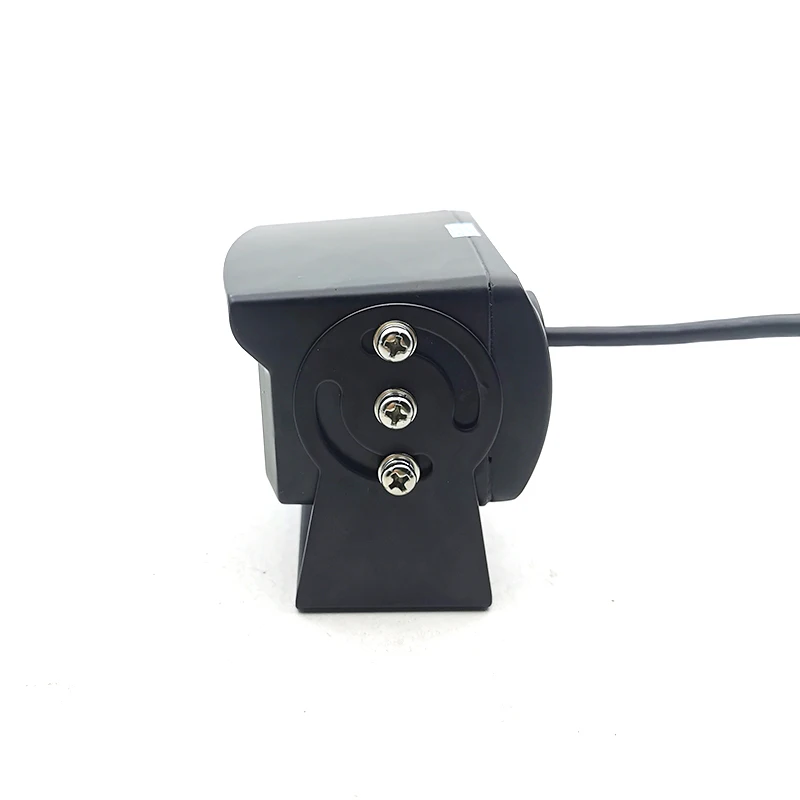
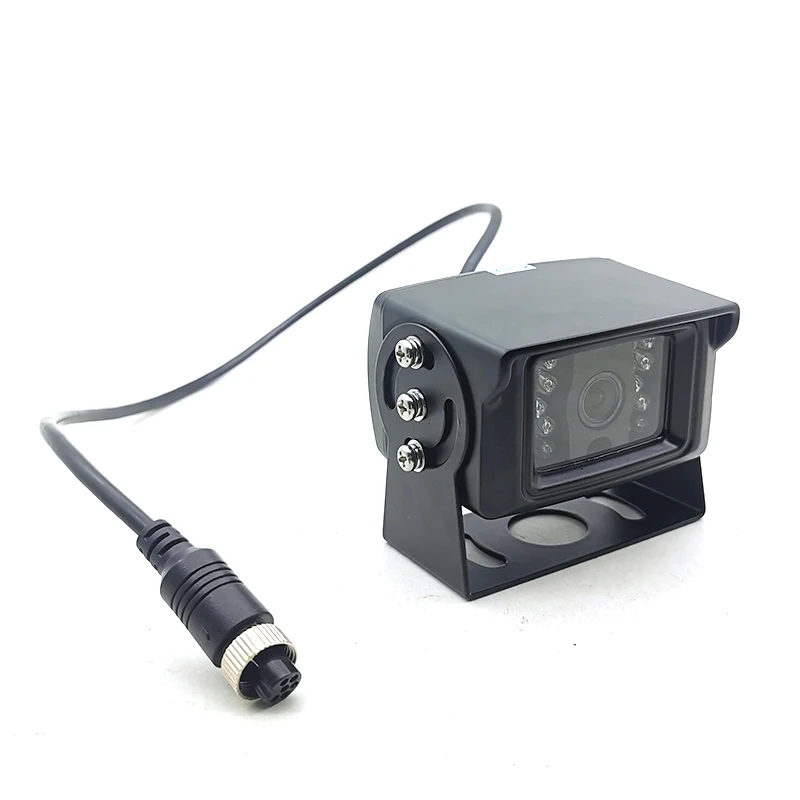
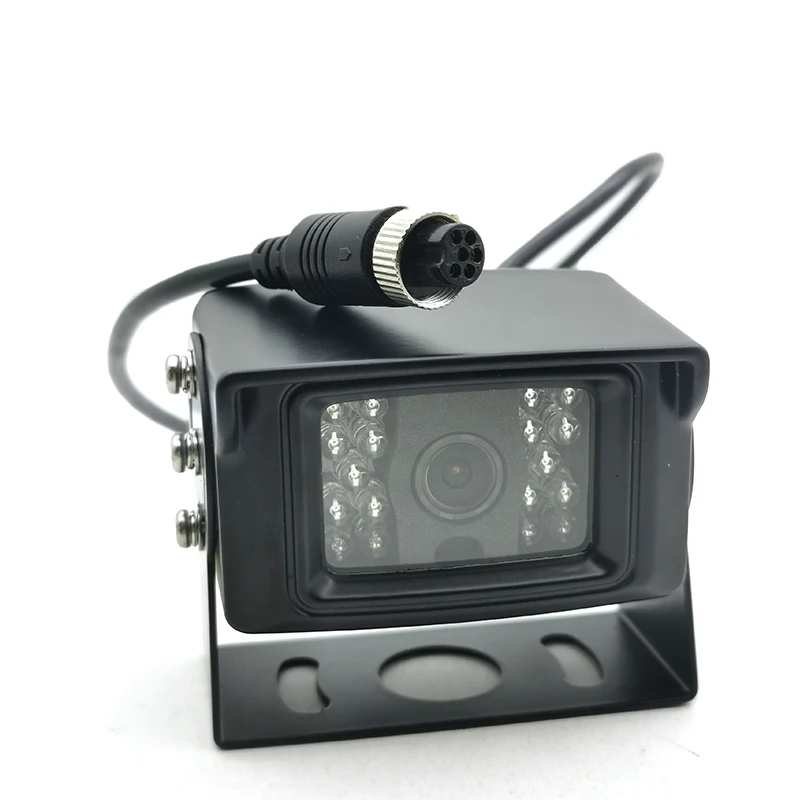
5MP 2MP 4MP 6Pin Aviation Motion Detection Night Vision Waterproof IP66 HD Rear View IR CCTV IP Camera Car Mining Vehicle Fleet
- Category: >>>
- Supplier: Shenzhen Geniuspy Intelligent Technology Co. Ltd.
Share on (1600539257568):
Product Overview
Description
IP Camera
5MP 2MP 4MP 6Pin Aviation Motion Detection Night Vision Waterproof IP66 HD Rear View IR CCTV IP Camera Car Mining Vehicle Fleet

Product Overviews


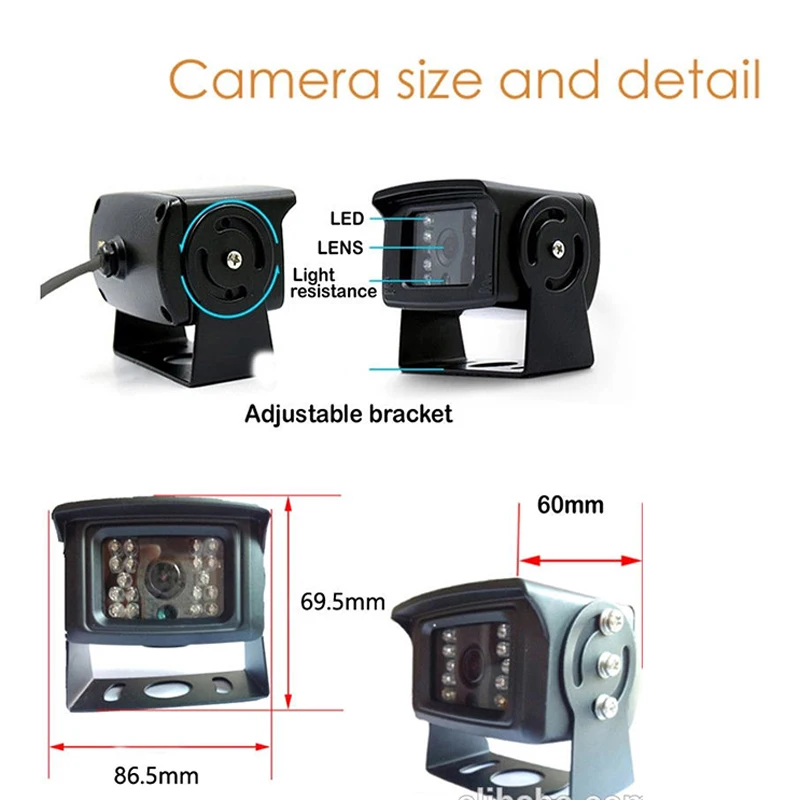
Product Description
H.265 advantages
1. It is approximate 2 times as effective as H.264.
2. Reduces file size up to 50% with the same quality.
3. Supports resolution up to 7680 × 4320 (8K).
4. Reduces video noise and increases dynamic range.
5. Extend far greater video quality experience compared to H.264
Features:
1. H.265 5MP 3MP 4MP 2MP optional;
2. H.265/H.264,support dual-stream,AVI;0.1M~8Mpbs variable;1~30f/s variable;
3. Color 0.1Lux; B/W 0.01Lux;
4. 1 RJ45 Ethernet interface, 10/100M automatically adapting;
5. Support RTSP/FTP/PPPOE/DHCP/DDNS/NTP/UPnP etc network protocol;
6. Support on vif, and mobile monitoring;
7. Metal case.
Specifications:
| GS-RV18CMR6P /GS-RV18C3MR6P /GS-RV18C4MR6P /GS-RV18C5MR6P | |
System structure | Embedded RTOS,dual-core 32bit DSP,pure hard compression ,watch dog | |
Sensor |
| |
Video compression | H.265/H.264,support dual stream,AVI;0.1M~6Mpbs variable;1~30f/s variable | |
Image output | 1MP:Main stream:1280*720(25fps), 1.3MP:Main stream:1280*960(25fps), 2MP:Main stream:1920*1080(25fps), 2MP:Main stream:1920*1080(25fps), 3MP:Mail stream:2048*1536(20fps), 4MP:Mail stream:2560*1440(20fps), 5MP:Mail stream:2592*1944(15fps), | |
Noise reduction | Support 2D/3D | |
lens | 3.6mm MP lens defailt ,around 92degree | |
Storage | Via PC/Mobile Phone/NVR With HDD | |
Light | 850nm ir leds default , 940nm ir leds optional | |
Wide dynamic | Support digital | |
Network interface | 1*RJ45 10/100M adaptive Ethernet port;support RTSP/FTP/PPPOE/DHCP/DDNS/NTP/UPnP etc | |
Singal interface | One photo resistance interface,one IR-CUT interface ,support photo resistance signal and IR-CUT links to IR | |
POE | Support | |
SD Card | N/A | |
Reliability | Comprehensive lightning protection, in line with national and international standards; 7 * 24 hours 65’C high temperature stable and reliable testing (including mounted m achine testing) | |
Other function | Waterproof | |
on vif | Support | |
Mobile monitoring | Support multiple mobile monitoring(iOS,Android) | |
Power | 12v | |
Dimension | / | |
Housing material | Metal Housing |
(Does not include Power Adapter)
Note: " 12V" Please use 12 V 1A power supply, packaging does not include the power supply.
We recommend using our h.265 NVR, other manufacturers of NVR may not be able to run h.265 perfectly, it will run with h.264.
Q & A
1, IP camera default IP address:192.168.1.10
User name:admin,password:empty(null)
If there is a problem with "Can not find the Device", it is the default ip address is not in the same network segment as your router.
Please click "Edit Device" to change the camera's ip address,
For example, if your router's ip address is 192.168.0.1, then you need to change the camera's ip address to 192.168.0.XX.
"DeviceManage" It can find and change the IP address, upgrade the firmware.
2, P2P website: "www.xmeye.net" ,please use IE and install ActiveX,only IE supports Multi Language.Chrome,Safari just support Chinese .
then please input your P2P ID,user name and password to login and preview.
Access to the IPC through the web, only one screen can be displayed.
There are multiple IPC, please use client software to manage(such as: CMS VMS SNVR)
3,The camera's port information.
on vif 2.0 Port 8899 ;RTSP Port 554 ;HTTP Port 80;Media Port 34567;E-mail default port 25; SLL protocol Port 465.
4,Does the cameras can be compatible with other manufacturers NVR?
Please confirm whether other manufacturers NVR support on vif protocol.
Our camera's on vif protocol is on vif Profile S, does not support HTTPS protocol;
Auto focus camera, other manufacturers NVR can only zoom, can not focus.
5, The camera all supports Motion Detect,FTP,Email alarm, RTSP.
A,How to set up motion detection?
Access to IPC via IE (or CMS software), device configuration - alarm function - motion detection - on and save.
B, About FTP
FTP upload video and pictures, pictures will always upload, video files larger, after the alarm, the video file will be completed to upload.
We suggest the Sever-U and FileZilla FTP Server to upload the video or image.
C,For the Email alarm,please use Email server which supports SMTP ( Hotmail ,Yahoo not support SMTP ,it not supports Gmail temperately since the server problem ) .
D, RTSP URL for VLC media Player :
RTSP port: 554
rtsp: // (IP): (PORT) / user = (USER) & password = (PWD) & channel = (Channel) & stream = (Stream) .sdp? Real_stream
Example:
rtsp: //10.6.10.25: 554 / user = admin & password = & channel = 1 & stream = 0.sdp? Real_stream (stream = 0 primary stream 1 auxiliary stream)
If it is through the public network need to RTSP port open (default is 554), the port in the network service-RTSP can be set
6, About DDNS
Mapped media TCP port: 34567 and HTTP port: 80 (Note: mapping need to be changed to non-80)
Note: The two ports in the network settings can be viewed, can be modified
What domain names are supported?
- CN99 / DynDns / Oray / NO-IP / MYQ-SEE
7.
Q:When I finish the steps to add the camera to the CMS list,why it notify “ Can’t find the Device “ even I can see the default ip address 192.168.1.10 in the menu .
F: It is the IP Address conflict ,the default ip address is not in the same network segment as your router.
Please click “Edit Device “ to change the camera’s ip address to make them in the same network segment !
For example ,if your router’s ip address is 192.168.0.1 ,then you need to change the camera’s ip address to 192.168.0.XX .
Package contents:
1 x Camera, , 1 x , 1 x English User Manual


Company Information

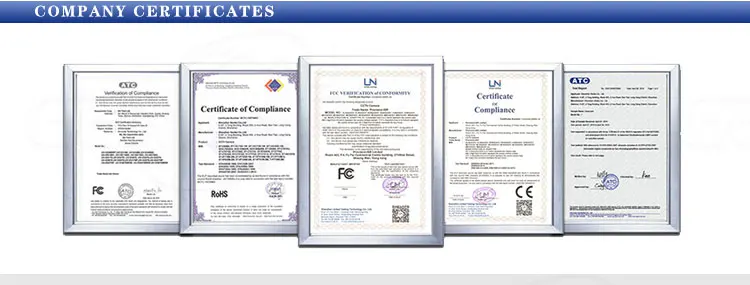
Certifications
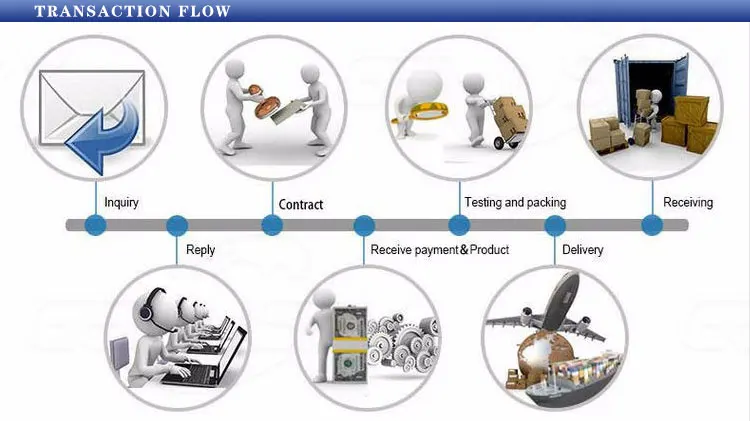
Transaction Flow
Packaging & Shipping
In Color Box or Netural Packaging , Do As Customer 's Requirement
1.EXPRESS: around 3-7 working days to arrive
2.INTERNATIONAL AIR MAIL: around 2-4 weeks to arrive according different country
3.BY air &BY sea
Payment
we accept T/T ,Paypal,Alibaba Trade Assurance,Escrow.Western Union,L/C etc
Tesimonials
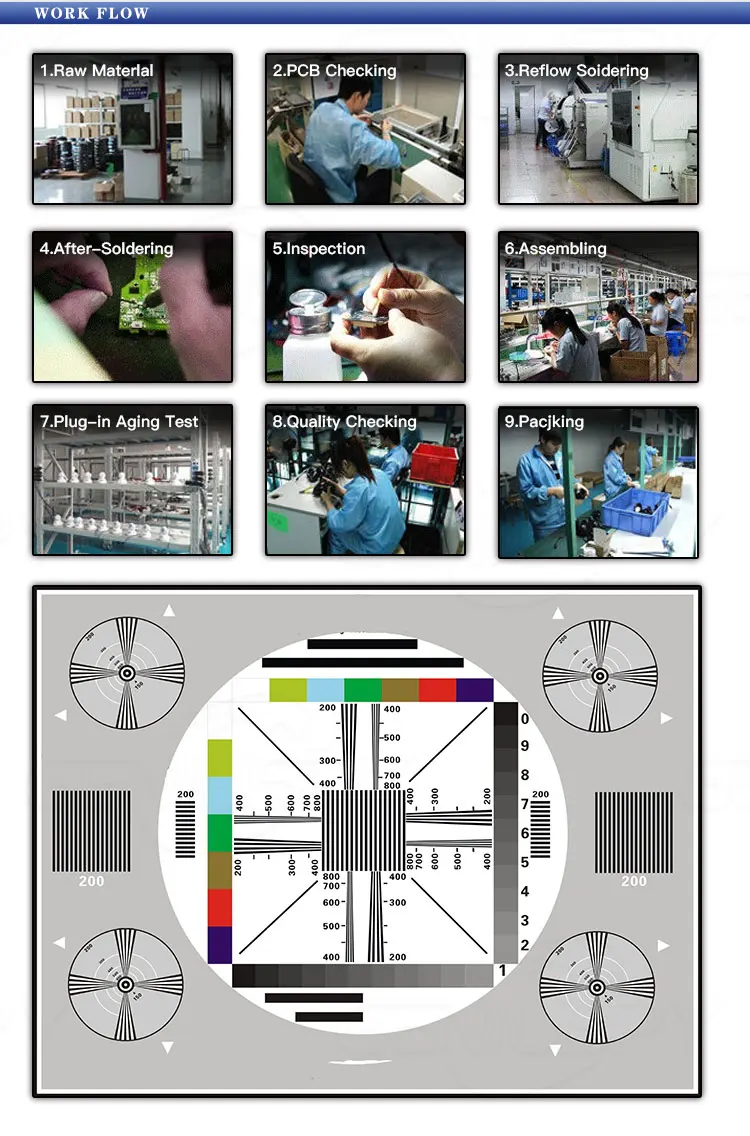
Work Flow
FAQ
Q:What’s the default ip address of the camera ?
F: 192.168.1.10 Username : admin Password : null ( empty )
Q: Does the camera supports Motion Detect,FTP,Email alarm, RTSP and so on ?
F: Yes ! All the IP Cameras we are selling supports these functions .
1) Please Setup the motion detection in the CMS software .
2) We suggest the Sever-U and FileZilla FTP Server to upload the video or image.
3) For the Email alarm,please use Email server which supports SMTP ( Hotmail ,Yahoo not support SMTP ,try Gmail please ) .
4) Note: 1)This IP camera default IP address: 192.168.1.10
user name: admin password: empty(no password)
2)RTSP address:
rtsp:// 10.6.3 .57:554/user=admin&password=&channel=1&stream=0.sdp?
10.6.3.57 is device IP
:554 is the RTSP port number
user=admin (this is device login user name)
password= (password is empty)
channel=1 (first channel)
stream=0.sdp?(main stream)
For example: rtsp://admin:eagle3y3 at 132.206.149.75:554/user=admin&password=eagle3y3&channel=1&stream=0.sdp?
but some programs like the one I am using (i) prefers the format
rtsp://admin:eagle3y3 at 132.206.149.75:554/user=admin&password=eagle3y3&channel=1&stream=0.sdp?
F: What’re the ports information of the cameras ?
Q : on vif 2.0 Port 8899 ;RTSP Port 554 ;HTTP Port 80;Media Port 34567
F:Does the camera support IE ,Chrome ,Firefox and so on ?
Q: Since the plug-in problem ,for website interface IP address URL,ONLY IE supports Multi Language . Chrome,Safari just support Chinese .
For cloud server XMEYE.NET ,it supports multi language
Q:When I finish the steps to add the camera to the CMS list,why it notify “ Can’t find the Device “ even I can see the default ip address 192.168.1.10 in the menu .
F: It is the IP Address conflict ,the default ip address is not in the same network segment as your router.
Please click “Edit Device “ to change the camera’s ip address to make them in the same network segment !
For example ,if your router’s ip address is 192.168.0.1 ,then you need to change the camera’s ip address to 192.168.0.XX .
This IP camera work with NAS,Synology (Model:Generic_on vif;Port:8899)and Blue Iris(model:Empire ESC-IPC1;Port:34567)
Package contents:
1 x Camera, 1x CD, 1 x , 1 x English User Manual
Trade Assurance

We Recommend







New Arrivals
New products from manufacturers at wholesale prices