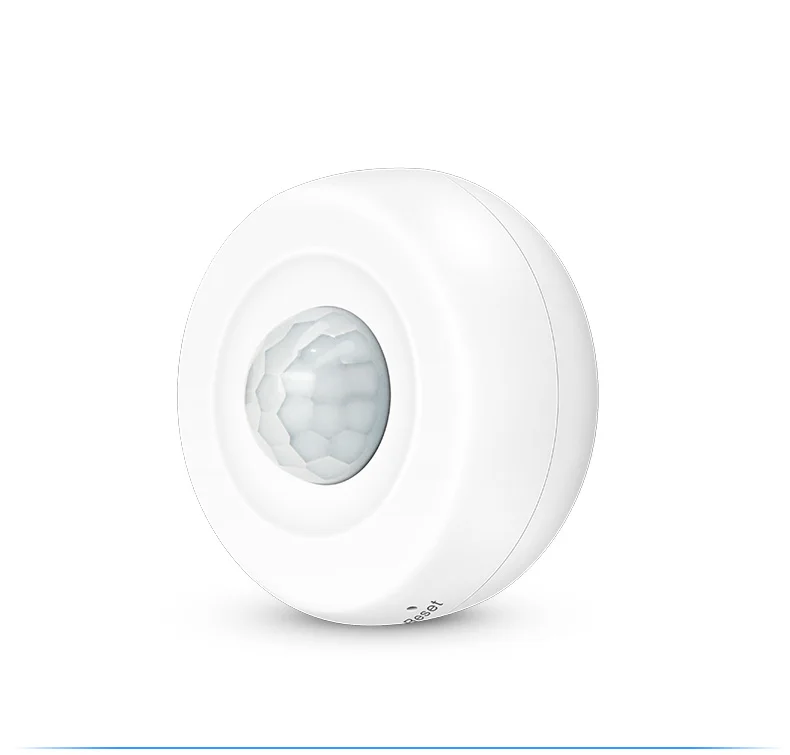
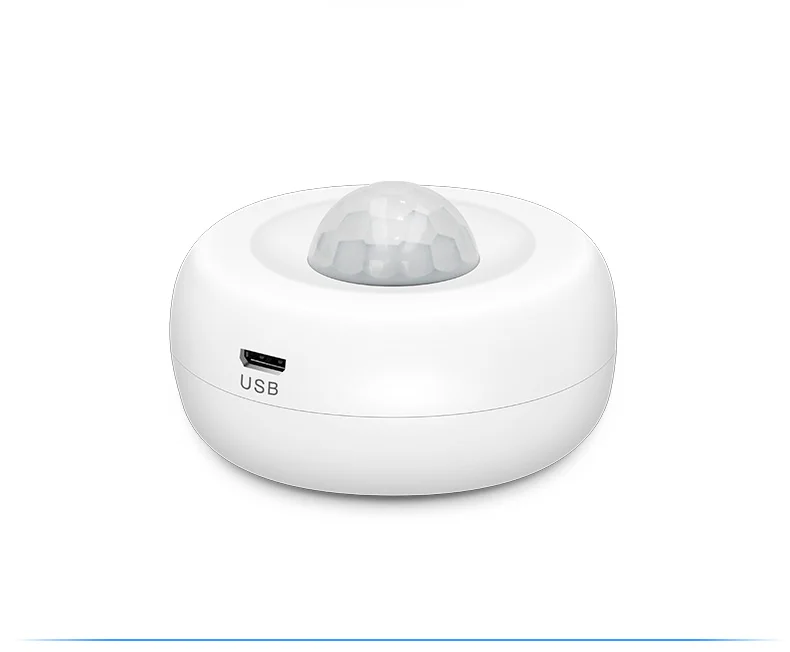
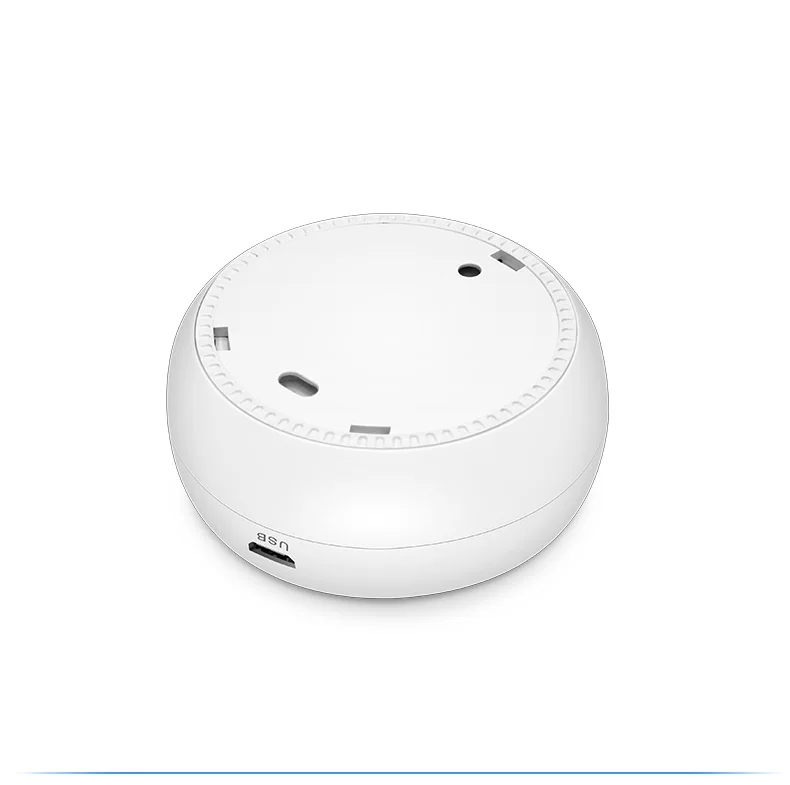
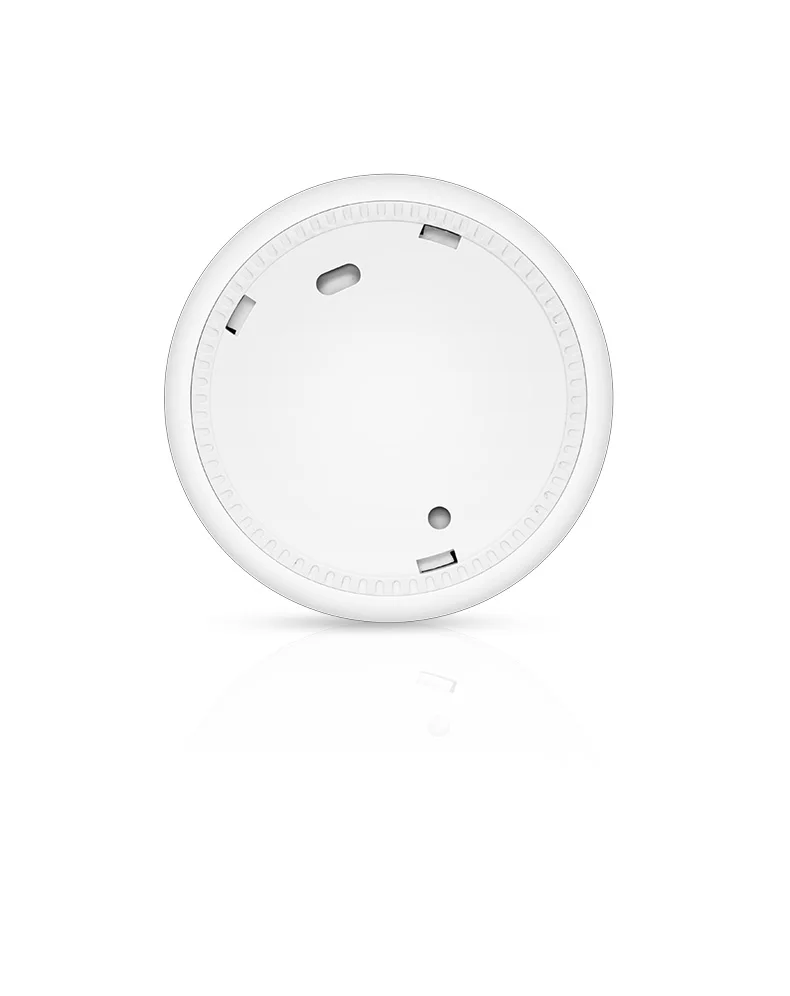
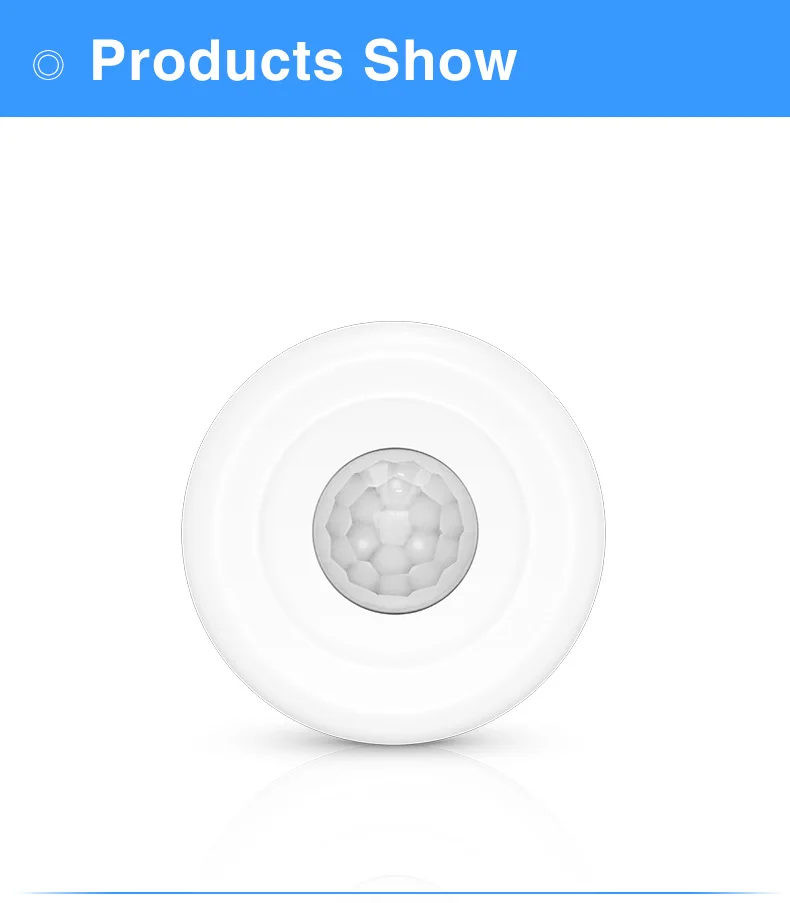
zigbee intelligent home security wifi motion sensor pir motion detector wireless alarm sensors
- Category: >>>
- Supplier: Shenzhen Ansky Technology Co. Ltd.
Share on (1600542152665):
Product Overview
Description
Zigbee intelligent home security wifi motion sensor pir motion detector wireless alarm sensors
Technical Parameter
USB Input voltage:DC5V/ 2A
Battery Input voltage:DC3V LR03
Static Current:≤35uA
Working current:≤15mA
Low-voltage notification:≤2.4V
zigbee operating frequency:2.400GHz-2.484GHz
Detecting Distance:6M
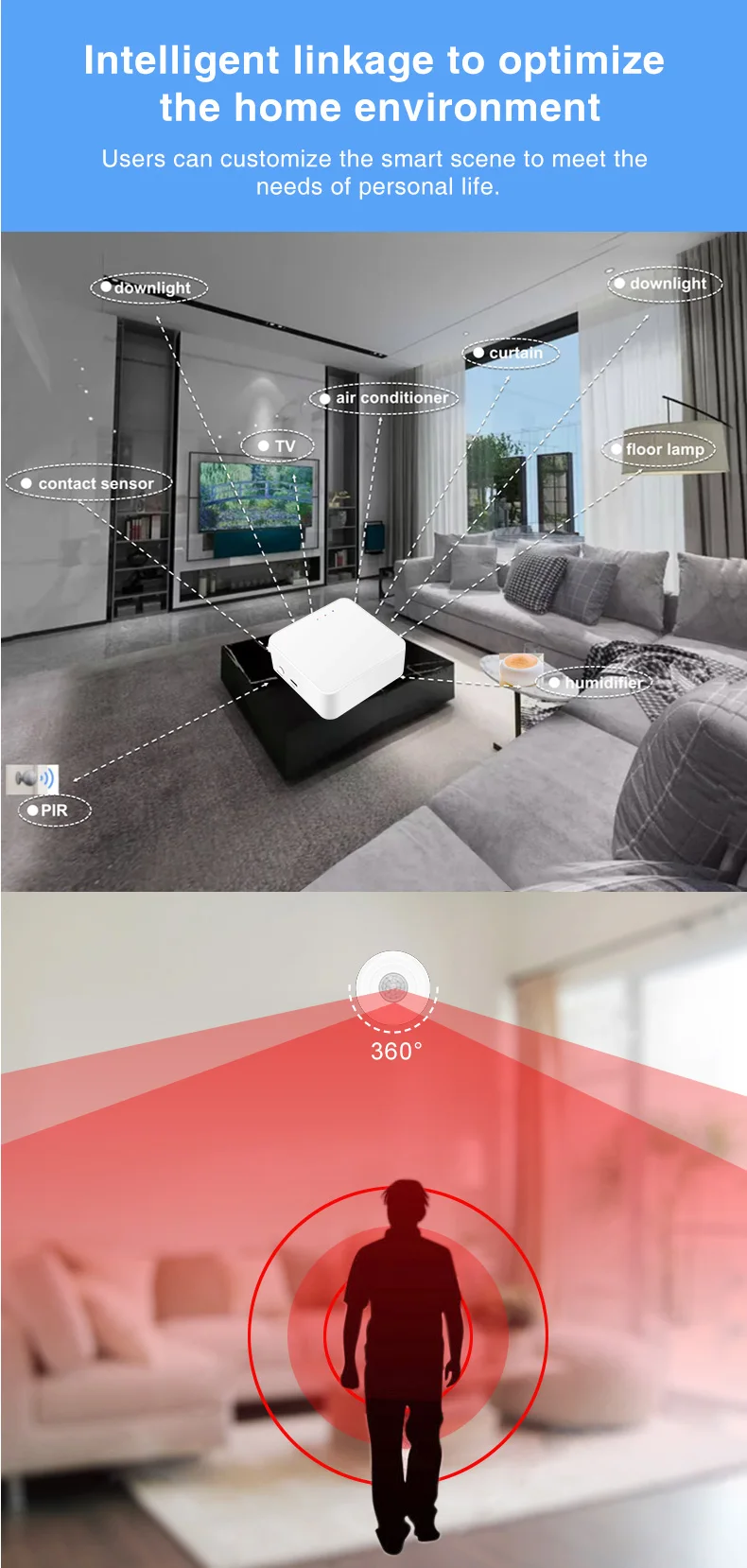
Detecting Angle:360°Ceiling Mounted
Working Temperature:-10~+50℃
Working Humidity:≤95% RH
How to use
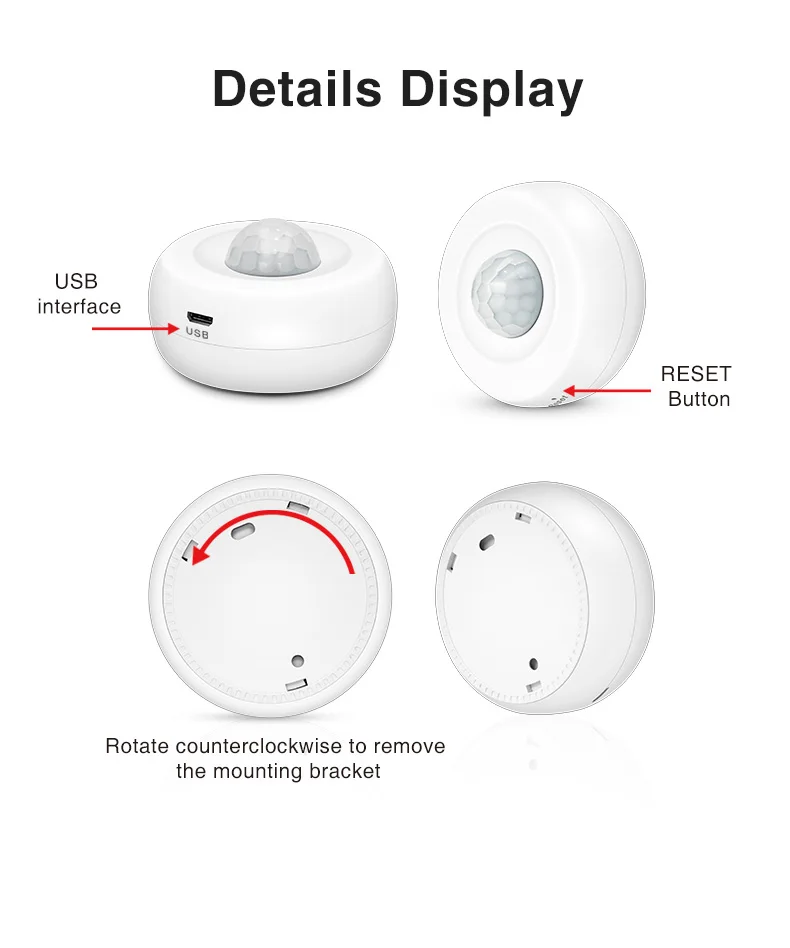
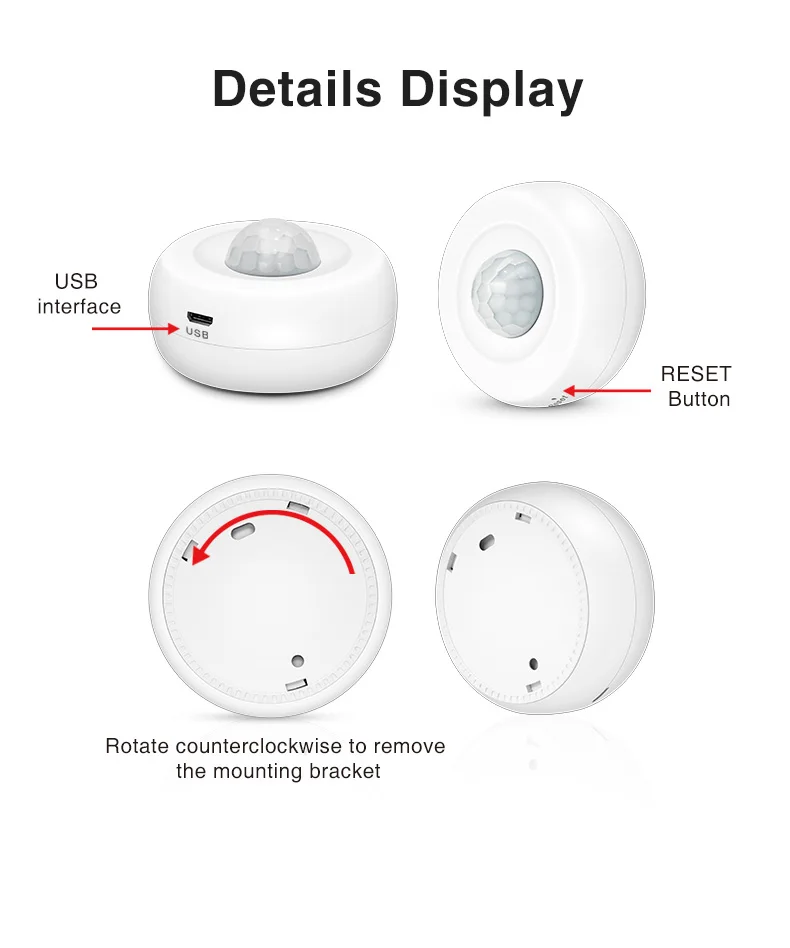
1. According to the arrow indication on the case, open the mounting bracket and load the battery, the indicator is always on for one second and goes out.
2. Download Tuya Smart App in application store, or scan the below QR code ( Zigbee sensors can’t work alone, have to pair to tuya zigbee gateway to work )
3. Adding gateway successfully, click gateway to enter gateway app interface. Click ‘Add sub-device’. Use card-PIN to hold ‘RESET’ for more than 5 seconds till the indicator of PIR motion sensor flashing quickly. App will search nearby device waiting for adding. This adding will take about 25 seconds till the indicator of PIR motion sensor turns ON all the time, and APP interface will display the added PIR motion sensor. Click ‘DONE’ to enter PIR motion sensor’s App interface
4. Adding successfully, click ‘DONE’ to enter the PIR motion sensor APP interface. * Re-power the PIR Motion Sensor, initializing successfully in 3 seconds, the indicator of PIR motion sensor is ON, App notification ‘Someone Detected, Please attention!’ * The PIR motion sensor will be triggered every 30 seconds. If someone is within PIR motion sensor’s detecting area all the time, it won’t be triggered every 30 seconds; And can be triggered again every 30 seconds after someone is out of the range
Detailed Images




Certifications
Factory Image

Contact us

We Recommend
New Arrivals
New products from manufacturers at wholesale prices