
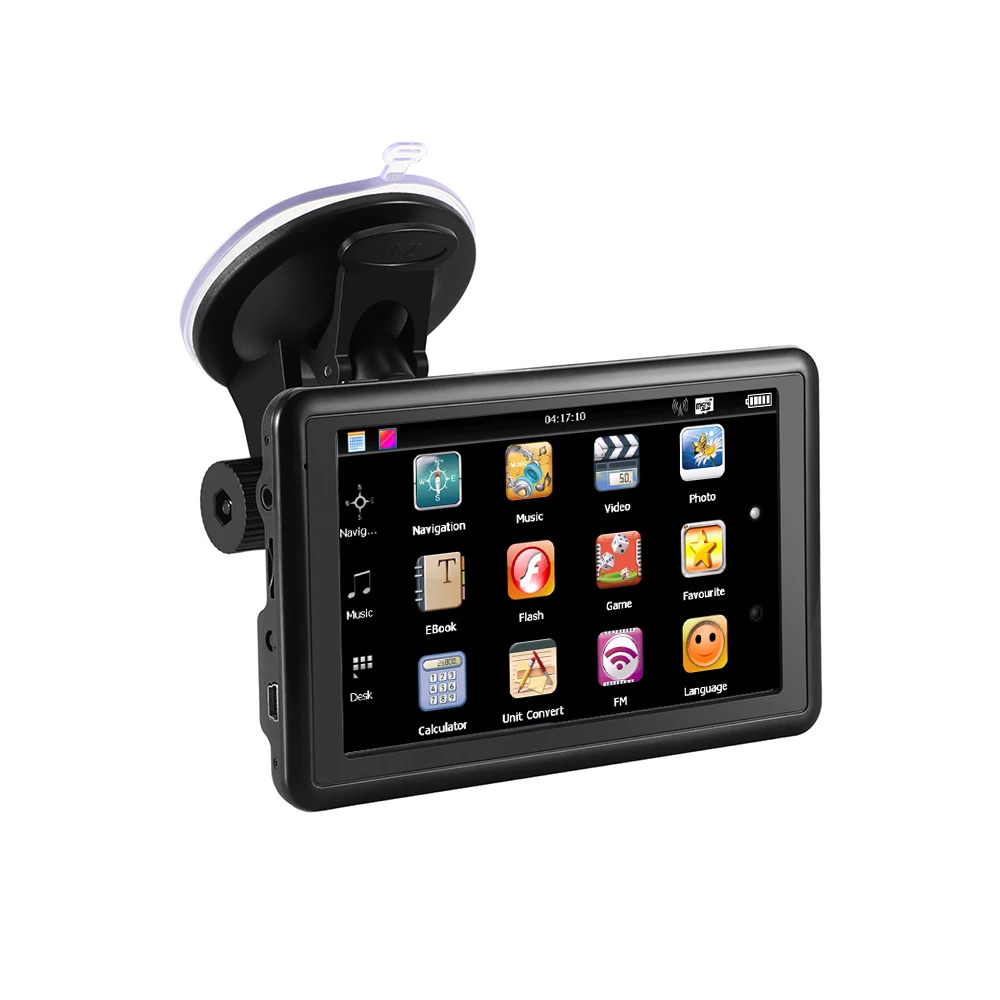
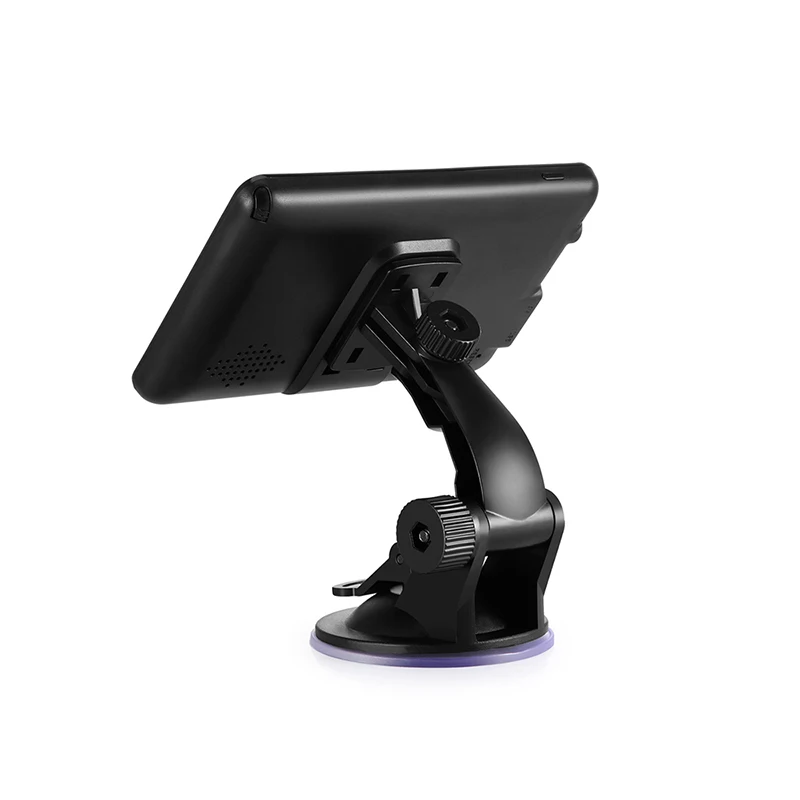
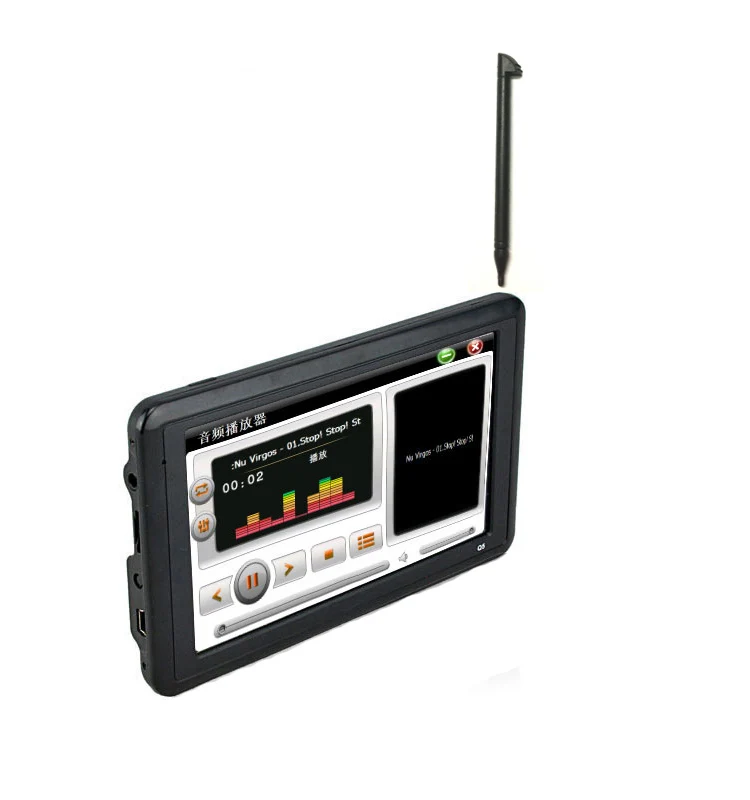
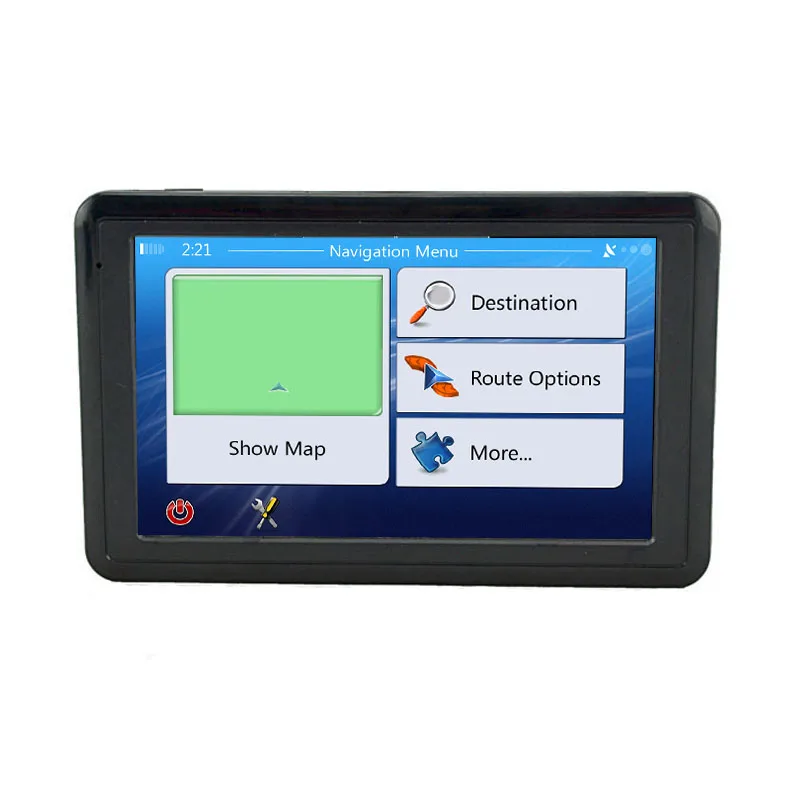
2022 SAT NAV 7/5 Inch HD gps tracking machine navigator mini gps navigation Q5
- Category: >>>
- Supplier: Shenzhen Quectrix Technology Co. Ltd.
Share on (1600543182194):
Product Overview
Description
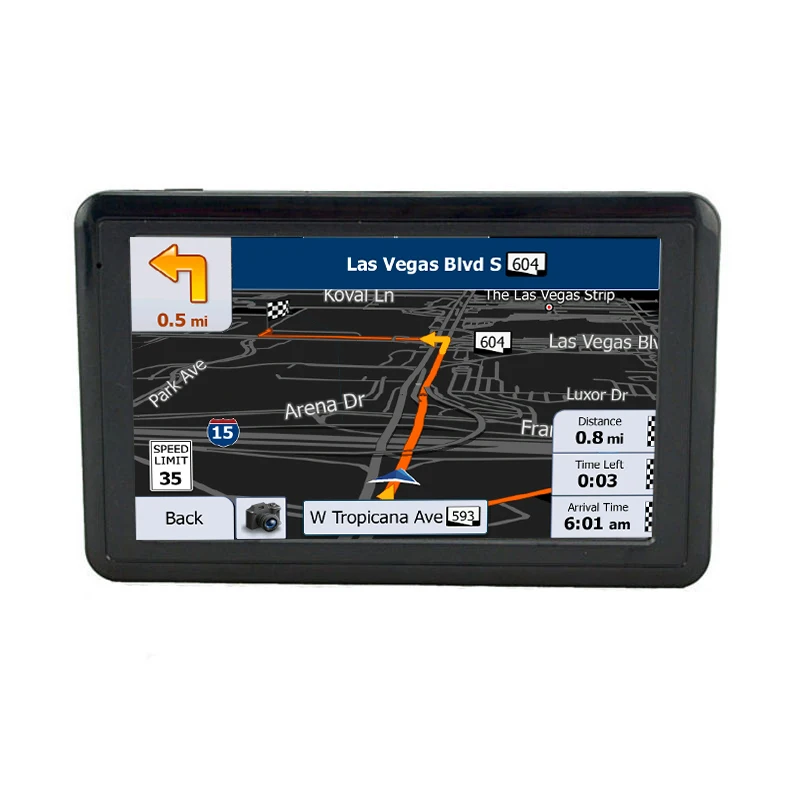
Q5 is a small size gps navigator, the voice and music will be directly sent to the car speaker+ 3D navigation+music+video
Parameters
| MODEL | Q5 |
| OS | Windows CE6.0 |
| CPU | MST2531 800MHZ |
| Display | 5inch TFT Touch Screen, High Bright Screen |
| Resolution | 800*480pixels |
| RAM | SDRAM 128MB |
| ROM | 8GB Memory |
| Storage | Support TF maximium 32GB |
| FM | Support |
| GPS | Support |
| Connection | miniUSB2.0 / TF Card Slot / 2.5mm Stereo Earphone Jack |
| Entertainment | Game / Movie / Music / Photo Album |
| Language | Russian,English,French,Spanish,Italian,Portuguese,German,Hebrew,Dutch,Swedish,Turkish,Polish,Finnish, Lithuanian,Norwegian,Serbian,Bulgarian,Hungarian,Estonian,Indonesian, Azerbaijani,Ukrainian,Slovak,Slovenian |
| Power Supply | Wall Power Adapter, Car Adapter. Computer via USB |
| Battery | 1200mAh, Duration: 1hour |
| Map | Support |
Supportmulti-Language: Russian,English,French,Spanish,Italian,Portuguese,German,Hebrew,Dutch,Swedish,Turkish,Polish,Finnish,Lithuanian,Norwegian,Serbian,Bulgarian,Hungarian,Estonian,Indonesian,Azerbaijani,Ukrainian,Slovak,Slovenian


FAQ
Q:Why i can’t turn it on ? I‘m charging it ?
A:don't use mobile phone charger or USB cable,
Please use the original car charger
Q:Why the battery can’t use long?
A:Usually,the battery can use about 1 hour,the battery just for the emergency use,most of time,when driving will connect the car charger to car.
Q:How can I put the Post Code?
A:Please try to do like:Navigation—Find—Find Address—Select United Kingdom--<City Name>(there’s gray pane<Enter Name/Zip Code>)Such as(OL12 9SG),click OL12 “Space” 9SG.
Q: Why the Map freeze and the device reminder 'program memory is low?
A: Because the map file damage or lose. Please re-download the newest map. Go to our company website - download the newest map - use a USB cable connect the device to your compute - delete the original map - download to map.
Q: When I click Navigation Icon, it has nothing happen, can’t enter the map?
A: Please set the Navi Path: Navi Path—Navigation Path—Resident Flash or sdmmc, set step by step, until it shows “.exe”, if still can’t set, please contact us!
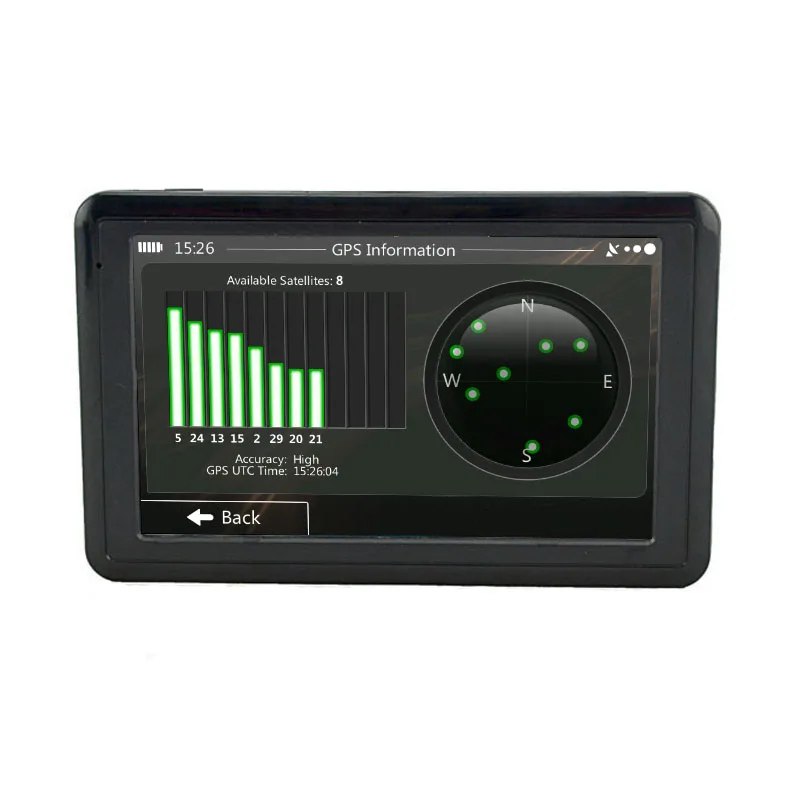
Q: Why it can't receive the satellite signal?
A: please go to an open area to receive signal.
Q: The GPS has no sounds?
A: Please turn off the FM.
We Recommend







New Arrivals
New products from manufacturers at wholesale prices






