Nanxin nebula projector alexa star sky led laser galaxy projector light lamp for kids adults bedroom ceiling
- Category: >>>
- Supplier: Shenzhen Nanxin Technology Co. Ltd.
Share on (1600543505954):
Product Overview
Description
Products Description
Product View

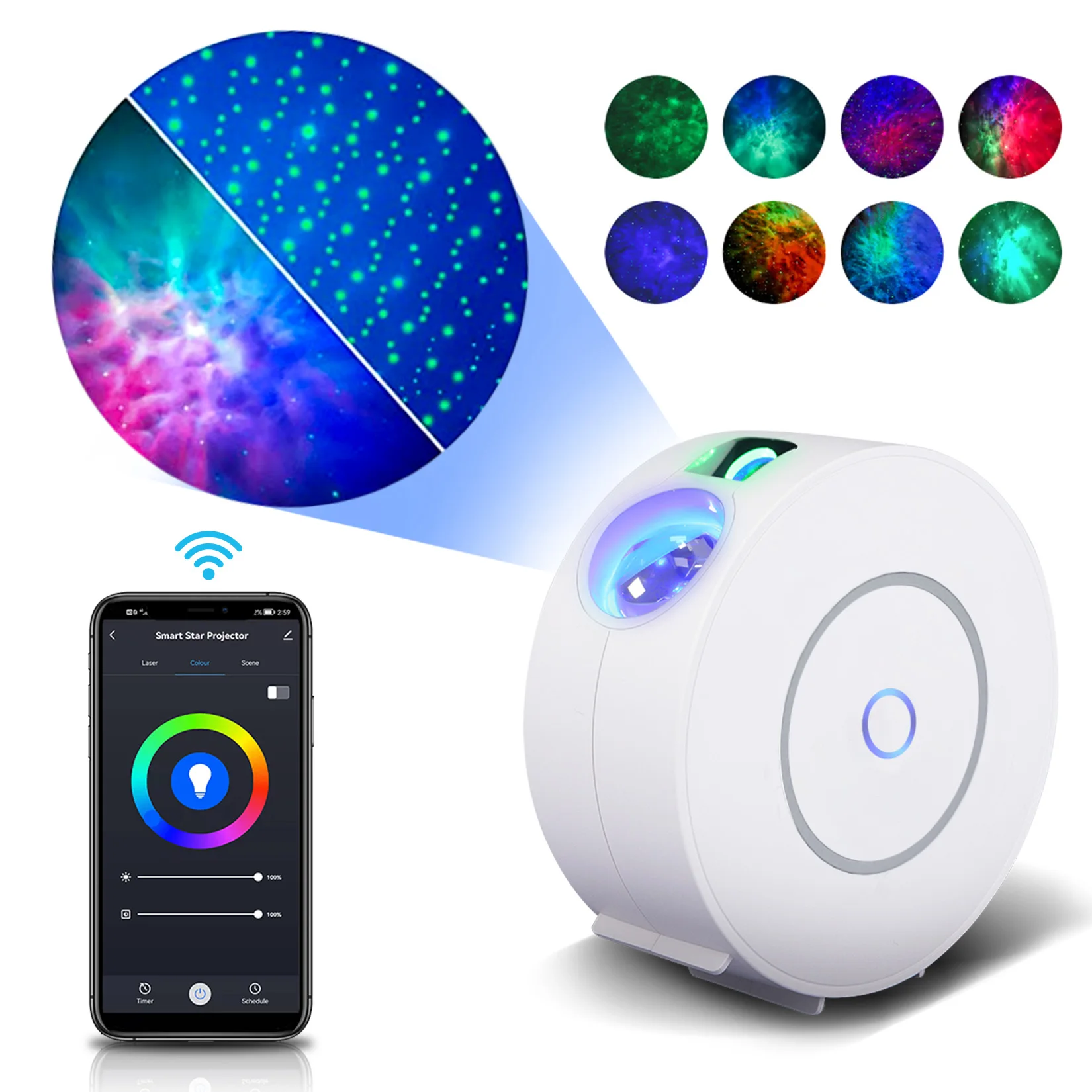
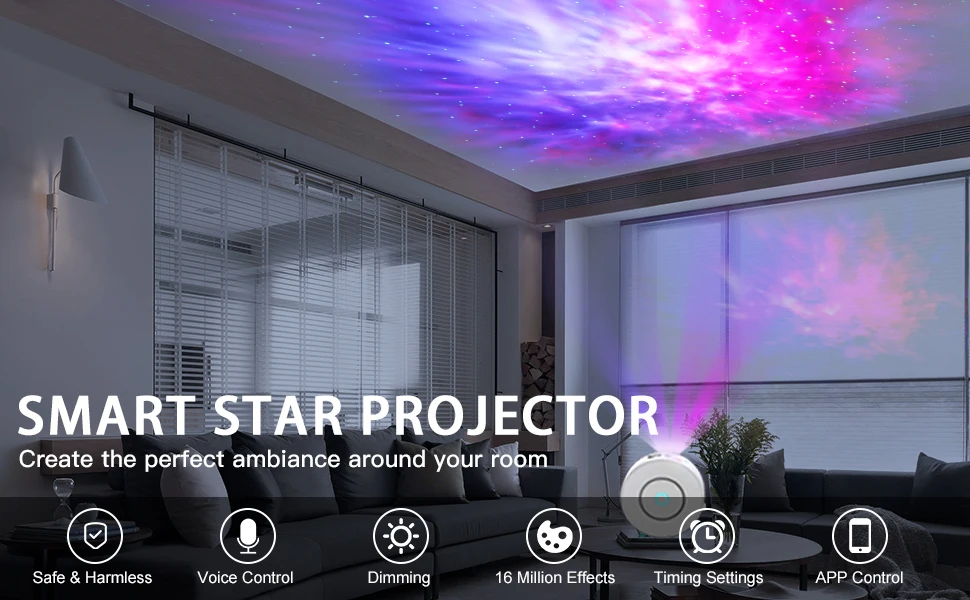
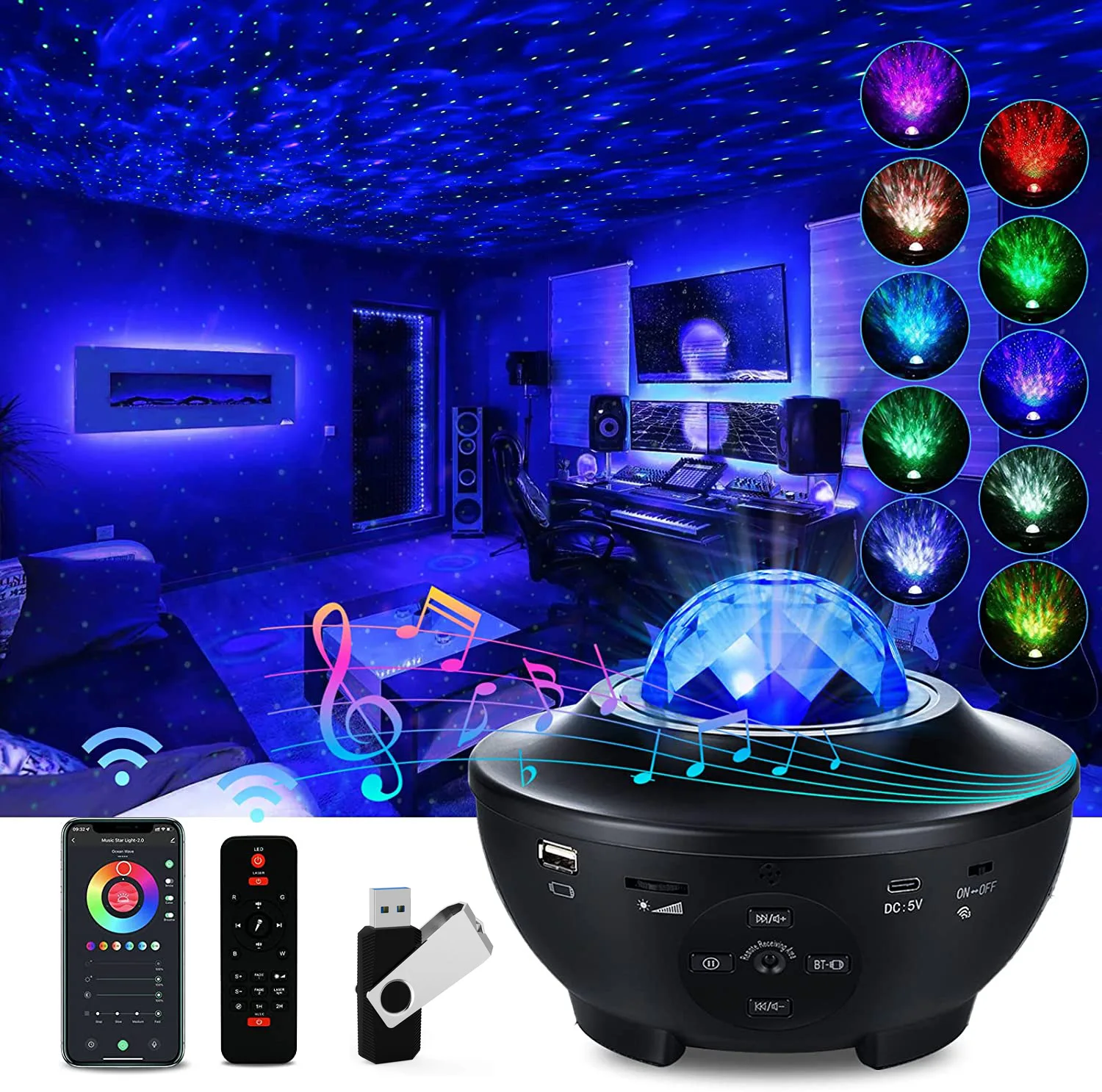
Star Projector
1.Power Input:100~240V AC
2.Power Output: <1 mW per beamlet
3.Classification of lasers:Class 1
4.Work Temperature:14℉~95℉(-10~40℃)
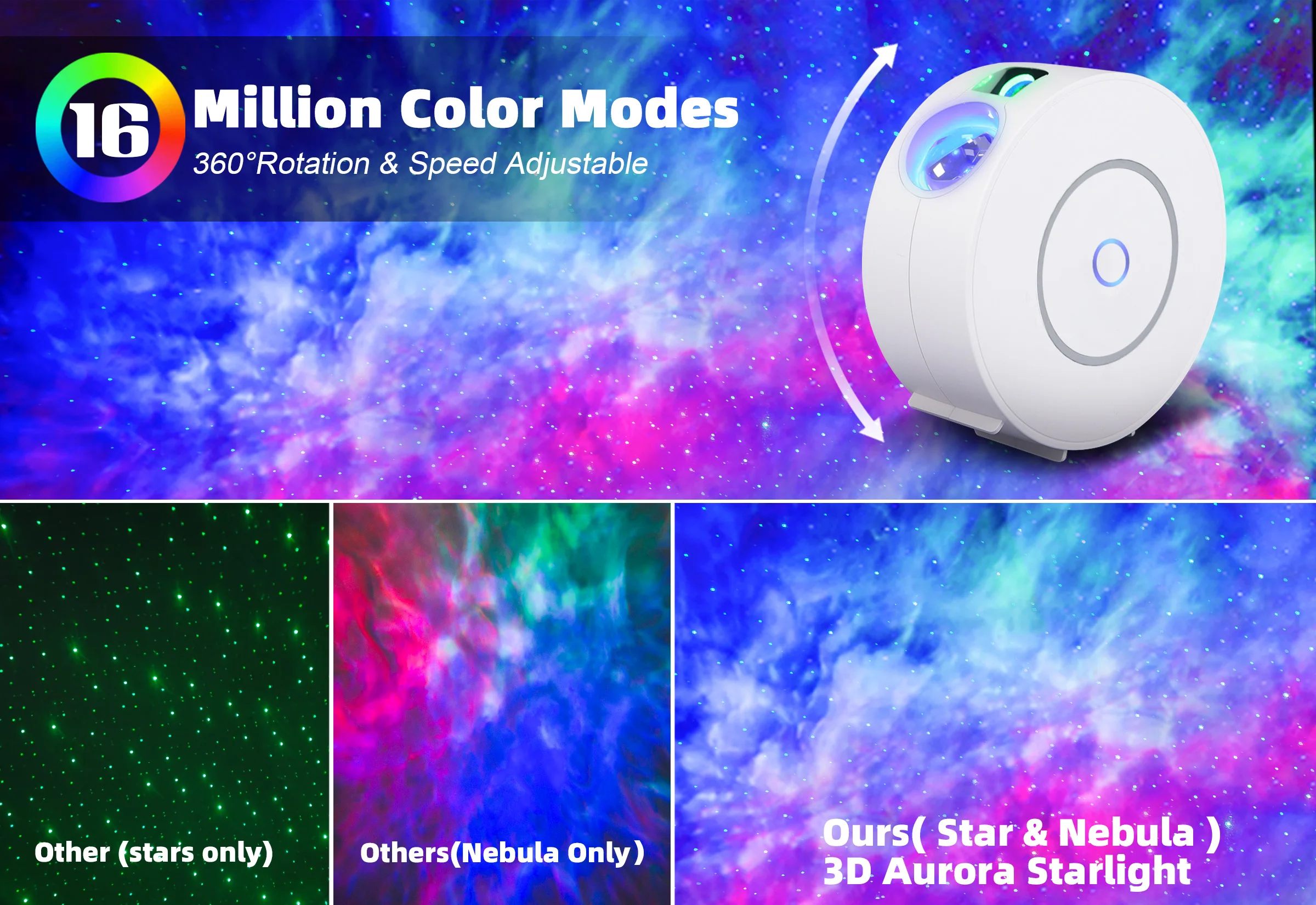
5.Nebula color:Colorful,450nm
5.Nebula color:Colorful,450nm
6.Laser color:Green,515-520nm/Blue,450nm 7.Shell Material:Flame Retarding V0 Class ABS
8.Quantity: 20 pcs/ ctn
9.Product Size ( mm): 164L *71W* 169H
10.Net weight: 0.5kg Cable: 1.8m
11.Application : Indoor ( Home / Coffee / Bar / motor homes)
12.Control by : Amazon Alexa, Google Home , APP
12.Control by : Amazon Alexa, Google Home , APP
Product Feature

• Wi-fi enabled
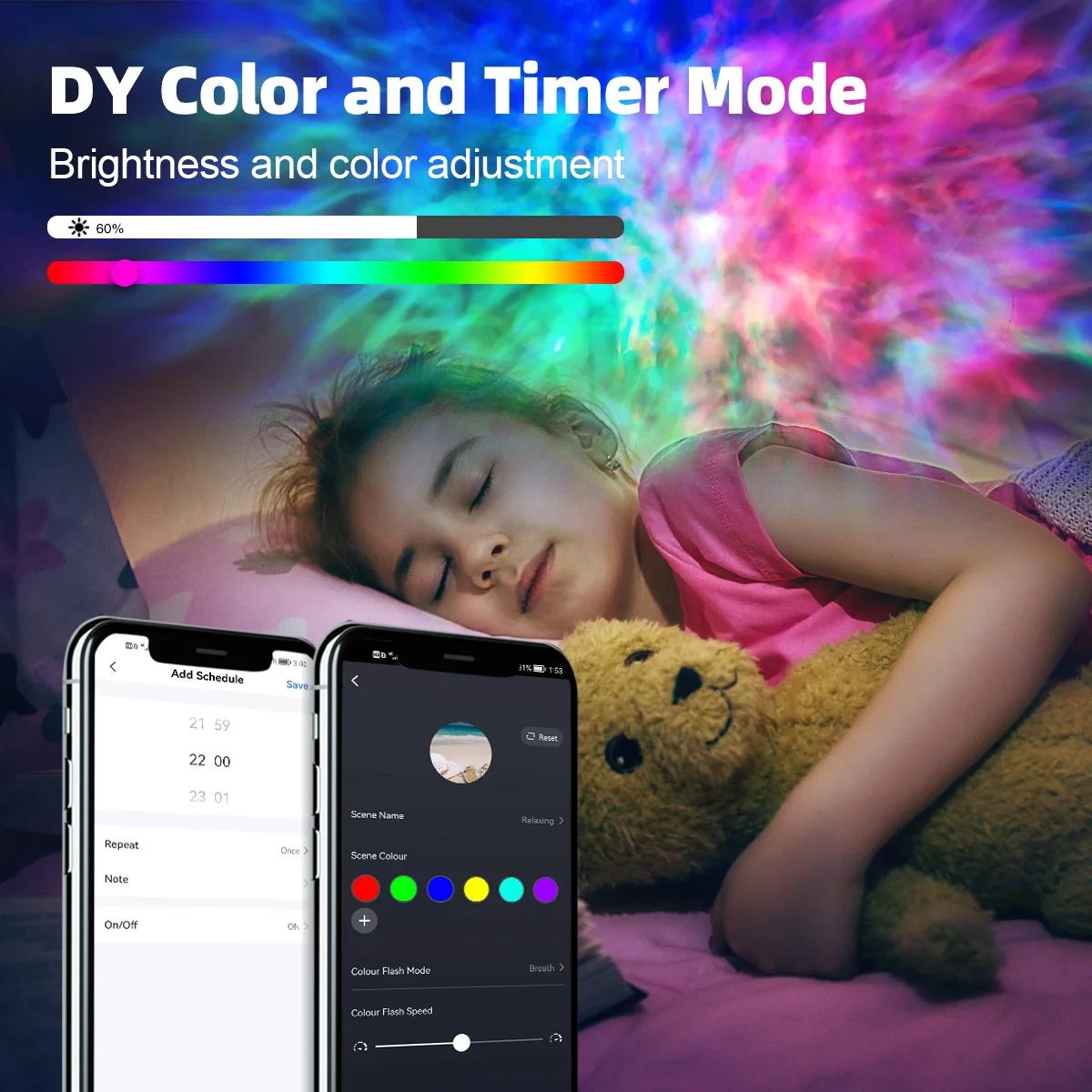
• Mobile remote control
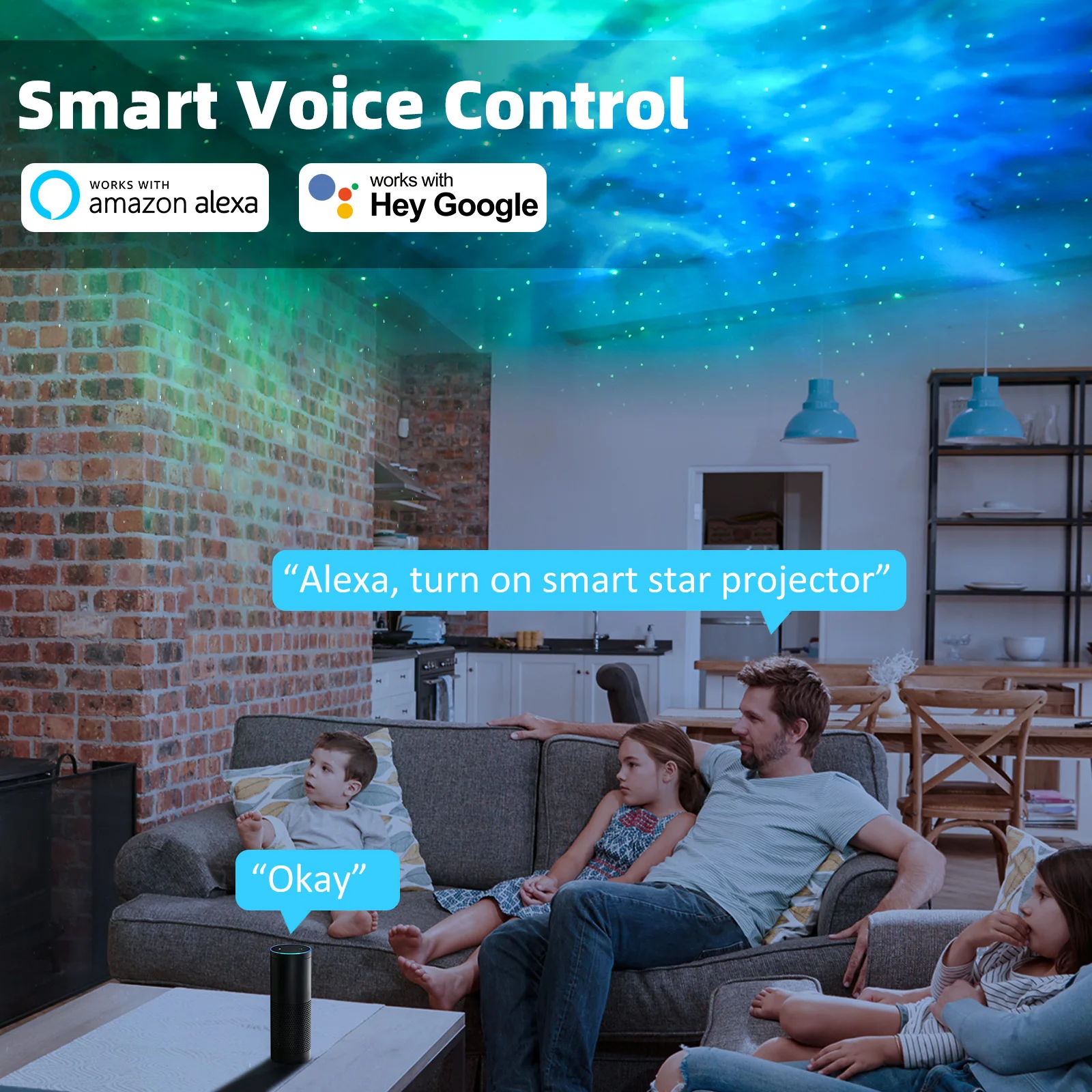
• Voice control
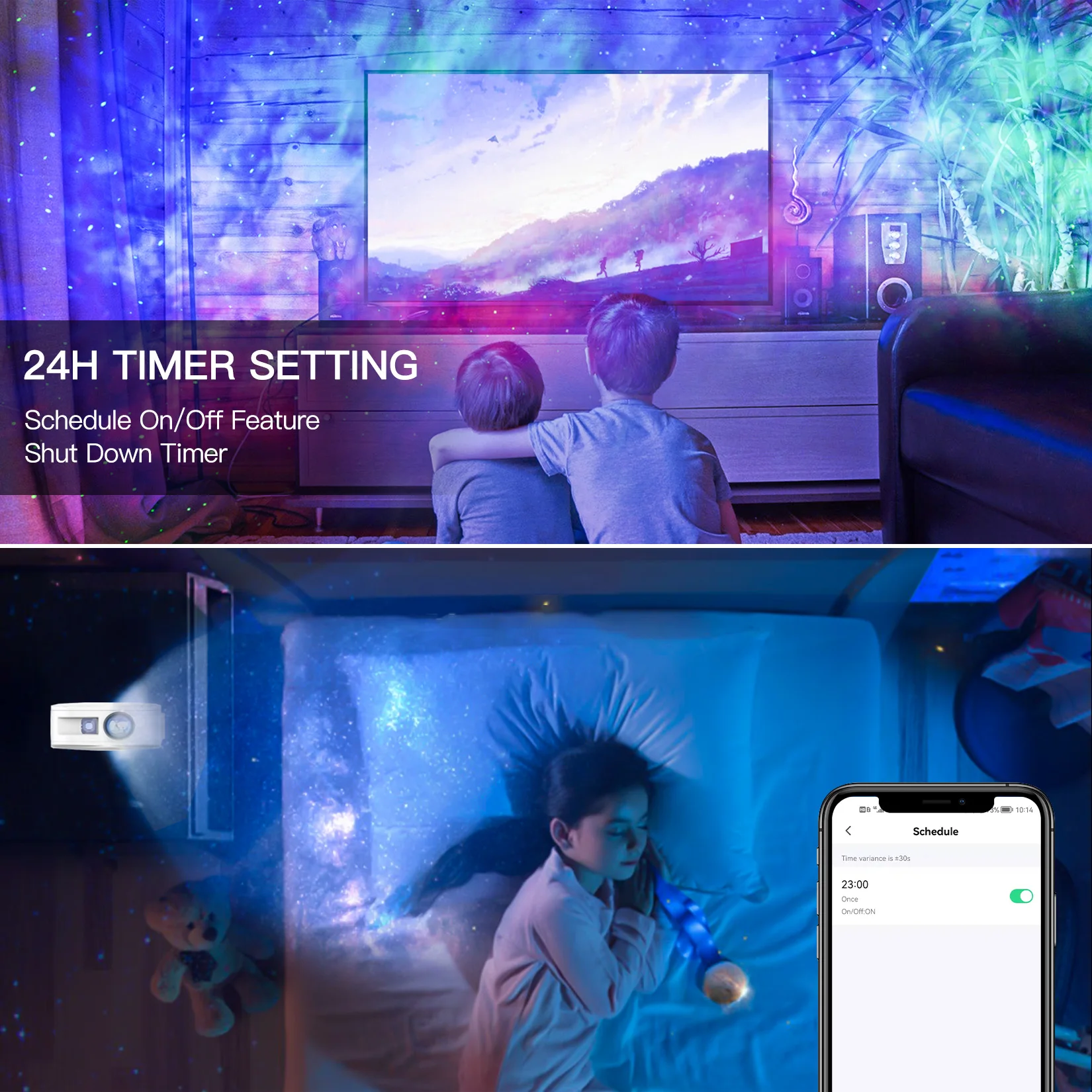
• Set Schedules / Timers
• Countdown
• Sharing
• Device Sharing
• Multi angle adjustment
• Multi scenario application
• Compatible with Alexa Goodle assistant
Company Profile


Product Category

Certifications&Exhibition

Packing&Shipping

Inner packing | ||
Material | color box | |
Size(cm) | 25.5*23*8 | |
Cross Weight(KG) | Cross Weight(KG) | |
Outer packing | ||
Material | standard carton | |
Inner Size(cm) | 45*41.5*42.5 | |
Quantity | 20pcs/CON | |
Gross Weight(KG) | 16.5 | |
20GP | 315 Cartons(max) | |
40GP | 630 Cartons(max) | |
FAQ

1.What should I do if I can’t turn off or turn on the Smart Star Projector?
---Make sure your cellphone and the Smart Star Projector are connected to the same WiFi connection.
2.What should I do when the configuration fails?
---Check whether the Smart Star Projector can turn on or not; Check whether the available internet network is the 2.4GHz frequency; Check your internet connection, whether it works properly.
3.How can I share devices with my family members?
---Open the Smart Life application, select “profile” >“Devices Sharing”>“Sent” select “Add Sharing”, now you can share with your family members.
4.Can this APP be used on any type of mobile phone? How far can I control it?
--Yes, the APP can works with both android &IOS systems. Once connected to the Internet, there is no distance limitation.
5.Can I control the devices with a 2G/3G/4G connection?
---The Smart Star Projector devices must be registered first on a WiFi network, after you have successfully connected it, then the Smart Star Projector devices can be controlled by your Smart Phone with 2G/3G/4G networks.
6.Will it cause a fire or other safety hazard to stay open all night?
---No, it will be safe to stay open all night.
2.What should I do when the configuration fails?
---Check whether the Smart Star Projector can turn on or not; Check whether the available internet network is the 2.4GHz frequency; Check your internet connection, whether it works properly.
3.How can I share devices with my family members?
---Open the Smart Life application, select “profile” >“Devices Sharing”>“Sent” select “Add Sharing”, now you can share with your family members.
4.Can this APP be used on any type of mobile phone? How far can I control it?
--Yes, the APP can works with both android &IOS systems. Once connected to the Internet, there is no distance limitation.
5.Can I control the devices with a 2G/3G/4G connection?
---The Smart Star Projector devices must be registered first on a WiFi network, after you have successfully connected it, then the Smart Star Projector devices can be controlled by your Smart Phone with 2G/3G/4G networks.
6.Will it cause a fire or other safety hazard to stay open all night?
---No, it will be safe to stay open all night.
We Recommend
New Arrivals
New products from manufacturers at wholesale prices







