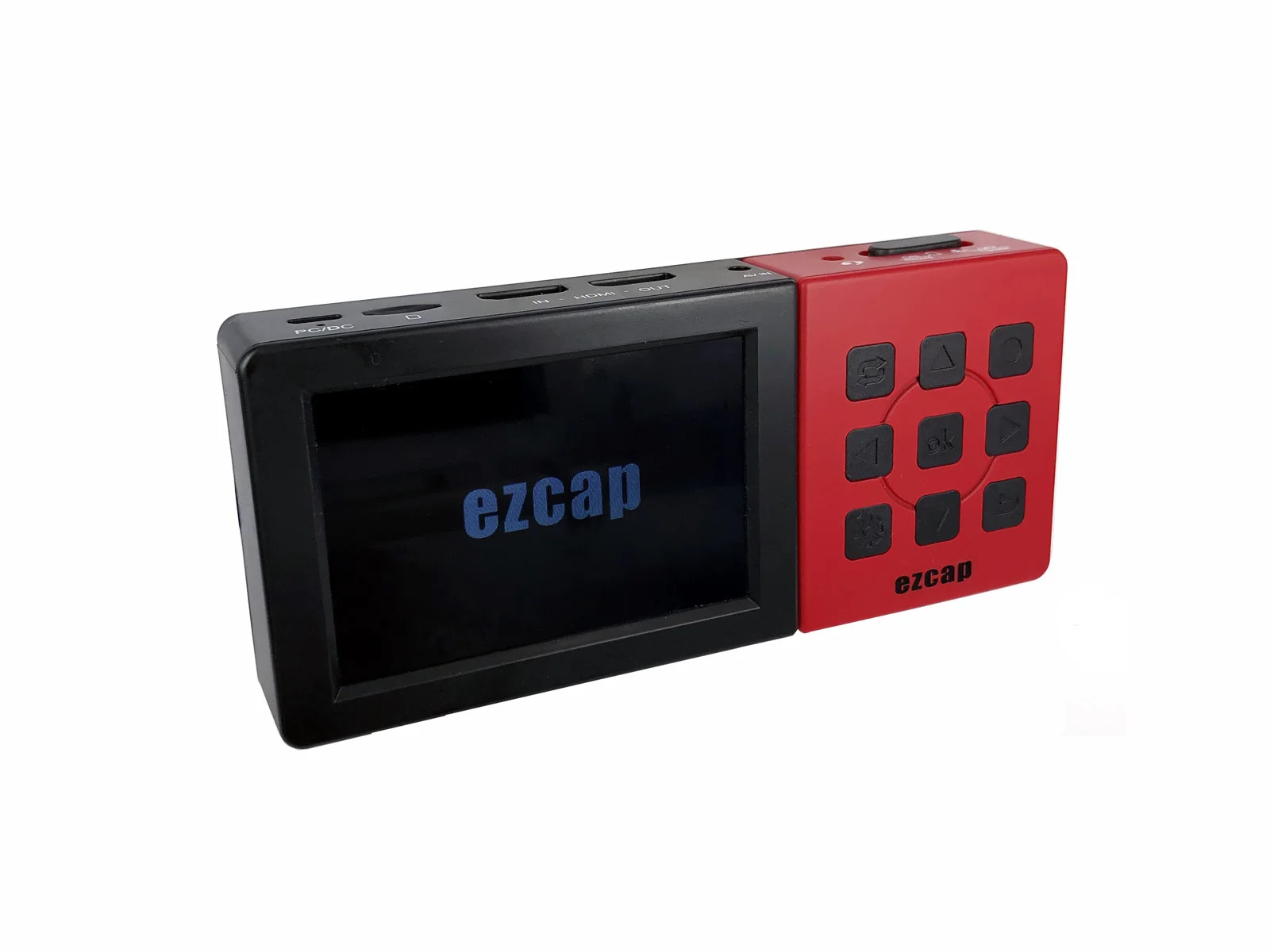
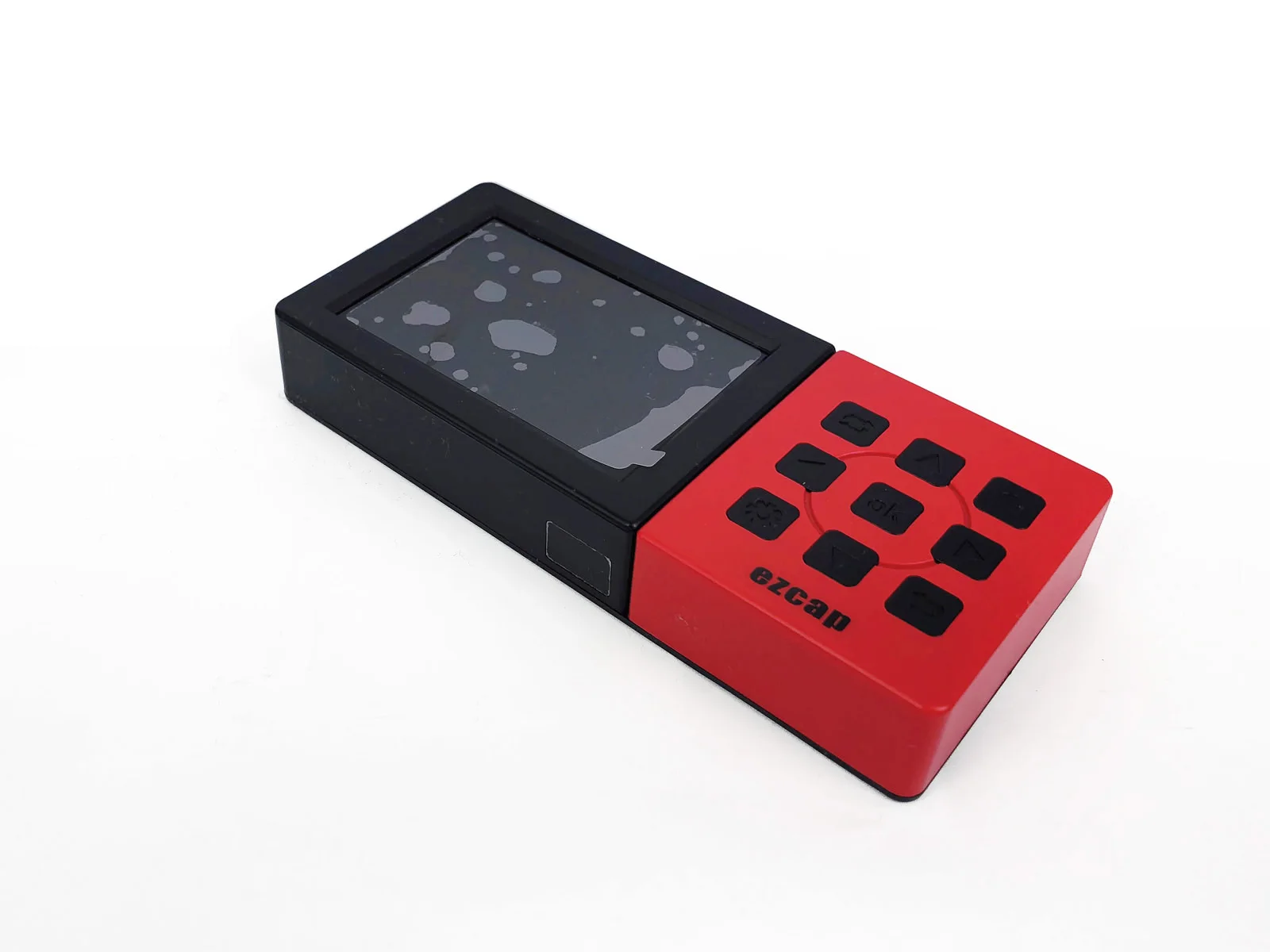
Ezcap273A портативный автономный 1080P 60fps HDMI AV аналоговый видеорегистратор с экраном HD карта захвата
- Category: >>>
- Supplier: Shenzhen Forward Video Technology Co. Limited
Share on (1600548647582):
Product Overview
Description
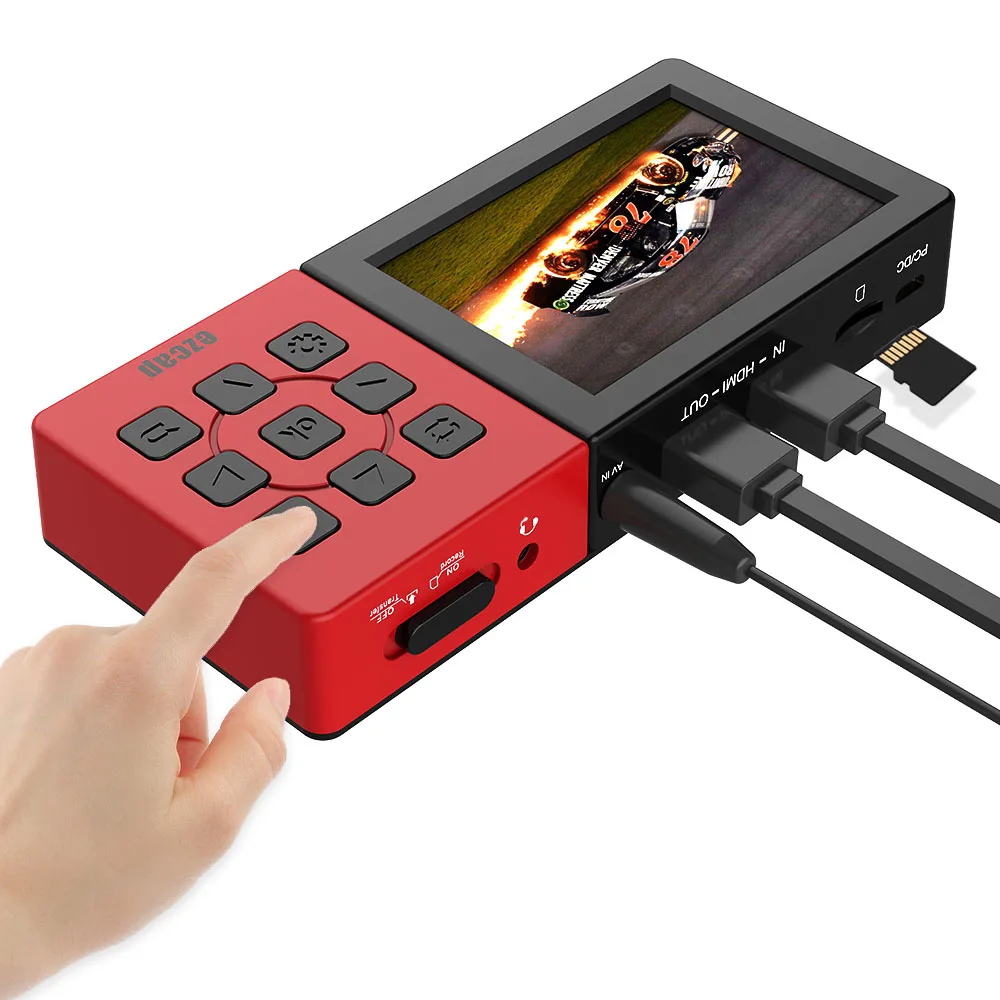
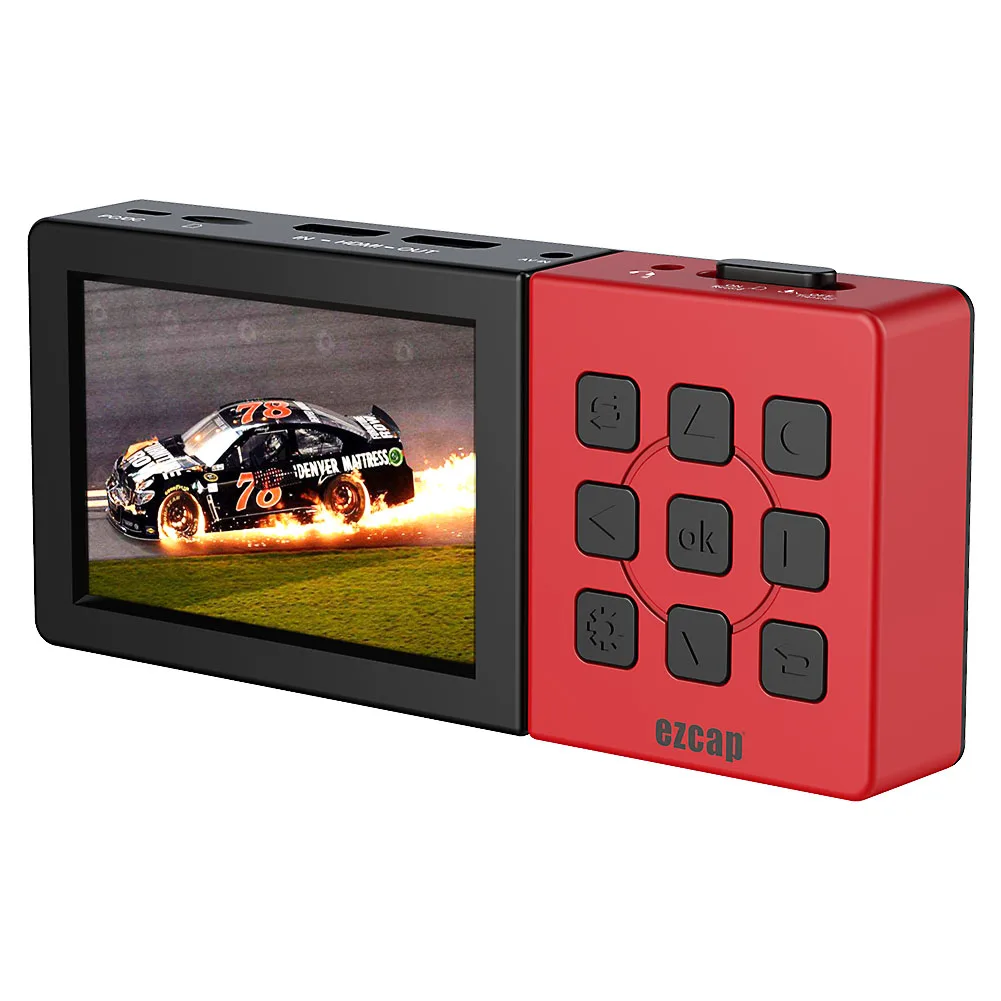
ezcap273A 3.5" screen AV HDMI 1080P 60fps Game Video Capture Portable Standalone HD HDMI Video Recorder Directly Save into Micro SD Card (TF Card.)
Main funcitons:
*Record 1080 60fps HD Video and storage into Micro SD Card directly.
*Standalone, no need PC.
*HDMI input& AV Video input,with HDMI Pass through.
*With 3.5 inch screen for preview & playback.
*Support microphone mixer and Snap shot function.
*Built-in Battery.
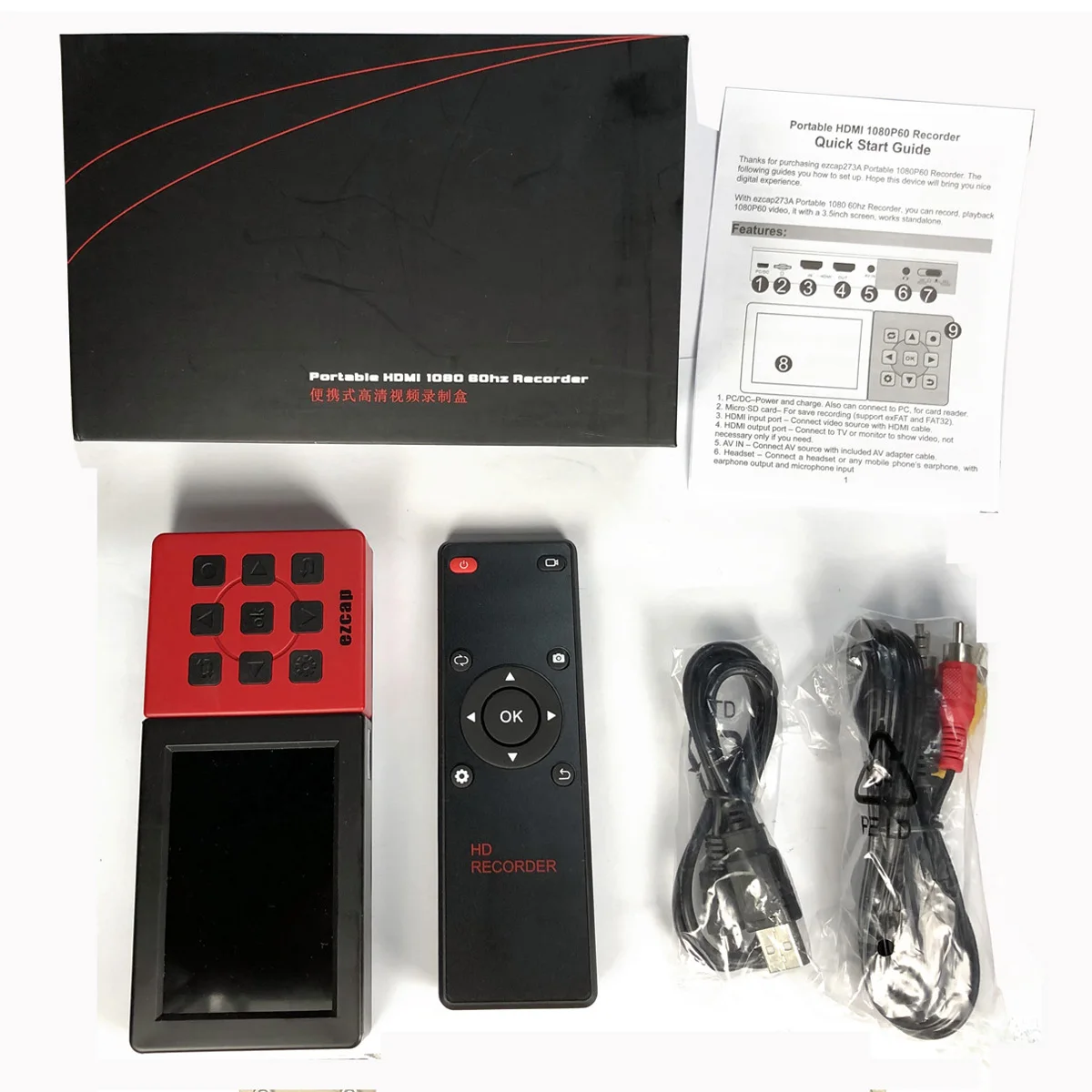
*With Remote control.


Portable HDMI 1080P60 Recorder
Quick Start Guide
Thanks for purchasing ezcap273A Portable 1080P60 Recorder. The following guides you how to set up. Hope this device will bring you nice digital experience.
With ezcap273A Portable 1080 60hz Recorder, you can record, playback 1080P60 video, it with a 3.5inch screen, works standalone.

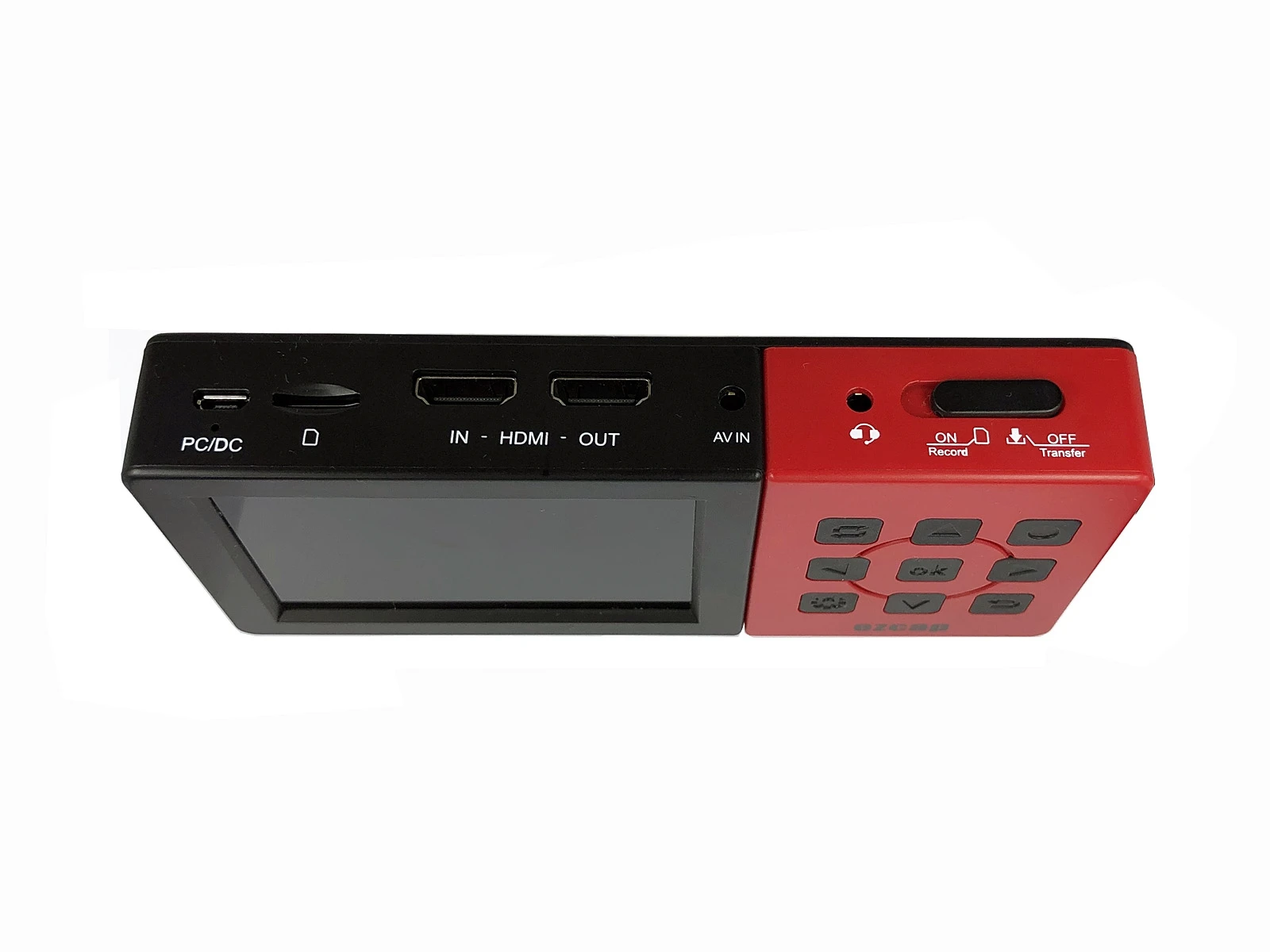
1. PC/DC–Power and charge. Also can connect to PC, for card reader.
2. Micro SD card– For save recording (support exFAT and FAT32).
3. HDMI input port – Connect video source with HDMI cable.
4. HDMI output port – Connect to TV or monitor to show video, not necessary only if you need.
5. AV IN – Connect AV source with included AV adapter cable.
6. Headset – Connect a headset or any mobile phone’s earphone, with earphone output and microphone input
7. Switch:
 STANDALONE MODE – Device works at standalone mode (record video to Micro SD card)
 DOWNLOAD (CARD READER) MODE- When connect to PC (with USB cable) and the switch at this option, can download video from Micro SD card.
Or if you only connect USB cable to a DC adaptor, switch to this option means power off the device
8. Mornitor
9. Buttons:

MODE – Switch between Record and Playback mode
Snapshot – take a photo when preview or recording video.
Pause – Pause and play when playback video.

10. Reset
Works Standalone---Record video to Micro SD card
1. First of all, the device need be charged. Or plug DC cable (USB micro) to work.
2. Switch to standalone mode (middle) to turn on device
3. Plug HDMI source to “HDMI IN” port, should see the video previewing on screen.
* Please plug Composite video source (CVBS) to “AV IN” with included AV adapter cable if you need to record video from composite video source, and should see the video previewing on screen. Please don’t plug HDMI IN and AV IN at the same time, and the default setting is HDMI IN if plug both of them. The operations of recording from composite video source is same as from HDMI source except insert the video source signal, so we don’t describe it separately.
4. Plug HDMI OUT port to TV if you need
5. Plug a Micro SD card (FAT32 or exFAT format) with enough space
 13. When playback, use up/down can set the volume
14. When playback, use prev/next button to Rewind or Fast Forward

If device went to dead, use a needle (stick) press the “Reset” key first, then switch device to “PC” or “card reader” mode then back to turn it on.

Switch to “Download (Card Reader)” mode and connect to computer, you can copy the recorded file out.
Remote controller:

1, Power ON/OFF
2, RECORD – Press to record, again to stop (at record mode)
3, MODE – Switch between Record and Playback mode
4, SNAPSHOT—Take a still image by press
5, Direction—To work with menu
6, Menu—Setup
7, Return—Back
Specifications:
Connections | |
Interface | USB 2.0 |
Video Input | HDMI, Composite video (3.5mm jack) |
Audio Input | HDMI, Microphone input (3.5mm jack, TRRS CTIA), L/R stereo audio (3.5mm jack from composite video) |
Video Output | HDMI, 3.5 inch TFT |
Audio Output | HDMI, Speaker, Earphone out (3.5mm jack, TRRS CTIA) |
Hardware Extra | |
Dimensions | 150*66.5*23 mm |
Weight | 180g |
Package Contents | |
Device | ezcap273A |
Others | USB Cable, manual, Remote Controller, AV adapter cable |
Standards | |
Resolution | Input / Pass-through: 720 x 480 (60p), 720 x 576 (50p), 1280 x 720p(60p), 1920 x 1080 (50i), 1920 x 1080 (60i), 1920 x 1080 (50p), 1920 x 1080 (60p) |
Capture: 720 x 480 (60p), 720 x 576 (50p), 1280 x 720p(60p), 1920 x 1080 (50p), 1920 x 1080 (60p) | |
Record Quality | Max 22Mbps@1080P 60fps |
Record Format | h.264 mp4 |
Max File | 3.8GB |
Battery | 3000mAh, 3 hours playing, 1.6 hour recording. |
DC | 5V 2A |


We Recommend







New Arrivals
New products from manufacturers at wholesale prices