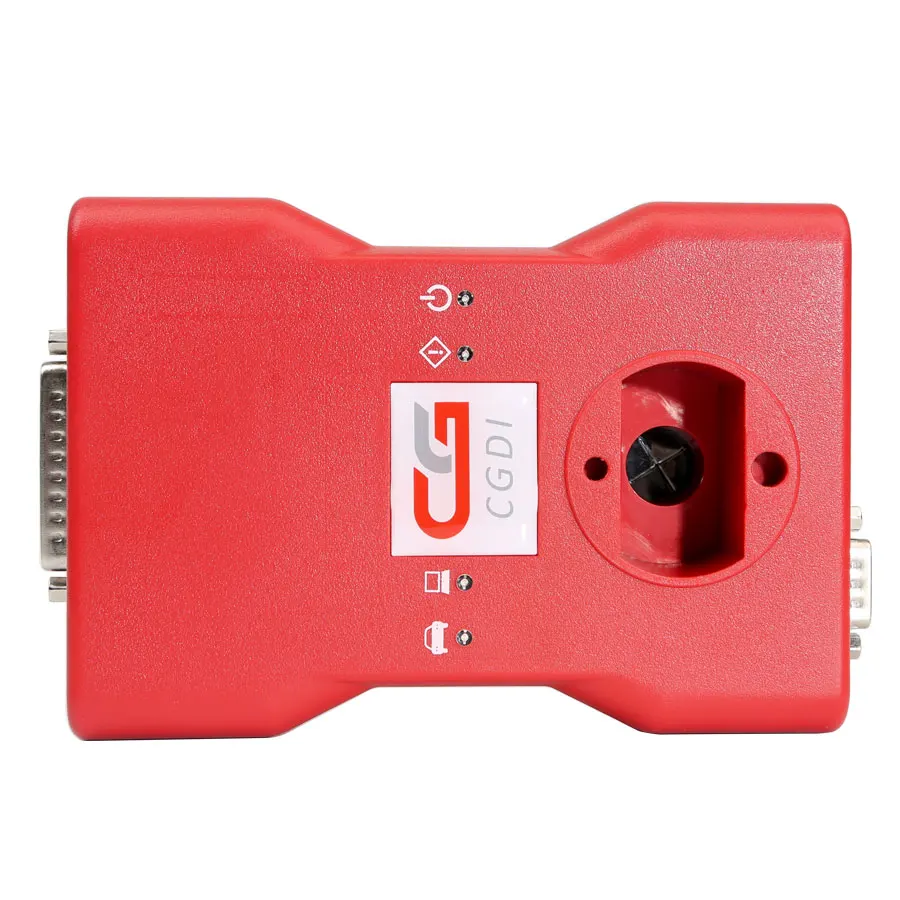
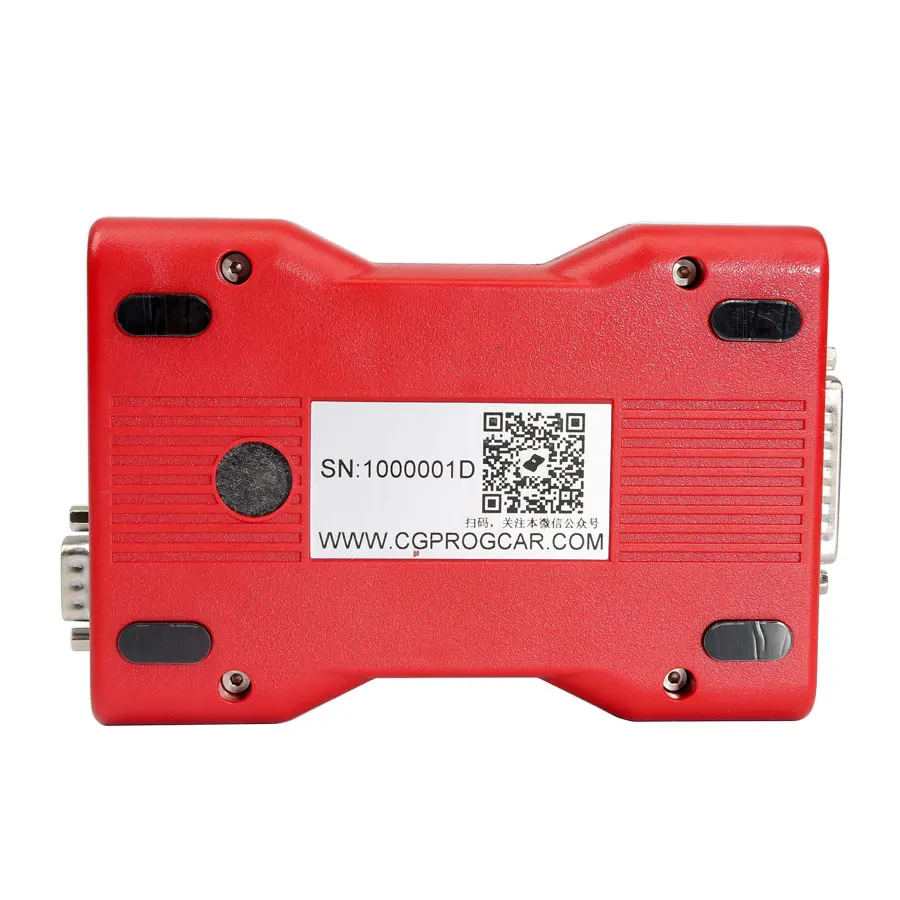
MSV80 Auto key programmer Diagnosis tool MMO Security 3 in 1 Newly Add FEM BDC Function CGDI Prog for BMW
- Category: >>>
- Supplier: Shenzhen chezhihui Trade Co. Ltd
Share on (1600566907593):
Product Overview
Description
Products Description
CGDI Prog MSV80 For BMW CGDI Prog Car Key Programmer
Top 8 Reasons To Get CGDI for BMW:
1. High technical tool which mainly support for BMW Auto diagnose, programming and security maintenance 3 in 1.
2. Support 20 Free Authorizations:
CAS1-3+ Key Match, CAS4 Key Match, Normal Mode Read ISN, Bootstrapper upgrades, FEM/BDC Key Match, CAS3 Key Match, for BMW F Series Program, for BMW Enable/Disable Key, for BMW F Series Coding, EGS Empty and Clone, CAS Mileage Reset, Porsche 987/911 key learning,
95128/95256 Read and Write, for BMW E Series Program, for BMW E Series Codification, Maserati Meter Mileage Adjustment, for BMW EWS Key Match, for BMW Diagnosis, ICOM Function, CAS4 Key Match(OBD).
Paid Authorizations:
For BMW Data modification and verification
B48 B58 read ISN MSD80 / 81 /85 /87 MSV90 read ISN and N13 / N20 / N55 /B38 read ISN

3. Software response fast, short time programming, and new breakthrough in operation safety and technical support.
4. Certification: CCC,CE,GS, CCC,CE,GS,ISO
5. Warranty:1 year
6. Free Update Online, please download software Here
7. Get Free Reading 8 Foot Chip Free Clip Adapter in Package
8. Language: Chinese, English, Spanish, French
(Polish, Turkish, Italian need to pay $130)
4. Certification: CCC,CE,GS, CCC,CE,GS,ISO
5. Warranty:1 year
6. Free Update Online, please download software Here
7. Get Free Reading 8 Foot Chip Free Clip Adapter in Package
8. Language: Chinese, English, Spanish, French
(Polish, Turkish, Italian need to pay $130)

CGDI MSV80 Car Key Programmer Support Module list for BMW:
1.for BMW CAS1/CAS2/CAS3/CAS3+/key increasing matching,KEY all lost matching,CAS computer replace,CAS3+/P4X above version can directly
downgrade by OBD in 5 minus 100% safety.
2.for BMW CAS4/CAS4+/Support key matching,support key all lost matching.
3.Support for BMW key inspection,can check key what status in.
4.Support for BMW engine computer DME replacement.
5.Support for BMW MSV80/MSD80/MSD85/series OBD read ISN code (no need to split computer when matching key) Exclusively support in
Domestic
6.Support for BMW Key unlock.
CGDI MSV80 for BMW Car Key Programmer CGDI Functions:
1.Update in real time,products updated in zero cycle time,support model added in real time.
2.for BMW CAS3/CAS3+Data repair--support change replace and split CAS computer,for BMW MSV80/MSV80.0/MSD80/MSD80.0/MSD85/engine change
computer,ISN code reading and writing.
3.Equipment security greatly enhanced, the hardware anti-crack,anti-software copy.CGDI Prog for BMW MSV80 Support Model list:
Model | Has key to match key | Without key to match | Read ISN code | Replace engine computer DME | FOR BMW Key unkock | Working time |
CAS1 | support | support | support | 1 minute | ||
CAS2 | support | support | support | support | 1 minute | |
CAS3 | support | support | support | support | 1 minute | |
CAS3+ | support | support | support | support | 1 minute | |
CAS4 | support | support | support | 30 seconds | ||
CAS4+ | support | support | support | 30 seconds |
CGDI Prog for BMW MSV80 Read MSV80 Specification:
Method 1: can read directly ISN code in the car,pls be assure car voltage is 12V above,directly connect OBD to operate--time about
5 minus.
Methods 2: can directly split engine computer (DME) to operate--connectline as follows:

MSV80/D80/D85/wiring in the experimental bench
CGDI for BMW Update Information:
CGDI for BMW Software V3.2.3.0 NEW (2022.05.13) Download Here
1.for BMW Data Repair: Added 'CAS3 Data Repair', Repair OBD downgrade failure data
2. N13/N20/N55/B38 Read/Write ISN: Fix 'Modify VIN'
3. Fix some bugs and optimize software performance
CGDI for BMW V3.2.2.0 (2021.08.30)
1. Added Italian version
2. for BMW EGS Change: Added 6HP(E) - Bench:
(1)Read EGS ISN, EGS status, Clear EGS ISN, Modify VIN, ECU reset
3. Fix some bugs and optimize software performance
CGDI for BMW Software V3.2.1.0 (2021.04.28)
1. for BMW EGS Change: Added 6HP(E):
(1)Read EGS ISN, EGS status, Reset adaptation, Modify VIN, ECU reset
(2)Some EGS supports 'Read EGS ISN': 7576211, 7572988, 7582344, 7582348, 7567223, 7567224, 7567406, 7568222, 7572416, 7573660,
7575795, 7575796, 7591972, 7605219, 7606220, 7591971, 7599827, 76071162. CAS Mileage Reset: Added 'Sync ELV'
3. N13/N20/N55/B38 Read/Write ISN:
(1)Added 'Modify VIN'
(2)Added type: EDC17C06, MEVD17.2.8
4. FEM/BDC Key Match: Add 00002419.082_010_030, 00002419.083_010_010 two versions of FEM/BDC with key
5.for BMW Diagnosis: updated version DIAG_4.28.12
6. Display optimization: for BMW Data Repair, CAS1-3+ Key Match(OBD), for BMW F/G Series Program
7. Technical support video update
8. Fix some bugs and optimize software performance
CGDI Prog for BMW MSV80 Software Update Guide:
Step 1. Receive message " There is a new version", click on "OK"
Step 2. Click on "Setting", then "Check for updates", waiting until the next dialog box appears.
Step 3. Checking local file.
Step 4. Detects a new file, click "Yes" to update.
Step 5. Downloading file.
CGDI Prog for BMW MSV80 Firmware Update Guide:
Step 1. Connect CGDI Pro device to the computer, open CGDI software.
Step 2. Click on "Setting" and then "Upgrade the firmware", waiting.
Step 3. Updating...
Step 4. CGDI programmer firmware update successfully, again click on "Upgrade the firmware".
Step 5. Get message reading "The version is already up to date without upgrading". Click on "OK".
Detail info about CGDI BMW MSV80 Software & Firmware Update pls visit Teah Support at the top section.
CGDI Prog for BMW Customer Feedback:
CGDI for BMW can reprogram EGS for 2009 BMW x5.
CGDI Prog for BMW supports for BMW 650i 2003 all key lost.
CGDI for BMW can read and write the ISN EWS egs for BMW M5 F10 dct gearbox 2013. Can read from DME and write into egs.
CGDI PROG for bmw f20 2014 mileage reset OK
Read ISN DME MSD80 OK 5WK93628
Excellent tool so far. no bricks or problems.
extremely fast for cas1, 2 & 3
for cas3+ if need downgrade 10 minutes and seems safe.
make sure you have proper power on the car
cas4 F10 - ok (new key)
cas4+ F10 - ok (new key) isn from org key or dump DME
fem/bdc F31 - ok - reset mileage, change isn, change vin, make keys with oryginal key and with dump from DDE
cas3+ E60- ok , downgrade and make key with isn from org key
You can reuse an old key and reprogram it, there is a button that says unlock key. I tried and worked with aftermarket key, did
not try on a original for BMW key to unlock(tested on e60 cas2)
and yes it is safe if downgrade for CAS3+.
Read ISN form MSV80 result OK
Read and write ISN cas 3 result OK
Did a 2008 E60 CAS3+ had to DOWNGRADE it took about 10min and programmed key successfully
Did a 2008 E60 528i it asked for Downgrade it took around 10min no error codes all perfect key works
Instructions for cas4 F10 key programming:
Cas4 can only be done by reading DFlash from Freescale cpu then load into programmer software and generate key. It can no ne done
by obd.
You need Xprog or VVDI Prog to read the dflash.
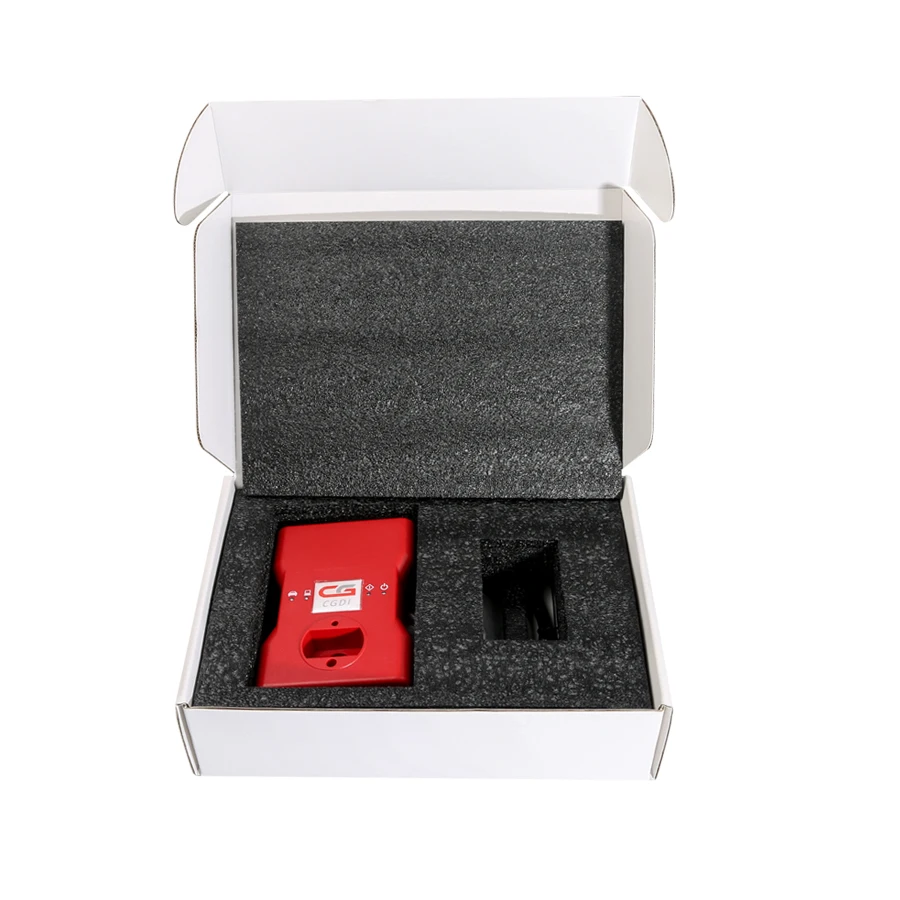
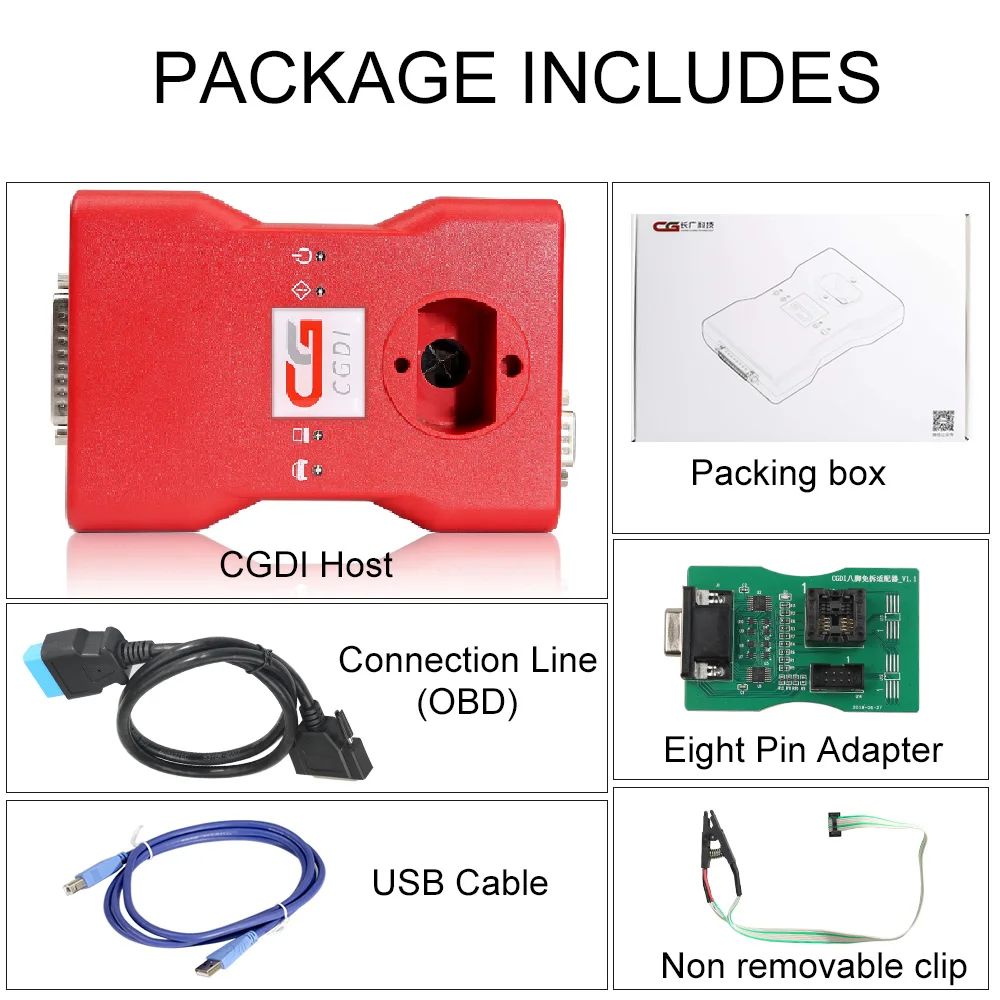
CGDI Prog for BMW MSV80 Package Includes:
1pc x CGDI BMW Host
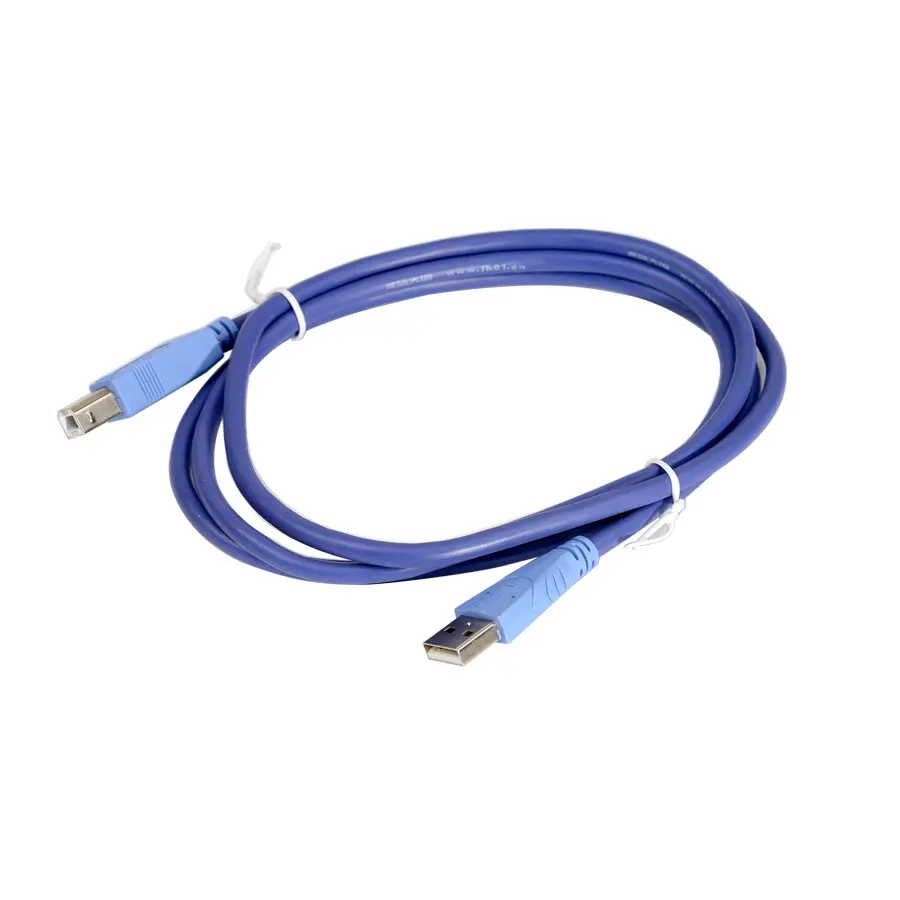
1pc x USB Line
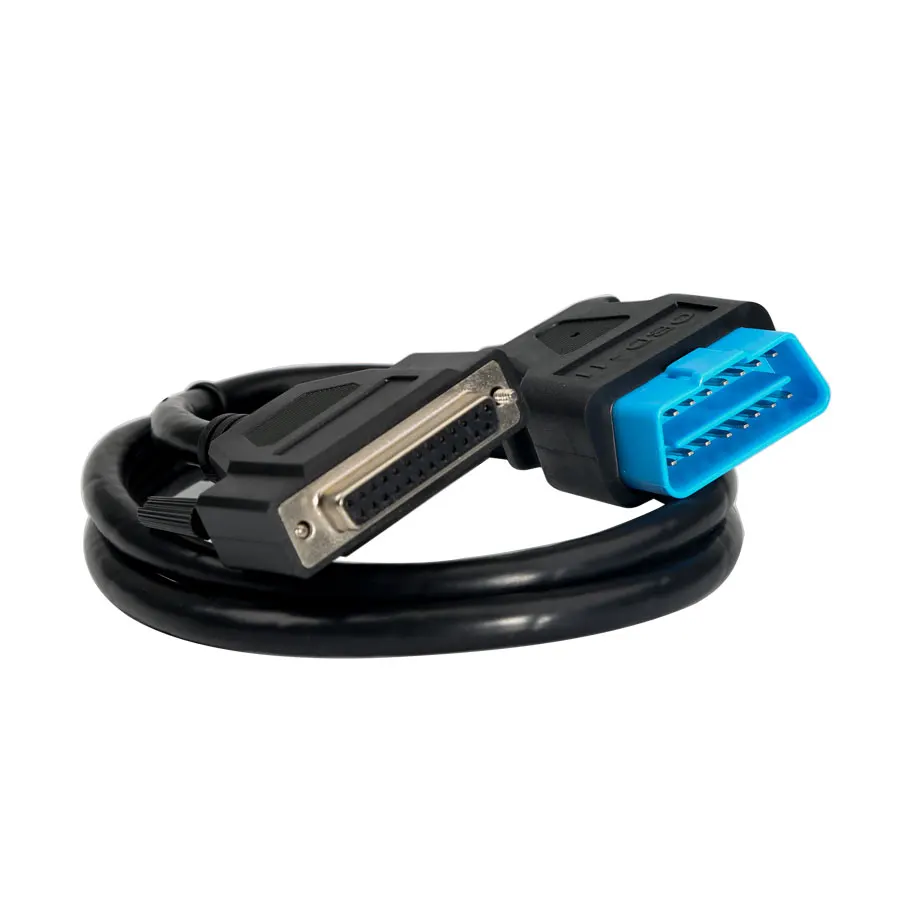
1pc x OBD Connection Line
1pc x Reading 8 Foot Chip Free Clip Adapter
1pc x Carton Box
CGDI for BMW Software V3.2.3.0 NEW (2022.05.13) Download Here
1.for BMW Data Repair: Added 'CAS3 Data Repair', Repair OBD downgrade failure data
2. N13/N20/N55/B38 Read/Write ISN: Fix 'Modify VIN'
3. Fix some bugs and optimize software performance
CGDI for BMW V3.2.2.0 (2021.08.30)
1. Added Italian version
2. for BMW EGS Change: Added 6HP(E) - Bench:
(1)Read EGS ISN, EGS status, Clear EGS ISN, Modify VIN, ECU reset
3. Fix some bugs and optimize software performance
CGDI for BMW Software V3.2.1.0 (2021.04.28)
1. for BMW EGS Change: Added 6HP(E):
(1)Read EGS ISN, EGS status, Reset adaptation, Modify VIN, ECU reset
(2)Some EGS supports 'Read EGS ISN': 7576211, 7572988, 7582344, 7582348, 7567223, 7567224, 7567406, 7568222, 7572416, 7573660,
7575795, 7575796, 7591972, 7605219, 7606220, 7591971, 7599827, 76071162. CAS Mileage Reset: Added 'Sync ELV'
3. N13/N20/N55/B38 Read/Write ISN:
(1)Added 'Modify VIN'
(2)Added type: EDC17C06, MEVD17.2.8
4. FEM/BDC Key Match: Add 00002419.082_010_030, 00002419.083_010_010 two versions of FEM/BDC with key
5.for BMW Diagnosis: updated version DIAG_4.28.12
6. Display optimization: for BMW Data Repair, CAS1-3+ Key Match(OBD), for BMW F/G Series Program
7. Technical support video update
8. Fix some bugs and optimize software performance
CGDI Prog for BMW MSV80 Software Update Guide:
Step 1. Receive message " There is a new version", click on "OK"
Step 2. Click on "Setting", then "Check for updates", waiting until the next dialog box appears.
Step 3. Checking local file.
Step 4. Detects a new file, click "Yes" to update.
Step 5. Downloading file.
CGDI Prog for BMW MSV80 Firmware Update Guide:
Step 1. Connect CGDI Pro device to the computer, open CGDI software.
Step 2. Click on "Setting" and then "Upgrade the firmware", waiting.
Step 3. Updating...
Step 4. CGDI programmer firmware update successfully, again click on "Upgrade the firmware".
Step 5. Get message reading "The version is already up to date without upgrading". Click on "OK".
Detail info about CGDI BMW MSV80 Software & Firmware Update pls visit Teah Support at the top section.
CGDI Prog for BMW Customer Feedback:
CGDI for BMW can reprogram EGS for 2009 BMW x5.
CGDI Prog for BMW supports for BMW 650i 2003 all key lost.
CGDI for BMW can read and write the ISN EWS egs for BMW M5 F10 dct gearbox 2013. Can read from DME and write into egs.
CGDI PROG for bmw f20 2014 mileage reset OK
Read ISN DME MSD80 OK 5WK93628
Excellent tool so far. no bricks or problems.
extremely fast for cas1, 2 & 3
for cas3+ if need downgrade 10 minutes and seems safe.
make sure you have proper power on the car
cas4 F10 - ok (new key)
cas4+ F10 - ok (new key) isn from org key or dump DME
fem/bdc F31 - ok - reset mileage, change isn, change vin, make keys with oryginal key and with dump from DDE
cas3+ E60- ok , downgrade and make key with isn from org key
You can reuse an old key and reprogram it, there is a button that says unlock key. I tried and worked with aftermarket key, did
not try on a original for BMW key to unlock(tested on e60 cas2)
and yes it is safe if downgrade for CAS3+.
Read ISN form MSV80 result OK
Read and write ISN cas 3 result OK
Did a 2008 E60 CAS3+ had to DOWNGRADE it took about 10min and programmed key successfully
Did a 2008 E60 528i it asked for Downgrade it took around 10min no error codes all perfect key works
Instructions for cas4 F10 key programming:
Cas4 can only be done by reading DFlash from Freescale cpu then load into programmer software and generate key. It can no ne done
by obd.
You need Xprog or VVDI Prog to read the dflash.
CGDI Prog for BMW MSV80 Package Includes:
1pc x CGDI BMW Host
1pc x USB Line
1pc x OBD Connection Line
1pc x Reading 8 Foot Chip Free Clip Adapter
1pc x Carton Box
Brand Link
Packing & Delivery

When we receive your payment, we will check our products and test them before we send them out in 3 days
Company Profile


Shenzhen Chezhihui Trading Co. Ltd.
Shenzhen chezhihui Trading Co., Ltd. was established in 2012. We have many years of experience in the production and sales of auto key cases and remote controls. We can produce various cases according to customer requirements,
We also has many years of auto diagnostic tool production and trade, and cooperates with many automobile instrument factories, such as xhorse, launch X431, autel tech, obdstar, etc
We also has many years of auto diagnostic tool production and trade, and cooperates with many automobile instrument factories, such as xhorse, launch X431, autel tech, obdstar, etc
FAQ
Q: Are they original?
A: We are an official authorized store selling genuine products for many years, please feel free to purchase.
A: We are an official authorized store selling genuine products for many years, please feel free to purchase.
Q: Are they global version?
A: Yes, our products are universal in all countries worldwide.
Q: What's the MOQ?
A: No MOQ limitation, we're happy to receive any kind of orders, providing wholesale business, drop-ship service.
A: Yes, our products are universal in all countries worldwide.
Q: What's the MOQ?
A: No MOQ limitation, we're happy to receive any kind of orders, providing wholesale business, drop-ship service.
Q: What's the product warranty policy?
A: All the goods purchased from our company can enjoy one year free warranty.
Q: How about aftersale support?
A: We provide lifetime Technical Support, our engineer is 24 hours online for technical support.
A: All the goods purchased from our company can enjoy one year free warranty.
Q: How about aftersale support?
A: We provide lifetime Technical Support, our engineer is 24 hours online for technical support.
We Recommend







New Arrivals
New products from manufacturers at wholesale prices