
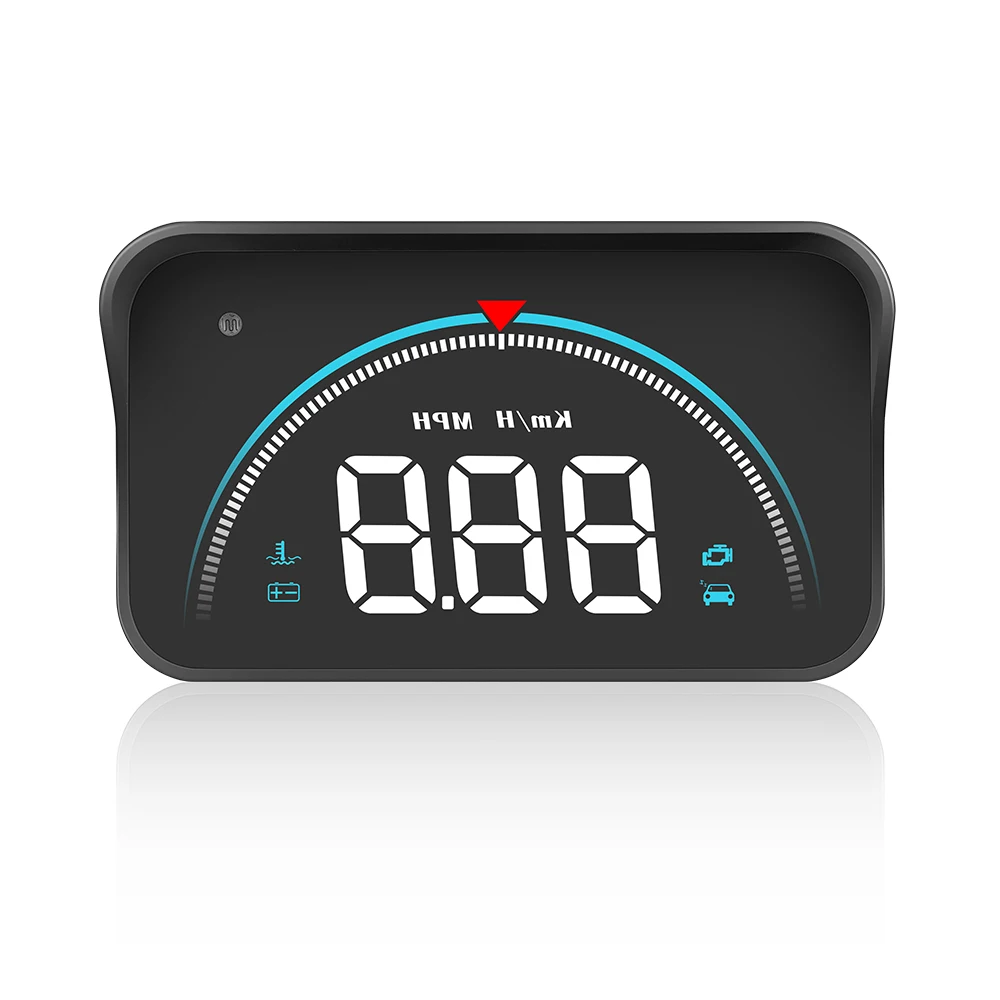
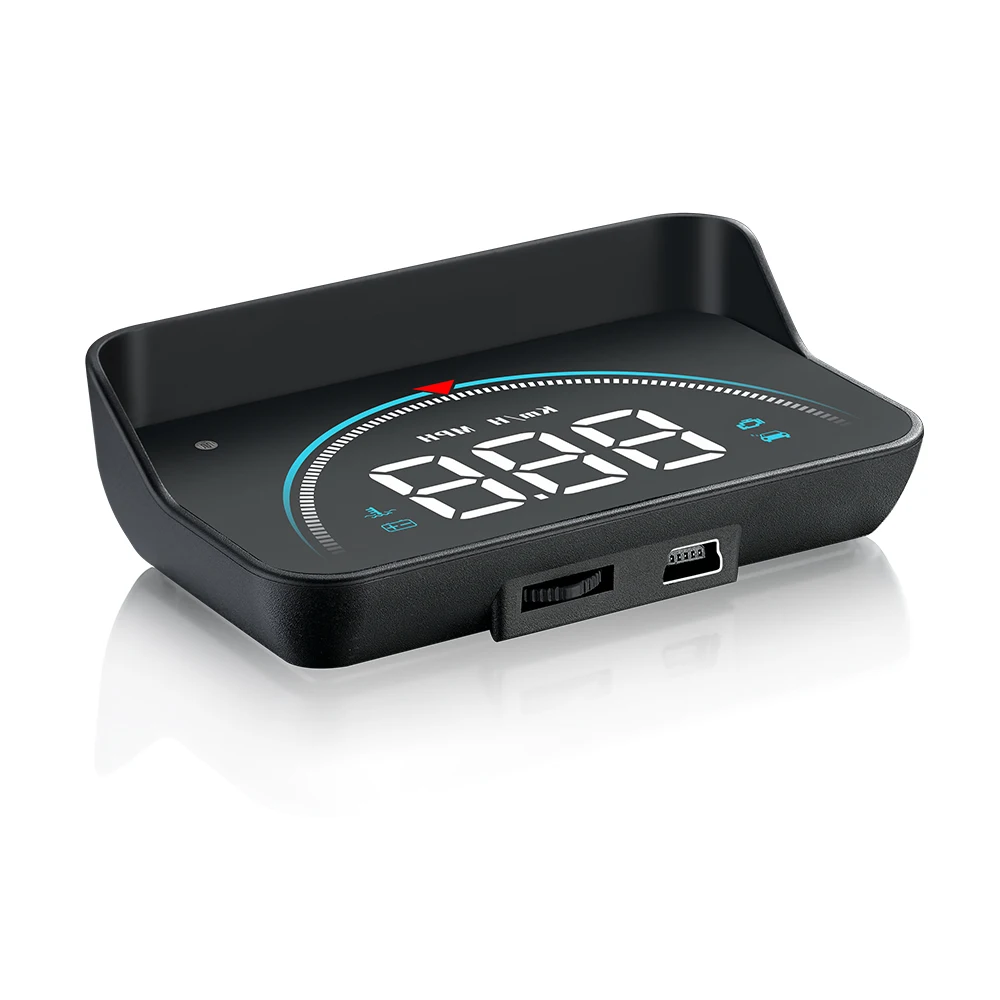
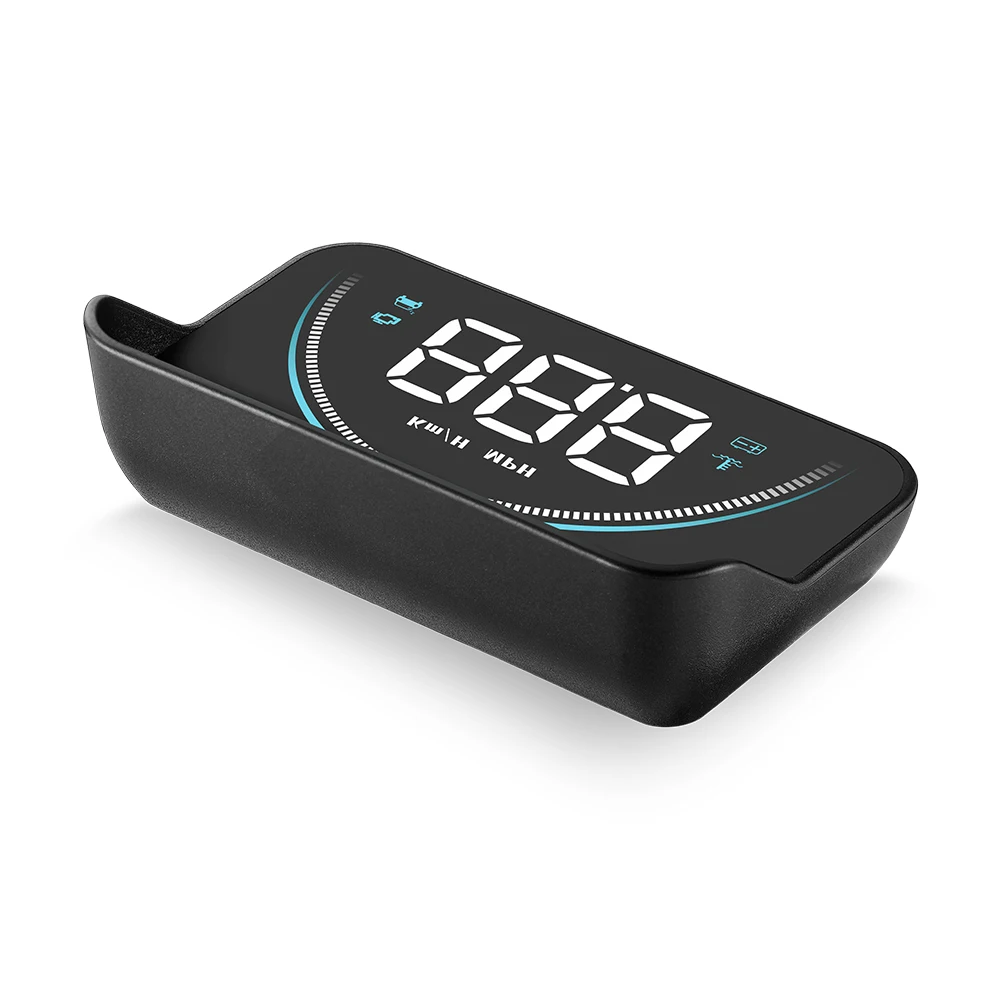
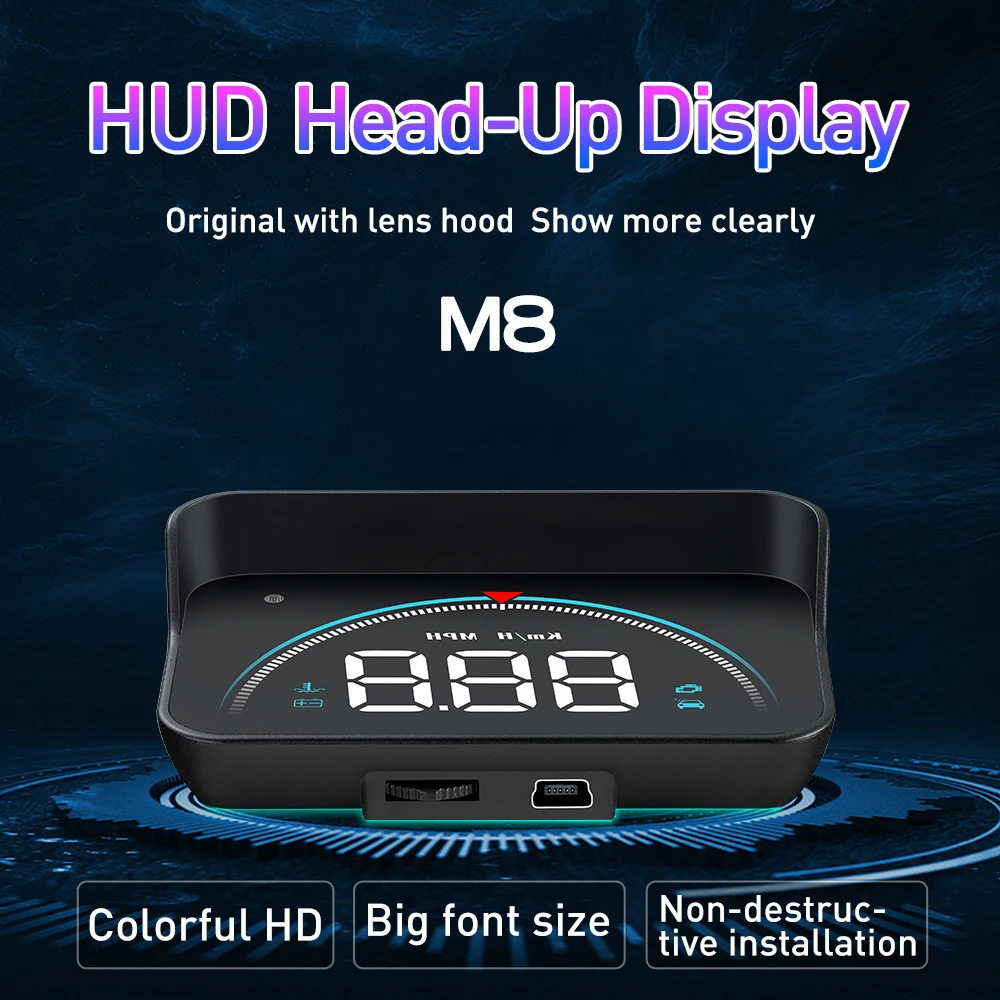
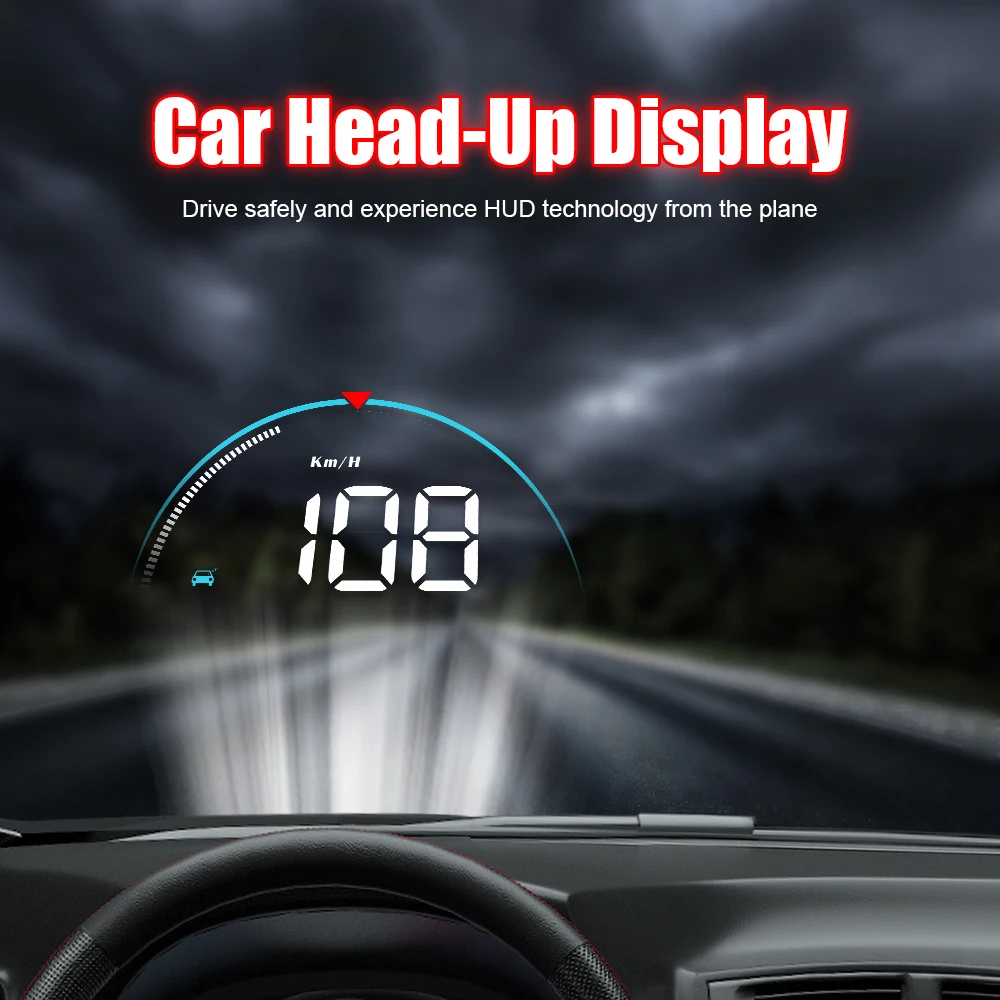
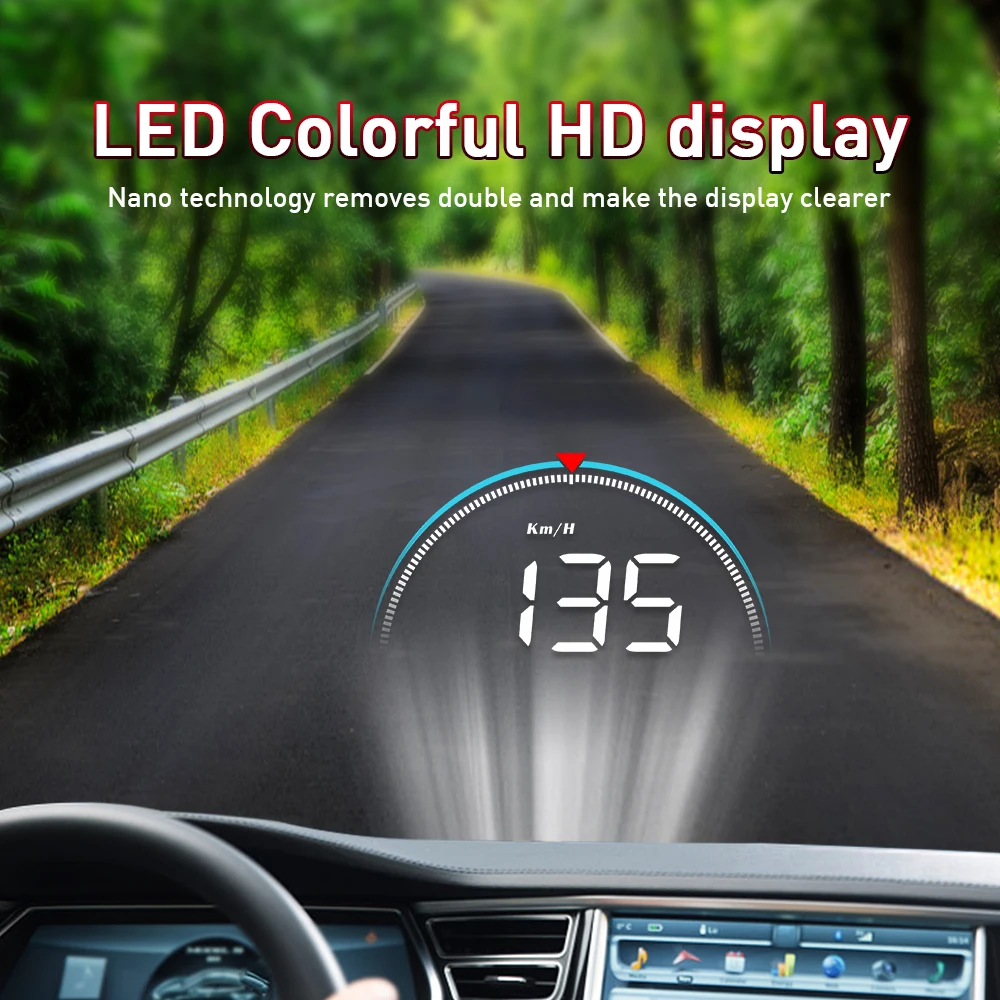
Hot Sale Hud M8 3.5 Inch Obd Diagnostic Tool Gps Speedometer Odometer Car Window Projector Car Heads Up Display
- Category: >>>
- Supplier: Shenzhen Ruiqiwei Technology Co. Ltd.
Share on (1600567704068):
Product Overview
Description
Products Description

Product introduction:
HUD short for Head Up Display.It displays driving datas on the front windshield such asspeed,RPM,water temperature,voltage single mileage etc on the car front window glass;avoiding drivers unsafety because of watching the instrument while driving.Drivers can read the driving information instantly , and can always keep the best state on the way with HUD.
Product Parameters
Model | M8 |
System | OBD2 |
Function | Speed, tachometer, water temperature, voltage, single driving distance, elimination of trouble codes |
Alarm | Overspeed(Single-segment/four-segment alarm), water temperature, voltage, fatigue driving reminder, fault |
Screen size | 3.5inch |
Environment temperature | -40°C~+120°C |
Barometric press | 86-106KPa |
Relative humidity | 10%-95% |
Environment voice | <=60dB |
Work voltage | 11V~18Vdc(12Vdc/200mA) |
Sleep current | <=30mA |
Display way | Virtual image reflection |
Display channel | LED Display |
Reflector transmittance | 98% |

Product Function:
1.Ambient decorative lighting
2.Engine RPM
3.Fault code alarm
4.Fatigue driving alarm
5.Alarm icon
6.Light sensor:HUD can automatically adjust the brightness according to the environment
7.Speed unit: KM/H , MPH
8.Multi-function zone: speed,water temperature,battery voltage,driving distance
9.Water temperature icon
10.Battery voltage icon
2.Engine RPM
3.Fault code alarm
4.Fatigue driving alarm
5.Alarm icon
6.Light sensor:HUD can automatically adjust the brightness according to the environment
7.Speed unit: KM/H , MPH
8.Multi-function zone: speed,water temperature,battery voltage,driving distance
9.Water temperature icon
10.Battery voltage icon

Wave Button Functions
When the wave button is in the front:
1.Short push left: after entering into the setting menu, to add the default value
2.Short push right: to switch the display mode (normal model/high speed mode/simple mode)
3.Short press in:
(1) switch the multi functions: voltage/water temperature/Speed
(2) after entering into the setting menu, to add the menu
4. Long push left: turn off/on the buzzer
5. Long push right: all lights will be on, to eliminate the fault code, do it again to save and exit
6. Long press in:
(1) to enter into the setting menu
(2) when finish the adjustment, long press in the button to save and exit
Factory reset
When the HUD turns off, long press-in the wave button and at the same time turn on the HUD, all the lights will be on, and then release the button, the reset finished.
Clear the fault code
When HUD is power on, long pull right the button for 5 seconds, then all the lights will be on, it means finished, do it again to save and exit
Turn off/on the buzzer
Long push left the setting button for 5 seconds to turn off the buzzer,do it again to turn on the buzzer
HUD setting
Long press in the wave button for 5s to enter the menu setting, short press in to increase the menu option, push left or right the wave button to increase or decrease the parameter value. After adjustment, long press in 5 seconds to save and exit.
1.Short push left: after entering into the setting menu, to add the default value
2.Short push right: to switch the display mode (normal model/high speed mode/simple mode)
3.Short press in:
(1) switch the multi functions: voltage/water temperature/Speed
(2) after entering into the setting menu, to add the menu
4. Long push left: turn off/on the buzzer
5. Long push right: all lights will be on, to eliminate the fault code, do it again to save and exit
6. Long press in:
(1) to enter into the setting menu
(2) when finish the adjustment, long press in the button to save and exit
Factory reset
When the HUD turns off, long press-in the wave button and at the same time turn on the HUD, all the lights will be on, and then release the button, the reset finished.
Clear the fault code
When HUD is power on, long pull right the button for 5 seconds, then all the lights will be on, it means finished, do it again to save and exit
Turn off/on the buzzer
Long push left the setting button for 5 seconds to turn off the buzzer,do it again to turn on the buzzer
HUD setting
Long press in the wave button for 5s to enter the menu setting, short press in to increase the menu option, push left or right the wave button to increase or decrease the parameter value. After adjustment, long press in 5 seconds to save and exit.
Menu | Function Parameters | Adjustment range | Explanation | Default value |
1 | speed | 50-150 | When the Speed is not the same as dashboard:push left or right the wave button to adjust. Eg. When dashboard display speed at 100,HUD display speed at 103 (fast 3 than dashboard), then adjust HUD default value from 107 to 104 | 107 |
2 | RPM alarm | 10-75 | HUD will give the alarm when the RPM reach to 5000 r (50=5000r),the default alarm can be changed | 50 |
3 | Four-stage alarms | 0-1 | 0=alarm off 1=open alarm(when speed at 60,80,100,120KM/H will give alarm) | 0 |
4 | Over speed alarm | 30-199 | When the vehicle speed reach to 150,HUD will give the alarm | 150 |
5 | Fatigue driving alarm | 1.0-8.0 | HUD will give fatigue driving alarm each 4 hours | 4.0 |
6 | Water temperature | 50-150 | HUD will give alarm when water temperature reach 120℃,the default value can be changed. | 120 |
7 | Voltage alarm | 0-15.0 | HUD will give alarm when voltage less than 10 V | 10.0 |
8 | display mode | 0-2 | 0 is automatic mode: when speed below 80km/h, hud show all information ;and when speed over 80km/h,hud is in high speed mode,1 is display all information, 2 is high speed mode(only display speed ) | 1 |
9 | Brightness adjustment | 0-5 | 0 =automatic brightness adjustment, 1=darkest, 5=brightest 1→5 is increasing | 0 |
10 | Speed unit | 0-1 | 0=KM 1=MPH | 0 |
11 | Water temperature unit | 0-1 | 0=°C 1=°F | 0 |
12 | Start voltage | 0-15.0 | If HUD cannot auto turn off,change the voltage at 13.2 | 0 |
13 | Turn off time | 20-199 | The default value for HUD turn off time is 20 seconds,when the car is gas-electric hybrid a, you can delay the shutdown time(e.g.180s),then the HUD will shutdown in 180s | 20 |
14 | Factory reset | 0-1 | Set to 1,vertically press the setting button for 5s, then return to the display interface. | 0 |
Please note:
If donnot use HUD for a long time, please pull out the cable.
Troubleshooting:
1.The screen without any display, and no power
Start the car engine; check if the OBD cable line is tight; please pull out the OBD cable more times to ensure; check if HUD power switch turns on. If still no display, please change another car to test, analyze whether the car OBD diagnostic interface is good, if it is not good, please repair it and try again.
2.When HUD power on, HUD only shows the car voltage and be automatic power off after a few seconds driving.
OBD mode only available for cars with OBD2 and EU-OBD agreement(European region: after 2003 years, Other region: after 2007 years)
HUD Products don’t support JOBD and OBDI protocol.
3.The machine is stuck or stuck during driving
Check the OBD interface if connected with other OBD device,please remove other OBD devices and do the factory reset (find menu 14).
4.Inaccurate Speed
(1)First check the speed unit is correct or not, the speed unit including KM/H and MPH
(2)When HUD is power on, vertical press the setting button for 5 seconds to enter into the menu 1 and the parameter shows 107,push left or right the setting button to increase or decrease the value according to the difference until it shows correct one. After adjustment, vertical press in 5 seconds to save it.(Example:If the dashboard shows 100,and HUD shows 103,then change the HUD default value from 107 to 104)
5.Stop-star cars
Vertical press in 5 seconds to enter into menu setting, short press 13 times to menu 13, the default parameter is 20, push left or right to change to 180, then power off time will be 3 minutes,then vertical press in 5 seconds to save and exit,HUD will power off in 3 mins.
6.HUD can not auto power off(RPM or Speed not at O)
When HUD is power on,long press in the button for 5 seconds to enter into menu,set to menu 12. Change the voltage from 0 to 13.2V or 13.5V. Once the adjustment finished,long press in the setting button for 5 seconds to save and exit.
7.When HUD turn off, but restart
Find menu 12, adjust the default to 13.6-13.8 V
Start the car engine; check if the OBD cable line is tight; please pull out the OBD cable more times to ensure; check if HUD power switch turns on. If still no display, please change another car to test, analyze whether the car OBD diagnostic interface is good, if it is not good, please repair it and try again.
2.When HUD power on, HUD only shows the car voltage and be automatic power off after a few seconds driving.
OBD mode only available for cars with OBD2 and EU-OBD agreement(European region: after 2003 years, Other region: after 2007 years)
HUD Products don’t support JOBD and OBDI protocol.
3.The machine is stuck or stuck during driving
Check the OBD interface if connected with other OBD device,please remove other OBD devices and do the factory reset (find menu 14).
4.Inaccurate Speed
(1)First check the speed unit is correct or not, the speed unit including KM/H and MPH
(2)When HUD is power on, vertical press the setting button for 5 seconds to enter into the menu 1 and the parameter shows 107,push left or right the setting button to increase or decrease the value according to the difference until it shows correct one. After adjustment, vertical press in 5 seconds to save it.(Example:If the dashboard shows 100,and HUD shows 103,then change the HUD default value from 107 to 104)
5.Stop-star cars
Vertical press in 5 seconds to enter into menu setting, short press 13 times to menu 13, the default parameter is 20, push left or right to change to 180, then power off time will be 3 minutes,then vertical press in 5 seconds to save and exit,HUD will power off in 3 mins.
6.HUD can not auto power off(RPM or Speed not at O)
When HUD is power on,long press in the button for 5 seconds to enter into menu,set to menu 12. Change the voltage from 0 to 13.2V or 13.5V. Once the adjustment finished,long press in the setting button for 5 seconds to save and exit.
7.When HUD turn off, but restart
Find menu 12, adjust the default to 13.6-13.8 V
Product Certificates


Recommend Products
Company Profile

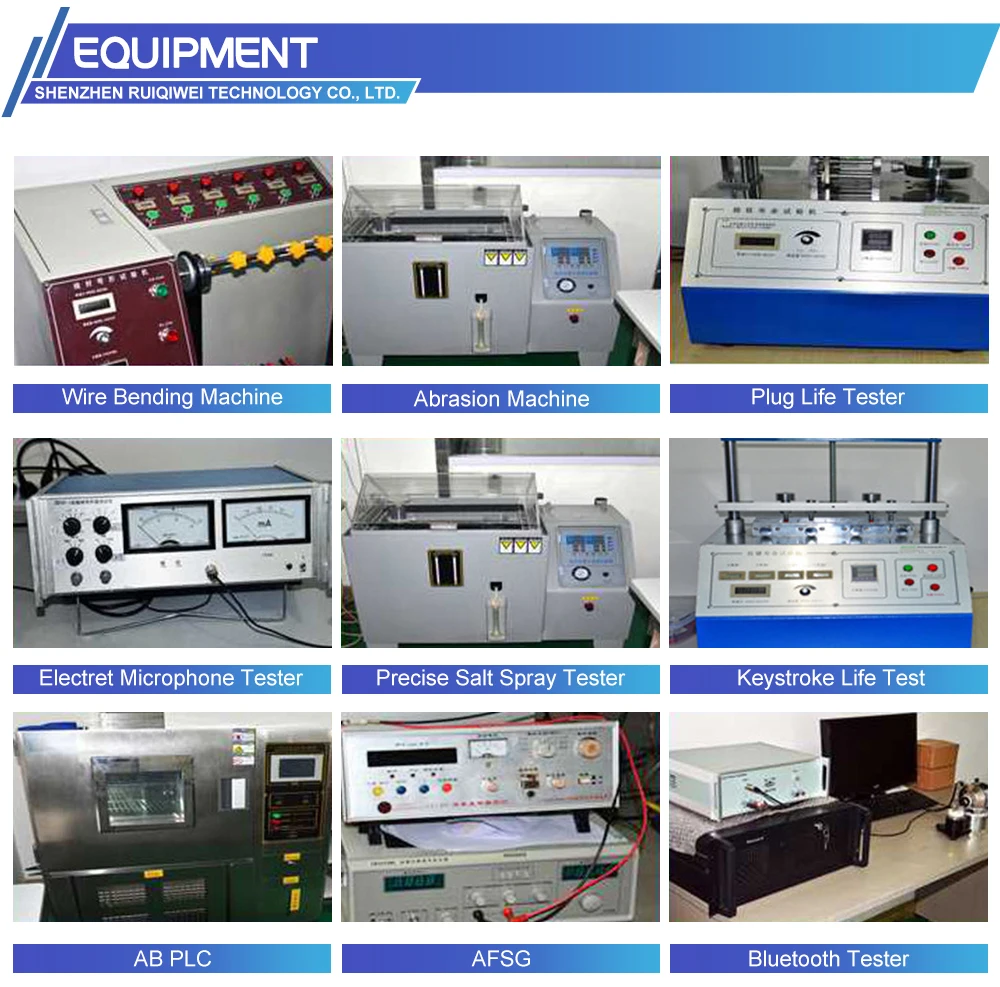
Production Process
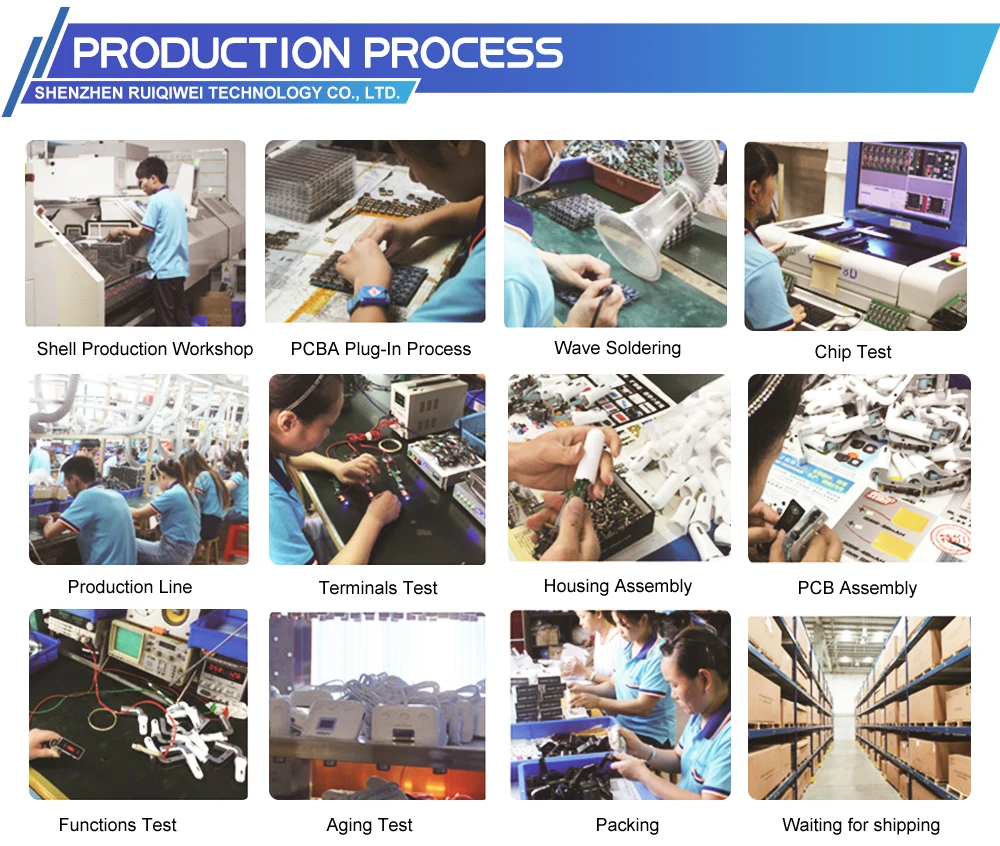
Certifications
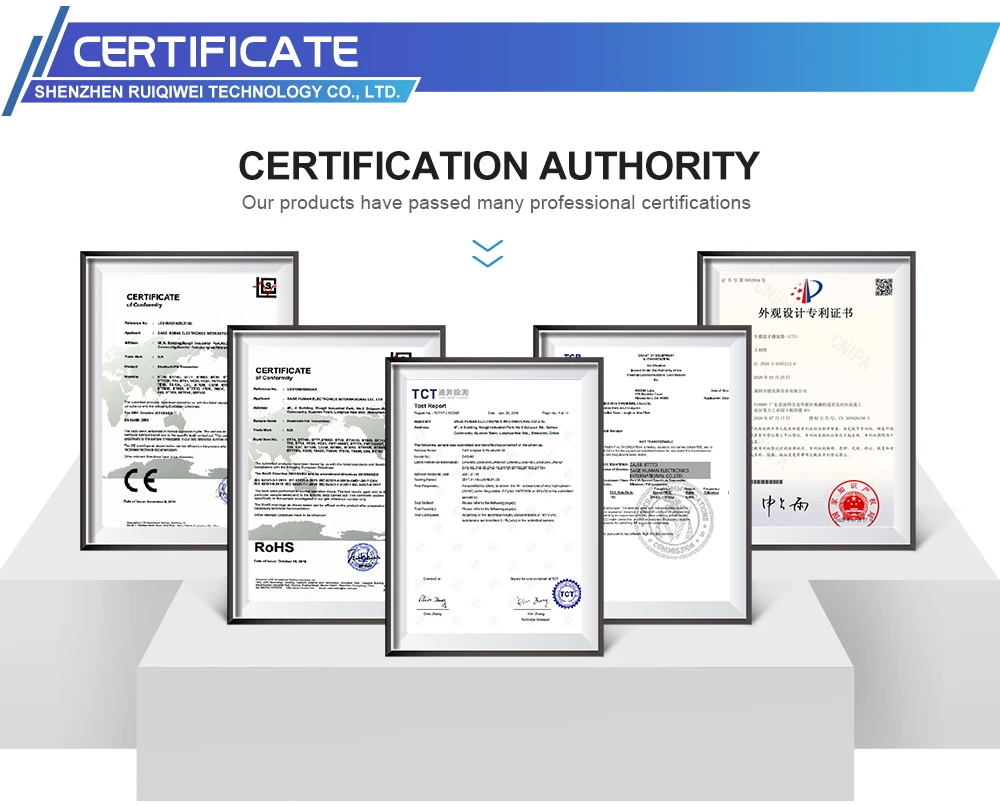
Packaging&Shipping

FAQ

Q1: What advantages do your factory have?
A: RUIQIWEI is a professional manufacturer in auto electrical and electronic accessories with over 10 years’ manufacturing experience. We always try our best to offer good quality products at the most competitive prices.
Q2: What is your payments terms?
A: We accept PayPal, T/T and L/C.
Q3: Do you offer free samples?
A: Sample fee can be refunded in your first bulk order.
Q4: What is your terms of delivery?
A: We accept EXW, FOB, CIF etc.
Q5: How can I get your price list?
A: Please contact with me, I will send you the price list as soon as possible.
Q6. What can I do if I have more questions?
A: Please send us your detailed enquiry. We will reply you ASAP.
Q7: What's your warranty policy?
A: Our warranty period is 12-month. All of our products are tested before delivery, Low RMA rate due to our strict quality control and quality assurance.
Q8: How much the shipping cost?
A: Please contact us, providing your address and the quantities you want to order, so that we can check the most affordable shipping cost for you.
A: RUIQIWEI is a professional manufacturer in auto electrical and electronic accessories with over 10 years’ manufacturing experience. We always try our best to offer good quality products at the most competitive prices.
Q2: What is your payments terms?
A: We accept PayPal, T/T and L/C.
Q3: Do you offer free samples?
A: Sample fee can be refunded in your first bulk order.
Q4: What is your terms of delivery?
A: We accept EXW, FOB, CIF etc.
Q5: How can I get your price list?
A: Please contact with me, I will send you the price list as soon as possible.
Q6. What can I do if I have more questions?
A: Please send us your detailed enquiry. We will reply you ASAP.
Q7: What's your warranty policy?
A: Our warranty period is 12-month. All of our products are tested before delivery, Low RMA rate due to our strict quality control and quality assurance.
Q8: How much the shipping cost?
A: Please contact us, providing your address and the quantities you want to order, so that we can check the most affordable shipping cost for you.
We Recommend







New Arrivals
New products from manufacturers at wholesale prices






