
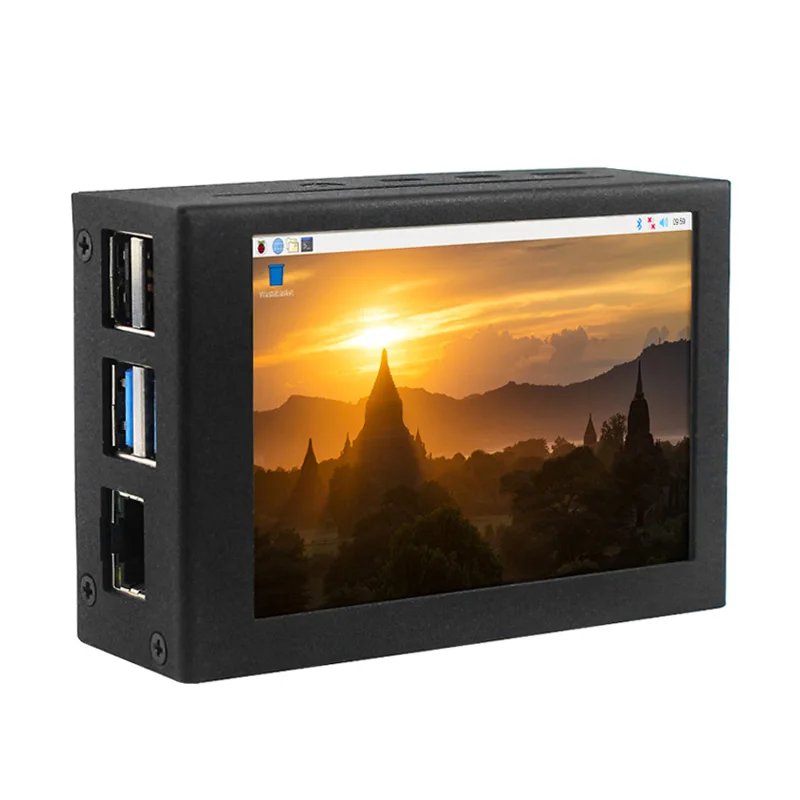
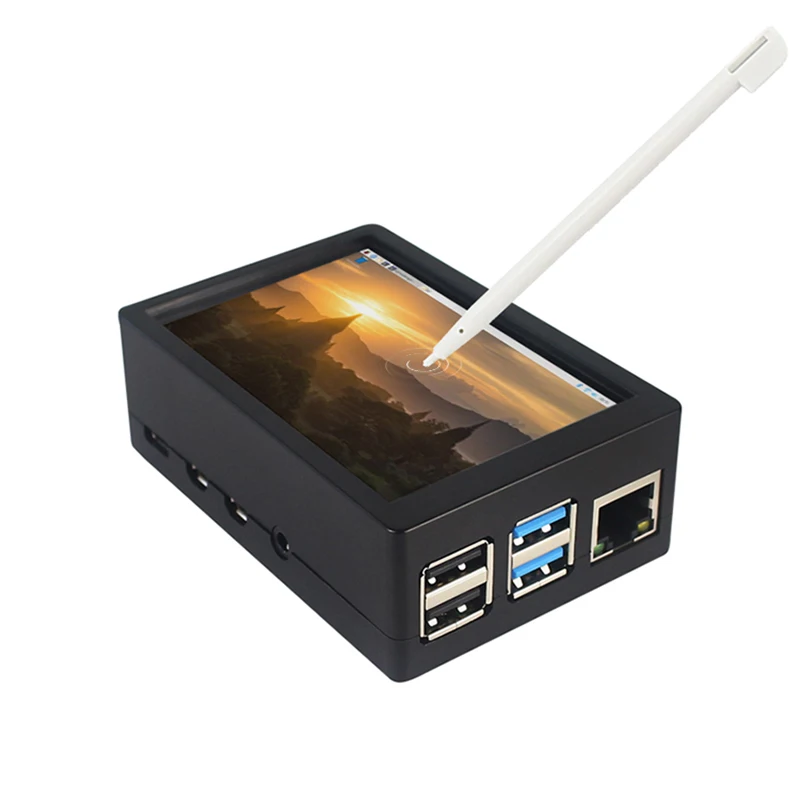
Raspberry pi 4 LCD Modules 3.5 Inch TFT 480*320 Panel GPIO Monitor Touch Screen Display with Case for RPI 4B/3B/3B
- Category: >>>
- Supplier: Shenzhen SHCHV Technology Co. Ltd.
Share on (1600620339965):
Product Overview
Description
Description
Note before Purchasing:
Due to the architectural changes in the new version of the official Raspberry Pi system, the Raspberry Pi OS,released in October 2023, is not compatible with GPIO screens. So please use previous official system released before October 2023. If later official systems can support GPIO screens, we will update this notice.
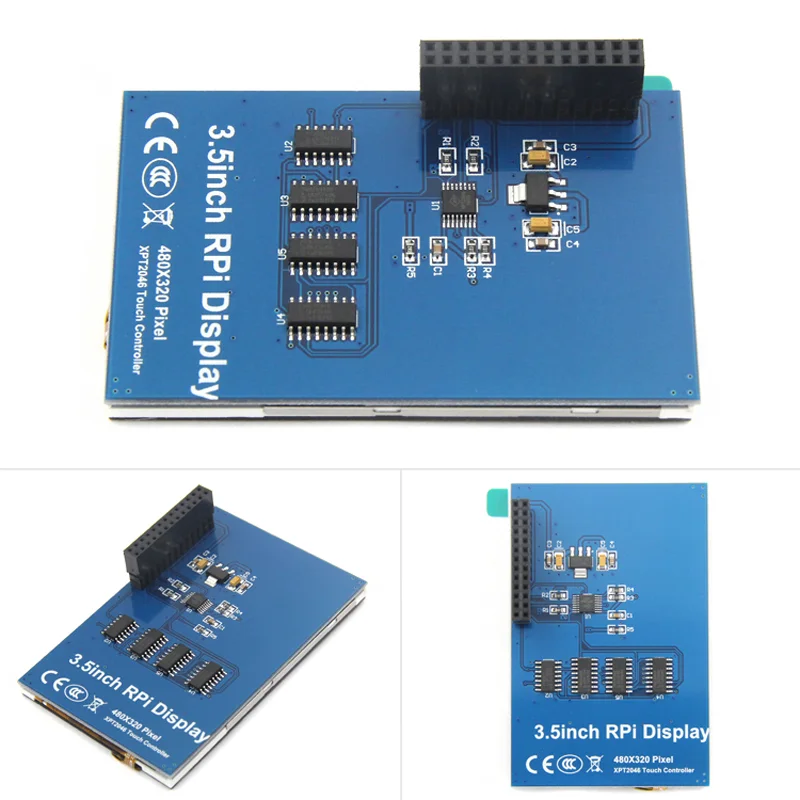
3.5 inch Touch Screen TFT Panel LCD 480*320 GPIO
with ABS/Metal Case for Raspberry Pi 4 Model B/3B+/3B

3.5" Touchscreen with Case
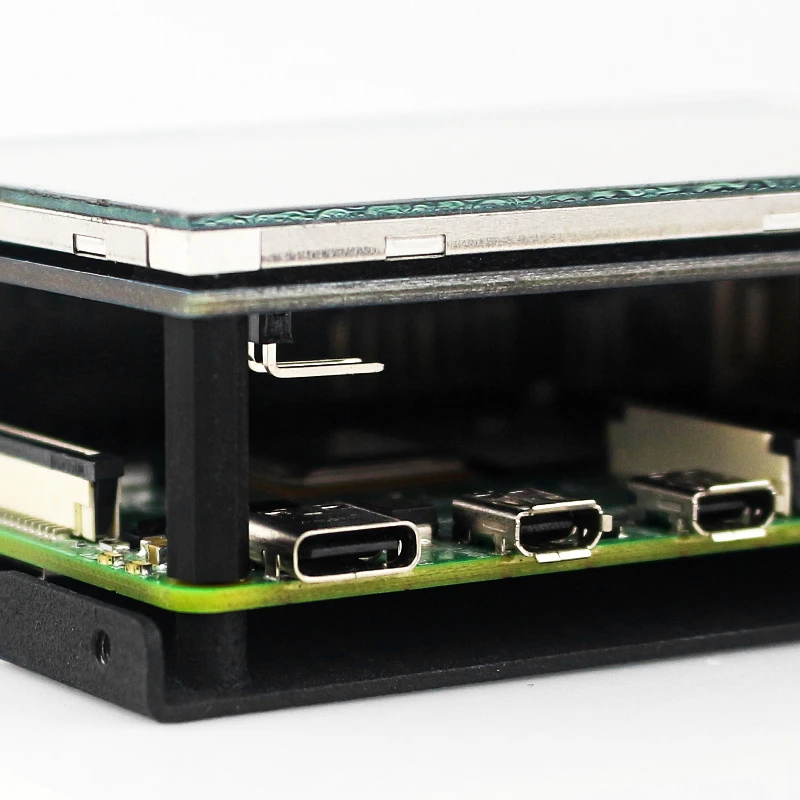
This is a 3.5 inch screen kit with a case for Raspberry Pi 4B/3B/3B+.
[1]Capacitive touchscreen.
[2]Excellent image quality.
[3]Easy to install and portable.
[4]Various materials and colors are available.
Note: This 3.5 inch can not be used together with a cooling fan.

Raspberry pi main board is not included.
About Screen
1.5 INCH TOUCHSCREEN

Specification:
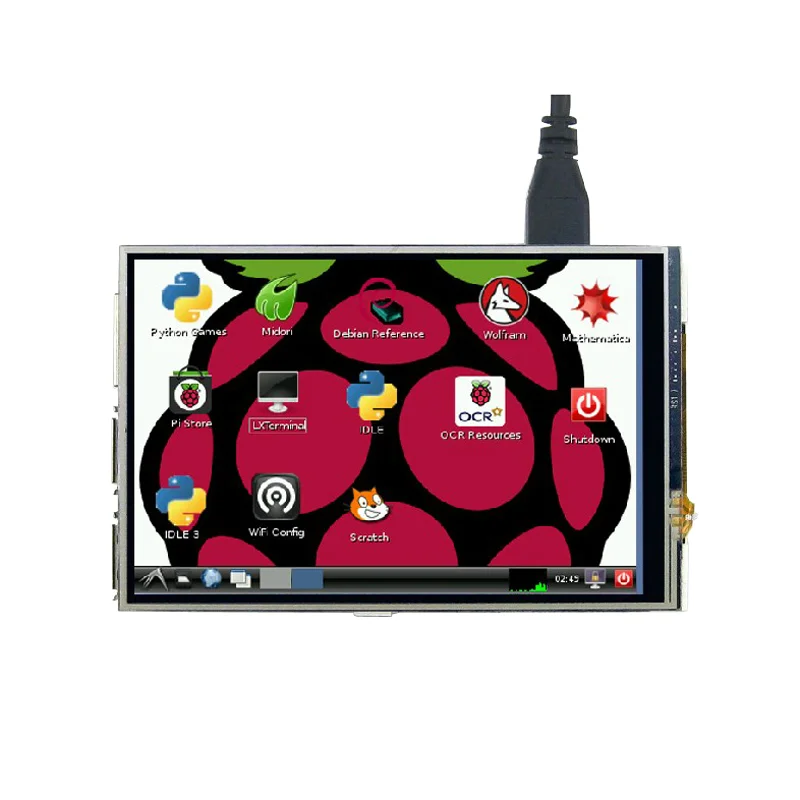
1. 3.5 inch panel
2. 480*320 resolution
3. TFT screen with touch function
4. Come with touch pen
5. Perfect size go with Raspberry Pi
6. Support software keyboard (system interaction without keyboard/mouse)
1. 3.5 inch panel
2. 480*320 resolution
3. TFT screen with touch function
4. Come with touch pen
5. Perfect size go with Raspberry Pi
6. Support software keyboard (system interaction without keyboard/mouse)
This LCD Module need install driver first.
Please refer to this link to get the system image |
//www.lcdwiki.com/Main_Page |
//www.lcdwiki.com/3.5inch_RPi_Display |
About Case
RASPBERRY PI ABS/METAL CASE

Specification:
1. Dual use:
1) As a touchscreen case
You can easily install 3.5 inch touchscreen in the case when you remove the cover and the fan.

2) As a case for raspberry pi board
It can be use as a general case with cooling fan, cause we leave holes for memory card, HDMI-compatible, AV, Ethernet, USB, POE, Camera, MIPI DSI ports.
Note: Please DO NOT install 3.5 inch screen and fan at the same time.
Note: Please DO NOT install 3.5 inch screen and fan at the same time.

2. Holes on the bottom
There are 2 holes on the bottom of the case so that you can hangle it on the wall or something else
especially when you use it with 3.5 inch touch screen.
especially when you use it with 3.5 inch touch screen.

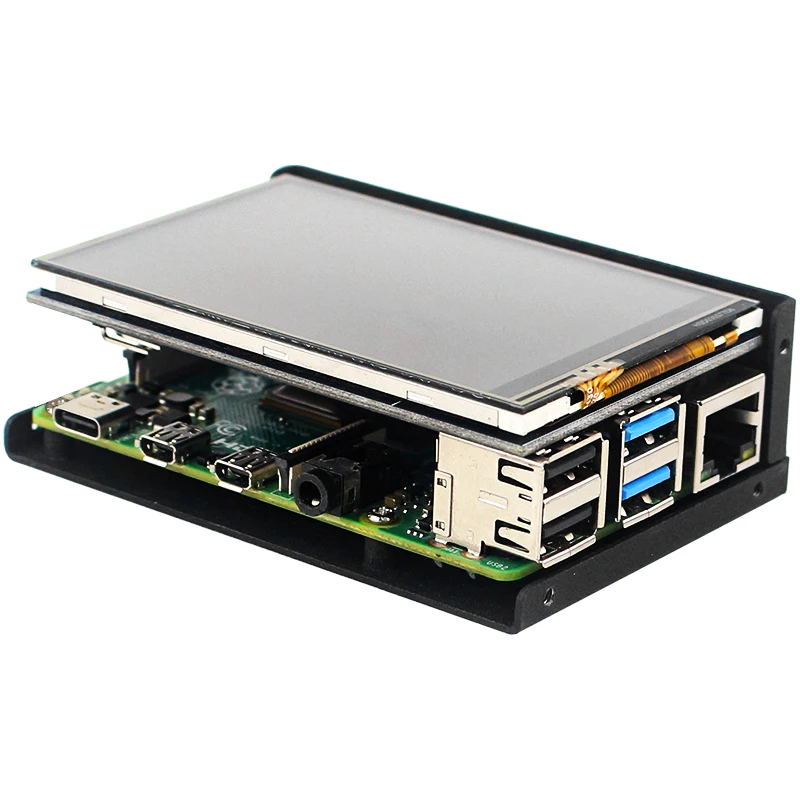
How to install LCD
Please follow the steps below to install it.
1) Install the Raspberry Pi on the base board.
2) Stick the pad on the back of 3.5 inch touchscreen ( as the picture show )
3) Then insert the 3.5 inch touchscreen on Raspberry Pi by GPIO pin correctly ( don't be malposed )
4) Install the top frame.


You can also contact me | ||
Whatsapp | +8619146454080 | |
Skype | live:.cid.c6b8b50a02db2701 | |
Email | sales1@shchv.com | |
Payment & Shipment


Company Profile


FAQ
1. How can you get a sample and how long is the shipping time?
Samples are available for most of our products. And you can get a better price if your order quantity is larger. Usually, we would arrange packing after we get your payment, and send out the parcel in 1-2 workdays. We often choose UPS/FedEx/TNT to ship the goods, so shipping time would be 5-9 workdays according to different logistics methods and destinations.
2. How can we guarantee quality?
Always a pre-production sample before mass production;
Always final Inspection before shipment;
3.What can you buy from us?
Raspberry Pi, Sensor module, DIY Products, Development board, Micro bit
4. Why should you buy from us not from other suppliers?
Shenzhen SHCHV Technology is located in the most active and famous electronic market in Shenzhen, we have 10 years foreign trading experienced sales, we have good designer for software and hardware. We are sure to offer you best products and service.
Samples are available for most of our products. And you can get a better price if your order quantity is larger. Usually, we would arrange packing after we get your payment, and send out the parcel in 1-2 workdays. We often choose UPS/FedEx/TNT to ship the goods, so shipping time would be 5-9 workdays according to different logistics methods and destinations.
2. How can we guarantee quality?
Always a pre-production sample before mass production;
Always final Inspection before shipment;
3.What can you buy from us?
Raspberry Pi, Sensor module, DIY Products, Development board, Micro bit
4. Why should you buy from us not from other suppliers?
Shenzhen SHCHV Technology is located in the most active and famous electronic market in Shenzhen, we have 10 years foreign trading experienced sales, we have good designer for software and hardware. We are sure to offer you best products and service.
We Recommend







New Arrivals
New products from manufacturers at wholesale prices






