
2023 New one cable type 14 inch portable monitor for laptop dual screen
- Category: >>>
- Supplier: Shenzhen E-Tech Digital Technology Co. Ltd.
Share on (1600628567778):
Product Overview
Description
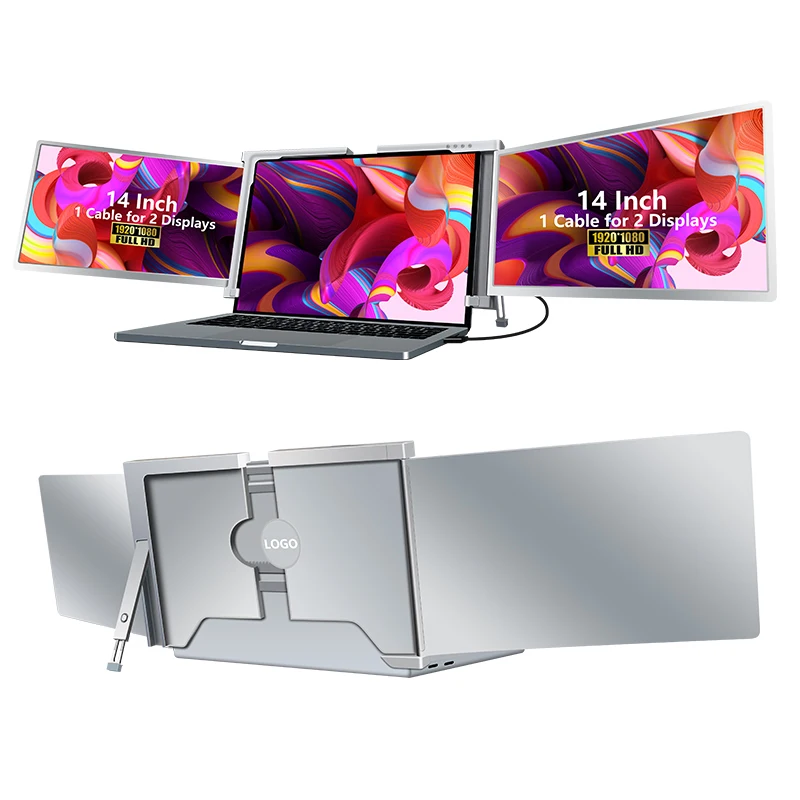
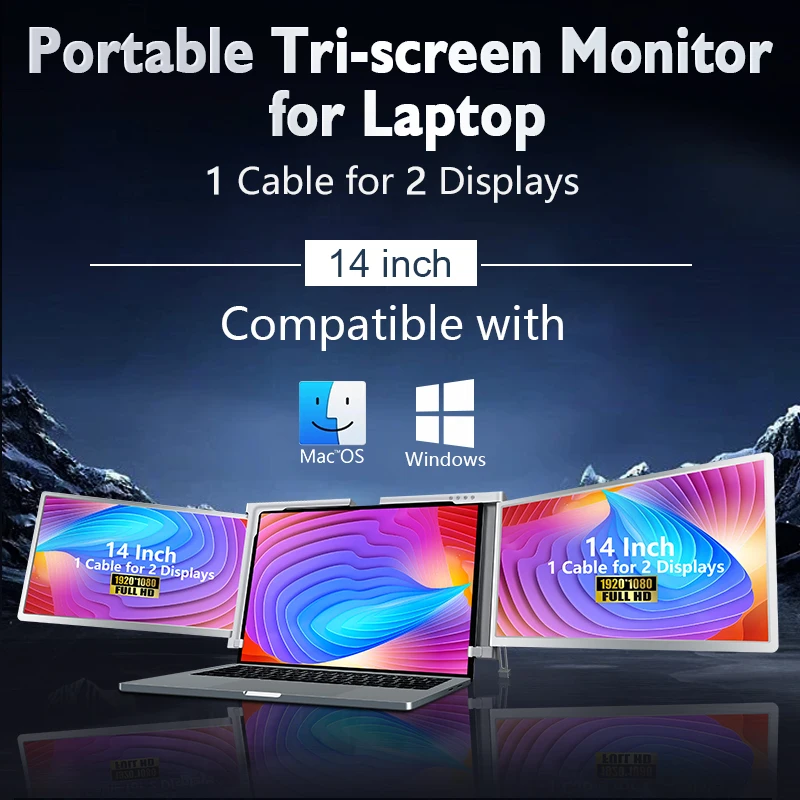
2023 Flagship product 14 inch laptop extension one cable driver double monitor for laptop
*Display screen:16:9
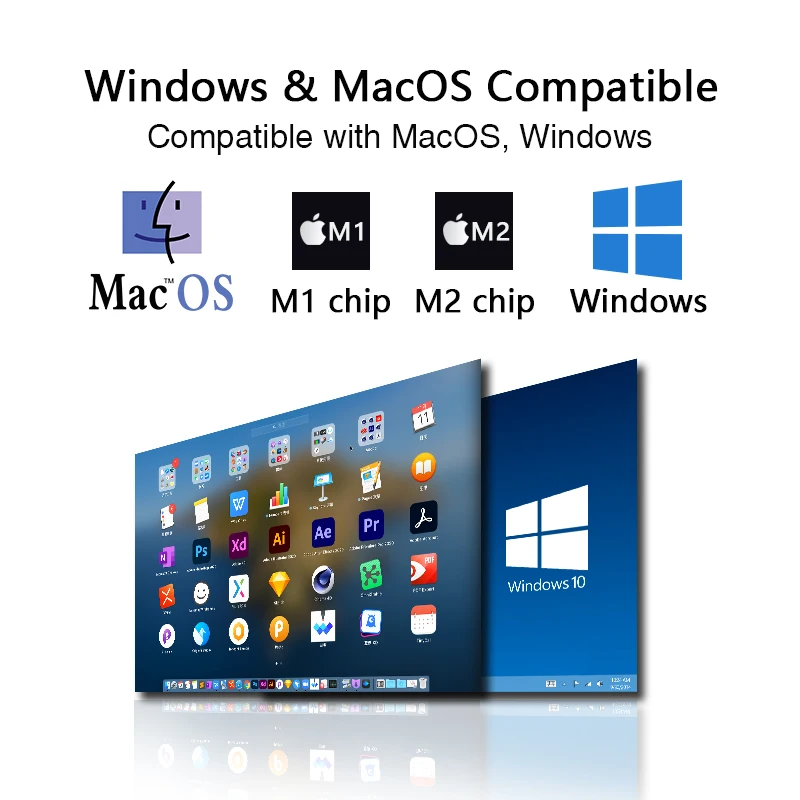
*One cable driver 2 screens, support Macbook M1 M2
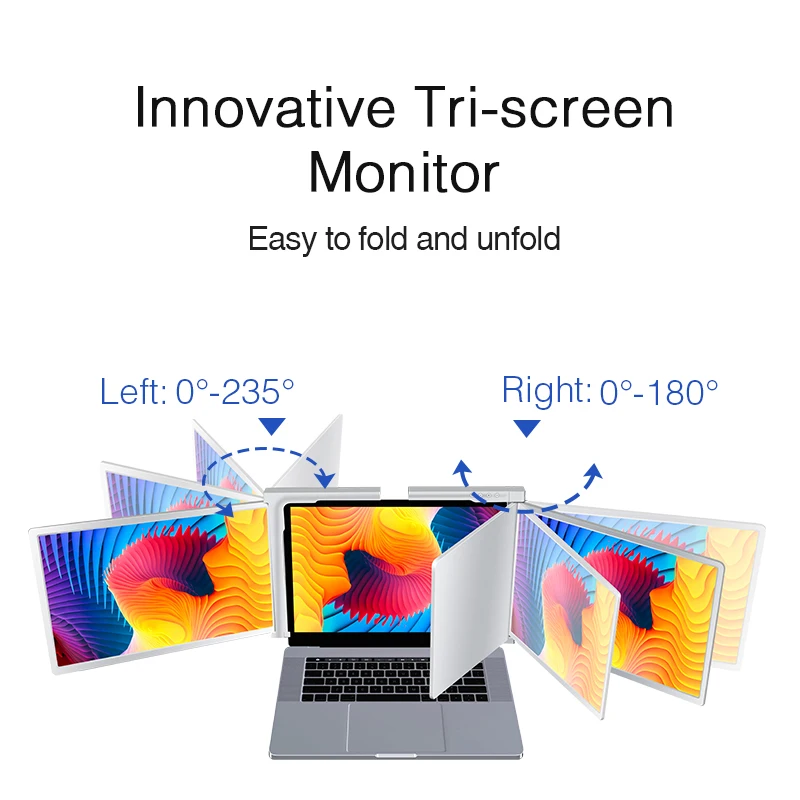
*Triple Screen 14 inch full view
*Foldable and Adjustable
*EU CN JP US KR Patent
Product Image

Product Description
| Product model | S400 |
| Screen size | 14 inch, IPS panel |
| Display | Resolution 1920*1080, Screen portion:16:9, 250cd; Contrast Ratio 1000:1 |
| Response |
25ms
|
| I/O | 1*Type-C 3.1 data port, 1*Type-C 3.1 charging port |
| Application | Presentation for laptop equipment |
| Network | No need |
| Operating Modes | Physical Buttons |
| Size | 360*229*28.2mm |
| Weight | 1490g |
| Battery&speakers | No Battery; No speaker |
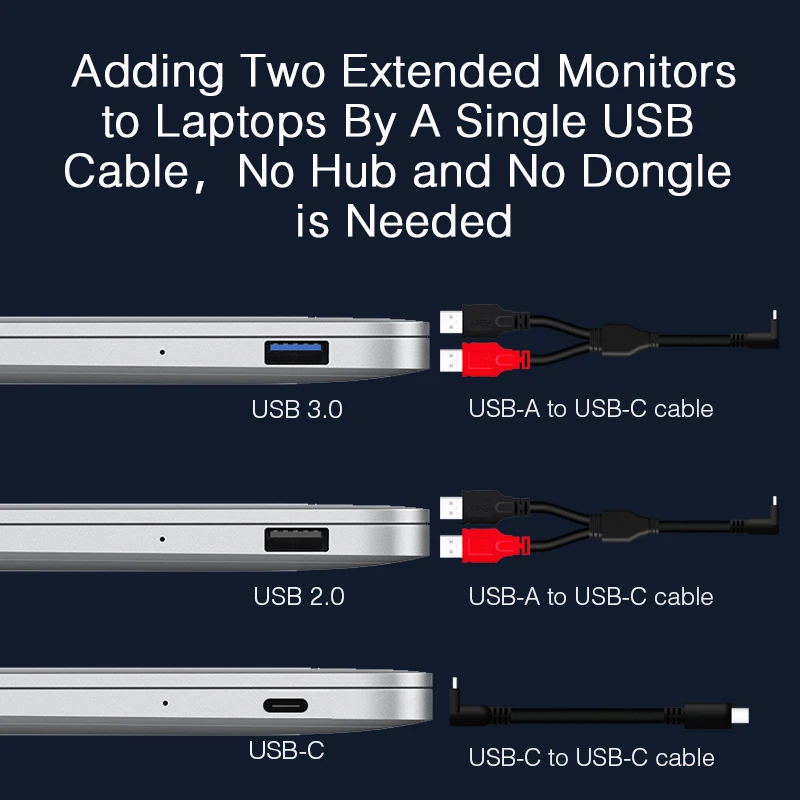
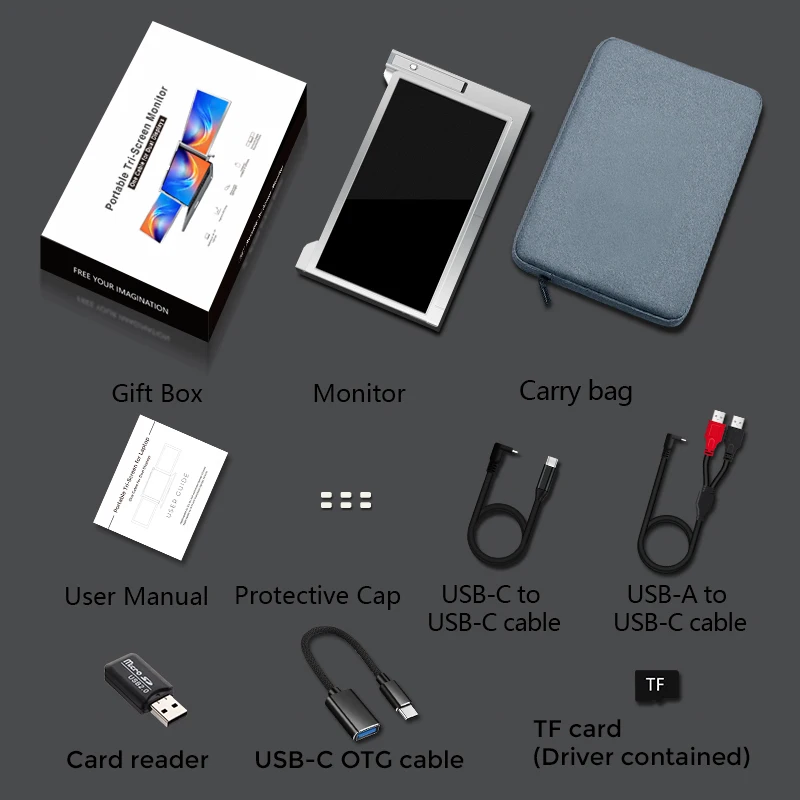
| Standard Accessories | USB-C charging cable, Type-C data to USB A cable, User's manual,Warranty card,Gift color box |


Company Information
Why is IDEA?
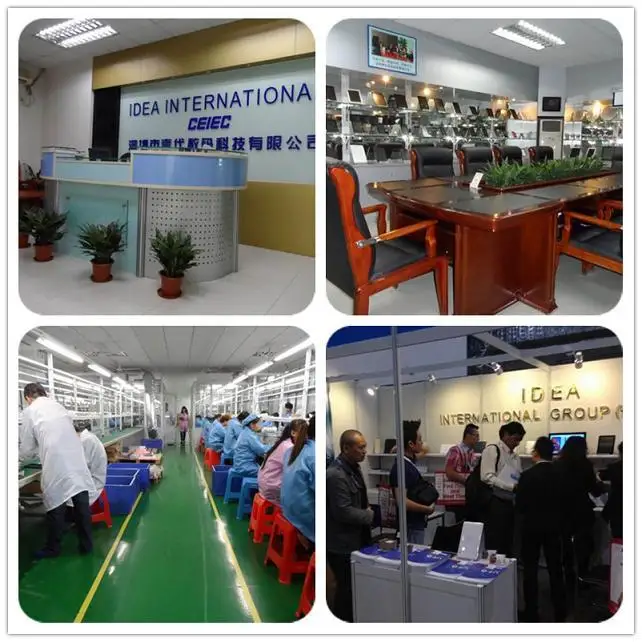
*Leading manufacturer in China, competitive price and reliable quality.
*More than 10 years experience in producing tablet pc, portable monitor, voice translator
*5 assembly lines, 200 more workers
*Many business partners from all over the world about ODM OEM product business


Packaging & Shipping
Shippment:By express,by air, by sea
Best choice is depend on the quantity and your request.
1.We can send or ship to your international forwarder if you have;
2.By express or by air or by sea is depend on your choice;
3.Delivery :3-5 days for sample order, 5-25 days for batch goods;
4.Convenient custom clearance documents provided for lowering tariff if you need.


Certifications


Our Services
OEM SERVICE
1) Bottom case silkprinting or laser engraving;
2) Start-up logo or boot animation;
3) System model number;
4) Pre-installed language;
5) Pre-installed software;
6) S/N;
7) Customized packaging;
8) Customized user manual;
9) Warranty card;
10) Power adapter label etc
EXCELLENT SERVICE
When your quantity arrives at 1000pcs, we will provide the following service for free
1.Sample cost return: We will return the sample cost to customers.
2.Spare part: You will get 1% spare parts for free
WARRANTY:
We suuport 1 year warranty.
If it is not man-made damage, we can repair it for free.
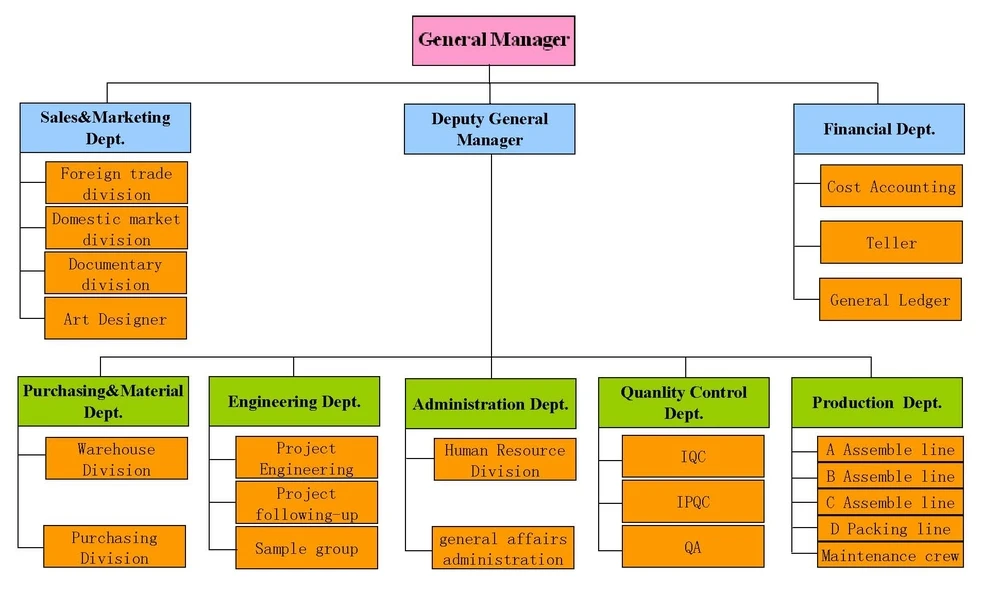
All the material were tested by IQC as soon as it's coming to our factory.
All the finished goods tested by QA before shipping out.
Terms of Payment
1) T/T, 30% Deposit first, 70% balance before shipment
2) L/C can be accepted for MP order
FAQ
Q1: There is only one screen lights up but another one blacks out.
A: This situation could happen when you use 2USB-A to USB-C cable for connection. Because the output power
of some laptops is not enough to light up both screens at the same time, so correct connecting procedure
should be followed. First make sure both USB-A male connectors are connected to laptop or adapter, at the
last step connect the USB-C male connector to the tri-screen.
Q2: The screen does not light up Screens are intermittent, screen flflickers, keeps restarting after
connecting the expansion screen?
A: Firstly check if the USB-C port on your laptop is full functioned (Support display port). If the answer is yes, you
may add an USB-C PD charger to the USB-C PD port. If the answer is no, you may use the 2USB-A to USB-C
cable from the accessory for connections.
Q3: How do I need to connect my laptop if it doesn't have an USB Type-C port?
A: You can use the 2USB-A to USB-C cable from the accessory to connect. I will only occupy two USB-A ports on
your laptop and one USB-C port on the Tri-screen.
Q4: After connecting the product, the laptop does not display the driver, The driver is not responding?
A: 1. You may have connected the cable to the USB-C PD port on the Tri-screen. Please switch it to another port.
2. The output port of your laptop cannot deliver enough power to the Tri-screen, please connect an additional
USB-C PD charger to the USB-C PD port on the Tri-screen.
Q5: How can I use the Tri-screen at its maximum brightness?
A: The maximum brightness is limited to 80% when the connection doesn't have an external power involved. When
you connect an external power adapter to the USB-C PD power and it's more than 45W, the limitation of brightness
is disabled.
Q6: Can I charge the battery of my laptop if I connect an adapter to the USB-C PD port?
A: Yes, the battery of the laptop can be charged based on two conditions. First the adapter should support 45W
or higher PD charging protocol. Second the laptop is connecting to the Tri-screen monitor via its full functioned
USB-C port.
Portable Tri-screen For Laptop
↓↓Send us an inquiry Please!↓↓
We Recommend







New Arrivals
New products from manufacturers at wholesale prices






