

 Smart blue tooth 5.0 open ear sport safety myw stereo sounds BT 5.0 Hands-Free Calling Music Audio Sport Fashion Sunglasses
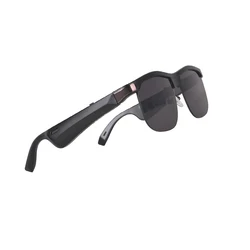
Audio Stereo Music Wireless Earphone Sunglasses Smart Glasses Frames UV polarized optical Cycling Smart Sunglasses
- Category: >>>
- Supplier: Shenzhen Yibo Technology Co. Ltd.
Share on (1600629217503):
Product Overview
Description
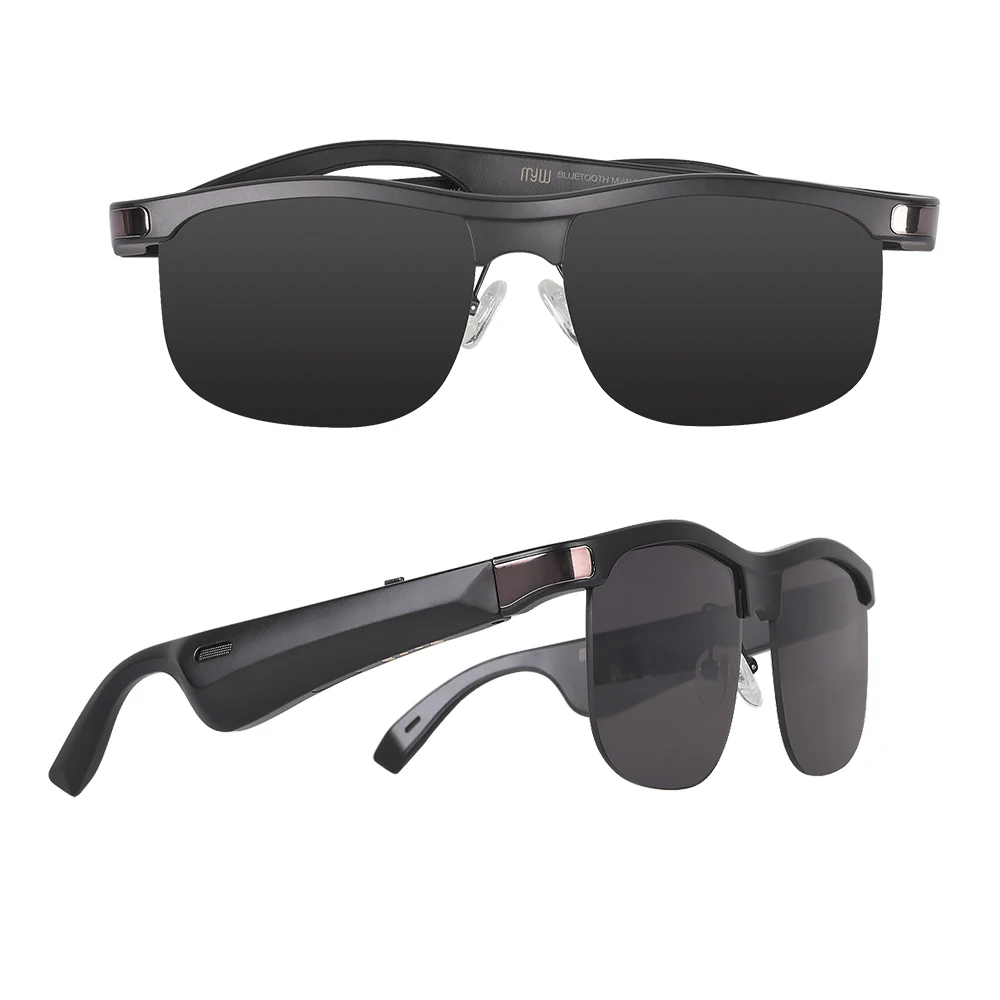
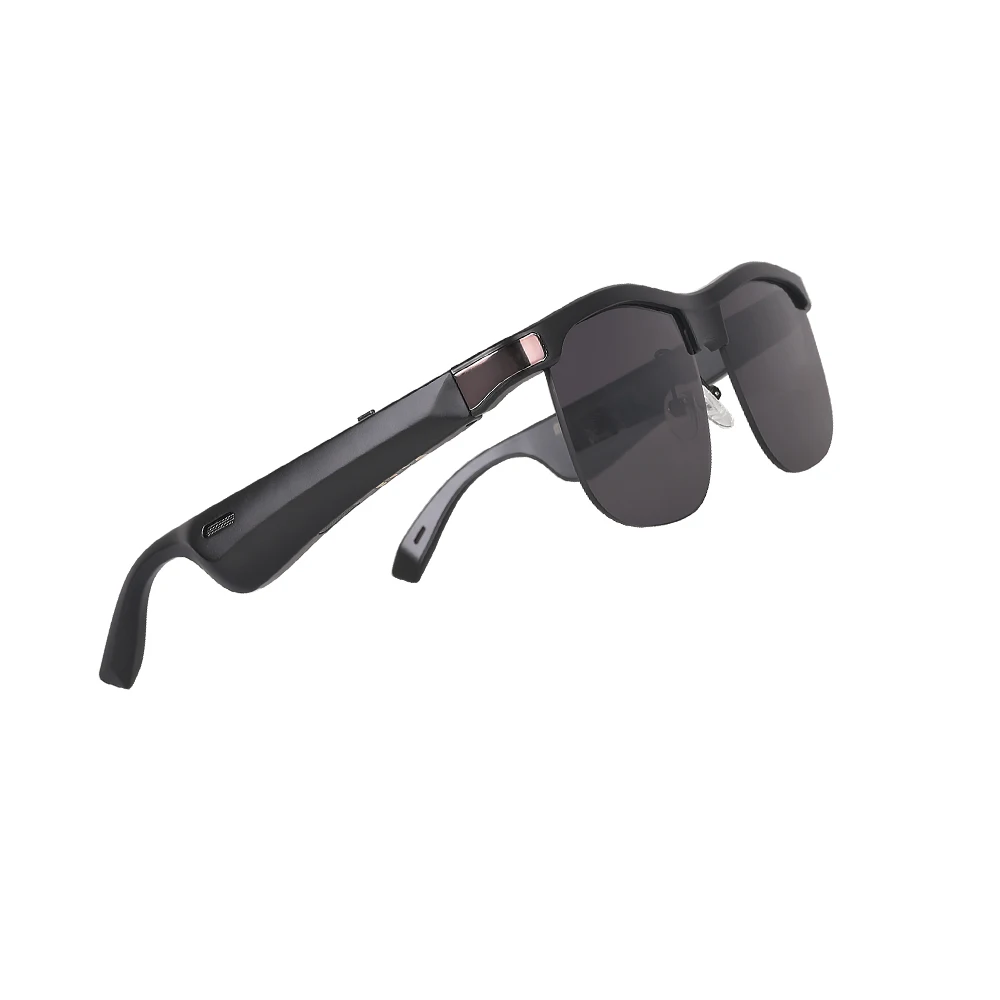
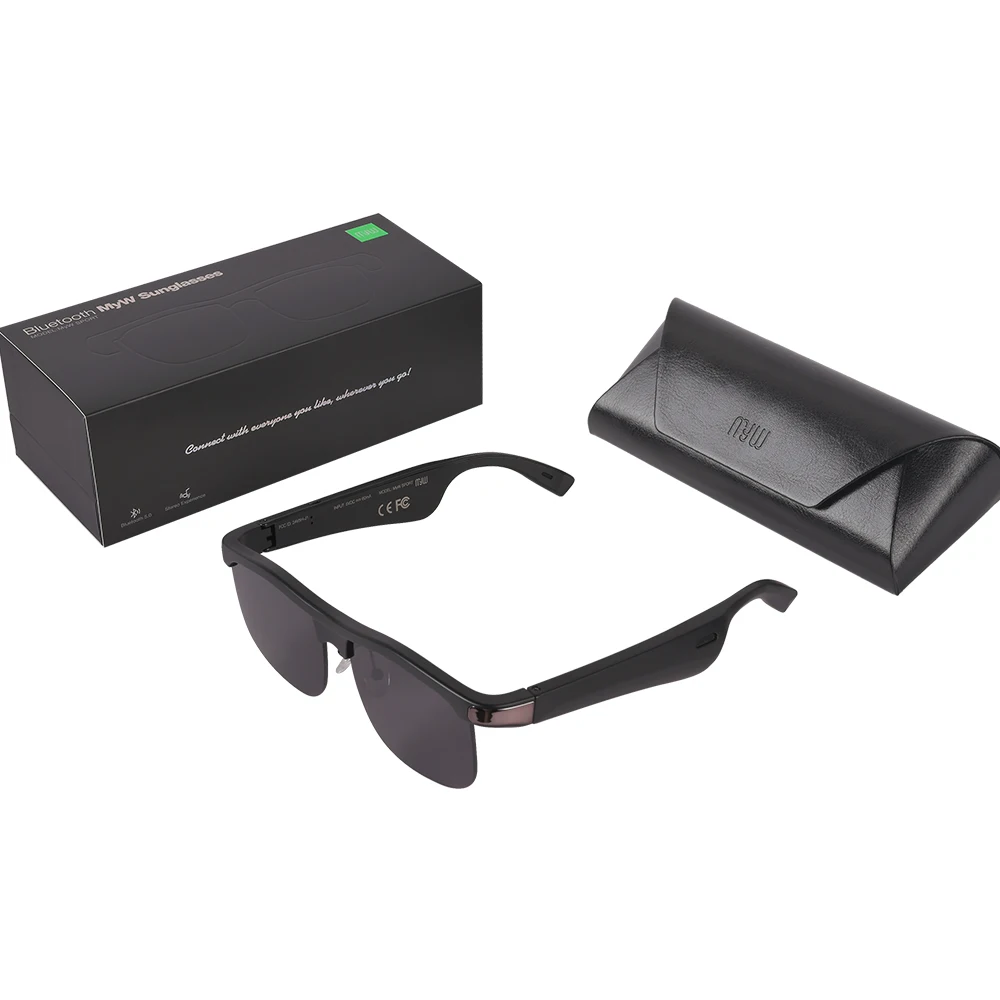
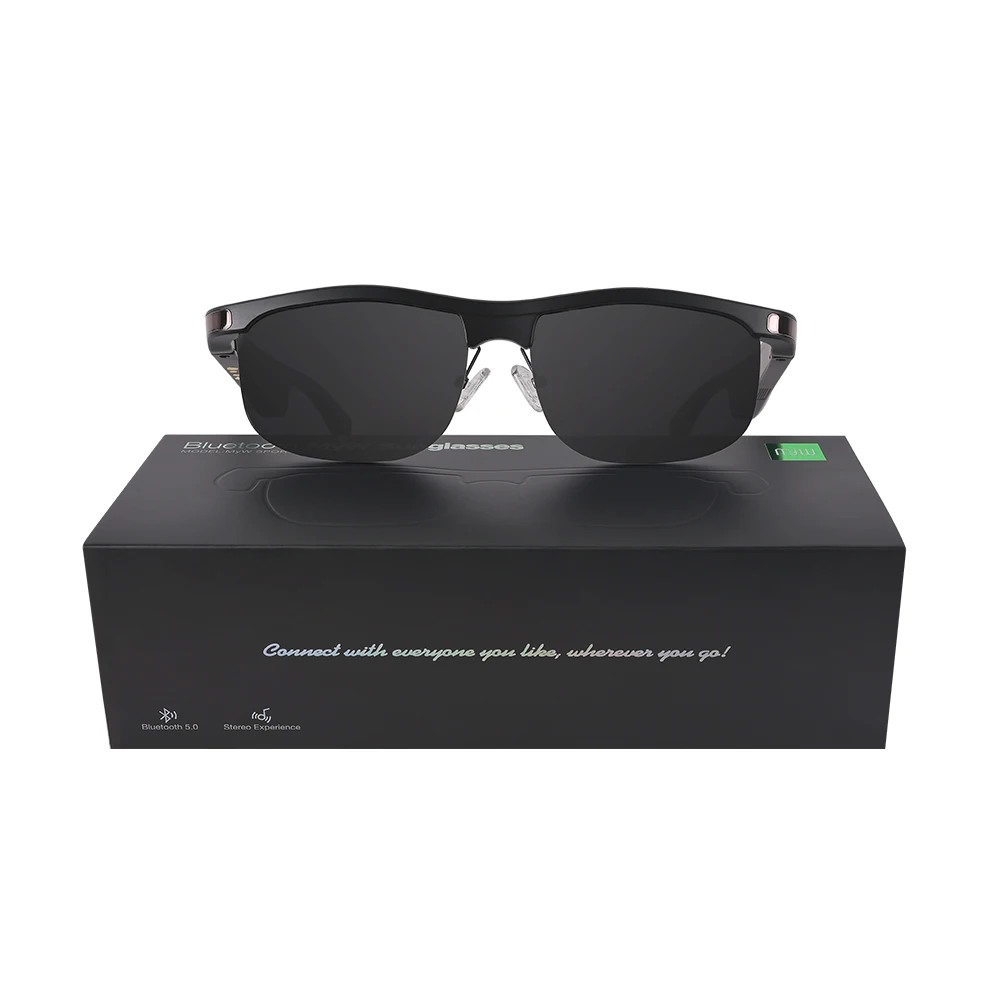
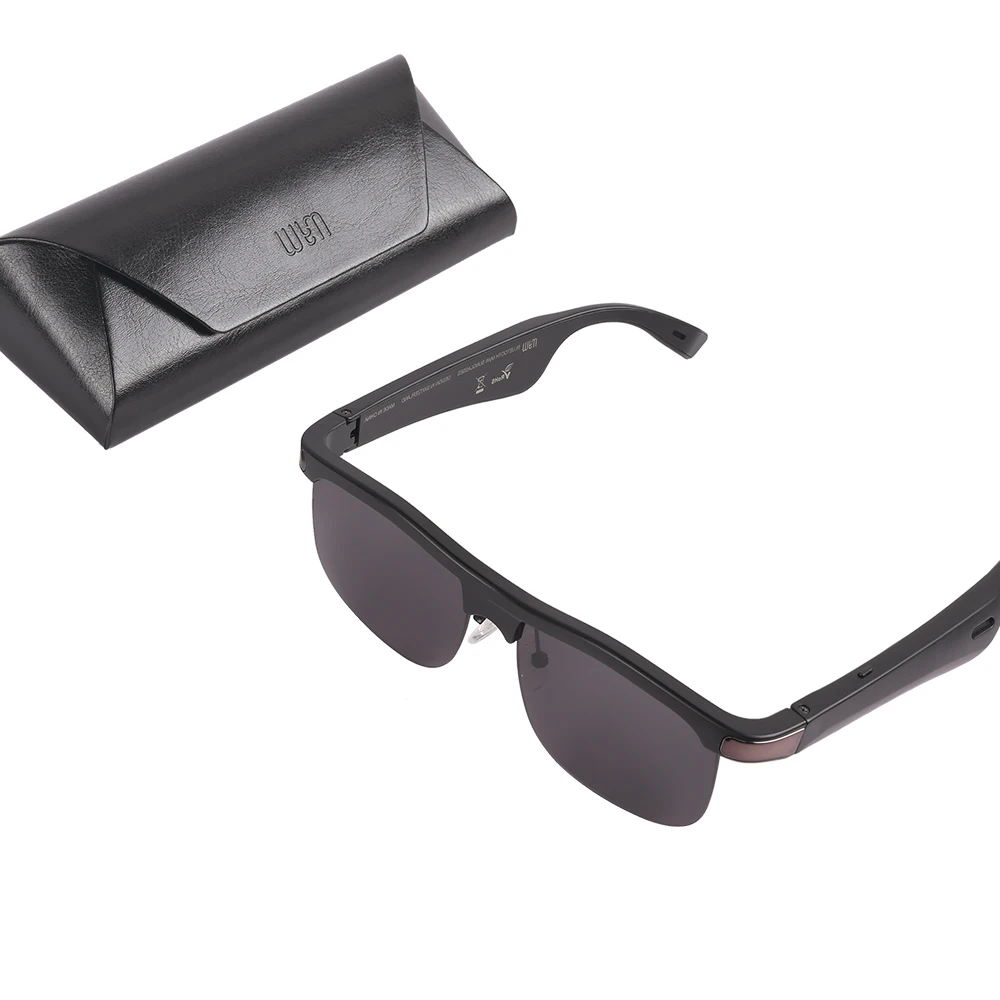
Audio Stereo Music Wireless Earphone Sunglasses Smart Glasses Frames UV polarized optical Cycling Smart Sunglasses

| Product name | MYW Audio Smart Sunglasses |
| Blue-tooth Version | 5.0 |
| Compatible system | iOS/Android |
| Weight | about 38g (N.W) |
| Operating voltage | DC5V/1A |
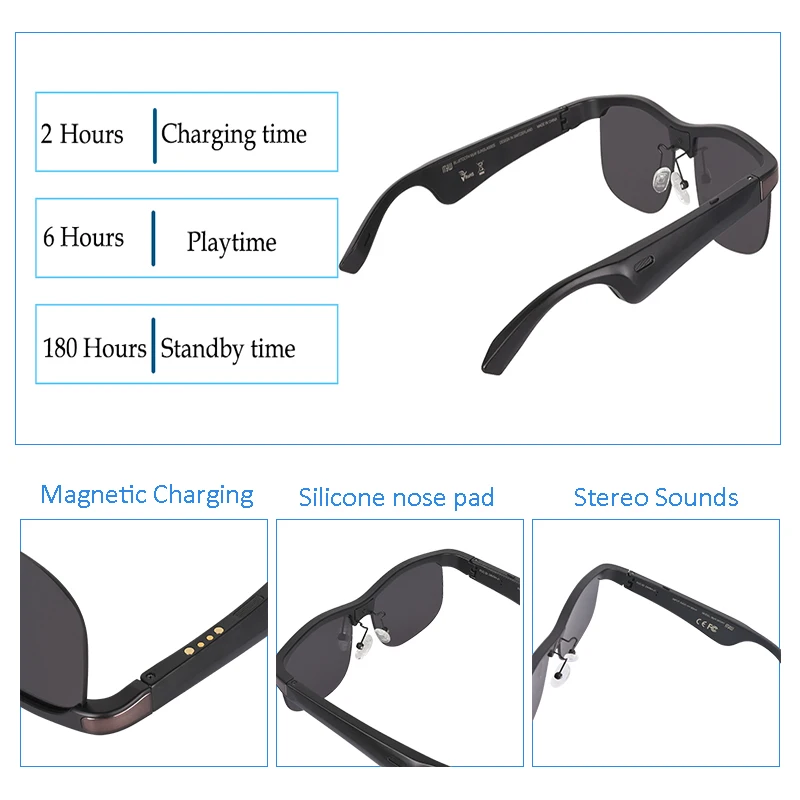
| Battery | Li-polymer (120mAh) |
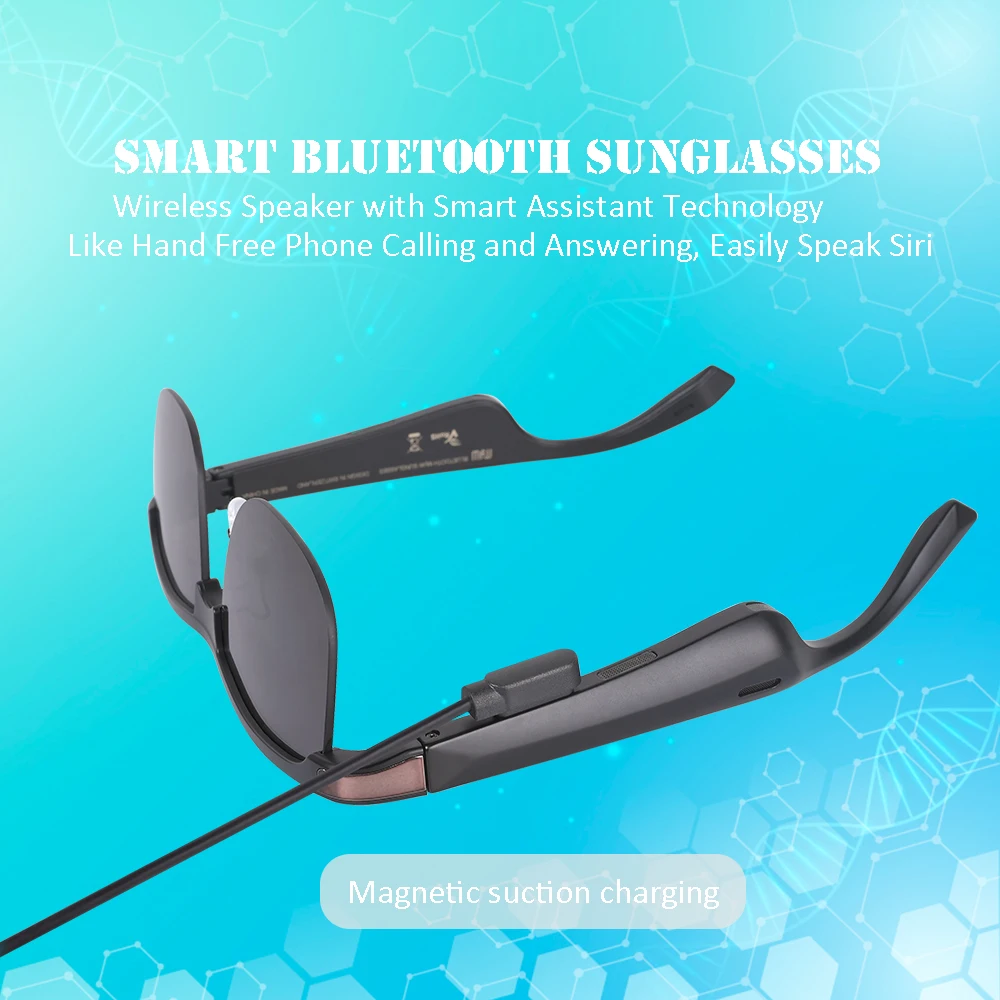
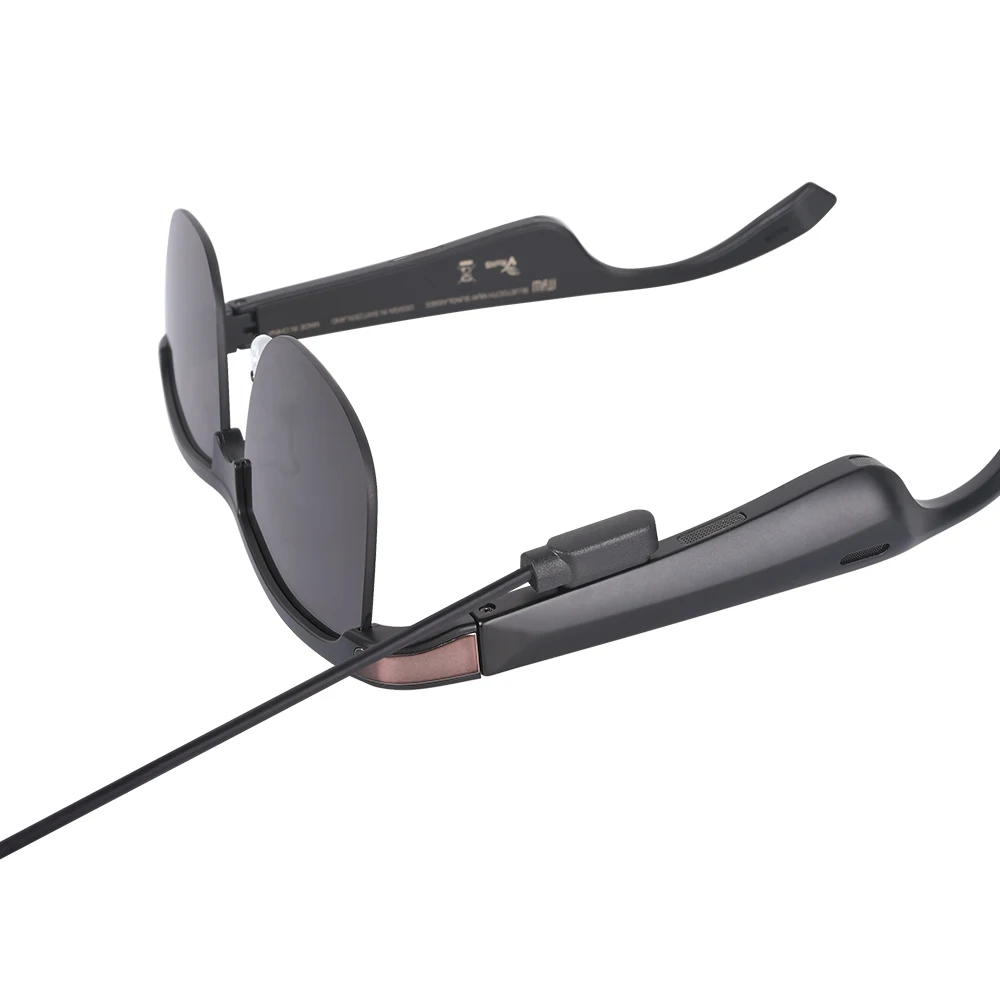
| Charging mode | magnetic suction charging |
| Standby time | 180Hours |
| Waterproof grade | IPX4 |
| UV Polarized | UV 400 |
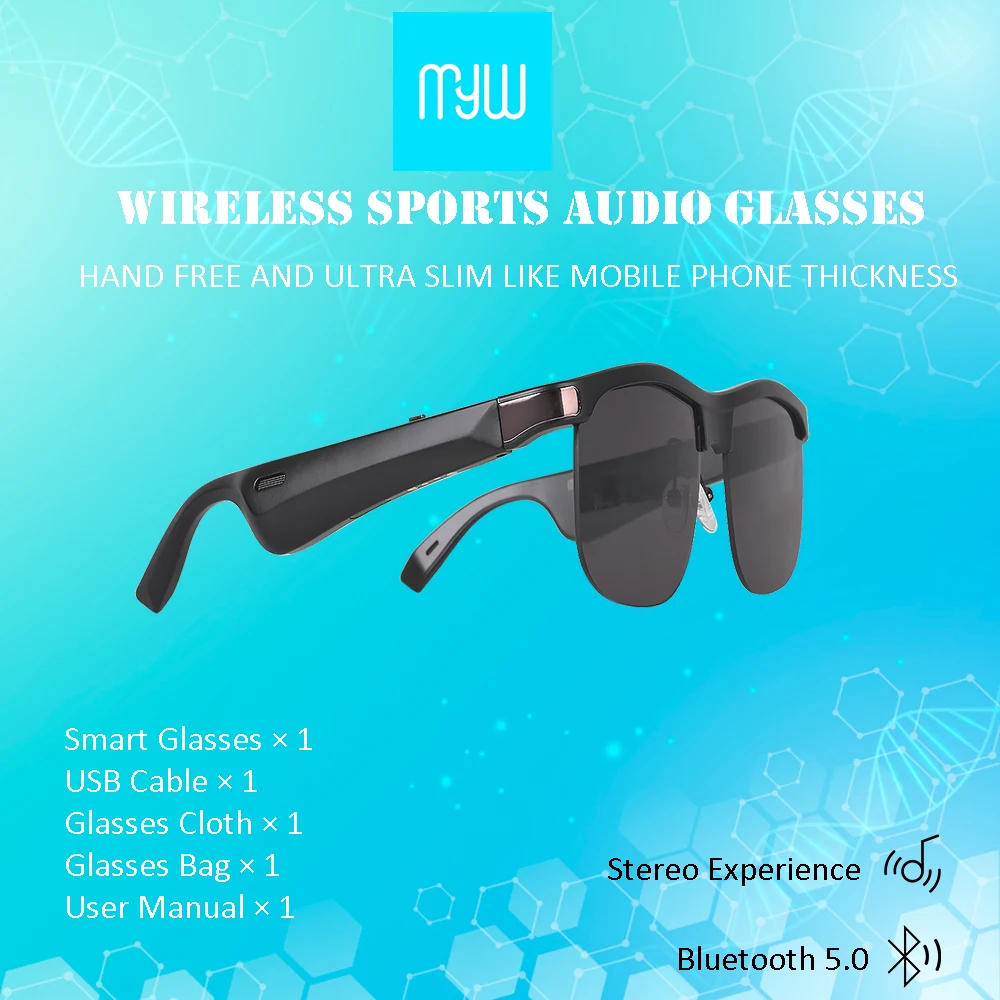
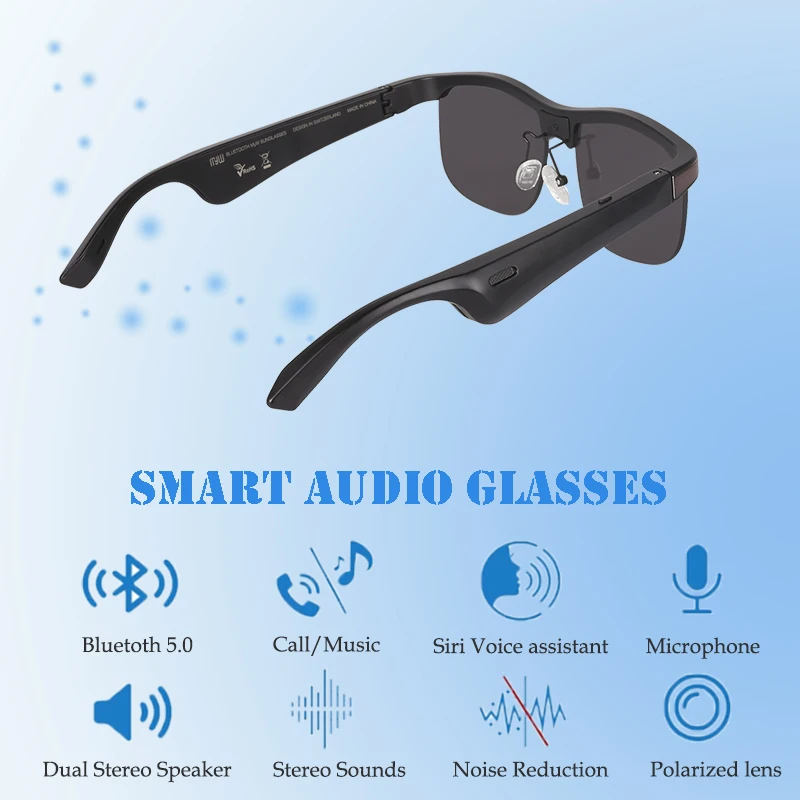
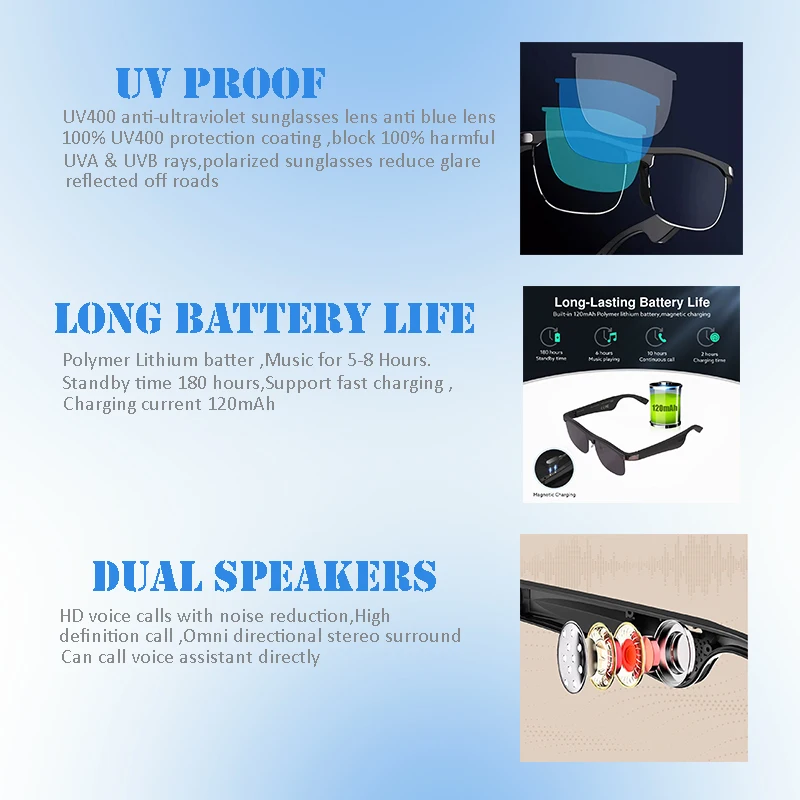
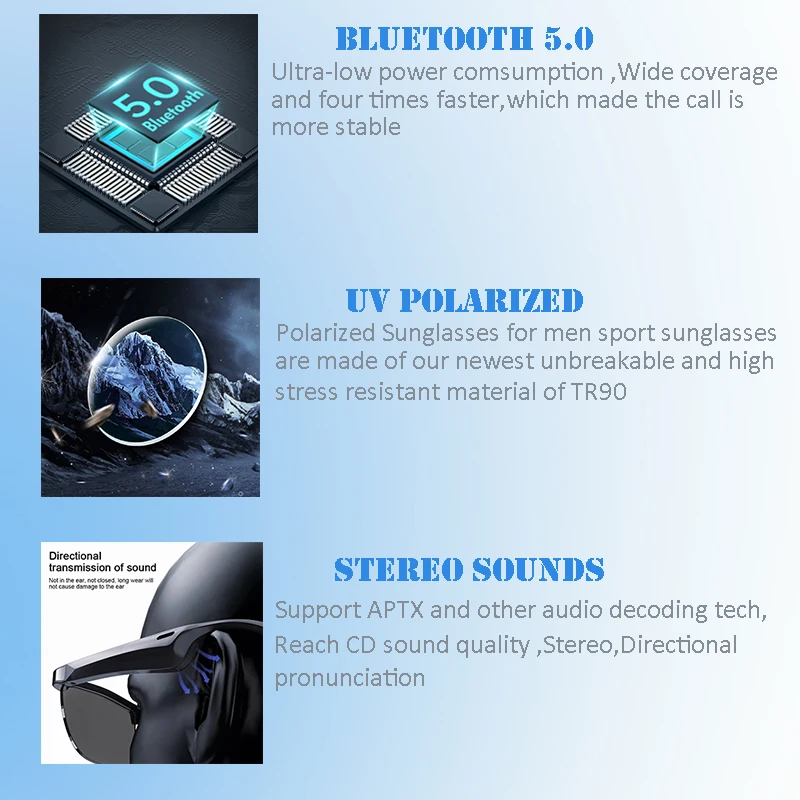
MYW Sunglasses is a Blue-tooth speaker with a stereo function, easy to operate and carry. These multi-functional smart glasses use a high-end BT 5.0 chip that is compatible with mainstream brand mobile phones and tablets as well as other devices. They have a long-lasting battery life with several other features including, their ability to support aptX audio decoding technology, reach CD grade sound quality and open directional pronunciation. The glasses also benefit from a barrier free reception of external sounds, making it convenient and safe to wear, play with and use.


 Smart blue tooth 5.0 open ear sport safety myw stereo sounds BT 5.0 Hands-Free Calling Music Audio Sport Fashion Sunglasses
Functional Operation
When the mobile phone is connected, and in standby mode, press the power button twice to wake up the voice assistant.
1. How to make and receive phone calls.
• Make a phone call: Press the power button twice and, after the tone, select a name in your address book or dial the phone number you intend to call;
• Answer to a call: Press the power button once;
• Hang up a call: Press the power button once;
• Redial: Press the power button three times to redial the last phone number on record.
2. How to listen to music.
• For song selection: Press the power button twice and, after the tone, repeat "Play music" (voice command) before selecting what you want to hear from your mobile phone;
• For random song selection: Press the power button twice and, after the tone, repeat "Play music" (voice command) before selecting a random playlist from your mobile phone;
• To play the next song of a playlist: Press the power button twice;
• To play the last song: Press the power button three times;
• To pause: Press the power button once.
3. How to pause the song to make a mobile phone call.
• Press the power button to pause the song and then press the power button twice so that, after the tone, you can select a name in your address book or dial the phone number you intend to call
 |  |  |
We Recommend







New Arrivals
New products from manufacturers at wholesale prices






