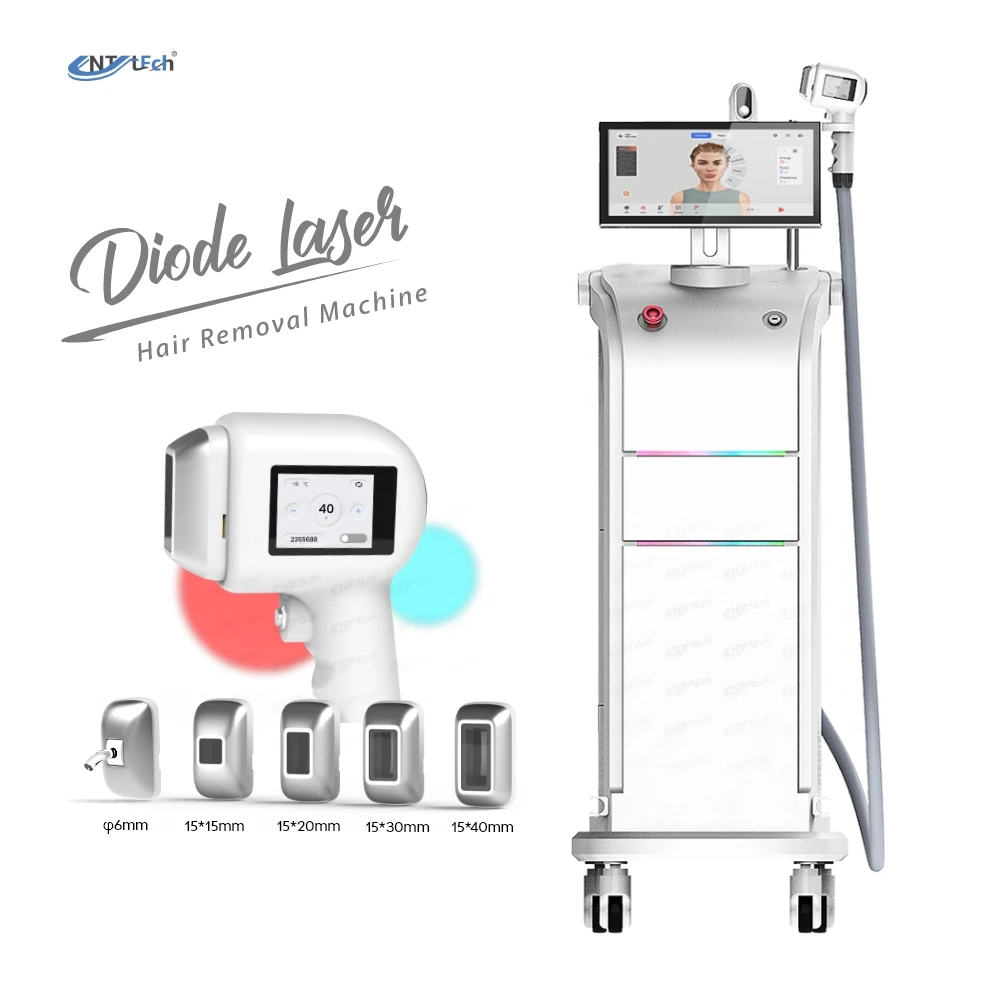
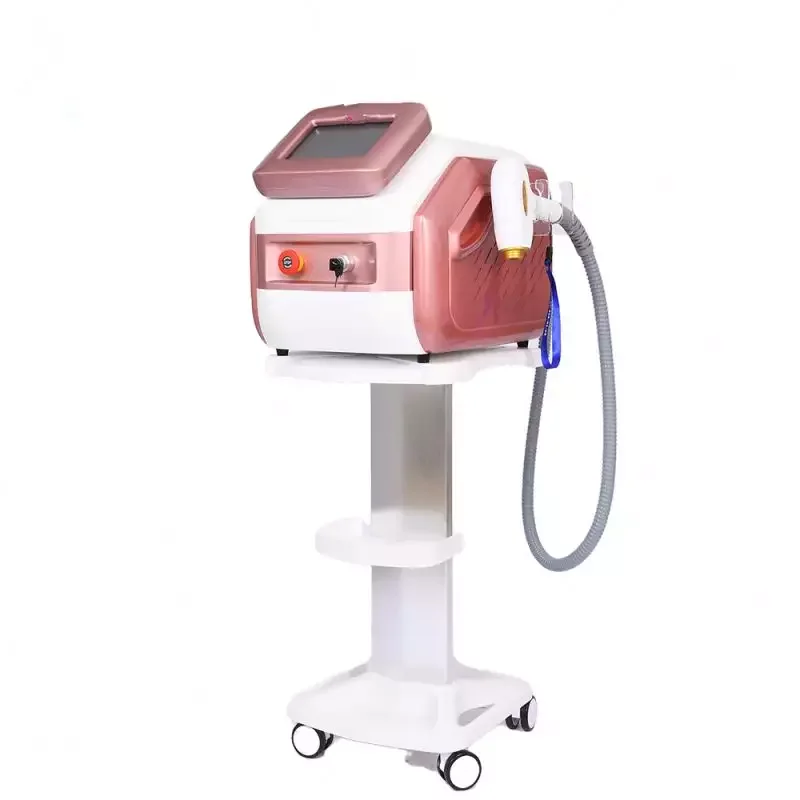
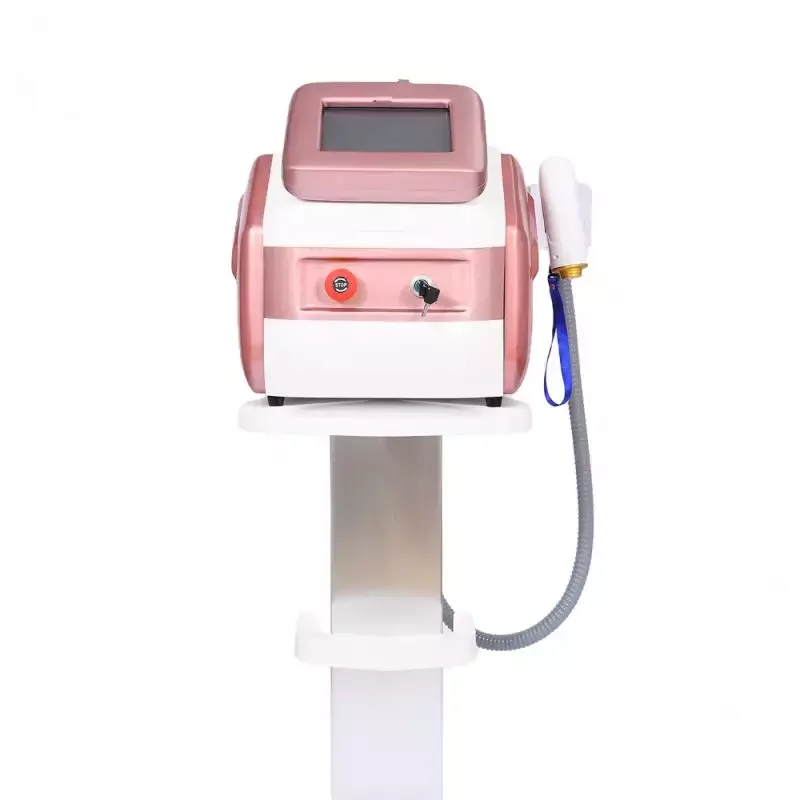
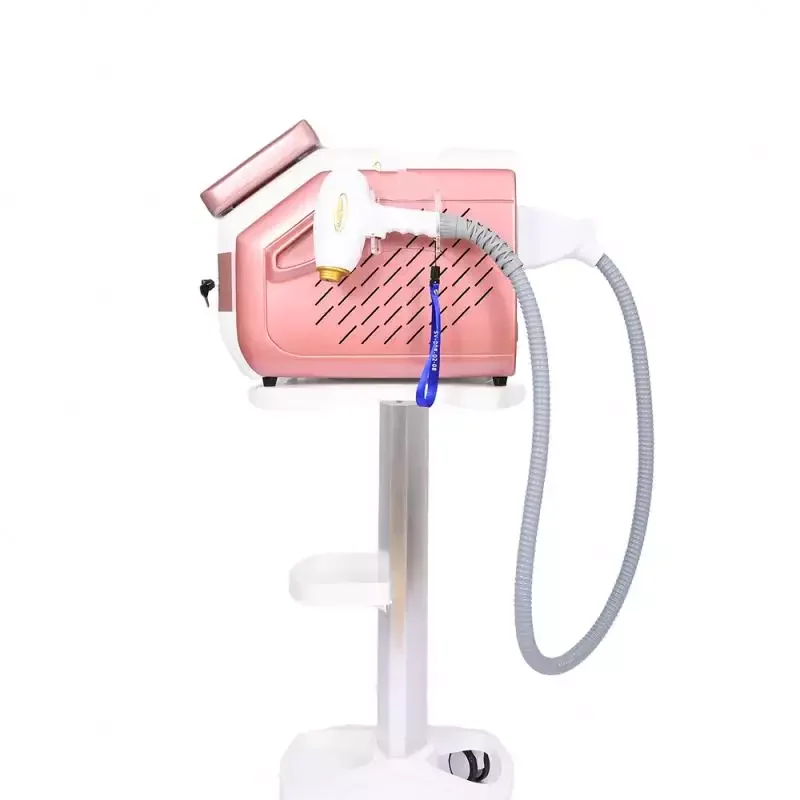
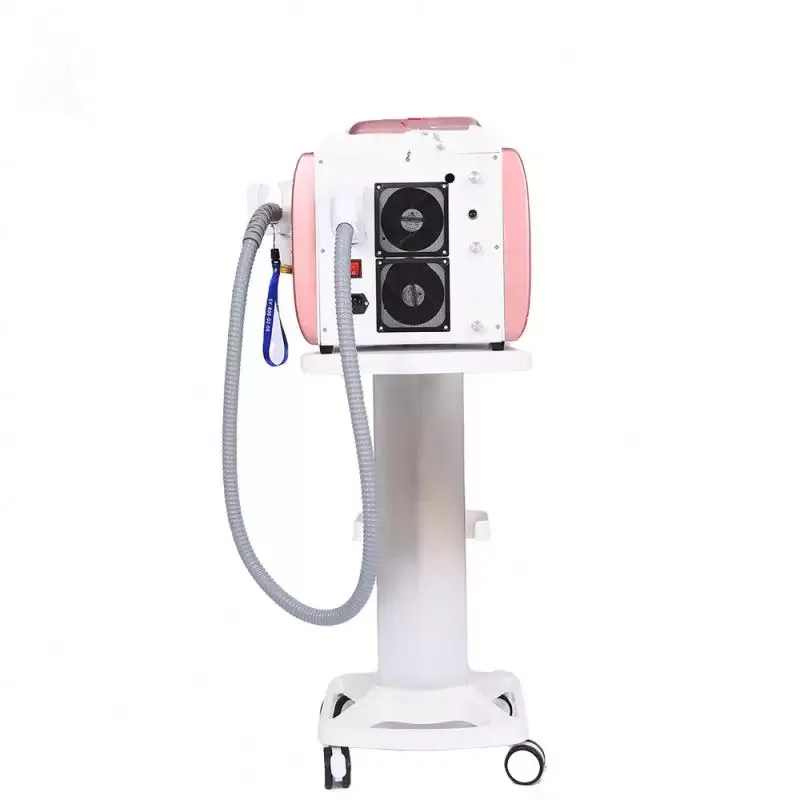
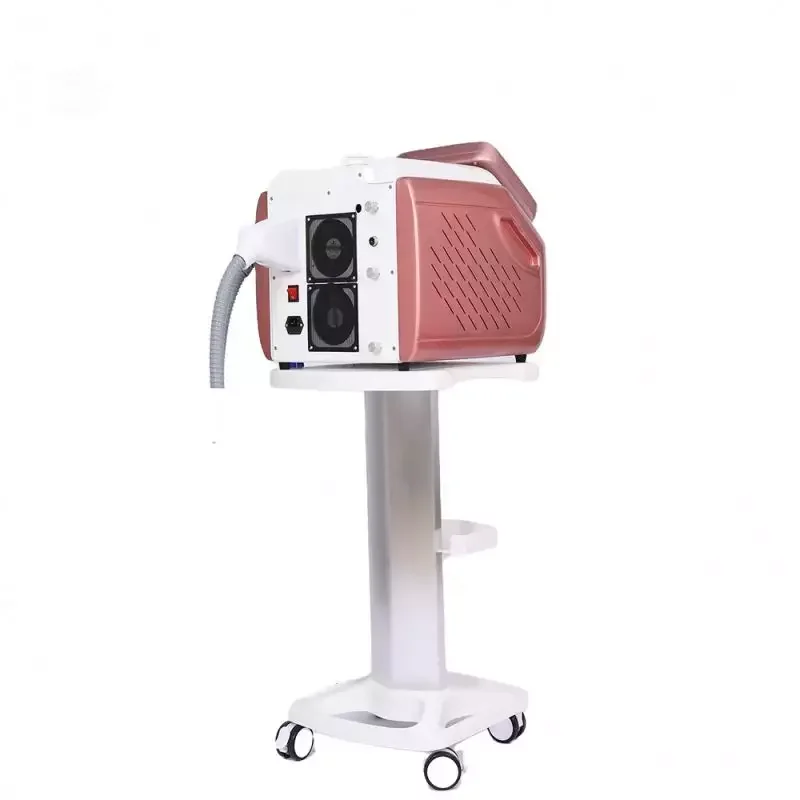
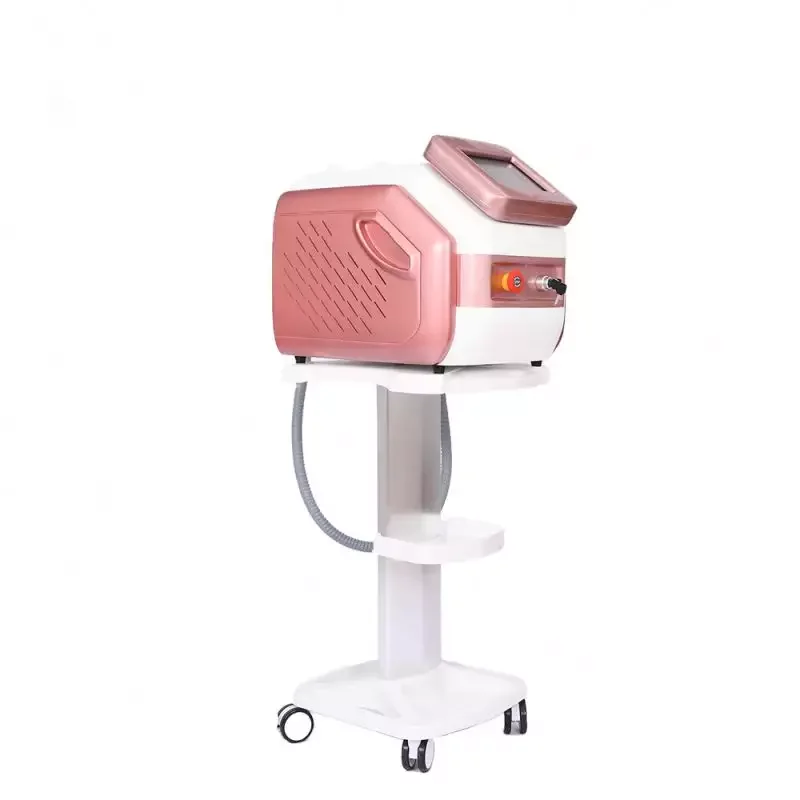
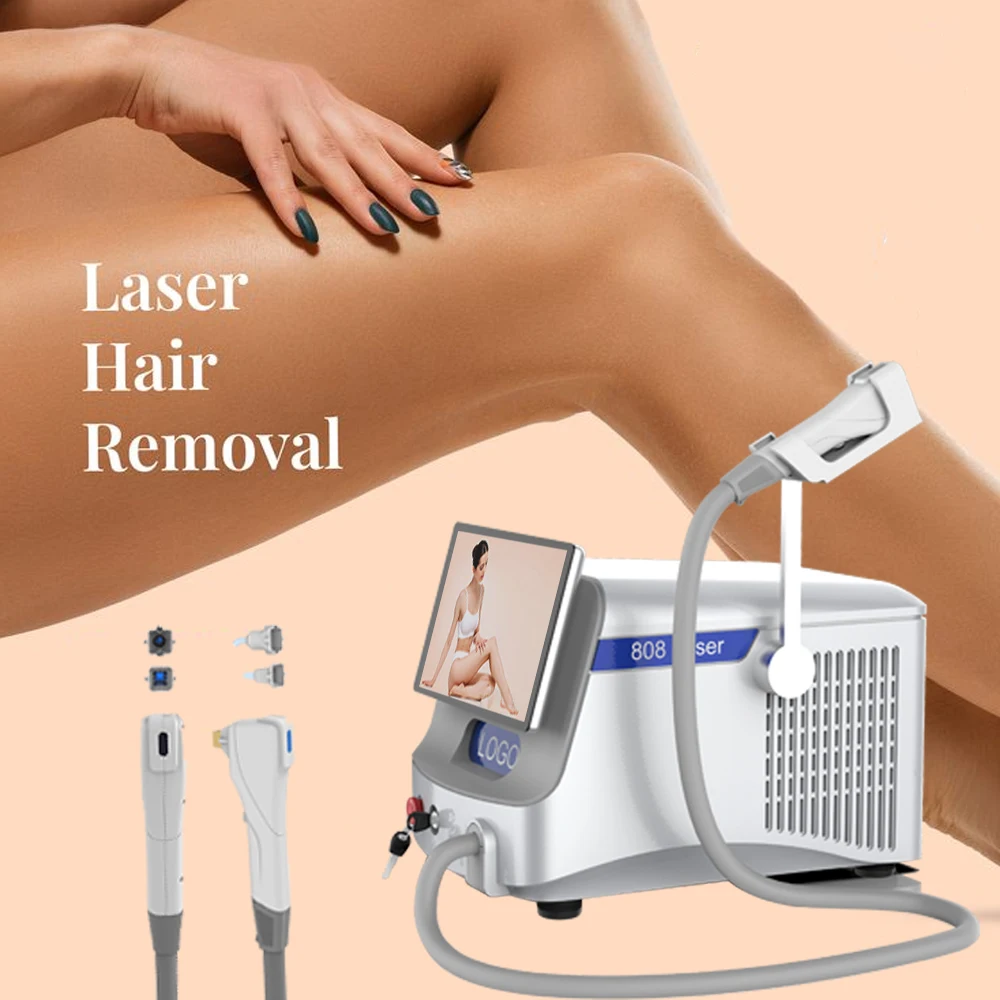
Factory 3 Wavelengths Hair Removal 808nm Diode Laser Beauty Equipment Diode Epilator Laser Hair Removal Machine
- Category: >>>
- Supplier: Foshan Ruikemei Technology Co. Ltd.
Share on (1600636317873):
Product Overview
Description
Latest Portable Hair Removal 808nm Diode Laser Beauty Equipment 3 Wavelengths Diode Epilator Laser Hair Removal Machine
Product Description
Working Pinciple
Semiconductor laser hair removal is to destroy the structure of hair follicles without scalding the skin, and play the role of
permanent hair removal. The treatment process is very simple. First, apply a layer of cold gel to the depilation area, put the
sapphire crystal probe against the skin surface, and then pull the trigger. The filtered light of a specific wavelength flashes
instantly, and the treatment is over. , without a trace of damage to the skin.
Semiconductor laser hair removal is mainly aimed at the growth of hair to destroy hair follicles and achieve hair removal effect. But generally speaking, the hair state of the human body coexists in three growth cycles. Therefore, in order to achieve the effect of hair removal, more than 3-5 treatments are required to completely destroy the hair in the growth period and achieve the best hair removal effect.
Semiconductor laser hair removal is to destroy the structure of hair follicles without scalding the skin, and play the role of
permanent hair removal. The treatment process is very simple. First, apply a layer of cold gel to the depilation area, put the
sapphire crystal probe against the skin surface, and then pull the trigger. The filtered light of a specific wavelength flashes
instantly, and the treatment is over. , without a trace of damage to the skin.
Semiconductor laser hair removal is mainly aimed at the growth of hair to destroy hair follicles and achieve hair removal effect. But generally speaking, the hair state of the human body coexists in three growth cycles. Therefore, in order to achieve the effect of hair removal, more than 3-5 treatments are required to completely destroy the hair in the growth period and achieve the best hair removal effect.

1. Mode selection: When you press the corresponding mode in the figure, it will enter the corresponding FPL mode;
2. Light energy adjustment: adjust the light intensity, the adjustment range is 1-50, and it can be adjusted from low-key when used, and adjusted according to user needs;
3. Light-emitting mode selection: When the I button is pressed, it will switch to the normal light-emitting mode. At this time, the 9 area in Figure 3 will be displayed. When the II button is pressed, it will be switched to the fast flashing light mode, and then Figure 4 will be displayed. Of 10 areas;
4. Return to the previous interface;
5. Count reset button: When this button is pressed, the count on the interface will be reset;
6. Ready/standby: start or stop work;
7. Adjust the strength of the ice seal, there are 5 levels;
8. Numerical value adjustment button: adjust the numerical value of area 9 and area 10 in Figure 3;
9. Normal light emission mode light data value adjustment: just click the data area to be adjusted, the corresponding data area will appear a selected mark, then just click the up and down keys in the 8 area to change the corresponding
data value;
data value;
10. Fast flashing light mode data value adjustment: just click the corresponding position of this area, the corresponding data area will appear a selected mark, then just click the up and down adjustment buttons in the 8 area and the corresponding data value will change;
11. Display temperature value;
12. Display water flow alarm and light emitting information area;
Details Images


Certificate

Packing & Delivery

Standard Packing
FAQ
Q1 : Are you factory or trading company?
A1 : We are factory.
Q2 : Can you print my Logo on the products?
A2: Yes, we can. We support OEM.
Q3: How does your factory control quality?
A3: Quality is the most important for us,we has been accredit by several certification austerities domestically and
internationally, including European Union quality approval (CE/GS/ RoHS /PAH etc.) .
Q4 : What's the payment method?
A4 : T/T, WESTERN UNION, MONEY GRAM, ESCROW....
Q5 : What should I do if I don't know how to use the machine?
A5 : We have user manual for your reference, and also we provide you onlie service at any time.
A1 : We are factory.
Q2 : Can you print my Logo on the products?
A2: Yes, we can. We support OEM.
Q3: How does your factory control quality?
A3: Quality is the most important for us,we has been accredit by several certification austerities domestically and
internationally, including European Union quality approval (CE/GS/ RoHS /PAH etc.) .
Q4 : What's the payment method?
A4 : T/T, WESTERN UNION, MONEY GRAM, ESCROW....
Q5 : What should I do if I don't know how to use the machine?
A5 : We have user manual for your reference, and also we provide you onlie service at any time.
We Recommend
New Arrivals
New products from manufacturers at wholesale prices







