
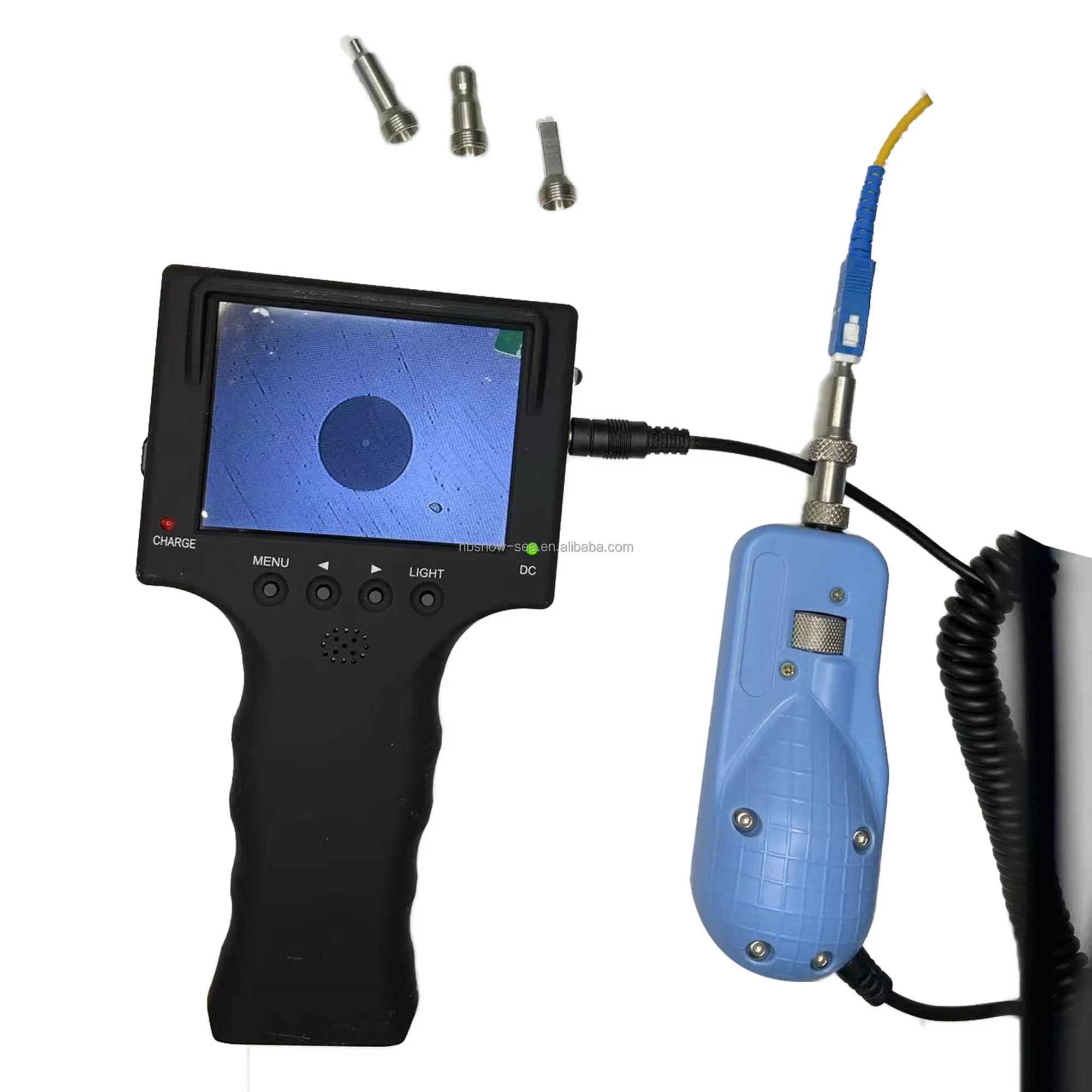
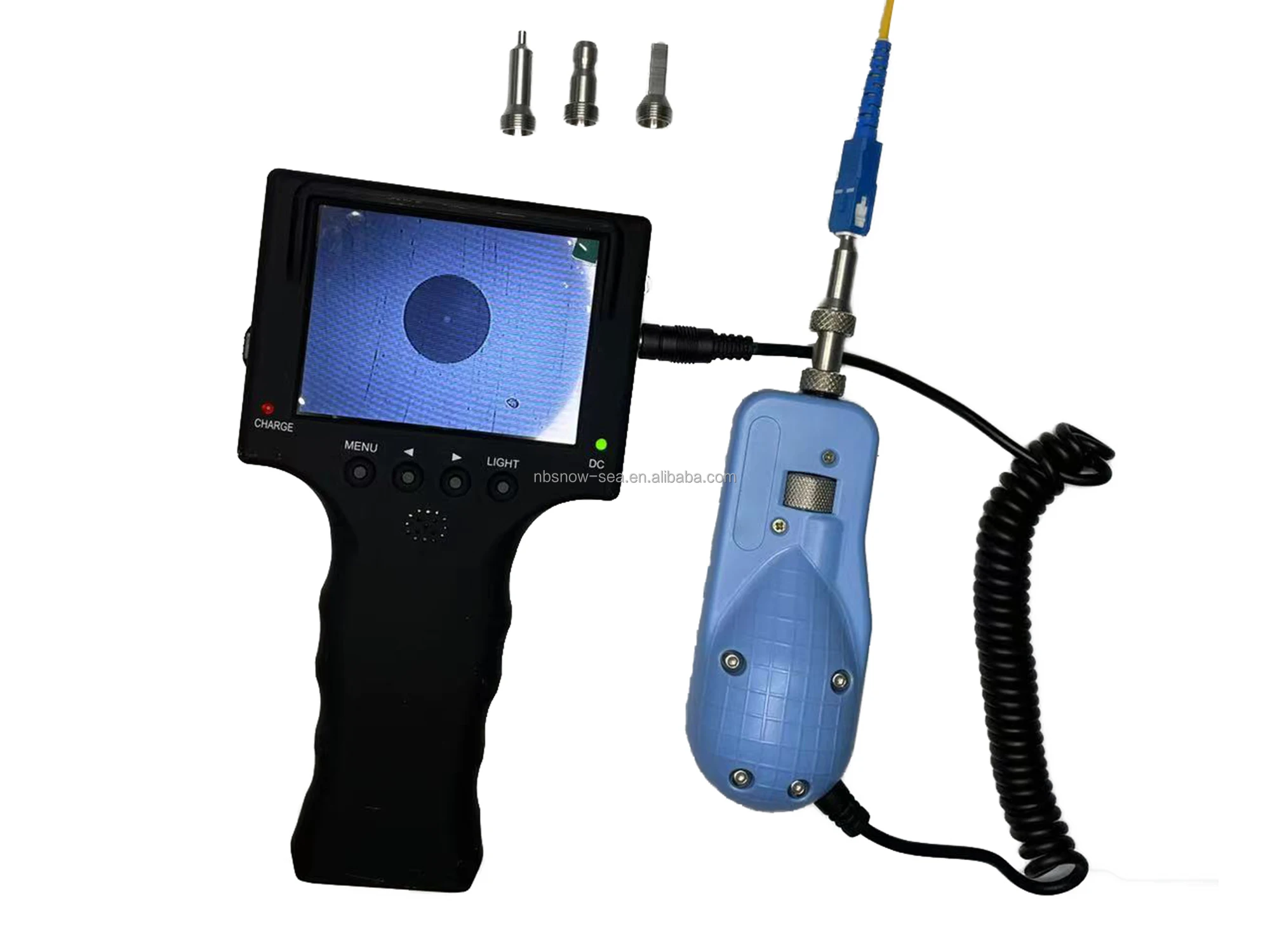
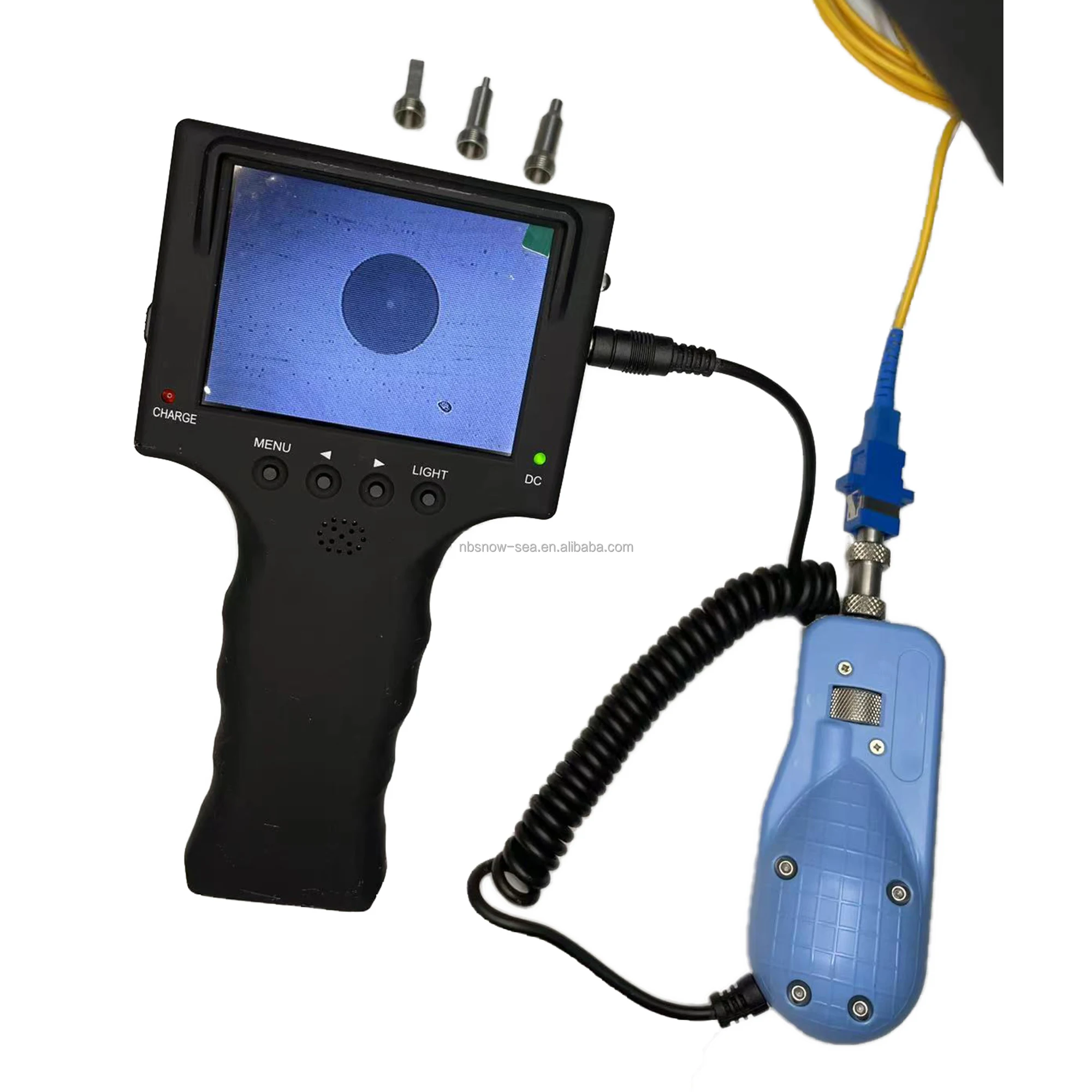
Fiber Optic Connector and Adapter Endface Inspection Probe Microscope
- Category: >>>
- Supplier: Ningbo Snow Sea Optoelectronic Technology Co. Ltd.
Share on (1600637636158):
Product Overview
Description
Fiber Inspector
(Fiber Optic Video Microscope)


User Manual
SAFE GUARD
Thank you for purchasing our product ZT-01 Fiber Video Microscope.
Before assembly and use, make sure that all of parts are carefully read when utilizing the microscope, please pay attention to the following conventions.
WARNING: Refers to a potential personal hazard. It requires a procedure which, if not correctly followed, may result in bodily harm or injury. To avoid the electricity attack ,do not disassemble the product privately. Only the stuffs are allowed to maintain the trouble.
CAUTION: Refers to a potential product hazard. It requires a procedure which, if not correctly followed, may result in component damage. Only the stuffs are allowed to maintain the trouble.
IMPROTANT: Refers to any information regarding the operation of the product which you should not overlook.

Magnification
1.1 Magnification
Enlarges the picture through an optical system and output them by CCD camera. Owing to its complex configuration and small size, the amplification is stably decided by the multiple of objective lens and the dimension of CCD. The larger the display is, the more magnification it offers. Normally the size is 3.5inch or 5.6inch or 9inch or 14inch. The size of PC display is 15inch or 17inch. When observing the image, to obtain a clear picture, you can adjust the contrast and brightness based on the spot light.
1.2 Kinds of magnification as follows
Display Index | 3.5inch | 5.6inch | 9inch | 15inch | 17inch |
Diameter | 2.5 | 4.5 | 8.1 | 12.3 | 14.5 |
Magnification | 200 | 360 | 600 | 980 | 1280 |
Note: 1) The data of diameters above are measured directly.
2) The magnification is calculated based on the fiber of 125um
1.3 Enlarged Area
As for the fiber ferrule, the detected size can reach up to 0.35mm diameter, which contains, not only the end-face of 125um fiber in the middle, but also the ceramic surface around. Adjusting the handle slightly will also help you obtain more enlarged ceramic area.
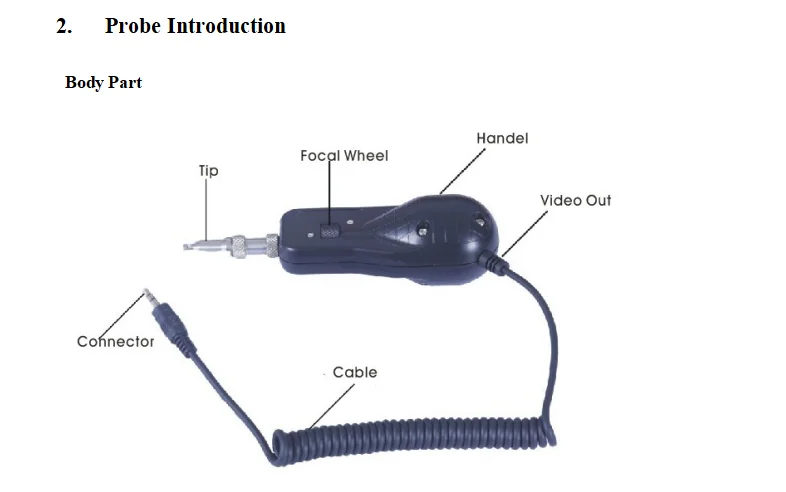
2.1 Constitutionz
A Handle: the handle houses many things, like CCD camera, optical structure, optical routine system, coaxial lamp-house, focus control structure and video output, power supply system and so on. The output is PAL.
B The Inner Structure of Handle is so compact and complex that, if long time work it will cause a fever. This isn’t the mechanical failure but normal phenomena. If disassemble handle personally, it may cause damage. Meanwhile, you will lose the chance to troubleshoot freely.
2.2 Microscope Lens
A On the front of the handle locates optical system and the front end comes a lens-bar.
B The Barrel Assembly, mounted on the front body, houses lens-bar inside and used to match different tips. Turing the focusing wheel will change lens-bar meanwhile.
2.3 Barrel Assembly
Barrel Assembly plays a vital role in joining or fixing various tips.
2.4 Tip
To inspect different fibers, kinds of tips are needed. When using the tip, make sure the connection between barrel assembly and tip is firm enough.
Pictures of tips are as follows:
Standard one: Female tip

Note: Because of the limited space, tips are not listed fully. Please contact us for further information.
Tips | Introduction |
FC SC/F | insert to the FC/SC flange to inspect female fiber ends (dual use) |
LC / F | insert to the LC/MU flange to inspect female fiber ends, no need to remove the fibers around when the connector port is of high-density (dual use) |
2.5PC/M | Insert directly to inspect male fiber ferrules (normally SC,PC,ST three types) |
1.25 PC/M | Insert directly to inspect male fiber ferrules (normally LC,MU, two types) |
FC-APC-F | Insert to the FC flange to inspect APC female fiber ends |
SC-APC-F | insert to the SC flange to inspect APC female fiber ends |
|
|
2.6 Attention Points
As pictures shown above, please pay attention to the following when using different tips:
1) When using the tip, do not rotate it once insert. Screwing the retaining nut on the barrel assembly works.
2) When removing the tip or barrel assembly, make sure the removing direction is along the beeline rather than laterally.
3. Monitor Introduction
1)Portable product.
Portable product is able to use in any place and any time,it's easy to hold and do not need complicated equipment that hinders the inspecting and repairing.
2)Monitor
3.5" high image resolution monitor enable to show clear image that fits any place to use.
3)Long work time
Equips with Lithium battery of high capability, each 2 hours recharger durables 4.5~5 work hours
4)Humanized design of appearance
Hand-hold design for professionals. Easy operation without taking off gloves speeds your works. Clasp ring at bottom fits to all chains and use in all environments.
5)Support 12v max 400mAh DC power for camera
It's convenient for user to check camera condition and correct direction of camera, so to make installation and repairing easier.
Specification
Display | 3.5" TFT color LCD |
Image Resolution | 640 x 480 |
Video in | Video in x 1 |
Power out | DC power out x1 (Support CCD camera of power source/Max electric currency 400mA) |
System Format | NTSC/PAL |
Status Indicator | 2 LED(Power IND=green/Charging IND=Red) |
Power Source | Built-in rechargeable Lithium battery: 3.7V 2000mA/h |
Power Source | External power: DC 5V 1.0A adapter |
Dimension/Weight | 180mm(L) x 98mm(W) x 30mm(H)/250g |
4. Allocation
NO. | Name | Quantity |
1 | ZT-01probe | 1 pcs |
2 | 3.5 Inch Display | 1 pcs |
3 | LC/ F ,SC FC/F, | 2pcs |
4 | 2.5mm PC Male Tip | 1 pcs |
5 | 1.25mm PC Male Tip | 1 pcs |
6 | Charger | 1 pcs |
7 | Bag | 1 pcs |
We Recommend







New Arrivals
New products from manufacturers at wholesale prices






