
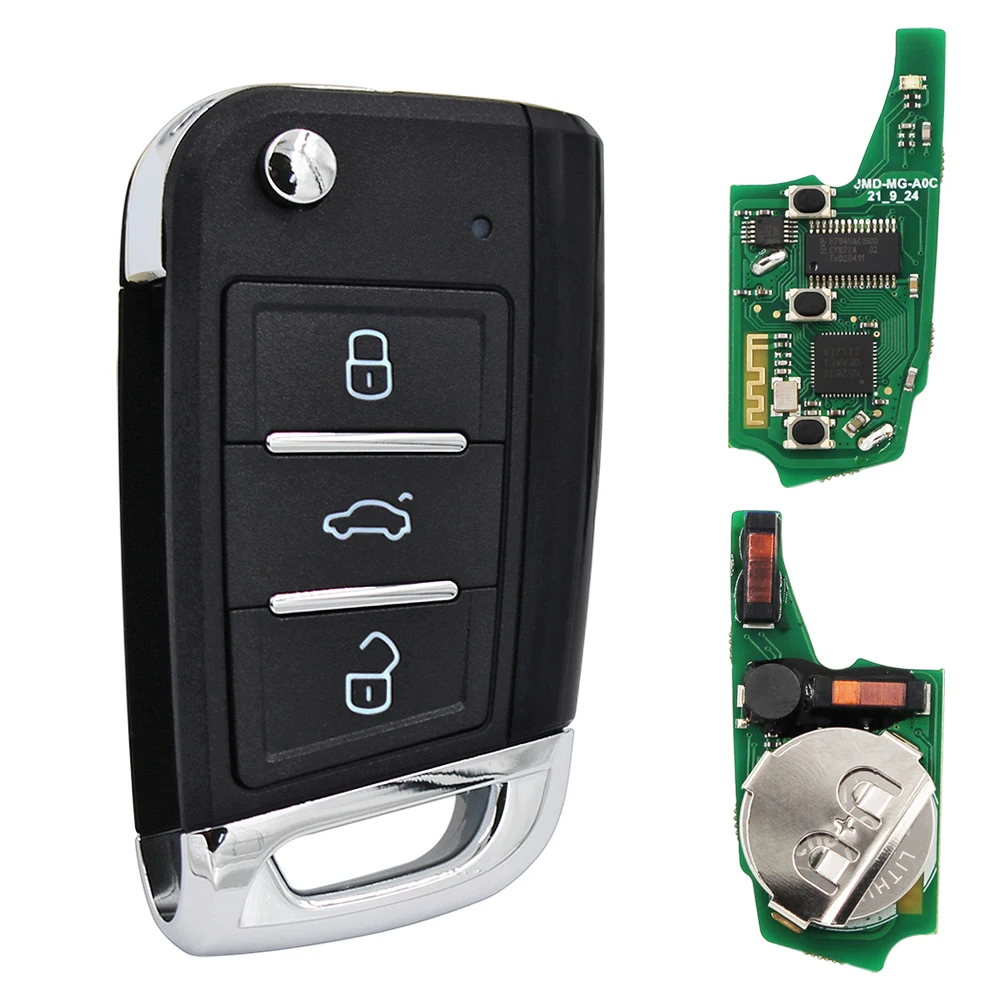
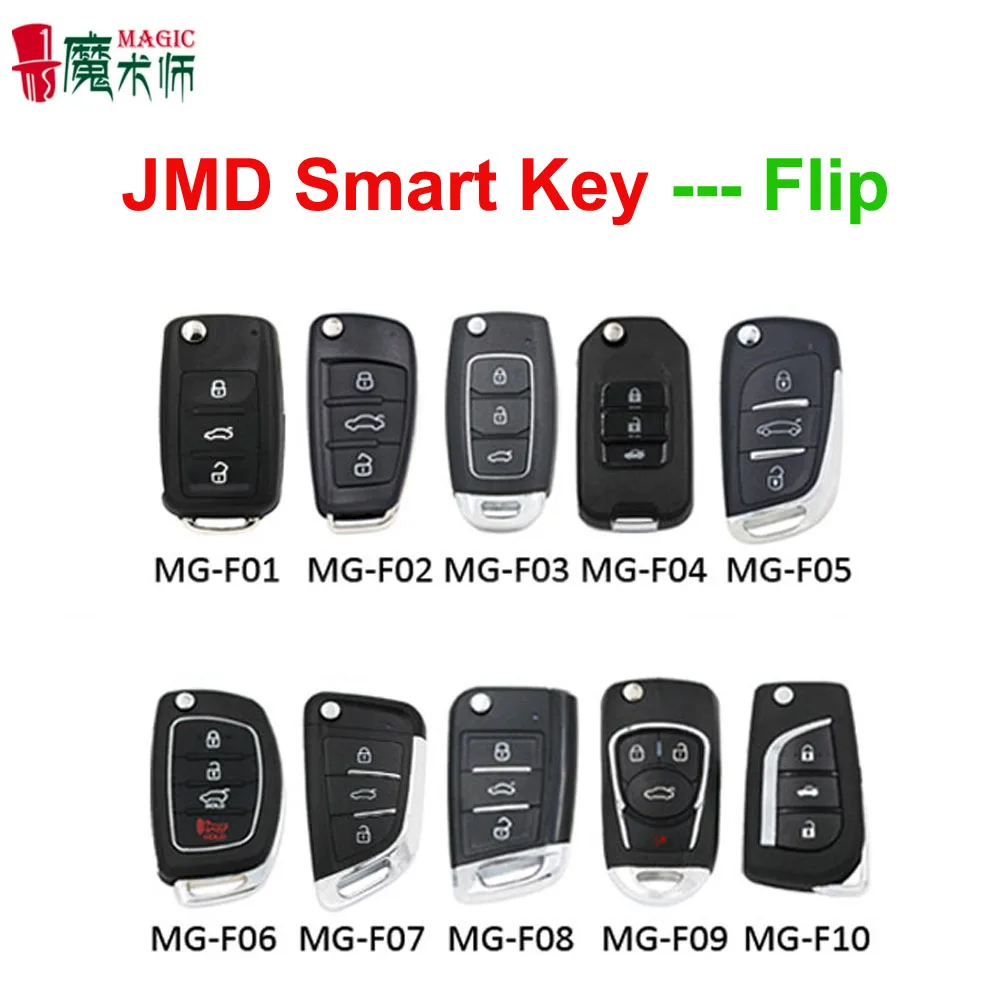
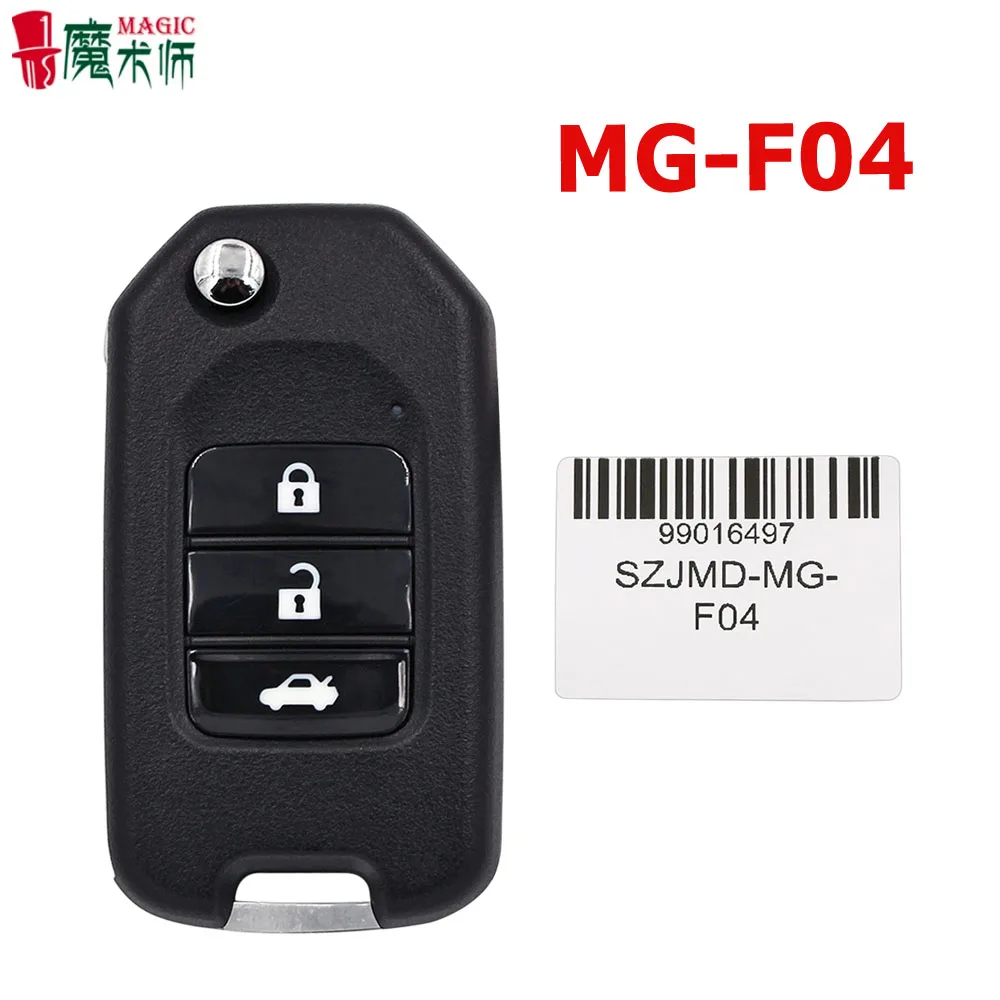
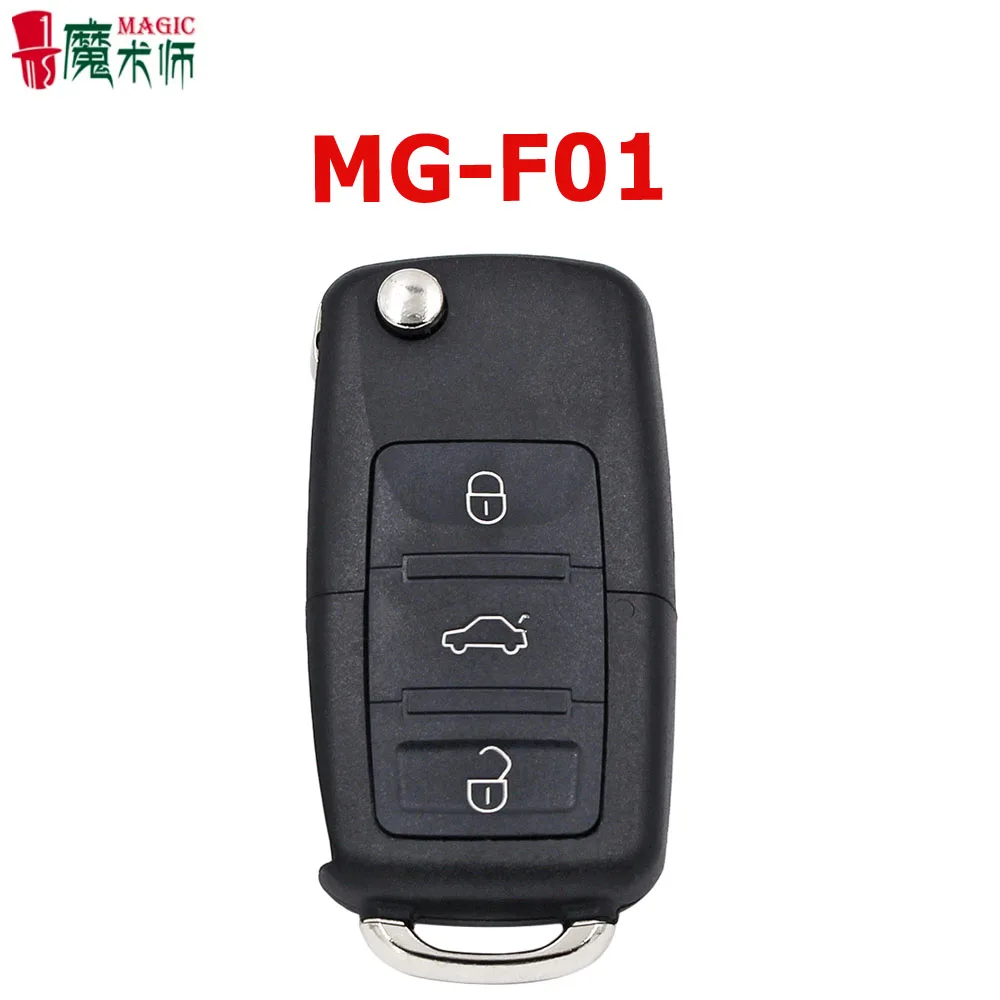
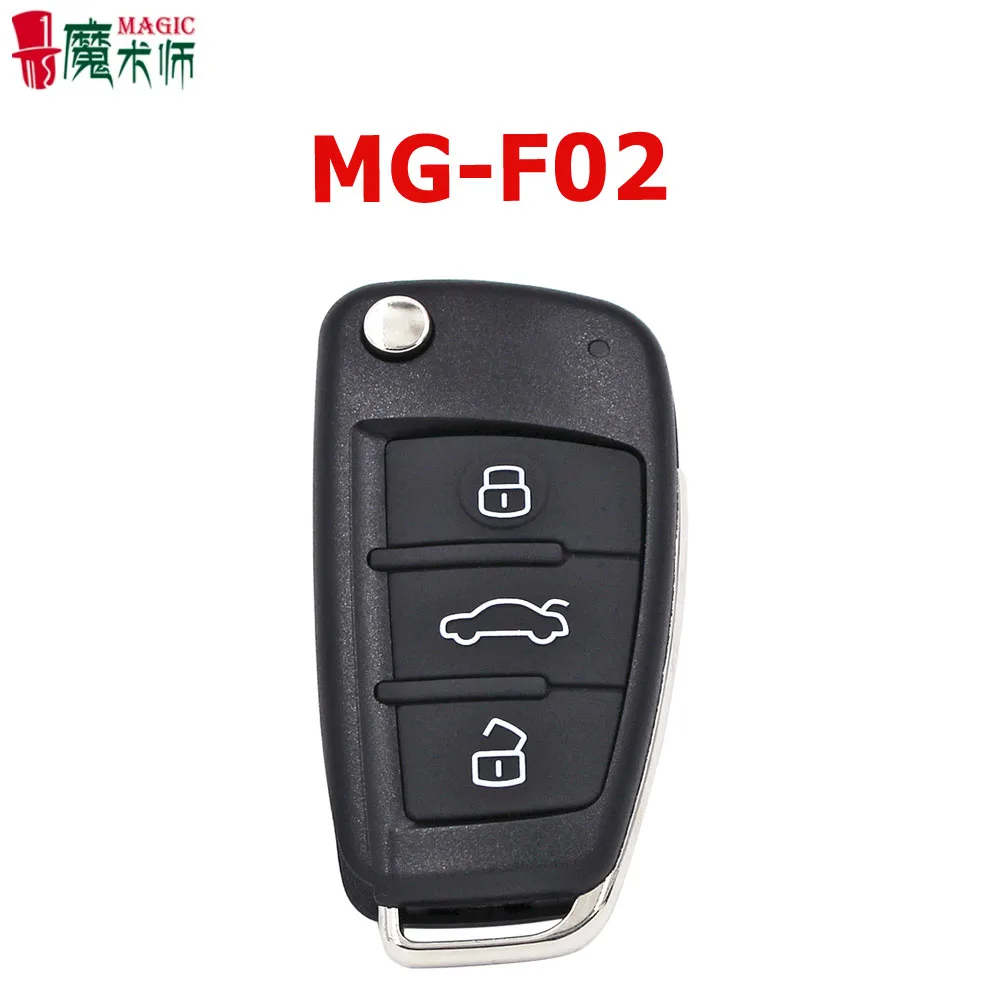
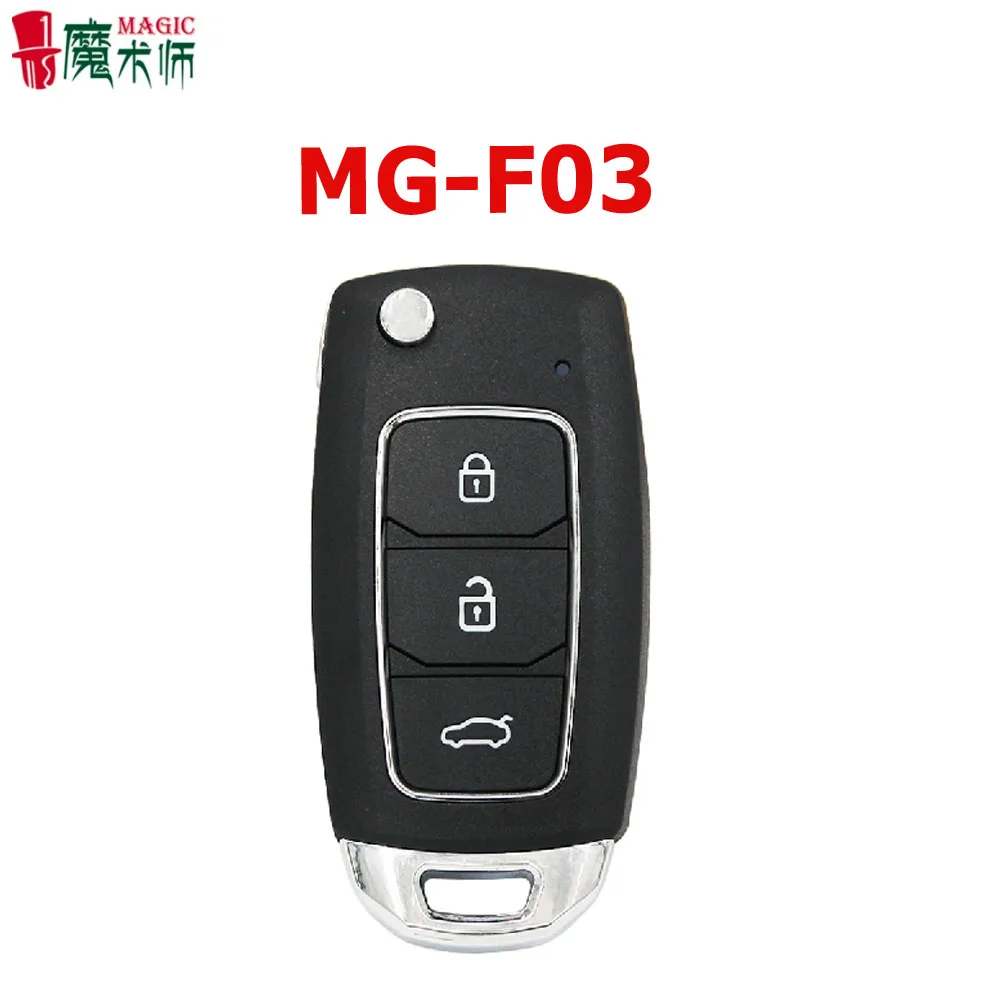
JMD Magic Remote B5 DS DF A6 Flip Folding Style Multifunction JMD 4 in 1 Garage Door Car Key Control,JMD MQB Panda Smart key
- Category: >>>
- Supplier: Shenzhen Hua Nuo Trade Co. Ltd.
Share on (1600638677227):
Product Overview
Description
Product Description
JMD Magic Remote Multifunction 4 in 1 Remote A6 B5 M-azda MQB Controls for car Keys Garage Door Smart key /Flip type /MQB type
Product Description
1. Magic remote support generate and copy of smart key,remote with chip,remote
without chip, fix code remote, rolling code remote,maximum can generate 4 key
programs into the Magic remote,users can integrate car keys, electric bicycle remote
control, rolling gate remote control, parking lock remote control, etc. into one Magic
remote,then realize different key functions through key switch!
2. Key Description:
Antenna position :Operating the identifying or programming, please put the Magic
remote vertical to the device to make sure the device can read the data
Button 1:Lock
Button 2:Back trunk button/Searching car button/ Start Engine button(The specific
button function is related to the model)
Button 3:Unlock
Button 4 : Magic button (Also have Back trunk button/Searching car button/ Start
Engine button(The specific button function is related to the model)
1. Magic remote support generate and copy of smart key,remote with chip,remote
without chip, fix code remote, rolling code remote,maximum can generate 4 key
programs into the Magic remote,users can integrate car keys, electric bicycle remote
control, rolling gate remote control, parking lock remote control, etc. into one Magic
remote,then realize different key functions through key switch!
2. Key Description:
Antenna position :Operating the identifying or programming, please put the Magic
remote vertical to the device to make sure the device can read the data
Button 1:Lock
Button 2:Back trunk button/Searching car button/ Start Engine button(The specific
button function is related to the model)
Button 3:Unlock
Button 4 : Magic button (Also have Back trunk button/Searching car button/ Start
Engine button(The specific button function is related to the model)

3.APP Download and Install
Can scan QR code to download and install (recommend the app store to download)
4.APP Login
The login account is the same as the JMD account. If you have previously registered the JMD account, you can log in with the JMD account directly. If you don't have a JMD account, you need to register the account first and then log in.
Can scan QR code to download and install (recommend the app store to download)
4.APP Login
The login account is the same as the JMD account. If you have previously registered the JMD account, you can log in with the JMD account directly. If you don't have a JMD account, you need to register the account first and then log in.

5.Program Download
Button 4 (Magic button)
(1) Click the Bluetooth icon in the APP to enter the Bluetooth search interface,then press
the magic button 1-2 second to open Magic remote Bluetooth, then press the“connect"button to connect the Magic remote. As shown in
the figure below:
Button 4 (Magic button)
(1) Click the Bluetooth icon in the APP to enter the Bluetooth search interface,then press
the magic button 1-2 second to open Magic remote Bluetooth, then press the“connect"button to connect the Magic remote. As shown in
the figure below:

(2) Select the key slot to download the program

(3) Select the menu and click to download the program

6.Key Switch
Hardware switching method:Press and hold the Magic button until the blue light flashes, and then press the corresponding button to switch. The red light is on and then goes out,the switching will complete . The Bluetooth is turned on (the blue light is flashing), the key procedure corresponding to the key switch is as follows:
Hardware switching method:Press and hold the Magic button until the blue light flashes, and then press the corresponding button to switch. The red light is on and then goes out,the switching will complete . The Bluetooth is turned on (the blue light is flashing), the key procedure corresponding to the key switch is as follows:

Packaging & Shipping

Our Services

Company Information

FAQ

We Recommend







New Arrivals
New products from manufacturers at wholesale prices






