
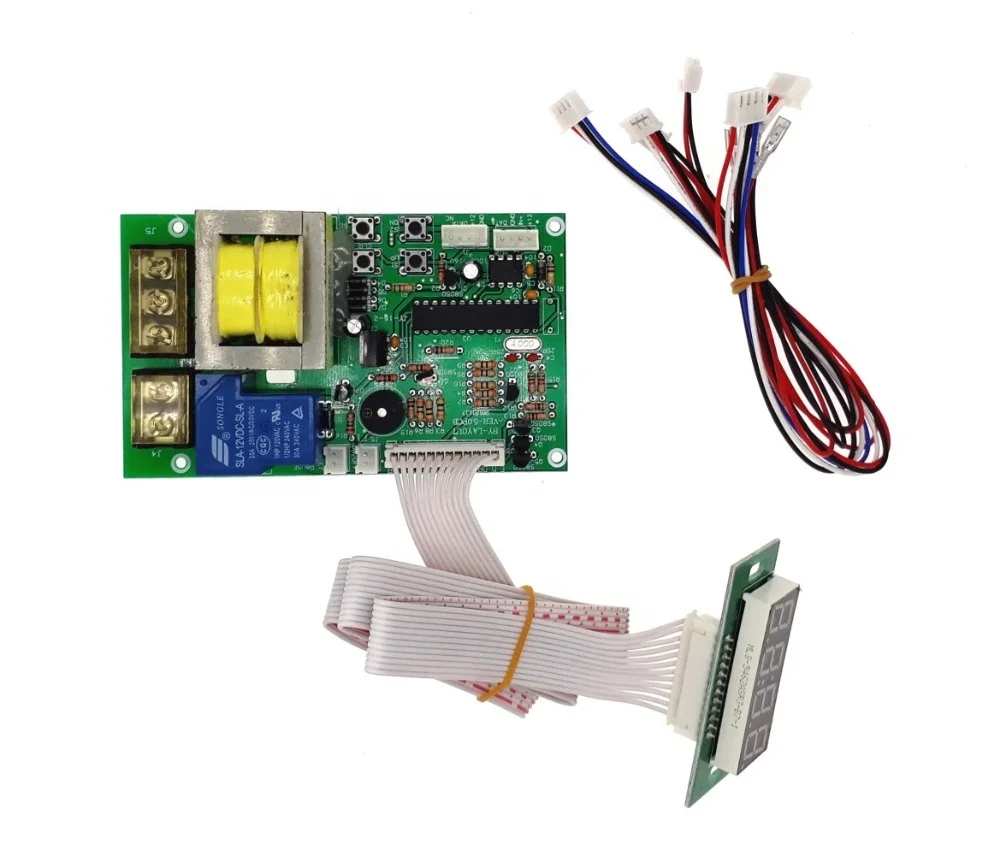
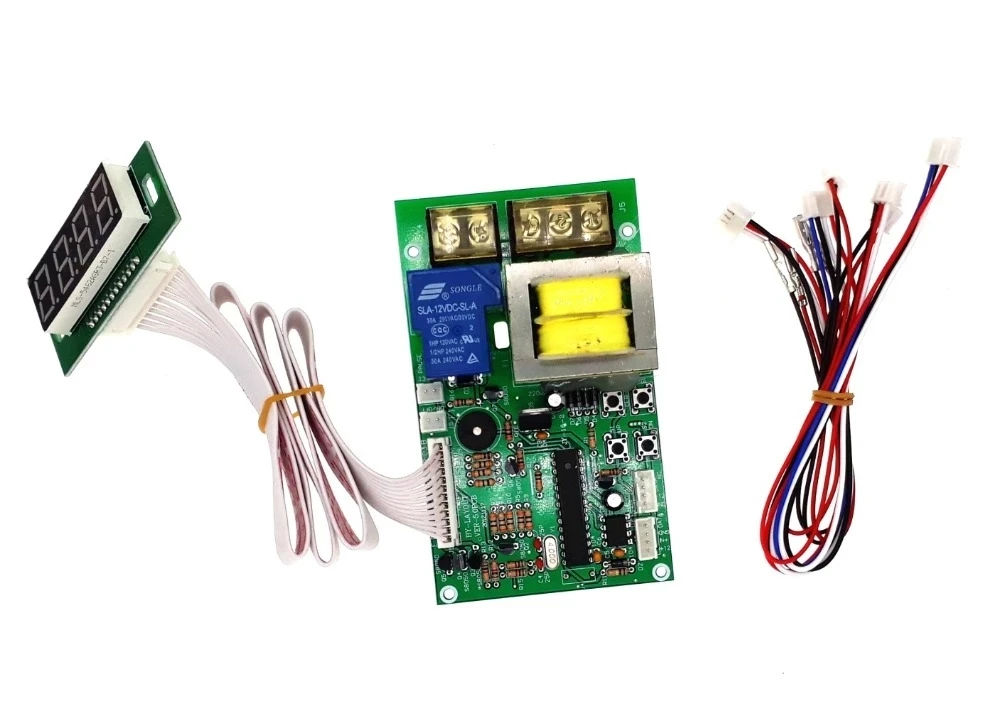
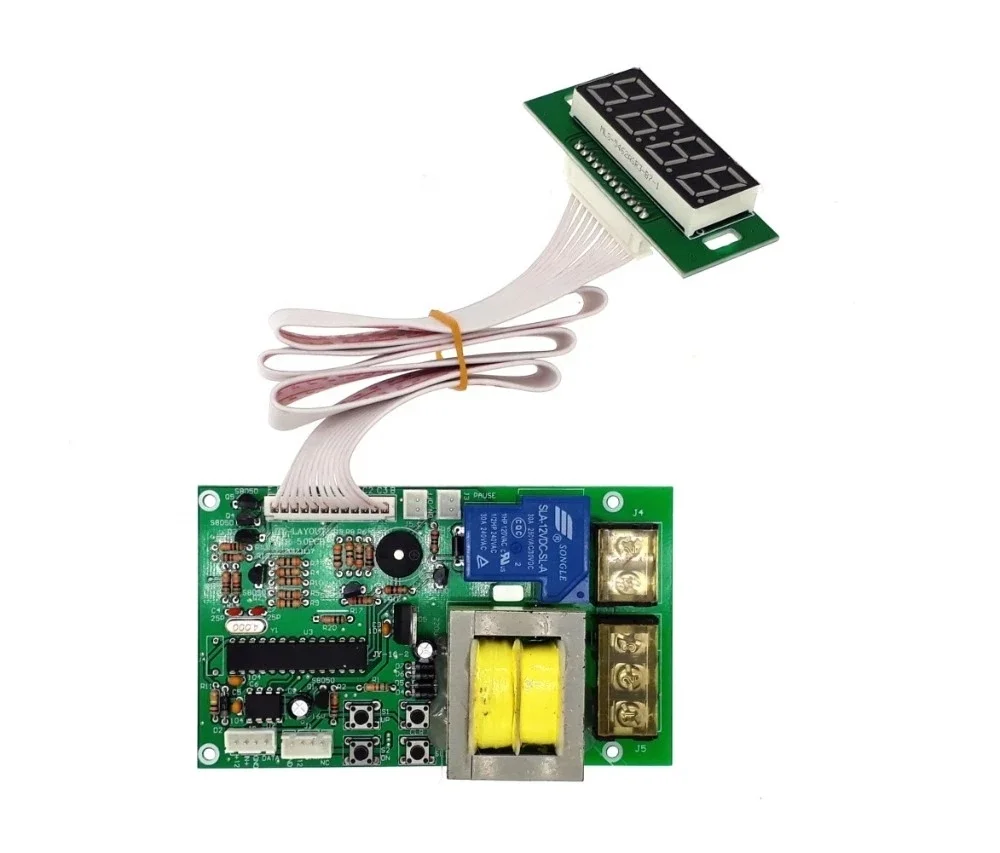
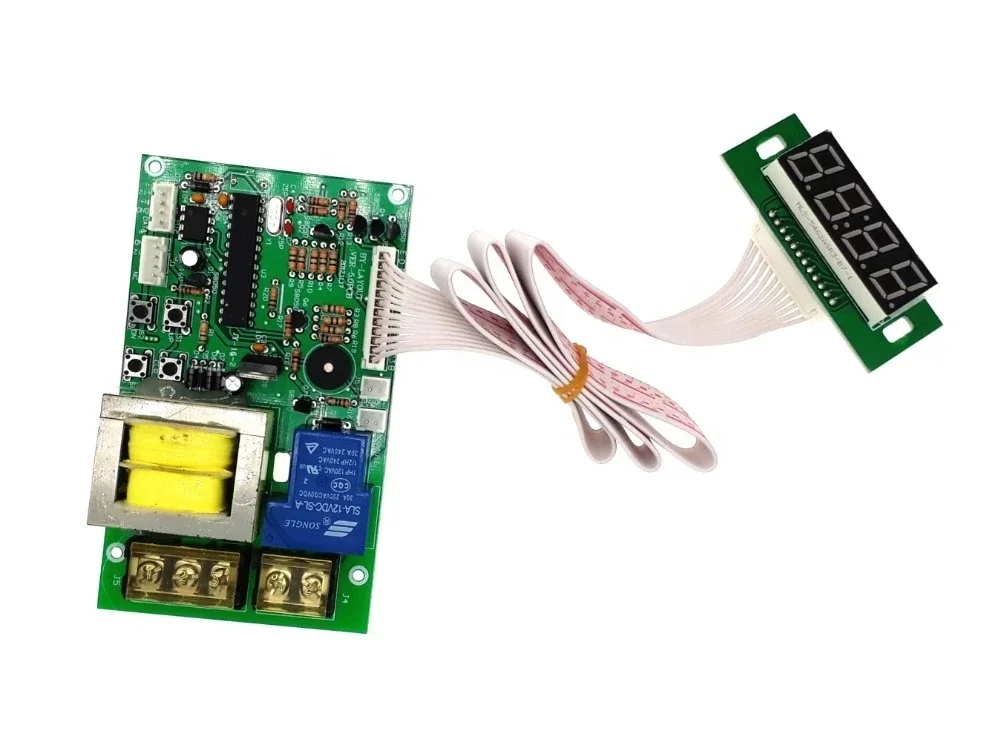
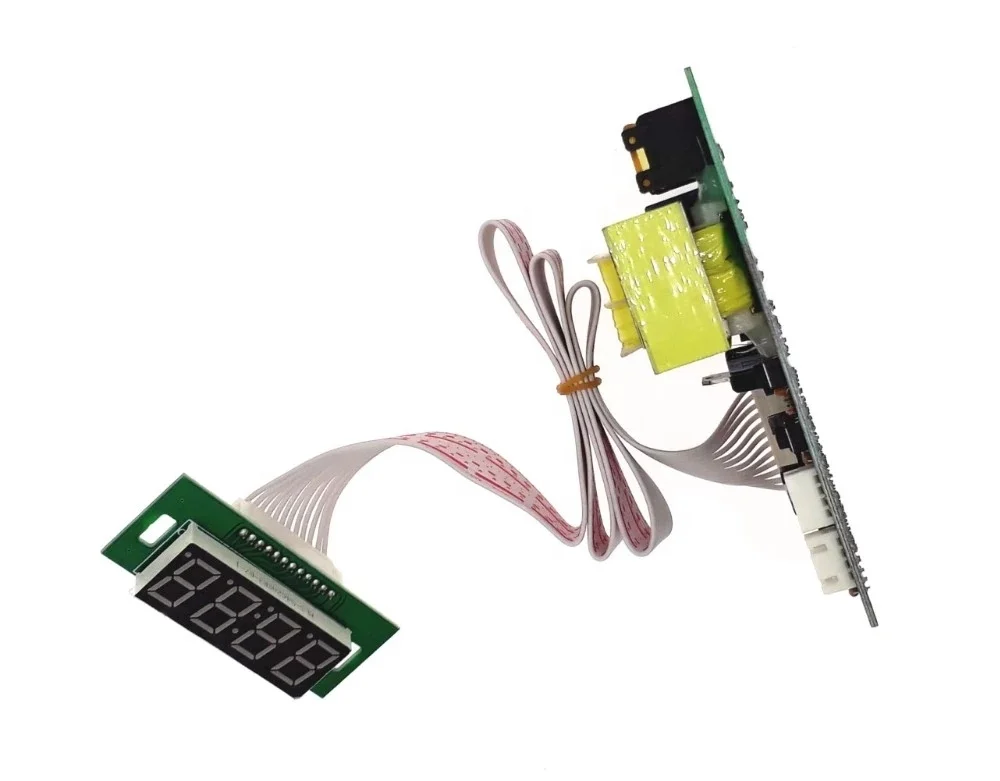
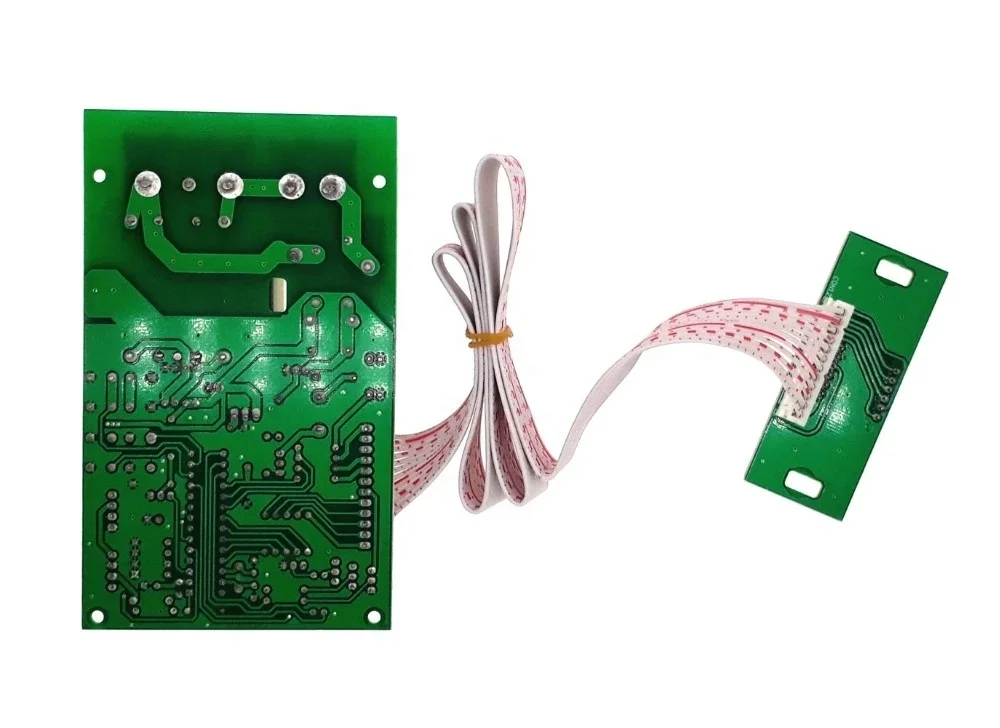
JY 16S Screw type coin operated Timer board Timer Control Board Power Supply with coin acceptor selector for washing machine
- Category: >>>
- Supplier: Guangzhou Sunway Electronic Entertainment Equipment Co. limited
Share on (1600665149359):
Product Overview
Description
JY-16S Screw type coin operated Timer board Timer Control Board Power Supply with coin acceptor selector for washing machine
Descriptions:
2 Setting:
Same cost and time for start and continuations use + optional function- given time:
Set up COST and Time. Pay same cost to start or continuous using machine.
GIVEN TIME and PRICE:User can get extra free time if paid reaches pre-set value in running time.
GIVEN TIME VALUE is rate of COST
Example setting: COST- 2 dollar for 10 mins, GIVEN TIME- 2 rate for 6 mins.
Insert 2 dollars--> machine start working for 10 mins-> Insert 2 dollar in 10 mins-> add 10+6 mins (free).
User has to insert 2 dollars in 10 mins for 6 mins free.
Description
INPUT/OUTPUT Voltage | AC220V AC110V (Choose before leaving the factory) INPUT and OUTPUT Voltage HAVE TO be the same |
Standby | Display shows:00:00, rely: Normal Open (NO) |
Accumulated time | Yes, add time if receive signals again when time is running |
Max current load | 15A |
How it works | |
Mode 1 | Time runs down after receive signals-> Display shows remaining time and supply power to device-> it cuts off power after time runs out |
Mode 2 (Connect a button) | Display shows remaining time after receive signals-> push button start-> time runs down and supply power to device-> it cuts off power after time runs out |
Pause (connect a button) | Push button pause: it cuts off power when pause, display shows remaining time. Re-supply power after push button pause again |
|
|
|
|
Voltage Checking
 Connector
Please follow CODE ON DISPLAY and use button "S1" and "S2" to set up number
INPUT SIGNAL QUANTITY AND TIME
Please press button "S4". “B” flashes. Please set up INPUT SIGNAL QUANTITY to active device (01-50).
Please press button "S4", “A” flashes. Please set up TIME (01-99).
Please press button "S4", “B” flashes. Please set up TIME (01-99).
Please press button “S4” 4 TIMES.
Please set up TIME for Warning Sound.
Please press button "S4" to finish.
GIVEN TIME:Add time by free if input signals reach SETTING RATE during time is running.
Example Setting: input signal to active device: 01, input signals for given time: 03 give time: 02:10
Add time “02:10” free if receive “3 signals” during time is running.
Please press button "S4" 4 TIMES. “B” flashes. Please set up RATE OF INPUT SIGNAL QUANTITY.
Please press button "S4", “A” flashes. Please set up GIVEN TIME.
Please press button "S4", “B” flashes. Please set up GIVEN TIME.
Please press button "S4" to finish.
-------------------------------------------------------------------------------------------------------------------Page 2-----------------------------------------------------------------------------------------------
Mode Setting
Please follow table to set up operating function:
Please hold on button "S1" and "S2" simultaneously for 3 seconds to get intoMODE SETTING.
Please use button "S1" and button "S2" to set up number forCODE
Please press button "S4" to switch to next code
Function | Code on Display | Description | |
A | B | ||
Running Time | 01 | 01 | Time runs down without pressing button |
02 | Time runs down by pressing button | ||
Time Type | 02 | 03 | MINUTE: SECOND |
04 | HOUR: MINUTE | ||
Memory | 03 | 05 | Yes: Remaining time keep running after power off and on |
06 | No: Standby power off and on | ||
Back to standby | 04 | 1-30 | user has no action after push buttons or receive signals in setting time |
Default: 01-03: Bold and base line. 04: not use the function. | |||
Connection Example




We Recommend


New Arrivals
New products from manufacturers at wholesale prices







