
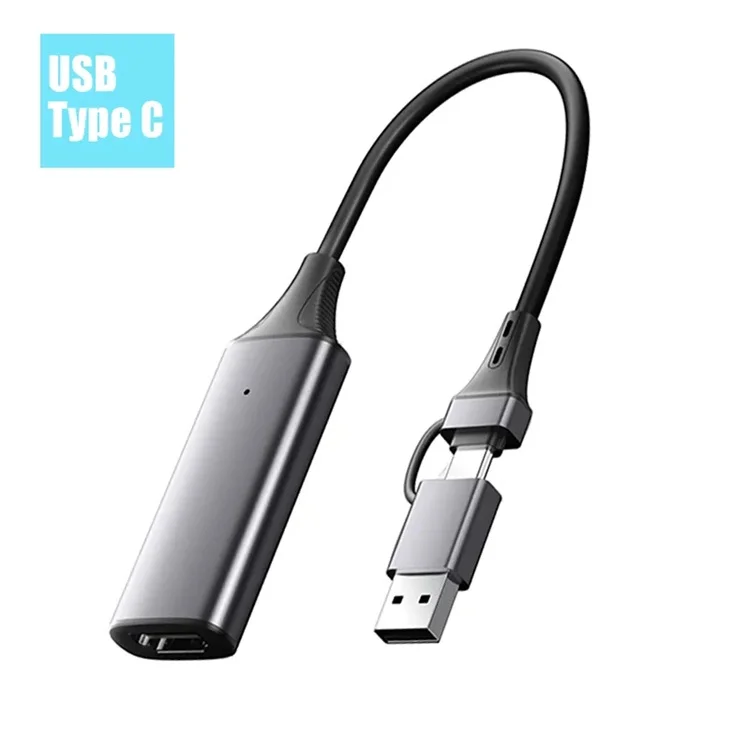
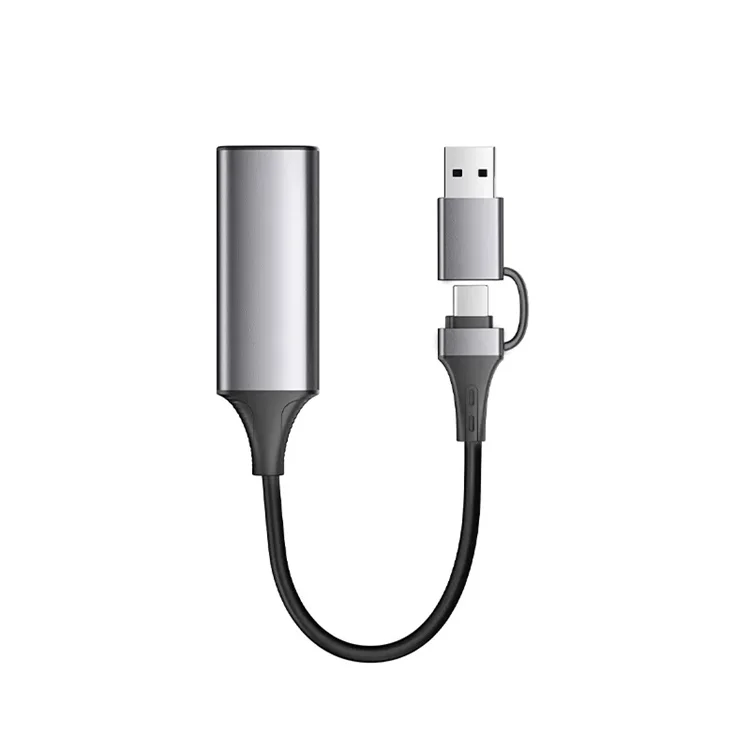
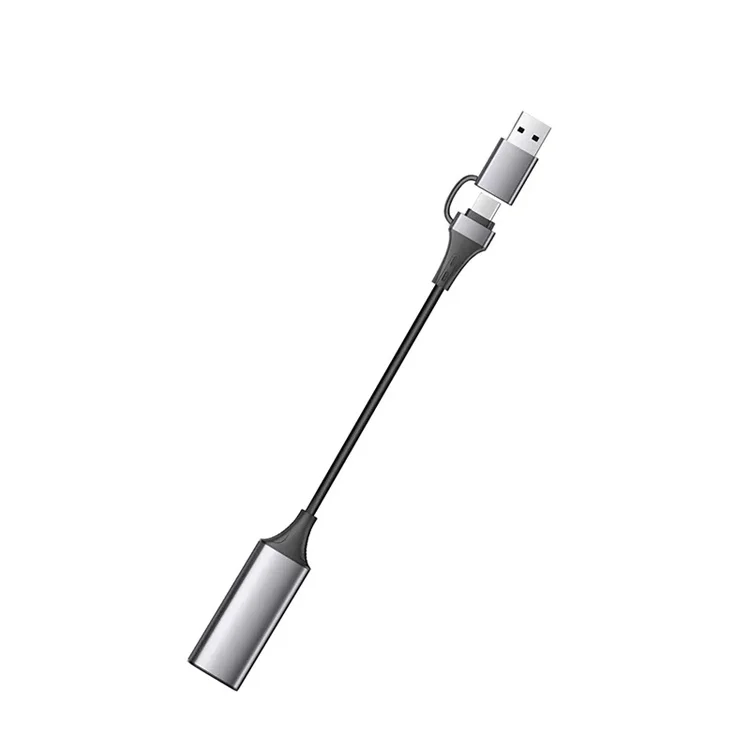

1080P Video Capture Card for Computer PC PS4 Gaming Live Streaming Meeting HD Port To USB A/Type C 2in1 Broadcasting Recorder
- Category: >>>
- Supplier: Dongguan Yi Chen Industrial Co. Ltd.
Share on (1600681903592):
Product Overview
Description
Product Description
1080P Video Capture Card for Computer PC PS4 Gaming Live Streaming Meeting HD Port To USB A/Type-C 2in1 Broadcasting Recoder
Features:
1.Plug & Play: As a portable video capture card, it can be used without drivers and external power supply. so you can use the built-in functions of the current software to get a seamless experience. And the capture card is small size & easy to carry, no problem for outdoor and indoor live broadcasting.
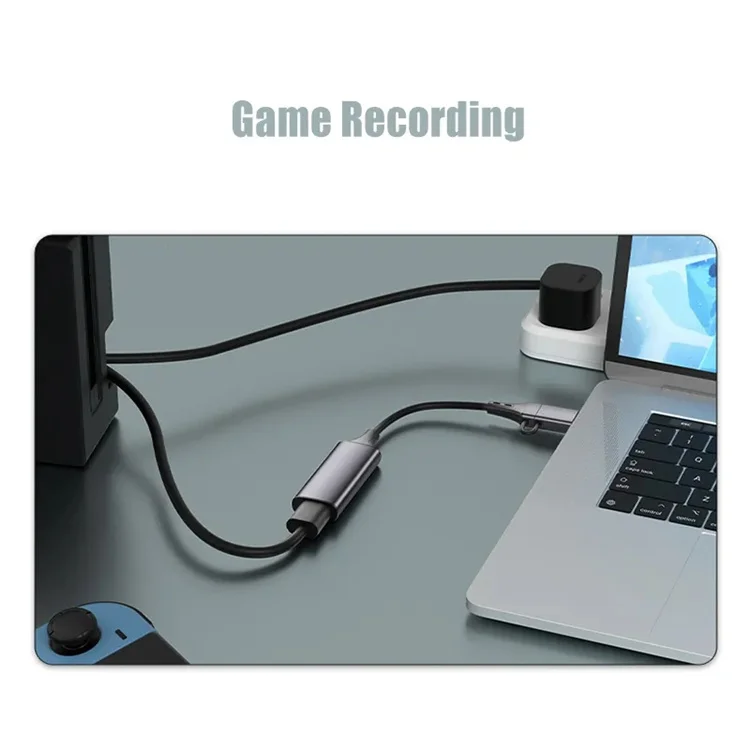
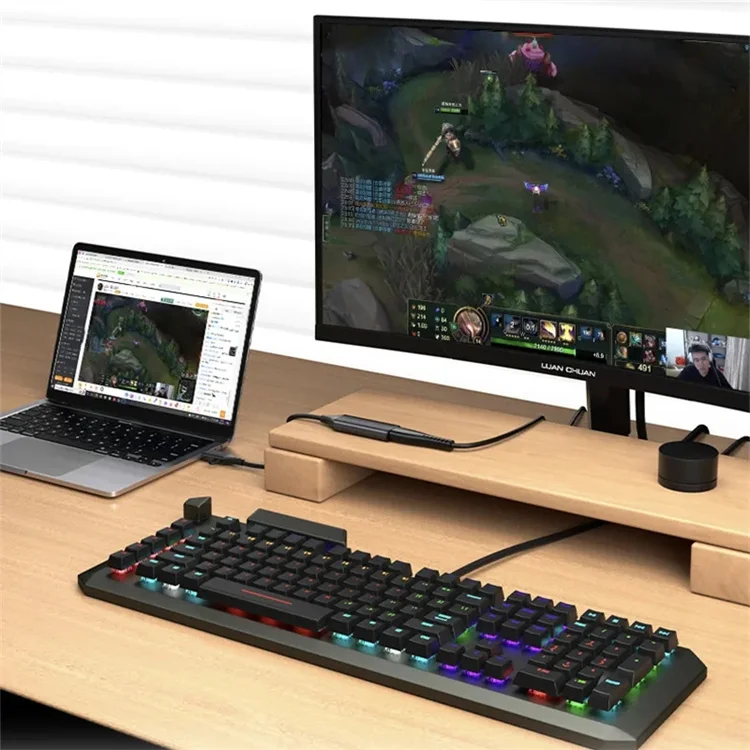
2.1080P 30Hz Video Recording: This video capture card is up to 4K@60Hz High Definition Input, output max resolution 1920×1080@30Hz. Offer 1080P 30fps High Quality Recording and live steaming .The audio video capture card is very suitable for living games, Recording, editing and transferring games in high resolution of 1080p@30fps on OBS, AMCap, Xsplit, VCL and More.
3.Screen Sharing for Meetings: This video capture adapter is a fast, familiar and economical way to share content in conference rooms and online meetings. Connect to presentations without software, just connect to a laptop or tablet via the capture card and cable to start sharing. And makes the live streaming, sharing and recording simple & fast.
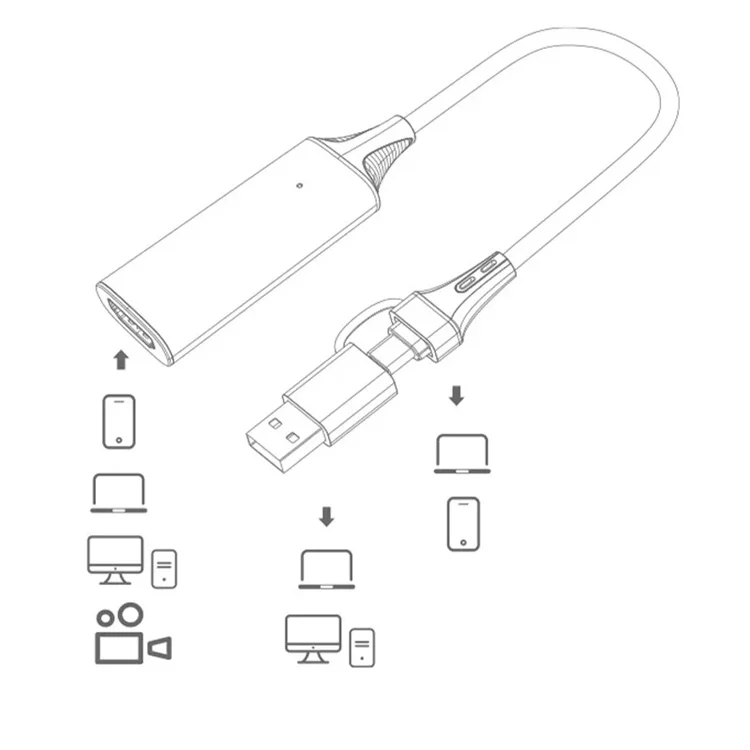
4.Widely Use: The Video capture card can capture video and audio simultaneously and transmit audio and video signals to computers or smartphones for preview and storage. Thus it is suitable for high definition acquisition, live broadcasts, conference rooms, video recording, teaching recording, medical imaging, game entertainment live broadcasting, etc.
Specification:
Name: USB A/Type-C video capture card
Input: HDTV(4k/60Hz)
Output: USB A/Type-C(1080P/30Hz)
Shell Material: Aluminum Alloy
Audio: Audio and Video Synchronization
Important Notes:
Why can't the capture card software capture the picture and display color bars?
Follow the steps below to exclude:
1) Check the abnormality of the signal source end and try to directly connect the signal source and display device without using this item.
2) Turn on the computer's camera function and select the device with the name ' USB Video ' when adding a camera. If it can be displayed normally, it means that this product is normal.
3) Check whether the acquisition software settings are normal, and reopen the software to try.
4) Please use popular software such as OBS and Potplayer to see if it is normal and check the software compatibility.
Package Included:
1 x Video Capture Card
Product show


Company Information

More Products
Click picture to find more.........
Packaging & Shipping

FAQ

We Recommend







New Arrivals
New products from manufacturers at wholesale prices






