
10.1 inch HD MI TFT Display Raspberry PI With Capacitive Touch screen Panel TFT IPS RGB LCD Module Touch Display
- Category: >>>
- Supplier: BeFunS Intelligent (ShenZhen) Co. Ltd.
Share on (1600688207693):
Product Overview
Description
About this item
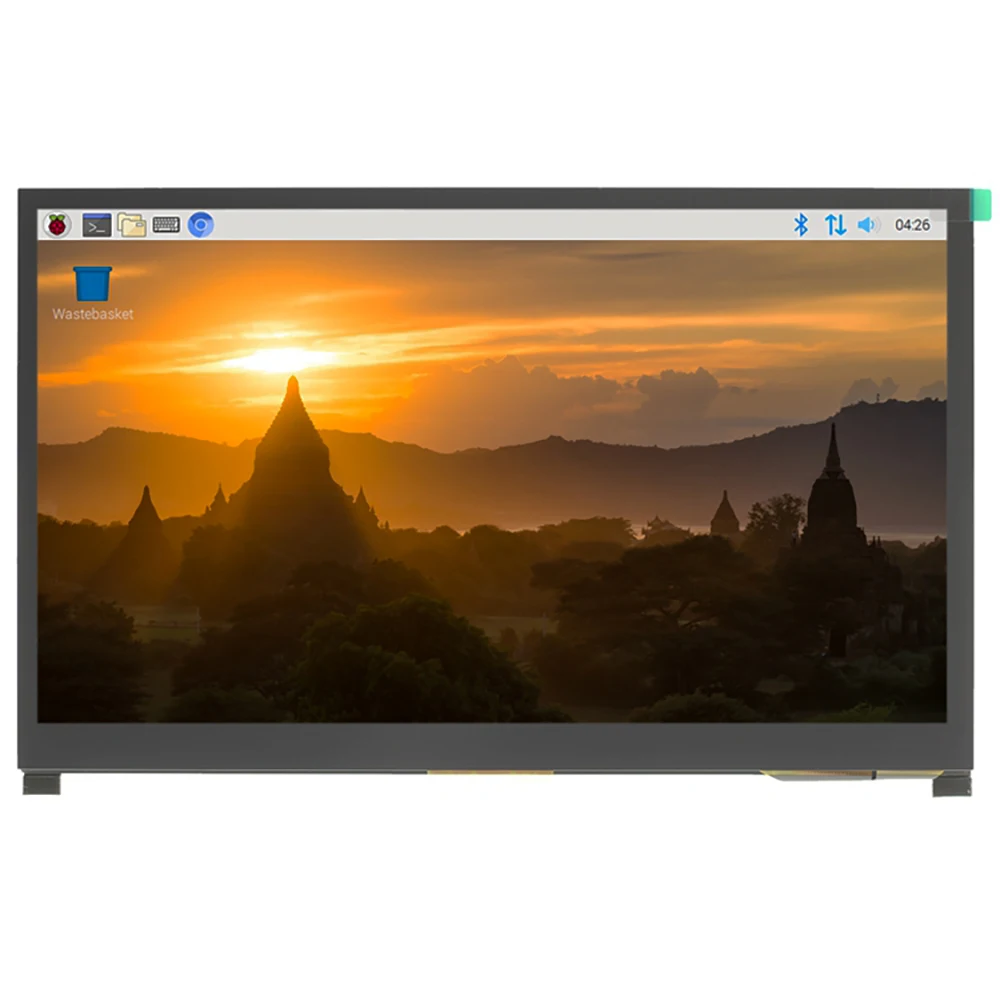
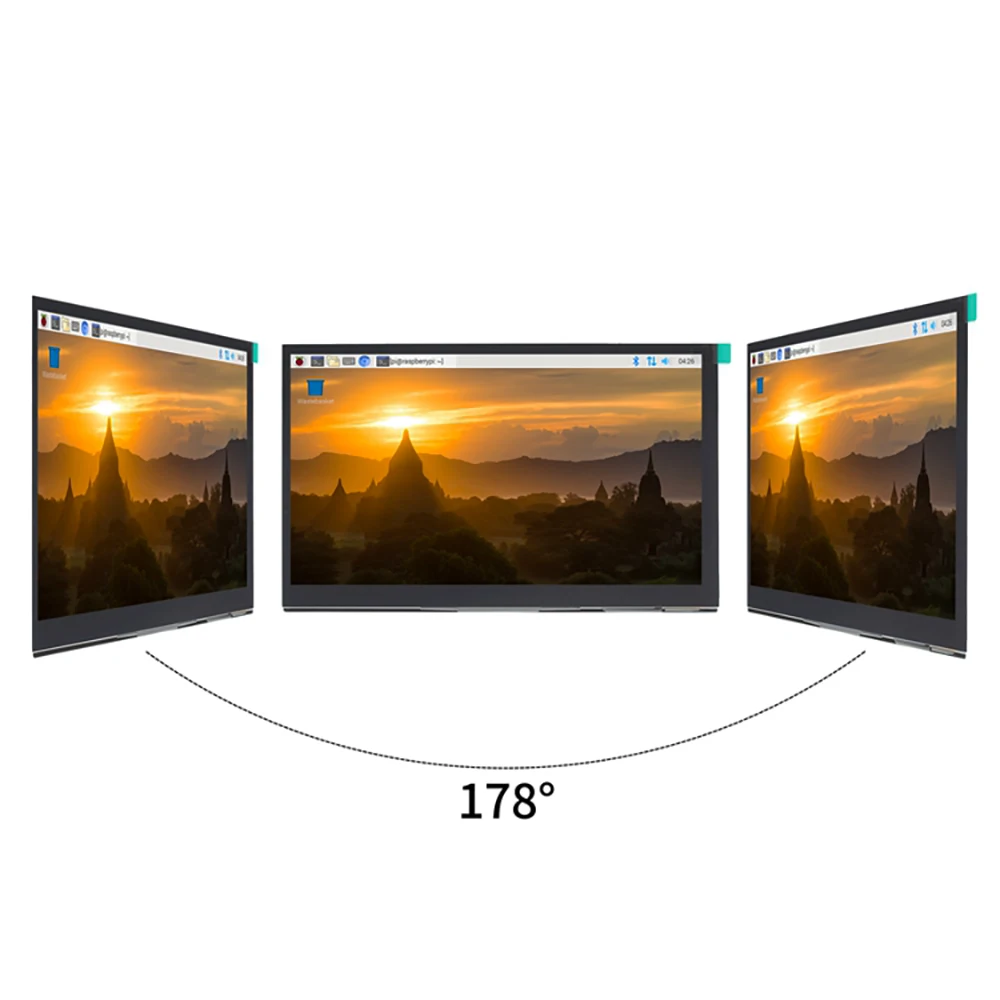
* IPS full Angle display
1. The viewing Angle is large
2. true color
3. Dynamic picture quality is excellent
4. Energy saving and environmental protection
* 1024X600 hd vision
1. Resolution for hd 1024X600 dot matrix
2. It is more delicate than 800X480 ordinary screen
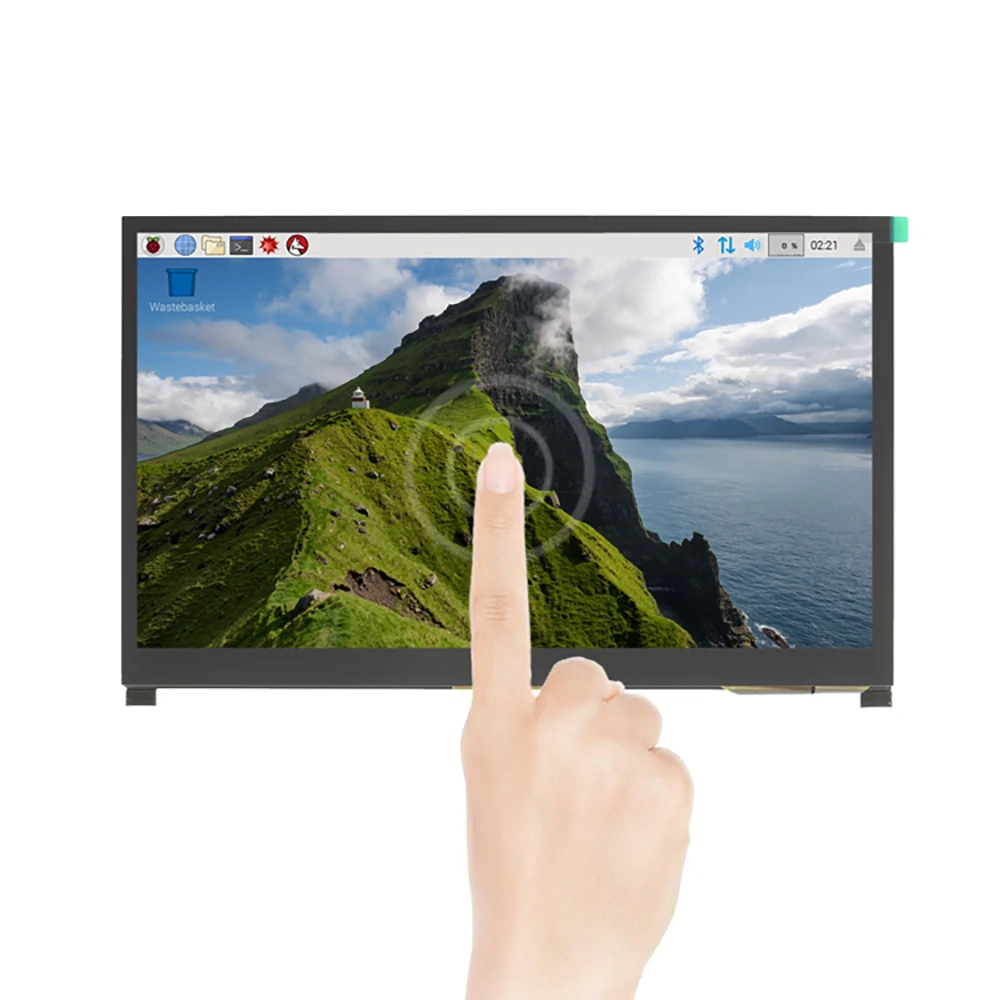
* Tempered glass touch panel
1. Hardness up to 6H, more durable and more scratch resistant
* External audio output interface
1. Stereo dual speaker output shock sound
2. 3.5mm external audio interface
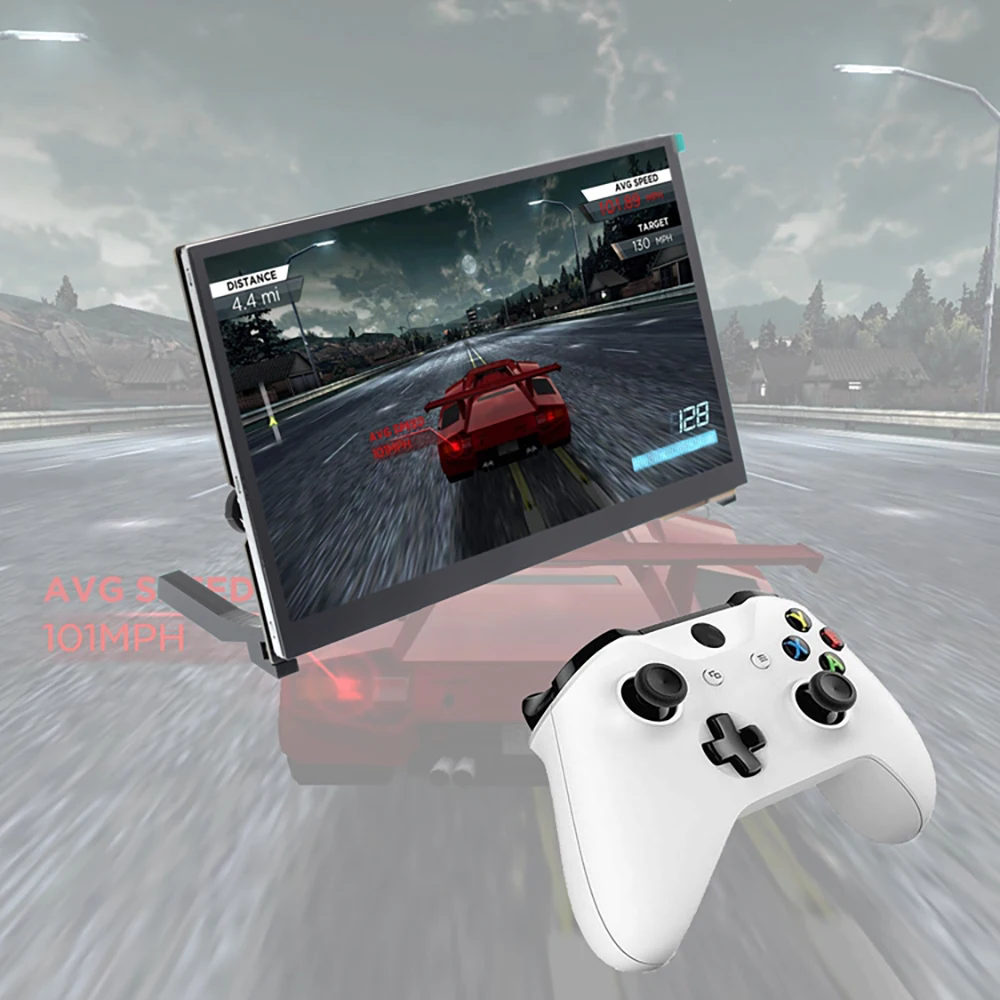
* Used as a games monitor
1. Support Xbox360,PS4,Switch etc
* Used as a mini PC monitor
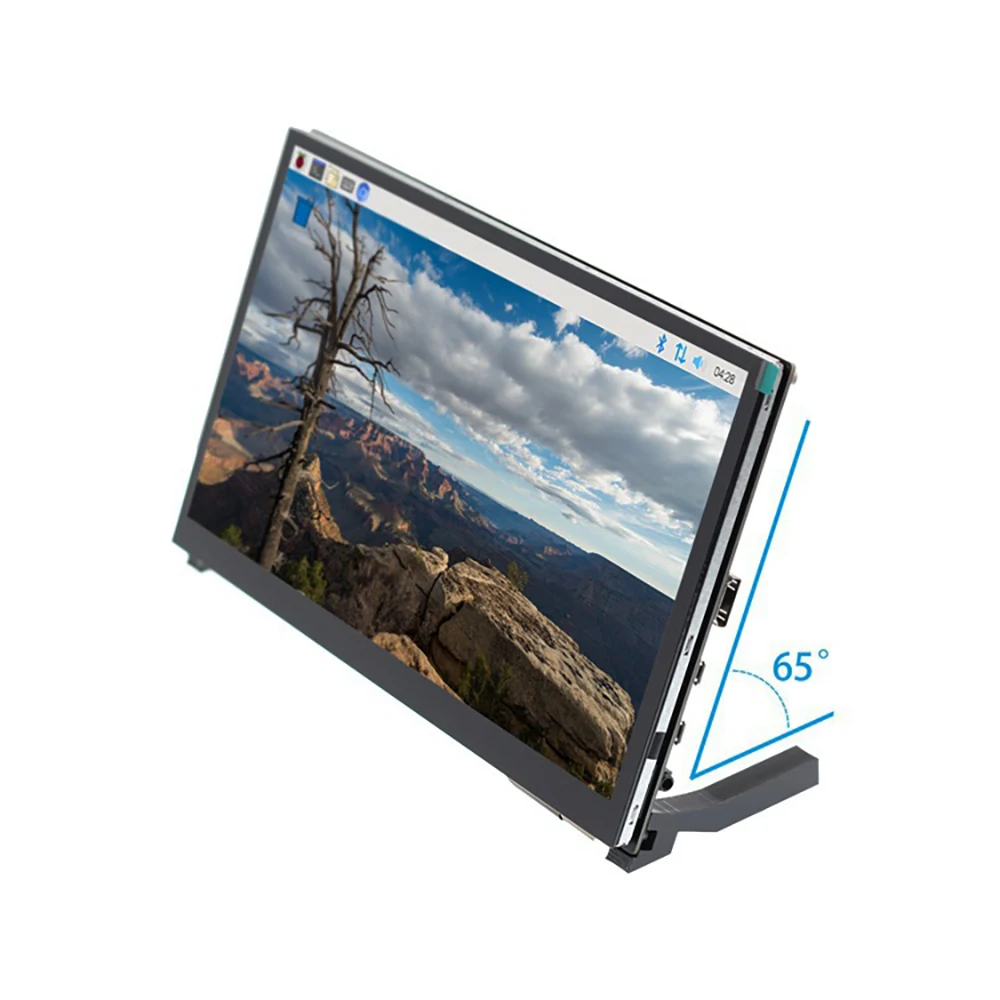
1. Support raspberry pie, Banana Pi, BB Black and other mainstream development board
2. Support Raspbian, Kali Linux, ubuntu and other mainstream systems, single touch plug and play without driver.
* Used as a computer display
1. Support win10/win8/win7 system, support five-point touch plug and play driver
1. The viewing Angle is large
2. true color
3. Dynamic picture quality is excellent
4. Energy saving and environmental protection
* 1024X600 hd vision
1. Resolution for hd 1024X600 dot matrix
2. It is more delicate than 800X480 ordinary screen
* Tempered glass touch panel
1. Hardness up to 6H, more durable and more scratch resistant
* External audio output interface
1. Stereo dual speaker output shock sound
2. 3.5mm external audio interface
* Used as a games monitor
1. Support Xbox360,PS4,Switch etc
* Used as a mini PC monitor
1. Support raspberry pie, Banana Pi, BB Black and other mainstream development board
2. Support Raspbian, Kali Linux, ubuntu and other mainstream systems, single touch plug and play without driver.
* Used as a computer display
1. Support win10/win8/win7 system, support five-point touch plug and play driver
KEY and Interface | DESCRIPTION | ||||||
①HDMI Interface | Input HDMI signal,using HDMI cable connection,commonly used to connect to the computer, The maximum supported resolution is 1920x1080 | ||||||
②Touch Interface | Transfer touch signal,connect with micro USB cable,provide touch and power supply function,commonly used to connect computer | ||||||
③Power Interface | Connect to the power supply and use micro USB cable to connect. Only power supply function is provided | ||||||
④3.5mm Audio Interface | Output audio signal,connect audio output device,such as headphones | ||||||
⑤Stereo speakers | Output audio signal for external playback of audio signal | ||||||
⑥Touch Interface | power supply function,commonly used to connect Raspberry Pi Input HDMI signal,connect with HDMI adapter,only used to connect to | ||||||
⑦HDMI Interface | the Raspberry Pi, The maximum supported resolution is 1024x600 | ||||||
⑧Cooling Fan Interface | Connect cooling fan | ||||||
⑨Copperx8 | Used to connect raspberry pi and scaffolds | ||||||
⑩Wheel Switch | Used to adjust screen backlight brightness and volume. By default, in the volume adjustment state, up and down to adjust the volume +and-.Press the switch to switch to the backlight brightness adjustment state, up and down to adjust the backlight brightness increase and decrease respectively. The volume and backlight brightness adjustment state is switched by pressing theswitch | ||||||
Our Advantages

BeFuns Intelligence (Shen Zhen) Ltd.
1、We have a strong R&D team, including hardware engineers, software engineers, algorithm engineers, 3D structure engineers.
2、We have several fully automatic production lines, production equipment including high-speed placement machine, reflow machine, wave soldering machine, 3D scanner, visual inspection machine, laser marking machine.
3、We can support product customization, quick response and fast delivery.
2、We have several fully automatic production lines, production equipment including high-speed placement machine, reflow machine, wave soldering machine, 3D scanner, visual inspection machine, laser marking machine.
3、We can support product customization, quick response and fast delivery.
Certifications

Why Choose Us

FAQ
Q1: Are you manufacturer ?
A1: Yes, we are manufacturer.
A1: Yes, we are manufacturer.
Q2: Do you accept OEM design?
A2: Yes,we do.We can design according to your requirement, MOQ usually >1000.
A2: Yes,we do.We can design according to your requirement, MOQ usually >1000.
Q3: How long is your delivery time?
A3: Normally 3-6 working days after payment; Special requirement orders, delivery time is negotiable.
Q4: How can we get samples from you ?
A4: Samples are available. Normally we take 2 days to arrange samples. If we have no business record with you before, we need to charge boot samples cost and post courier freight.
Q5: Do you accept pay 30% in advance?
A5: Yes,we do.We can start to prepare your goods when receive 30% payment, and send them after get the rest 70% payment.
Q6: What payment terms you accept?
A6: We accept Paypal, T/T, Alibaba Trade Assuarce, Western Union, Wechat, Alipay, in Cash (RMB or USD)..
We Recommend







New Arrivals
New products from manufacturers at wholesale prices






