
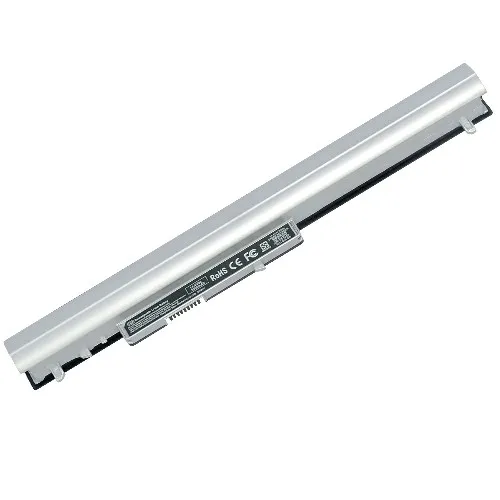
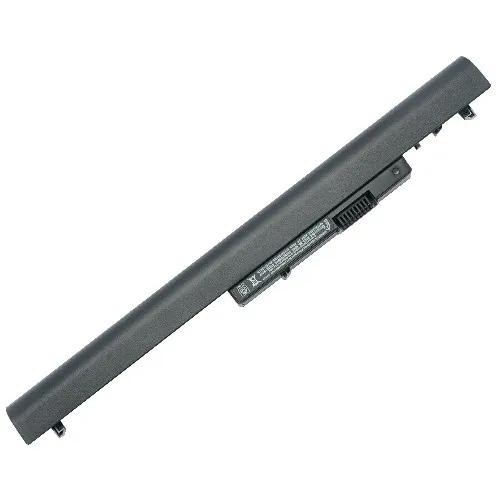
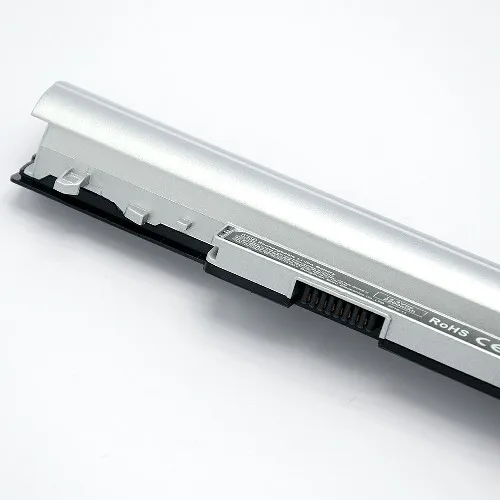
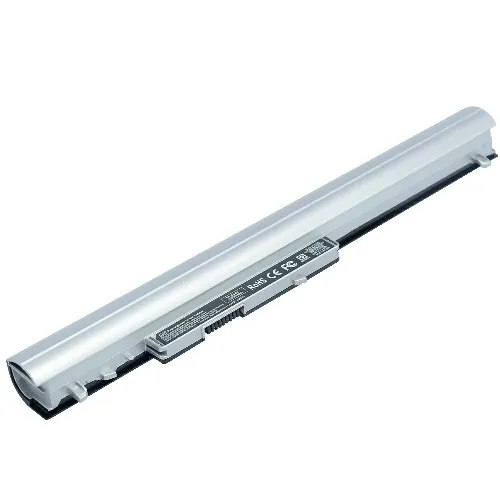
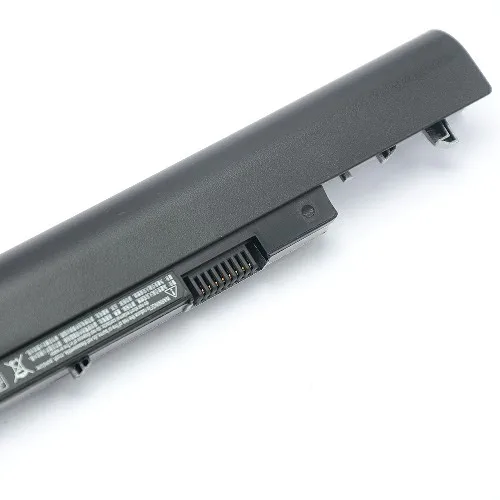
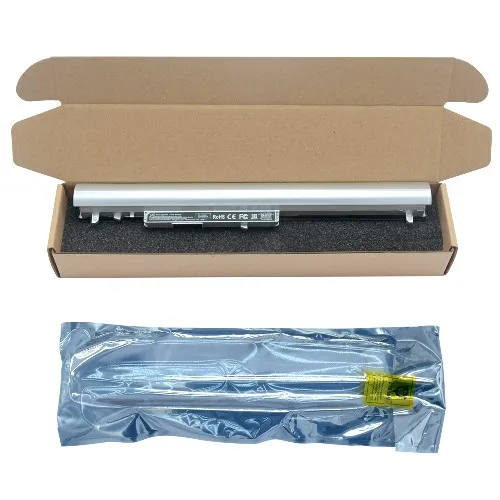
LA04 rechargeable external notebook batteries for HP ETPN Q130 Q129 340 350 248 laptop battery
- Category: >>>
- Supplier: Hercules Industrial Limited
Share on (1600697807575):
Product Overview
Description
We are a professional supplier in laptop battery and Ac adapters more than 15 years !
Products Description
Model Number | LA04 |
Compatible Brand | For HP |
Voltage | 14.8V |
Cell | 4-Cell |
Capacity | 2600mAh (38Wh) |
Certificate | CE RoHS FCC MSDS UN38.3 |
Condition | 100% New Brand |
Warranty | 12 Months |
MOQ | 2PCS |
laptop battery for
LA04
laptop battery work with
HP 340 HP 345 HP 350 HP 248 HP255 HP G1
HP TPN-Q129 HP TPN-Q130 HP LA04
HP TPN-Q129 HP TPN-Q130 HP LA04


Recommend Products
Our Advantages


Buyer feedback

Return and Warranty
1. This product has a One-Year warranty.
2. Our warranty does not extended to any products that are physically damaged or that are not under normal operating conditions as a result of misuse or improper installation on the buyer/user's part.
3. For all returned products, buyers MUST contact us for the returning address.
4. In all cases, buyers pay shipping fees at their own cost to return products for exchange or refund. We will be responsible for the postage of replacements. Refund will be made upon receipt of the returned item.
2. Our warranty does not extended to any products that are physically damaged or that are not under normal operating conditions as a result of misuse or improper installation on the buyer/user's part.
3. For all returned products, buyers MUST contact us for the returning address.
4. In all cases, buyers pay shipping fees at their own cost to return products for exchange or refund. We will be responsible for the postage of replacements. Refund will be made upon receipt of the returned item.
Using Tips
1.Battery Storage - Store your laptop battery in a clean, dry, cool place away from heat and metal objects. These laptop batteries will self-discharge during storage; remember stored at about 40% state-of-charge.
2.Exercise Your Battery - Do not leave your battery dormant for long periods of time. We recommend using the battery at least once every two to three weeks. If a battery has not been used for a long period of time, perform the new battery break in procedure described above.
3.Calibrate Your batteries - If your battery's 76% even less in work , you must fully charge, fully discharge, and then fully recharge the laptop battery pack.
4.Charge and discharge - For lithium ion batteries, you do not need to discharge them fully and recharge constantly. You need to do a full discharge only about every 30 charges.
5.Do not charged to higher voltages than its threshold voltage
6.Do not short-circuit. A short-circuit may cause severe damage to the battery.
7.Consider removing the battery from a laptop when running on fixed power.
8.Avoid propping your laptop on a pillow, blanket, or other soft surface that can heat up. Your battery is a lot less efficient when not within its standard operating temperature range.
2.Exercise Your Battery - Do not leave your battery dormant for long periods of time. We recommend using the battery at least once every two to three weeks. If a battery has not been used for a long period of time, perform the new battery break in procedure described above.
3.Calibrate Your batteries - If your battery's 76% even less in work , you must fully charge, fully discharge, and then fully recharge the laptop battery pack.
4.Charge and discharge - For lithium ion batteries, you do not need to discharge them fully and recharge constantly. You need to do a full discharge only about every 30 charges.
5.Do not charged to higher voltages than its threshold voltage
6.Do not short-circuit. A short-circuit may cause severe damage to the battery.
7.Consider removing the battery from a laptop when running on fixed power.
8.Avoid propping your laptop on a pillow, blanket, or other soft surface that can heat up. Your battery is a lot less efficient when not within its standard operating temperature range.
Company Profile


Packing&Delivery


We Recommend







New Arrivals
New products from manufacturers at wholesale prices






