
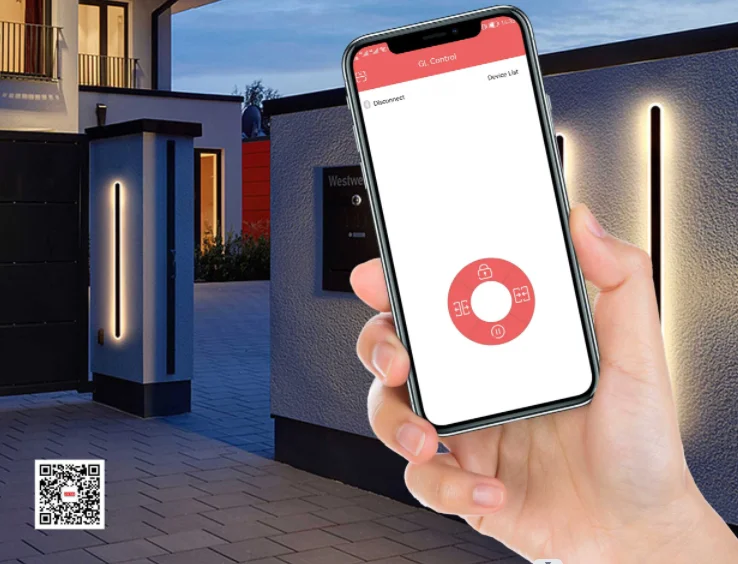
Smart home ecological chain open your door through your tap on your phone
- Category: >>>
- Supplier: Shenzhen Jutai Comm Co. Ltd.
Share on (1600707908588):
Product Overview
Description

Bank Security And Smart Remote Control
Function Introduction
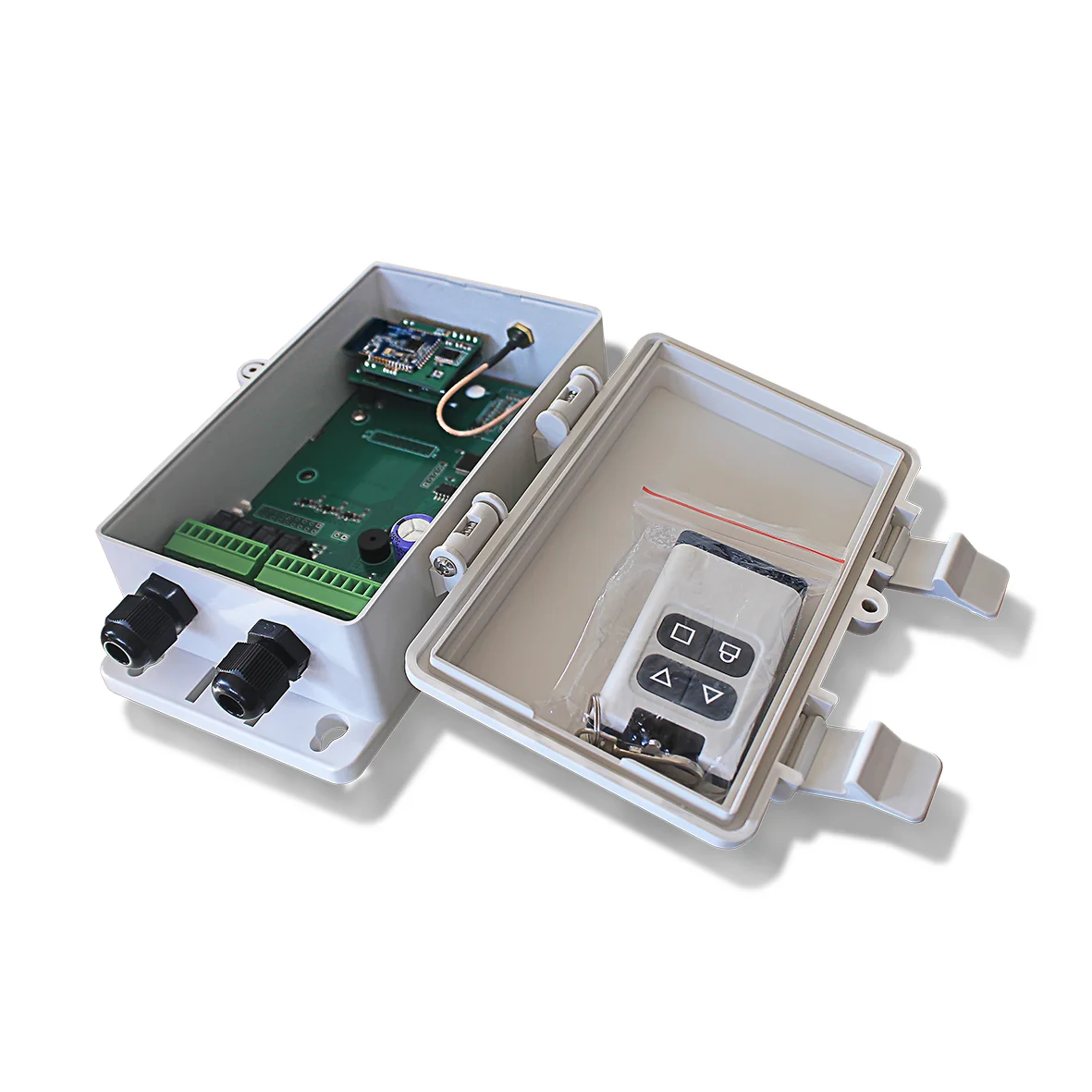
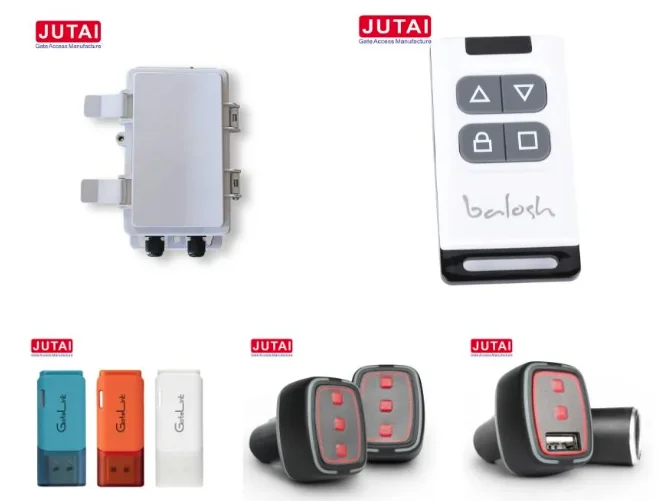
JUTAl Bluetooth Gate Opening System is mainly composed of three parts, Bluetoothreceiving module, remote transmitter, and mobile phone APP(Supporting Apple andAndroid systems).
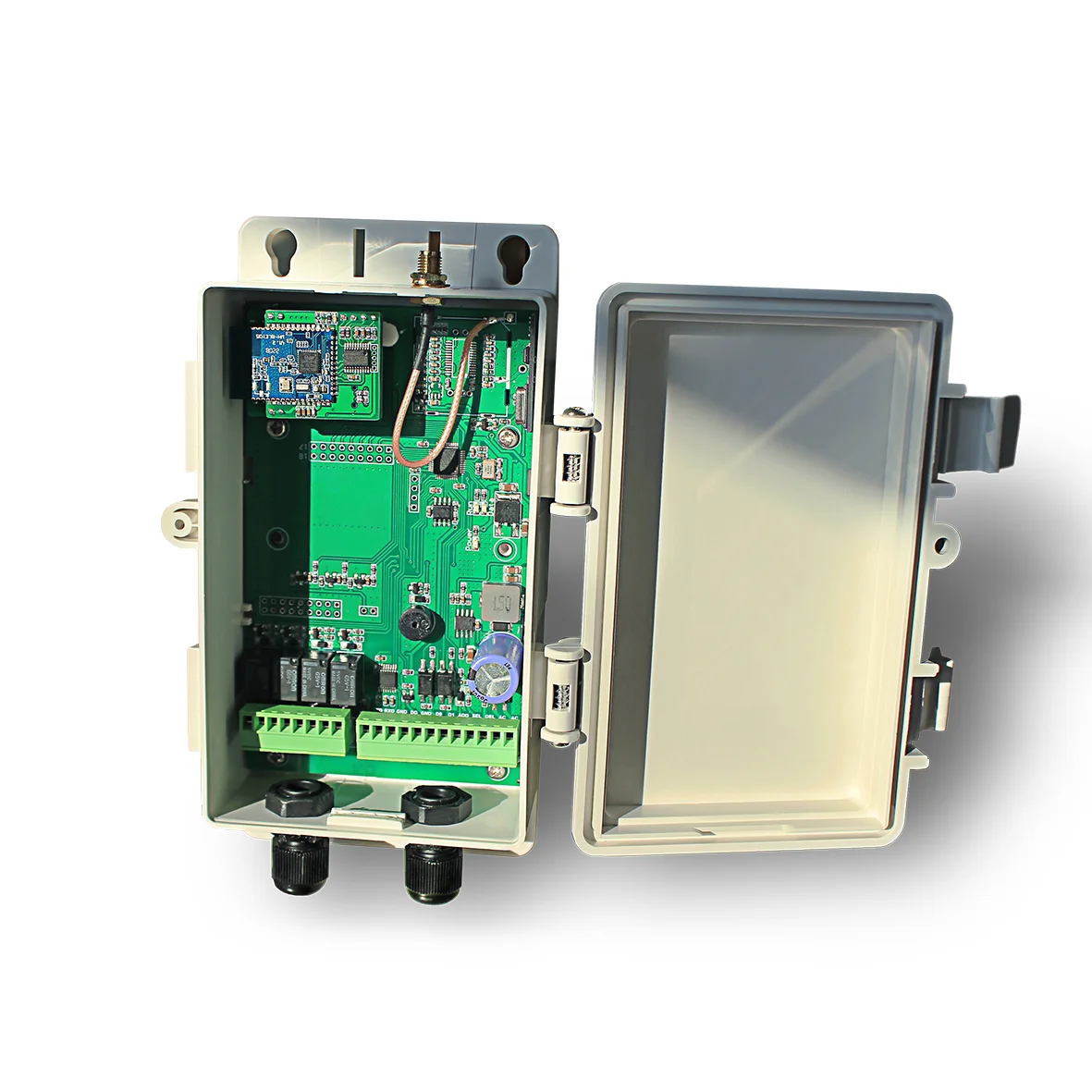
Bluetooth receiving module, model is BR24R4, and which has a built-in 4-way relay, it canbe used with various doors and gates. By default, 255 remote control lDs are stored, and433MHZ remote control receiving module is built-in, which can be used with all series ofJUTAl remote transponder to open doors remotely; At the same time, a 2.4G Bluetoothreceiving module is built in also , and the Bluetooth function of the supporting mobile phoneis practical, enabling the mobile phone to open the door remotely: it has Wigan output.which can be used as a transit board to connect JUTAl access control system; lP65protection grade,used directly outdoors.
JUTAl smart remote control is divided into two series, Normal remote control and high-poweremote control. The remote distance of the Norma remote transponder distance is 30m,the high-power remote control is 100m, and the remote transponder distance is 100m.The operating frequency is 433MHzit is designed with rolling code and 128-bit nonlineaencryption technology, which is safe against copying, it is the ideal choice for vour homesafely.

Wiring Diagram
1.Access gate(BR-11 series)

2.Connected to industrial stacking door

3.Door operator(Jutai DC translational door operator series)

4.Connected to garage door

Download Method
Scan QR Code To Download (Android OS)
Android users can download and install GL Control by scanning the QR code below, click install, open Bluetooth, ano connect to GL Control

Or
1. Open the Apple store(IOS System)
2.Searching GL Control
3. And Install it at your Mob Desk

Click Settings and Open your mob Bluetooth

Software Operation
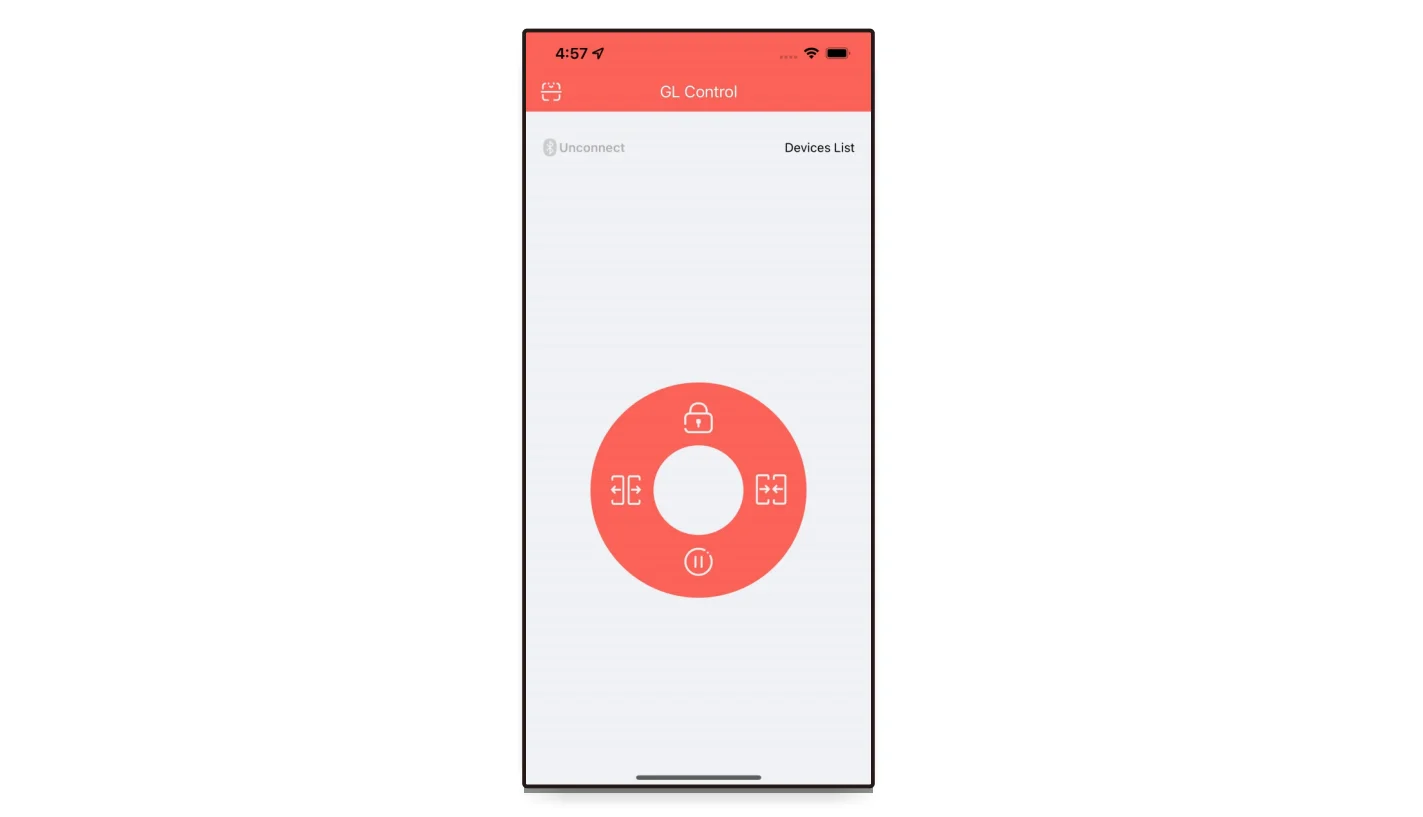
After Installation,the user first opens the bluetooth device,and clieck the desktop icon to enter the apps;the interface is as show the figure below;

Add Device
For the first operation,press and hold the centre circle,Click Device Manage, and Click Add

Click Gatelink and Input initial password after successful installtation:12345678
and Click Add Device

Basic Switch Of Portal Crane
Click the three buttons to Open/Close/Stop

Change PIN
Click Change Pin→Input original passwords→input passwords→Input confirmed New password again-Click Change

Change Device Name
Clikc Change Device Name→Enter a new device name→Enter the deivece password again→Click change to modify successfully;

 .
.
We Recommend







New Arrivals
New products from manufacturers at wholesale prices






