
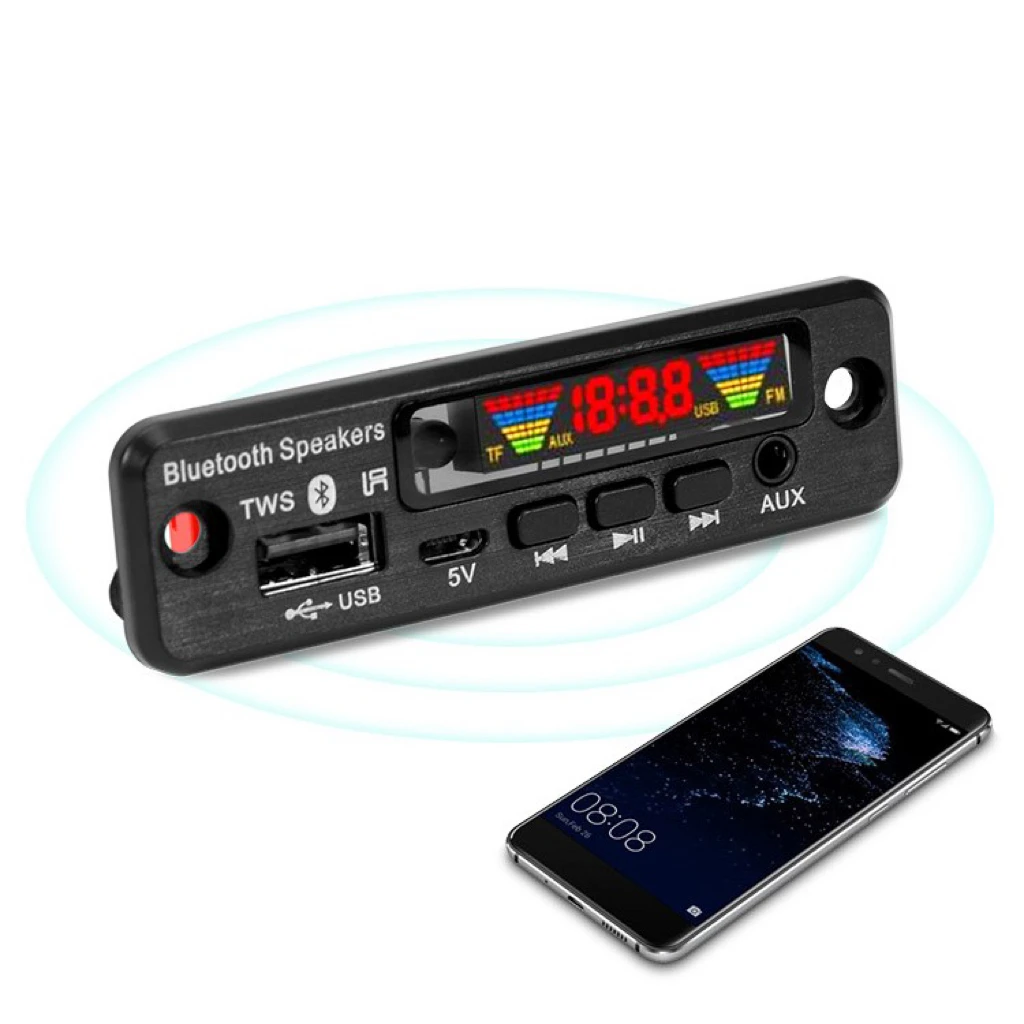
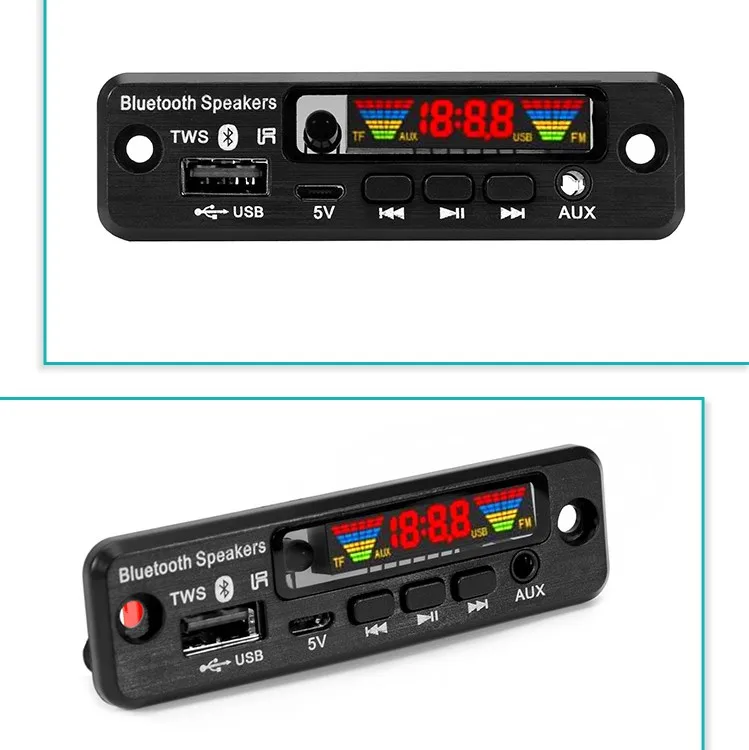
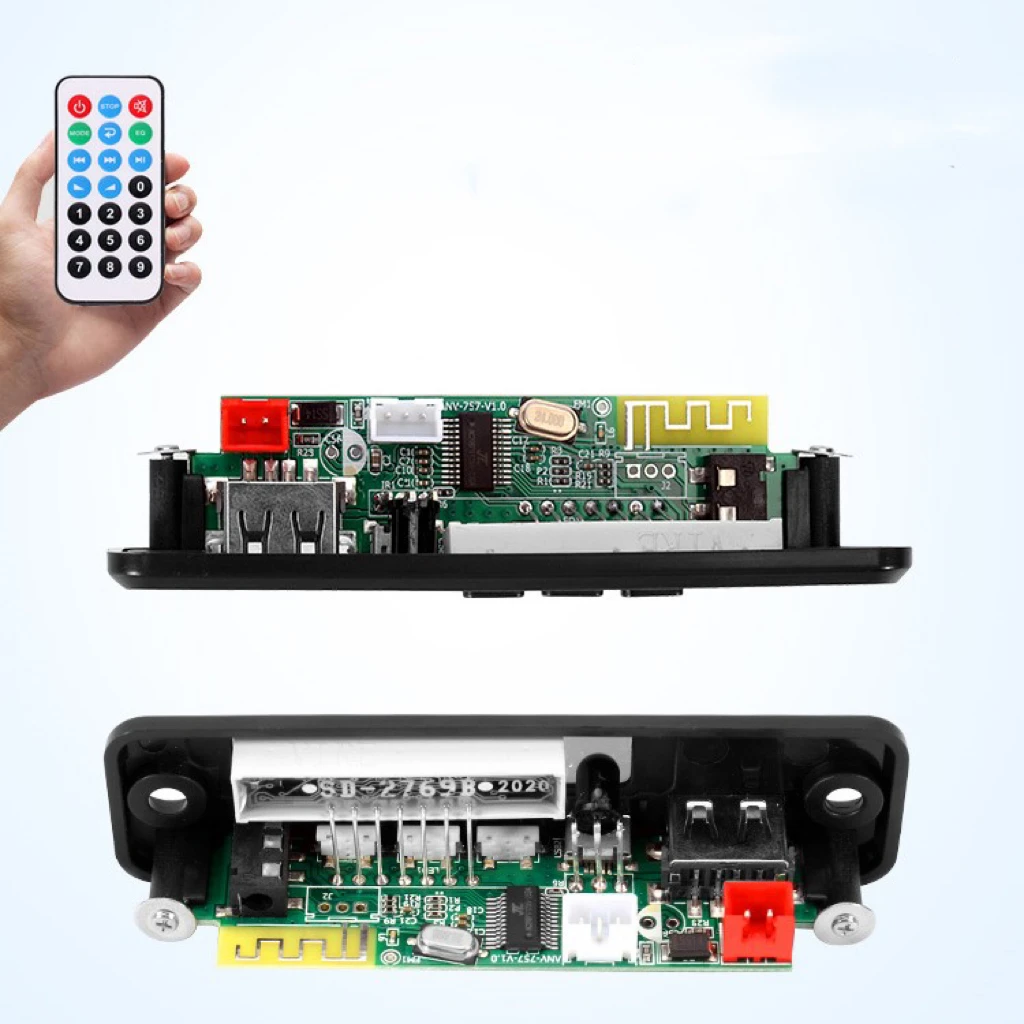
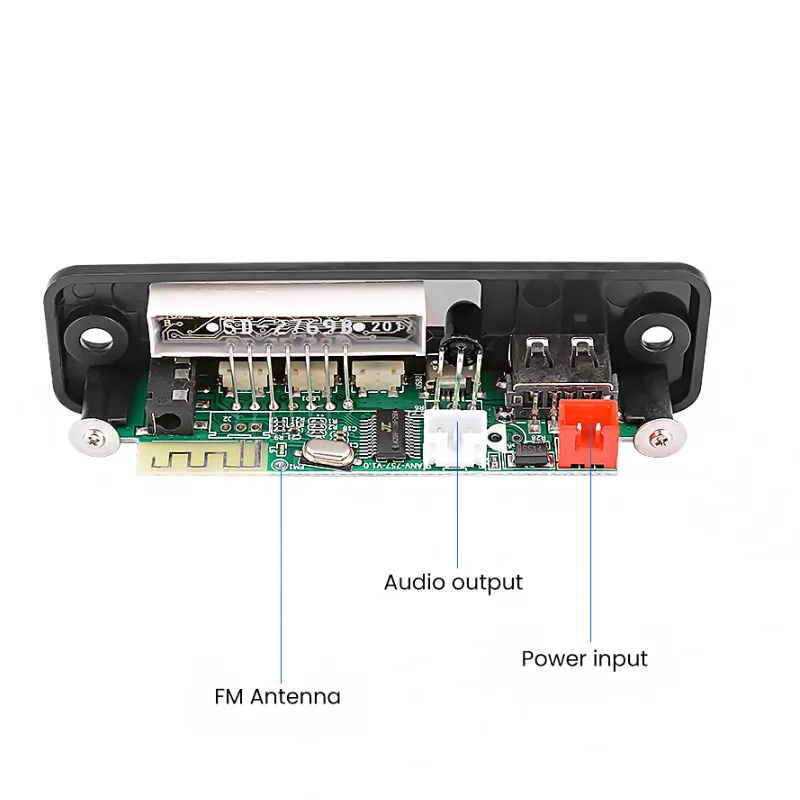
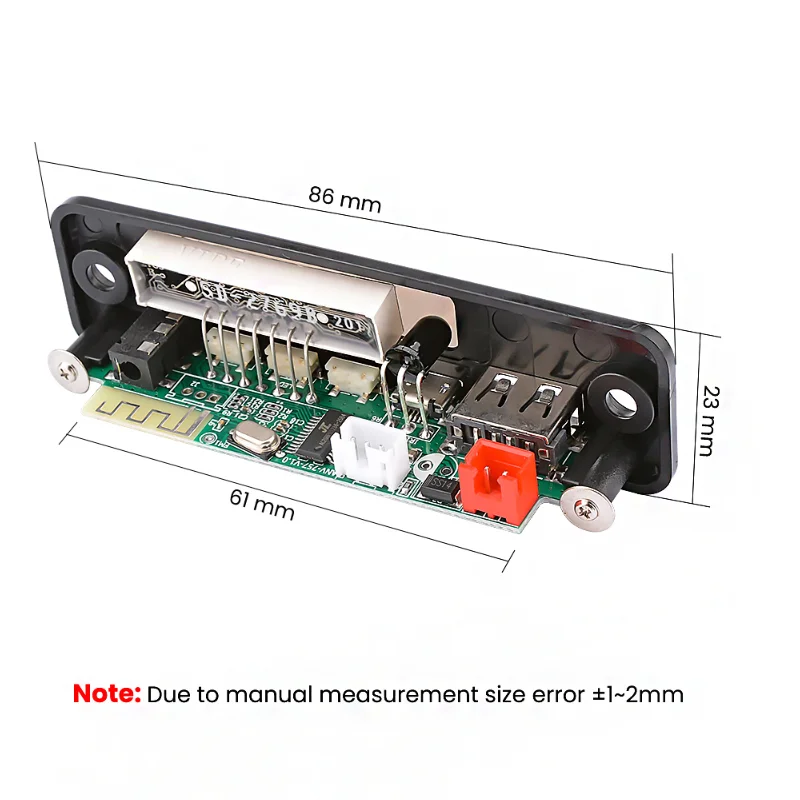
Wireless speaker TWS power amplifier module lossless APE decoding FM radio color spectrum scheme board
- Category: >>>
- Supplier: Shenzhen Bxf Electronic Technology Co. Ltd.
Share on (1600784490490):
Product Overview
Description

Product Description
Wireless speaker TWS power amplifier module lossless APE decoding FM radio color spectrum scheme board
Features:
1. Color digital screen shows music spectrum
2. Support MP3 and APE lossless decoding
3. Remote control, switch 10M infrared remote control at will
4. With FM radio frequency spectrum display
5. Support TWS 6. Power supply: DC3.7-5V
7. Rated input: DC5V /500MA
Key Function:
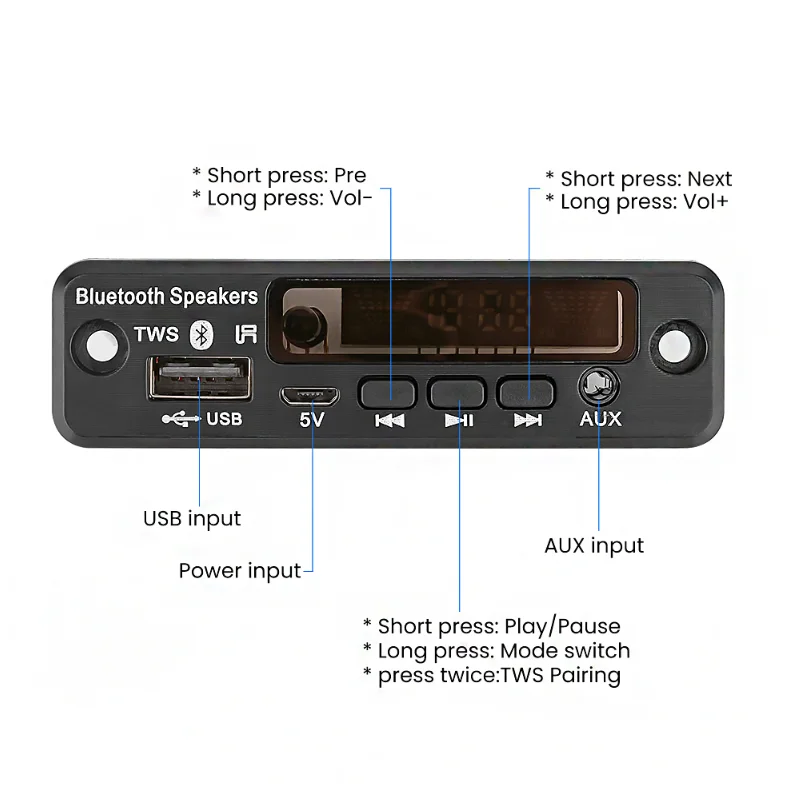
MODE: Press this key to cycle through input USB—SD—BLUE—FM—LINE
PREV: In the USB/SD/BT playback state, short press to select the previous song, long press to rewind (BT is invalid, short press to select the previous radio station in the radio FM state. Long press to search backward, find the station to play Current radio station. AUX status is invalid
NEXT: In the USB/SD/BT playback state, short press to select the next song, long press to fast forward (BT invalid). In the FM state, short press to select the next station. Long press to search forward, find the station and play the current station, AUX status is invalid
VOL+: volume up
VOL-: volume down
REP: Enter the loop mode during USB/SD playback, and enter ALL (all loop) when the loop key is pressed shortly—ONE (single loop)—FOLDER (current folder loop)—Random (random play)—NORMAL (Cancel the loop function, enter the array play)
STOP: Stop playing in the state of USB/SD card, press the play button to start playing from the first song. Other status is invalid
MUTE: press mute in all states, press again to unmute
EQ: USB/SD state is sound field mode. NORMAL—BASS— ROCKPOP—ROCK —JAZ—CLASSIC—CUR
PLAY/PA1SE: In the USB/SD/BT playback state, short press once to pa1se, press again to play, Press this button during radio reception to enter the automatic search station
0~9: Do the direct selection key on USB/SD. More than 10 consecutive input numbers to be selected. In FM shape Select the saved radio station. You can also press the numeric keys to directly enter the radio frequency to play the radio station
Product Images


We Recommend







New Arrivals
New products from manufacturers at wholesale prices






