
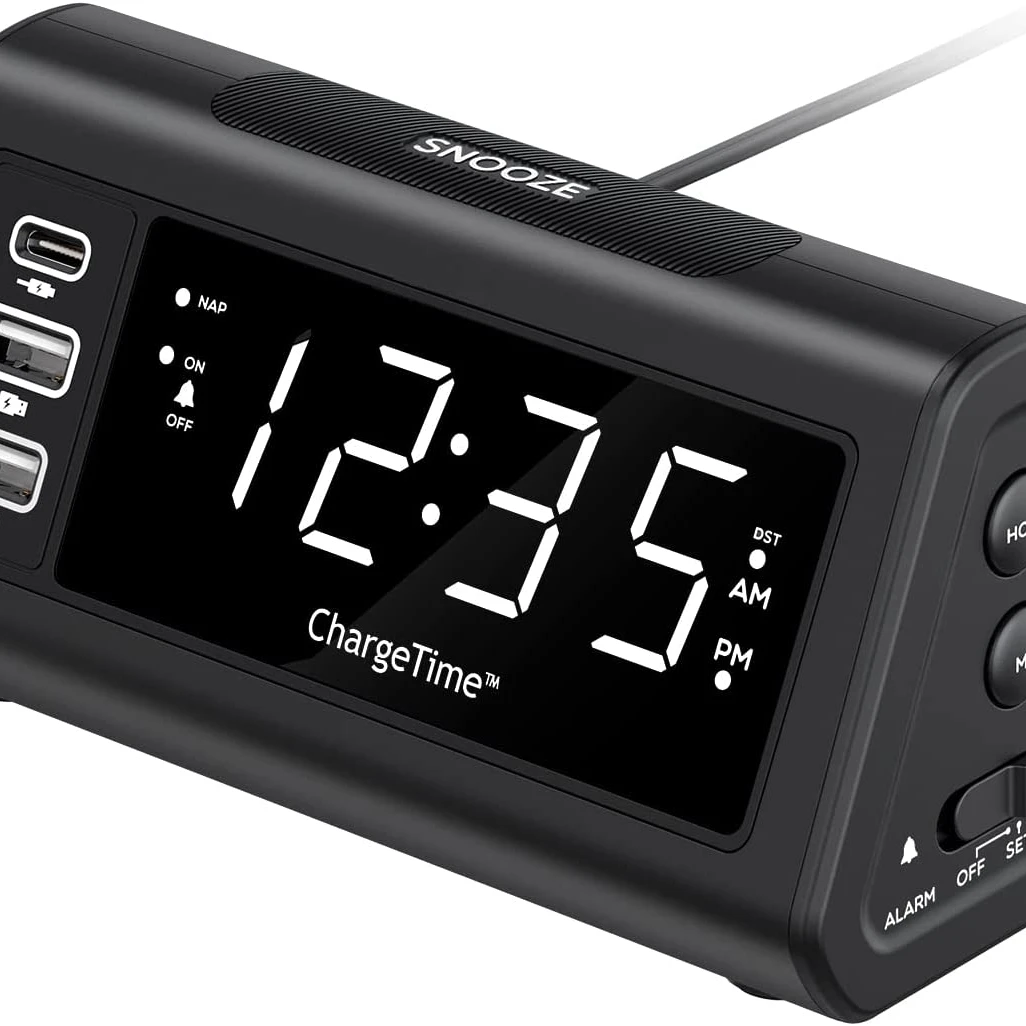

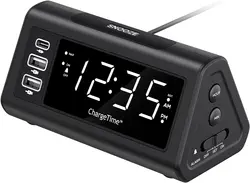
Teleadapt LCD Display Alarm Clock with 3 USB Charging Ports for iPhone iPad Android Devices Loud Digital Alarm Clock
- Category: >>>
- Supplier: Wanka Technology Limited
Share on (1600797772078):
Product Overview
Description
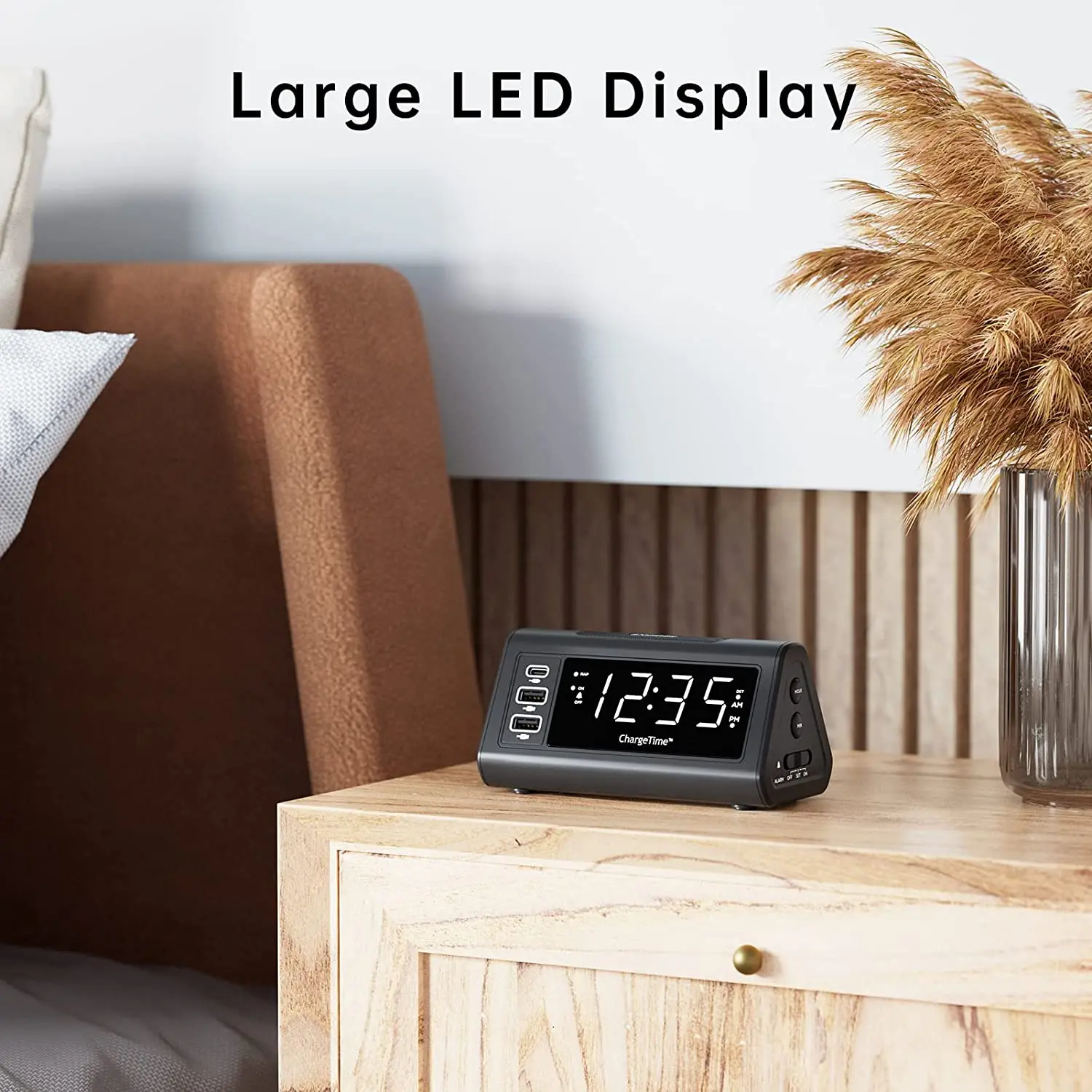
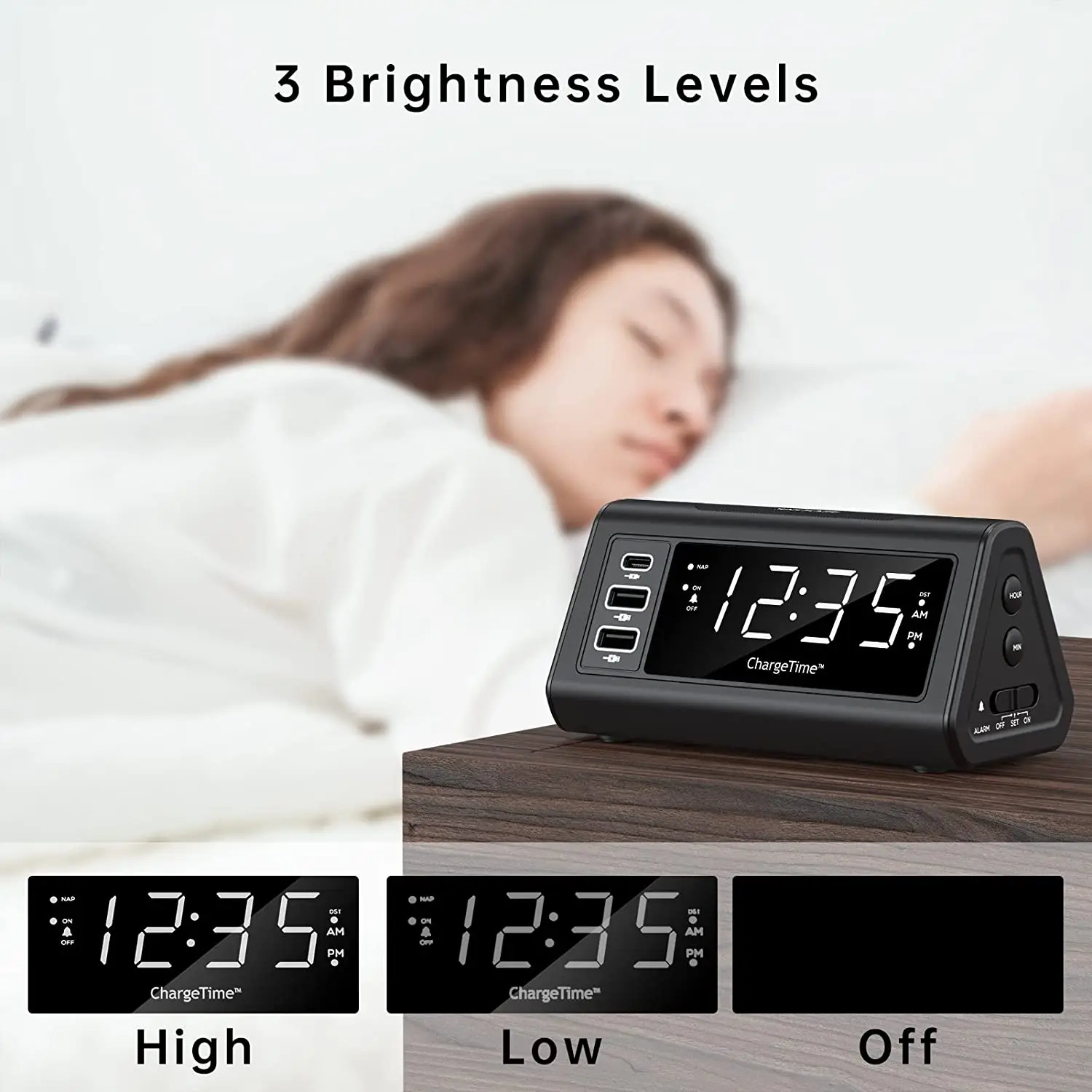
* LED Display & 3 Levels Adjustable Brightness: Alarm Clock compact design with large, easily read, LED display. Three levels of
display brightness, off, low, and high. Repeatedly press the SNOOZE/DIMMER button to select the desired level
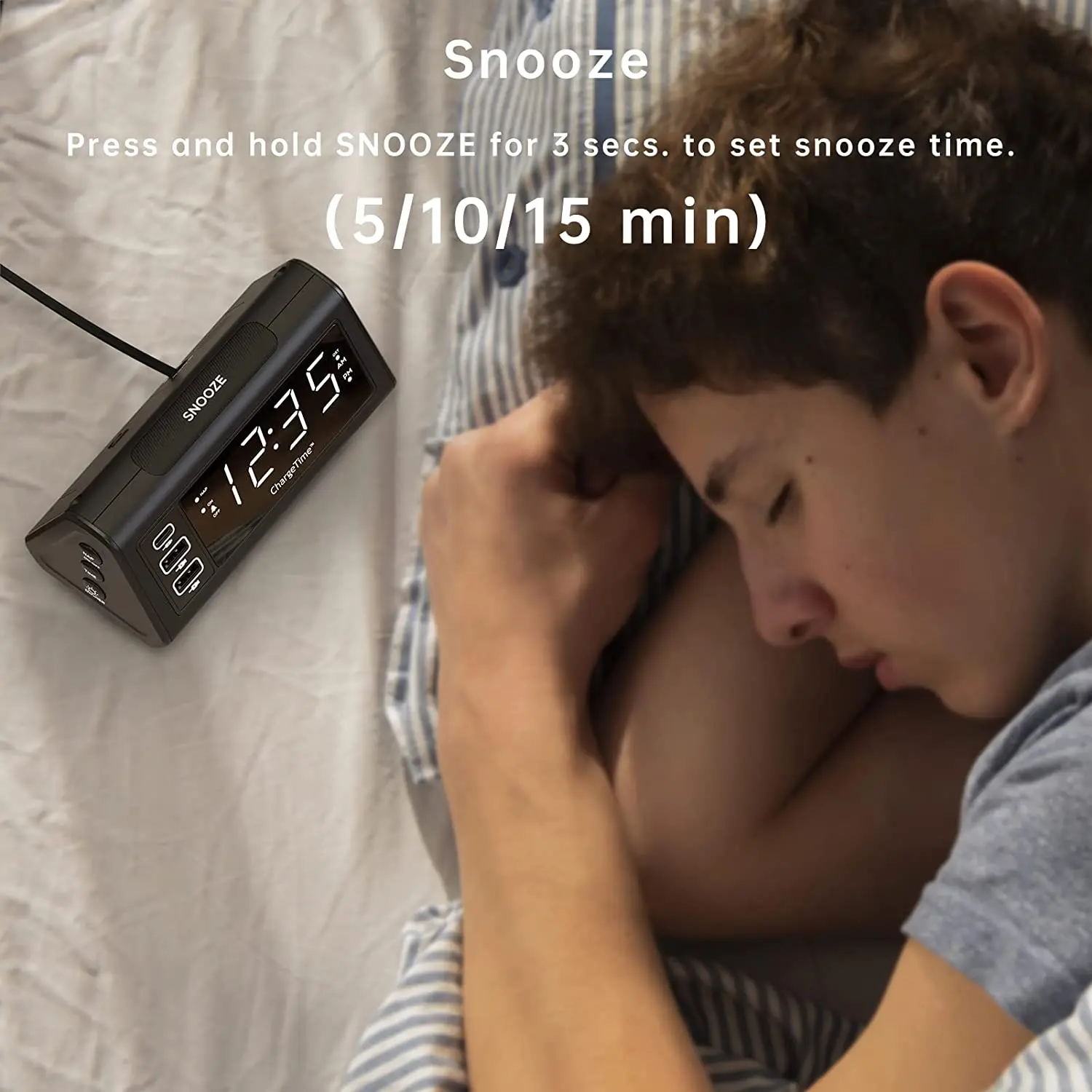
* Snooze Function: Press and hold SNOOZE for 3 sec to set the snooze time (5/10/15 min). Press SNOOZE again to confirm the snooze
setting. Prevents inadvertent setting and oversleeping
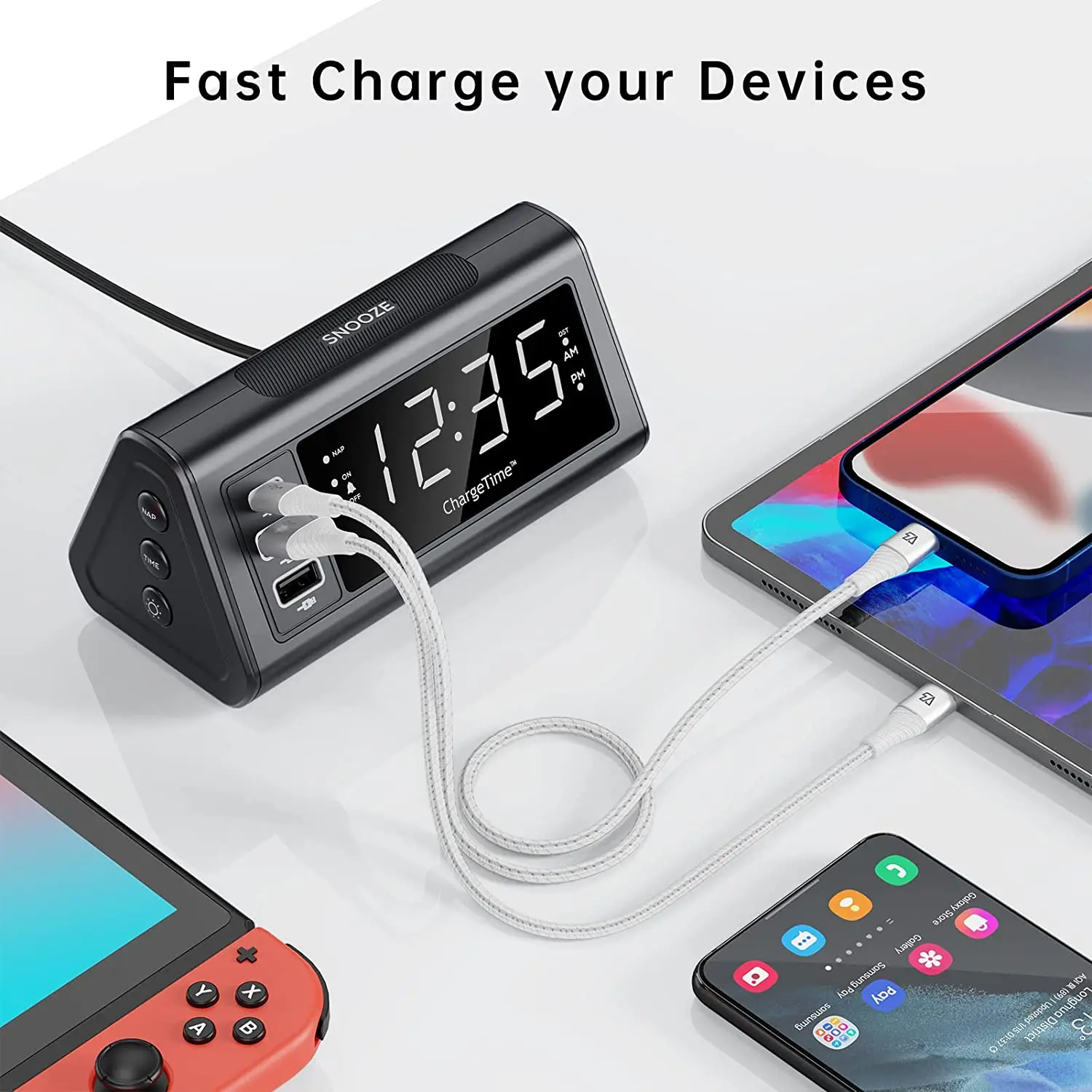
* Multi USB Charging Ports: Teleadapt display alarm clock includes 3 x USB ports. 1 x USB-C (supply 5V/3A) and 2 x USB-A (supply
5V/2.4A each). Convenient Charging for iPhone, iPad, iPod, Android devices. No need to locate an additional charging station
* Time and Alarms Back Up: Digital clock is operated by AC mains power. 2 x AAA batteries (included) provide backup to retain
time and alarm settings in case of mains power outage
* Nap Function: Press the NAP button to select the desired nap times between, 15-90 minutes or OFF. The “NAP” indicator will
light. Press SNOOZE or NAP button to stop the alarm
* Smart Time Adjustment: When Auto DST is enabled, the time will automatically be adjusted at 2:00AM on the designated date
(based on US standard). Spring, one hour forward, fall, one hour. Note that Auto DST is only available in US time zones


ChargeTime USB C Specifications
* 2 x USB A and 1 x USB C ports for fast charging.
* LED display with 3 brightness levels.
* Automatic daylight savings time adjustment (Auto DST). US time zones only.
* A simple sliding switch enables or disables the single-set alarm function.
* Small footprint and minimalist design blend well into most decors.

How to set a time?
1. Press and hold the TIME button and SNOOZE together for 3 seconds, display will flash
2. Set the year, month, date in sequence by pressing HOUR /MINUTE buttons,then press TIME button to confirm
3. Set Auto-DST feature to on or off by pressing HOUR /MINUTE buttons,then press TIME button to confirm
1. Press and hold the TIME button and SNOOZE together for 3 seconds, display will flash
2. Set the year, month, date in sequence by pressing HOUR /MINUTE buttons,then press TIME button to confirm
3. Set Auto-DST feature to on or off by pressing HOUR /MINUTE buttons,then press TIME button to confirm
How to set the Alarm?
1. Slide the switch to alarm SET, the time display will flash.
2. Press HOUR and/or MINUTE button to set the wake up time.
3. Slide the switch to alarm ON to confirm the alarm time. The alarm LED with light up confirming that alarm is set.
1. Slide the switch to alarm SET, the time display will flash.
2. Press HOUR and/or MINUTE button to set the wake up time.
3. Slide the switch to alarm ON to confirm the alarm time. The alarm LED with light up confirming that alarm is set.
Adjusting The Brightness And Snooze Time
There are three (3) levels of display brightness. Repeatedly press the SNOOZE/DIMMER button to select the desired setting.
How to set the Snooze Time?
1. Press and hold SNOOZE for 3 sec to set the snooze time (5/10/15 min).
2. Press SNOOZE again to confirm the snooze setting.
There are three (3) levels of display brightness. Repeatedly press the SNOOZE/DIMMER button to select the desired setting.
How to set the Snooze Time?
1. Press and hold SNOOZE for 3 sec to set the snooze time (5/10/15 min).
2. Press SNOOZE again to confirm the snooze setting.
Backup Battery Installation
Two (2) ‘AAA’batteries are used to back-up clock and alarm time
settings and are included with the unit.
1. Remove screws to remove the battery door cover.
2. Insert both ‘AAA’ batteries.
3. Replace the battery door and screw back in place to secure
Two (2) ‘AAA’batteries are used to back-up clock and alarm time
settings and are included with the unit.
1. Remove screws to remove the battery door cover.
2. Insert both ‘AAA’ batteries.
3. Replace the battery door and screw back in place to secure
We Recommend







New Arrivals
New products from manufacturers at wholesale prices






