
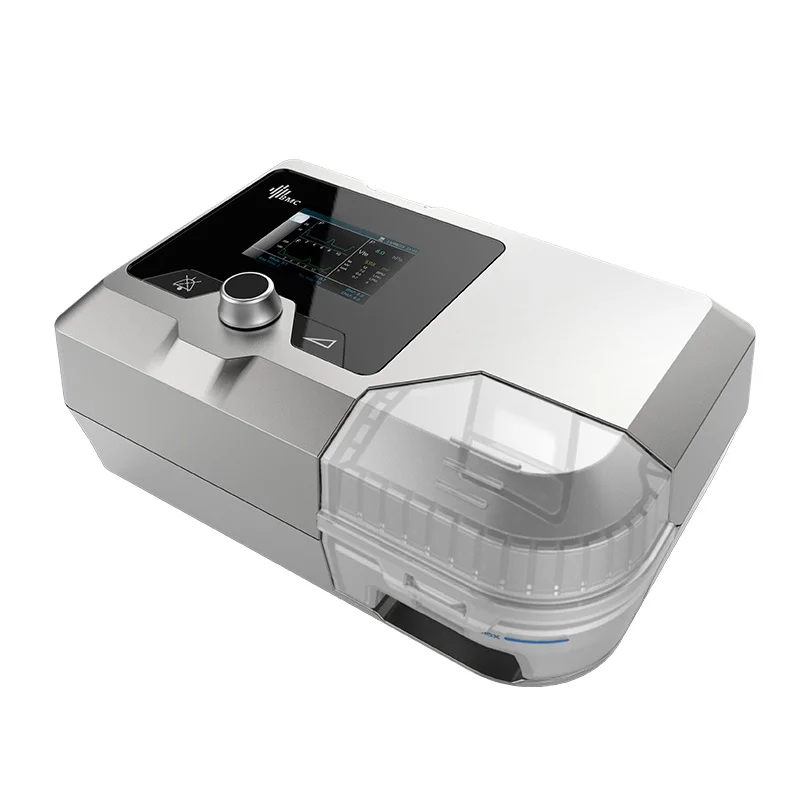
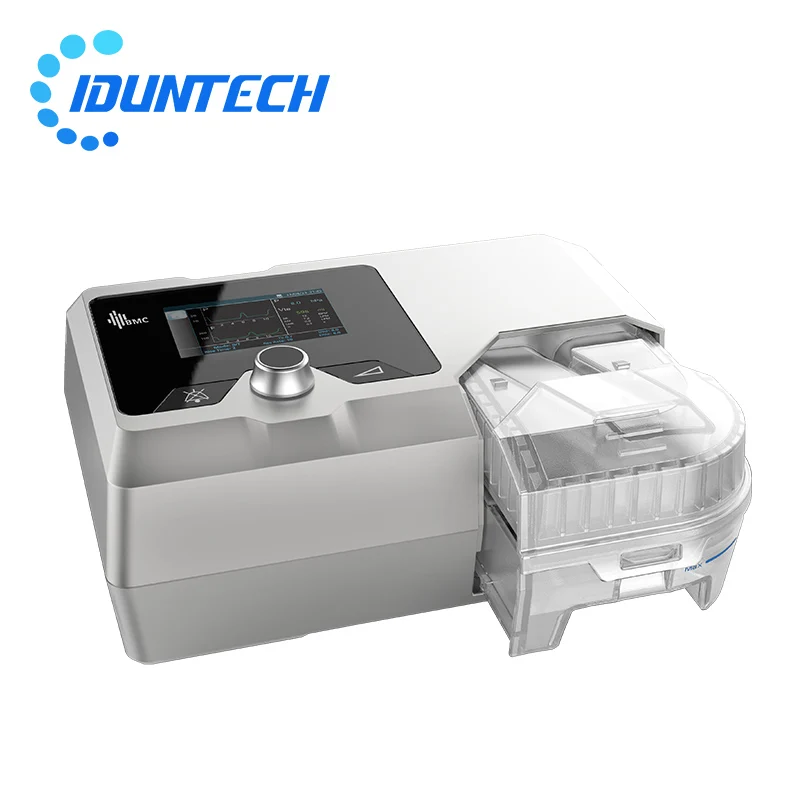
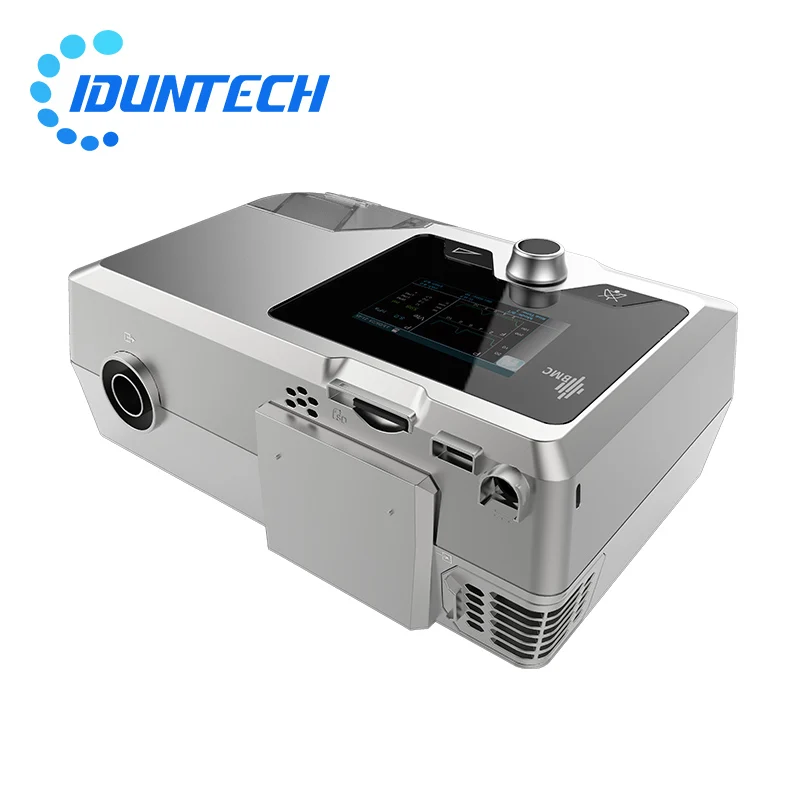
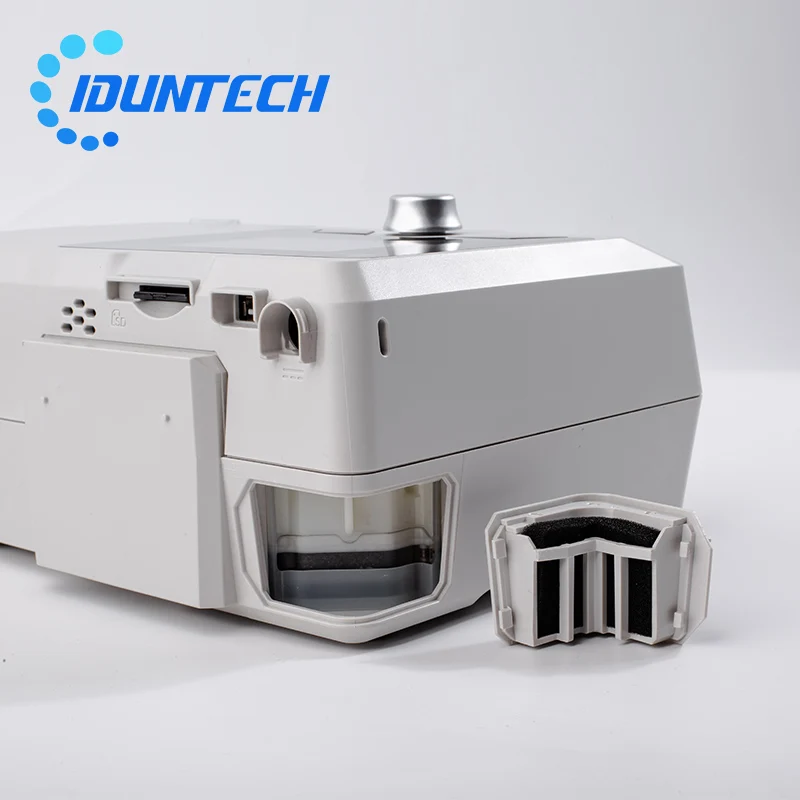
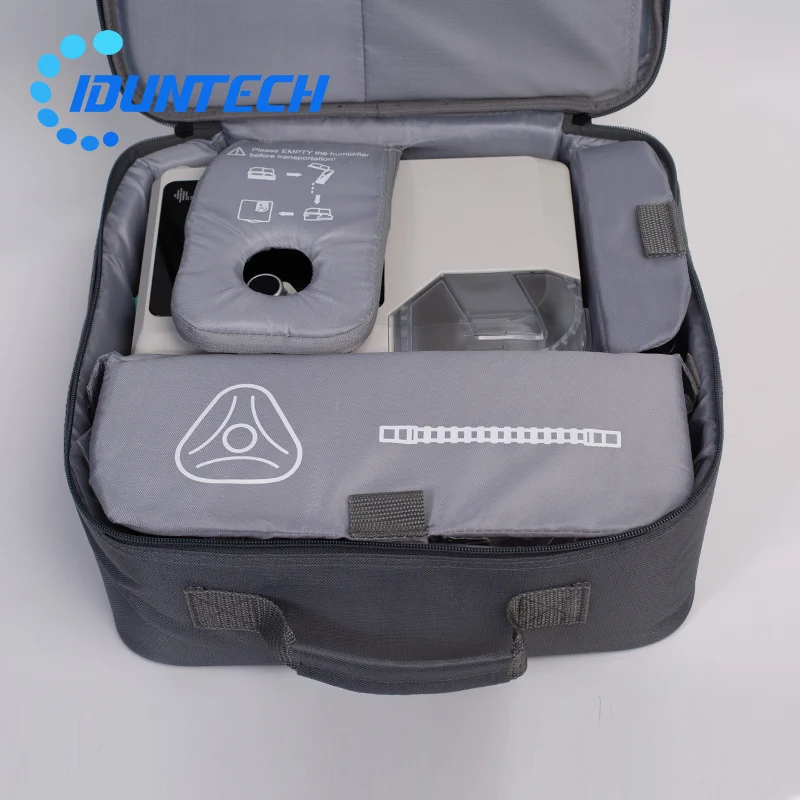
BMC G2S B25T Bipap Device Auto BPAP Machine for Home Use CE Certified Medical Equipment Medical Products Plastic White 2 Years
- Category: >>>
- Supplier: Ningbo Idun Technology Co. Ltd.
Share on (1600820824596):
Product Overview
Description
Product Description
Specification
Device Size | 274 mm × 184 mm × 115 mm | ||||||
Weight | 1.9 kg | ||||||
Water capacity | To maximum fill line 360 mL | ||||||
Humidifier Settings | Off, 1 to 5 (95°F to 154.4°F / 35°C to 68°C) | ||||||
Humidifier Output | No less than 10 mg H2O/L | ||||||
Work Mode | CPAP, S, T, S/T | ||||||
SD Card | The SD card can record patient data and fault information | ||||||
AC Power Consumption | 100 - 240 V AC, 50/60 Hz, 2.0 A | ||||||
Sound Pressure Level | < 30 dB, when the device is working at the pressure of 10 hPa | ||||||
Static Pressure Stability | ± 0.5 hPa | ||||||
Pulse Rate | 40 to 240 BPM | ||||||
Automatic leak compensation | Maximum Delivered Gas Temperature: 43°C | ||||||
FAQ
Q1: What kind of person needs this product, and it's mainly for what indications?
Sleep Apnea Syndrome (SAS) Presentation: Snoring , daytime sleepiness, impaired concentration, hypertension , morning headache ,
slow reaction time , decreased memory , decreased libido.
Q2: Does the machine suitable to use at home? Does it easy to operate?
Yes, it's designed for sleep home care therapy and ventilation. After refer user manual, it will be very easy to operate by
End-User.
Q3: How to set the machine airway therapy pressure or how to choose the work mode, and change other parameters?
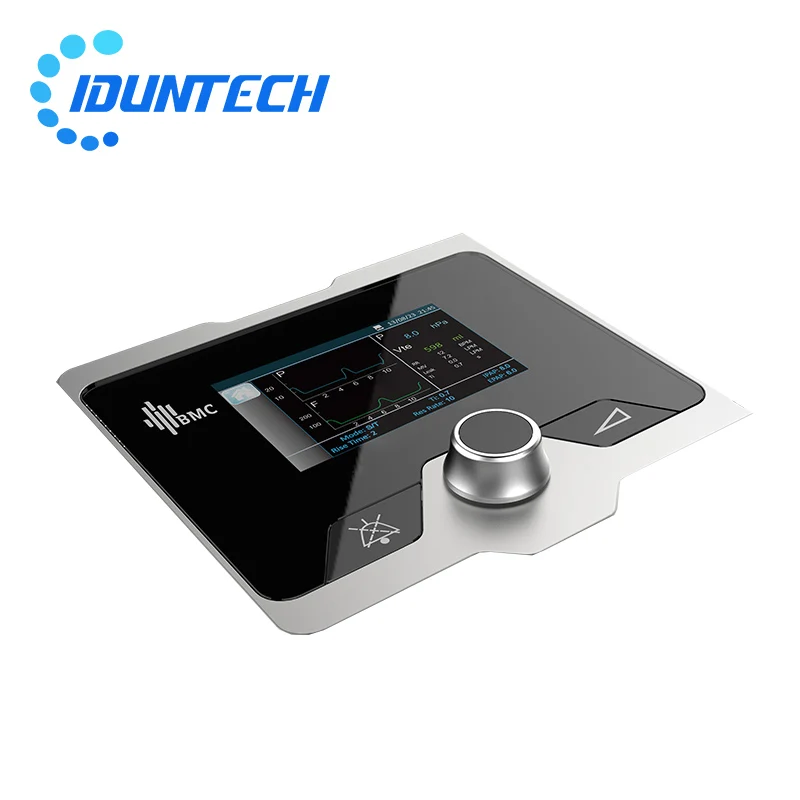
All the settings can be changed in Clinical Menu. (Enter Clinical Menu: When the machine running, please press middle button and
right button, hold them for 5 seconds will into the Clinical Menu.)
Q4: Where can I download the analyze software, any software fee required?
Online documentation and software for your BMC products can be downloaded free of charge.
(1) Download website: en.bmc-medical.com
(2) Download Step: [Service] - [Document & Software] - [Therapy and Ventilation Devices]
(3) Ask AliExpress platform customer services to get free download account and password.
Q5: What is iCode function? How to use iCode phone app?
Software usually for doctor to analysis, but iCode shows basic using data for End-User, more convenient to know recent condition.
iCode I is numbers, iCode II is QR picture.
Three ways to use iCode get machine data:
(1) Go to iCode website (bmc-icode.com) , then input machine serial number to get data.
More instructions in [Help] page which on the top of the iCode website.
(2) Stop running machine, press humidifier button on the left of the machine, will come out iCode I numbers. Then d ownload phone
app called BMC+, open the phone app, type the iCode I numbers in the phone app to get data.
(3) Also can rotate middle button change iCode I numbers to iCode II QR picture, use phone app sweep QR picture on the machine
screen, done !
Sleep Apnea Syndrome (SAS) Presentation: Snoring , daytime sleepiness, impaired concentration, hypertension , morning headache ,
slow reaction time , decreased memory , decreased libido.
Q2: Does the machine suitable to use at home? Does it easy to operate?
Yes, it's designed for sleep home care therapy and ventilation. After refer user manual, it will be very easy to operate by
End-User.
Q3: How to set the machine airway therapy pressure or how to choose the work mode, and change other parameters?
All the settings can be changed in Clinical Menu. (Enter Clinical Menu: When the machine running, please press middle button and
right button, hold them for 5 seconds will into the Clinical Menu.)
Q4: Where can I download the analyze software, any software fee required?
Online documentation and software for your BMC products can be downloaded free of charge.
(1) Download website: en.bmc-medical.com
(2) Download Step: [Service] - [Document & Software] - [Therapy and Ventilation Devices]
(3) Ask AliExpress platform customer services to get free download account and password.
Q5: What is iCode function? How to use iCode phone app?
Software usually for doctor to analysis, but iCode shows basic using data for End-User, more convenient to know recent condition.
iCode I is numbers, iCode II is QR picture.
Three ways to use iCode get machine data:
(1) Go to iCode website (bmc-icode.com) , then input machine serial number to get data.
More instructions in [Help] page which on the top of the iCode website.
(2) Stop running machine, press humidifier button on the left of the machine, will come out iCode I numbers. Then d ownload phone
app called BMC+, open the phone app, type the iCode I numbers in the phone app to get data.
(3) Also can rotate middle button change iCode I numbers to iCode II QR picture, use phone app sweep QR picture on the machine
screen, done !
We Recommend
New Arrivals
New products from manufacturers at wholesale prices







