
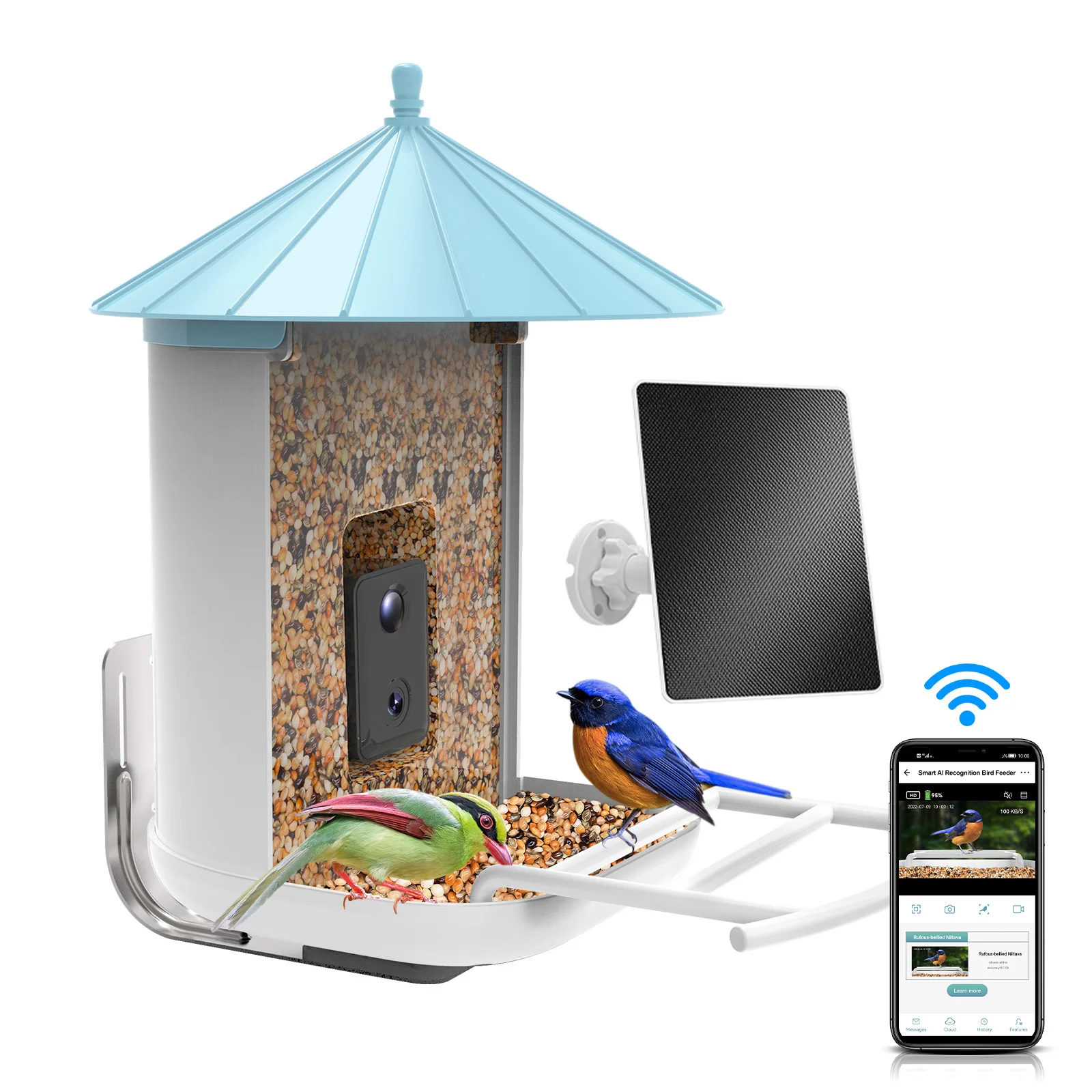
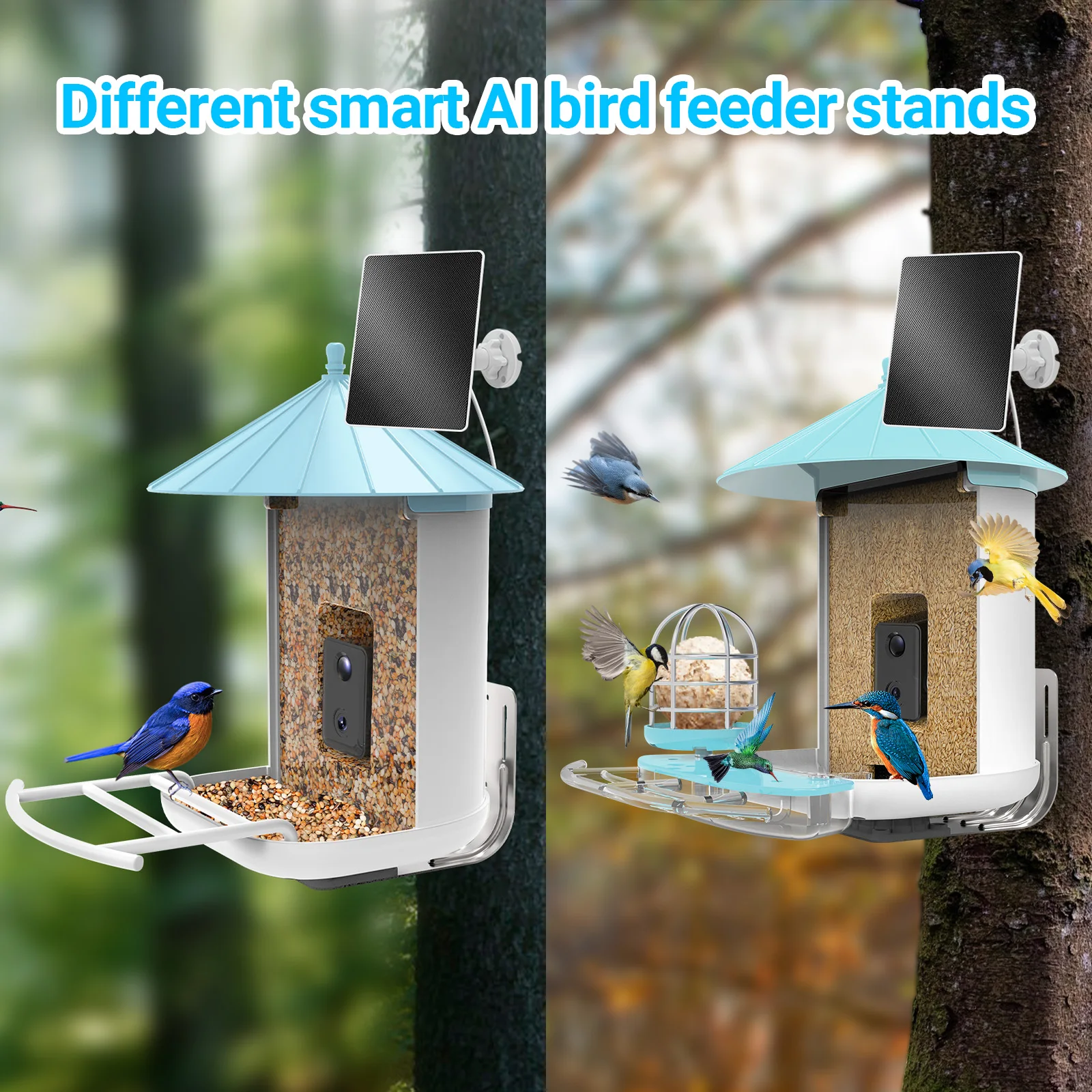
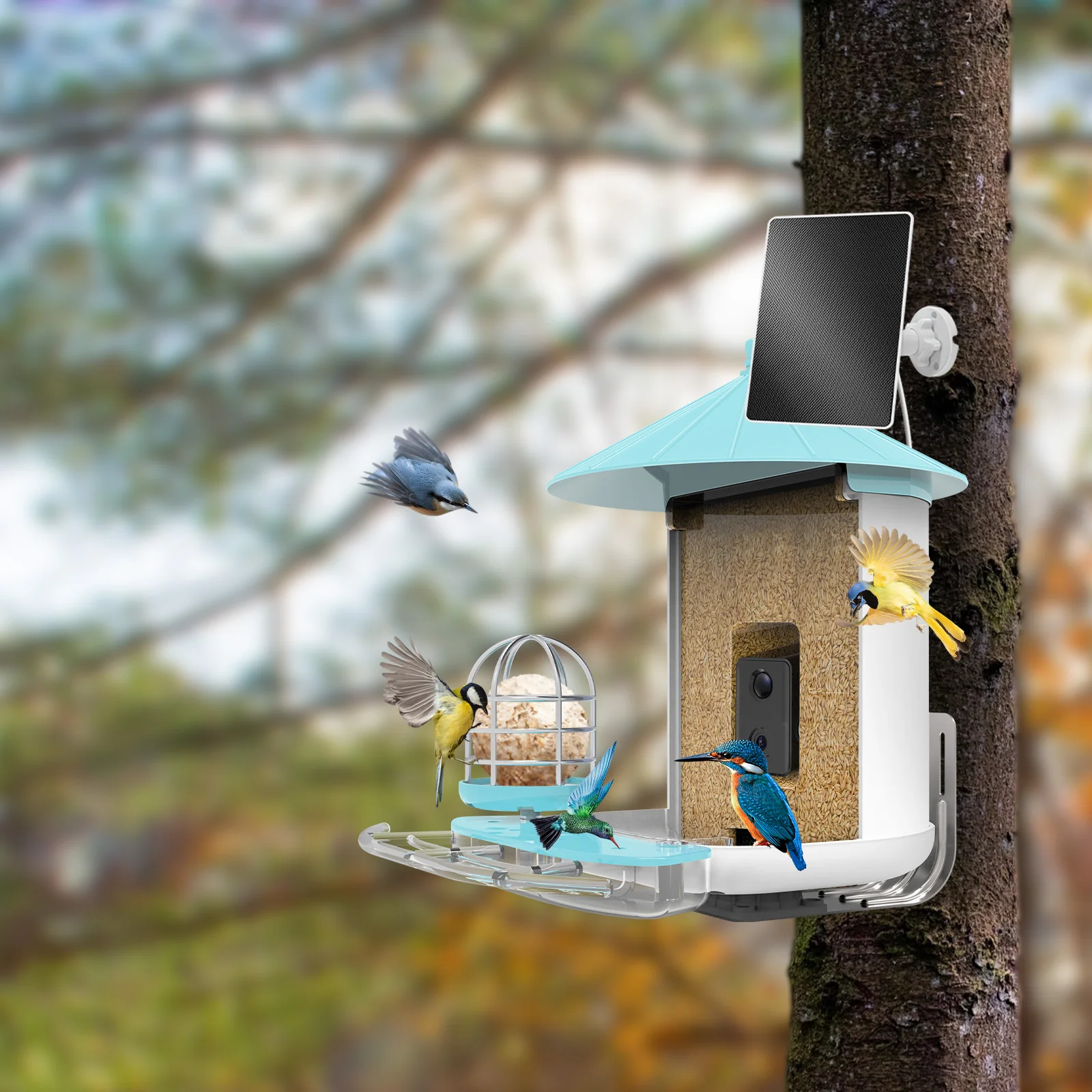
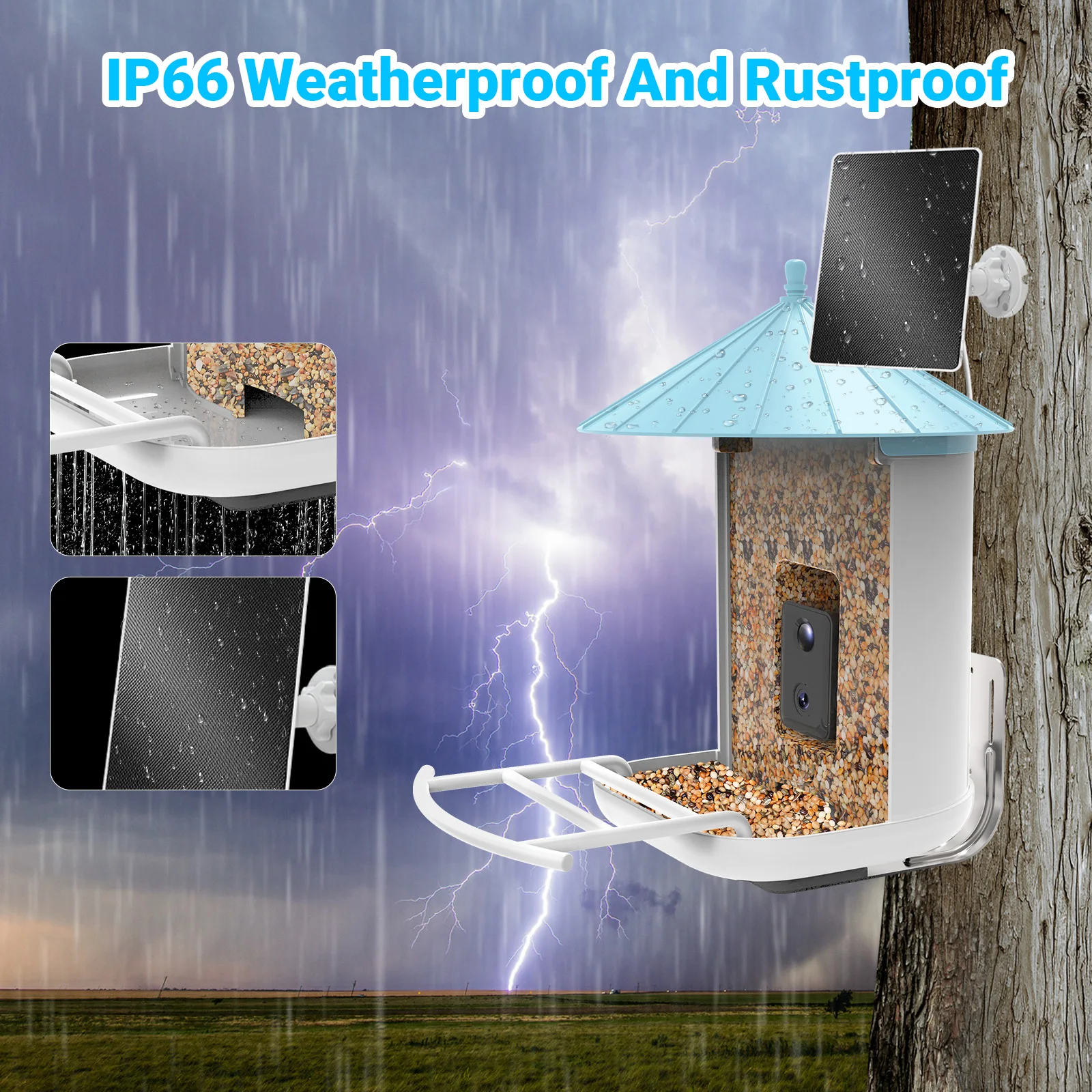
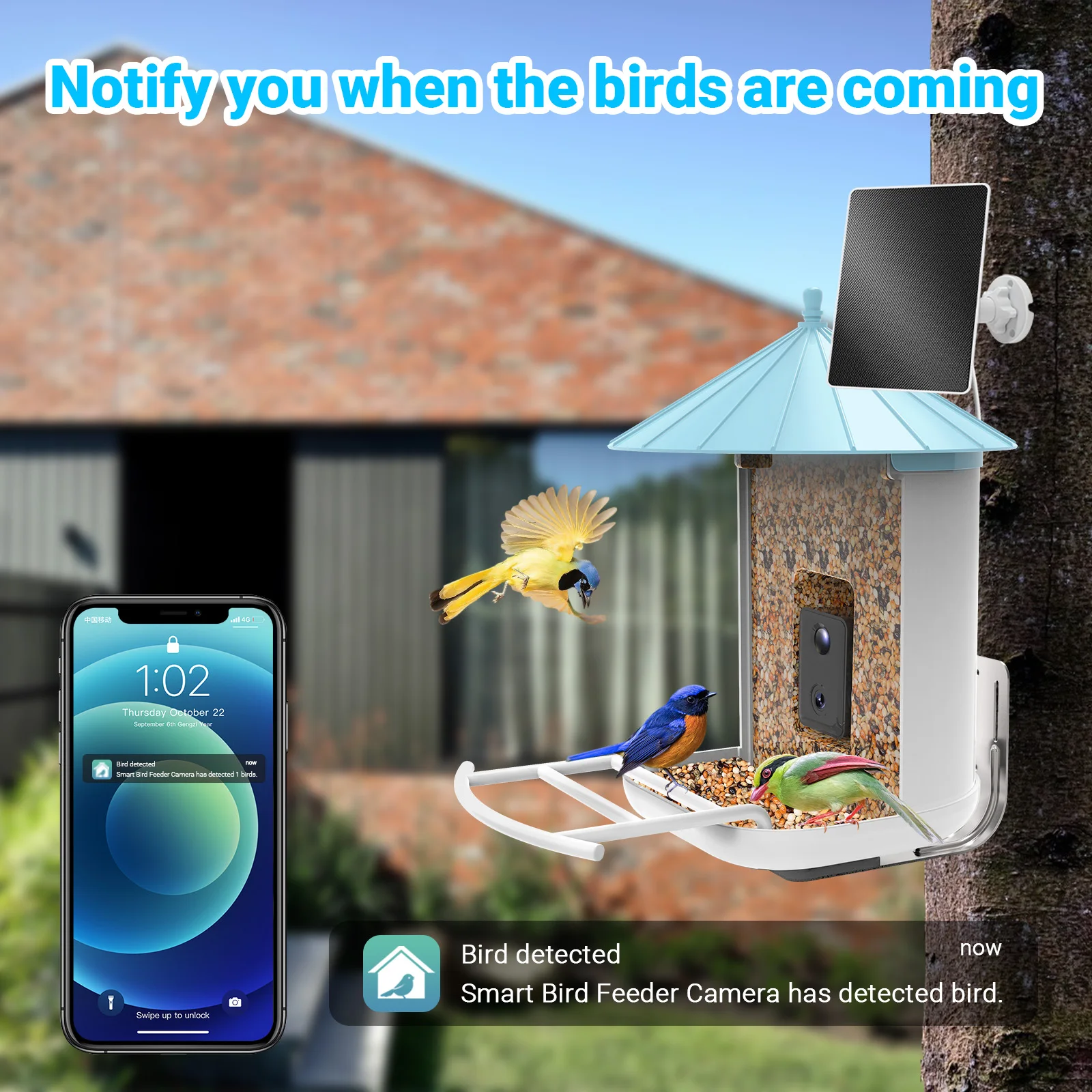
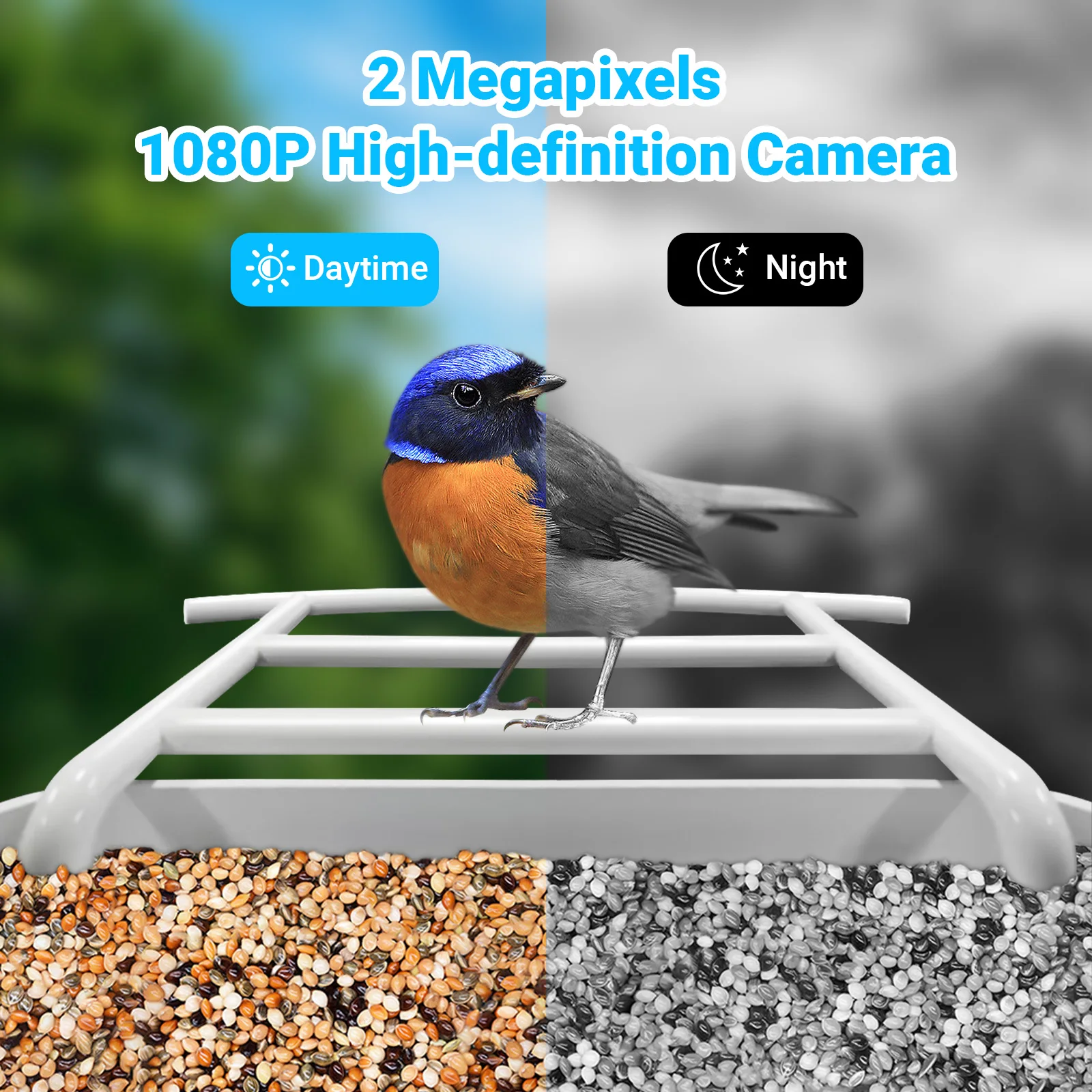
AI Recognize Bird Species Outdoor Wildlife Hummingbird Wifi Camera Capture Pictures Photos Video Smart Bird Feeder for Garden
- Category: >>>
- Supplier: Shenzhen Nanxin Technology Co. Ltd.
Share on (1600827189508):
Product Overview
Description
Product Details

Recommend Products
Product Category


Company Profile

Certifications&Exhibition

Packing&Shipping

FAQ

1.What should I do if I can’t turn off or turn on the Smart Star Projector?
---Make sure your cellphone and the Smart Star Projector are connected to the same WiFi connection.
2.What should I do when the configuration fails?
---Check whether the Smart Star Projector can turn on or not; Check whether the available internet network is the 2.4GHz frequency; Check your internet connection, whether it works properly.
3.How can I share devices with my family members?
---Open the Smart Life application, select “profile” >“Devices Sharing”>“Sent” select “Add Sharing”, now you can share with your family members.
4.Can this APP be used on any type of mobile phone? How far can I control it?
--Yes, the APP can works with both android &IOS systems. Once connected to the Internet, there is no distance limitation.
5.Can I control the devices with a 2G/3G/4G connection?
---The Smart Star Projector devices must be registered first on a WiFi network, after you have successfully connected it, then the Smart Star Projector devices can be controlled by your Smart Phone with 2G/3G/4G networks.
6.Will it cause a fire or other safety hazard to stay open all night?
---No, it will be safe to stay open all night.
2.What should I do when the configuration fails?
---Check whether the Smart Star Projector can turn on or not; Check whether the available internet network is the 2.4GHz frequency; Check your internet connection, whether it works properly.
3.How can I share devices with my family members?
---Open the Smart Life application, select “profile” >“Devices Sharing”>“Sent” select “Add Sharing”, now you can share with your family members.
4.Can this APP be used on any type of mobile phone? How far can I control it?
--Yes, the APP can works with both android &IOS systems. Once connected to the Internet, there is no distance limitation.
5.Can I control the devices with a 2G/3G/4G connection?
---The Smart Star Projector devices must be registered first on a WiFi network, after you have successfully connected it, then the Smart Star Projector devices can be controlled by your Smart Phone with 2G/3G/4G networks.
6.Will it cause a fire or other safety hazard to stay open all night?
---No, it will be safe to stay open all night.
We Recommend


New Arrivals
New products from manufacturers at wholesale prices







