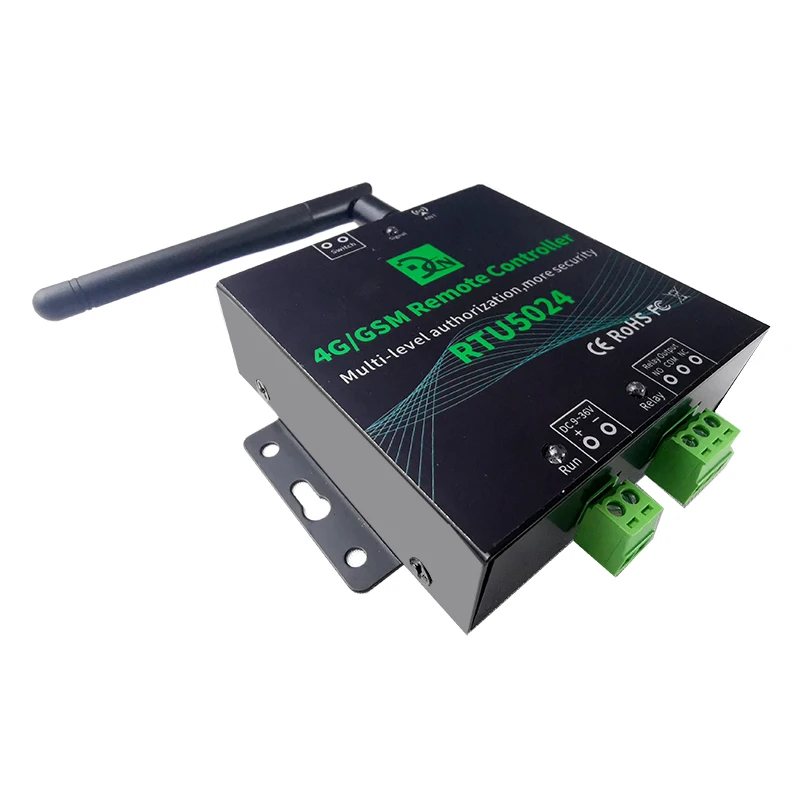
Automatic Gate Opener Electric Lock
US $110.00-$156.00
Share on (1600829136713):
1.Technical parameters
| Rated Voltage: | DC 9V~36V/1A |
| Working temperature: | -10℃~+60℃ |
| Storage temperature: | -20℃~+60℃ |
| Relative humidity: | 10-90%, No condensation |
| Work frequency: | global GSM 3G 4G frequency |
| Related Voltage of the Output Relay: | 5A/250VAC, 7A/125VAC, 20A/14V |
| SIM Card: | Nano type, 3V |
| Antenna: | 50 Ω SMA |
| Wired Switch: | Supports |
| Dimension: | 92*81.5*27mm |
Packing dimension: | 150*100*40mm |
Relay port: | 5A/250VAC, 7A/125VAC, 20A/14V, 20A/5V |
Weight: | 0.3kg |
2.Instructions of usage
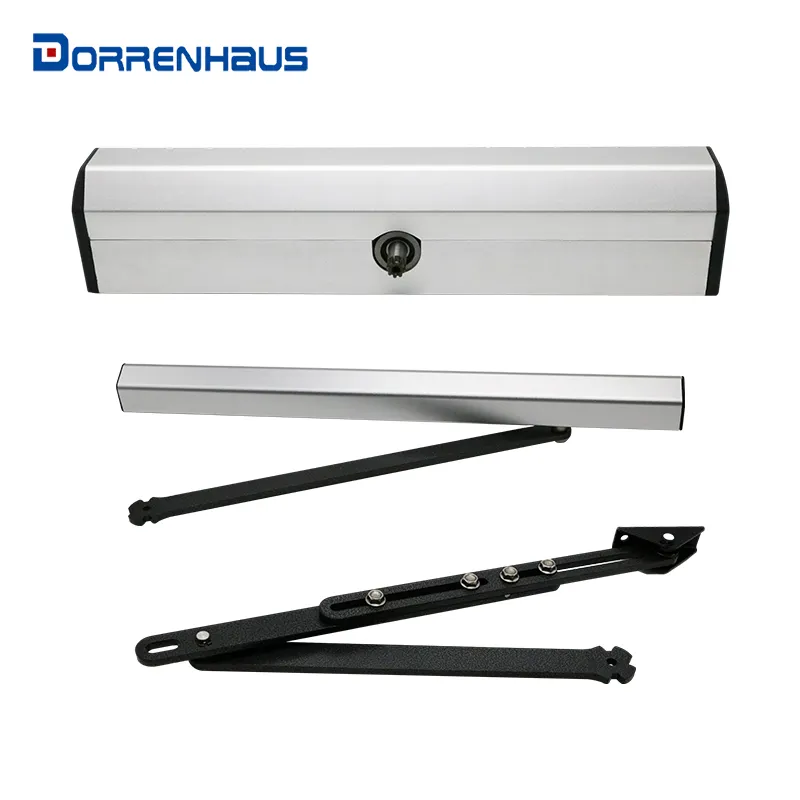
The device is widely used in access control systems, garage doors, swing doors, folding doors, parking systems, and other electronic equipment, the device will send notifications to users (via SMS) of the remote control results (such as the opening and closing status of doors).
Due to the continuous improvement of the product, some content and illustrations in this manual may not be completely consistent with the product you actually received, please note.
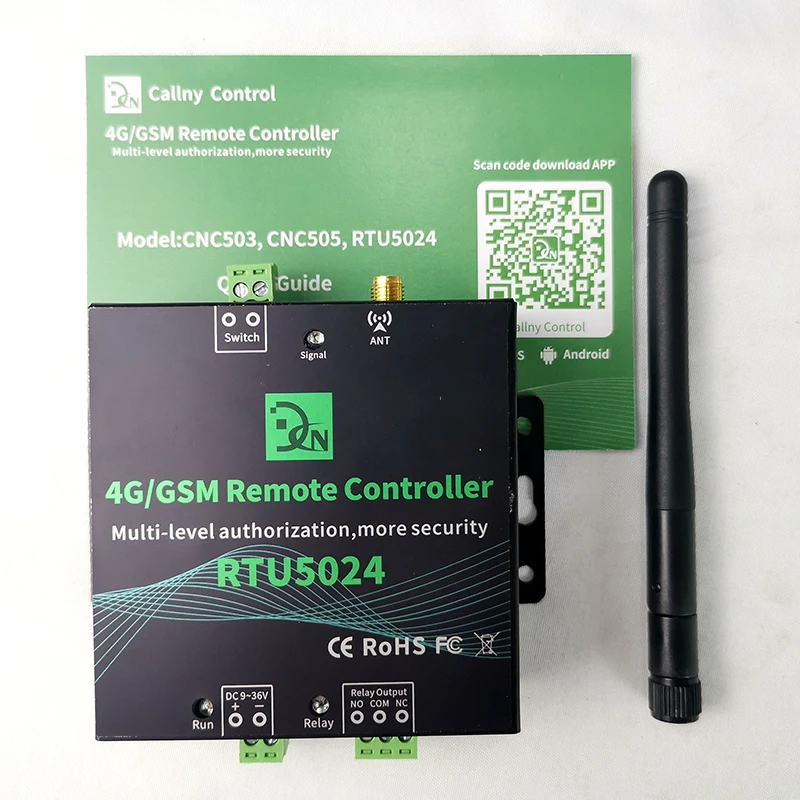
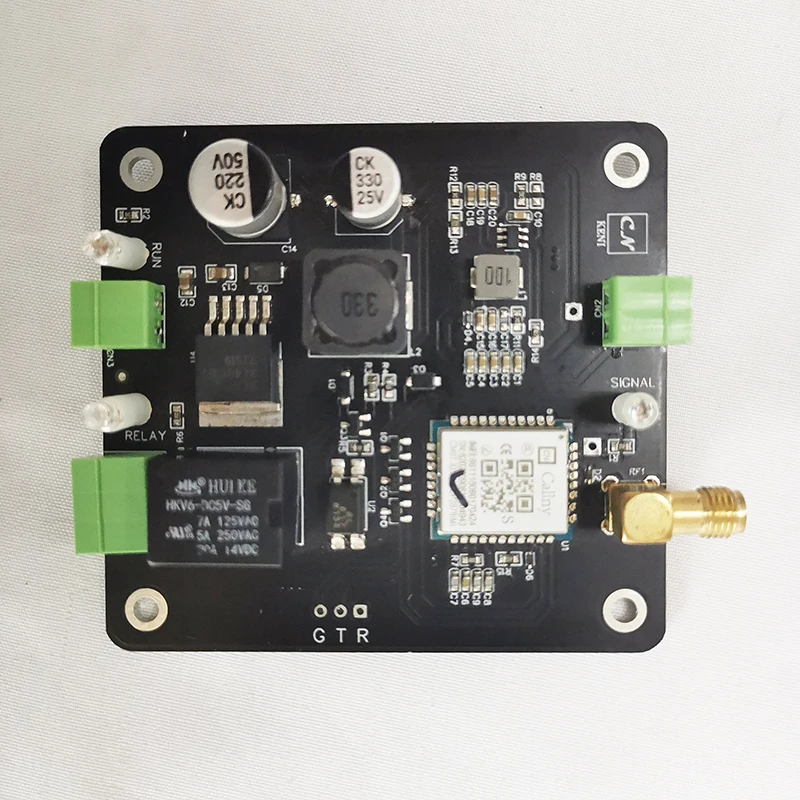
Port, light and button instruction
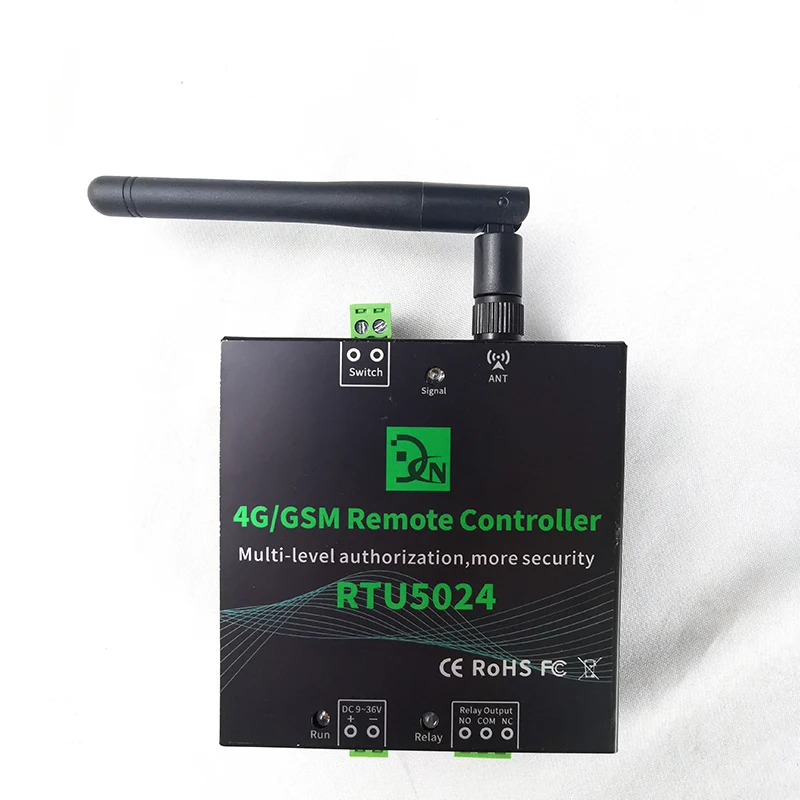
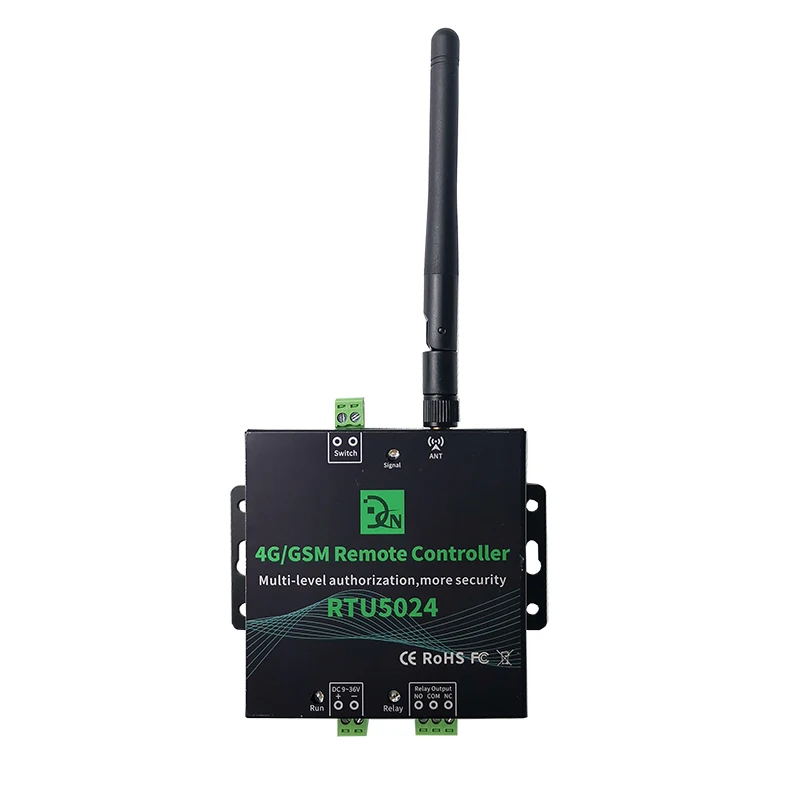
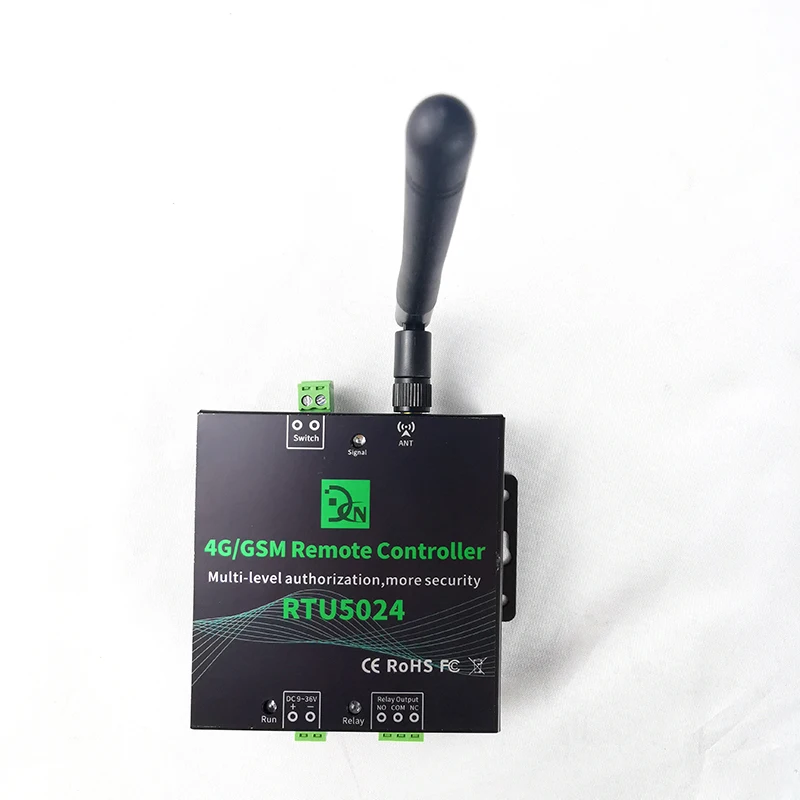
ANT | Antennas port |
Signal | Signal light: 1.Registering the network signal: flashes quickly, once per second 2.The network registration is successful: flashes quickly, flash every 2 seconds 3.Reset successfully; quick flash 4 times |
Run | Run light: 1.Device is loading SMS function: long light about 2 seconds 2.Loading and process SMS successfully: slowly flash, flash every 2 seconds 3.Reset successfully; quick flash 4 times |
Relay | Relay on: lightning; Relay off: light off |
Reset Button | Reset button: 1.The button is located in the groove on the back of the device (A tool is required to open the cover on the back of the device) 2.Press for 5 seconds to reset, it will delete all parameters before authorized. Reset successfully, the RUN light will flash 4 times quickly, then device will short power off and restart. 3.Quickly press the reset button 2 times, the run and signal light will enter a silent status, press the reset button 1 time, the light will return normal flash. 4.Quickly press 4 times to reboot device. |
Connect port
DC 9~36V | + | Power supply input, Positive wire. |
- | Power supply input, Negative wire. | |
Relay Port | NO | Normally Open port. The relay is 5A/250VAC, 7A/125VAC, 20A/14V Connect to the switch of the electronic lock or device. |
COM | Common port. The relay is 5A/250VAC, 7A/125VAC, 20A/14V, 20A/5V. Connect to the switch of the electronic lock or device. | |
NC | Normally Close port. The relay is 5A/250VAC, 7A/125VAC, 20A/14V, 20A/5V. Connect to the switch of the electronic lock or device. | |
Switch | Dry contact, used to be connected with wired switch, like push button, it can active the relay. | |


1.A nano SIM card support basic communication function for SMS and calling, close the PIN lock, install the SIM card into the slot. (SIM card slot located in the groove on the back of the device)
2.Connecting diagram. (As follow)
3.After powering on the device, please wait for the signal light and the run light flash at the same time (every 2 seconds), and then begin to operate the device. (See page 1 for details description of the light status)
4.Follow the commands list to operate. (As follow)
5.After the first authorize successfully, follow the commands list to do other settings.
Connecting diagram
The wiring diagram is for reference only, and the wiring diagrams of different models are slightly different.

The wiring diagram is for reference only, and the wiring diagrams of different models are slightly different.

1.What is the difference of Push notification and Operators SMS return?
Push notification: Anyone active the relay (by SMS, by free calling, by press button)will return SMS to notification push phone numbers(super admin phone number default be one of the notification phone numbers). To disable the function, send (1234#N#) and (1234#PSN#)
Operators SMS return: The SMS will return who active the relay by SMS/free calling .To disable the function, send (1234#FBR)
2.Why does the device sometimes respond slowly
(1). Use the command (1234#CSQ?) to check the signal strength of the device. The device is based on the signal for SMS communication. If the signal is too low, it will affect the response speed of the device.
(2). Use the command (1234#PUSHALL?) to check whether all notification push numbers are real phone numbers. The wrong number will cause the device to fail to push. After the failure, the device will re-initiate the wrong number to push the SMS again, thus affecting the device. Response speed.
3.After authorized, why the device does not response the commands or calling?
Due to the different communication methods of operators in different countries, the actual number recognized by the device may be different. For example, your authorized number is +86 12345678, and the actual device acquisition number may be 12345678, resulting in invalid authorization.
When the authorized number to send the instruction and dial the telephone device does not correspond, you can use this number to send the verification instruction to the device to verify whether the authorized number you filled in is correct.
The instruction as follow: 0000#CHECKTHEPHONE# (0000 is normal users password)
The device will feedback: Your Phone Num: XXXXXXXXX. Follow the feedback phone number to re-authorize.


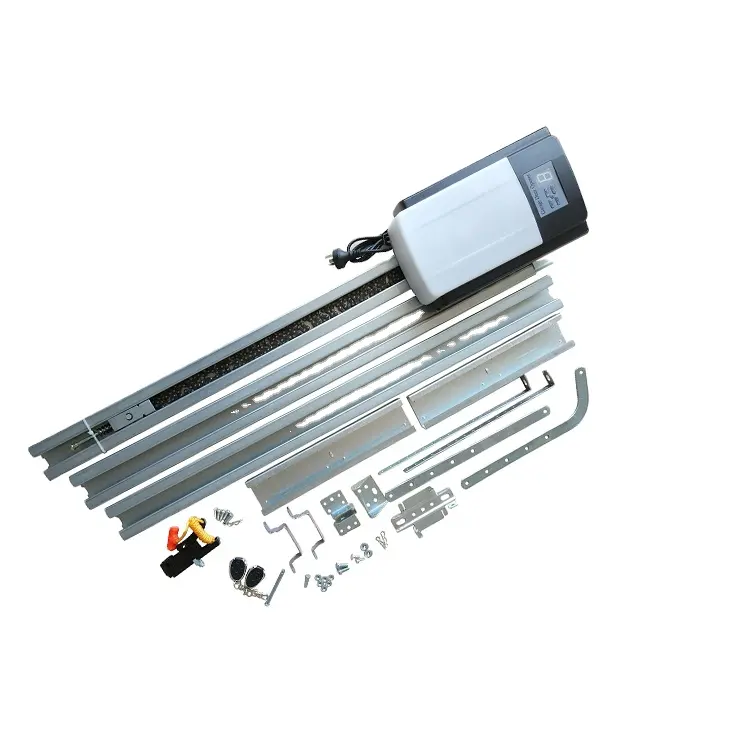

New products from manufacturers at wholesale prices