
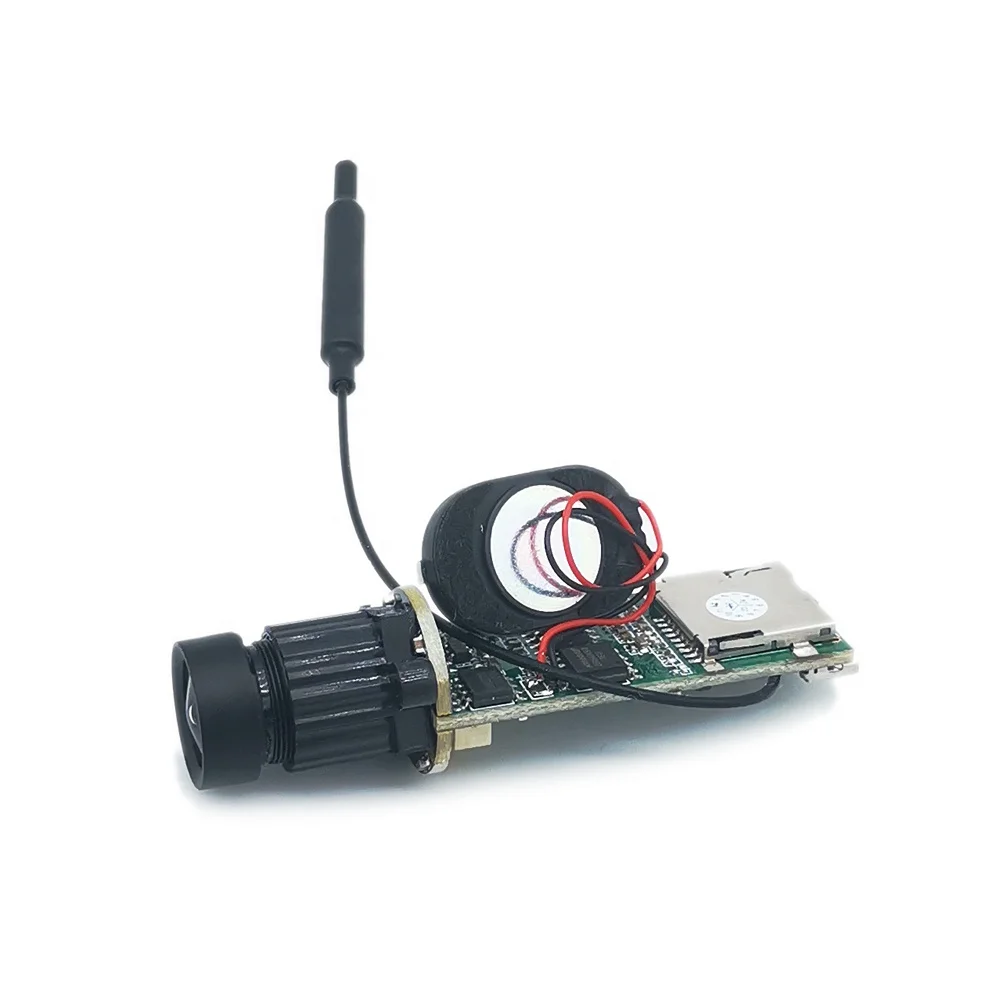
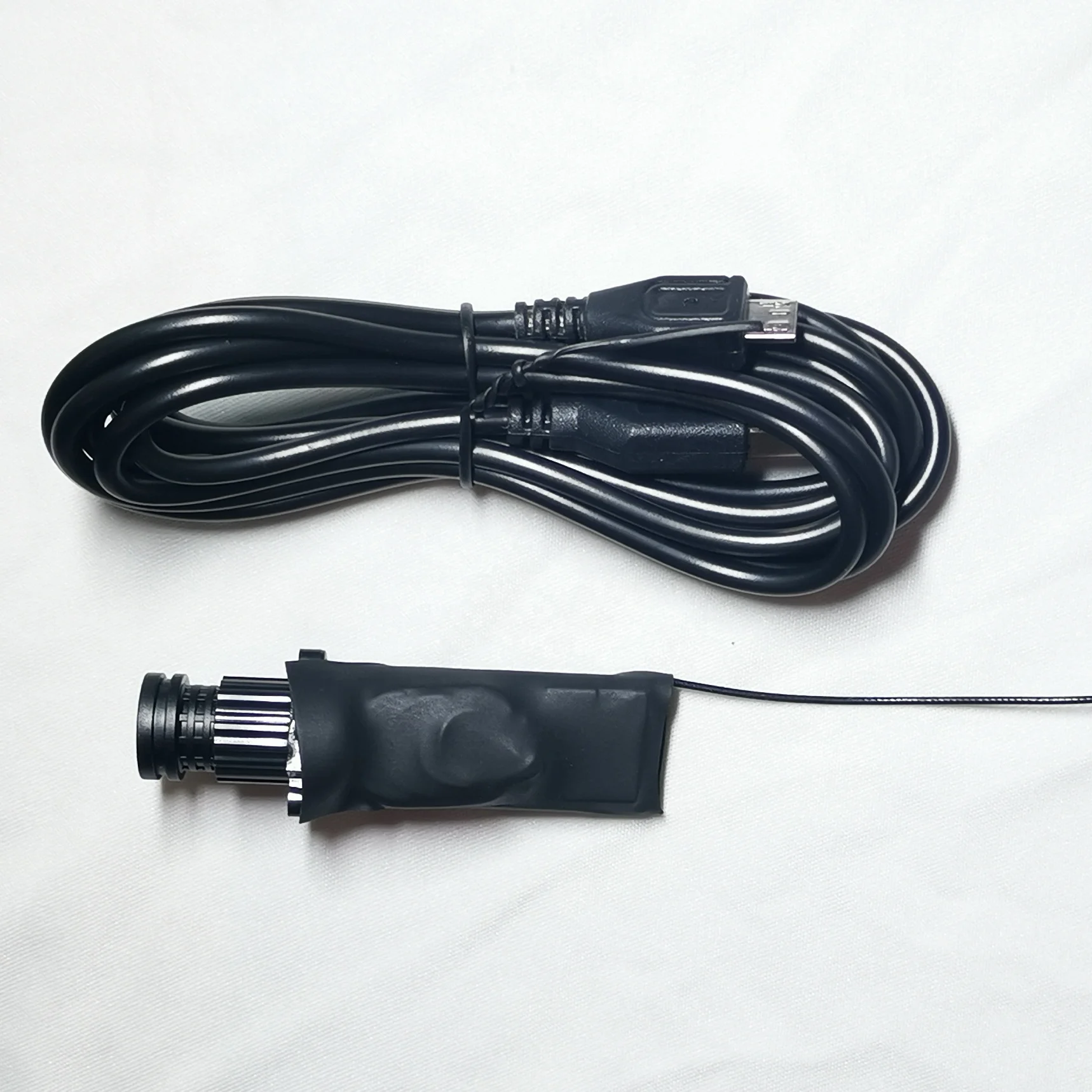
DIY IP Camera Module Mini Wifi Module Small Icsee Xmeye Sdk 1080P Wireless PCB Security P2P Two Way Audio Industrial Smart Cloud
- Category: >>>
- Supplier: Shenzhen Hanqin Electronic Technology Co. Ltd.
Share on (1600873287480):
Product Overview
Description
Indoor Wifi Camera, Baby Monitor, Smart Life Home Security Wireless Mini Camera, IP CCTV, Two Way Audio
Mini indoor Wifi Baby Monitoring Wireless Surveillance Home IP Camera 1080p HD Camcorder CCTV Camera

Features:
Resolution: 2MP Audio record
Lens:
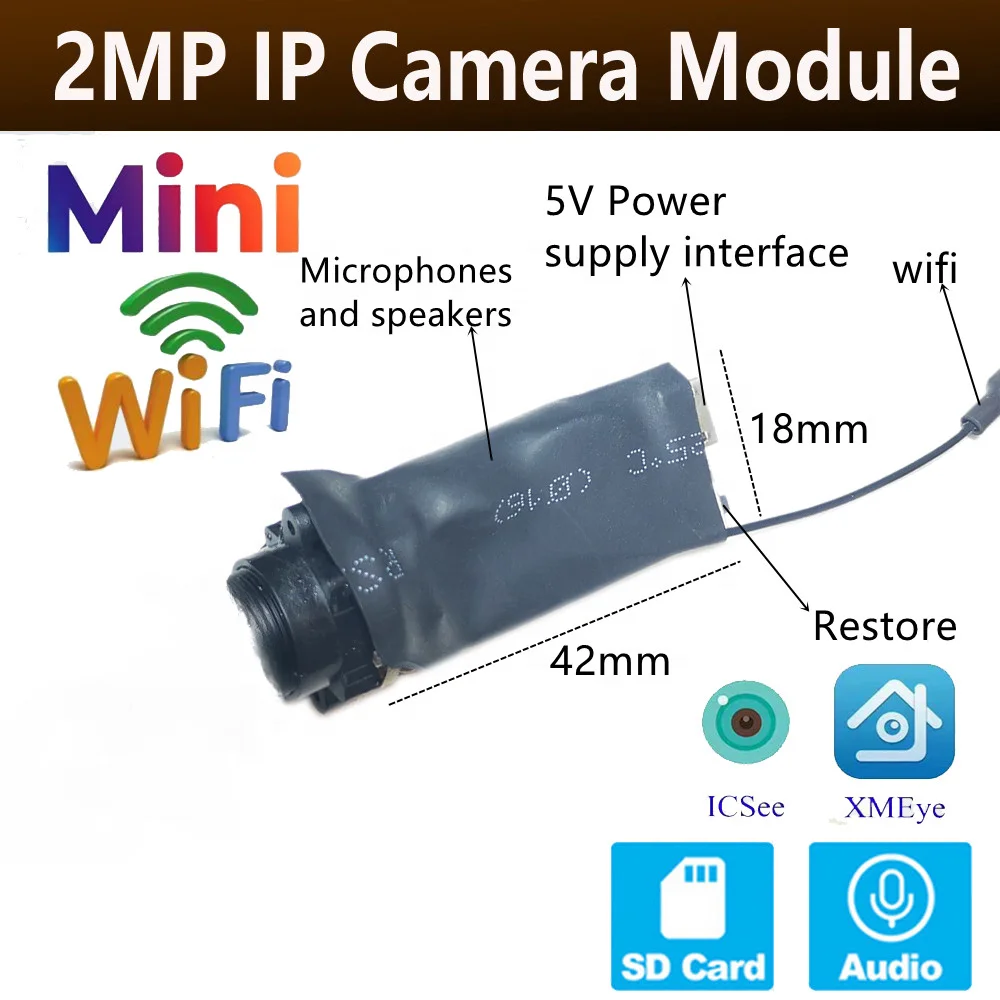
XMEye/iCSee App , Support for PC and IOS & Android Smartphone video surveillance
Support Motion Detection & Email Alert
Built-in microphone
Remote real-time video, real-time sound
Support recording Video and sound
With TF card slot ,support max 128G TF card.


HQCAM's Camera Parameters | |
System structure | Embedded RTOS,dual-core 32bit DSP,pure hard compression ,watch dog |
Sensor | 2.0MP:1/2.9" CMOS image sensor |
Video compression | H265 H.264,support dual stream,AVI;0.1M~6Mpbs variable;1~30f/s variable |
Image output | 2MP:Main stream:1920*1080(25fps), |
Audio | YES |
Noise reduction | Support 2D/3D |
lens | 3.6mm lens(2.8mm 6mm 12mm lens is optional) |
Storage | Via PC/Mobile Phone/NVR With HDD |
Wide dynamic | |
Network interface | 1*RJ45 10/100M adaptive Ethernet port;support RTSP/FTP/PPPOE/DHCP/DDNS/NTP/UPnP etc |
SD Card | YES |
Reliability | Comprehensive lightning protection, in line with national and international standards; 7 * 24 hours 65'C high temperature stable and reliable testing (including mounted machine testing) |
Other function | |
ONV IF | Support |
Mobile monitoring | Support multiple mobile monitoring(iOS,Android) |
Power | DC12V OR POE |
power interface | support |
Need to see close objects, please tell me the distance, we will adjust the focal length and send again. | |
Q & A
1, IP camera default IP address:192.168.1.10
User name:admin,password:empty(null)
If there is a problem with "Can not find the Device", it is the default ip address is not in the same network segment as your router.
Please click "Edit Device" to change the camera's ip address,
For example, if your router's ip address is 192.168.0.1, then you need to change the camera's ip address to 192.168.0.XX.
"DeviceManage" It can find and change the IP address, upgrade the firmware.
2, P2P website: "www.xmeye.net" ,please use IE and install ActiveX,only IE supports Multi Language.Chrome,Safari just support Chinese .
then please input your P2P ID,user name and password to login and preview.
Access to the IPC through the web, only one screen can be displayed.
There are multiple IPC, please use client software to manage(such as: CMS VMS SNVR)
3,The camera's port information.
ON VIF 2.0 Port 8899 ;RTSP Port 554 ;HTTP Port 80;Media Port 34567;E-mail default port 25; SLL protocol Port 465.
4,Does the cameras can be compatible with other manufacturers NVR?
Please confirm whether other manufacturers NVR support on vif protocol.
Our camera's on vif protocol is on vif Profile S, does not support HTTPS protocol;
Auto focus camera, other manufacturers NVR can only zoom, can not focus.
5, The camera all supports Motion Detect,FTP,Email alarm, RTSP.
A,How to set up motion detection?
Access to IPC via IE (or CMS software), device configuration - alarm function - motion detection - on and save.
B, About FTP
FTP upload video and pictures, pictures will always upload, video files larger, after the alarm, the video file will be completed to upload.
We suggest the Sever-U and FileZilla FTP Server to upload the video or image.
C,For the Email alarm,please use Email server which supports SMTP ( Hotmail ,Yahoo not support SMTP ,it not supports Gmail temperately since the server problem ) .
D, RTSP URL for VLC media Player :
RTSP port: 554
rtsp: // (IP): (PORT) / user = (USER) & password = (PWD) & channel = (Channel) & stream = (Stream) .sdp? Real_stream
Example:
rtsp: //10.6.10.25: 554 / user = admin & password = & channel = 1 & stream = 0.sdp? Real_stream (stream = 0 primary stream 1 auxiliary stream)
If it is through the public network need to RTSP port open (default is 554), the port in the network service-RTSP can be set
6, About DDNS
Mapped media TCP port: 34567 and HTTP port: 80 (Note: mapping need to be changed to non-80)
Note: The two ports in the network settings can be viewed, can be modified
What domain names are supported?
- CN99 / DynDns / Oray / NO-IP / MYQ-SEE
7.
Q:When I finish the steps to add the camera to the CMS list,why it notify " Can't find the Device " even I can see the default ip address 192.168.1.10 in the menu .
F: It is the IP Address conflict ,the default ip address is not in the same network segment as your router.
Please click "Edit Device " to change the camera's ip address to make them in the same network segment !
For example ,if your router's ip address is 192.168.0.1 ,then you need to change the camera's ip address to 192.168.0.XX .
Package contents:
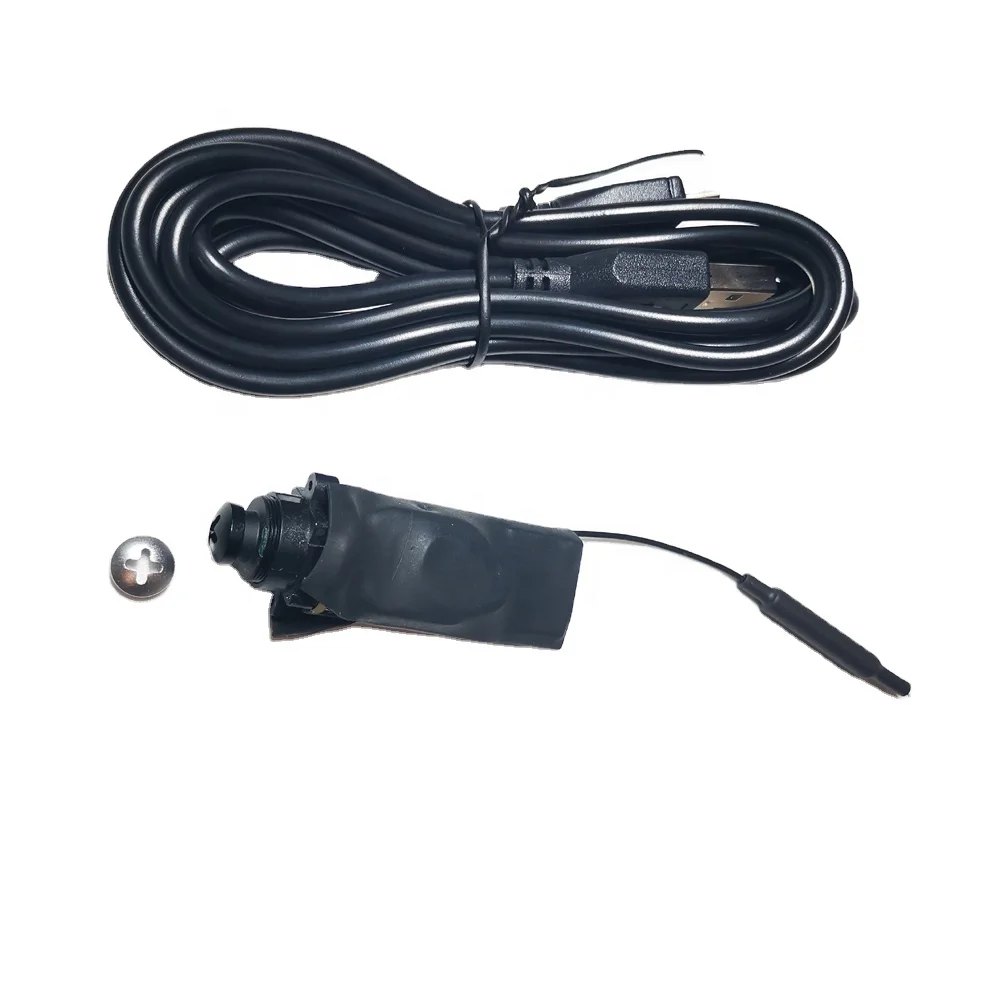
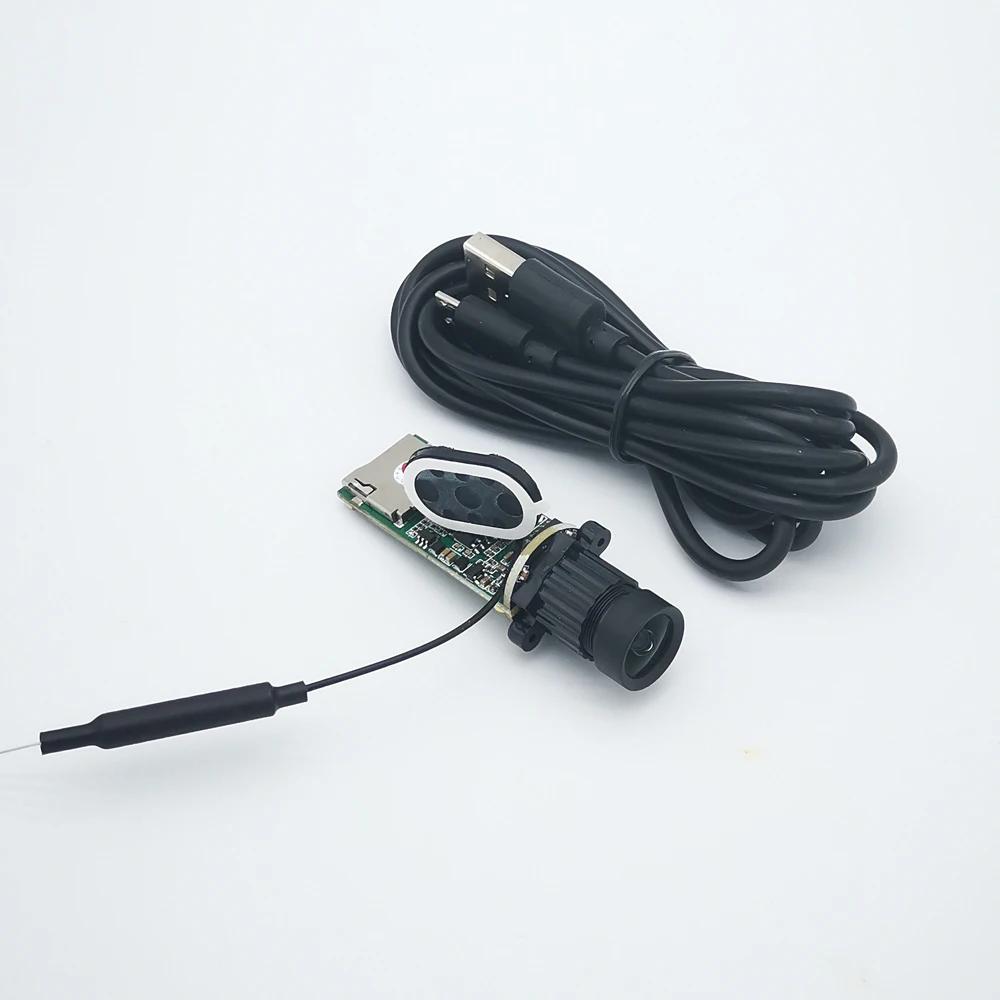
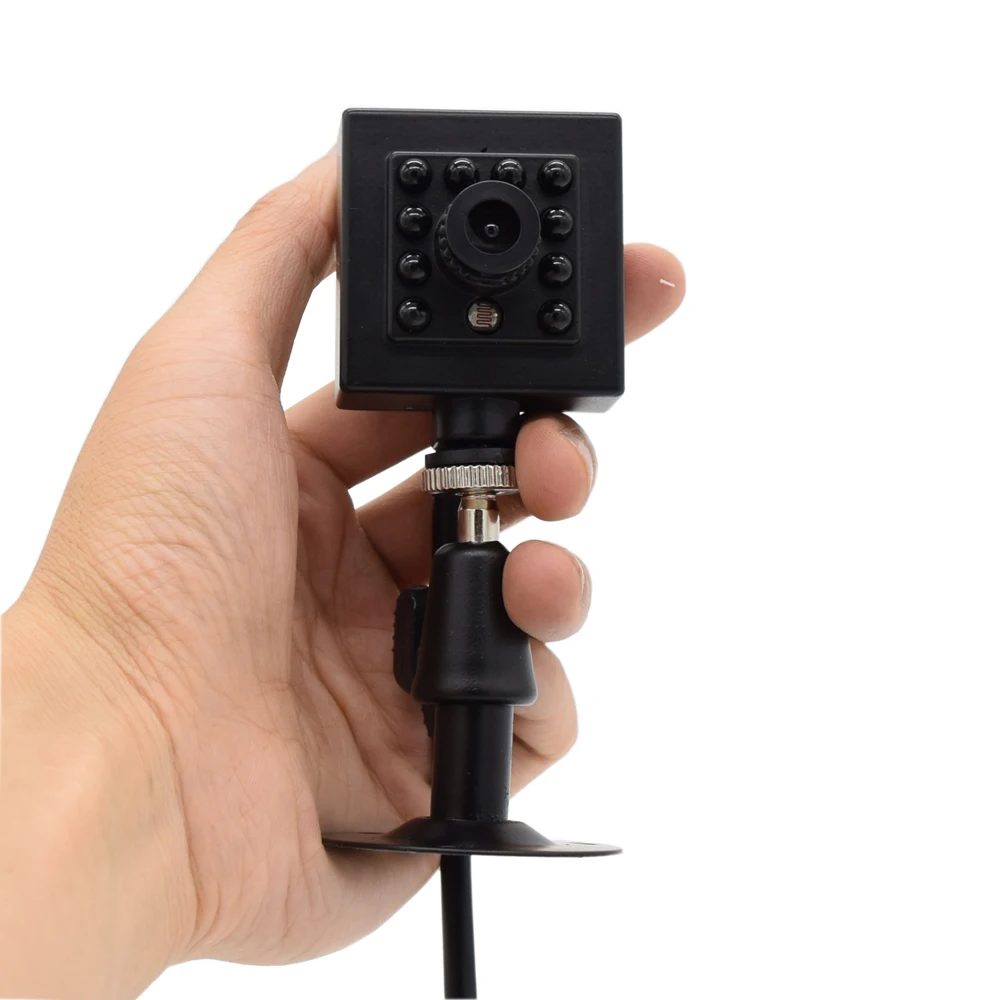
1 x Camera 1x Bracket 1 x English User Manual
Note:
Software will be sent to your emails or leave message in aliexpress when you paid!pls contact with our SALES team if you need !

Product Effects
| PRODUCT CATEGORIES | ||||||||
 |  |  |  | |||||
| 4K camera | IR Camera | Fish-eye camera | ip camera | |||||
 |  |  |
| |||||
| bus ip camera | IP66 IP CAMERA | IR WIFI CAMERA | Door camera wifi | |||||


We Recommend







New Arrivals
New products from manufacturers at wholesale prices






